& Construction

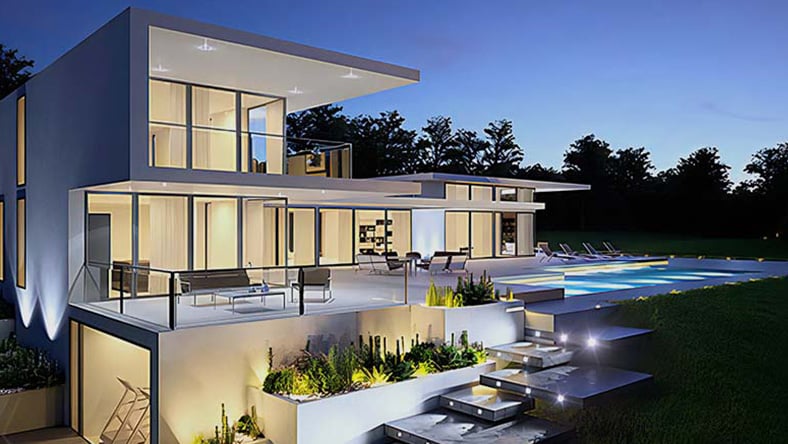
Integrated BIM tools, including Revit, AutoCAD, and Civil 3D
& Manufacturing

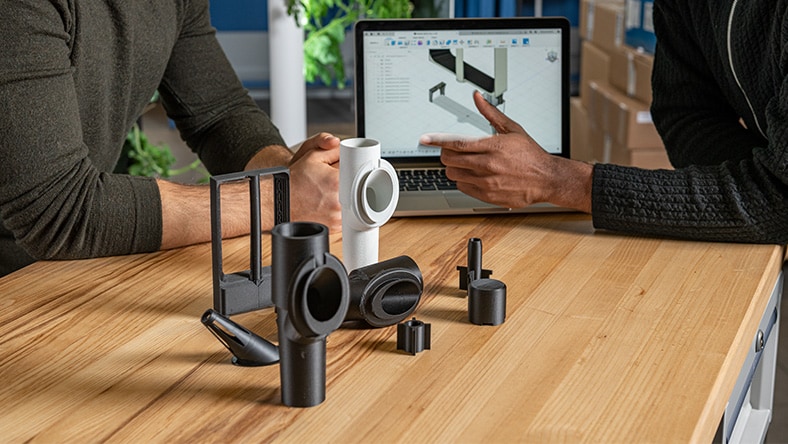
Professional CAD/CAM tools built on Inventor and AutoCAD
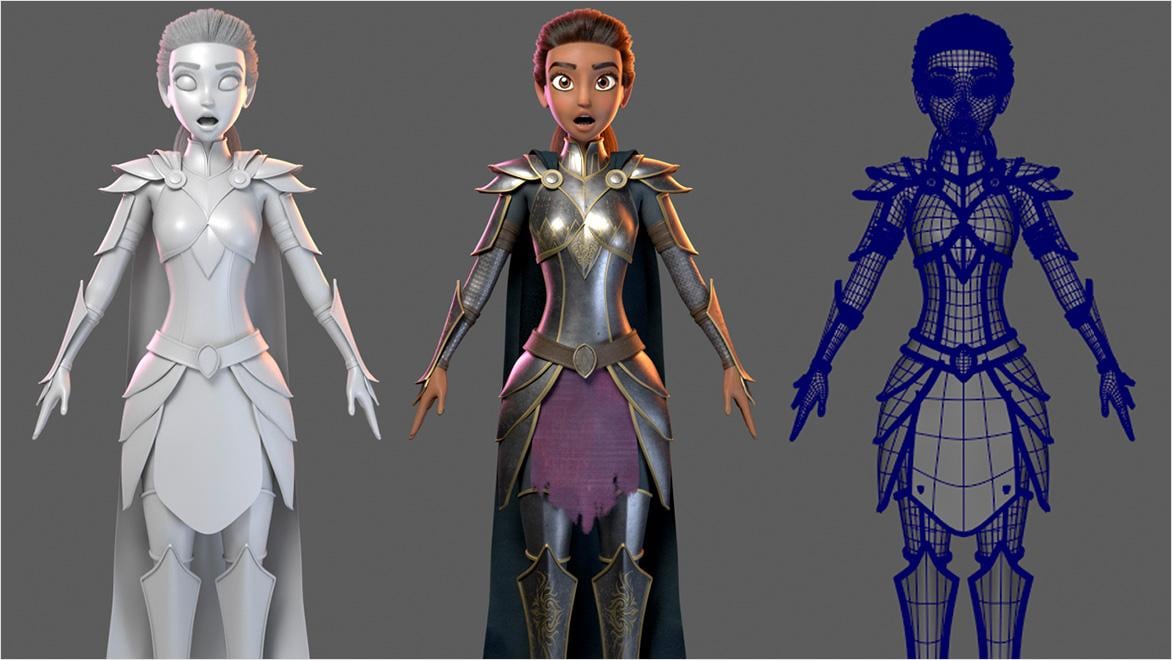
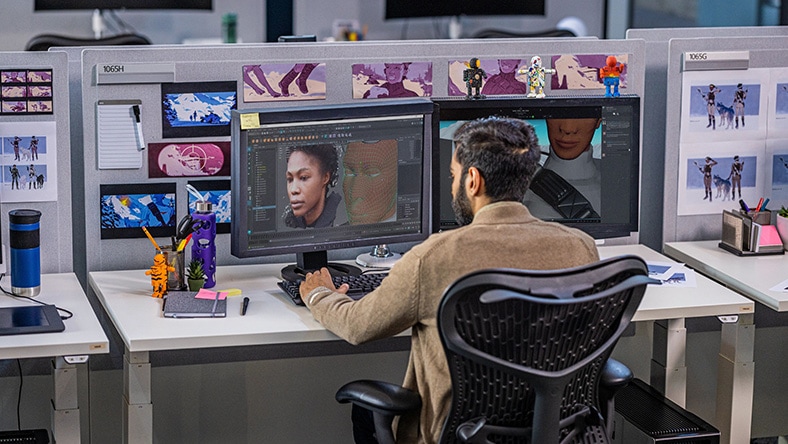
3D modeling is the process of creating digital 3D assets for film, TV, and games. These models have depth and volume, allowing teams to evaluate shape, scale, and surface detail from any angle. Modeling forms the foundation for downstream work like rigging, animation, effects, lighting, and rendering. As production pipelines become more connected, reusable 3D assets help teams align earlier, reduce rework, and move more efficiently from concept to final output.
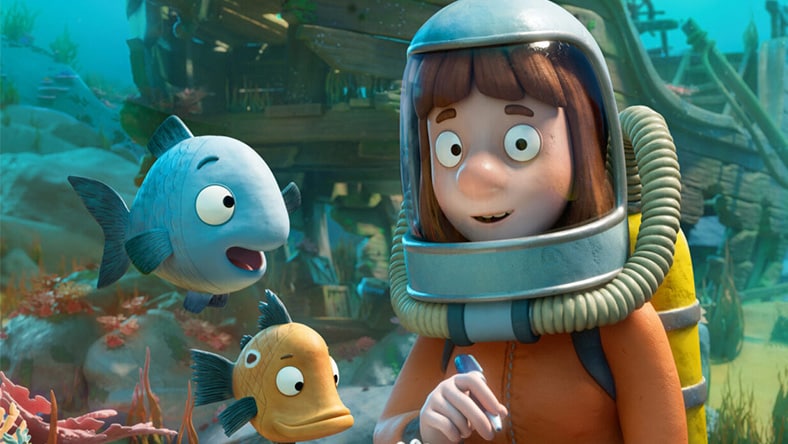
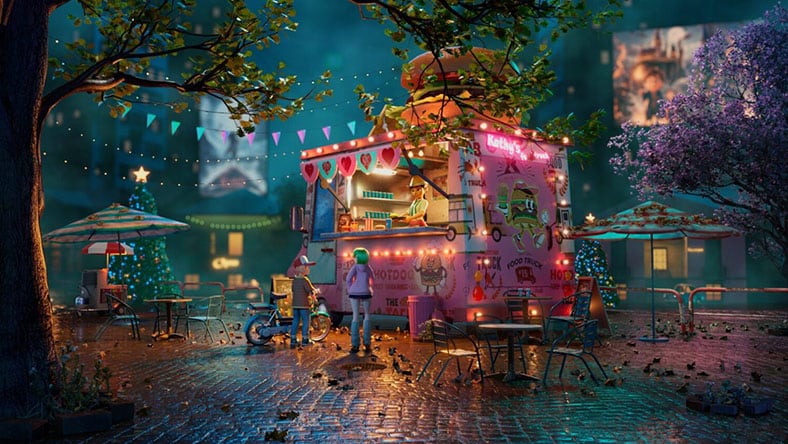
Image courtesy of Triggerfish and Magic Light Pictures.
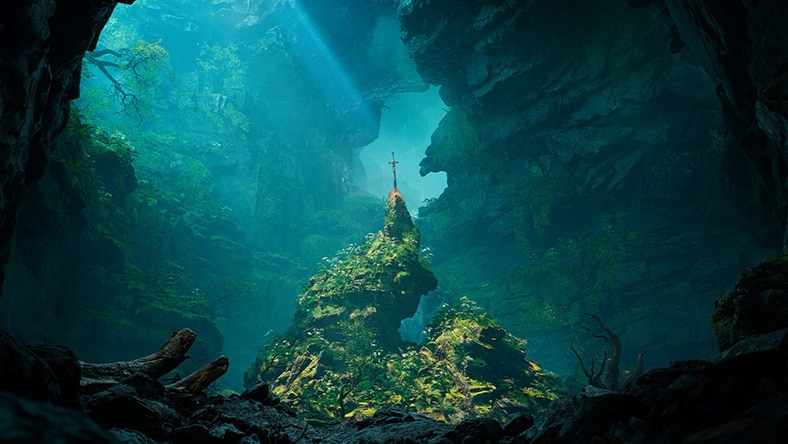
Image courtesy of Prasanth Chundakkattil.
Maya Creative is a flexible, lower-cost version of Maya with robust modeling, animation, and rendering tools for high-quality 3D content creation. Maya Creative is available exclusively through Autodesk Flex and does not include certain advanced Maya features, such as Bifrost. Compare Maya offerings to find the right fit for your workflow.
$99 for 33 tokens
If you're just out of school, an indie artist, or you just love to make awesome stuff in 3D, you could be eligible to subscribe to Maya Indie. Use professional animation and visual effects tools at a price you can afford.
Eligibility requirements for Maya Indie
Recent graduates, freelancers, hobbyists and 3D artists just starting out have a more affordable way to access 3ds Max. Build stunning worlds with professional modeling tools at a price you can afford.
Eligibility requirements for 3ds Max Indie
See what’s new in Maya for 3D modeling workflows.
Create cleaner, more intricate bevels in Maya with Smart Bevel, achieving better results on complex, irregular meshes and reducing cleanup after Boolean operations.
Preserve intended surface shading on imported FBX meshes with user-normal support, helping modeled assets come into Maya with fewer shading corrections after handoff.
Evaluate surface finish and texture response on modeled assets more easily with new surface models and expanded texture nodes in MaterialX 1.39.4 for Maya.
Explore 3ds Max for detailed object and scene modeling.
Get cleaner geometric output with improved recursive welding, which reduces internal faces and removes redundant edges and vertices for less manual cleanup.
Create cleaner spline forms with fixed-radius chamfers and Auto-weld Vertices, reducing duplicate vertices, minimizing cleanup, and improving corner consistency across spline workflows.
Extrude spline forms more predictably with the updated Extrude modifier, using the Gizmo option to control direction, reduce setup work, and avoid reorienting shapes.
New releases across Maya, 3ds Max, Flow Studio, and Arnold introduce AI capabilities and workflow improvements with a simple goal: make the path to great moments a little shorter.
Create 3D models faster with Project Falcon, available for free in Tech Preview. If you’ve never modeled before, explore this easy way to start building in 3D through kitbashing—modeling by assembling parts. Built on Autodesk Flow, Project Falcon offers a cloud space for accessing and managing assets. Model from an extensive library of 3D parts, export models for further refinement, or 3D print prototypes.
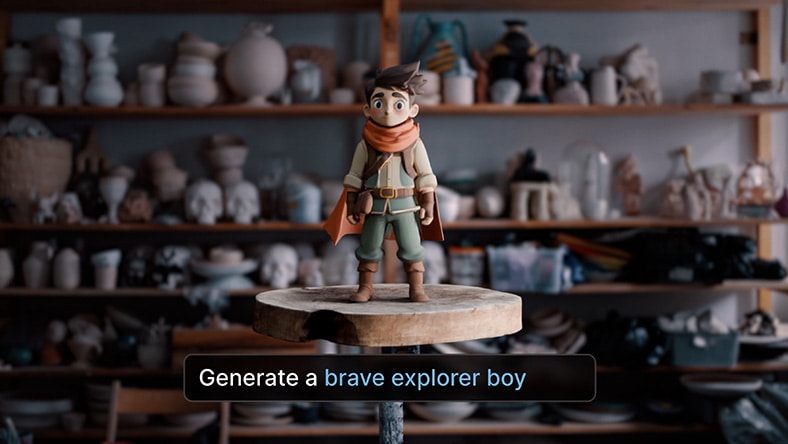
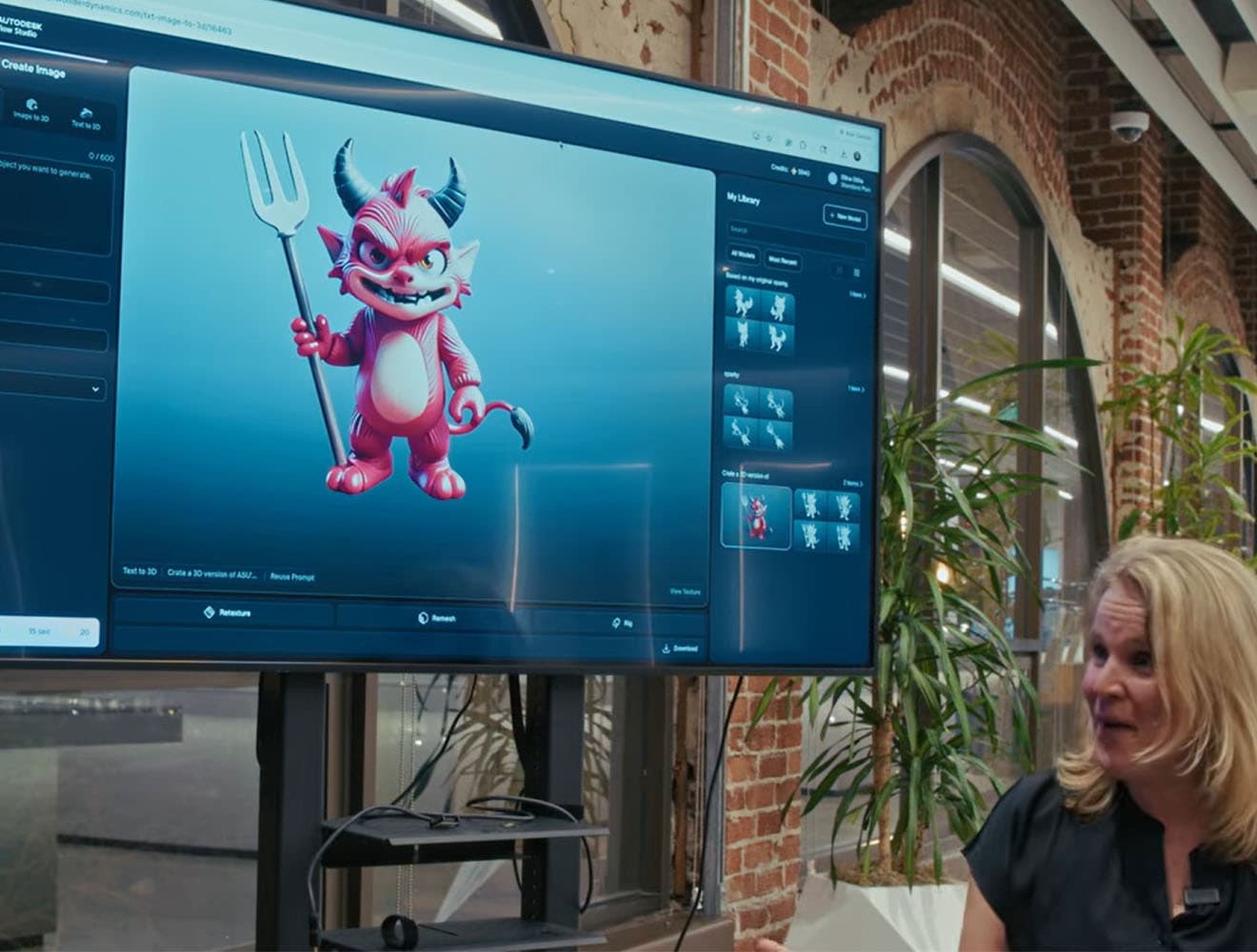
Create any 3D character or object by simply describing what you want or uploading an image with our new AI model, Wonder 3D.
Step 1
Quickly turn text prompts or images into fully textured 3D characters using Wonder 3D or Trellis and use Nano Banana models to create and refine images that you can take into 3D.
Step 2
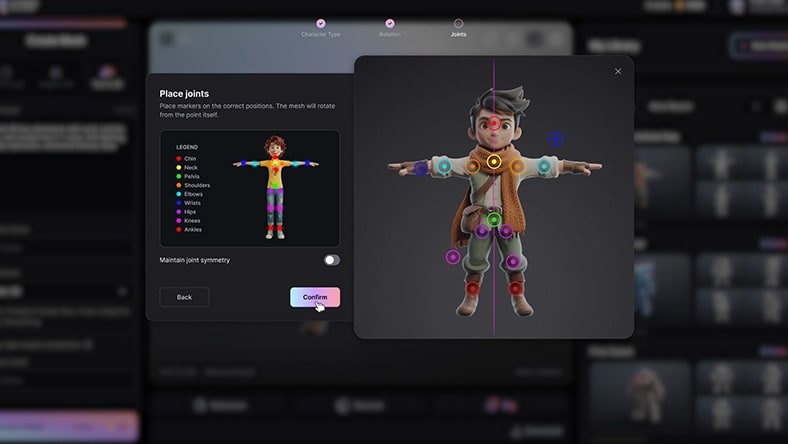
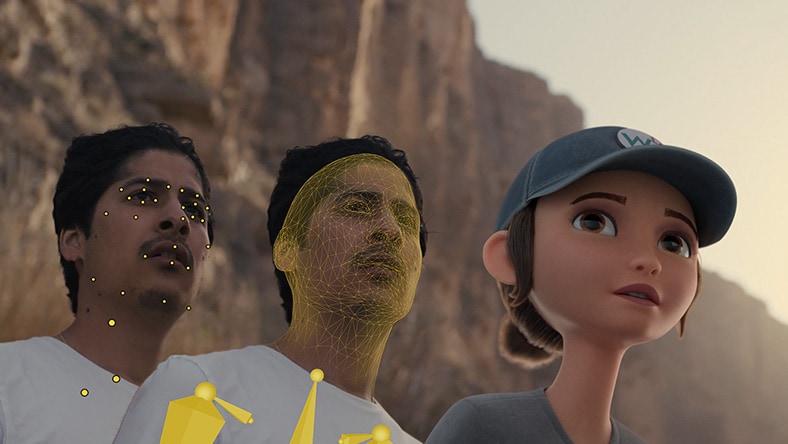
Auto-rig your character for animation and drive performances using AI mocap in Flow Studio Live Action projects or export rigged assets to your 3D tool of choice.
Discover how Autodesk 3D modeling software helps you to create everything from lifelike characters and hero props to immersive environments and complex worlds.
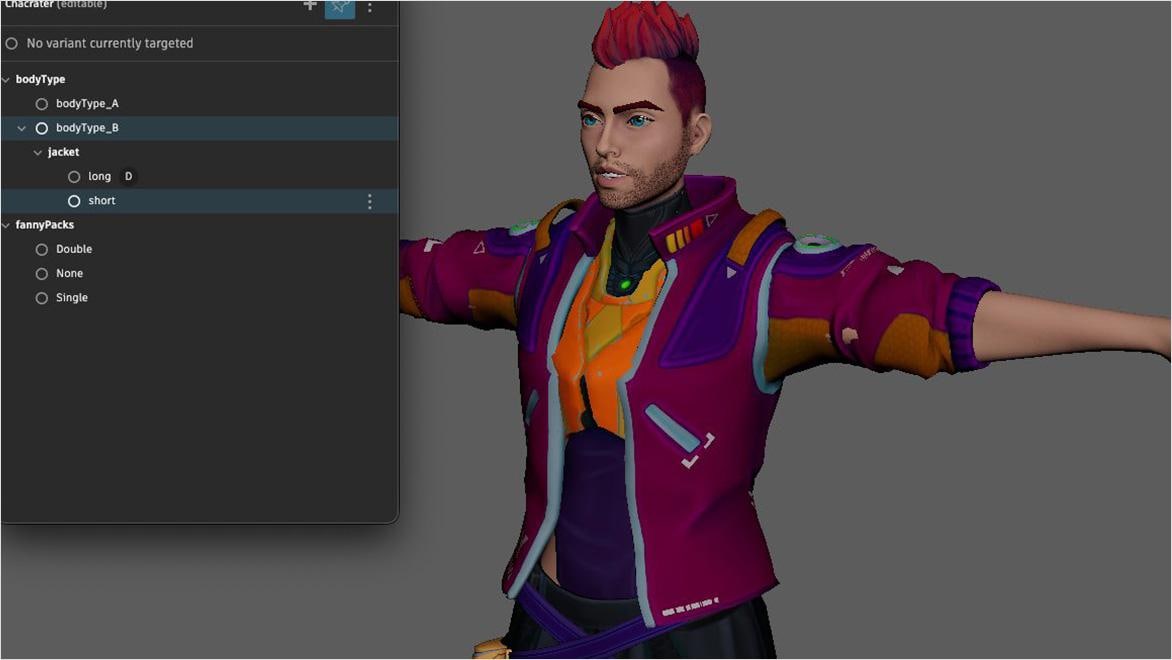
Build characters and creatures in Maya and 3ds Max with advanced skinning, realistic deformations, and high-fidelity modeling that hold up in closeups and animation.
Create hero assets and props in Flow Studio and finish them on Maya and 3ds Max with OpenPBR materials and Arnold interactive previews for faster look development.
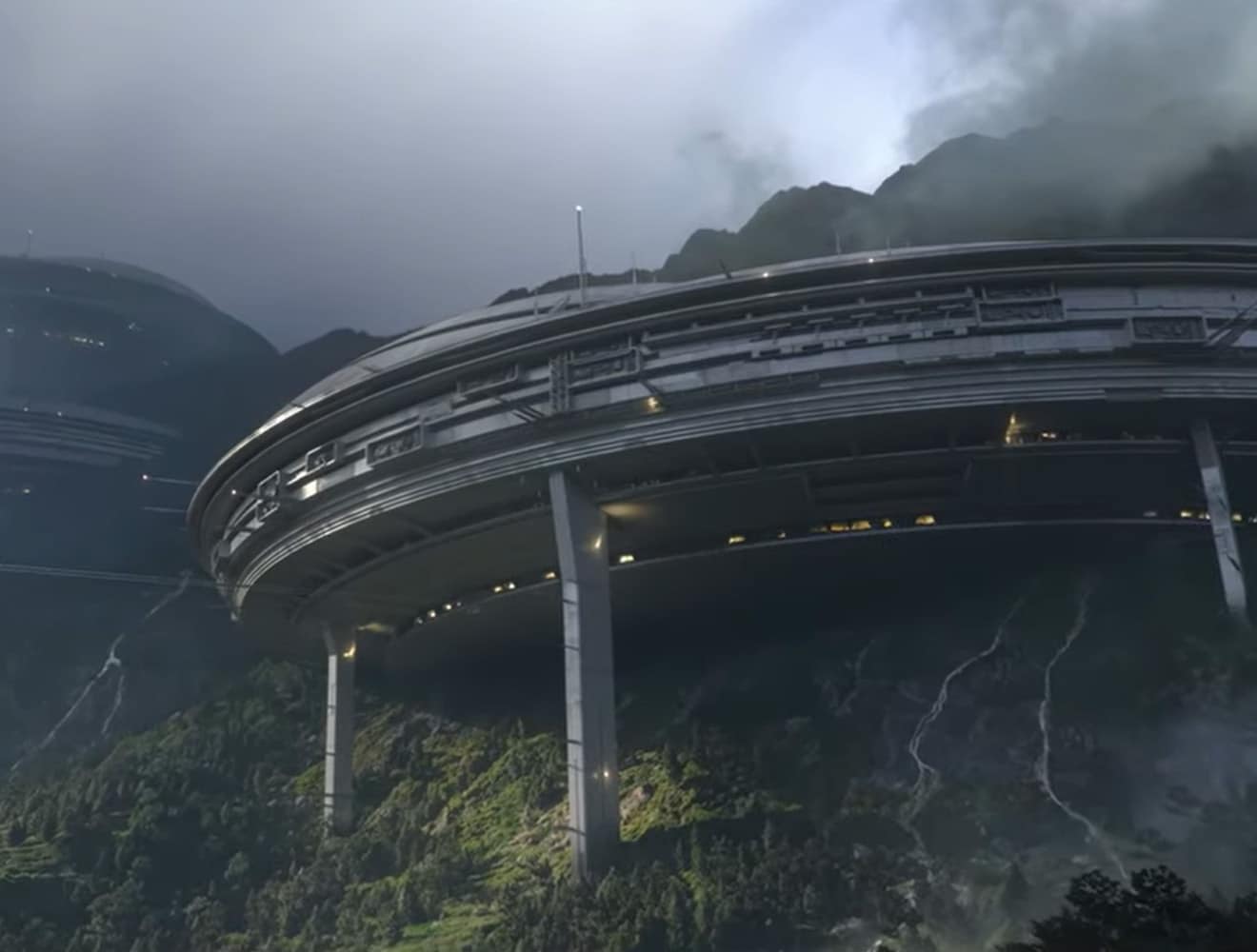
Build scalable sets and environments in 3ds Max and Maya with large-scene modeling and Bifrost procedural worldbuilding for richer terrain, variation, and faster iteration.
Sculpt digital forms in Maya and 3ds Max with clay-like tools that help artists shape high-resolution models and refine topology for downstream production.
Model 3D characters, creatures, hero props, environments, and set extensions for film and TV in Maya and 3ds Max.
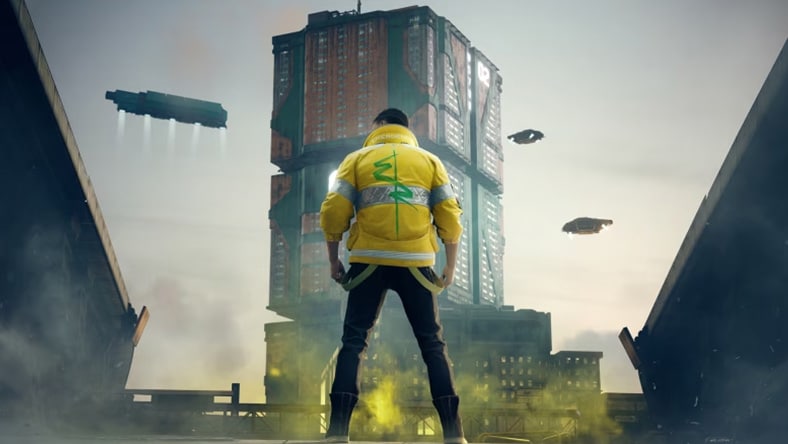
Use Maya and 3ds Max to build gameplay spaces, vehicles, and modular game assets optimized for performance and engine integration.
Image courtesy of CD PROJEKT RED
Turn Revit models into 3ds Max visualizations by preserving geometry, materials, lights, cameras, and metadata for client-ready renderings before construction.
Develop digital product prototypes in Fusion to test form, function, and manufacturability earlier across design, engineering, and manufacturing.
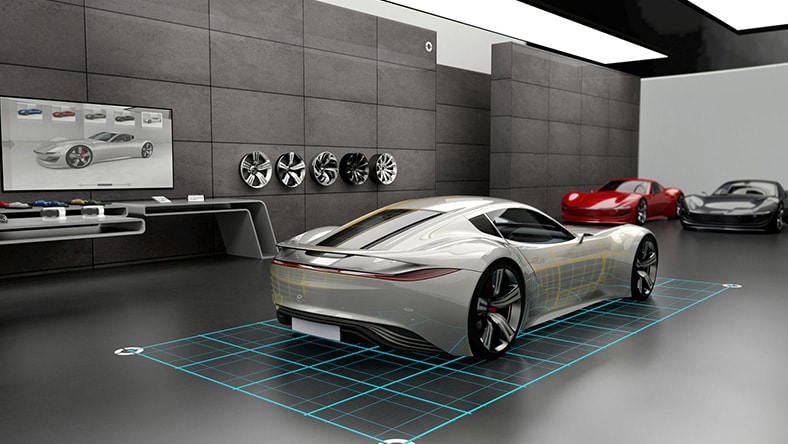
Refine automotive surfaces in Alias with circular fillets across three surfaces, better gap analysis, and more control over corner transitions during surface modeling.
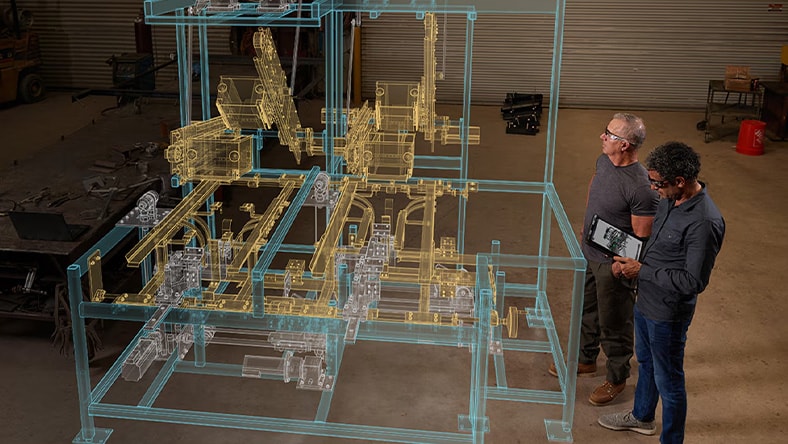
Design machinery, equipment, parts, and assemblies in Inventor, AutoCAD, and Fusion to connect product development with simulation and manufacturing planning.
Create accurate curve-driven forms in Maya and 3ds Max with NURBS, splines, and shapes that keep profiles lightweight, controllable, and easier to refine.
Maintain non-destructive modeling in Maya and 3ds Max with construction history and the modifier stack, making it easier to revise earlier decisions without rebuilding assets.
Review lighting, materials, and surface response in 3ds Max with Arnold, using interactive production-quality previews to catch visual issues while models stay easy to refine.
Learn the basics of 3D modeling in Maya with the Modeling Toolkit. This tutorial covers primitive modeling, vertices, edges, polygon faces, extrusion, and edge loops.
Learn core 3ds Max modeling workflows, including primitive modeling, polygon component editing, the Modeling Ribbon, extrusion, and Swift Loop.
Use this help guide to understand how 3ds Max supports surface modeling through editable poly, editable mesh, editable patch, and NURBS workflows.
Learn how to turn text prompts into textured 3D models using Wonder 3D in Flow Studio. See how prompt-based generation can help creators move from an early idea to a usable 3D asset for concepting, prototyping, and downstream refinement.
Learn 3D design, electronics, and coding with Tinkercad, the free web app with an enormous user community and hands-on projects available for any skill level.
Join Autodesk’s forums, our media & entertainment community to read user stories, share your work, and learn new skills with breakdowns and tutorials on 3D modeling software.
Maya and 3ds Max are industry-standard 3D modeling tools. Maya is widely used for character creation, animation, and VFX in film and games, while 3ds Max is popular for environment creation, modeling, and game development. The Media & Entertainment Collection includes both, giving studios a complete toolkit for modeling, animation, simulation, and rendering across the production pipeline.
Autodesk Maya is strongly suited for character modeling, animation, and VFX workflows, making it ideal for film and high-end game production. Autodesk 3ds Max excels at environment modeling, hard-surface modeling, and design visualization, commonly used in games and previs. Many studios use both tools together depending on the project, which is why they are both included in the Media & Entertainment Collection.
Maya includes AI-powered tools that help automate complex animation and rigging tasks. Features like MotionMaker use machine learning to generate realistic character movement from minimal inputs, while ML Deformer accelerates character deformation by approximating complex rigs. These tools help 3D artists work more efficiently, reduce repetitive tasks, and maintain full creative control throughout the animation and VFX process.
Autodesk offers flexible options for indie creators and small studios, including Maya Indie and 3ds Max Indie, which provide full-featured tools at a lower cost for qualifying users. Maya Creative is also available through Autodesk Flex, a pay-as-you-go option that lets teams access modeling and animation tools as needed. These options give creators access to professional-grade 3D tools used across film, TV, and game production.
Flow Studio is not a traditional 3D modeling tool, but it can generate 3D assets using AI. With Wonder 3D, you can create characters or props from text prompts or images (text-to-3D and image-to-3D). Flow Studio also includes AI rigging tools, allowing characters to be prepared for animation and exported into tools like Autodesk Maya for further modeling, refinement, and production work.
In addition to Maya and 3ds Max, Autodesk offers several widely used 3D design tools. These include Revit for BIM and building design, AutoCAD for 2D and 3D drafting, Fusion for product design and manufacturing, and Inventor for mechanical design and engineering. Each tool is built for specific workflows, but Maya and 3ds Max are the primary solutions for 3D modeling in film, TV, and game production.
The Media & Entertainment Collection includes Maya, 3ds Max, Arnold, Golaem, Flow Studio, and other tools for modeling, animation, simulation, and rendering. It provides a complete creative package for film, TV, and game production, helping teams work more efficiently with connected workflows across their animation, VFX, games, film, or TV production pipelines.
Yes, Maya and 3ds Max are used by beginners, students, and professionals alike. While they offer advanced capabilities, they also include intuitive tools to help new users get started with 3D modeling. As skills grow, users can explore more advanced features for animation, VFX, and production workflows. View our learning quick start guides for Maya and 3ds Max for guided 3D modeling tutorials.
Yes, Autodesk offers free trials for Maya, 3ds Max, and the Media & Entertainment Collection. Trials typically last 15-30 days and give you access to full product features so you can evaluate which solution best fits your workflow.
Maya and 3ds Max are available through subscription, with monthly, annual, or multi-year plans. Pricing varies by region and plan type. The Media & Entertainment Collection provides bundled value, offering multiple tools at a lower combined cost than purchasing them separately.
Yes, eligible students and educators can access Maya, 3ds Max, and other Autodesk software for free through the Autodesk Education plan. Our free, renewable 1-year subscription offers students at qualified institutions access to the same 3D modeling and animation software that professionals use in the media, film, TV, and games industries.
3D modeling is the process of creating a digital, three-dimensional representation of an object or character using specialized software. These models are used in film, TV, games, and other industries to create visual content, simulations, and animations.
Common types include polygonal modeling, sculpting, surface modeling, and procedural modeling. Each approach varies in how geometry is created and refined, depending on whether the goal is detailed characters, environments, or complex simulations.