& Construction

Integrated BIM tools, including Revit, AutoCAD, and Civil 3D
& Manufacturing

Professional CAD/CAM tools built on Inventor and AutoCAD
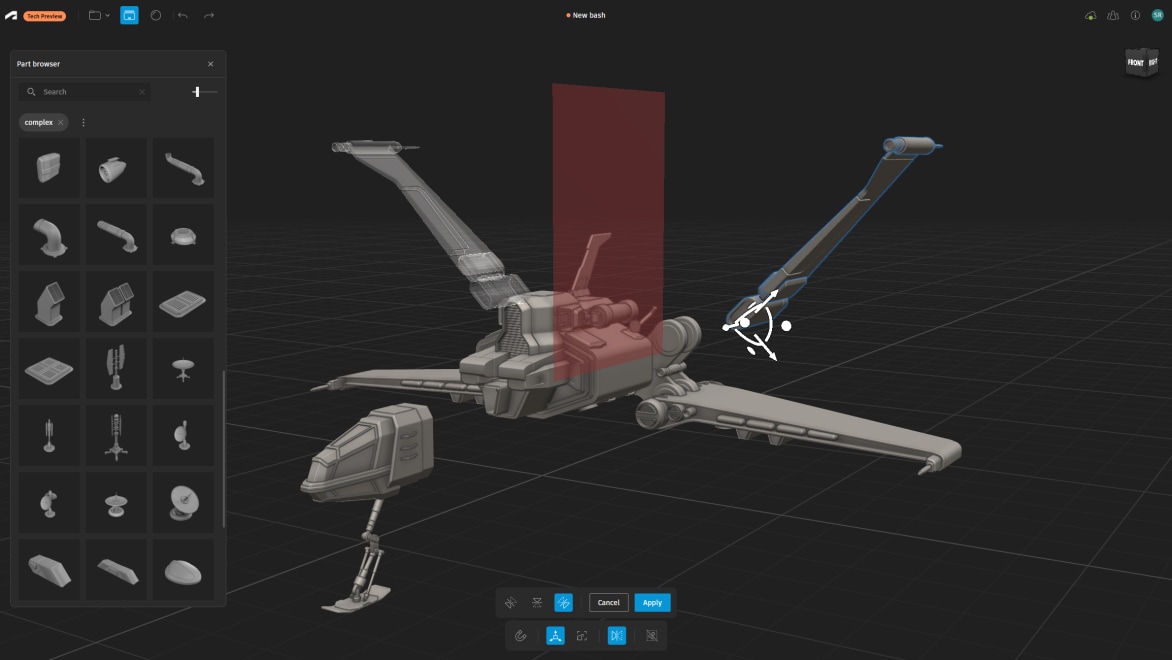
Autodesk's Project Falcon is a free, fast, and fun way to start creating in 3D through kitbashing—the process of modeling by assembling parts.
Available as a technology preview and built on Autodesk Flow, Project Falcon gives anyone—especially first-time creators—an easy way in. No experience needed, just an idea and a place to begin.
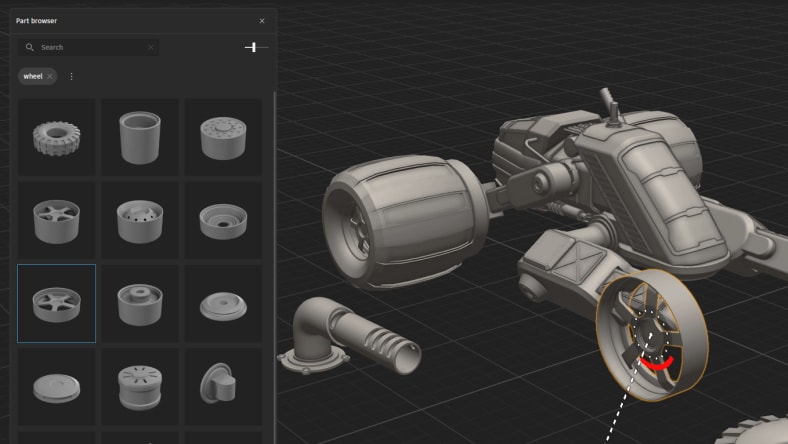
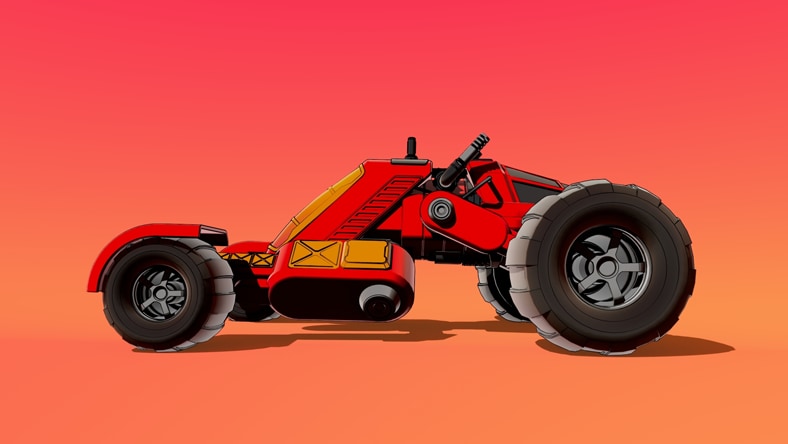
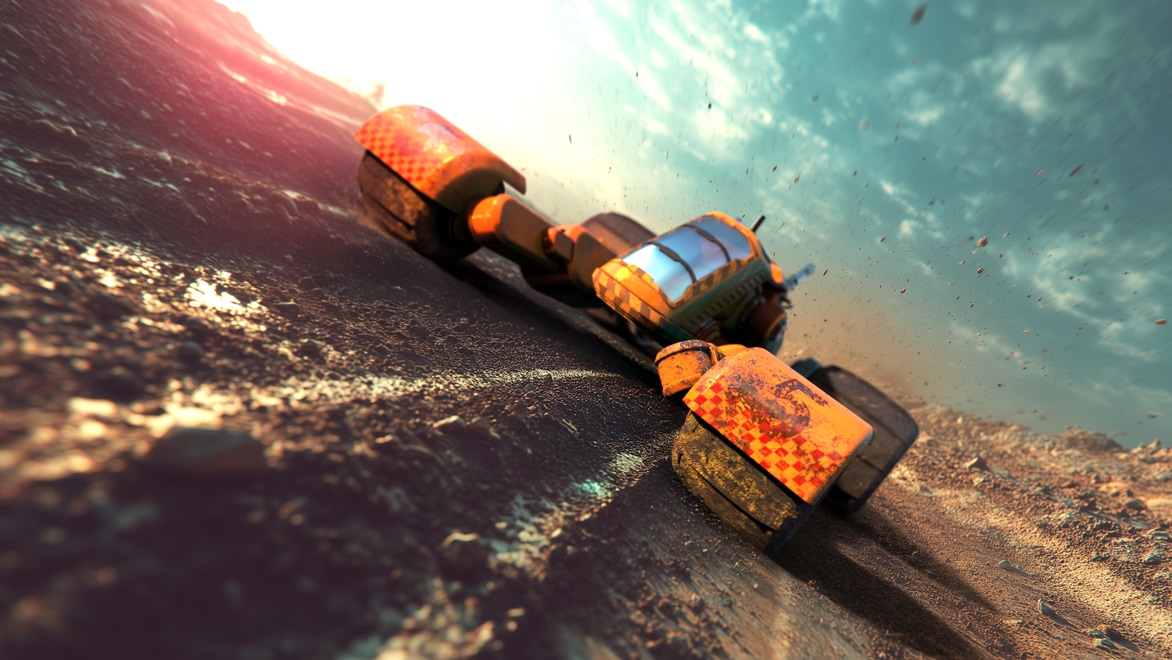
Explore thousands of parts from an extensive library and assemble them into a spaceship, a vehicle, or a lifelike model.
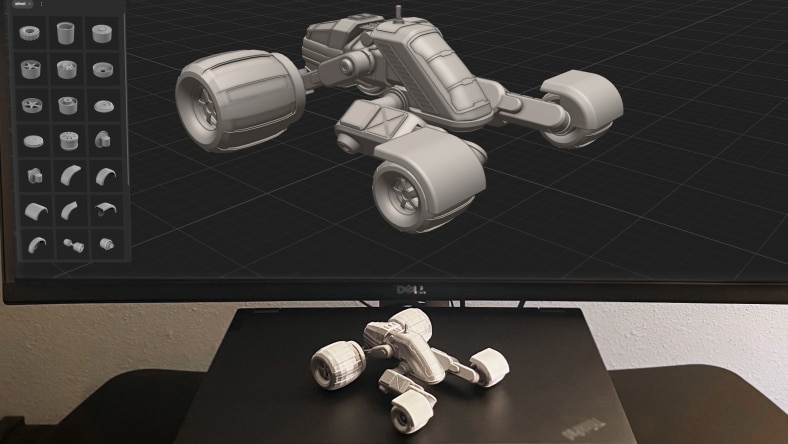
Turn your models into collectibles, prototypes, or anything you want to hold in your hands with 3D printing support.
A built-in library of parts lets you snap ideas together instantly—so you can kitbash, iterate, and move at the speed of your imagination.
No 3D experience, no technical jargon. Just pure creation. Project Falcon’s intuitive UI removes the barriers so anyone with an idea can start building right away in a fast, responsive viewport.
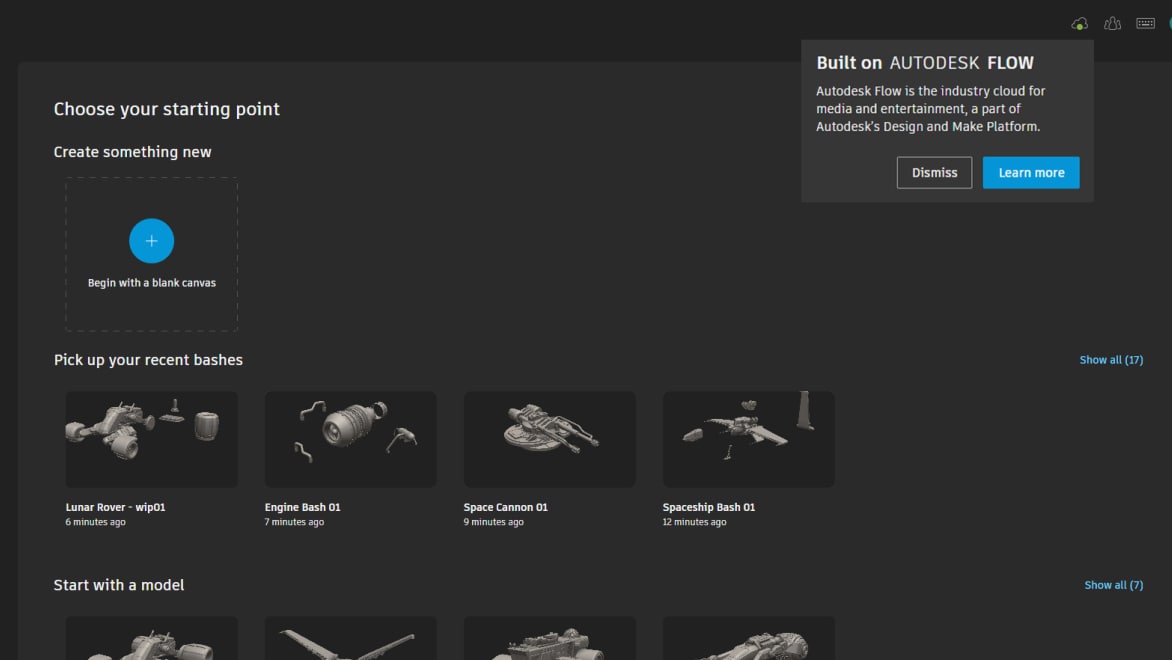
Jump in anytime from your browser and pick up right where you left off. Because Project Falcon is built on Autodesk Flow, you have a dedicated cloud space to access and manage all your assets.
Ask questions, share models, and help shape the future of Project Falcon.
Start model bashing instantly—free, in the cloud, no install required.
Get a quick walkthrough and start creating with confidence right away.
Share ideas for future features directly with the Project Falcon team and vote on ideas you like.
Project Falcon is used by anyone who wants to create 3D models. It’s free, requires no prior modeling experience, and also supports advanced users who want to export models into tools like Blender, Maya or 3ds Max.
You can access Project Falcon for free through your browser here. It’s cloud-based, requires no installation, and only requires an Autodesk account. If you don’t have an Autodesk account, you’ll be prompted to create one for free.
The difference is in how models are created: traditional tools like Blender, Maya or 3ds Max offer full manual control; Project Falcon focuses on assembling models from parts (kitbashing) and Autodesk Flow Studio’s Wonder 3D uses AI to generate models from text or images.
No, you cannot do look development in Project Falcon. It is currently focused only on modeling, so you’ll need to export your model to another tool like Blender, Maya or 3ds Max.
Project Falcon supports exporting in STL (.stl) for 3D printing and USD (.usd) for use in tools like Blender, Maya or 3ds Max.
It means Project Falcon is built on our cloud platform for media and entertainment (known as Autodesk Flow), which connects people and data to enable faster, collaborative content creation.
You can provide feedback through the Ideas Forum, where the Project Falcon team actively collects input to help shape Project Falcon.
For the best Project Falcon experience, use Google Chrome as your web browser.