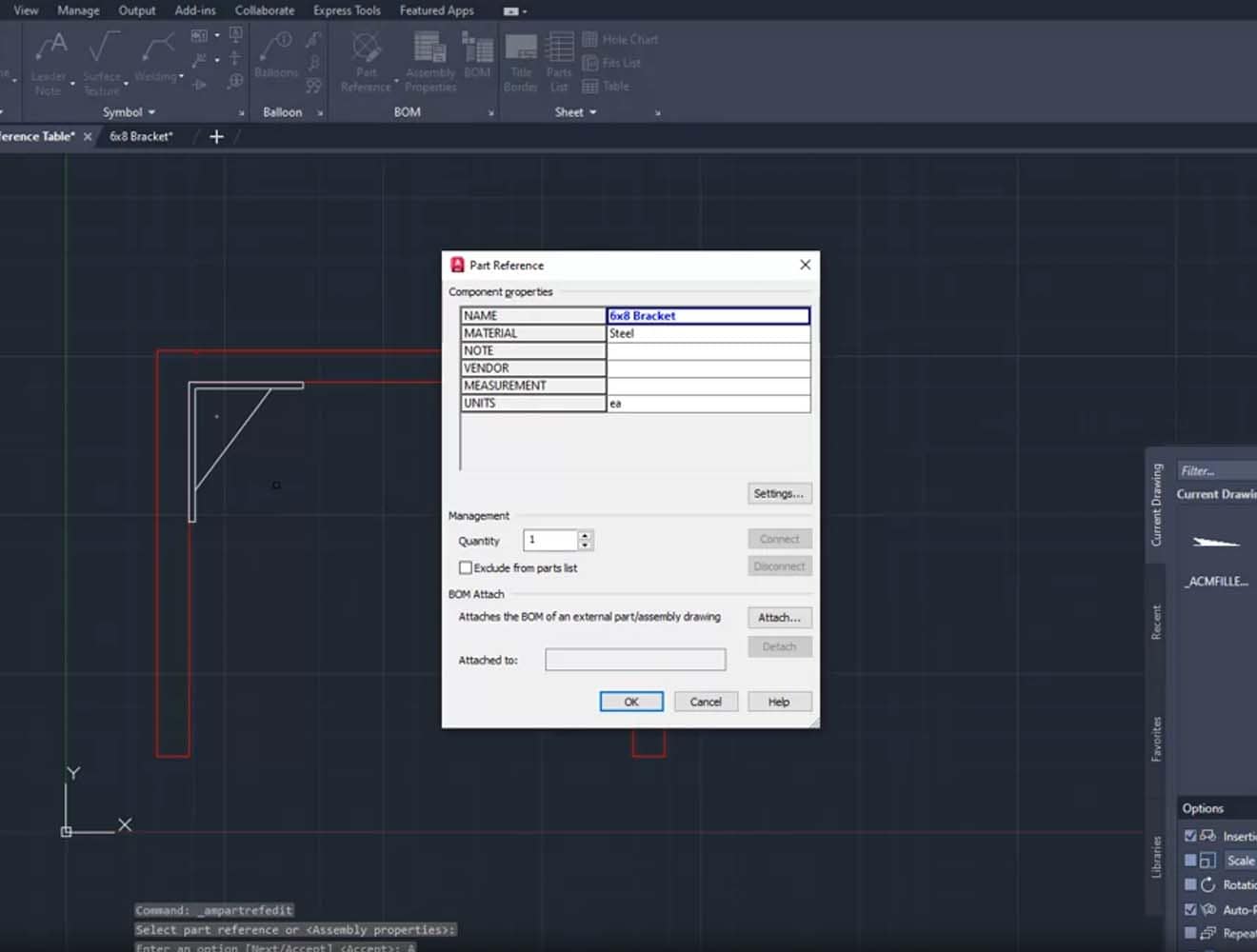
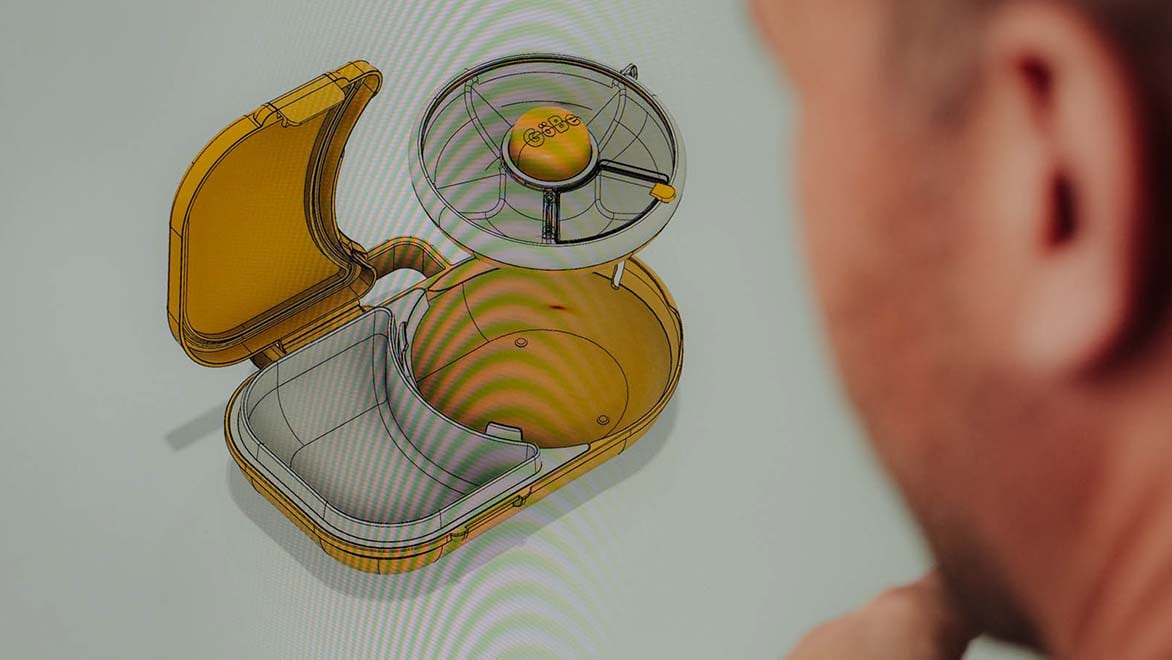
Designer using 3D modeling software

PRODUCT DESIGNERS AND MANUFACTURERS

Design and manufacture products with professional 3D software

Explore tools for designing parts, creating prototypes, and preparing CNC machining operations.

Get the job done with software you can trust

Choose from versatile plans and pricing models that fit your business — including Flex tokens, for daily access now starting at $99.

SPECIAL OFFER

Fusion

Cloud-based product design software for manufacturing, 3D modeling, electronics, simulation, and data management

$680/year

Add to Cart

SPECIAL OFFER

Inventor

Powerful product design and engineering tools for 3D mechanical design, simulation, visualization and documentation

$2,585/year

Add to Cart

SPECIAL OFFER

AutoCAD

Software for 2D and 3D CAD. Subscription includes AutoCAD, specialized toolsets, and apps.

$2,095/year

Add to Cart

SPECIAL OFFER

Product Design & Manufacturing Collection

Get Inventor + AutoCAD + Fusion + more—Professional-grade tools for product development and manufacturing planning

$3,375/year

Add to Cart

* includes estimated VAT

Curious about plans and purchase options?


You might start with Flex tokens, like others in your field. Flex is a daily low-commitment option that’s great for beginners or occasional use.

Find the right Autodesk software for your next project

Purchase a monthly or annual Fusion subscription to get started with this workflow. If you are looking to pay daily or access multiple products without a subscription, try prepaying with Flex tokens.

Products used in workflow

Prepay with Flex tokens to get started with this workflow.


Typical Flex token usage for this workflow: customers use 200 tokens/user/year with Inventor Professional.

Products used in workflow:

Prepay with Flex tokens to get started with this workflow


Typical Flex token usage for this workflow: 5 days of Inventor Professional.

Products used in workflow:

Purchase a monthly or annual Fusion subscription to get started with this workflow. If you are looking to pay daily or access multiple products without a subscription, try prepaying with Flex tokens.

Products used in workflow:

Purchase a monthly or annual Inventor subscription to get started with this workflow. If you are looking to pay daily or access multiple products without a subscription, try prepaying with Flex tokens.

Products used in workflow:

Purchase a monthly or annual Fusion subscription to get started with this workflow. If you are looking to pay daily or access multiple products without a subscription, try prepaying with Flex tokens.

Products used in workflow

Prepay with Flex tokens to get started with this workflow.


Typical Flex token usage for this workflow: customers use 200 tokens/user/year with Inventor Professional.

Products used in workflow:

Prepay with Flex tokens to get started with this workflow


Typical Flex token usage for this workflow: 5 days of Inventor Professional.

Products used in workflow:

Purchase a monthly or annual Fusion subscription to get started with this workflow. If you are looking to pay daily or access multiple products without a subscription, try prepaying with Flex tokens.

Products used in workflow:

Purchase a monthly or annual Inventor subscription to get started with this workflow. If you are looking to pay daily or access multiple products without a subscription, try prepaying with Flex tokens.

Products used in workflow:

Save with a bundle of products that unlock even more workflows

The collection is a powerful set of applications that provides extended capabilities to Inventor and AutoCAD for engineers who design complex and custom products, equipment, and systems.


Quickly get started with these capabilities

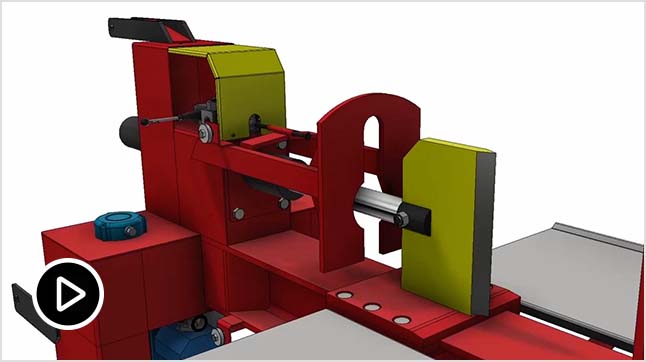
Video: Learn how to effectively use 2D and 3D between AutoCAD and Inventor

Best practices for 2D and 3D design

Work in Inventor and AutoCAD to unlock capabilities that benefit the entire product development cycle. (video: 1:50 min.)

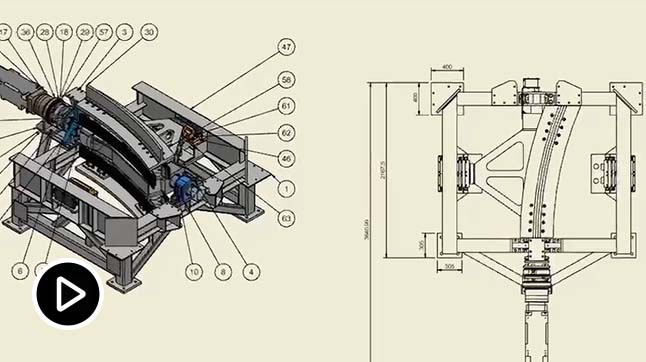
Video: Overview of Inventor Professional integrated design and manufacturing tools

Explore a complete product development solution

See how integrated tools for Inventor bring your designs to life. Model courtesy of Joel Maia. (video: 2:34 min.)

Product designer using Fusion

“Fusion is integral to the design process. We use it every day. We need to take our concepts and start defining parameters and, eventually, create a design that will be sent off to manufacturing. You can do all of that with Fusion.”

– Ryan Krause, Co-Founder & Partner, Sample Studio

Get started with free product learning

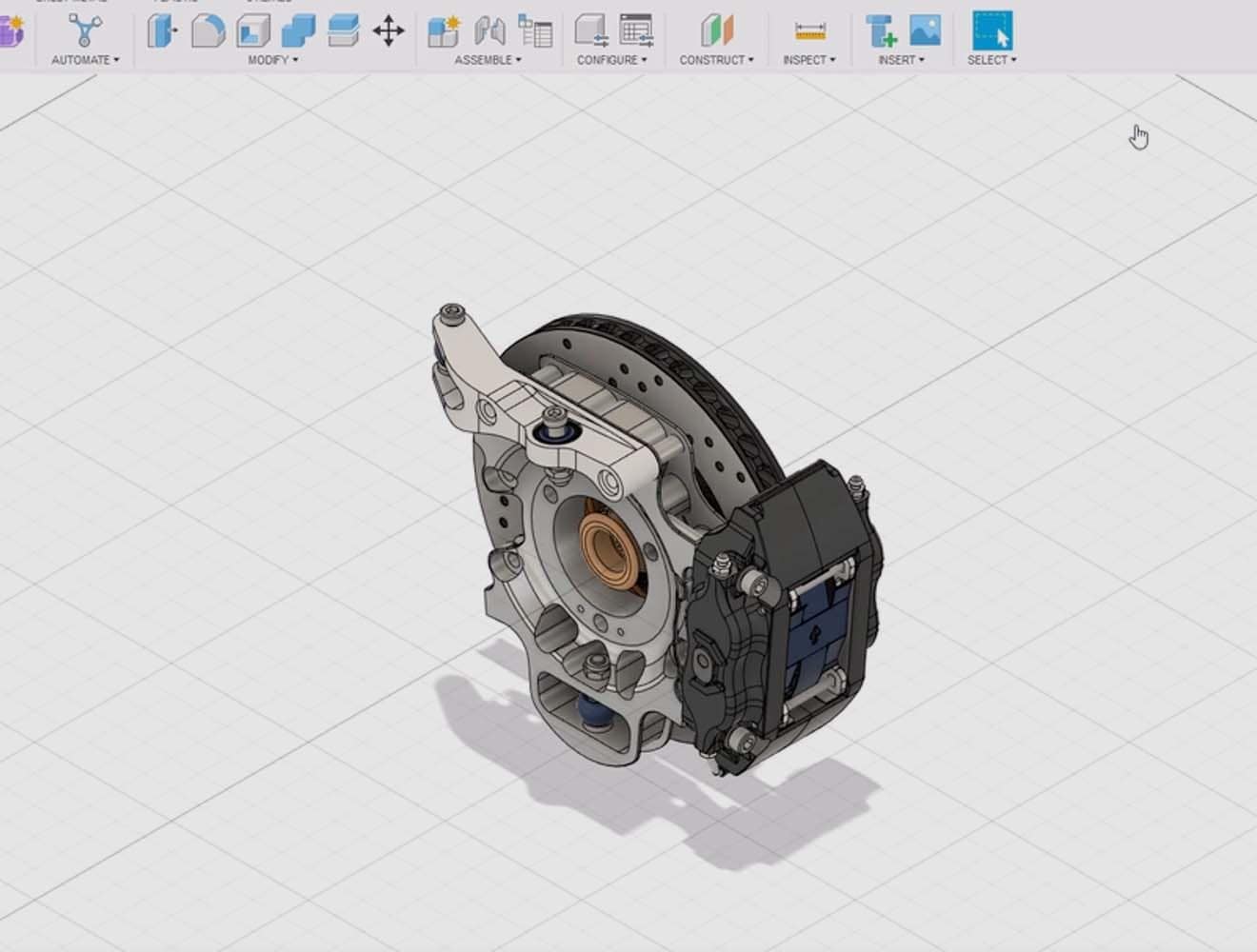
3D product design model in Fusion

We’re here to support you with a catalog full of learning content

  • Build your CAD skills with core Fusion workflows designed for growing businesses. This quick start guide shows you how to design, model, assemble, and prepare products for production—so you can move from idea to reality faster.

  • Learn core Fusion tools and workflows in this video series that shows you how to design and manufacture a complete fishing reel assembly. 

  • Looking for Fusion support? Find help, answers, and resources.


Product support

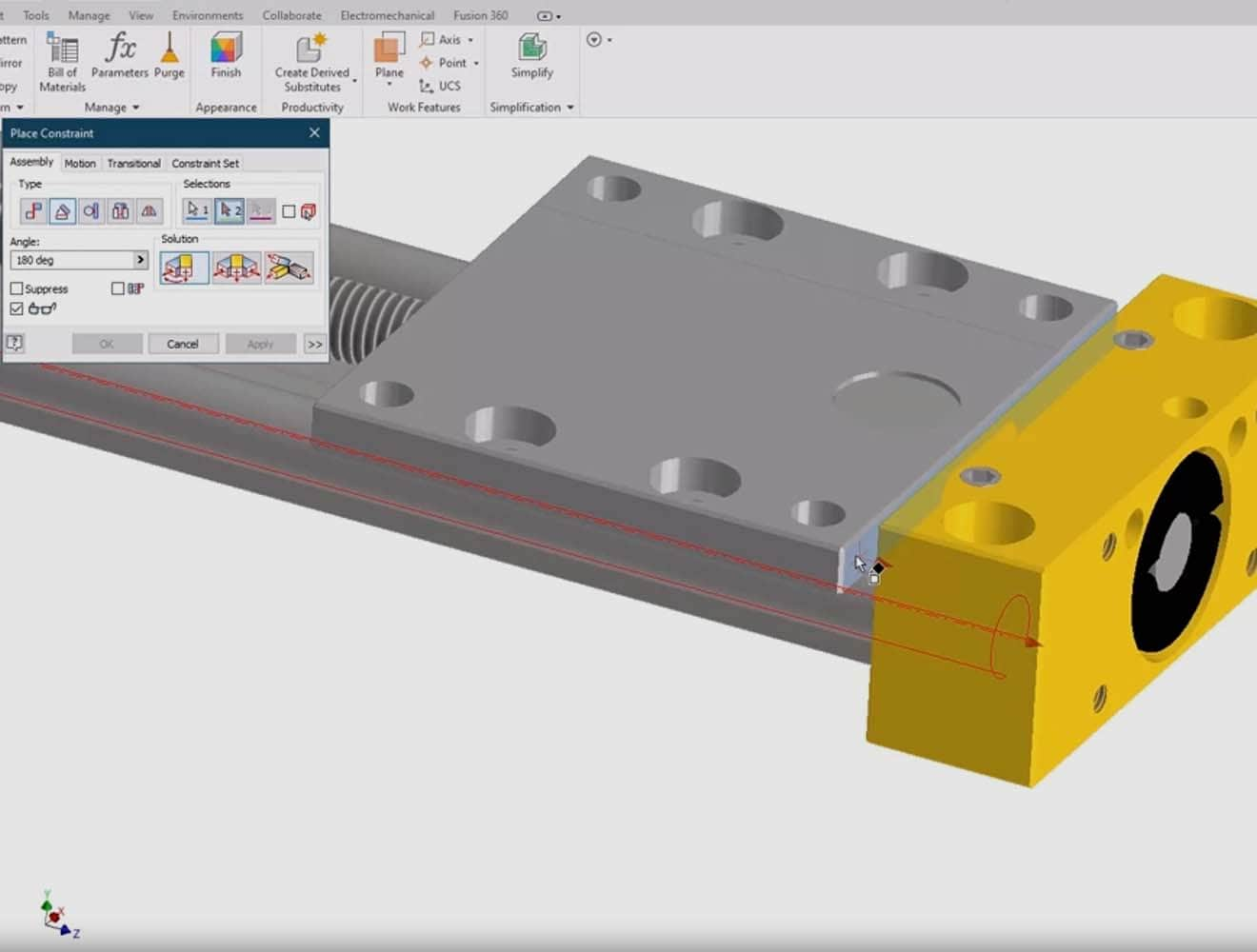
3D mechanical assembly model in Inventor

We’re here to help you learn Inventor

  • New to Inventor or need a refresher? This quick start guide helps small teams quickly build essential skills so you can produce accurate models and manufacturing drawings, staying productive from day one.

  • Looking for Inventor support? Find help, answers, and resources.


Product support

CAD drawing in AutoCAD

We’re here to support you with a catalog full of learning content

  • Learn to create precise 2D drawings and 3D models faster with this quick start guide designed to build your skills and confidence.
  • Learn five practical AutoCAD tips in this webinar to work faster, avoid mistakes, and grow your business with confidence.
  • Learn how to quickly find and fix drawing errors with AutoCAD cleanup tools built to help small teams work more efficiently.


Product support

Learn from others in Autodesk Community

Engineer working on electronics

COMMUNITY PRODUCT FORUMS

Get practical advice, solve problems faster, and learn from others using the same tools.


Construction team reviewing designs at a building site

COMMUNITY GALLERY

Ask questions, get real-world solutions, and connect with experienced industry pros.


Access free products

try-free-trial-icon

Free trials

Download a free trial to explore the full capabilities of our latest versions of 3D design software.


Autodesk Viewer

View, annotate, and share feedback for free across 85+ 2D and 3D file formats – no installation required.

school-id-icon

Educational Access

Students can prepare for the jobs of tomorrow with free access to Autodesk software.

autodesk api

Autodesk APIs

Start using cloud APIs for free to customize workflows and build solutions that fit your business.

Frequently asked questions

Is Autodesk Fusion affordable for small businesses?

Yes. Autodesk Fusion combines CAD, CAM, and CAE in one tool for about /month or for an annual subscription, a savings of over three hundered dollars.

How can I combine Flex tokens with an AutoCAD, Fusion, or Product Design and Manufacturing Collection subscription?

Step into full 3D mechanical design, project by project. Working in Fusion or AutoCAD and need parametric modeling, assembly management, or detailed part design? Use Flex tokens to access Inventor Professional for the projects that require it, then scale back when you're done. Access 3D mechanical design only when you need it.


Software subscriptions and Flex token combination: AutoCAD, Fusion, or Product Design and Manufacturing Collection subscription with Flex tokens to access Inventor Professional. 


Workflow objective: Access full 3D mechanical design and parametric modeling capabilities on select projects without a separate Inventor subscription.


Who it benefits: Small manufacturing firms and product designers who primarily use Fusion or lighter tools but periodically need Inventor's depth. 


Recommended token amount: 

  • Get started with 33 tokens. 

  • Professionals tend to use 200 tokens per user per year for this use case.

For more information about using Flex tokens with subscriptions, check out this support article.


Additional Resources

How can I combine Flex tokens with a Fusion subscription?

Advanced tools for the projects that need them. Already working in Fusion? Use Flex tokens to access extensions for advanced simulation, cloud rendering, generative design, and advanced CAM. Get the power you need for specific projects without committing to a permanent upgrade. Start with as few as 33 tokens for $99.


Software subscriptions and Flex token combination: Fusion subscription and Flex tokens to access Fusion Extensions for rendering.


Workflow objective: Run advanced simulations, generate photorealistic renders, and access specialized manufacturing tools on a per-project basis.


Who it benefits: Product designers and small manufacturers who need advanced capabilities on select projects but not every day.


Recommended token amount: 

  • Get started with 33 tokens.

  • Professionals tend to use 33 tokens per user per year for this use case.

For more information about using Flex tokens with subscriptions, check out this support article.


Additional Resources

What is Autodesk Fusion?

Autodesk Fusion is an integrated, cloud‑based product design and development platform from Autodesk. It combines 3D CAD (design), CAM (manufacturing), CAE (simulation), electronics/PCB design, data management, and collaboration in a single environment, allowing teams to move from prototyping and modeling through validation and manufacturing without switching tools. Fusion connects people, data, and processes across the entire product lifecycle.

How much does Fusion cost?

Autodesk Fusion combines CAD, CAM, and CAE in one tool for about /month or for an annual subscription, a savings of over three hundered dollars.

What is Autodesk Inventor?

Autodesk Inventor software provides engineers with a complete set of powerful mechanical design solutions for 3D modeling, simulation, visualization, and documentation. With Inventor software, engineers can create a virtual representation of the final product to validate the form, fit, and function before it’s built. It includes powerful modeling tools, multi-CAD translation capabilities, and native DWG drawings to help you reduce development costs, make great products, and get your products to market faster.

How much does Inventor cost?

Autodesk Inventor costs about /month or for an annual subscription, a savings of over one thousand dollars.

What is the Product Design & Manufacturing Collection?

The Product Design & Manufacturing Collection is a software bundle of multiple Autodesk products. Engineers and designers can combine the strength of Inventor and AutoCAD with innovative cloud capabilities in Fusion to create complex products, equipment, and factories. See included software.

How much can I save with the Product Design & Manufacturing Collection?

With the Product Design & Manufacturing Collection, you can save up to 80% over purchasing subscriptions individually.

View more FAQs

Don’t miss out on Cyber Week! Be the first to know.

Sign up for email alerts to get notified about all available deals, special offers, and promotions.