Operational intelligence across the lifecycle
Operational intelligence across the lifecycle
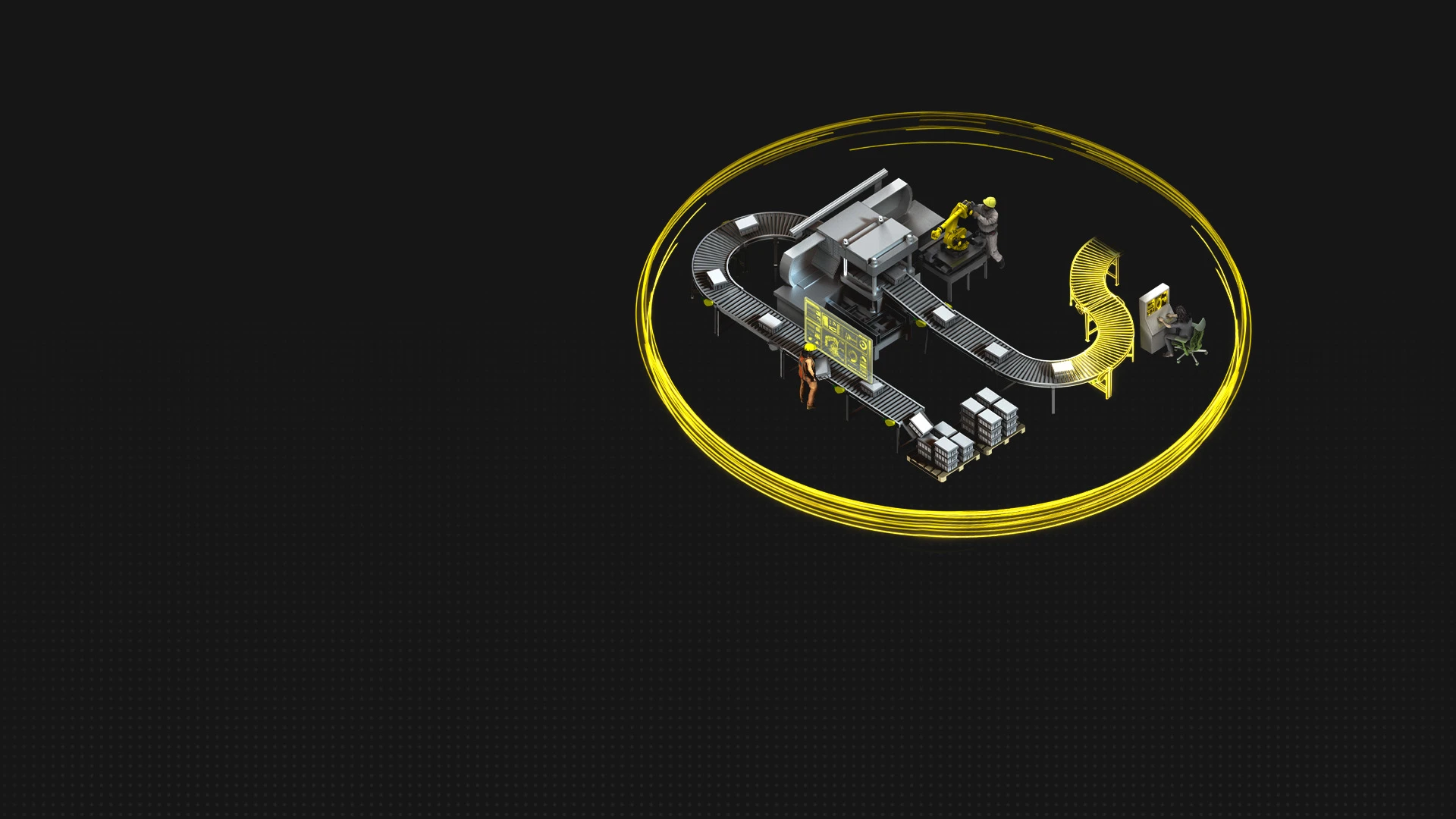
Connect operational data, workflows, and frontline teams to turn real-world performance into faster decisions, max uptime, and compounding value.


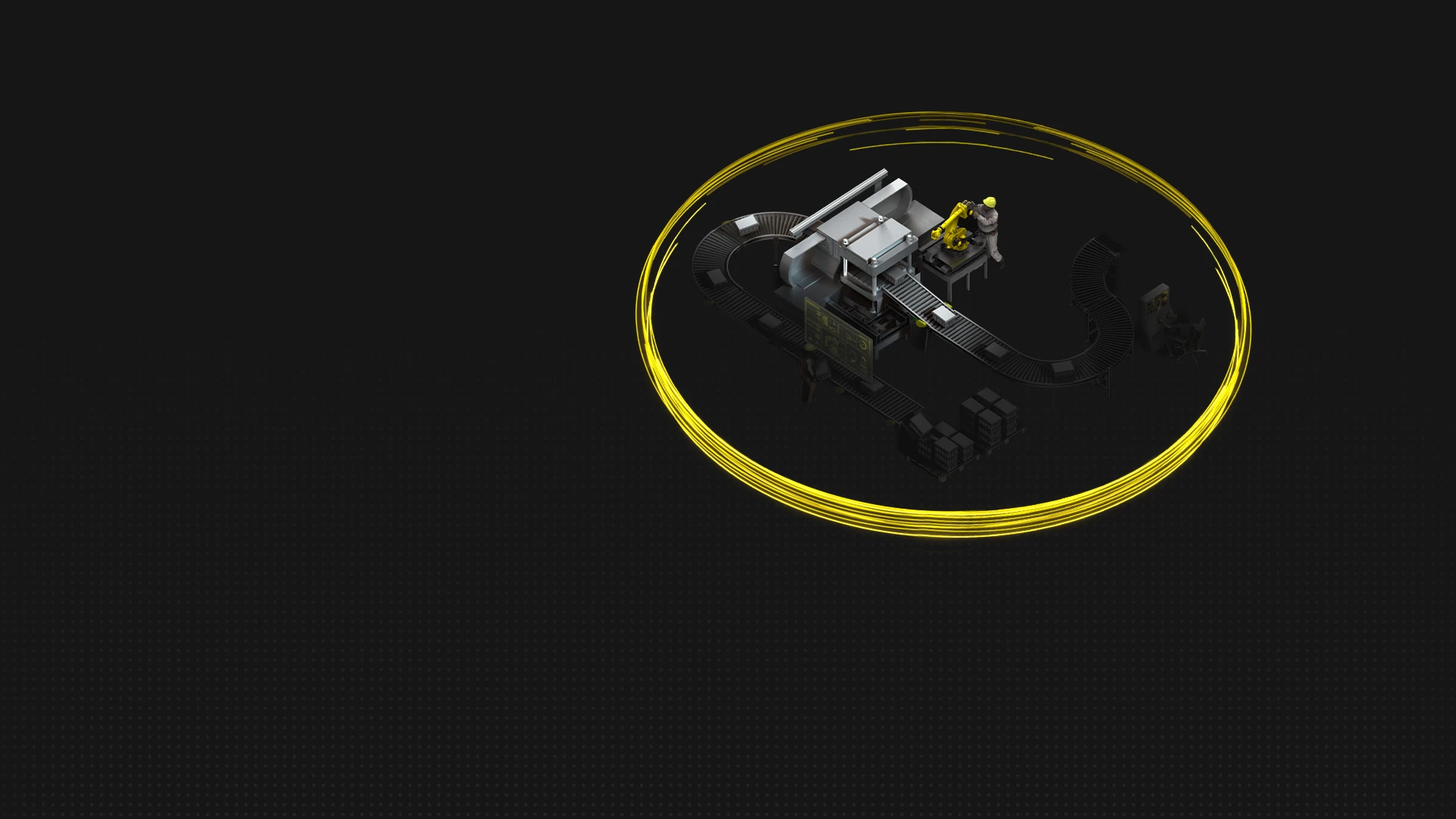
Define your operational environment
Define your operational environment
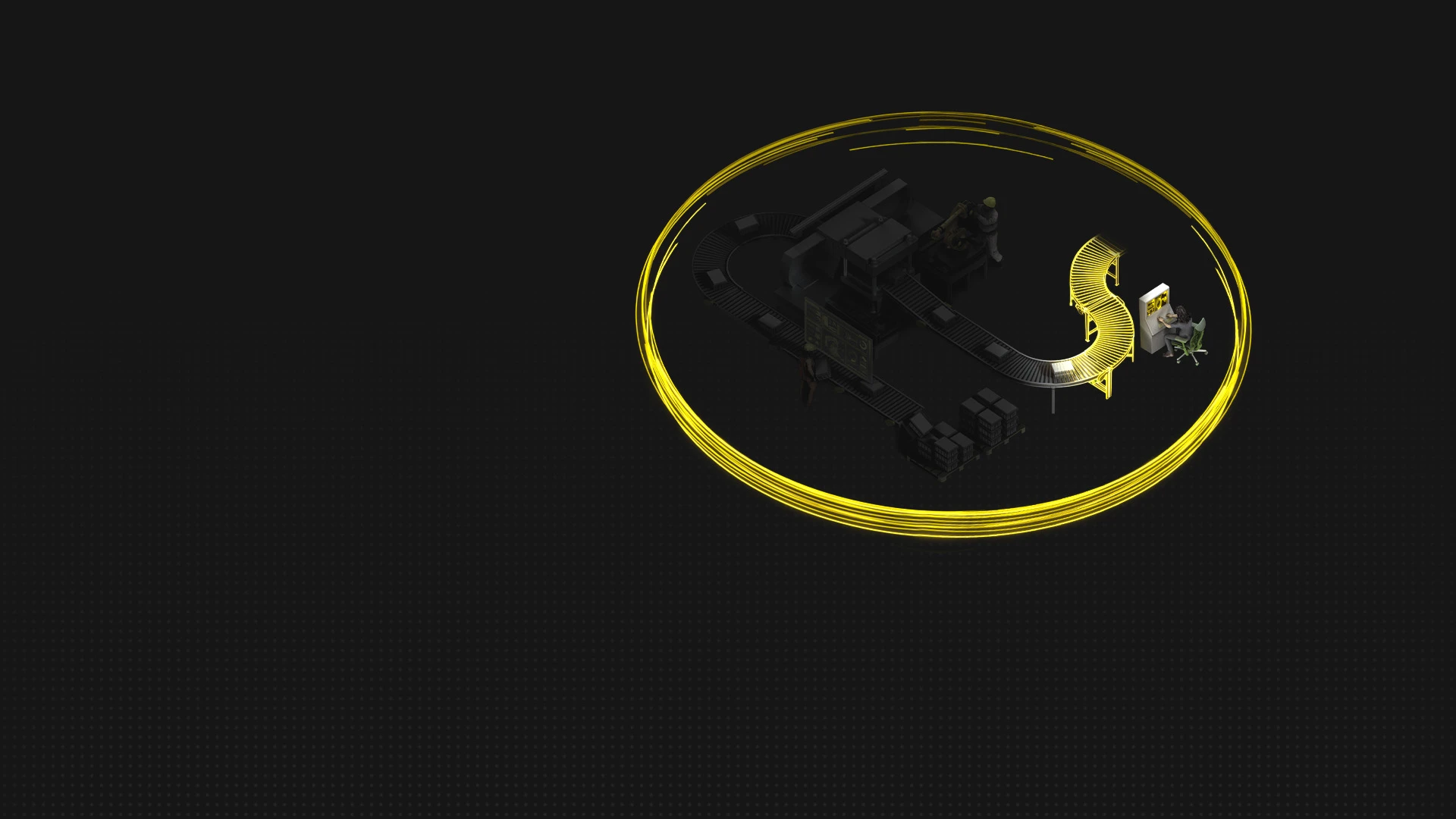
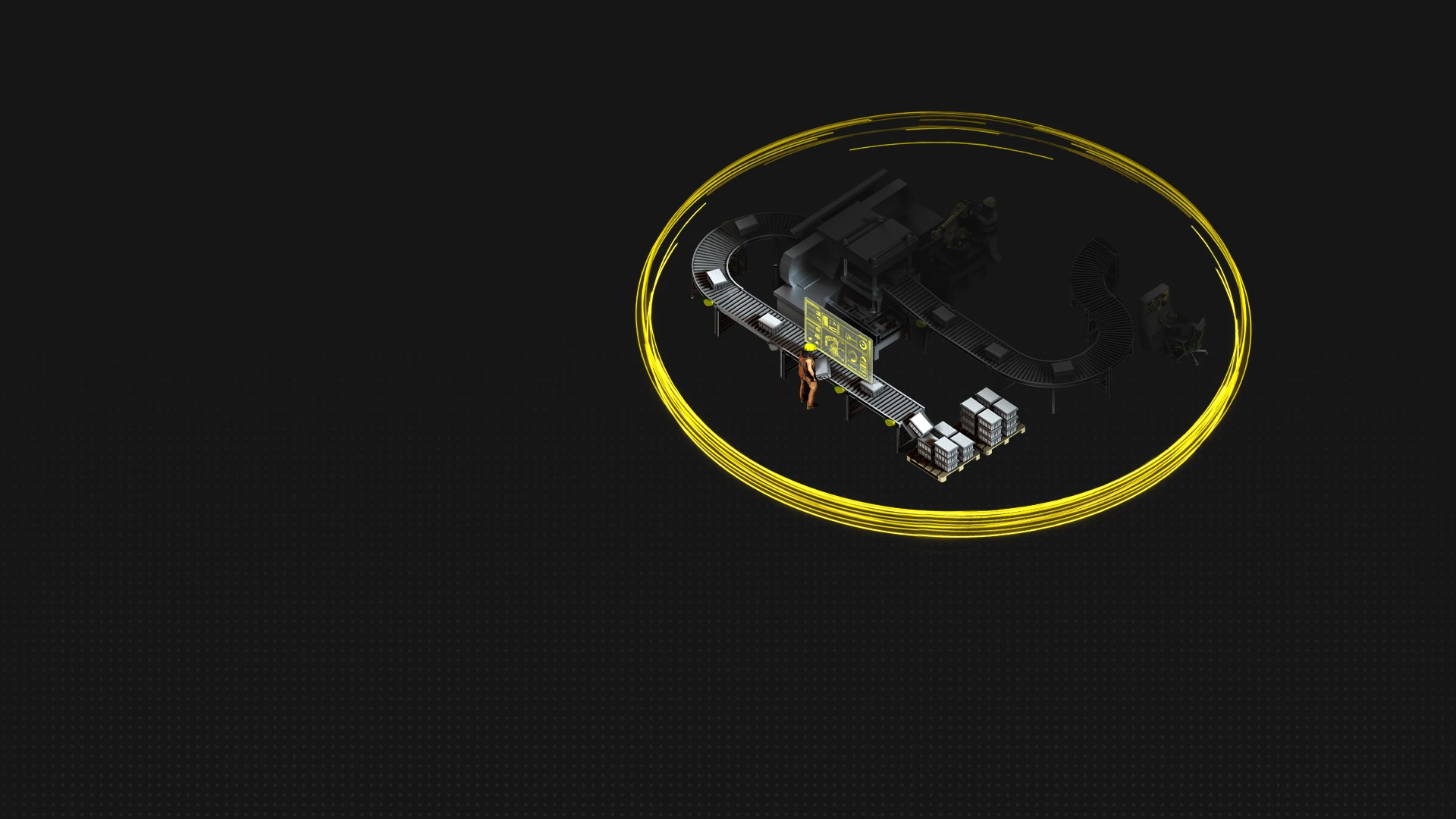
Operate and maintain efficient performance
Continuously improve performance
Use learned experiences to drive forward
Operations capabilities
Optimizing how the world works

Connected operations
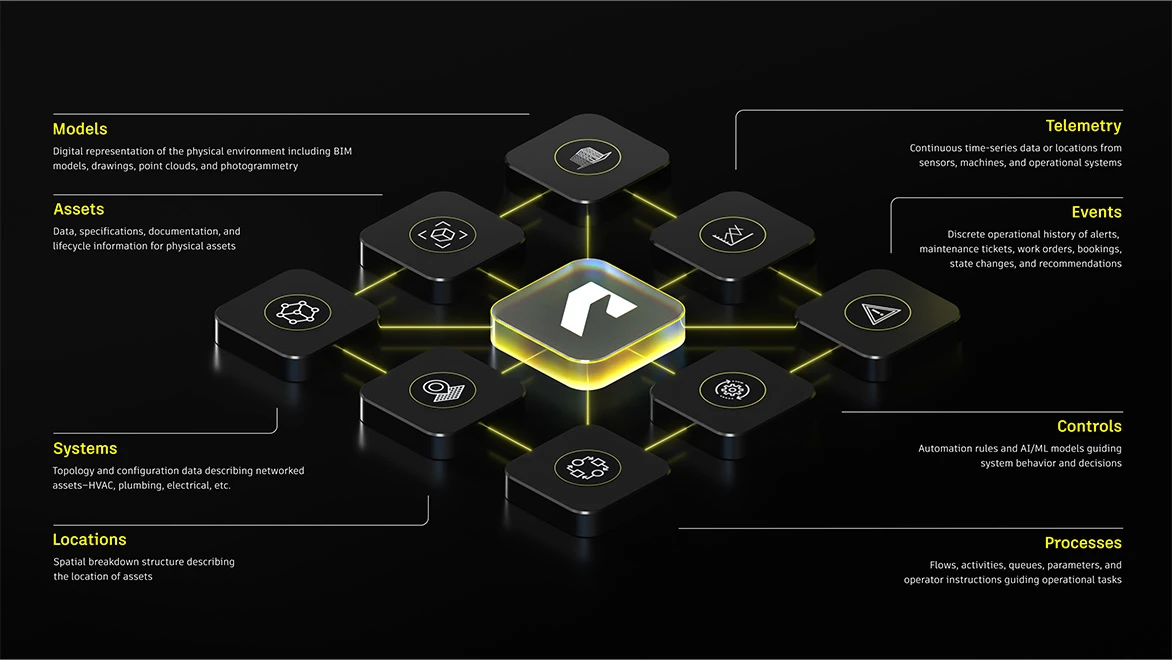
Bring the systems, data, and teams that run your operations into one shared view for clearer visibility and faster responses.



See what Autodesk customers are saying


Frequently asked questions (FAQs) on Autodesk Operations
What is Autodesk Operations?
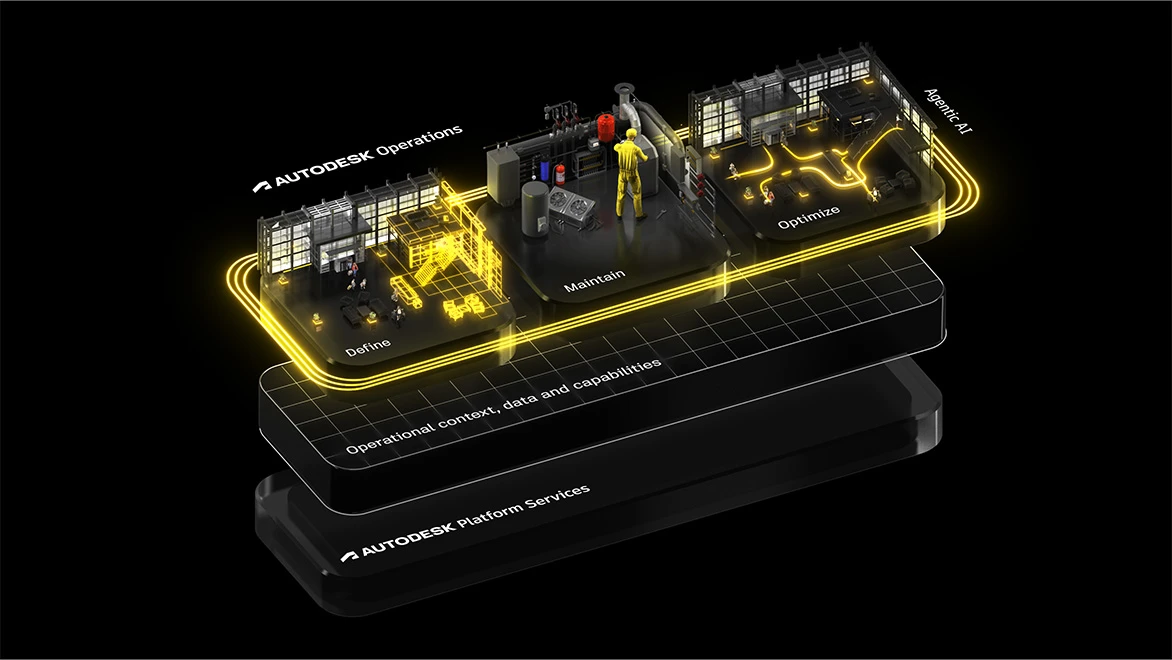
Autodesk Operations connects operational data, systems, and workflows across the asset lifecycle. It brings together Autodesk technologies for digital twins, simulation, production operations, maintenance, and operational intelligence, helping organizations link digital intent with real-world performance. By connecting Design, Make, and Operate workflows, teams can improve visibility, reliability, efficiency, and decision-making across complex assets and operational environments.
Who is Autodesk Operations for?
Autodesk Operations is built for organizations managing complex operational environments, including manufacturers, industrial operators, infrastructure teams, and facilities organizations. It supports operations leaders, plant managers, maintenance teams, engineers, and frontline workers who need better visibility into assets, processes, and operational performance.
How does Autodesk Operations connect with existing Autodesk products and workflows?
Autodesk Operations extends the value of Autodesk design and engineering data into downstream operational workflows. It helps teams connect information across systems and stakeholders, reducing silos between design, production, maintenance, and operations teams.
What business challenges does Autodesk Operations help solve?
Organizations use Autodesk Operations to improve operational visibility, reduce downtime, streamline collaboration, and support more informed decision-making. By connecting operational data and workflows, teams can respond faster to issues, improve efficiency, and maintain better continuity across the asset lifecycle.
How difficult is it to get started with Autodesk Operations solutions?
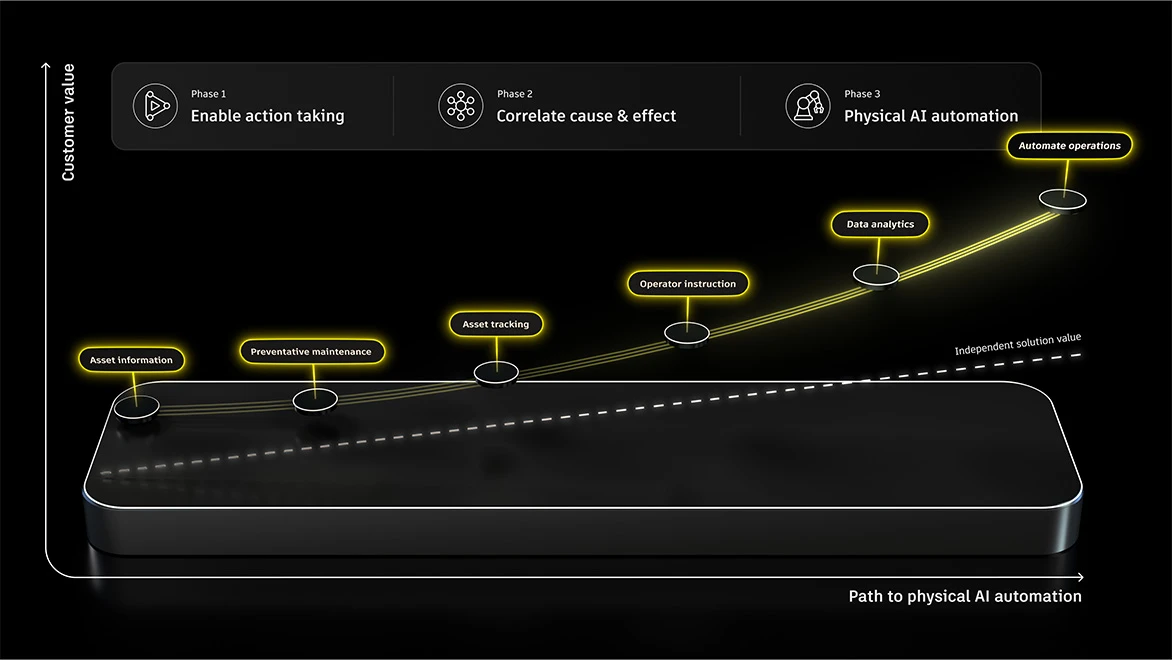
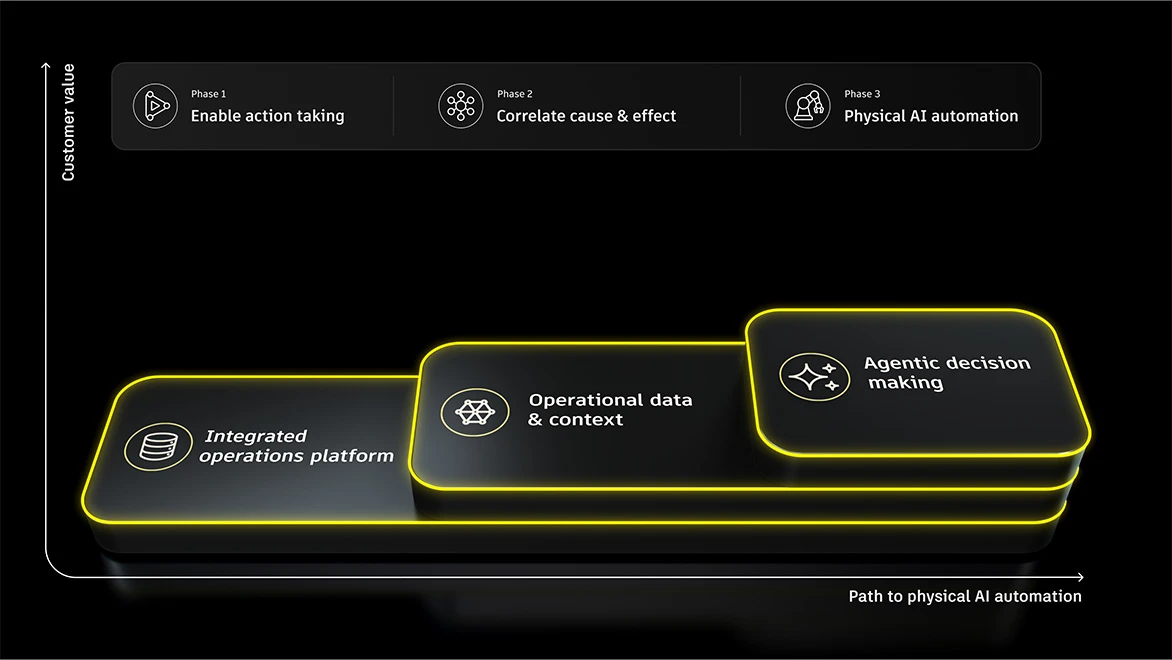
The solutions of Autodesk Operations support phased adoption. Teams can start with targeted operational workflows and expand over time as needs evolve. Autodesk and its partners provide onboarding resources and implementation support to help organizations integrate the solution into existing processes and systems.
Does Autodesk Operations support AI or predictive insights?
Autodesk Operations helps organizations make more informed operational decisions by connecting data, workflows, and teams in a centralized environment. As operational data becomes more connected and accessible, organizations can identify trends, monitor performance, and uncover opportunities to improve efficiency, reduce downtime, and respond to issues faster. AI-powered and predictive capabilities may vary depending on connected systems, workflows, and future roadmap developments.
What data sources can Autodesk Operations connect to?
Autodesk Operations connects operational information across systems, teams, and workflows. Depending on the implementation, organizations may connect data from Autodesk products, enterprise business systems, operational technologies, IoT devices, maintenance platforms, spreadsheets, and other third-party systems to create a more unified operational view.
What industries does Autodesk Operations support?
Autodesk Operations supports industrial and operational environments where teams manage complex assets, facilities, infrastructure, or production processes. This includes industries such as manufacturing, industrial equipment, energy and utilities, infrastructure, facilities management, and other operations-intensive sectors that require connected data and cross-functional collaboration.
How does Autodesk Operations help to extend asset life?
Autodesk Operations helps organizations extend asset life by connecting operational data, systems, and workflows to improve visibility into asset performance, maintenance needs, utilization, and operational risk. With better insight into how assets perform in real-world conditions, teams can identify issues earlier, optimize maintenance strategies, reduce downtime, improve efficiency, and make more informed decisions that support longer-lasting, higher-performing assets across the lifecycle.
Which Autodesk products are part of the whole Autodesk Operations solution?
Autodesk Operations brings together Autodesk technologies that help organizations connect operational data, systems, and workflows across assets and environments. Today, Autodesk Operations includes Autodesk Tandem, Autodesk Tandem Connect, FlexSim, Fusion Operations, MaintainX, and related operational technologies that support connected operations, visibility, simulation, production, and digital twin workflows across the asset lifecycle.
How is Autodesk Operations different from standalone Autodesk products?
Standalone Autodesk products address specific operational needs, such as digital twins, simulation, maintenance, or production management. Autodesk Operations brings these capabilities together as part of a broader connected operations strategy, helping organizations link data and workflows across products, systems, teams, and lifecycle stages. Organizations can adopt solutions that fit their immediate needs and expand their operational capabilities over time.
Can I try Autodesk Operations before purchasing?
Trial and free access options vary by product within Autodesk Operations. For example, Autodesk Tandem offers a free tier, while Fusion Operations and FlexSim offer free trials. Visit the individual product pages to review current availability and choose the solution you want to evaluate before purchasing.
How much does Autodesk Operations cost?
The solutions within Autodesk Operations do not have a single combined price. Pricing depends on the products and capabilities selected, deployment scale, subscription term, and, for some products, usage or capacity. Visit the individual product pricing pages or contact Autodesk for help with configuring a solution for your operational needs.
How can I subscribe to Autodesk Operations?
Subscriptions are purchased based on the Autodesk Operations products that fit your organization’s needs. Depending on the product and region, you may be able to subscribe directly through Autodesk or work with Autodesk sales. Autodesk can help identify the right combination of solutions and subscription options for your operational workflows.
Can I request a demo of Autodesk Operations?
Yes. You can contact Autodesk to discuss your operational goals and request a demonstration of the solutions most relevant to your organization. A demo can focus on specific workflows, such as digital twins, simulation, production operations, maintenance, or connected operational data, and help you determine which Autodesk Operations capabilities best fit your needs.