3D MODELING

3D modeling software

Learn about 3D modeling software available from Autodesk for beginners, professionals, and everyone in between.

What is 3D modeling?

3D modeling is a computer graphics process of creating a mathematical representation of a 3D object or shape using specialized software. The digital rendering of the physical object is called a 3D model and various industries use them.

Industries including architecture, construction, product development, science, medicine, film, television, and video games use 3D modeling apps and software to visualize, simulate, and render graphic designs.

How does 3D modeling work?

3D modeling starts with an artist generating a 3D primitive using numerous polygons such as a cube, cylinder, plane, or sphere. Then, the artist uses 3D modeling programs & tools to develop and refine the design into its new desired form. The 3D modeling workflow involves adding points in the 3D modeled space called vertices and adjusting their placement to manipulate the object’s shape by subdividing the polygons to create a new 3D object.

What are the different types of 3D modeling?

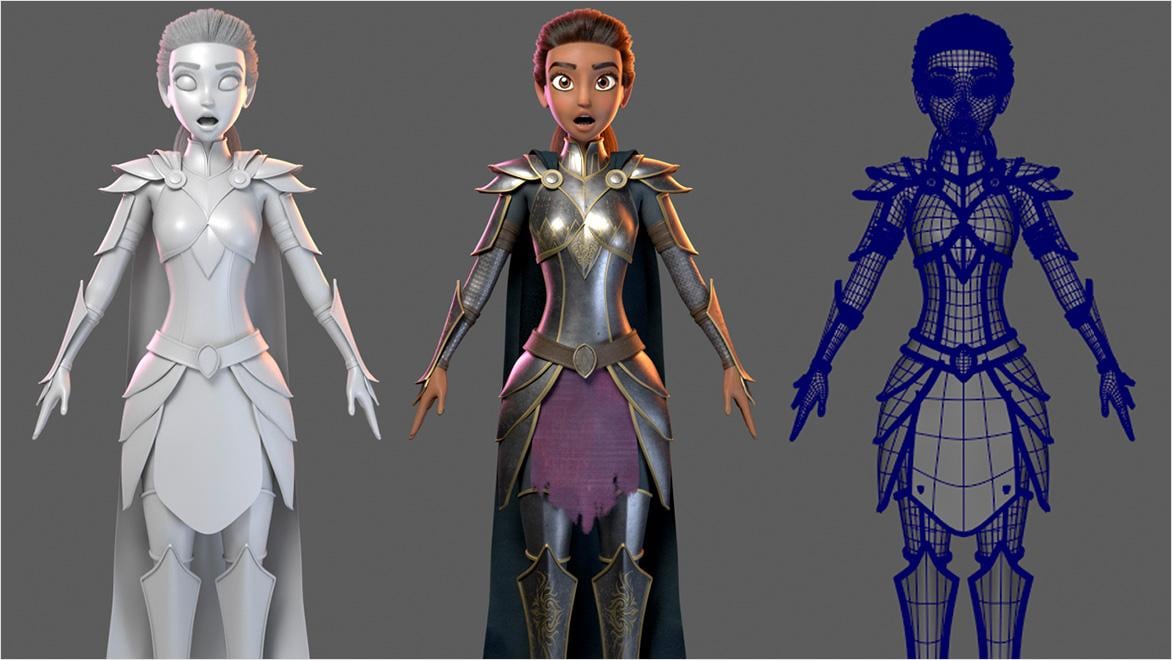
There are four basic types of 3D modeling: wireframe, surface, solid, and 3D sculpting (or polygonal) modeling. Wireframe modeling shows only the skeletal framework of an object or character using edges and vertices. By contrast, surface modeling uses a polygonal mesh to show a 3D model’s surface texture, shading, and color. Solid modeling goes beyond the surface and ultimately represents both the exterior and interior of the 3D-modeled object. Finally, 3D sculpting, or polygonal modeling, finishes the polygonal mesh of a 3D model with complex details and textures.

Software for 3D modeling

3ds Max

3D modeling, animation, and rendering software for games and design visualization

Maya

3D animation, modeling, simulation, and rendering software for film, games, and TV

Autodesk Fusion

Cloud-based 3D CAD, CAM, CAE, PCB, and PDM software for product design.

Inventor

Powerful product design and engineering tools for 3D mechanical design, simulation, visualization, and documentation.

Revit

Plan, design, construct, and manage buildings with powerful tools for Building Information Modeling.

AutoCAD

2D and 3D CAD tools, with enhanced insights, AI-automations, and collaboration features. Subscription includes AutoCAD on desktop, web, mobile, and seven specialized toolsets.

Unlock educational access to Autodesk software

Autodesk is committed to helping educate tomorrow's leaders. Get free access to our entire portfolio of products with the Autodesk Education plan.

Get free software for educators and students

What is 3D modeling software used for?

3D models are used across a wide range of industries.

3D modeling for film & TV

3D modeling for film & TV

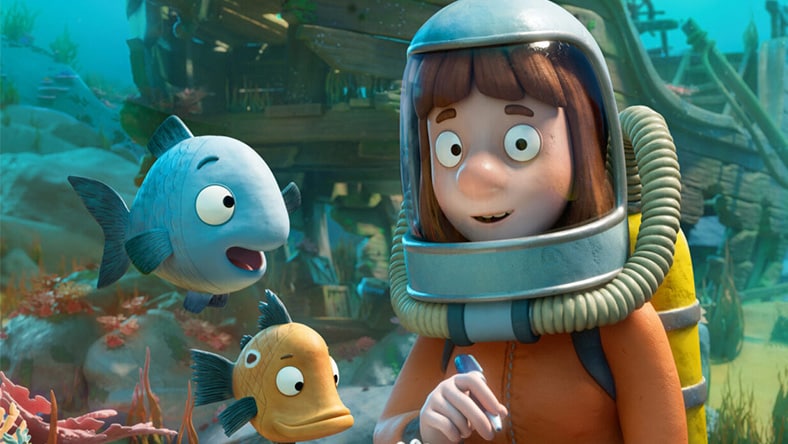
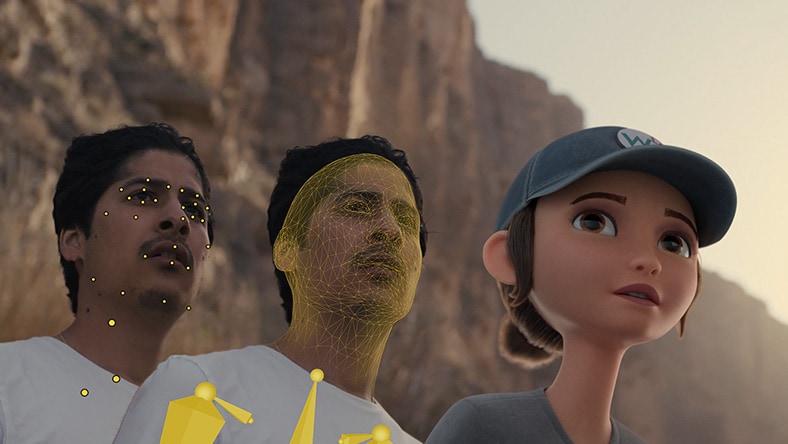
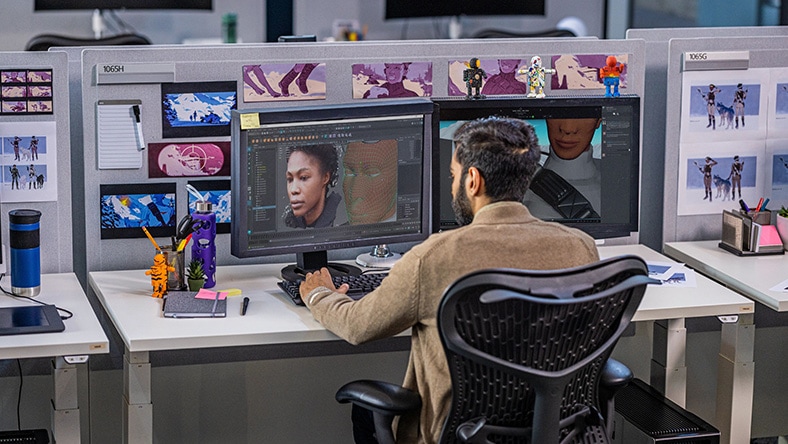
VFX and animation studios use 3D modeling software to create CGI assets and characters for films and TV shows.

3D modeling for game development

3D modeling for game development

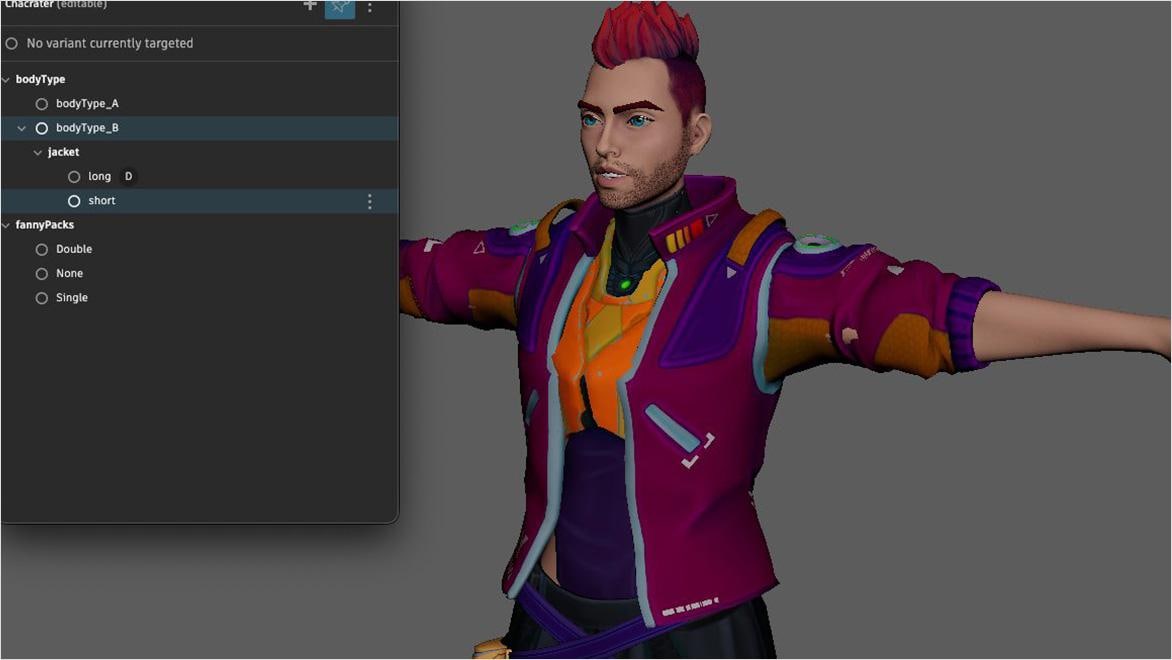
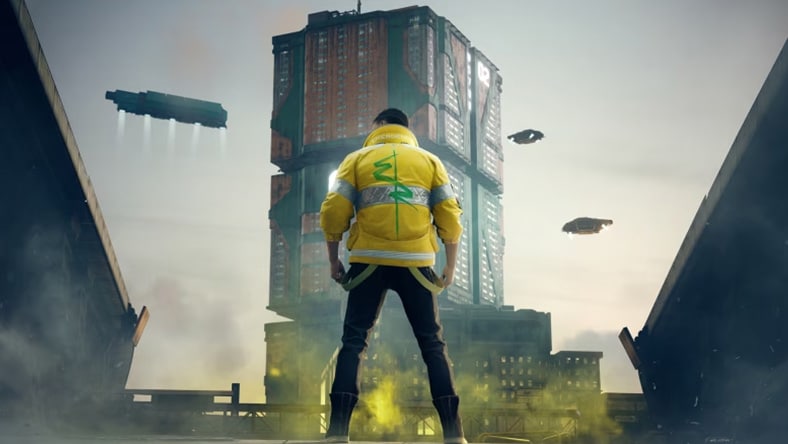
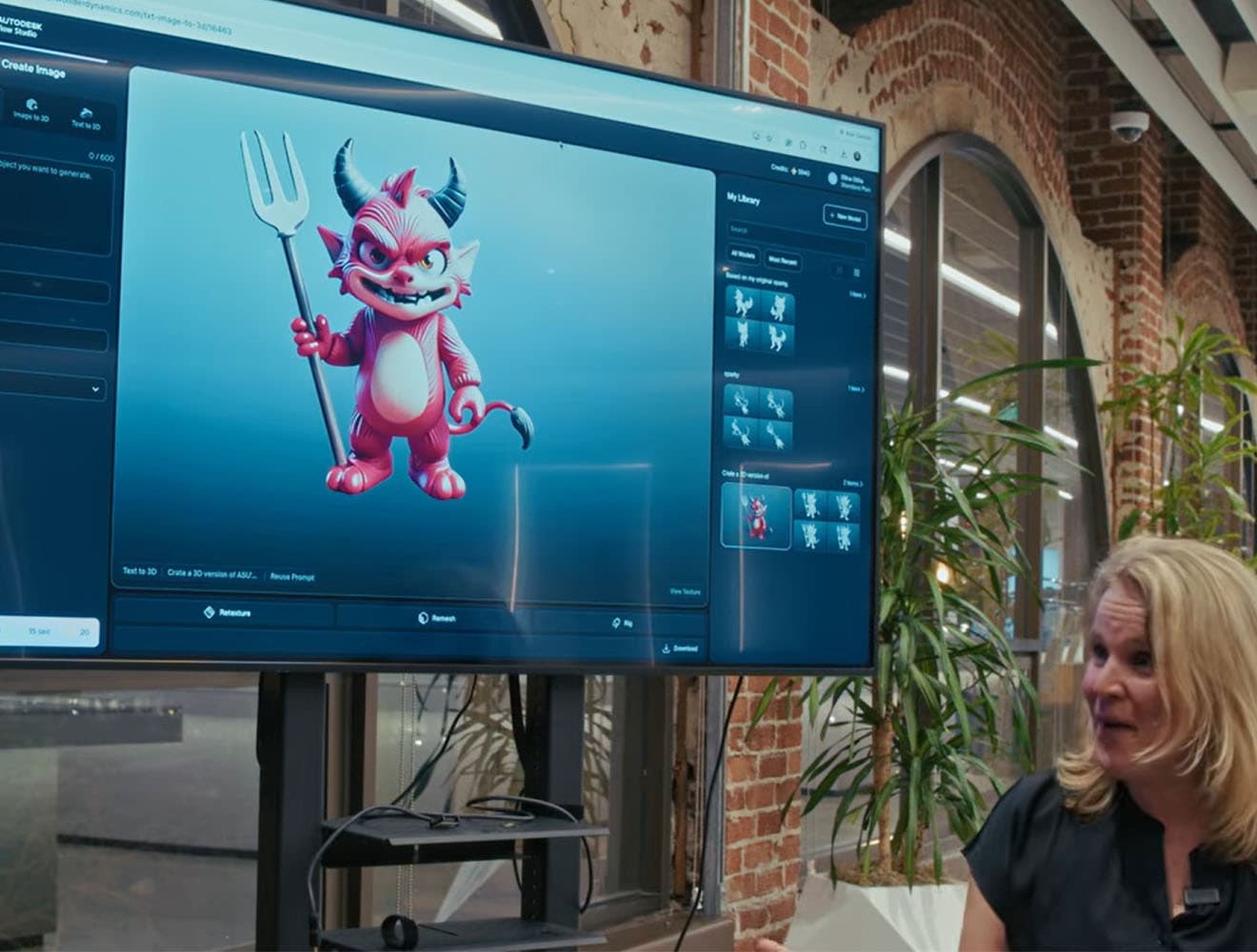
Game developers create 3D environments and characters for games and cinematics using 3D modeling tools.

3D modeling for product design

3D modeling for product design

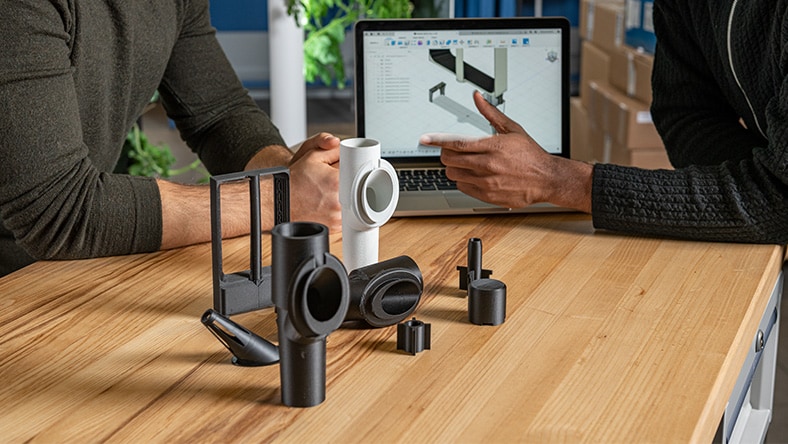
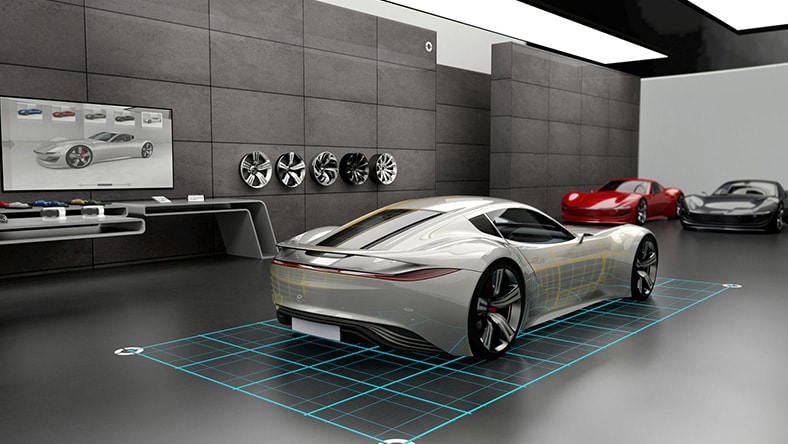
The manufacturing industry uses 3D modeling software for product design, engineering, and concept rendering.

3D modeling for architecture

3D modeling for architecture

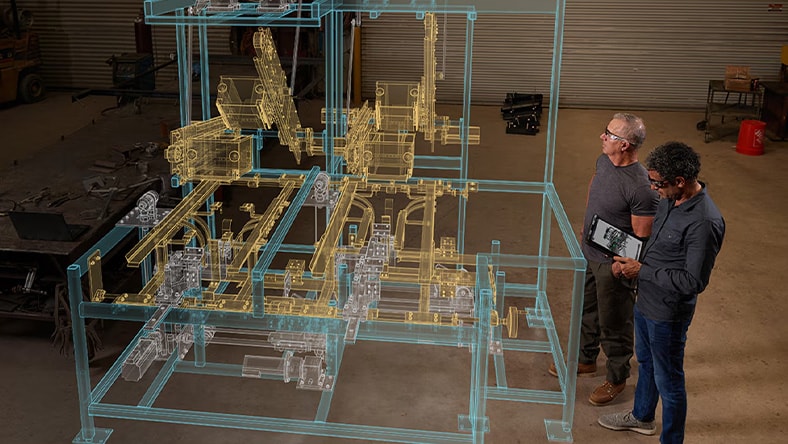
The architecture industry uses 3D modeling apps and software to render the interiors and exteriors of proposed buildings and environments.

Benefits of 3D modeling software

Discover some of the top benefits of 3D modeling software from Autodesk.

Design efficiency

With 3D modeling software, designers don’t need several rounds of evaluating physical prototypes. Instead, they can quickly adjust designs with user-friendly software.

Accurate visualization

Compared to 2D drawings, 3D modeling software designs can display the finest details from any angle, making evaluation faster and easier.

Simulation and testing

A large battery of 3D modeling software simulations can test for product malfunctions and safety under harsh conditions or for the movements and responses of 3D characters and objects.

3D modeling software features

Discover the top 3D modeling tools and features available with Autodesk software.

Material and texture mapping

Material and texture mapping

These techniques add realistic detail like color, topography, reflectivity, patterns, and wear to 3D objects and 3D scenes.

Animation and rigging

Animation and rigging

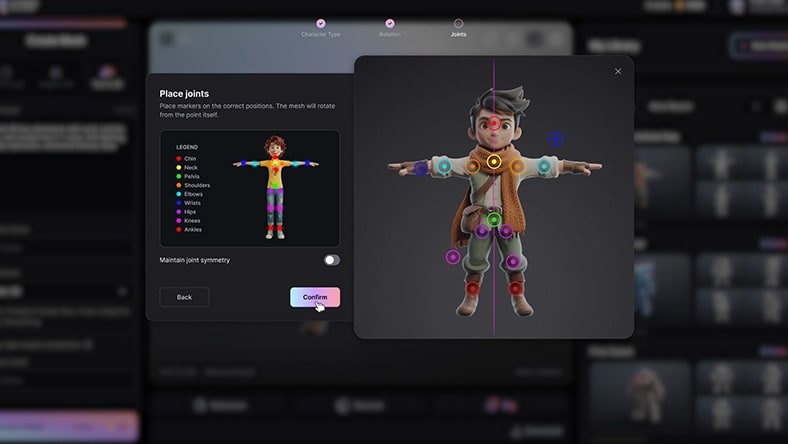
Rigging artists give 3D models a skeletal framework, which animators use to create the realistic movement of 3D animation.

Image courtesy of Maga Animation Studio
Lighting tools

Lighting tools

Autodesk’s Arnold software achieves photorealistic lighting through its proprietary lighting setups and works with standard Maya lights.

Rendering

Rendering

In this final step of animation, 3D rendering software generates finished images of the 3D models with effects like shading, reflections, and motion blurs.

Examples of 3D modeling software in use

Tetra Tech 3D modeling in engineering

3D modeling in engineering

With Autodesk Civil 3D and Revit for 3D modeling, this firm delivered a water treatment plant ahead of schedule and under budget.

Image courtesy of Tetra Tech
3D modeling for games

3D modeling for games

The video game development studio Cygames used distinctive modeling tools and techniques within a broader suite of animation solutions to perfect a highly stylized and immersive visual experience.

Image courtesy of Sony Computer Entertainment America LLC
Ganas Manufacturing 3D Modeling for Product Design

3D modeling for product design

This custom millwork and woodworking shop turned to the cost efficiency of Fusion 360 for 2D CAD, 3D modeling, CAM tools, and CNC programming.

Image courtesy of GANAS MFG
3D modeling for film & TV showcase

3D modeling for film & TV

See how global 3D houses working in film, TV, gaming, and VFX achieve captivating results using Autodesk 3D modeling tools.

Image courtesy of Chocolate Tribe

Free 3D modeling software resources

Introduction to 3D modeling for manufacturing

Jumpstart your CAD skills and work toward certification by learning the fundamental workflows of Fusion 360 3D modeling software for design and manufacturing.

Introduction to 3D modeling for architectural design

Get started with Revit 3D modeling software for architecture and learn to create and edit walls, doors, windows, roofs, stairs, and other elements and core modeling concepts.

3D modeling for mechanical design using Inventor

Work toward certification for Inventor 3D modeling software with this professional course, which teaches skills in assembly modeling, mechanical motion, technical production drawings, and Inventor animations.

3D modeling assets for Maya

Access thousands of 3D assets for Maya and other 3D modeling software, including textures, models, landscapes, and more from Creative Market.

Free 3D modeling software for beginners

Learn 3D design, electronics, and coding with Tinkercad, the free web app with an enormous user community and hands-on projects available for any skill level.

AREA3D modeling for media & entertainment

Join Autodesk’s AREA 3D community to read user stories, share your work, and learn new skills with breakdowns and tutorials on 3D modeling software.

3D modeling software FAQs

The best 3D modeling software for beginners should be free, easy to use, and highly accessible so as many people as possible can try their hand at a skill that is in demand, fun, and empowering.

For 3D design and learning associated electronics circuits and code, Tinkercad checks all the boxes for beginner-friendliness. It is available as a free web app (or iPad app). With its intuitive interface and quick tutorials, beginners can get up and running with 3D modeling in minutes.

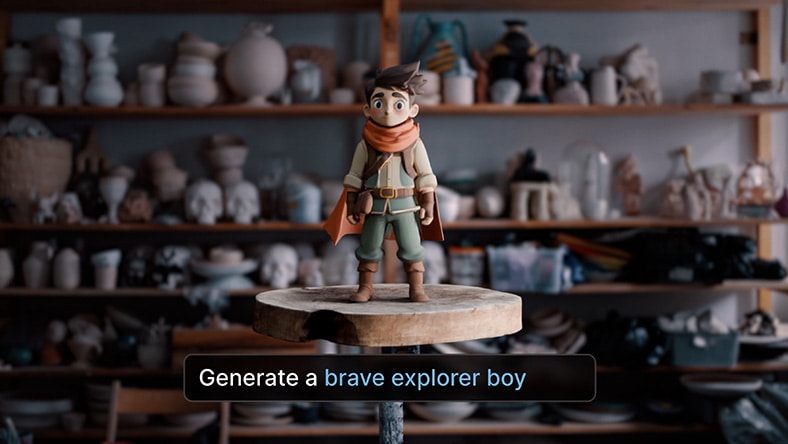
Yes, 3D modeling software is essential for making 3D animation, and creators of any skill level can use it to create characters and CG assets for content ranging from short-form videos to games and feature films.

A full 3D animation software collection includes applications for every stage of the animation pipeline, including 3D modeling, motion capture, VFX, and 3D rendering.

3D sculpting is one of the final stages of 3D modeling in the media and entertainment industry, where 3D artists use digital sculpting and painting tools to add an impressive level of detail and texture to the polygons of 3D models. This technique is also referred to as polygonal modeling.

Using specialized software like Mudbox, 3D-sculpting artists bring characters and environments to life by adding complexity to their shapes and structures using a layer-based workflow.

Legal terms and conditions

Free Autodesk software and/or cloud-based services are subject to acceptance of and compliance with the terms and conditions of the terms of use and/or other terms that accompany such software or cloud-based services. Software and cloud-based services subject to an Educational license or subscription may be used by eligible users solely for Educational Purposes and shall not be used for commercial, professional or any other for-profit purposes.