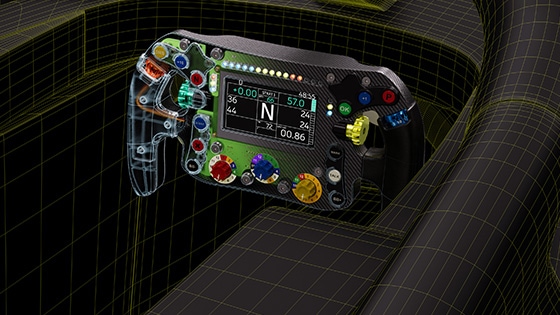
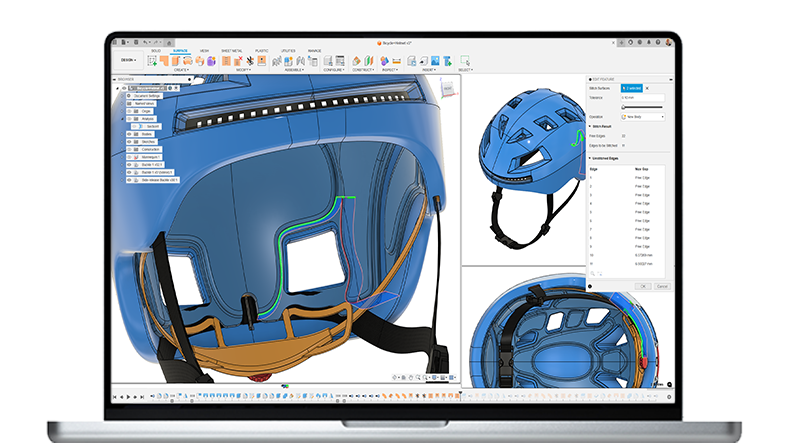
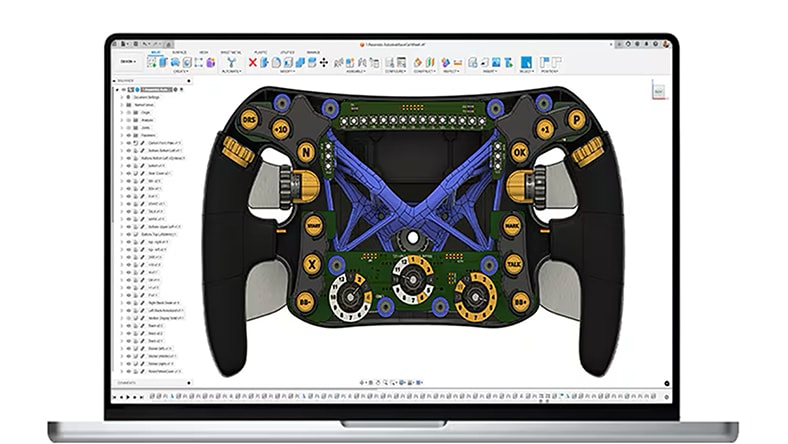
Autodesk Fusion: More than CAD, it's the future of design and manufacturing

Transform your team’s product development process with integrated design, manufacturing, electronics, and data management in a single solution with Fusion.

autodesk fusion overview mobile banner

Trusted by over 4.6 million professionals, including

yamaha logo
logitech logo
gibson logo
fo fast campers logo

Connect your data, people, and processes with Fusion

Accelerate your design to manufacturing process

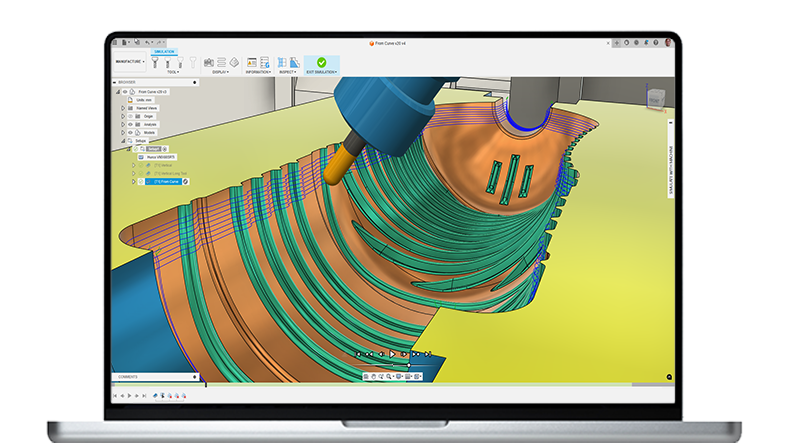
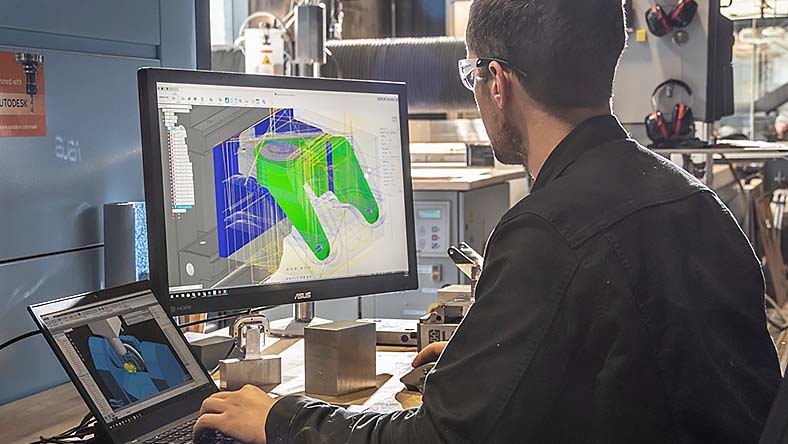
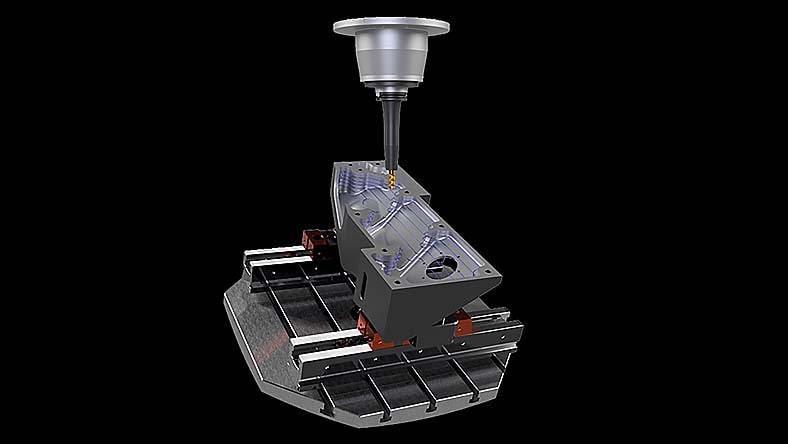
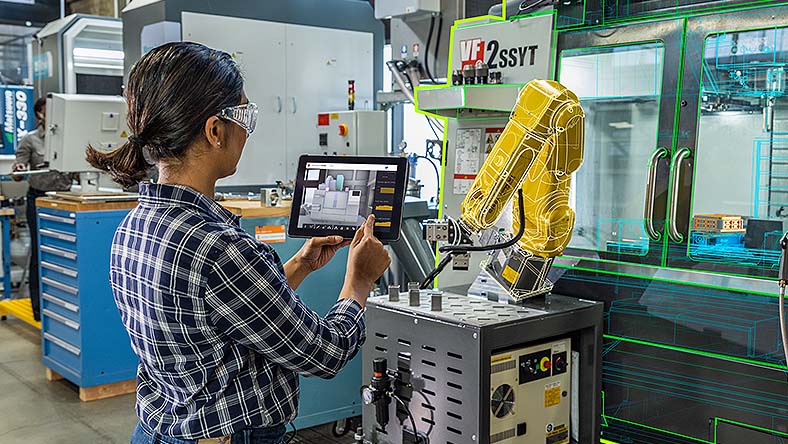
Produce high-quality machined parts faster with a single integrated CAD / CAM solution built for manufacturing teams.

Turn design complexity into a competitive advantage

Improve your design process, get to market faster, and outperform the competition with integrated modeling, simulation, change management, and PLM tools.

Break down silos with built-in PDM and PLM

Bring product ideas to life with real-time data and automated workflows to improve collaboration, accelerate decisions, and speed up product development across your organization.

Autodesk Fusion Plans & Pricing

Whether you’re a lean R&D group, or a multi-site manufacturing business with hundreds of engineers and operators — Fusion scales with you.

THE FOUNDATION FOR MODERN PRODUCT DEVELOPMENT

Autodesk Fusion

Try Fusion free for 30-days


Integrated CAD, CAM, CAE, PCB, and PDM essentials for design and collaboration in a single, unified workspace.


Includes:

  • Fully integrated CAD/CAM
  • Real-time team collaboration
  • PCB design + electromechanical integration
  • Drawing automation & design configuration

Best for: Early-stage teams and makers


  ($57/month, billed annually)


THE INTEGRATED MFG. SOLUTION FOR PROFESSIONAL SHOPS & PRODUCTION TEAMS

Autodesk Fusion for Manufacturing

Best for teams moving beyond standalone CAM tools — unify advanced CAM automation, high-precision machining, and robust CAD tools in one environment.


Why teams switch from legacy CAD/CAM stacks:

  • No lost features, broken models, or rework during CAD → CAM handoff
  • Stop paying for multiple expensive licenses to achieve one workflow
  • Cloud collaboration means your entire shop operates from one source of truth


Includes all Fusion features, plus advanced manufacturing capabilities:

  • 2D to full 5-axis machining for production-grade accuracy
  • Intelligent toolpathing for milling, turning, and turn-mill
  • Automated CAM programming to reduce setup and cycle times
  • In-process part inspection + probing
  • Free and fully editable post-processors
  • Integrated CAD + CAM to eliminate rework and data translation
  • Scalable workflows for prototyping through production


THE COMPLETE DESIGN + DATA PLATFORM FOR ENGINEERING TEAMS READY TO MODERNIZE

Autodesk Fusion for Design

Best for teams who need enterprise-grade accuracy, data rigor, and design-to-manufacture continuity — without the complexity of legacy systems.


Why teams switch from legacy tools and add-ons:

  • Faster decision-making with real-time collaboration and cloud data
  • No version conflicts, broken references, or file-sync issues
  • Lower total cost to design, manage data, and manufacture all in one platform


Includes all Fusion features, plus advanced design capabilities:

  • 11 advanced simulation studies to validate early and often
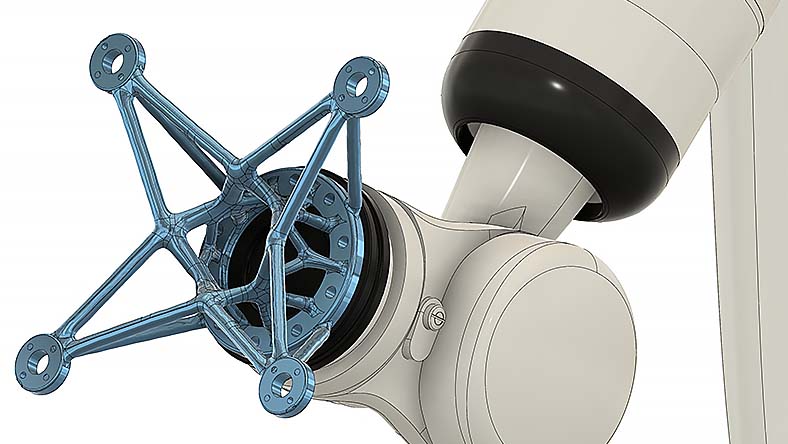
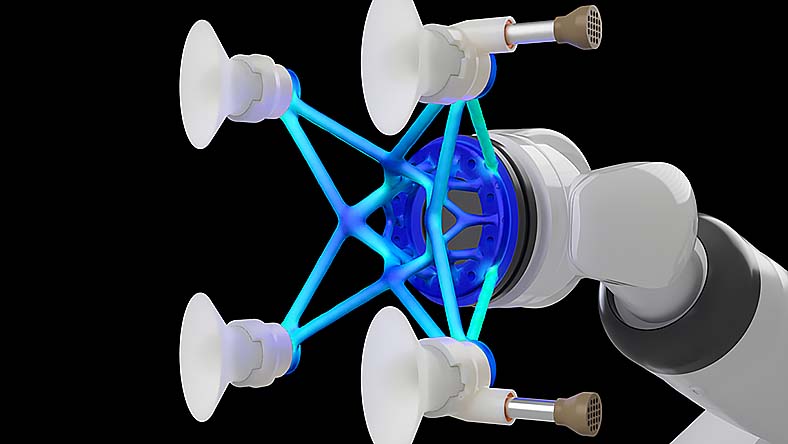
  • Generative design for lightweight, high-performance innovation
  • Advanced surfacing and mesh tools for complex geometry
  • Plastic, sheet metal, and DFM tools to design for manufacturability
  • Integrated data management and PLM to support enterprise rigor and supply chain


Design and manufacturing solutions for everyone

Design and manufacturing team capabilities and workflows

Unified functions

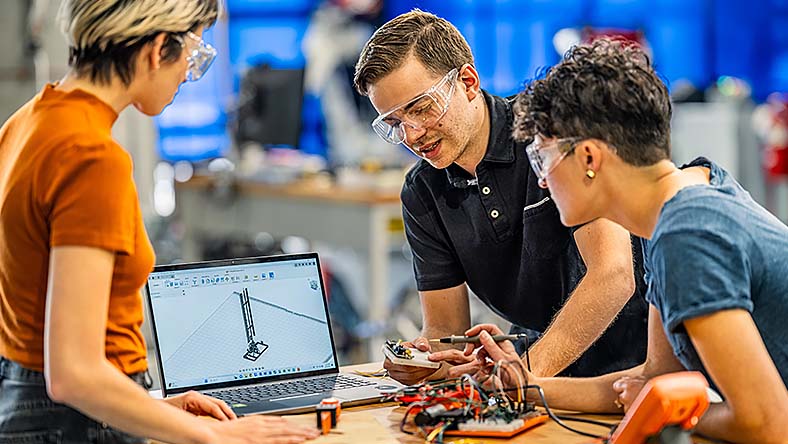
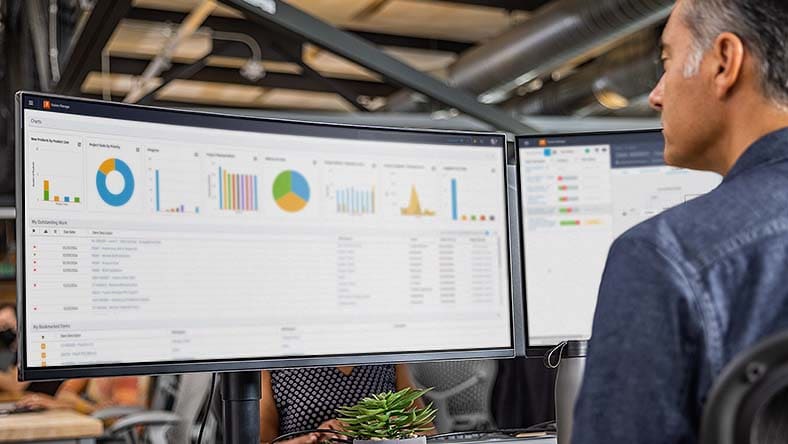
Working in disconnected product development tools can cause errors and delays. Enable seamless teamwork in the same workspace, without the need for multiple tools.


Data management

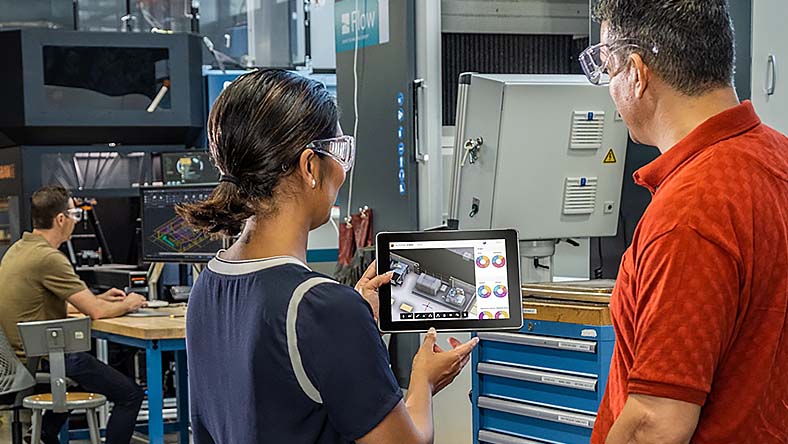
Storing files locally in different formats can cause version control, collaboration, and security issues. Bring your teams onto one secure, cloud workspace for accessible, current, and secure data.


Access and control

Managers often struggle to get project updates in a timely manner. Fusion provides up-to-date progress info, controlled access to audit trails of changes, comments, and history.


Autodesk Assistant

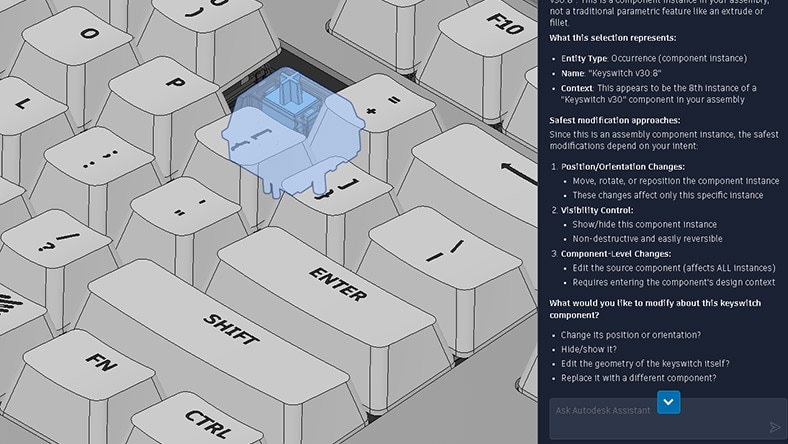
Turn questions into action. Ask for work to be done and move projects forward with AI that understands your model and executes inside Fusion.


Machining capabilities and workflows

Automated machining

Program complex, feature-rich components with ease using intelligent whole-part strategies like steep & shallow, deburr, hole recognition, and rotary.


Toolpath modifications

Speed up CAM programming with powerful modification tools that can turn a good toolpath into a great one - all without wasteful recalculation time.


Multi-axis simultaneous machining

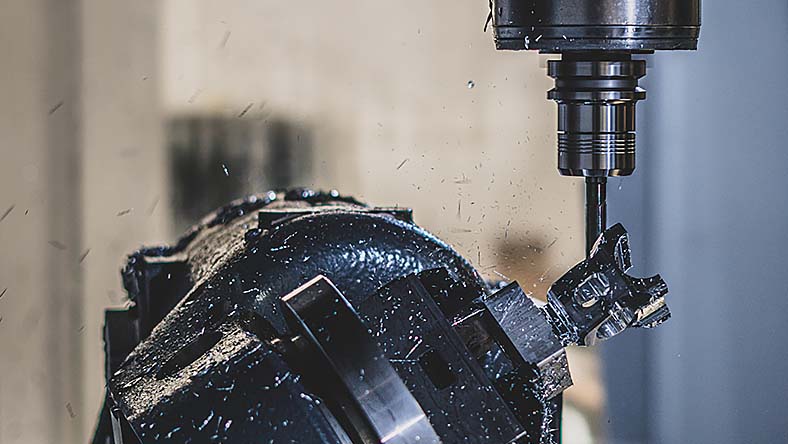
Achieve superior surface finish with specialized 4- and 5-axis toolpaths. Additional axis controls and collision avoidance ensure safe, smooth machine motion.


Setup probing and inspection

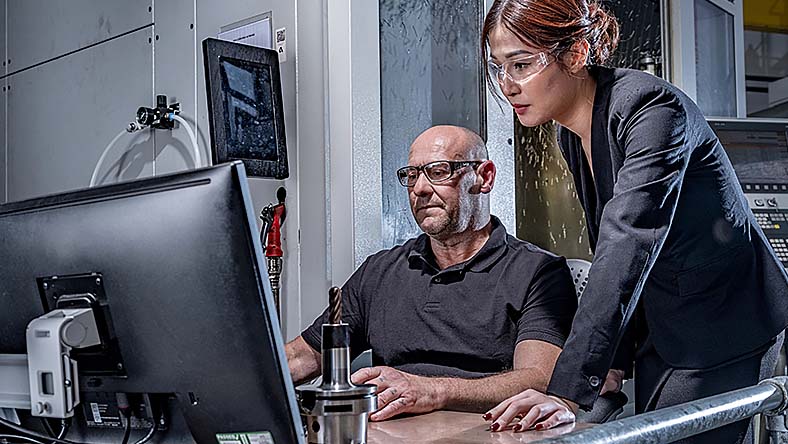
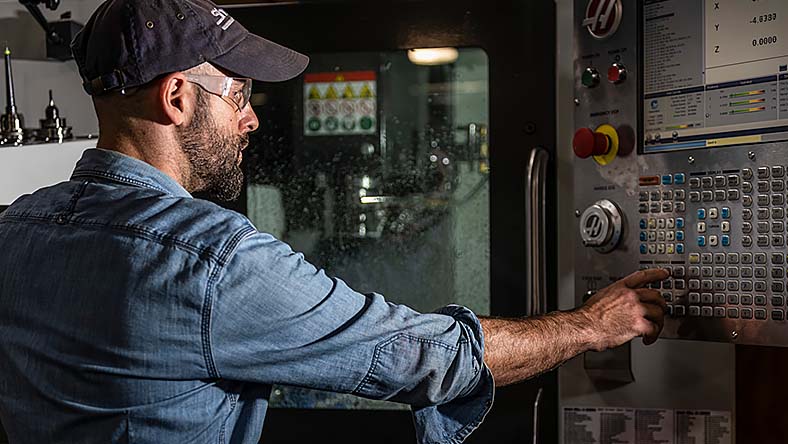
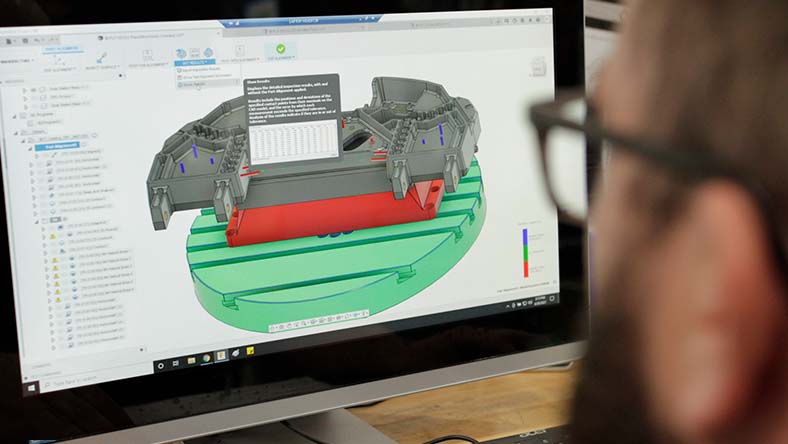
Save time and money with spindle-mounted touch probes for CNC machining. Measure stock material, update work offsets, monitor quality, automate part setup, and more.


Electronics engineering capabilities and workflows

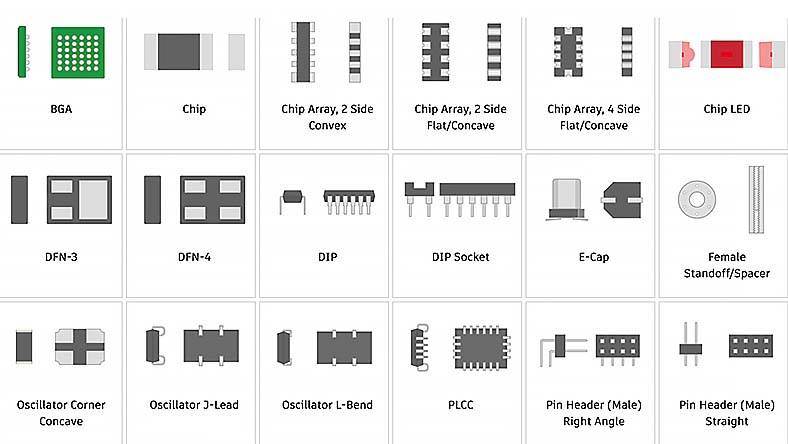
Component libraries

Reduce engineering workload, design new components with ease, and decrease the need for manual content creation with comprehensive component libraries.


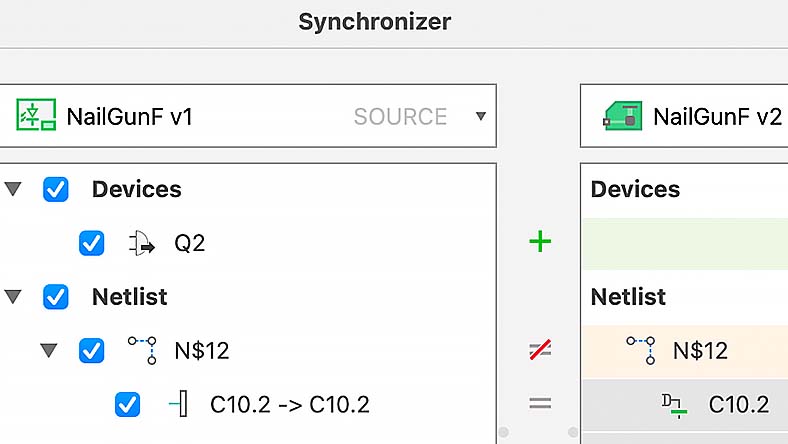
Synchronization

Reduce errors, enhance efficiency, and improve accuracy. Synchronization between PCB and schematic in an ECAD application maintains design integrity and consistency.


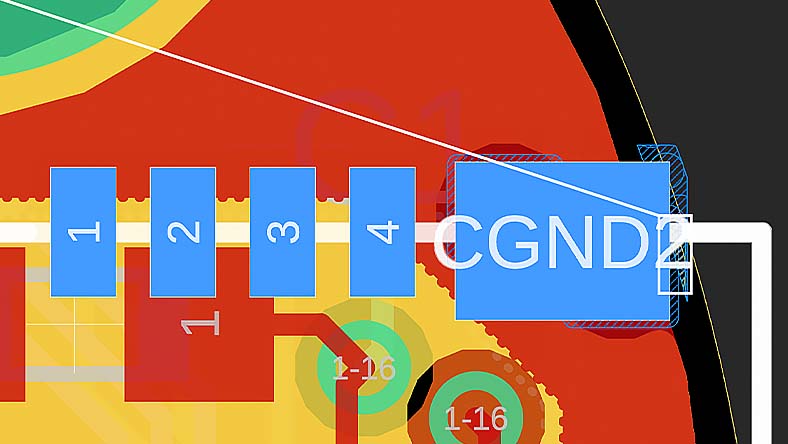
Live DRC and insights for design constraints

Design your printed circuit boards rapidly and efficiently, leveraging real-time constraint violation detection for immediate alerts on component placement and trace routing issues.


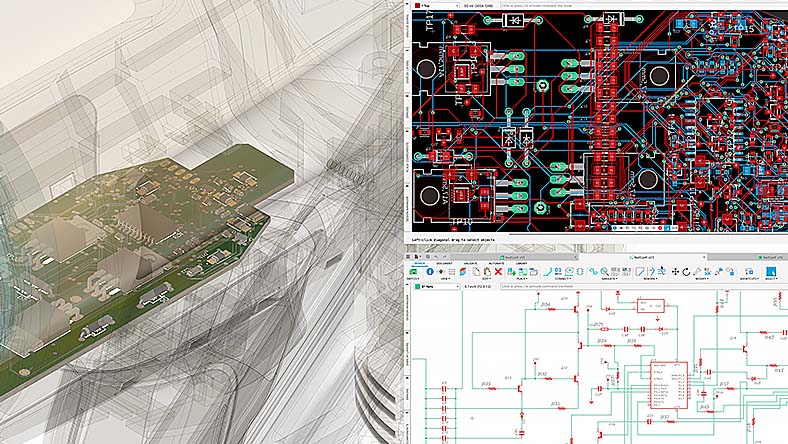
Unified design environment

Empower collaboration between electronic and mechanical engineers in a unified design platform. Enhance accuracy and efficiency by eliminating error-prone conversion steps.


Industrial design capabilities and workflows

Configurations

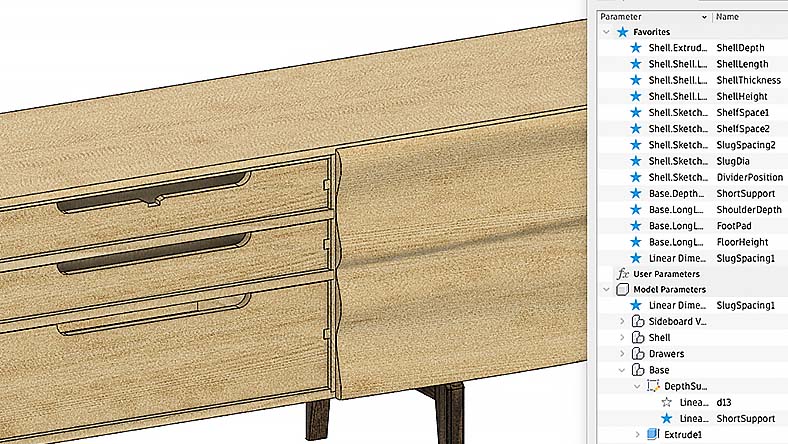
Configurations provide an intelligent way to maximize the utility of parametric designs. Gain the ability to create and manage multiple design variations from a single, unified model.


Collaboration

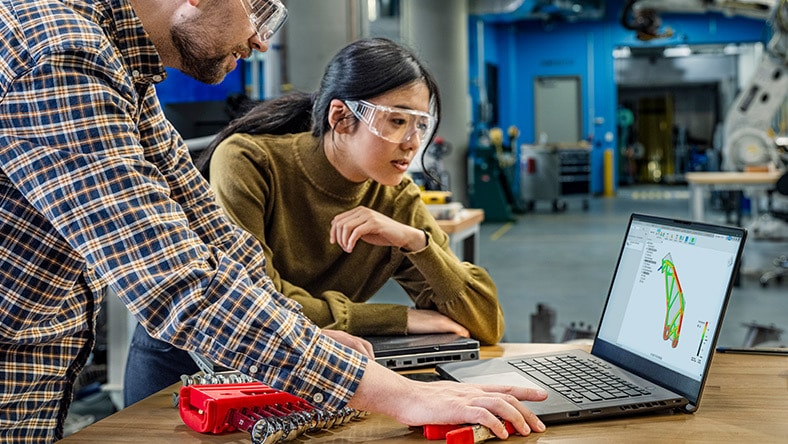
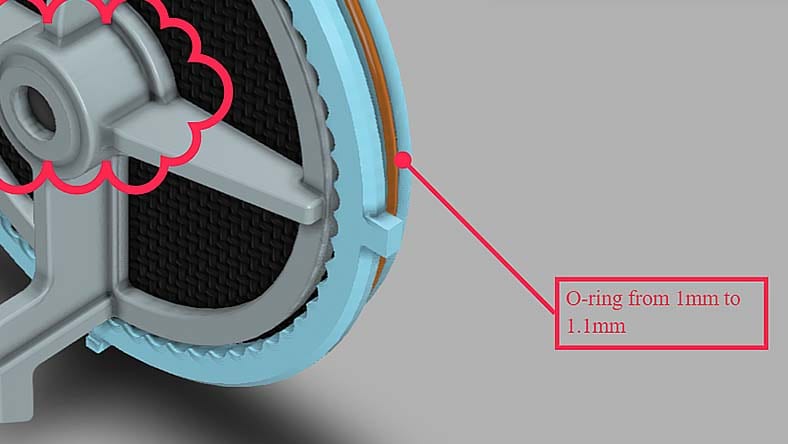
Remove the silos from your traditional design process and use a modern collaboration environment. Connect your teams and clients, communicate in real-time, and centralize project activity.


Generative design

Explore multiple manufacturing-ready outcomes that meet your design specifications while reducing weight, improving performance, and consolidating parts through generative design.


Parametric modeling

Maximize the utility of parametric designs with configurations. Create and manage multiple design variations from a single, unified model.


Mechanical engineering capabilities and workflows

Versatile 3D design

Engineer products with a comprehensive set of modeling tools, including 3D parametric modeling, mesh, surfacing, and automated design capabilities. Ensure your products' form, fit, and function with diverse analysis methods.


Cloud collaboration

Break free from traditional design silos. Embrace a modern collaboration environment to connect teams and clients, communicate in real-time, and centralize project activity.


Rapid simulation

Discover manufacturing-ready outcomes that meet design specifications, reduce weight, improve performance, and consolidate parts through generative design.


Integrated CAD+CAM

Effortlessly adjust dimensions and geometries with a few clicks, saving time, and reducing errors. Every changes reflects across the entire model for design consistency.


G2 Summer 2021 ranking

"Fusion is recognized as the best professional cloud product design and manufacturing software platform on G2."

– 4.5/5 rating, 500+ reviews on G2

Autodesk Fusion industry cloud for manufacturing solutions

CLOUD-BASED CAD, CAM, CAE, & PCB

see more

Autodesk Fusion

Streamline your product development and go from design to manufacturing faster with fully integrated cloud-based CAD, CAM, CAE, and PCB software.


see more

CLOUD-BASED PLM

see more

Autodesk Fusion Manage

Enhance workflows and improve collaboration for product development across your organization with cloud-based product lifecycle management.


see more

Manufacturing and fabrication Insights

see more

Autodesk Fusion Operations

Reduce wastes and costs, shorten lead times, and minimize shop maintenance with production management and production floor tracking software.


see more


STREAMLINE YOUR PRODUCT DEVELOPMENT WITH FUSION

Start bringing products to market faster with Autodesk Fusion

Join over 4.6 million design and manufacturing professionals that have made Autodesk Fusion their go-to design to manufacturing solution.

Autodesk Fusion frequently asked questions (FAQs)

What is Autodesk Fusion?

Autodesk Fusion is an integrated, cloud‑based product development platform from Autodesk. It combines 3D CAD (design), CAM (manufacturing), CAE (simulation), electronics/PCB design, data management, and collaboration in a single environment, allowing teams to move from concept and modeling through validation and manufacturing without switching tools. Fusion connects people, data, and processes across the entire product lifecycle. Try for free today

Does Autodesk offer product design software?

Yes. Autodesk offers product design software through Autodesk Fusion, a cloud-based platform that supports the full product development process, from concept and 3D design to engineering validation, electronics, manufacturing, and data management. Fusion combines CAD, CAM, CAE, PCB design, and built-in PDM, and can be extended with cloud PLM with Fusion Manage

Is Autodesk Fusion for professional engineering teams?

Yes. Autodesk Fusion is designed for professional engineering teams that need to collaborate across design, engineering, electronics, and manufacturing in a single, connected platform. Fusion supports mechanical engineering and product development teams with parametric and direct modeling, simulation and validation tools, manufacturing toolpaths, and cloud‑native collaboration features such as version control and centralized project data. These capabilities make it suitable for professional engineering use cases, including industrial product development, automotive components, tooling, and manufacturing workflows. Explore all Fusion features here.

Does Autodesk Fusion include AI-powered CAD tools?

Yes. Autodesk Fusion includes AI‑powered CAD tools designed to automate and accelerate product development. These include generative design, which creates optimized design options based on engineering constraints; AutoConstrain, which intelligently appliYeses sketch constraints; and Automated Drawings, which generate manufacturing‑ready 2D drawings from 3D models. AI is built directly into Fusion to reduce repetitive work, improve accuracy, and speed up design‑to‑manufacturing workflows. 

Is Autodesk Fusion a product design platform?

Yes. Fusion is Autodesk’s industry cloud for manufacturing that brings together design, engineering, electronics, manufacturing, and data management in a single, cloud‑based environment.

Is Autodesk Fusion a professional product development tool?

Yes. Autodesk Fusion is a professional product development tool designed to support the full product lifecycle, from concept and detailed design through simulation, manufacturing, and collaboration. Fusion enables professional teams to develop, validate, and produce products within a single connected environment. 

Is Autodesk Fusion cloud-based or desktop-based?

Fusion runs as a desktop app on Windows and macOS, but it is cloud‑native by design. Project data, version control, collaboration, and many compute‑intensive features (such as generative design and simulation) are managed through Autodesk’s cloud. Users can also access Fusion through a web browser to view and work with designs online, making it a hybrid cloud‑connected platform rather than a traditional standalone desktop tool. Download a 30-day trial for free today

Is Autodesk Fusion a single platform for design, documentation, and manufacturing handoff?

Yes. Fusion is Autodesk’s industry cloud for manufacturing, connecting design, documentation, and manufacturing handoff in one environment. Teams use the same design data for 3D modeling, drawings, and CAM, so changes automatically flow from design to documentation and manufacturing, thus reducing rework, version errors, and manual file transfers. Download a free trial to explore all the features Fusion has to offer.

Does Autodesk Fusion have professional 3D design tools?

Yes. Autodesk Fusion includes professional‑grade 3D design tools, supporting parametric, direct, surface, freeform, and mesh modeling. These tools are used by engineers and product designers to create complex parts and assemblies, validate designs with simulation, and prepare models directly for manufacturing within the same platform. Download a free trial to explore all the features Fusion has to offer. 
 

Is Autodesk Fusion more affordable than buying CAD, CAM, and CAE tools separately?

 Yes. Autodesk Fusion is generally more affordable than purchasing separate CAD, CAM, CAE, and data management tools. Fusion combines CAD, CAM, CAE, electronics, and data management into a single subscription, which is cost‑effective alternative to licensing multiple standalone tools. Download a 30-day trial for free today

Does Autodesk Fusion support cloud-connected CAM?

Yes. Autodesk Fusion includes cloud-connected CAM, with integrated CAD/CAM workflows that allow teams to generate, simulate, and update CNC toolpaths directly from the design model. Because CAM is connected to cloud-managed design data, manufacturing updates stay in sync with design changes without manual file transfers.

What 3D design capabilities does Autodesk Fusion include?

Autodesk Fusion includes professional 3D design capabilities, such as parametric, direct, surface, freeform, and mesh modeling, along with assemblies, rendering, and simulation-ready geometry. These tools support everything from early concept modeling to detailed, manufacturing-ready designs within a single environment. Download a free trial to explore all the features Fusion has to offer. 

Is Autodesk Fusion a cloud-based platform?

Yes. Autodesk Fusion is a cloud‑based platform, with centralized data storage, version control, and collaboration managed through Autodesk’s cloud. While it runs as a desktop application, design data, collaboration, and many advanced services are cloud‑connected, enabling teams to work from a single source of truth. Download a 30-day trial for free today to explore all Fusion has to offer. 

Is Autodesk Fusion a connected product development platform or a collection of tools?

Yes, Fusion is Autodesk’s industry cloud for manufacturing, not just a collection of tools. It unifies design, engineering, electronics, manufacturing, and data management in a single cloud‑connected system, allowing information to flow continuously across the product lifecycle and reducing silos between teams. 

What is Autodesk Fusion used for in 3D design?

Autodesk Fusion is used for 3D design to create, refine, and prepare digital product models from concept through manufacturing. In 3D design workflows, Fusion is used to build parametric, direct, surface, freeform, and mesh-based models, create assemblies, and generate detailed geometry that can be validated, documented, and manufactured. Designers and engineers use Fusion to develop virtual prototypes, explore design alternatives, and ensure form, fit, and function before moving into production, all within a single, cloud-connected environment. Download a free trial to explore all the features Fusion has to offer.
Is Autodesk Fusion software good?

Yes. Autodesk Fusion is widely regarded as a strong, modern product development platform because it combines CAD, CAM, CAE, electronics, and data management in a single cloud-based platform. It is used by millions of professionals and is designed to support the full workflow from concept through manufacturing, reducing the need for disconnected tools and manual handoffs. Download a 30-day trial for free today.

Is Autodesk Fusion good 3D design software?

Yes. Autodesk Fusion is a capable 3D design solution that supports parametric, direct, surface, freeform, and mesh modeling, making it suitable for both precise mechanical parts and complex organic shapes. It also includes integrated simulation, rendering, and drawing tools, allowing teams to design, validate, and document products within one environment. Download a free trial to explore all the features Fusion has to offer.

Is Autodesk Fusion a good design and engineering solution for teams?

Yes. Autodesk Fusion is built for team‑based workflows, with cloud‑native collaboration, version control, centralized data access, and real‑time design sharing. Teams can work concurrently, track design changes automatically, and collaborate across locations without managing files manually.

See more

Support and learning

Get Fusion documentation, tutorials, downloads, and support.

Terms and Conditions

Autodesk online store promotion:

With this 4 for 3 Fusion subscription offer, customers save 25% instantly off the Autodesk global suggested retail price (SRP), excluding taxes, when purchasing increments of 4 1-year subscriptions to Autodesk Fusion.


AUTODESK RESERVES THE RIGHT TO CANCEL, SUSPEND OR MODIFY PART OF, OR THIS ENTIRE PROMOTION, AT ANY TIME WITHOUT NOTICE, FOR ANY REASON IN ITS SOLE DISCRETION. PRICES FOR AUTODESK SOFTWARE ARE SUBJECT TO CHANGE.


This offer is available for commercial copies only from 2/7/2026 through 1/31/2027, may not be combined with other rebates or promotions and is void where prohibited or restricted by law. This offer cannot be combined with any conditions or discounts provided by Autodesk to contracted accounts, including but not limited to: accounts with enterprise business agreements, volume purchase agreements, or accounts purchasing extra territory rights. If applicable, this offer cannot be combined with the government customer discount program.


Autodesk makes software and services available on a licensed or subscription basis. Rights to install, access, or otherwise use Autodesk software and services (including free software or services) are limited to license rights and services entitlements expressly granted by Autodesk in the applicable license or service agreement and are subject to acceptance of and compliance with all terms and conditions of that agreement. When you subscribe to a plan, it may renew automatically for a fixed fee on a monthly or annual basis, subject to availability. All benefits and purchase options may not be available for all software or services in all languages and/or geographies. Access to cloud services requires an Internet connection and is subject to any geographical restrictions set forth in the terms of use.


Autodesk and Autodesk Fusion are registered trademarks of Autodesk, Inc., and/or its subsidiaries and/or affiliates in the USA and/or other countries. All other brand names, product names, or trademarks belong to their respective holders. Autodesk reserves the right to alter product and services offerings, and specifications and pricing at any time without notice, and is not responsible for typographical or graphical errors that may appear in this document.