Worldwide Sites
You have been detected as being from . Where applicable, you can see country-specific product information, offers, and pricing.
We have redirected you to an equivalent page on your local site where you can see local pricing and promotions and purchase online.
Keyboard ALT + g to toggle grid overlay
Bring products to market faster and impact your bottom line through a connected product development process.
Design
Overview
Sketching
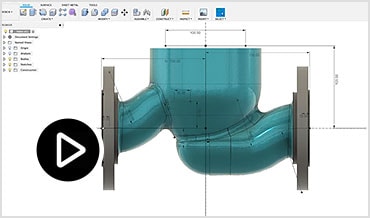
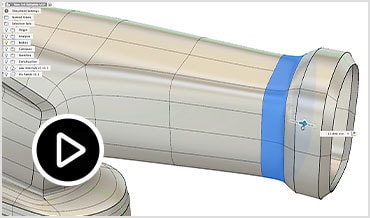
Freeform Modeling
Surface Modeling
Parametric Modeling
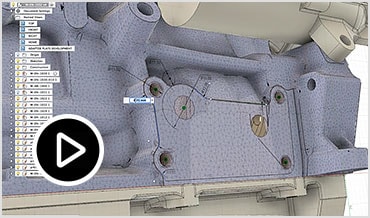
Mesh Modeling
Direct Modeling
PCB Design Integration
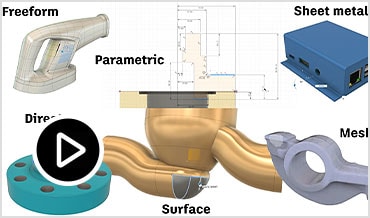
Conceptualize your various design interations in a single platform. The unified environment combines multiple modeling methods, giving you the flexibility to create high-quality products.
Create and edit sketches with sketch constraints, dimensions, and a powerful suite of sketch tools. Control complex splines and curves with a robust analysis toolset.
As an industrial designer, this allows me to get the results that I seek... from sketch to a model ready for 3D printing.
- Ujwal IK
Create complex sub-divisional surfaces with T-splines and increase the density of T-spline faces.
It would have taken an entire day, maybe 2, but with T-spline modeling, I was able to do it in minutes.
- Jason Pohl Senior Designer, Orange County Choppers
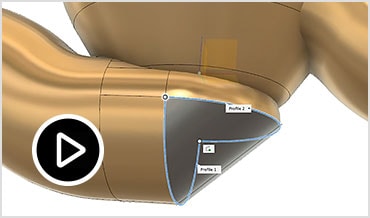
Create and edit complex parametric surfaces for repairing, patching or designing geometry.
It’s like a digital version of clay, except when you’re pushing it around, it doesn’t leave thumbprints.
- Jason Pohl Senior Designer, Orange County Choppers
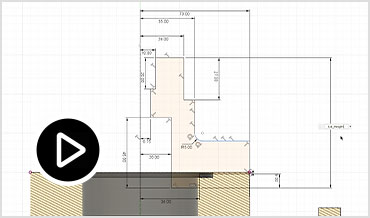
Create history-based features, including extrude, revolve, loft, sweep, etc., that update with design changes.
It really frees you up and you stop being timid. You just do it, because it’s all being captured right now.
- Gareth Conner Creative Conners
Edit and repair imported scans or mesh models, including STL and OBJ files.
The best thing about Fusion 360 is you can integrate different modeling styles.
- Matt Johnson Industrial Designer, Coalesse
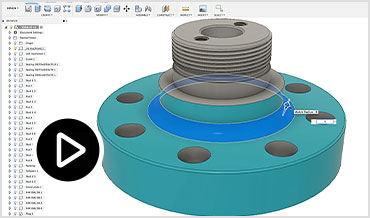
Edit or repair imported geometry from non-native file formats. Make design changes without worrying about time-based features.
Creating 3D objects from 2D sketches is very easy. The modify tools in Fusion 360 make it possible to change your models.
- Carson Bruess
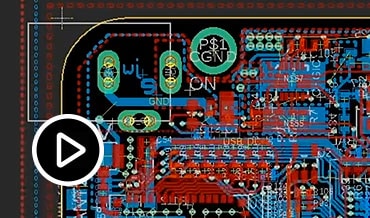
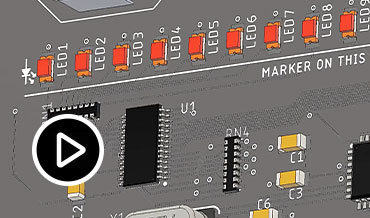
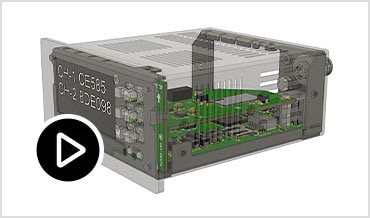
Synchronize bi-directional changes from your electronics designs seamlessly with Autodesk EAGLE interoperability.
I like the integration between Fusion 360 and EAGLE. It's the main reason I decided on EAGLE.
- Senior Electrical Engineer
3D Modeling
Overview
Sketching
Parametric Modeling
Direct Modeling
Freeform Modeling
Surface Modeling
Sheet Metal
Mesh Modeling
Assemblies
PCB Design Integration
Engineer products with a comprehensive set of modeling tools. Ensure form, fit, and function of your products with various analysis methods.
Create and edit sketches with sketch constraints, dimensions, and a powerful suite of sketch tools.
What used to take days, now is done in hours.
- Jim McWherter Brand Motion
Create history-based features, including extrude, revolve, loft, sweep, etc., that update with design changes.
With the eight-hour process for me to do in another tool, I can hop into Fusion 360 and have something in two hours the first time.
- Christian Welch Swissomation
Edit or repair imported geometry from non-native file formats. Make design changes without worrying about time-based features.
I love creating models with Fusion 360, it is very easy to sculpt, shape, and scale. Other programs make it very square and not exactly what I want.
- Kate Jovanovic
Create complex sub-divisional surfaces with T-splines and edit them with intuitive push-pull gestures.
Fusion 360 allows me to resolve the form in 3D & create renderings 50% faster than existing tools.
- Deborah Laun Brownlie Design
Create and edit complex parametric surfaces for repairing, patching or designing geometry.
In Fusion 360, within 20 minutes I had both contact points for the truck. In another tool, I would have budgeted 3-4 hours.
- Ed Eaton Dimonte Group
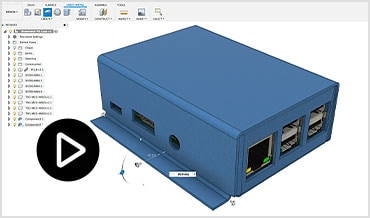
Design sheet metal parts components, document flat patterns using 2D drawings and DXFs, and manufacture your design with cutting strategies for water jet, laser and plasma machines.
We could finally use a CAD program that didn't need hours of preparation before starting to design. You just sit and start creating.
- Luciana Montivero
Edit and repair imported scans or mesh models, including STL and OBJ files.
My favorite features are user experience and speed. Design something and then build it in a day, whereas previously it might have taken a week.
- Adam Ellison Co-founder, Modbot
Assemble designs with a traditional bottom-up, middle-out, or top-down approach and analyze assembly motion.
You can just start modeling your ideas... large assemblies can be animated well.
- Consumer Goods Product Designer
Synchronize bi-directional changes from your electronics designs seamlessly with Autodesk EAGLE interoperability.
I like the integration between Fusion 360 and EAGLE. It's the main reason I decided on EAGLE.
- Senior Electrical Engineer
Electronics
Overview
Schematic Capture
PCB Layout
PCB Manufacturing (CAM)
Design For Manufacturability / DRC
MCAD-ECAD Unification
Component Library Management
SPICE Simulation
Electronics Cooling
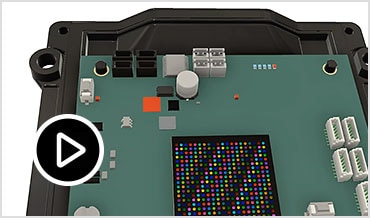
Bring your designs to life by adding electronic intelligence using the Schematic design, PCB Layout and routing capabilities integrated in Fusion 360.
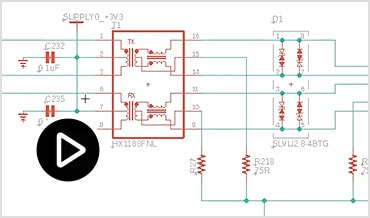
Bring your spark of an idea to life with a complete set of schematic editing tools.
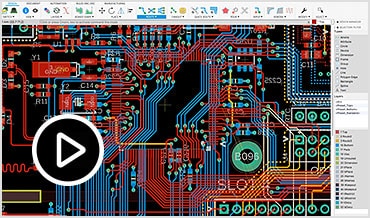
Connect your ideas together in a complete design with complete PCB layout tools.
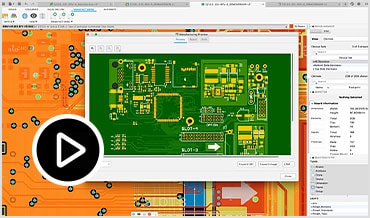
Generate gerbers, drill files, and assembly files with a click of a button.
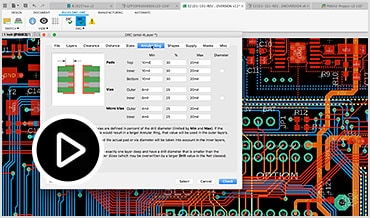
Stay true to your manufacturing requirements with customizable design rules.
Ensure your PCB fits the first time, every time with the only genuinely unified MCAD to ECAD software.
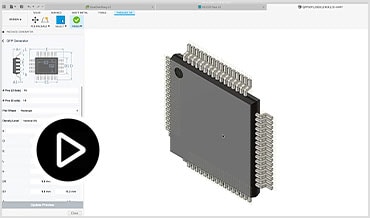
Stay focused on your design instead of creating parts with ready to use PCB library content and component wizards.
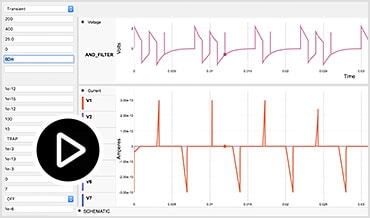
Ensure accuracy and get your schematics right the first with fully functional SPICE simulation.
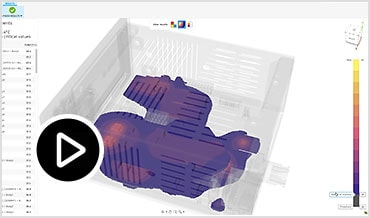
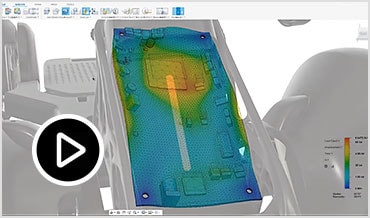
Remove excess heat within the enclosure, so you do not damage the internal components.
Data Management
Overview
Administrative Tools
User Management
File Export
Version Control
Cloud Storage
AnyCAD
Team Participant
Data management is the center of your unified development process. Gain more control by leveraging managed user permissions, version control, and cloud storage.
Assign permissions and grant rights to stakeholders inside or outside of your organization with a collection of advanced administration tools.
Include internal and external stakeholders in your development process. Manage how users interact with data through project administration.
We always found it challeging when we tried to share files, that is why are standardizing on Fusion 360.
- John Hamilton Design Studio Director, Coalesse
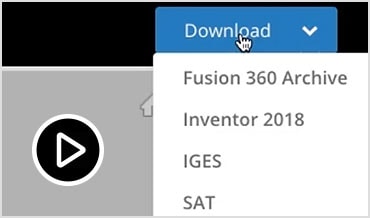
Export a variety of industry standard file formats making for easier shareability and external collaboration. Including STEP, DWG, DXF, OBJ, STL, IGES and more.
Reduce design cycle errors and workflow inefficiencies. Track every change and prevent conflicts with automated, built-in version management.
The ability to work at home at night when the kids are asleep is second to none. You have all the files available at a mouse click.
- Johan Sandflo Founder, SandFlo Golf Co.
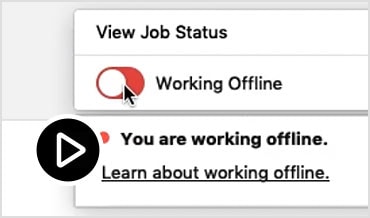
Access your data anywhere and everywhere, on any device. Continue working when not connected to the internet using offline mode.
It’s a pretty amazing testament to Fusion 360 that we’ve done this entire design & manufacturing process from different cities.
- SweetSense
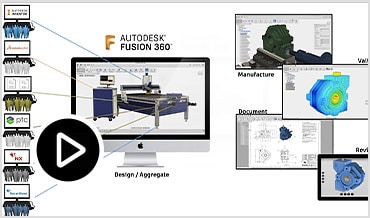
Eliminate the need for translation. Use models and data from any tool directly in your Fusion 360 design.
I’m able to seamlessly import a ton of file formats. Creating tool paths is Fusion 360 is easily 50% faster than Visual Mill.
- Ryan Boyd The Wise Company
All data management features are included with every Fusion 360 subscription or can be purchased separately. Add users to your environment for data management and collaboration purposes only.
Collaboration
Overview
User Management
Global Share
Commenting & Redlining
Unlimited Access
Public/Private Design Sharing
Team Participant
Remove the silos from your traditional design process and utilize a modern collaboration environment regardless of your role. Connect your teams and external stakeholders, communicate in real-time, and centralize project activity.
Include internal and external stakeholders in your development process. Manage how users interact with data through project administration.
I love the collaboration tools readily available right out of the box, allowing you to share and critique quickly and easily.
- Vittorio Cascianelli Designer, G2 Crowd
Connect teams across various departments and locations, both internally and externally, using a single platform.
As a team, we are able to collaboratively use the cloud to review the current design & discuss even when not physically in the same location.
- Annika Klüpfel Breeze
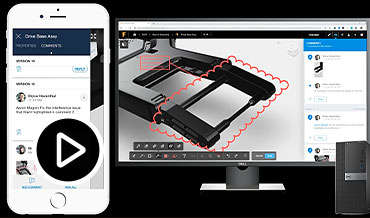
Capture and share feedback from any device, directly on the design using comments, redlines, and markups.
We can share projects real easy in real time with customers and partners.
- Manufacturing Shop
Access your data anywhere and everywhere, on any device. Continue working when not connected to the internet using offline mode.
I love that this software is cloud-based. You can access your work and your teams work anywhere!
- Kate Jovanovic G2 Crowd
Shared links preview in a web browser, so any third parties can interact with a 3D model, even if they don't have access to a modeling program.
Previously, I had to install eDrawings, then you can’t install or read it... send an .exe... email blocks it. With Fusion 360, just send the link.
- Christian Welch Swissomation
All data management features are included with every Fusion 360 subscription or can be purchased separately. Add users to your environment for data management and collaboration purposes only.
Rapid Prototyping / Make
Overview
3D Printing
CAM
Rendering
Quickly create your prototypes to validate your design prior to manufacturing. Reduce the impact of design changes, so you can produce your final product faster.
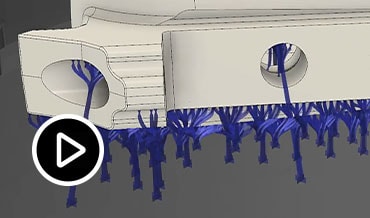
Build supports, preview slices, and generate toolpaths for a variety of 3D printers, and then send designs directly to your favorite 3D print utility.
Within 10 minutes, we see something in 3D and then send it to the 3D printer.
- Ian Redern Fabric
Your toolpaths update with every design change through our fully integrated manufacturing tools, making it quick and easy to machine prototypes.
This has allowed me to reduce the production time by nearly 80%.
- Consumer Product Company
Create photo-realistic images of your model, leveraging local or cloud rendering.
It’s so easy to render, the team was able to create 15 variations of color and material in 15 minutes, not 120 minutes it would have taken before.
- Mike Kowalski Brownlie Design
Generative Design
Overview
Manufacturing Methods & Constraints
Machine Learning & AI
Native, Editable Results
Cloud Solve
Costing
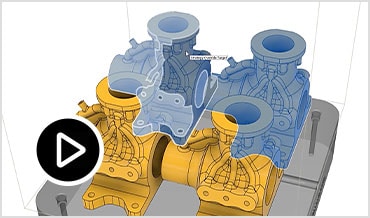
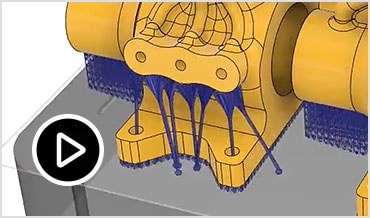
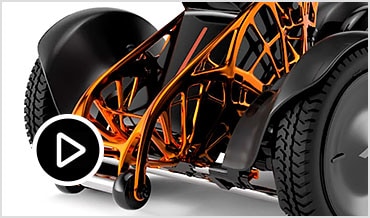
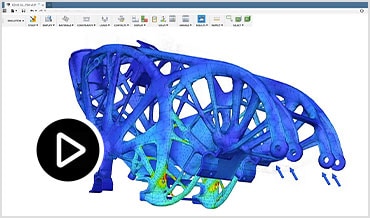
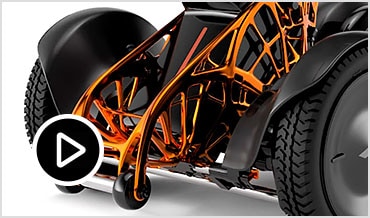
Explore multiple manufacturing-ready outcomes that meet your design specifications while reducing weight, improving performance, and consolidating parts.
Identify your design requirements, constraints, materials, and manufacturing options to generate manufacturing-ready designs.
Additive manufacturing and generative design are helping improve product performance for our customers, optimizing strength, weight, and cost.
- Steven Szymeczek Co-Founder, Penumbra
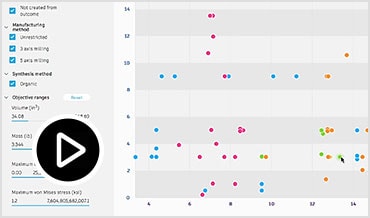
Review cloud-generated design outcomes based on visual similarities, plots, and filters powered by machine learning.
Generative design is so unique. It allows us to explore many different design options we wouldn't have been able to with traditional methods.
- Kevin Quinn Director, General Motors
Avoid lengthy, manual import-export processes. Choose your outcome and start editing in your modeling environment immediately.
Things like generative design allow us to implement, execute, and manufacture in a completely different fashion than we're thinking today.
- Frank DeSantis VP, Black & Decker
Simultaneously solve for various design outcomes, freeing up your time to focus on other tasks.
We don’t have to spend months & years guessing & simulating what we think the right solution is, we look at a whole range of solutions, telling us if our idea is feasible right from the beginning.
- Matt Otto R & D Engineer, Crown Equipment
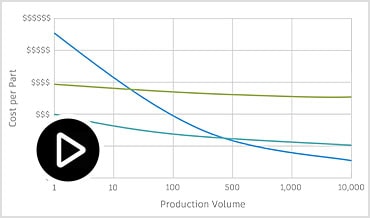
Make the right decisions early in the design process by striking the right balance between performance and cost. Estimate your manufacturing cost, powered by aPriori, for each of the generated design outcomes, based upon production volume requirements.
Simulation
Overview
Cloud Simulation
Study Breadth
Simplify
Compare Results
Static Stress
Modal Frequency
Thermal & Thermal Stress
Buckling
Non-linear Stress
Event Simulation
Shape Optimization
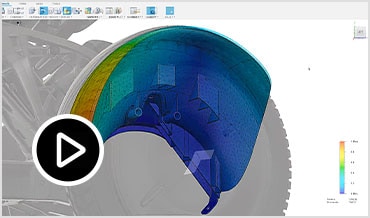
Test your designs to ensure they will survive real world conditions. Simulate your products digitally, reducing the cost of prototyping by using fully-validated solvers.
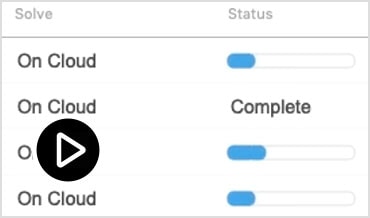
Using cloud credits, setup and analyze multiple tests quickly while eliminating the need for expensive hardware.
I can offload the renderings and simulations to the cloud instead of tying up my machine for 3-4 hours and have it back in 10 minutes.
- Christian Welch Swissomation
Test for up to eight different failure criterion, including nonlinear, event, and more.
Freeform modeling T-splines, parametric modeling,...[and] rendering (cloud-based), CAM and simulation, all in one product.
- Bonne Wilce
Cut solve time or explore design changes specific to the simulation workspace.
Fusion 360 is superior in terms of its low price & the possibility of using it for the entire workflow, from modeling to analysis to rendering.
- Tatsuhiko Sekiya Photosynth
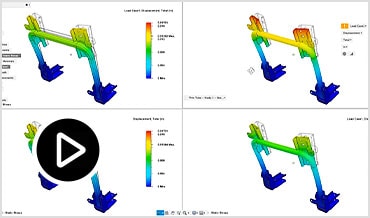
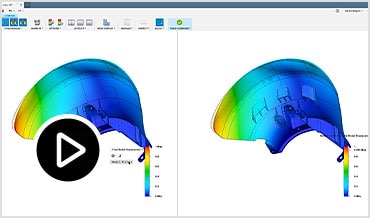
Easily visualize the benefits of design changes across 4 different iterations in a single, synchronized view.
We had all different kind of software packages, right now everything is integrated into the same software, and it’s so easy to use.
- Timon Alferink Engineer, KMP Motorsport Products
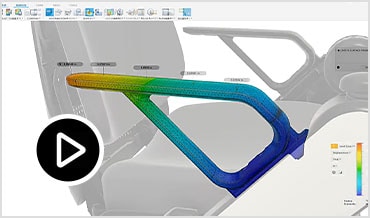
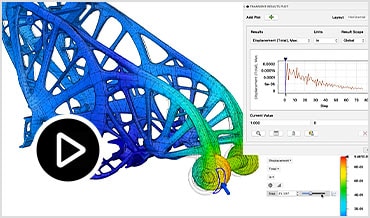
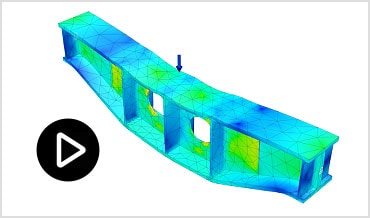
Determine displacements, stresses, and other effects resulting from static loads on parts or assemblies.
I also love the versatility of being able to model and stress test all in the same platform. Perfection!
- Chris Johnson Customer Success Representative
Avoid destructive vibration by understanding the natural frequencies of your systems.
We require scalable, flexible, cost-effective tools, focused on innovation and value, rather than squeezing max revenue from dated software.
- Mechanical Engineer Small Engineering Firm
Understand thermal distributions and how they interact with physical forces.
It's amazing how CAD programs just keep getting harder to use. Except for this one.
- Luciana Montivero
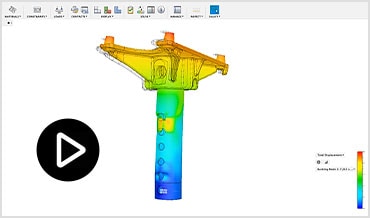
Predict unexpected failure modes for slender members under compression using simulation.
I also love the versatility of being able to model and stress test all in the same platform. Perfection!
- Chris Johnson Customer Success Representative
Analyze permanent deformations and nonlinear materials of your design.
With Fusion 360, we can quickly flip between modeling, rendering, and FEA.
- Adam Ellison Co-founder, Modbot
Ensure your design will withstand various impact scenarios.
I fell in love with how easy it is to use.
- Johan Sandflo Founder, SandFlo Golf Co.
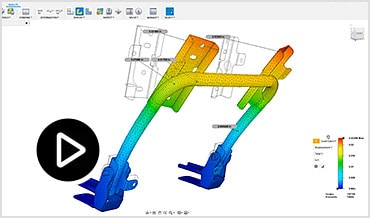
Identify unnecessary regions in your design for light-weighting, utilizing integrated simulation.
Documentation
Overview
2D Manufacturing Drawings
Rendering
Animation
Communicate your designs to internal or external stakeholders with 2D manufacturing drawings, renderings, and animations.
Document manufacturing specifications using integrated, associative drawings for parts and assemblies.
Fusion 360 has helped us get concepts designed quicker and with more iterations. What used to take days now is done in hours.
- Jim McWherter Brand Motion
Create photo-realistic images of your model, leveraging local or cloud rendering.
It allows me to resolve the form in 3D and create renderings for presentations 50% faster than existing tools.
- Deborah Laun Brownlie Design
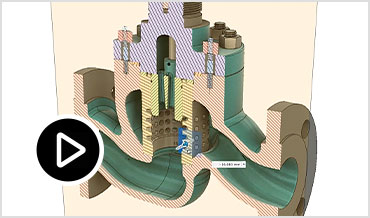
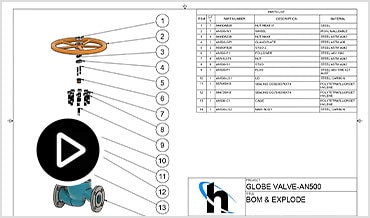
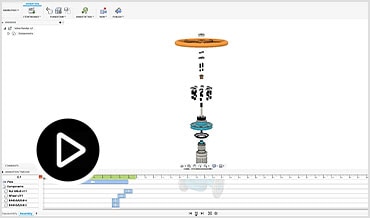
Communicate your designs with 3D exploded views and animations to show design assembly.
A prototype can be designed, animated, and shaded, all within the course of a few hours, rather than tens of hours.
- Christopher Acevedo G2Crowd
Manufacturing
Overview
2.5 & 3-axis Milling
3+2 Milling (5-axis Positional)
4-axis Milling
5-axis Simultaneous Milling
Setup Probing
Turning
Mill-Turning
Water Jet, Laser Cutter, Plasma Cutter
Free Post Processor Library
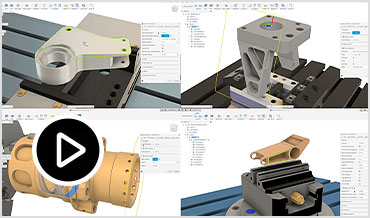
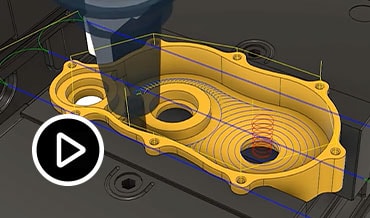
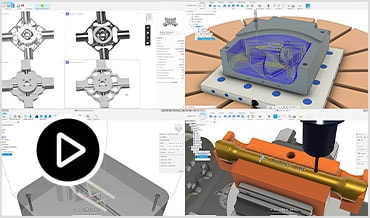
From high-efficiency roughing with Adaptive Clearing to simplified control of multi-axis machines with Tool Orientation, Fusion 360 makes it easy to program your CNC machine, fast. Manufacture with 2.5, 3, 4, and 5-axis milling, probing, turning, mill-turning, and profiling operations paired with a powerful post engine all included alongside professional design tools.
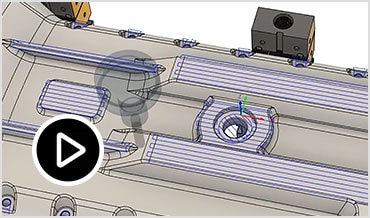
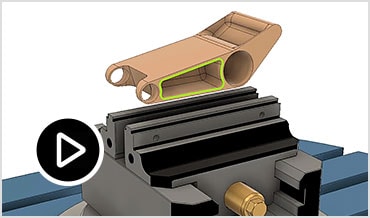
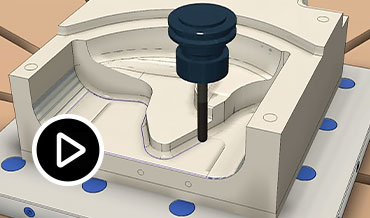
Quickly set up jobs and generate toolpaths to machine quality parts while reducing wear on your tools with fully integrated CAM, including 2.5 and 3-axis operations.
The quality of parts coming off our machines has improved due to more efficient programming strategies, as well as the integrated CAD environment.
- Jonathan Bancroft G2 Crowd
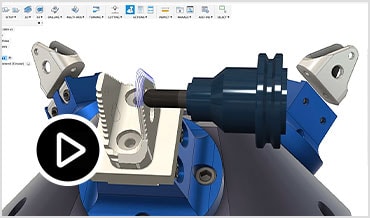
Leverage your shop's multi-axis capabilities with straightforward positional 5-axis programming that will significantly reduce machine setup time between operations.
With our other program, it would take an hour to calculate toolpaths. With Fusion 360, just a couple of minutes.
- Jeff Hooper Backhand Bikes
Create indexed or wrapped toolpaths using the rotary axis of your machine for complex geometry.
I needed the ability to cut past the base of the part to avoid tool changes. This has allowed me to reduce the production time by nearly 80%.
- Dave Killalea
Mill complex geometry, avoid collisions, and reduce tool lengths for superior surface finished with simultaneous full 5-axis operations.
I can have something from design stage to off the machine in one hour.
- Phil Butterworth MJK Performance
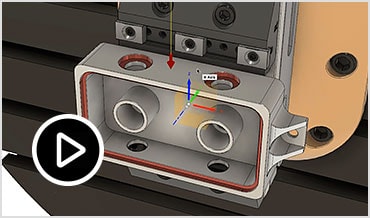
Leverage in-machine touch probes to shift work offsets and simplify your setup process.
Fusion 360 is our CAM workhorse. It has be able to do everything we have needed so far.
- Administrator Machine Shop
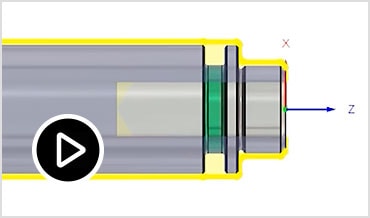
Program 2D turned parts and verify your turning toolpaths with stock simulation to identify errors or collisions with the model, stock, tools, and workholding.
Fusion 360 is our CAM workhorse. It has be able to do everything we have needed so far.
- Administrator Machine Shop
Combine milling and turning operations to create more complex parts without switching machines.
Fusion 360 has reduced our time to market by about 60%.
- KMP Motorsports
Generate toolpaths from solid model features, including flattened sheet metal components, to operate water jet, laser, and plasma cutters.
Full-featured CAM and CAD reduced time to make products by over 20%.
- Sean Miksys Great Lakes Machining
Post full NC programs in seconds with a post from our extensive library of free, open source, and fully editable post processors.
On our very first project, we saved over $14,000 by reducing cycle time by 9 minutes with no additional tool wear.
- Daniel Colbert Colbert Manufacturing
Manufacturing Extension
Overview
On-Machine Verification
5-axis Machining
Toolpath Modifications
4-axis Rotary
Programming Automation
Metal Additive
Using cloud credits, amplify the power of Fusion 360 with advanced manufacturing technologies. Improve your speed with automation, while gaining more control of your machine and processes.
Streamline your verification process with surface inspection and probe geometry. Free up time for more reliable unattended machining.
Improve surface finish and increase cycle efficiency with advanced 5-axis controls for Steep and Shallow toolpaths. Machine complex parts safely with full 5-axis collision avoidance.
Simplify programming by quickly trimming selected areas of toolpaths inside or outside a sketched boundary. Trim operations automatically add new, gouge-free leads and links without needing to recalculate the entire toolpath.
Produce efficient 4-axis toolpaths to machine revolved parts, or those with a centerline axis. Choose from a range of Rotary toolpath strategies to suit your CNC machine.
Simplify and speed up drilling by automatically recognizing holes, selecting tools, and ordering operations efficiently for faster cycles.
Select print parameters, automatically orient parts, and generate support structures and toolpaths with additive manufacturing.
Stop struggling with broken processes and get back to what you do best. A complete product development solution is waiting for you.
— /year
4 GB
10 Mbps Internet connection. Turn off all active applications, including virus checking software
Students, teachers, and academic institutions worldwide are eligible for free access to Autodesk software. Yes, free. We genuinely believe in education.
This may take a while. Might we suggest coffee (not included)?
When complete, locate the file on your computer.
Run the install to start your trial.
Please check ADLM page.
Privacy settings | Privacy/Cookies | About our Ads | Legal | Report Noncompliance | Site map | © 2020 Autodesk Inc. All rights reserved
I agree that Autodesk may share my name and email address with ${RESELLERNAME} so that ${RESELLERNAME} may provide installation support and send me marketing communications. I understand that the Reseller will be the party responsible for how this data will be used and managed.
Email is required Entered email is invalid.