What is AutoCAD LT

AutoCAD LT: 2D CAD software for architecture, engineering, and design

Discover a cost-effective way to get access to the best-in-class software for 2D drafting, design, and documentation.

Women collaborating and viewing a tablet.

What is Autodesk AutoCAD LT?

AutoCAD LT is a best-in-class tool for 2D drafting, design and documentation, supporting professionals who need precision and efficiency. You can create and edit trusted 2D DWG files while collaborating securely with your team.

AutoCAD LT has some of the same powerful features that AutoCAD does, including Smart Blocks: Search and Convert and the ability to automate tasks and CAD standards with AutoLISP, but at a lower price point, making it a good choice for professionals who don't need 3D capabilities, specialized industry toolsets, or the advanced Autodesk-AI powered automations that AutoCAD offers.

CAD drawing of a pumping station created in

AutoCAD LT subscription options and costs

AutoCAD LT is available by subscription from Autodesk or an authorized partner-reseller. Monthly subscriptions cost /month, while an annual subscription costs /year, which averages out to /month billed annually. You can also choose a 3-year subscription for , which also averages out /month, but enables you to lock in a consistent price for three years. AutoCAD LT is not available on a pay-as-you-go model via Autodesk Flex. A 15-day free trial is available for new users.

Students and educators can get free one-year educational access to Autodesk products and services, renewable for as long as you remain eligible. Learn more about our education offerings.

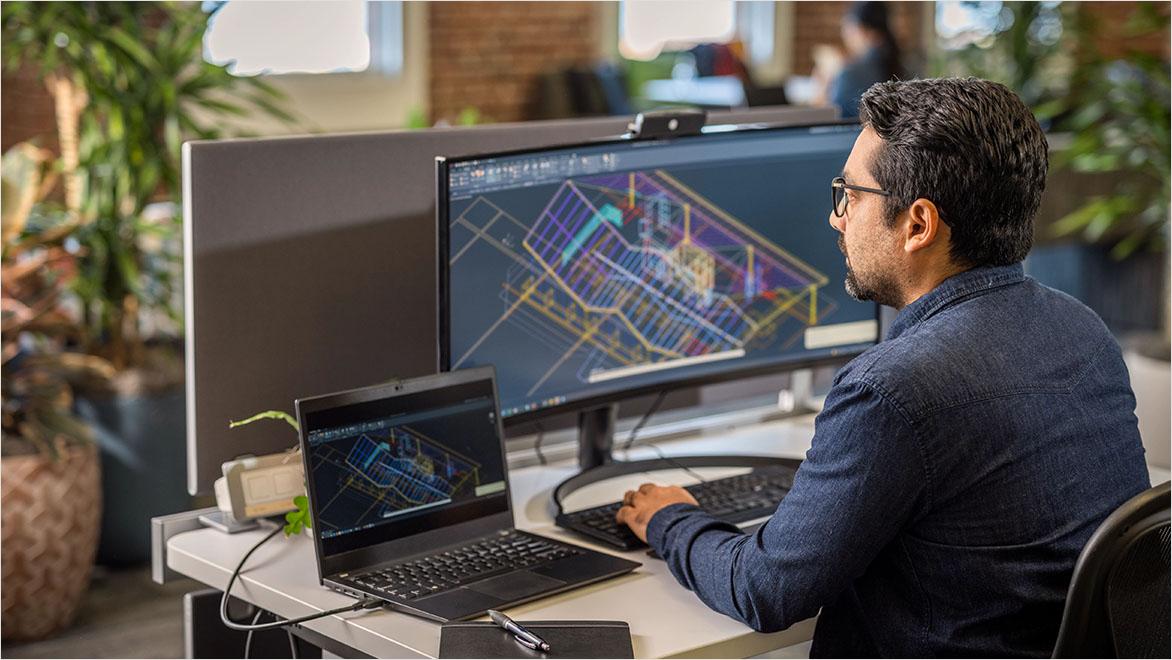
Man using AutoCAD in an office environment

How to buy AutoCAD LT

You can buy a subscription online directly from Autodesk, talk to an Autodesk sales representative, or consult an authorized reseller. You can also get help purchasing your subscription from the Autodesk Assistant by clicking on the icon in the lower right corner of your browser window.

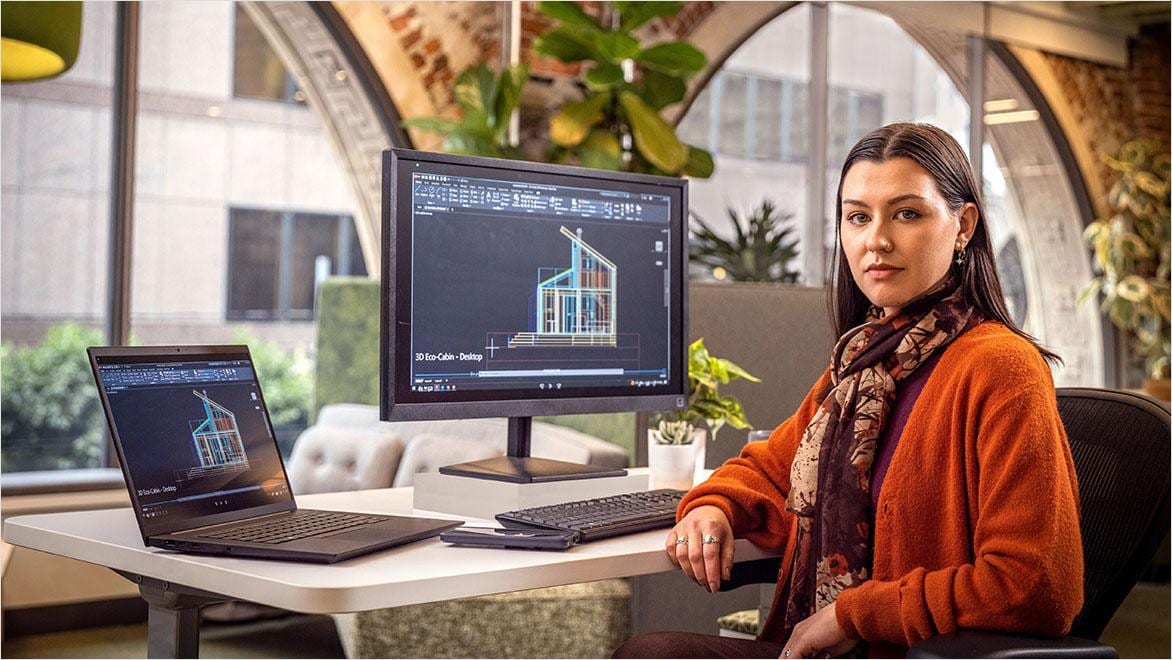
Man using AutoCAD in an office environment

What are the differences between AutoCAD and AutoCAD LT?

While AutoCAD LT has many of the same features as AutoCAD at a lower price point, there are key differences:

  • 2D vs 3D: AutoCAD LT provides precision 2D drafting and documentation capabilities, while AutoCAD has additional 3D and parametric capabilities. You can’t do 3D rotation or panning in AutoCAD LT, nor can you view advanced geometric shapes in 3D.
  • Industry‑specific toolsets: AutoCAD has seven industry‑specific toolsets included in the subscription, such as Electrical, Mechanical, Architecture, and Map 3D toolsets. These toolsets are not available in AutoCAD LT.
  • APIs and automation: While AutoCAD LT enables AutoLISP programming and some limited automation, AutoCAD offers many more APIs and AI‑powered automations and insights, including integration with Visual Basic and macros.

AutoCAD LT could be the right choice for you if you need precise 2D drafting and documentation capabilities, advanced data management features, access to AutoLISP programming, and the ability to share documents with collaborators on web and mobile.

AutoCAD could be the right choice for you if you also need 3D design capabilities, access to the seven industry‑specific toolsets, and access to advanced APIs and Autodesk AI‑powered automations.

Learn more with AutoCAD vs. AutoCAD LT: Choosing the right design software for your needs .

Rendering of a commercial building using Revit LT stand-alone or AutoCAD Revit LT Suite

Comparing AutoCAD LT and AutoCAD Revit LT Suite

AutoCAD LT is also available as part of the AutoCAD Revit LT Suite, which gives you access to both AutoCAD LT and Revit LT.

With the AutoCAD Revit LT Suite, you have access to simplified Building Information Modeling (BIM) capabilities in addition to 2D drafting tools. BIM workflows enable a different approach to design than traditional drafting by creating integrated, data-rich 3D representations of buildings that can capture and convey information such as materials, costs, and scheduling, while 2D drawing primarily captures only design intent. With BIM, you can take a more comprehensive view of a project across the full building lifecycle, from concepting and design through operations. Learn more about the AutoCAD Revit LT Suite .

AutoCAD Revit LT Suite costs via a monthly subscription or /year, which averages out to /month when paid annually.

Rendering of a residential building using Revit LT stand-alone or AutoCAD Revit LT Suite

When to consider AutoCAD Revit LT Suite

AutoCAD LT could be the right choice for you if you only expect to need access to CAD-based 2D drafting and documentation tools and only need to deliver DWG files and PDF documents.

AutoCAD Revit LT Suite could be the right choice for you if:

  • You need to use both CAD and BIM workflows, for example if you need to deliver both DWG and model-based documentation for a project.
  • You are transitioning from CAD to BIM workflows or expect to do so soon.
  • You need to collaborate with partners who use BIM workflows.
Rendering of a residential building using Revit LT stand-alone or AutoCAD Revit LT Suite

Using AutoCAD LT and Revit LT together

AutoCAD LT and Revit LT are complimentary and interoperable. Subscribing to the AutoCAD Revit LT Suite enables you to access both, so you can deliver certain projects and precise 2D drawings of components in CAD, and also author full digital representations of entire buildings, coordinated documentation, and BIM deliverables when needed.

Sustainable green building

What is 2D CAD software?

2D computer-aided design, or CAD, software uses computers to do what designers, drafters, and engineers used to do with paper, pencils, and mechanical tools like compasses and t-squares. CAD software enables hobbyists and professionals in fields such as architecture, engineering, and manufacturing to digitally create technical drawings and plans in two dimensions, going from concept sketches to detailed drafting of everything from buildings, interiors, and landscapes to consumer products, electronics, and furniture. Learn more about 2D CAD software.

Industries that use AutoCAD LT

Professionals in a range of industries use AutoCAD LT to capture, refine, and convey their design and engineering ideas to clients, collaborators, and stakeholders. 

AEC industry

  • Architecture and building design focuses on planning and designing buildings and spaces, balancing aesthetics, functionality, safety, and regulatory requirements from concept through construction.
  • Building engineering encompasses the technical design of structural and building systems, ensuring that buildings perform safely, efficiently, and reliably throughout their lifecycle.
  • Construction professionals manage the planning, coordination, and execution of building and infrastructure projects, translating design documents into completed physical assets.
  • Mechanical, electrical, and plumbing (MEP) design addresses the systems that make buildings functional and comfortable, including heating and cooling, power and lighting, water supply, drainage, and life‑safety systems.
  • Interior design centers on shaping interior spaces to support how people live, work, and interact, integrating layout, materials, finishes, furnishings, and building constraints.
  • Urban planning involves shaping land use and development at the city or regional scale, considering transportation, housing, public space, sustainability, and long‑term growth.

Design & Manufacturing industry

  • Product design and manufacturing covers the design and production of physical products, from consumer goods to industrial components, with attention to function, manufacturability, and quality.
  • Automotive designs, engineers, and produces vehicles and related systems, spanning passenger cars, commercial vehicles, and supporting manufacturing processes.
  • Aerospace focuses on the design and production of aircraft, spacecraft, and related systems, operating within highly regulated environments that demand precision and reliability.

Woman using AutoCAD in an office environment

Key features of AutoCAD LT

  • AutoLISP – Automate tasks to enforce CAD standards and streamline workflows.
  • Autodesk assistant – Get support with new features and solutions to design challenges while using AutoCAD LT.
  • Document sharing – Push your CAD drawings directly from AutoCAD LT to Forma Data Management as PDFs.
  • Smart Blocks – Bring uniformity to drawings by intelligently converting objects and text into new or existing blocks.
  • Activity insights – Track version history and user activity, and compare file versions.
  • Collaboration and connectivity – Create, share, and review work on desktop, web, and mobile devices.
  • Trace – Provide and collect feedback and markups without modifying the original documents.
  • Count – Simplify the process of counting blocks or objects in a selected area, then filter and display counts in tables.
  • File conversion – Push drawings out as PDFs and convert PDFs to geometry quickly.

Woman using AutoCAD in an office environment.

What’s new in AutoCAD LT 2026

New features and capabilities are added to AutoCAD LT with each release. Here are some of the new and enhanced features in AutoCAD LT 2026:

  • Connected support filesCAD managers can define settings and support files for each project, enabling any user to view and edit DWG files in a particular project without additional configuration.
  • Smart Blocks: Search and convert – Search drawings for objects and text that can be converted into new or existing blocks with the help of Autodesk AI.
  • Multi-user markup for web and mobile – Collect and share feedback from multiple stakeholders with Autodesk Docs markup tools.

AutoCAD LT customer stories

Modern creative workspace with open seating

Aligning concept, place, and experience

Tokyo-based design studio Wise Labo used AutoCAD LT for the interior design of Marriott International’s Moxy Osaka Honmachi hotel, translating a clear design concept into spaces that balance brand identity, local context, and guest experience.


Image courtesy of Marriott International, Inc./Moxy Hotels.

Butterfly-shaped metallic handbag

Rebuilding a creative business through digital precision

Pennsylvania-based designer Wendy Stevens used AutoCAD LT to rebuild her metal handbag business after a devastating fire by transitioning from fully handmade templates to a digital design workflow.


Image courtesy of Wendy Stevens.

Lush garden landscape

Adapting a design practice to changing conditions

California-based landscape design firm Nature’s Designs transitioned to a fully digital, design-focused practice in response to environmental challenges and shifting business needs, using AutoCAD LT to deliver residential garden plans rooted in local ecology and sustainability.


Image courtesy of Rose Remillard.

Workers viewing a digital tablet at a construction site.

AutoCAD LT resources

Learn more about AutoCAD LT and build your skills with these resources.

Frequently Asked Questions about AutoCAD LT

Should I use 2D or 3D CAD software?

Whether you should choose 2D or 3D CAD software depends on your professional needs. 2D CAD tools like AutoCAD LT provide precision drafting and documentation, enabling you to deliver DWG files and PDF documents. These are best-in-class for conveying design intent. The 3D capabilities available in AutoCAD enable greater detail and understanding for complex geometries. Keep in mind, though, that 3D CAD is not the same thing as BIM. BIM software like Revit and Revit LT enables the creation of models that integrate diverse kinds of information such as materials, costs, and scheduling, in addition to design intent. To learn more, check out this detailed comparison of AutoCAD and AutoCAD LT.

What platforms does AutoCAD LT work on?

AutoCAD LT runs on Microsoft® Windows® 11 or Windows 10 version 1809 or above, as well as on Apple® macOS® Monterey v12 or above. See all the system recommendations and requirements for AutoCAD LT.

Can you view 3D models in AutoCAD LT?

Yes, you can view 3D models in AutoCAD LT but can’t create or edit them. To create and edit 3D models, you’ll need access to AutoCAD.

Does my AutoCAD LT subscription include web and mobile access?

Yes, AutoCAD LT subscriptions include web and mobile access. 

How many computers can I install AutoCAD LT on?

With a subscription to AutoCAD LT, you can install it on up to three computers or other devices. However, only the named user can sign in and use that software on a single computer at any given time.  

Can I buy AutoCAD LT without a subscription?

No. AutoCAD LT is not available in the pay-as-you-go model of Autodesk Flex. You will need either a monthly or an annual subscription. Perpetual licenses are no longer available. Students and educators can get free one-year educational access to Autodesk products and services, renewable for as long as you remain eligible. Learn more

Can you do electrical drawings in AutoCAD LT?

AutoCAD LT provides the capabilities for basic electrical drawings, but the full Electrical Toolset is available only in AutoCAD.

What kinds of files can AutoCAD LT open?

AutoCAD LT can open DWG files as well as PDF,DGN, LIN, SCR, SLD, and TXT. Learn more.

See more FAQ