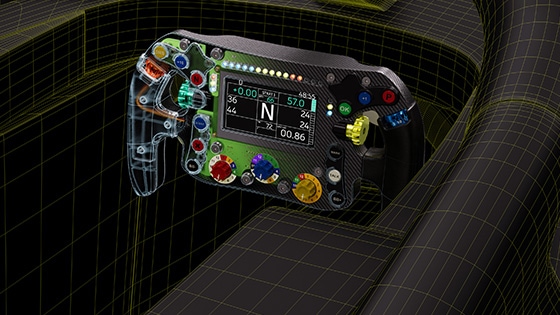
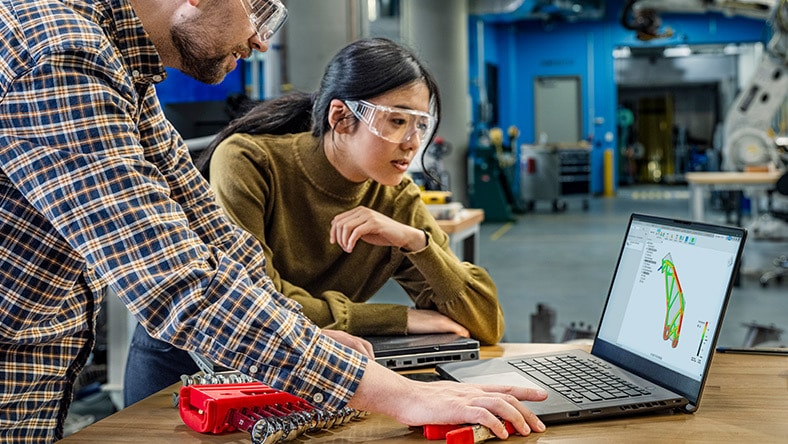
Autodesk Fusion: More than CAD, it's the future of design and manufacturing

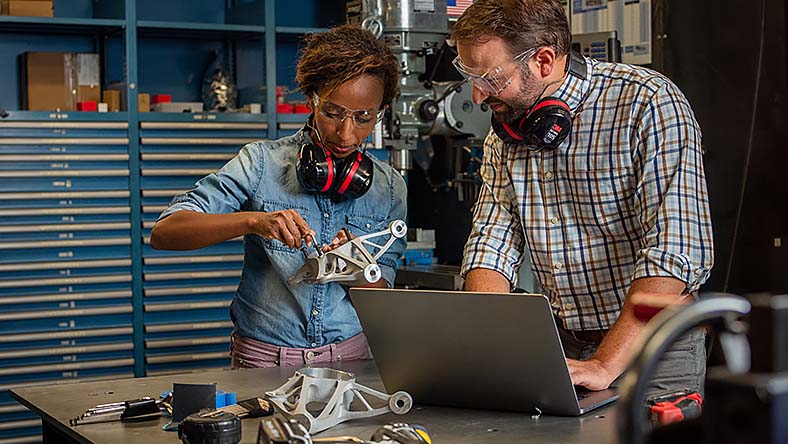
Transform your team’s product development process with integrated design, manufacturing, electronics, and data management in a single solution with Fusion.
autodesk fusion overview mobile banner

Trusted by over 4.6 million professionals, including

yamaha logo
logitech logo
gibson logo
fo fast campers logo

Connect your data, people, and processes with Fusion

Accelerate your design to manufacturing process

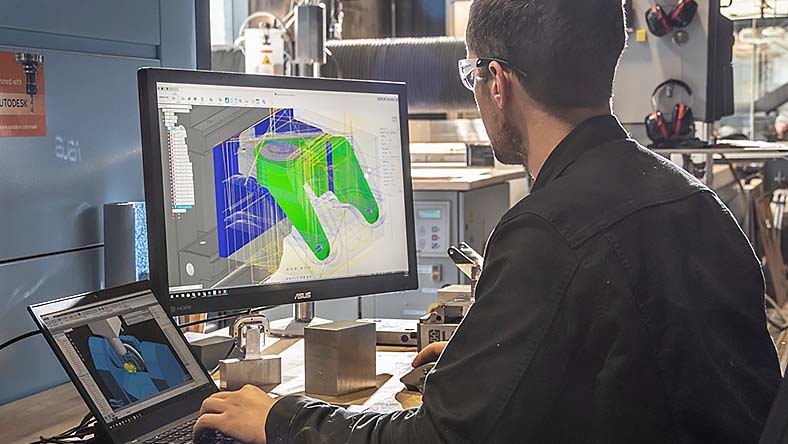
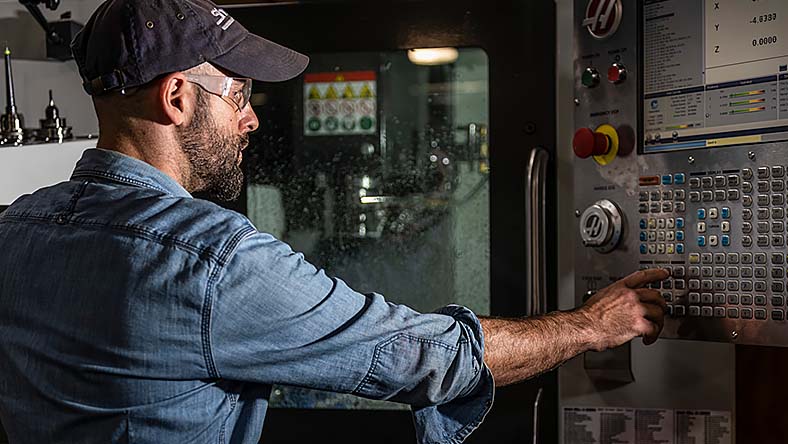
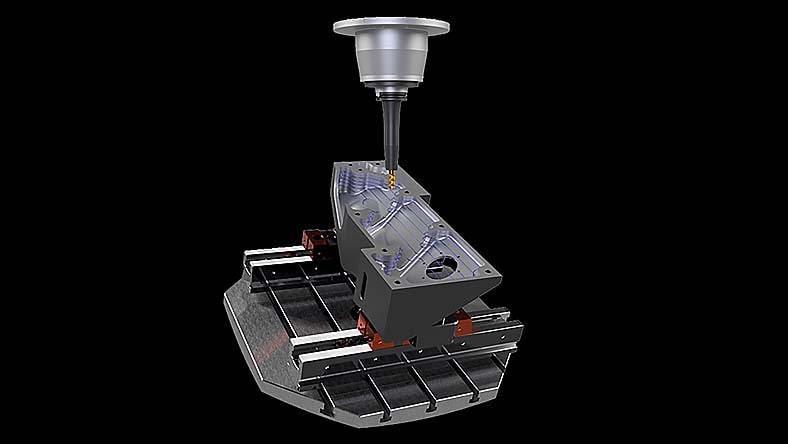
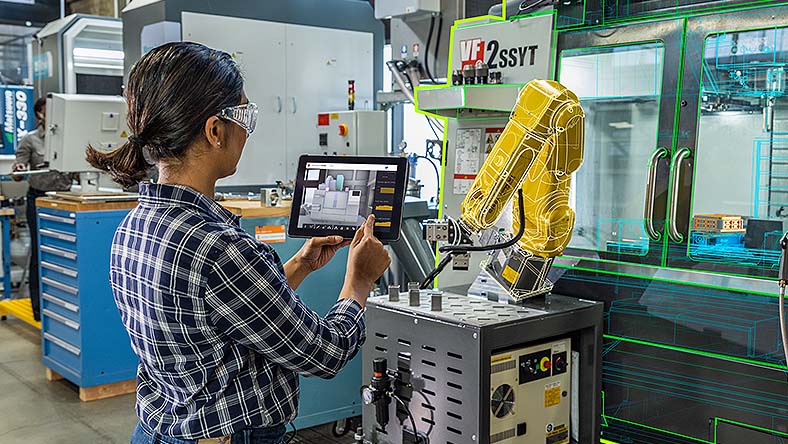
Produce high-quality machined parts faster with a single integrated CAD / CAM solution built for manufacturing teams.

Turn design complexity into a competitive advantage

Improve your design process, get to market faster, and outperform the competition with integrated modeling, simulation, change management, and PLM tools.

Break down silos with built-in PDM and PLM

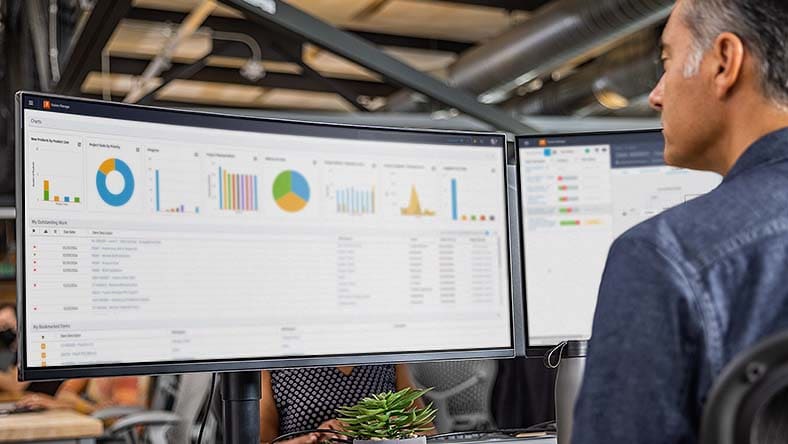
Bring product ideas to life with real-time data and automated workflows to improve collaboration, accelerate decisions, and speed up product development across your organization.

Autodesk Fusion plans and pricing

Streamline your team’s product development processes with flexible Fusion subscription options.

THE FOUNDATION FOR MODERN PRODUCT DEVELOPMENT

Autodesk Fusion

Try Fusion free for 30-days


Integrated CAD, CAM, CAE, PCB, and PDM essentials for design and collaboration in a single, unified workspace.


Includes:

  • Fully integrated CAD/CAM
  • Real-time team collaboration
  • PCB design + electromechanical integration
  • Drawing automation & design configuration

Best for: Early-stage teams and makers


/year ($57/month, billed annually)


THE COMPLETE MANUFACTURING SOLUTION

Autodesk Fusion for Manufacturing

Try Fusion for Manufacturing free for 30-days


Built for machinists, manufacturers, and engineers who need advanced CAM automation, high-precision machining, and robust CAD tools in one environment.


Includes all Fusion features, plus advanced manufacturing capabilities:

  • 2D to 5-axis machining
  • Milling, turning, and turn-mill
  • Automated CAM programming
  • Part inspection & probing
  • Free and editable post-processors

Best for: Machine shops, fabrication teams, manufacturing engineers


/year ($170/month, billed annually)


THE COMPLETE DESIGN AND DATA SOLUTION

Autodesk Fusion for Design

Try Fusion for Design free for 30 days


For engineers, designers, and product teams tackling complex, performance-critical designs — with advanced simulation, surfacing, generative design, and PLM workflows built-in.


Includes all Fusion features, plus advanced design capabilities:

  • 10 additional simulation studies
  • Generative design technology
  • Advanced surfacing + mesh editing
  • Additional plastic rules for design
  • Integrated lifecycle management

Best for: Advanced product design teams, R&D, engineering organizations


/year ($183/month, billed annually)


Design and manufacturing solutions for everyone

Design and manufacturing team capabilities and workflows

Unified functions

Working in disconnected product development tools can cause errors and delays. Enable seamless teamwork in the same workspace, without the need for multiple tools.


Data management

Storing files locally in different formats can cause version control, collaboration, and security issues. Bring your teams onto one secure, cloud workspace for accessible, current, and secure data.


Access and control

Managers often struggle to get project updates in a timely manner. Fusion provides up-to-date progress info, controlled access to audit trails of changes, comments, and history.


Automated drawings

Streamline design documentation to enable quick and precise 2D drawings from 3D models, enhancing efficiency and accuracy.


Machining capabilities and workflows

Automated machining

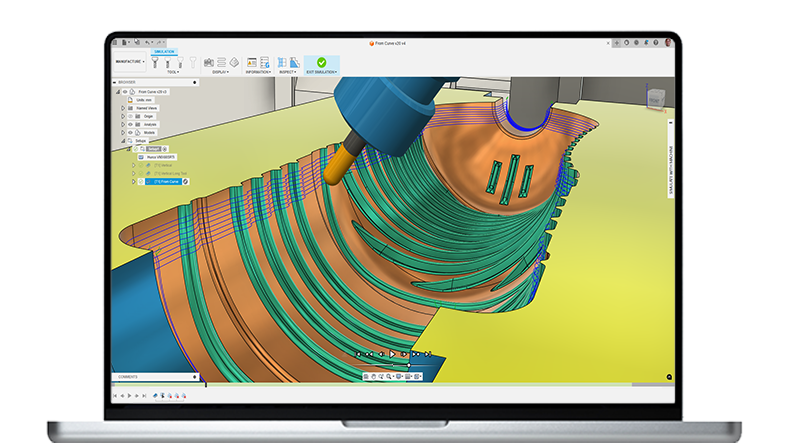
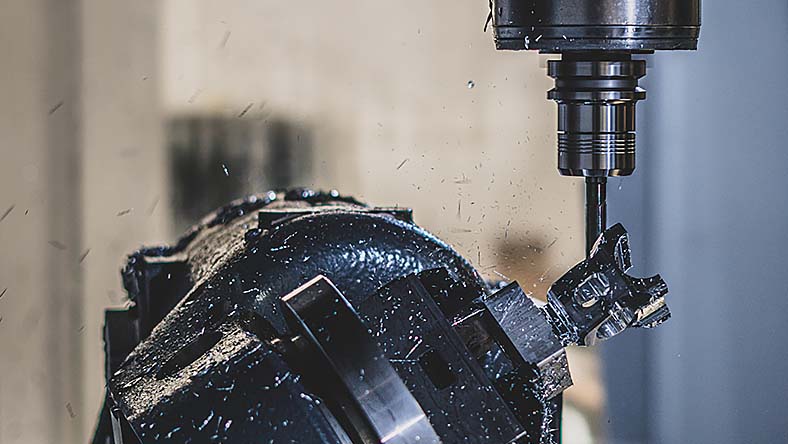
Program complex, feature-rich components with ease using intelligent whole-part strategies like steep & shallow, deburr, hole recognition, and rotary.


Toolpath modifications

Speed up CAM programming with powerful modification tools that can turn a good toolpath into a great one - all without wasteful recalculation time.


Multi-axis simultaneous machining

Achieve superior surface finish with specialized 4- and 5-axis toolpaths. Additional axis controls and collision avoidance ensure safe, smooth machine motion.


Setup probing and inspection

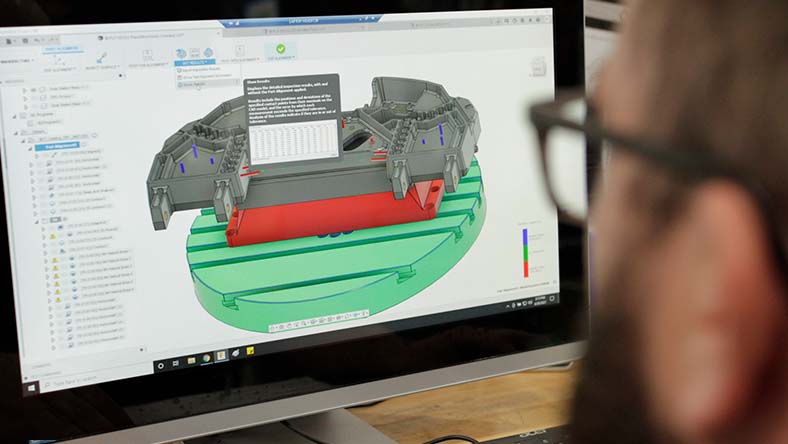
Save time and money with spindle-mounted touch probes for CNC machining. Measure stock material, update work offsets, monitor quality, automate part setup, and more.


Electronics engineering capabilities and workflows

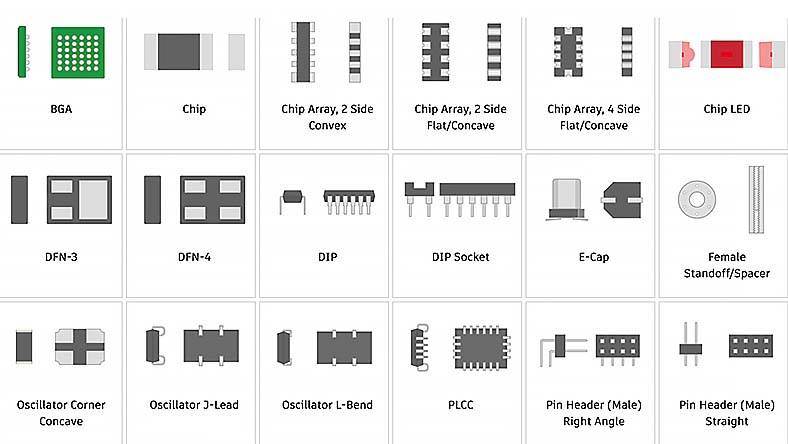
Component libraries

Reduce engineering workload, design new components with ease, and decrease the need for manual content creation with comprehensive component libraries.


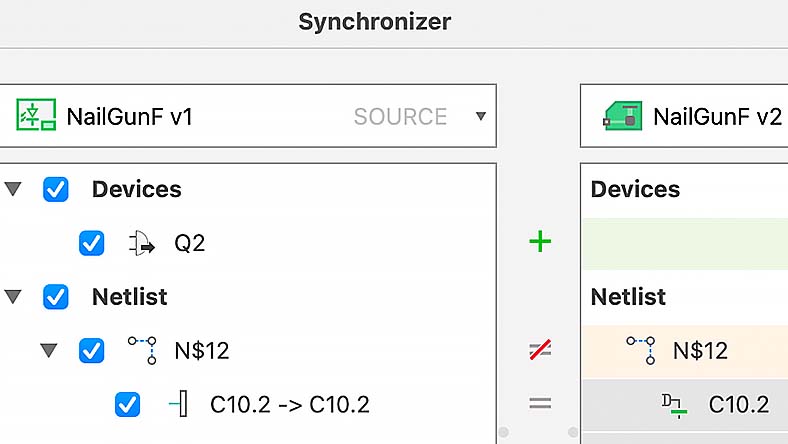
Synchronization

Reduce errors, enhance efficiency, and improve accuracy. Synchronization between PCB and schematic in an ECAD application maintains design integrity and consistency.


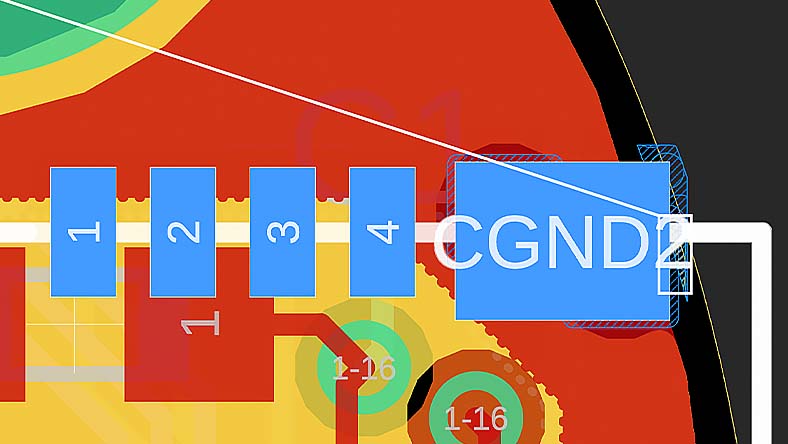
Live DRC and insights for design constraints

Design your printed circuit boards rapidly and efficiently, leveraging real-time constraint violation detection for immediate alerts on component placement and trace routing issues.


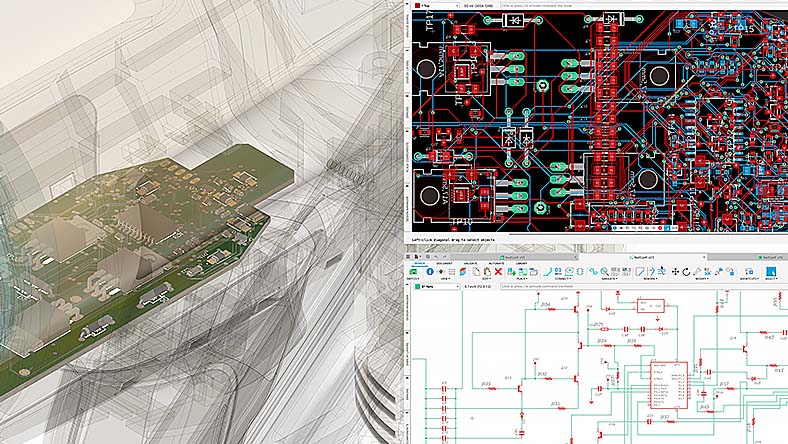
Unified design environment

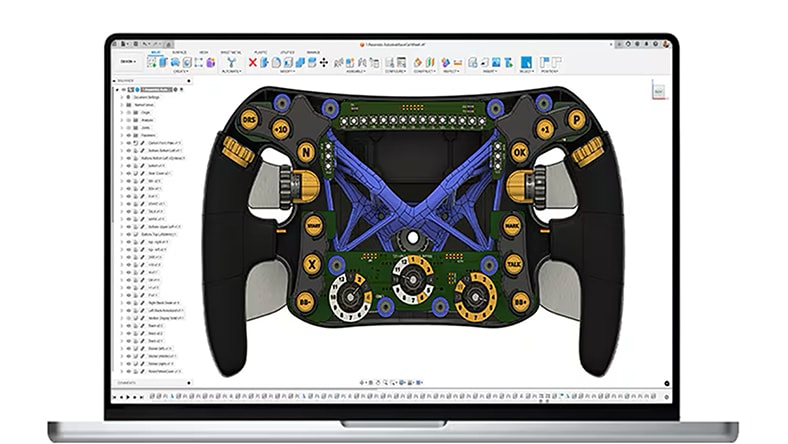
Empower collaboration between electronic and mechanical engineers in a unified design platform. Enhance accuracy and efficiency by eliminating error-prone conversion steps.


Industrial design capabilities and workflows

Configurations

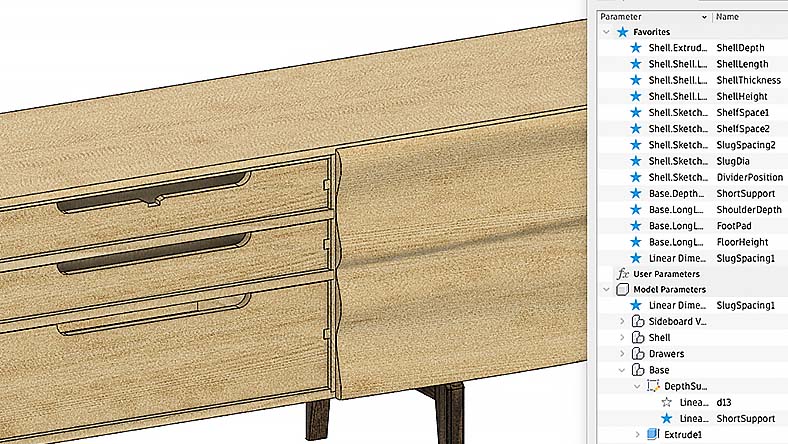
Configurations provide an intelligent way to maximize the utility of parametric designs. Gain the ability to create and manage multiple design variations from a single, unified model.


Collaboration

Remove the silos from your traditional design process and use a modern collaboration environment. Connect your teams and clients, communicate in real-time, and centralize project activity.


Generative design

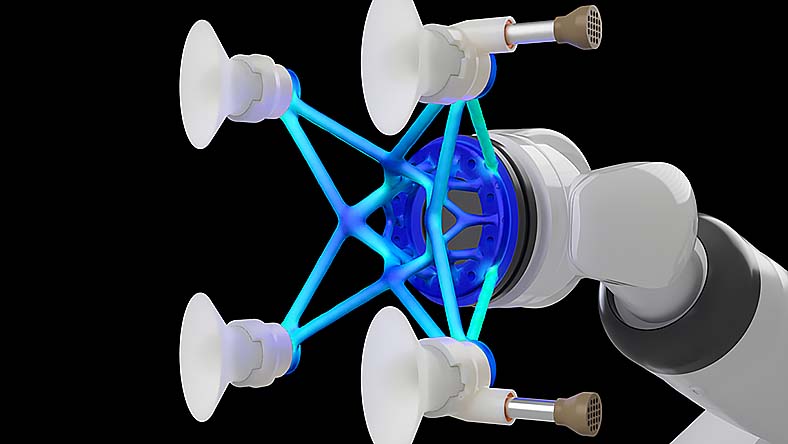
Explore multiple manufacturing-ready outcomes that meet your design specifications while reducing weight, improving performance, and consolidating parts through generative design.


Parametric modeling

Maximize the utility of parametric designs with configurations. Create and manage multiple design variations from a single, unified model.


Mechanical engineering capabilities and workflows

Versatile 3D design

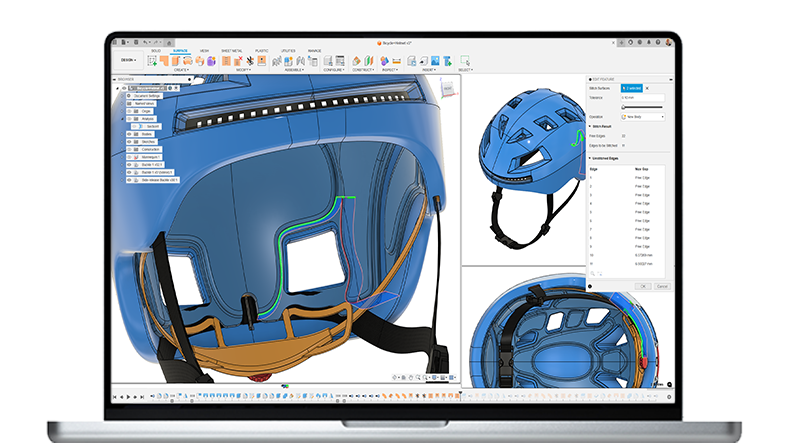
Engineer products with a comprehensive set of modeling tools, including 3D parametric modeling, mesh, surfacing, and automated design capabilities. Ensure your products' form, fit, and function with diverse analysis methods.


Cloud collaboration

Break free from traditional design silos. Embrace a modern collaboration environment to connect teams and clients, communicate in real-time, and centralize project activity.


Rapid simulation

Discover manufacturing-ready outcomes that meet design specifications, reduce weight, improve performance, and consolidate parts through generative design.


Integrated CAD+CAM

Effortlessly adjust dimensions and geometries with a few clicks, saving time, and reducing errors. Every changes reflects across the entire model for design consistency.


G2 Summer 2021 ranking

"Fusion is recognized as the best professional cloud product design and manufacturing software platform on G2."

– 4.5/5 rating, 500+ reviews on G2

Autodesk Fusion industry cloud for manufacturing solutions

CLOUD-BASED CAD, CAM, CAE, & PCB

see more

Autodesk Fusion

Streamline your product development and go from design to manufacturing faster with fully integrated cloud-based CAD, CAM, CAE, and PCB software.


see more

CLOUD-BASED PLM

see more

Autodesk Fusion Manage

Enhance workflows and improve collaboration for product development across your organization with cloud-based product lifecycle management.


see more

Manufacturing and fabrication Insights

see more

Autodesk Fusion Operations

Reduce wastes and costs, shorten lead times, and minimize shop maintenance with production management and production floor tracking software.


see more


STREAMLINE YOUR PRODUCT DEVELOPMENT WITH FUSION

Start bringing products to market faster with Autodesk Fusion

Join over 4.6 million design and manufacturing professionals that have made Autodesk Fusion their go-to design to manufacturing solution.

Autodesk Fusion frequently asked questions (FAQs)

What is Autodesk Fusion?

Autodesk Fusion is design, engineering, electronics, and manufacturing software, all-in-one. Connect your entire product development process into one cloud-based software with integrated 3D CAD, CAM, CAE, and PCB.

Who uses Autodesk Fusion?

Industrial designers, mechanical engineers, electrical engineers, machinists, hobbyists, and startups use Autodesk Fusion. 

Is Autodesk Fusion free?

Is Autodesk Fusion the same as AutoCAD?

Autodesk Fusion is integrated CAD, CAM, CAE, and PCB software, whereas AutoCAD is CAD software to create 2D and 3D drawings. Compare Autodesk Fusion vs AutoCAD

What is the price of an Autodesk Fusion subscription?

Autodesk Fusion is paid monthly, paid annually, or paid every 3 years.

How can I renew my Autodesk Fusion subscription?

If you purchased online, your subscription will automatically renew unless you’ve turned auto-renew off. Simply sign in to your Autodesk Account and select the product you want to renew and verify that your auto-renew is set to on and your payment method is correct.

What are the system requirements for Autodesk Fusion?

Learn about system requirements for Autodesk Fusion here.

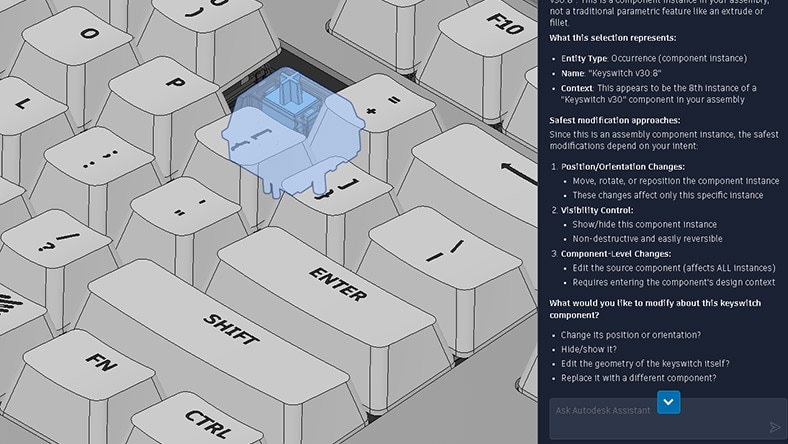
What AI capabilities are available today in Autodesk Fusion?

Autodesk AI-powered features in Autodesk Fusion include Drawing Automation, AutoConstrain and Generative Design.


Drawing Automation in Autodesk Fusion streamlines the creation of 2D manufacturing drawings by automatically generating views, dimensions, and annotations – saving time, reducing errors, and helping to improve design-to-production accuracy.


AutoConstrain in Autodesk Fusion enhances design efficiency by automatically applying relevant geometric constraints, helping ensure accuracy and reducing manual adjustments. This streamlines the sketching process, improves consistency, and accelerates design iterations.


Generative Design in Autodesk Fusion leverages AI-driven algorithms to explore optimized design solutions, reducing material usage, improving performance, and accelerating innovation—all while meeting engineering constraints and manufacturing requirements.

What is Autodesk doing to ensure the responsible and ethical use of AI and Machine Learning (ML)?

Some Autodesk AI features do not leverage machine learning and so do not require data for training of the underlying models. When an AI feature does require data for training, Autodesk uses different data sources depending on the feature. You can learn more about whether an Autodesk AI feature relies on machine learning and what data sources are used for training on the feature’s AI transparency card, located within the Trusted AI section of Autodesk's Trust Center. Note: Additional transparency cards are coming soon.

Can I install Autodesk Fusion on multiple computers? 

With a subscription to Autodesk Fusion software, you can install it on up to 3 computers or other devices. However, only the named user can sign in and use that software on a single computer at any given time. Please refer to the Software License Agreement for more information.

How do I convert my Autodesk Fusion free trial to a paid subscription? 

Launch your trial software and click Subscribe Now on the trial screen or buy Autodesk Fusion here. When buying your subscription, enter the same email address and password combination you used to sign in to your trial. Learn more about converting a trial to a paid subscription.

Who qualifies for the free version of Autodesk Fusion?

Autodesk Fusion is available as a 30-day free trial, as Fusion for personal use for home-based, non-commercial projects, or as Fusion for educational use for qualifying students or educators.

Is Autodesk Fusion free for students?

Yes, Autodesk offers a free version of Autodesk software, including Autodesk Fusion, with full features and functionality for qualifying students and educators. Learn more.

How do I get a student version of Autodesk Fusion?

If you are eligible, you can select Autodesk Fusion on the Education Products page to start the verification process. Once you are successfully verified, you can access all software available through the Education Community, and access is renewable annually if you are eligible.

What Autodesk Fusion subscription type is best for me?

Choosing the right Autodesk Fusion subscription type depends on your specific needs and usage requirements. Autodesk Fusion offers several subscription options tailored to different types of users. Consider your usage scenario, budget, and the features you require to determine the best subscription type for you.

Explore flexible Autodesk Fusion subscription plans here.

Can I use Autodesk Desktop Connector with Fusion?

Yes, Autodesk Desktop Connector is a free application that connects local files to Fusion. Streamline file uploading and management and gain seamless access to Fusion files on your local device with automatic syncing. Learn more about Autodesk Desktop Connector or get a free download here.

See more

Support and learning

Get Fusion documentation, tutorials, downloads, and support.