& Construction

Integrated BIM tools, including Revit, AutoCAD, and Civil 3D
& Manufacturing

Professional CAD/CAM tools built on Inventor and AutoCAD
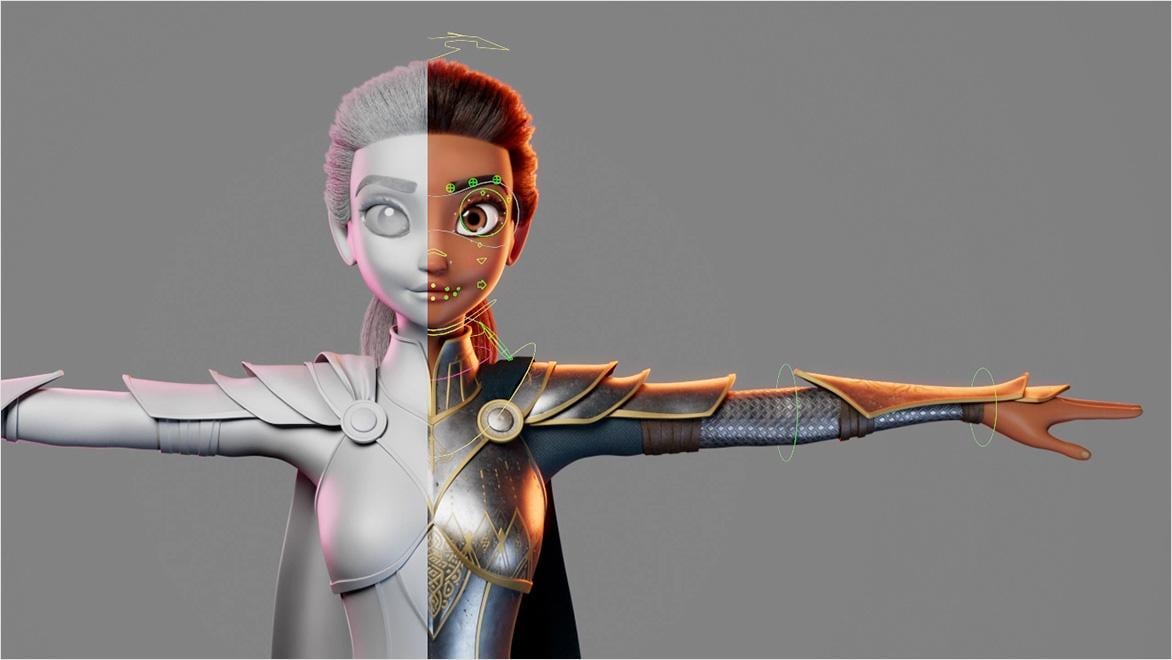
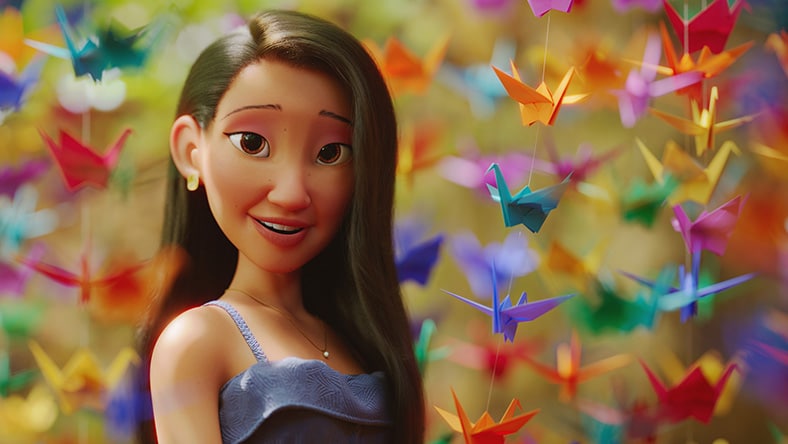
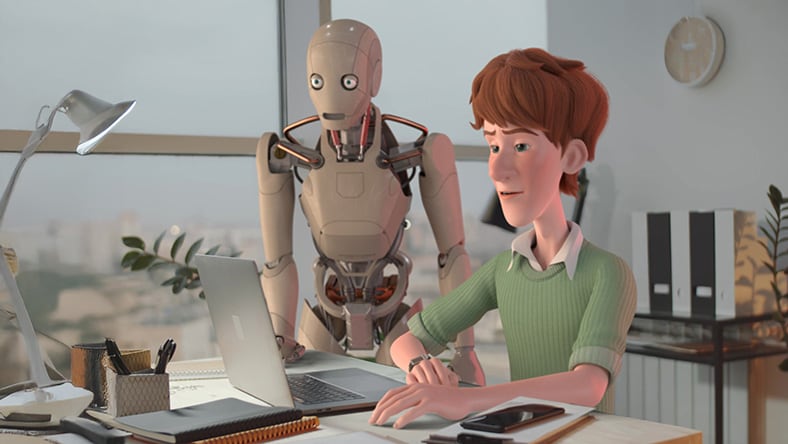
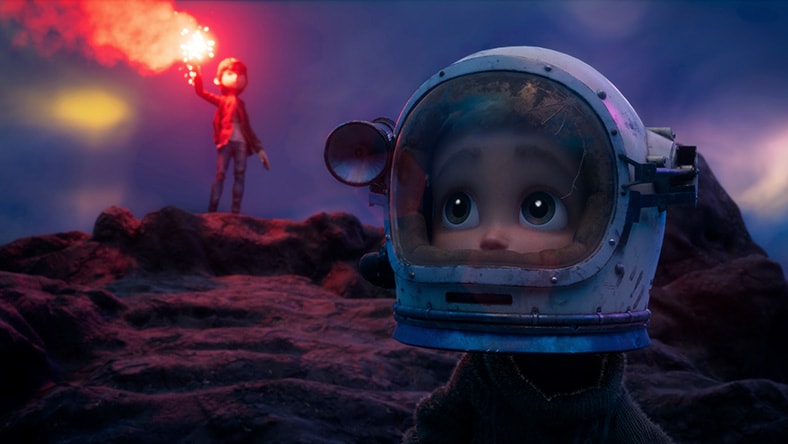
Character animation software helps you add lifelike movement and expression to 3D characters. It keeps performances editable, letting you refine posing, timing, eye focus, and facial animation for film, TV, and games. Today’s 3D pipelines build on animation principles, combining rigs, motion capture, and keyframes. Autodesk’s character animation software supports these workflows end-to-end while enabling export, review, and integration across your pipeline.
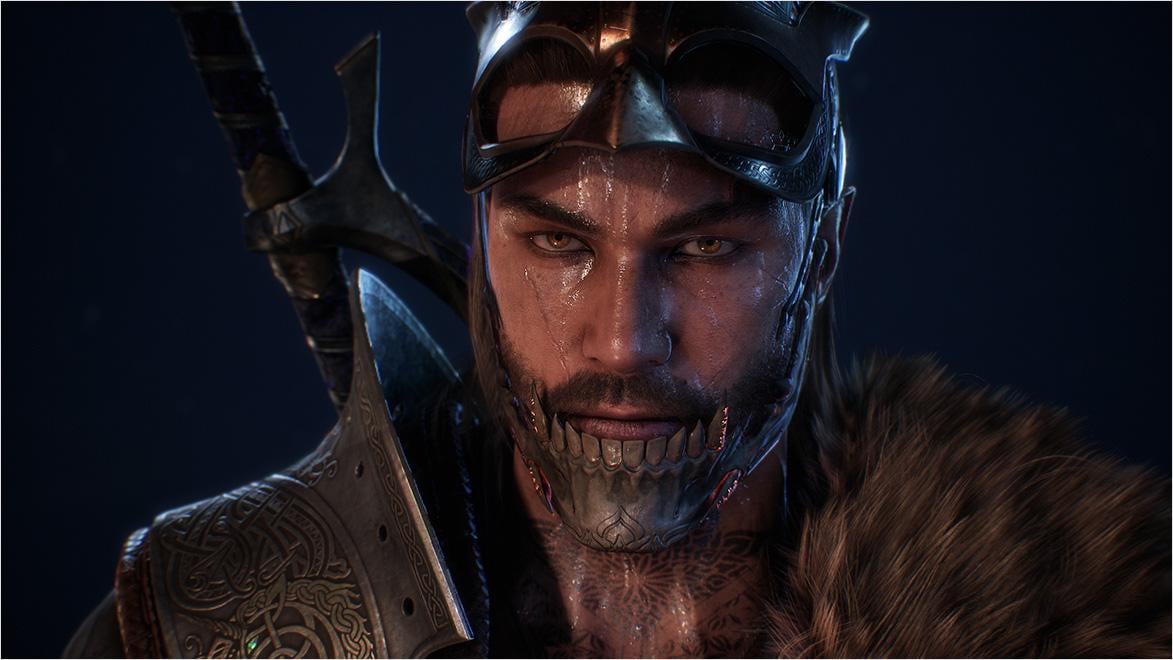
Image courtesy of Tiago Mesquita
Use for free
Image courtesy of Tiago Mesquita
Maya Indie gives eligible graduates, freelancers, and indie artists an affordable way to use all the features of Maya for commercial work. Whether you’re building a portfolio, shipping a short, or taking paid projects. Maya Indie lets you rig and animate characters with keyframes or mocap, refine body and facial performance, add secondary motion with cloth simulation, and render final shots with integrated Arnold.
Eligibility requirements for Maya Indie
Choose between Maya and Flow Studio based on where you start and what you need to deliver.
Create characters, props, and environments
Build props, environments, and characters with polygons for shape control and NURBS for smooth curves. In Maya, sculpt and groom digi-doubles or stylized heroes. Graduates, freelancers, and indie creators can access it cost-effectively with Maya Indie.
Animate faster with iteration tools
Iterate faster without breaking your base animation. Fine-tune curves in Graph Editor, combine and retime clips in Time Editor, review changes immediately with Cached Playback, and reuse motion across different rigs with HumanIK retargeting.
Build and share OpenUSD materials with LookdevX
LookdevX in Maya makes it possible to build procedural materials by graphing shading networks directly on OpenUSD objects. Since it supports cross-platform authoring, you can move materials across tools and work across multiple renderers.
Generate textured 3D assets from text prompts
Generate textured, editable 3D assets from a text prompt in Flow Studio. This will help you explore ideas, fill scenes with placeholders, and reach review ready visuals faster without starting from scratch in minutes.
Accelerate reviews with scalable cloud processing
Choose Flow Studio when speed to review and predictable deliverables matter most. Automated cloud rendering lets you process results for multiple projects at once. When you need specific outputs, run Camera Track or Clean Plate as standalone tools instead of processing an entire project.
Get cleaner mocap from imperfect footage with Motion Prediction
When your footage is imperfect, choose Motion Prediction in Flow Studio. It improves pose estimation when an actor is partially hidden or moves out of frame, so you get more usable motion from real-world takes and spend less time fixing gaps or reshooting.
Character animation is an iterative process. Tools like Maya and Flow Studio keep that loop moving by letting you adjust animation in Maya and turn live-action footage into a directable CG scene in Flow Studio.
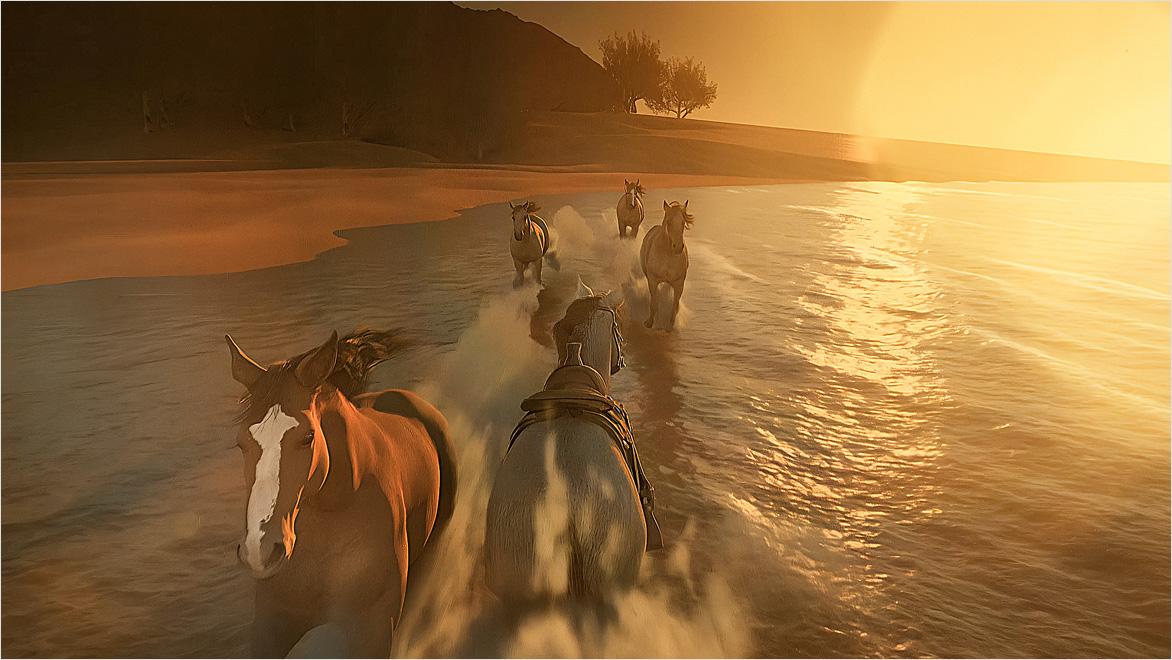
MotionMaker in Maya introduces AI horse animation that helps character animators generate believable horse motion in seconds, giving teams a faster starting point for walk, trot, canter, and gallop cycles. The motion stays controllable and editable, so artists can refine gait, timing, and performance without hours of rework. The horse is the latest addition to MotionMaker’s growing library, joining biped and canine motion styles.
Walt Disney Animation Studios used Maya and Flow Production Tracking to create 'Zootopia 2', one of the studio’s most ambitious animated films. Maya helped the team build complex environments and push scale, detail, and character performance, while Flow Production Tracking kept more than 700 people aligned across about 2,055 shots and over 8,000 elements, maintaining the production momentum as the story evolved.
Image courtesy of Zootopia 2 © Disney
SOKRISPYMEDIA used Flow Studio, Maya, and 3ds Max to recreate the visual effects behind 'Beast Games' Season 2 for a behind-the-scenes video. The project showed how a repeatable, fully editable workflow can keep artists in creative control and make high-end VFX techniques more accessible beyond traditional studio pipelines.
Image courtesy of SOKRISPYMEDIA
Rodeo FX used Maya, MotionBuilder, and Arnold in the Media & Entertainment Collection to create creature and environment VFX for Wednesday Season 2. The integrated workflow helped the team refine Enid’s werewolf transformation, build a modular CG Nevermore Academy, and adapt each shot to the show’s evolving visual style—showing how a connected toolset can support both creative ambition and production scale.
Image courtesy of Netflix and Rodeo FX
Build rigs from modular parts you can assemble and regenerate. Maya + Bifrost Modular Rigging Framework lets you author procedural rigs in graphs and convert them into native controls, joints, and attributes, allowing updates to propagate predictably.
Early character and prop exploration often need speed, and Wonder 3D in Flow Studio meets this need. It helps you generate an editable 3D starting point from a text prompt or reference image. Wonder 3D allows faster ideation and iteration even as you move work into 3D pipelines, game engines, or 3D printing software.
Tools like Maya’s Machine Learning Deformer are part of a trend toward machine language (ML)-assisted deformation speed animation on heavy rigs. Teams can train an ML model on a high-fidelity deformation setup, animate against a lighter approximation for smooth viewport performance, and switch back to the full rig for final output.
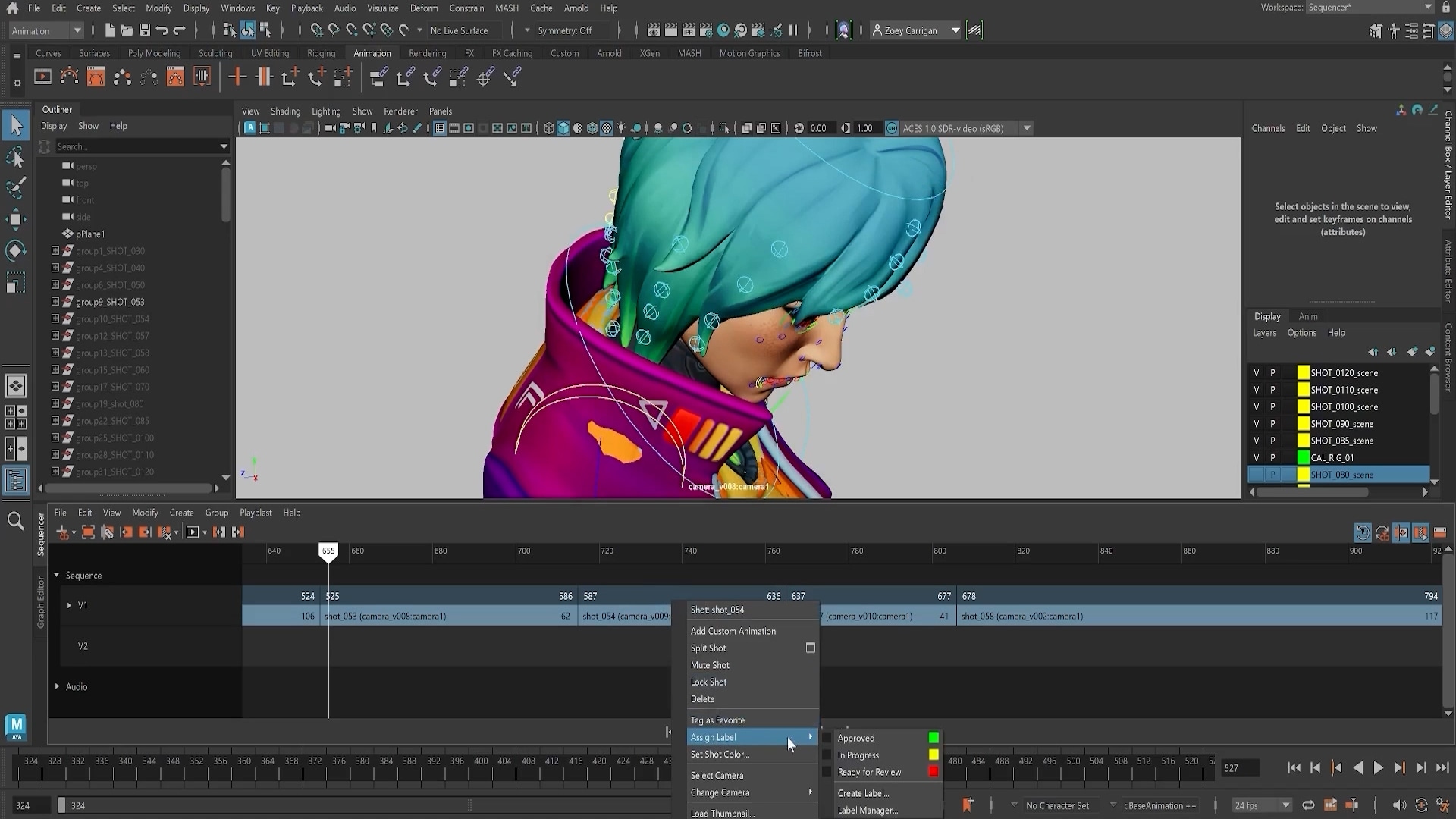
Tools like Flow Animating in Context allow Maya artists to load shots from Flow Production Tracking before and after their active-shot to make creative decisions within an editorial context. It also shows versions of the shot or cut from other departments like layout or CFX.
Pipelines combine tools like Maya, Blender, and Unreal Engine, making interoperability a core requirement for character animation. Studios are increasingly using openusd to move assets, animation, cameras, and layout between tools, cutting conversion and rework.
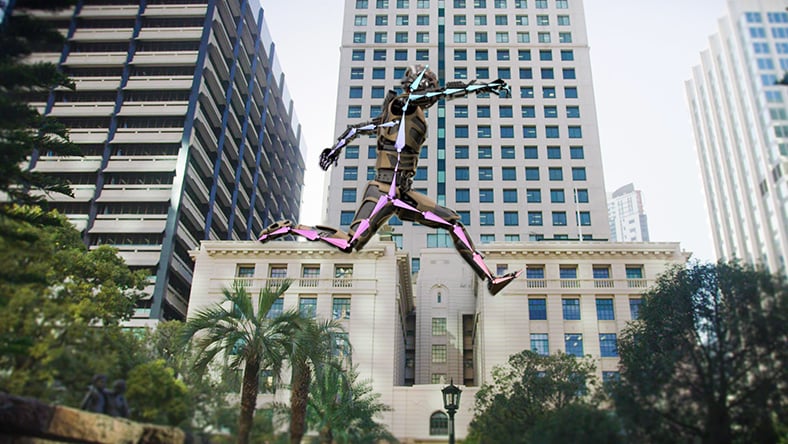
For Unreal Engine projects, creators are using Flow Studio AI Motion Capture to capture body motion from video and export it straight to MetaHumans. This workflow accelerates game prototyping and cinematic blocking while still leaving room for polishing inside Unreal.
This guide breaks down the character rigging workflow. From setting up a skeleton and skin weights to adding IK/constraints, reusing rig setups, and speeding iteration, learn how to rig characters in Maya.
A practical “quick win” watch focused on everyday animation techniques and habits you can apply immediately to improve clarity and polish.
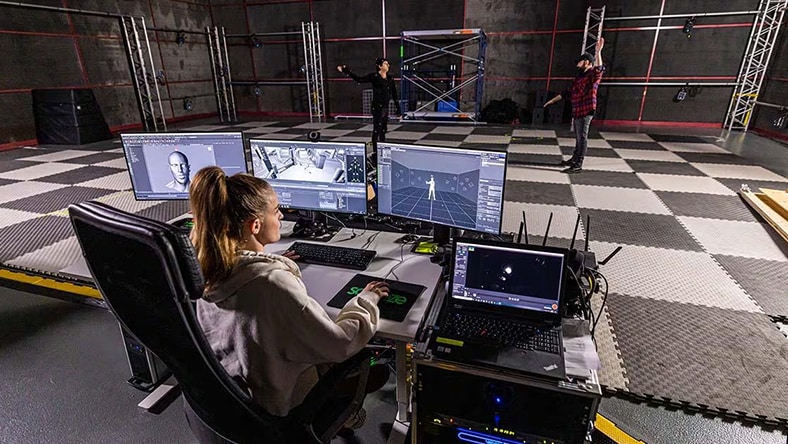
This guide is designed for creators seeking to capture AI-driven motion capture and integrate it into Maya or Blender. It enables users to benefit from automated workflows while maintaining precise control over editing and refinement processes.
Watch this tutorial to understand how to generation a base motion for a human, canine or horse with MotionMaker in Maya. Then, add personality and shape your performance by animating by hand.
Check out these eight suggestions for achieving cleaner outcomes with live-action video. This blog discusses topics such as wardrobe contrast, lighting, frame rates, wider shots, and exporting footage for further editing in programs like Maya and Blender.
Join our creative hub for storytellers, 3D artists, and filmmakers using Autodesk Flow Studio to bring ideas to life. Share your latest scene, learn new techniques, and connect with fellow creators—this is where your story finds its audience
Character animation software is used for creating believable movement and performance by animating a character rig using keyframes, motion capture, or both. 3D character animation is the process of bringing a 3D character to life inside a scene to produce a final shot or gameplay animation.
2D character animation is created in a flat, two-dimensional space, typically with drawn frames or 2D rigs. 3D character animation uses a 3D model in a virtual environment with depth, allowing more flexible camera moves, lighting, staging, and perspective.
Rigging involves building character controls that let animators pose and move a model efficiently. A good rig supports natural motion using systems like inverse kinematics and provides animator-friendly controls for facial and body performance.
Yes. AI-powered character animation tools can speed up iteration by generating a first pass of motion or extracting mocap from video for cleanup and refinement.
Prioritize a strong animation core comprising rigging tools, Graph Editor/curves, layers, constraints, retargeting, and mocap cleanup. Also, look for pipeline interoperability as it helps characters and shots move smoothly through production.
You can learn the basics of posing, timing, and simple character motion in weeks, especially with guided tutorials and practice exercises. Reaching professional-level character performance requires sustained practice and understanding of animation principles, acting choices, workflow speed, and production pipelines.
Yes. Many tools offer free trials, lower-cost creator plans, and flexible subscriptions that help freelancers and small teams validate fit before committing. Choose software that covers your full workflow to save on multiple overlapping tools.