Autodesk Forma for Construction AI

Construction AI software

With Autodesk AI, your expertise meets intelligent automation – helping you work faster, make smarter decisions, and deliver stronger project outcomes.

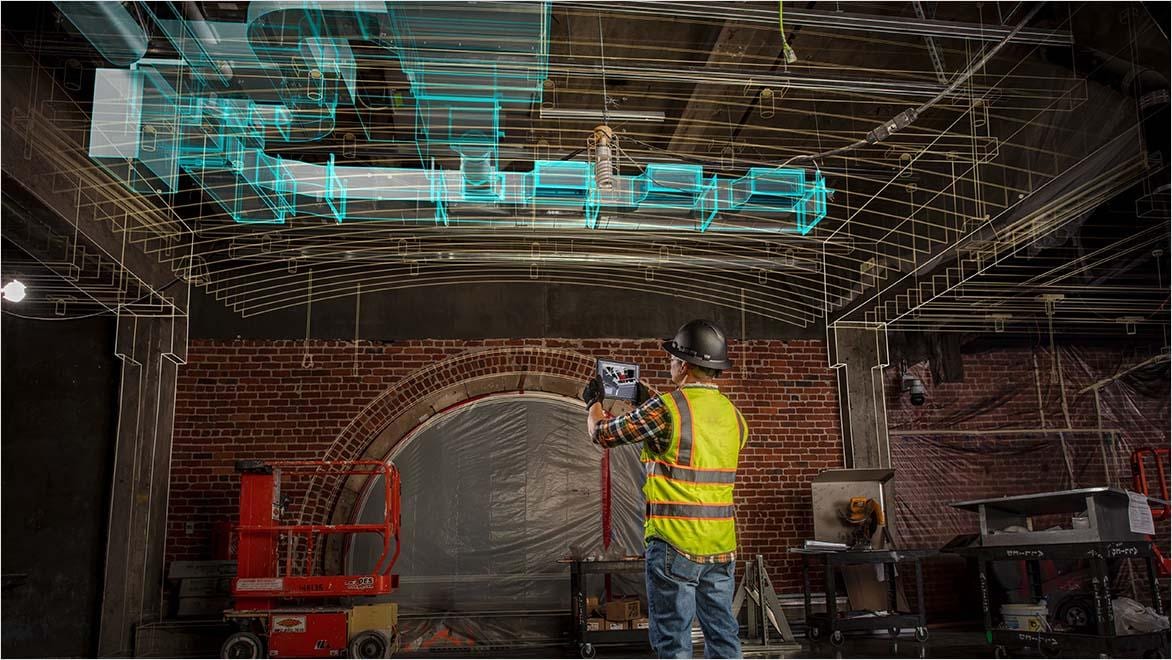
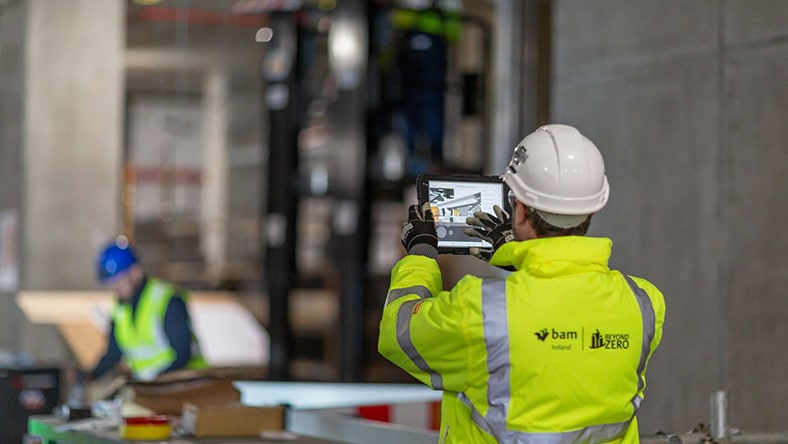
Construction worker using AI-powered AR technology on a building site.

What is construction AI software?

Construction AI software applies artificial intelligence to project data to analyze information, deliver stronger insights, and automate processes across workflows. It can streamline tasks, uncover patterns, and support better decision-making, helping improve productivity, quality, and safety. The goal isn’t to replace human expertise, but to augment it by simplifying access to information, identifying risks earlier, and saving valuable time.

Autodesk Forma is one example of construction AI software, with Autodesk AI capabilities embedded across workflows, including risk detection and AI-powered assistance through Autodesk Assistant.

How construction AI software works

Construction AI software uses AI to analyze project data, surface insights, and automate workflows. When evaluating construction AI software, there are a few key items to look for:

Connected project data

AI works best when project information – drawings, specifications, RFIs, submittals, issues, photos, schedule, etc. – is captured in a connected project environment.

Context-aware insights

Strong construction AI software should understand relationships across data and activities to deliver more relevant insights and recommendations.

Embedded in workflows

AI should work directly within existing tools and workflows to help automate repetitive tasks and move work forward more efficiently.

Human review and action

As construction AI continues to evolve and teams adopt new workflows, people remain in control of approvals and outcomes while AI helps accelerate the work leading up to those decisions.

Item easy to scale AI

AI tools that are easy to use and adopt can help teams scale best practices and repeatable workflows to improve consistency across projects.


Benefits of construction AI software

Construction AI software helps teams reduce manual work, gain actionable insights, and improve project outcomes. The real value comes down to less busy work, improved decision-making, and stronger results on every project.

Enhanced productivity

Automate repetitive tasks and reduce errors so teams can focus on higher‑value work.

Better decision-making

Analyze project data with confidence to reveal insights, patterns, and next steps.

Higher-quality outcomes

Catch issues earlier and reduce rework by addressing problems before they escalate.

Improved safety

Help identify potential hazards and support safer job sites with proactive insights.

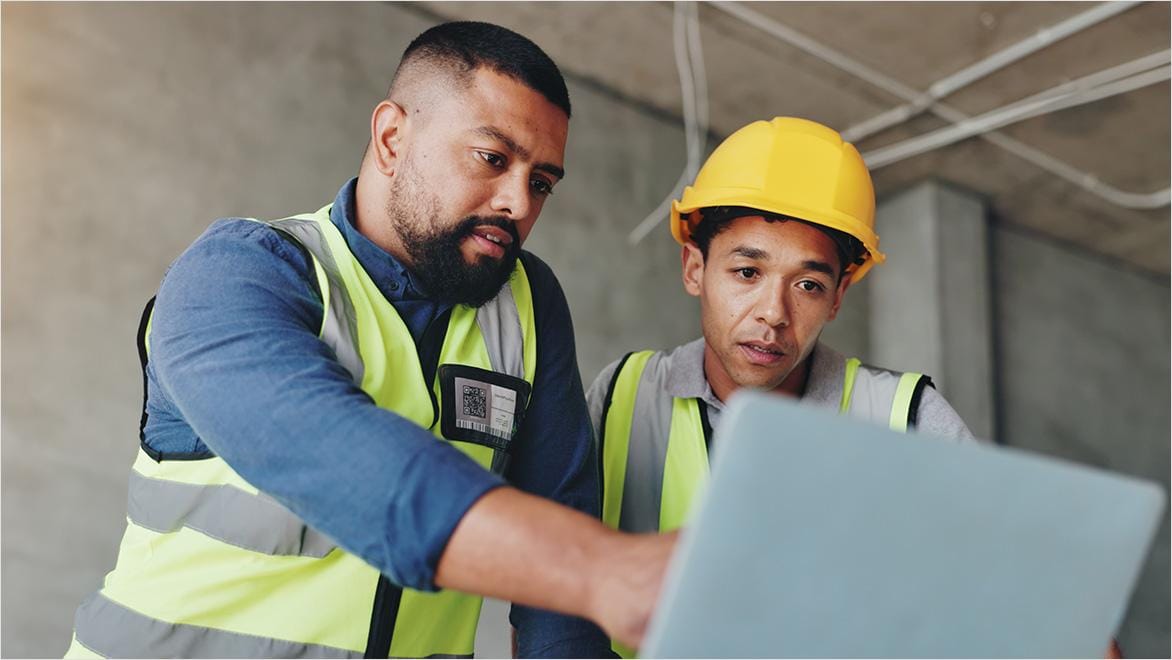
Engineers reviewing digital construction models with AI software in an industrial warehouse.

Why Autodesk Forma for construction AI software?

Autodesk Forma takes a different approach to construction AI software by embedding AI directly into the platform and workflows teams already use. Instead of relying on separate AI tools, Autodesk AI works within a connected environment where project data, workflows, and insights all work together.

In Autodesk Forma, AI supports teams in two ways: construction intelligence and AI-powered automated workflows.

Construction intelligence helps teams better understand projects by turning connected project data into clear, context-aware insights. Autodesk AI helps teams identify risks, evaluate performance, and determine next steps without having to manually search across disconnected systems.

AI-powered automated workflows help automate repetitive tasks and move work forward automatically within existing workflows, allowing teams to spend less time on manual processes and more time focused on decisions and outcomes.

What makes Autodesk Forma different is its connected data foundation and construction knowledge layer. Because project data lives within the same platform, Autodesk AI understands how project information, workflows, and activities relate to one another, helping deliver more accurate, context-aware insights and automation.

The result is a single AI-native platform that helps teams gain stronger insights, automate workflows, and improve project outcomes.

Autodesk construction solutions with AI powered capabilities

Comprehensive field and project management software that delivers a broad, deep, and connected set of tools for builders.


Perform accurate 2D takeoffs and generate automated quantities from 3D models in a single online solution.


Construction AI software capabilities in Autodesk Forma

With AI capabilities built right into Autodesk Forma, there’s no need to toggle between tools or move data back and forth. Everything works together in the same place where your work happens.

Autodesk Assistant

Ask questions in natural language, summarize and validate project information, save prompts, and view chat history – directly inside Forma. Learn more.

Risk assessment

Analyze issues, checklists, observations, and more to identify and prioritize quality and safety risks before they become costly problems.

AI-powered document management

Go beyond storing files. AI can extract data from drawings, automatically section specifications, and identify high‑risk design issues.

Intelligent construction operations

Auto‑generate submittal logs, missing submittals suggested, quick issue and RFI creation, photo autotags and metadata.

Intelligent preconstruction

Automate bid forwarding, financial data entry, and takeoff symbol detection to simplify bidding, qualification, and estimating workflows.

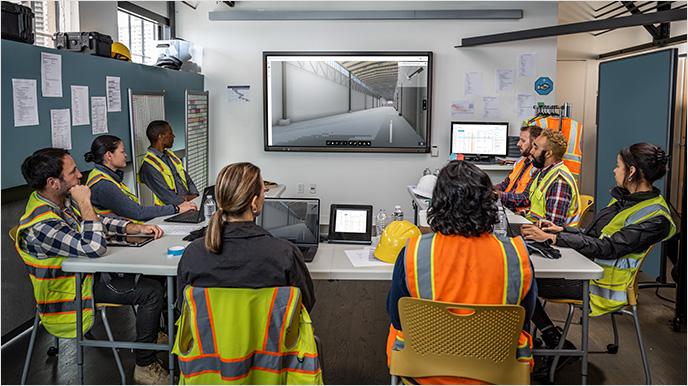
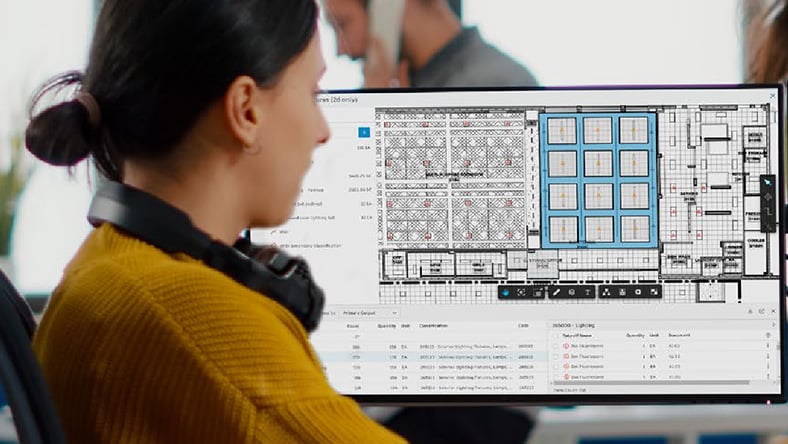
Construction team reviewing Autodesk AI project plans on screen in site office..

What construction teams say about Autodesk AI

“Autodesk Assistant helps quickly locate items within the specifications, saving my team time and increasing productivity. Instead of searching for issues, we can focus on solving them.”

Jason Fuhrmann

Executive Vice President, Project Development

Miron Construction Co., Inc.

How teams use construction AI software

AI can support different teams across the project, so everyone can get the information and tools they need to get the job done.

Project managers

Quickly get visibility into project health, priorities, and emerging risks without manual reporting.

Quality teams

Identify trends and issues earlier to reduce rework and improve outcomes.

Safety teams

Surface potential hazards and support proactive safety planning.

VDC and coordination teams

Know which design and constructability risks to prioritize using data-driven insights.

Preconstruction teams

Speed up bidding, takeoff, and qualification with automated workflows.

Owners

Gain earlier visibility and a more complete, connected project record.

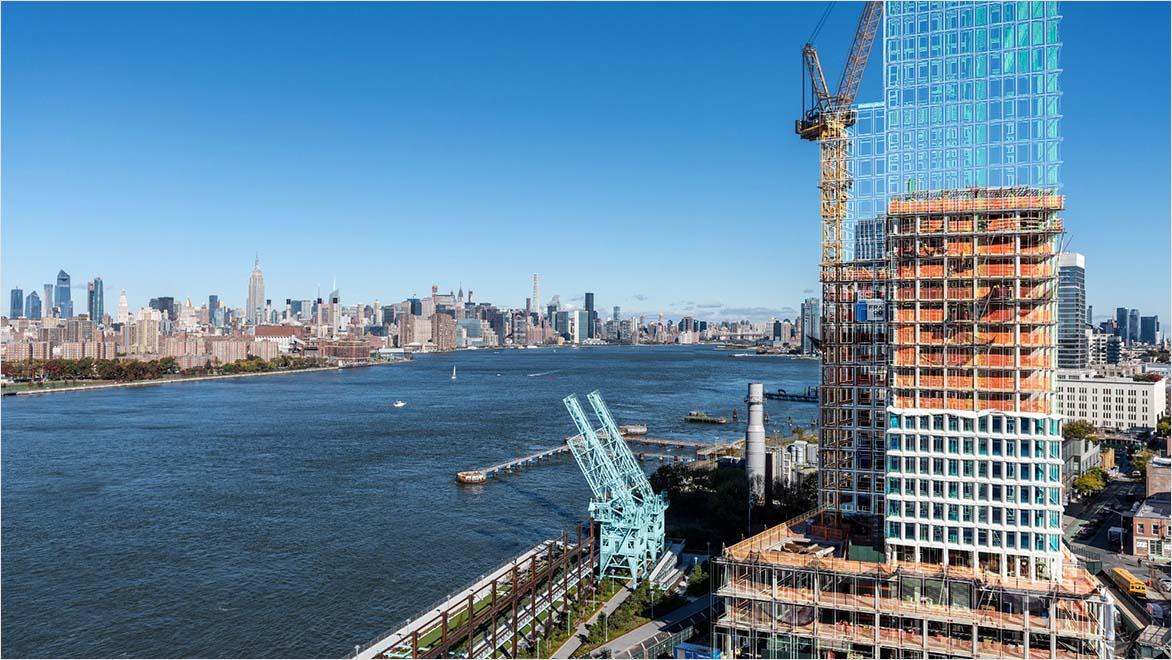
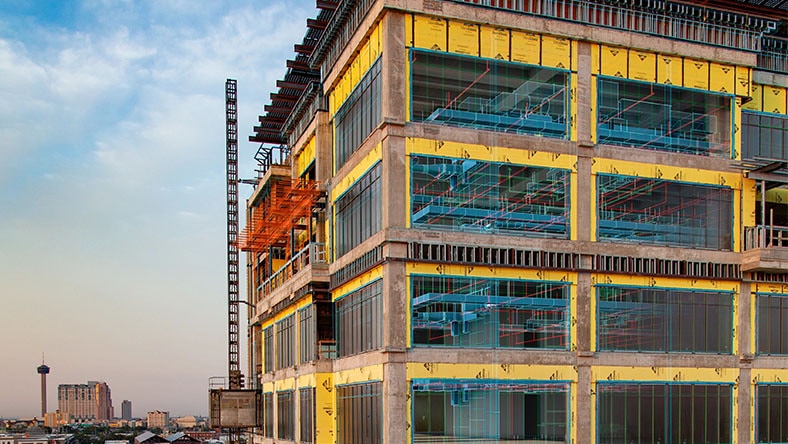
Construction high-rise building with digital AI design overlay by waterfront skyline..

Trust in construction AI software: privacy and security come first

Autodesk is committed to responsible, ethical, and secure AI development. Data privacy, security, and IP protection are part of the foundation of every solution we build and deploy.

History of AI in construction

Like all other major innovations, AI in construction wasn’t developed overnight. It was built on decades of change, starting with the shift away from paper and moving toward connected, data-driven workflows. As the industry continues to adopt connected data and cloud-based platforms, AI is becoming a practical tool for improving how projects are planned, managed, and delivered.

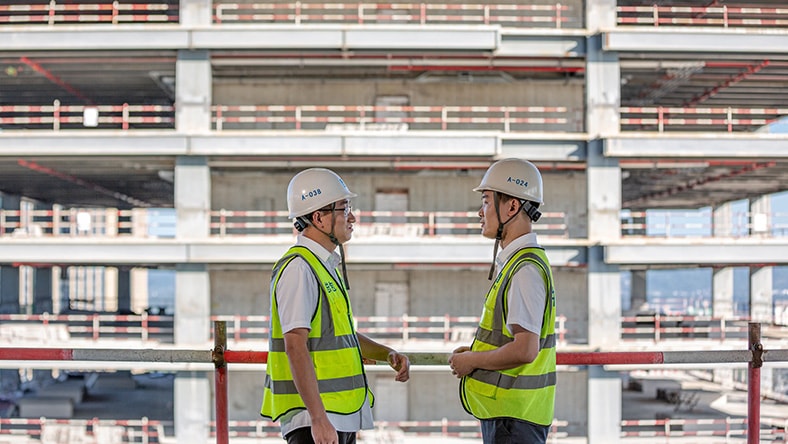
Construction workers discussing project progress at high-rise building site.

Early digitization

1980s–2000s

The foundation for AI in construction began when teams moved from paper to digital with CAD, electronic documents, and early project management software. These tools weren’t AI-powered, but they laid the groundwork by creating the digital data needed for future automation and intelligence.


Construction team using AI technology on building site.

Connected construction data

2000s–2010s

As BIM, mobile tools, and cloud platforms gained traction, more project data became connected. Teams could connect information from drawings, schedules, RFIs, submittals, and field observations in ways that improved visibility and coordination. During this period, rule-based automation and analytics began to support more efficient project controls and document management.


Construction worker reviewing digital building plans on tablet indoors.

Rise of machine learning and predictive insights

2010s–early 2020s

With more connected project data available, machine learning began to play a bigger role in construction. Early tech leaders like Autodesk started investing in research to solve complex AI problems like generative design. This led to the launch of tools like Construction IQ, enabling construction professionals to identify various risks across construction projects. These capabilities expanded across quality, safety, design coordination, and project controls, helping teams work more proactively rather than reactively.


Modern construction building with AI-powered digital twin overlay.

Practical AI for everyday construction workflows

2020s–present

Today, AI is no longer for early adopters or those experimenting with the technology. AI in construction is now part of how work gets done day-to-day. Teams use it to summarize information, catch gaps, automate routine tasks, and surface risks across design, preconstruction, and construction.


At the same time, technologies like Model Context Protocol (MCP) are making it easier for AI to connect across tools, data sources, and workflows in real time, without heavy setup. Instead of working in silos, teams can access more complete project context and get faster answers. AI does not replace experience. It supports it, helping teams move faster and deliver stronger outcomes.


The future of AI in construction

AI in construction is moving toward more practical applications. It helps teams work faster, catch risks earlier, and make decisions with confidence. As project data becomes easier to access across the lifecycle, AI will play a bigger role in turning that information into action.

More proactive risk management

AI will continue to improve the industry’s ability to identify quality, safety, schedule, and cost risks before they escalate. Instead of relying only on manual reviews, teams will increasingly use AI to detect patterns, prioritize issues, and guide next steps earlier in the process.

Greater automation across workflows

Construction teams will automate even more time-consuming administrative work. From document handling and submittal management to bid analysis, photo organization, and data entry. Teams that leverage AI effectively will spend less time on repetitive tasks and more time on collaboration, planning, and problem-solving.

Faster access to project knowledge

Finding information gets easier. AI assistants and natural language experiences will allow teams to find, validate, and summarize project information without having to search across multiple tools and files. It helps teams find the right answers faster, which improves decision-making across the office and field.

Better connected decisions across design and construction

As design, preconstruction, and construction workflows become more unified, AI will help connect data across teams and phases of work. This can lead to better forecasting, stronger collaboration, and earlier visibility into downstream issues that impact cost, constructability, and project outcomes.

Human expertise amplified by intelligent automation

AI won’t replace humans in the future. Rather, it will extend the capabilities of project teams with tools that help them work faster, reduce manual effort, and focus on higher-value decisions. Human judgment, experience, and accountability will remain essential, with AI acting as a powerful partner in the process.

Trusted, responsible AI adoption

As AI adoption grows, trust will remain critical. Construction firms will continue looking for AI solutions that are secure, transparent, and designed to protect project data and intellectual property. Responsible AI development will be a key part of how the industry scales these technologies with confidence

More resources on construction AI

Learn how Autodesk AI helps design and make teams work smarter and faster by amplifying creativity, accelerating innovation, and enabling more sustainable outcomes across industries.

What AI trends are shaping the industry? 25+ construction experts share how firms can apply AI to meet goals and stay competitive this year and beyond.


Explore how the Autodesk AI Lab advances generative AI research for CAD by partnering with the global research community to develop foundational and applied technologies. 

Autodesk’s Trusted AI approach focuses on responsibly developing secure, transparent, and reliable AI that protects customer data and intellectual property.


Autodesk Assistant is an AI‑native, action‑oriented agent in Autodesk Forma that helps construction teams analyze data, automate workflows, and surface real‑time insights directly within their everyday project workflows.

Frequently asked questions about construction AI software

What is construction AI software?

Construction AI software uses artificial intelligence to analyze project data and automate workflows, so teams can work more efficiently and make better decisions.

What are the benefits of using construction AI software on a project?

The benefits of AI in construction include increased productivity, improved decision-making, higher-quality outcomes, and better safety. It also helps teams automate repetitive work, surface issues sooner, and keep projects on track.

How does construction AI software improve quality and safety?

AI helps identify risks and patterns early so teams can address issues before they escalate. For example, it can detect trends in safety observations or quality defects that might otherwise be missed.

Does construction AI software replace the need for human reviews?

No. Construction AI supports human expertise by providing insights and automation, not replacing professional judgment.


Our customers are industry experts, and this industry has a lot of variability across projects and regions. For the foreseeable future, we see opportunities for AI to automate, provide insights, and provide design alternatives, but always with the expert in control. AI will serve as a digital assistant, but the professional will still be the one giving instructions to the system, engineering prompts, making selections from various design alternatives that the system generates, and controlling the final product.

Who can benefit from AI in construction management?

Anyone involved in a project can benefit, including contractors, owners, project managers, preconstruction teams, and quality and safety teams.

See more FAQ