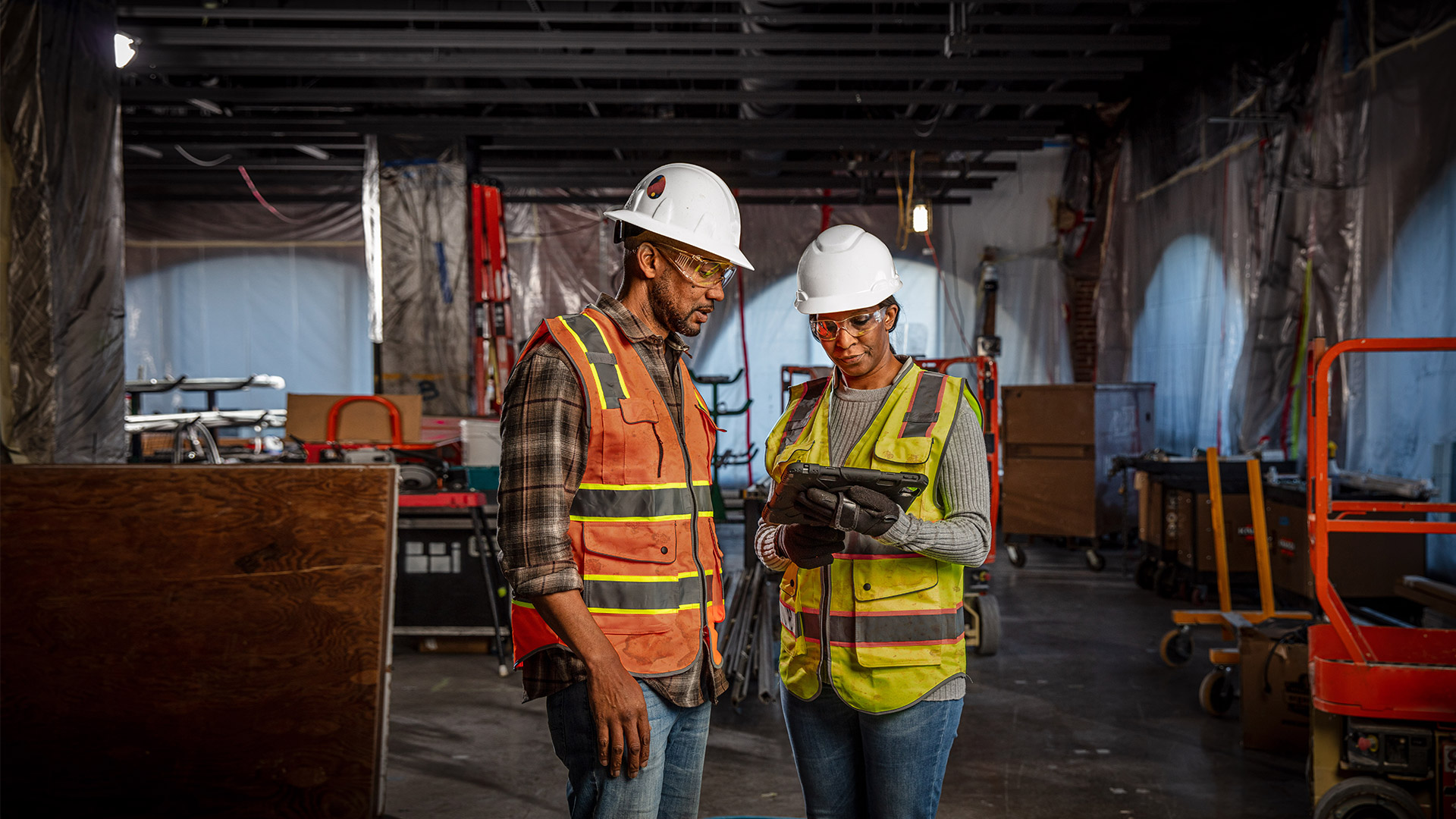
Uplevel construction management and drive profitability
Manage project, cost, safety, and quality all in one construction management platform, built for both the office and the field.
Build sign-inUplevel construction management and drive profitability
Manage project, cost, safety, and quality all in one construction management platform, built for both the office and the field.
Build sign-inConnected teams and data
See how Build connects projects, cost, and the field to boost visibility, speed decisions, and prevents small issues from becoming costly problems.
Connected teams and data
See how Build connects projects, cost, and the field to boost visibility, speed decisions, and prevents small issues from becoming costly problems.
Standardization
Standardization that scales with you
Efficiency
Work faster and smarter with automation
Alignment
Stronger team alignment across the office and field
Insights
More predictable project outcomes
Standardization
Standardization that scales with you
Efficiency
Work faster and smarter with automation
Alignment
Stronger team alignment across the office and field
Insights
More predictable project outcomes
Construction management capabilities
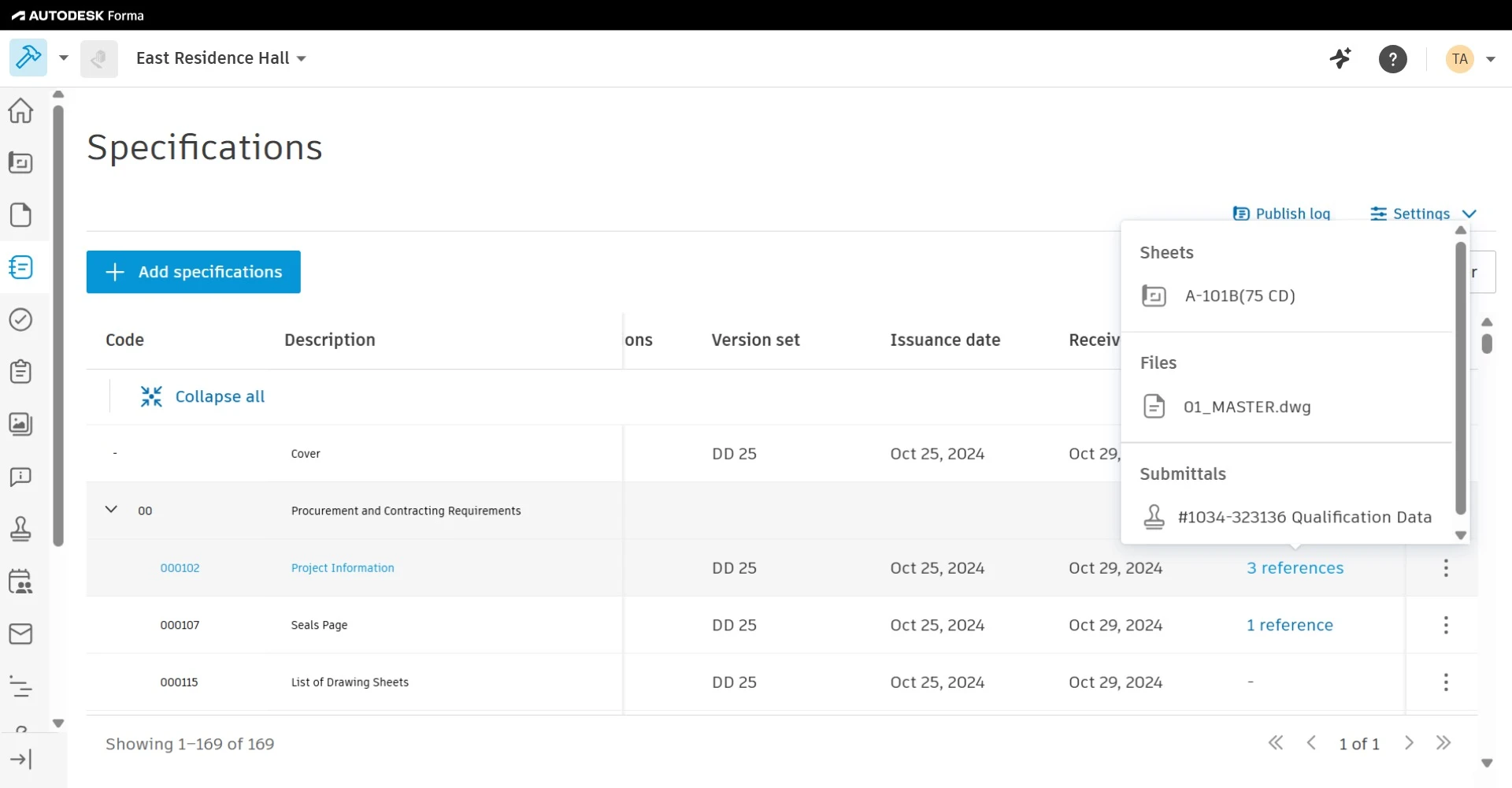
Smart, searchable specifications
Easily process, update, and navigate project specifications in one place.
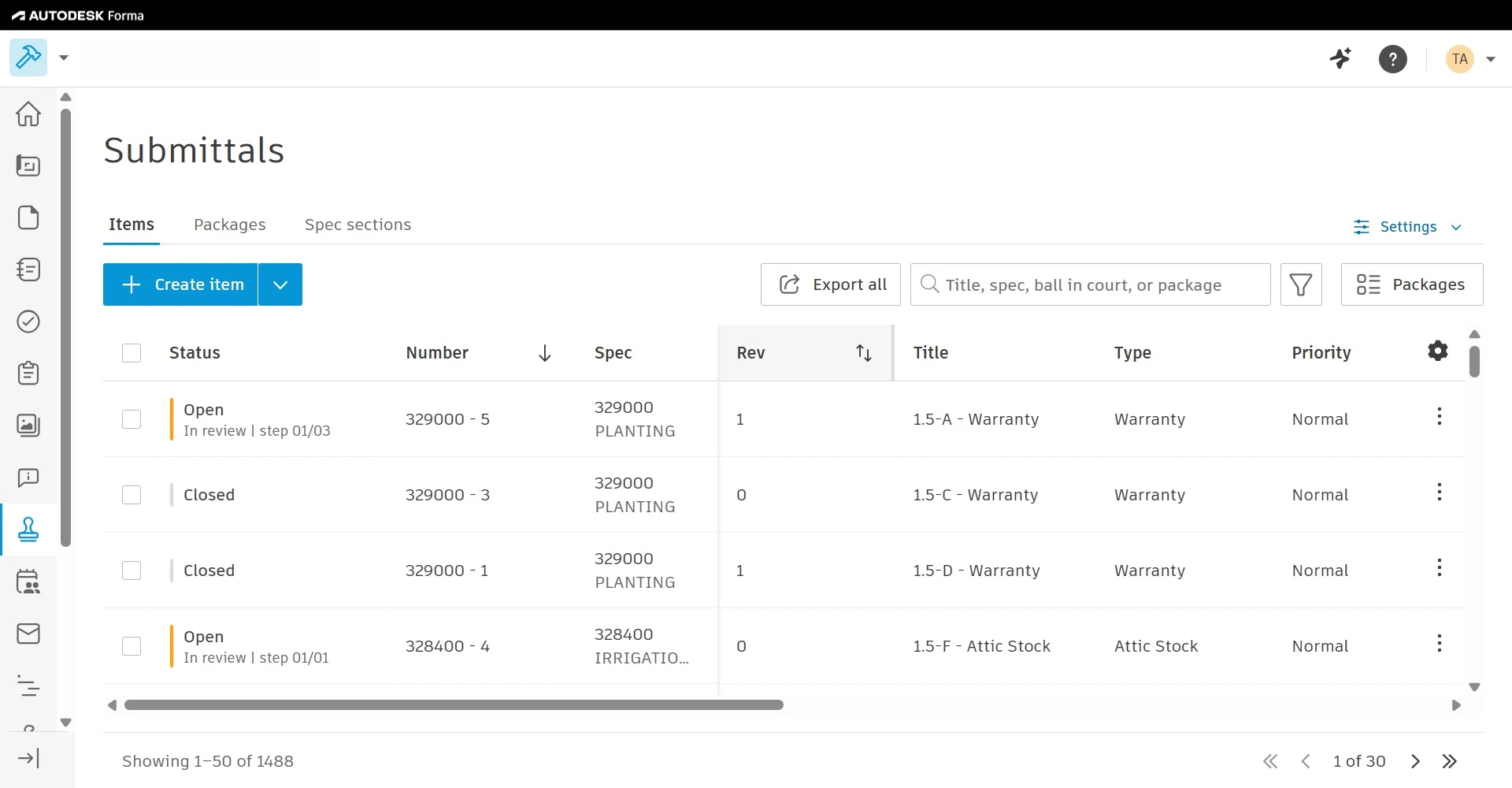
Streamline construction submittals
Efficiently create, customize, and manage all construction submittals in a centralized platform.
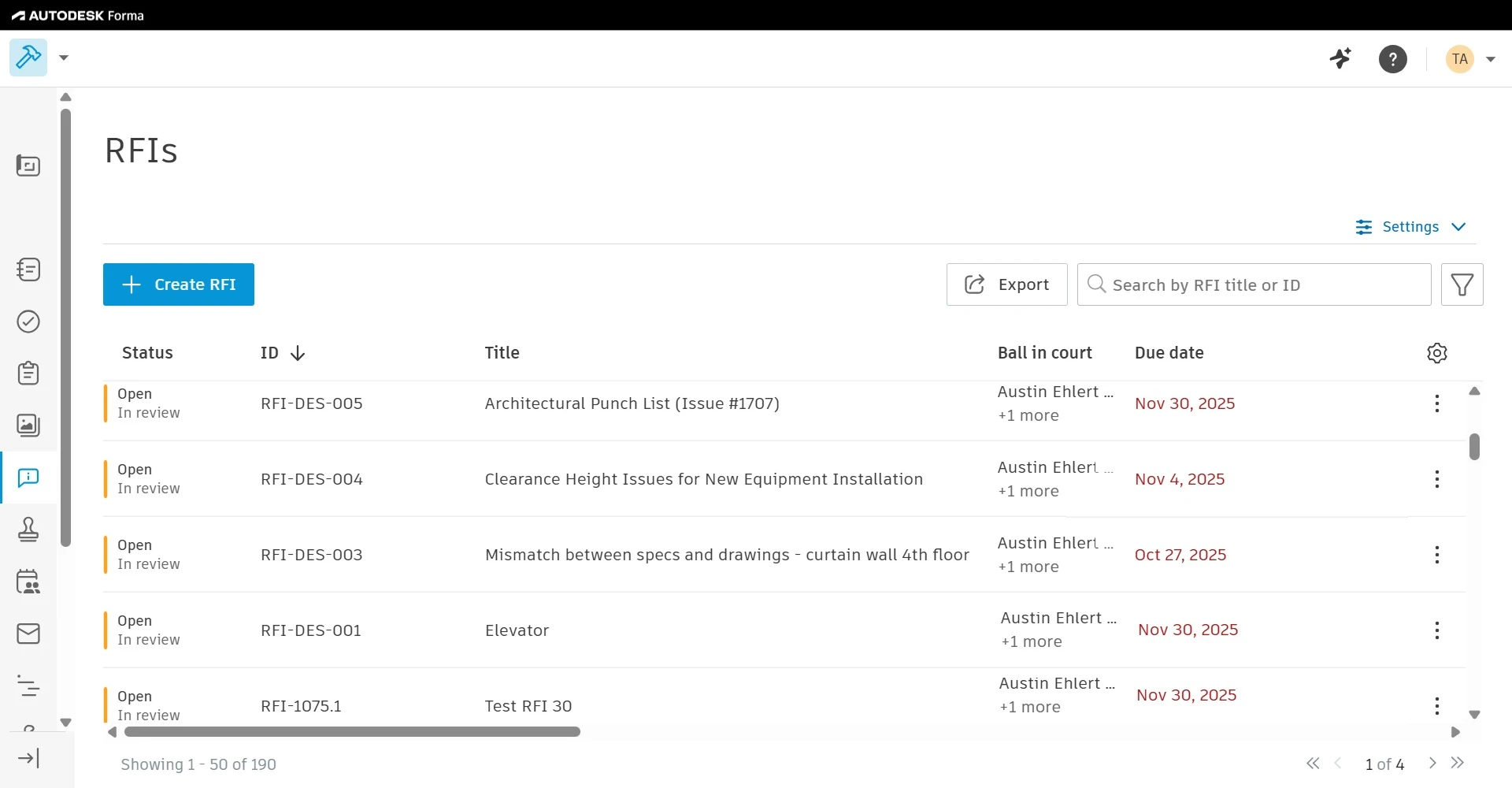
Seamlessly manage RFIs
Easily create RFIs, manage the review process, and connect RFIs to tasks across the project lifecycle.
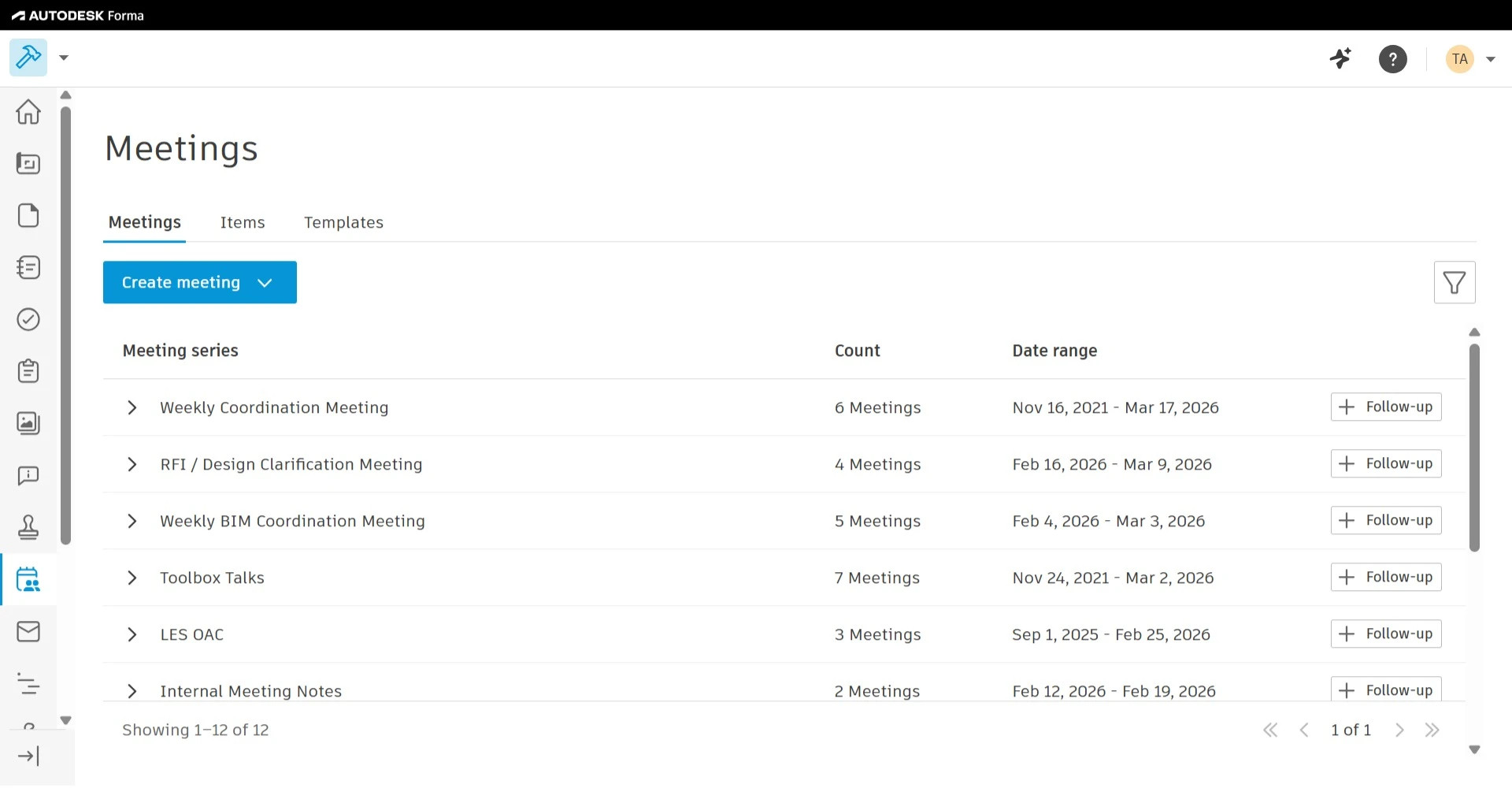
Improve meeting minutes
Keep everyone on the same page with structured meeting management, visibility into commitments, and a history of all meeting records.
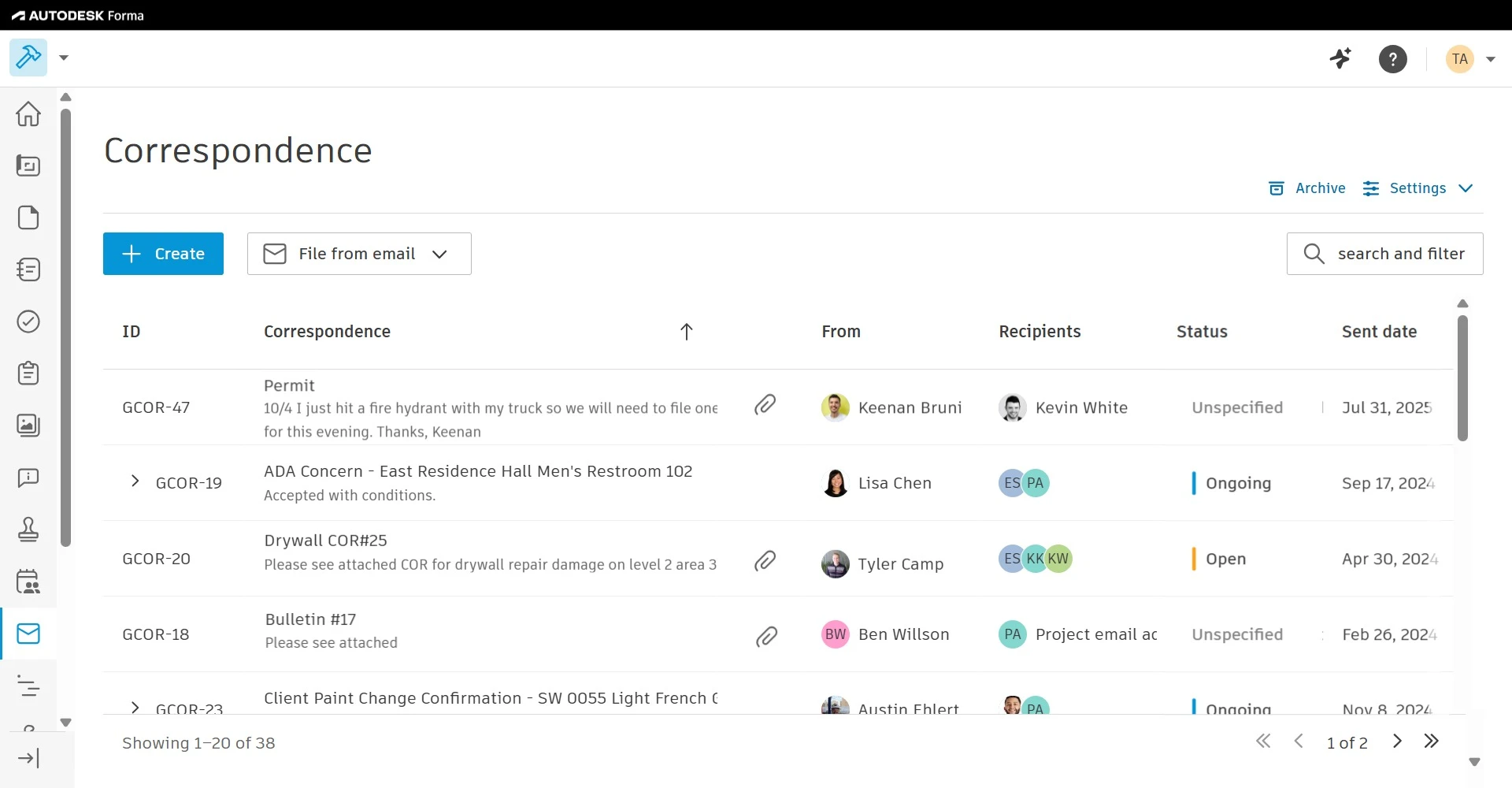
Centralize project correspondence
Improve collaboration, retain project data, and organize project information with centralized project correspondence.
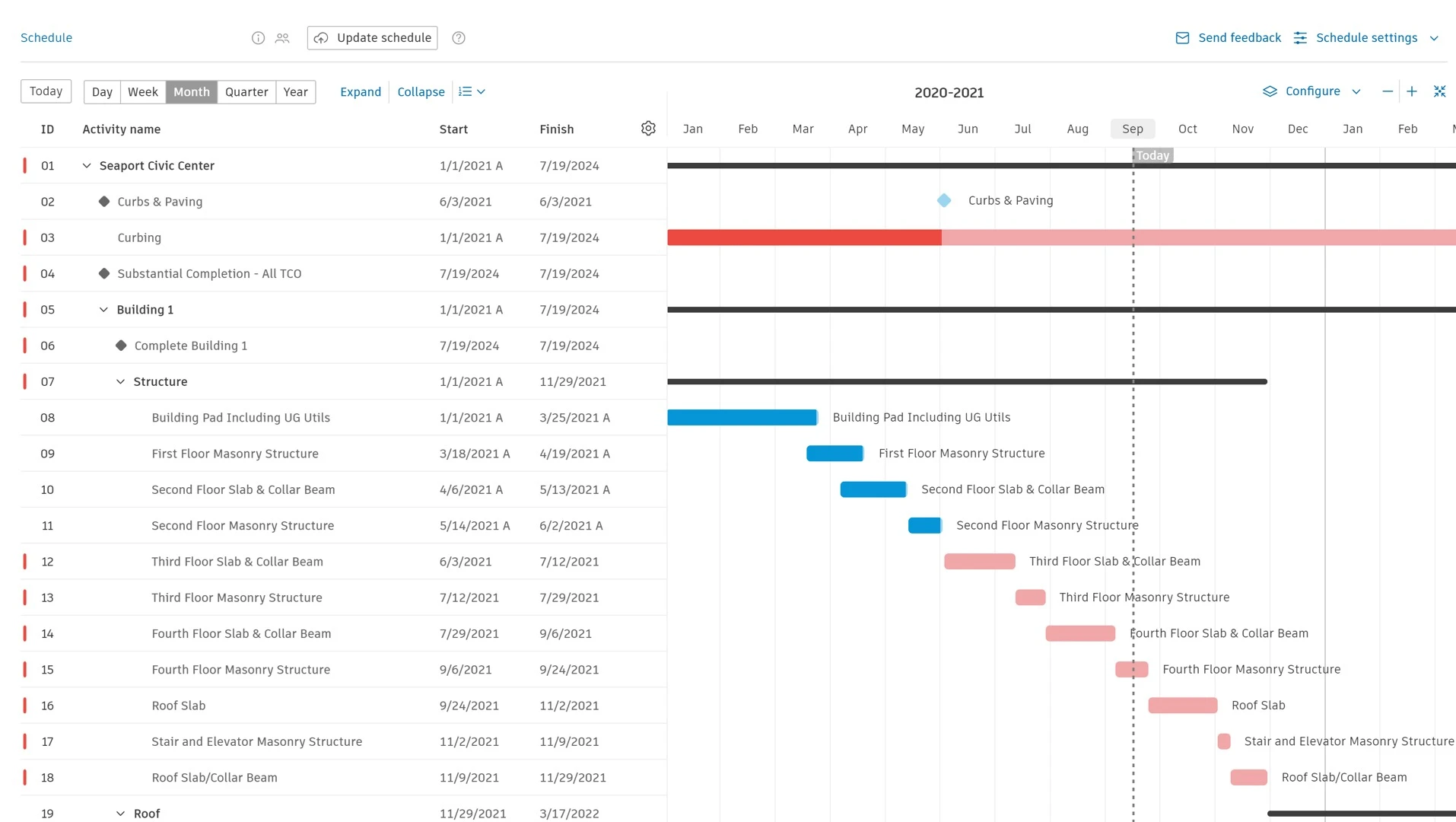
Powerful schedule management
Gain real-time visibility, improve coordination, and make smarter decisions with a connected, accessible construction schedule.
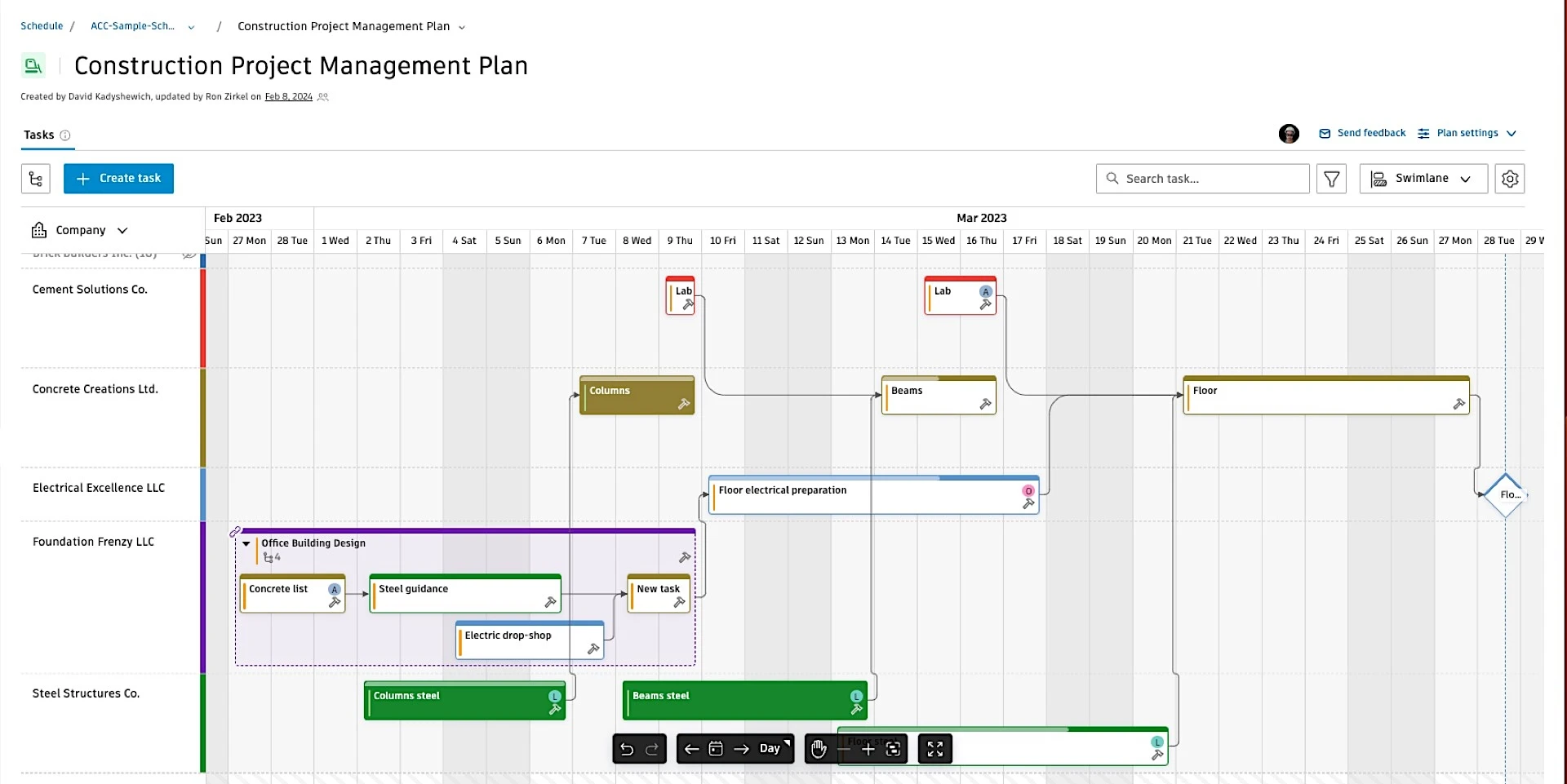
Digitize weekly work plans
Short-term, field-ready planning that turns the master schedule into daily, reliable work on site.
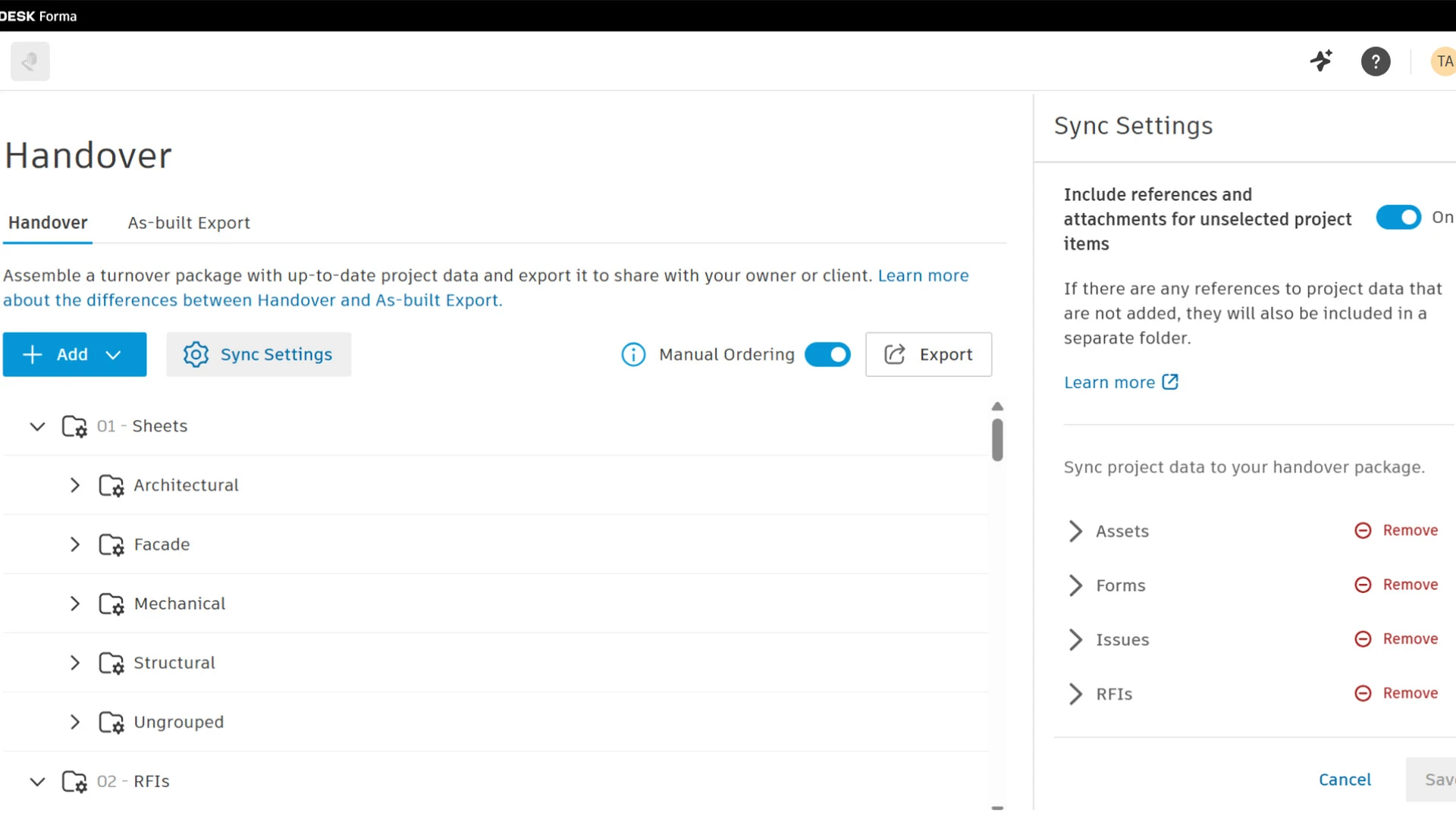
Smoother closeout processes
Take the stress out closeout by connecting data from the field and office to ensure the documentation you need is at your fingertips.
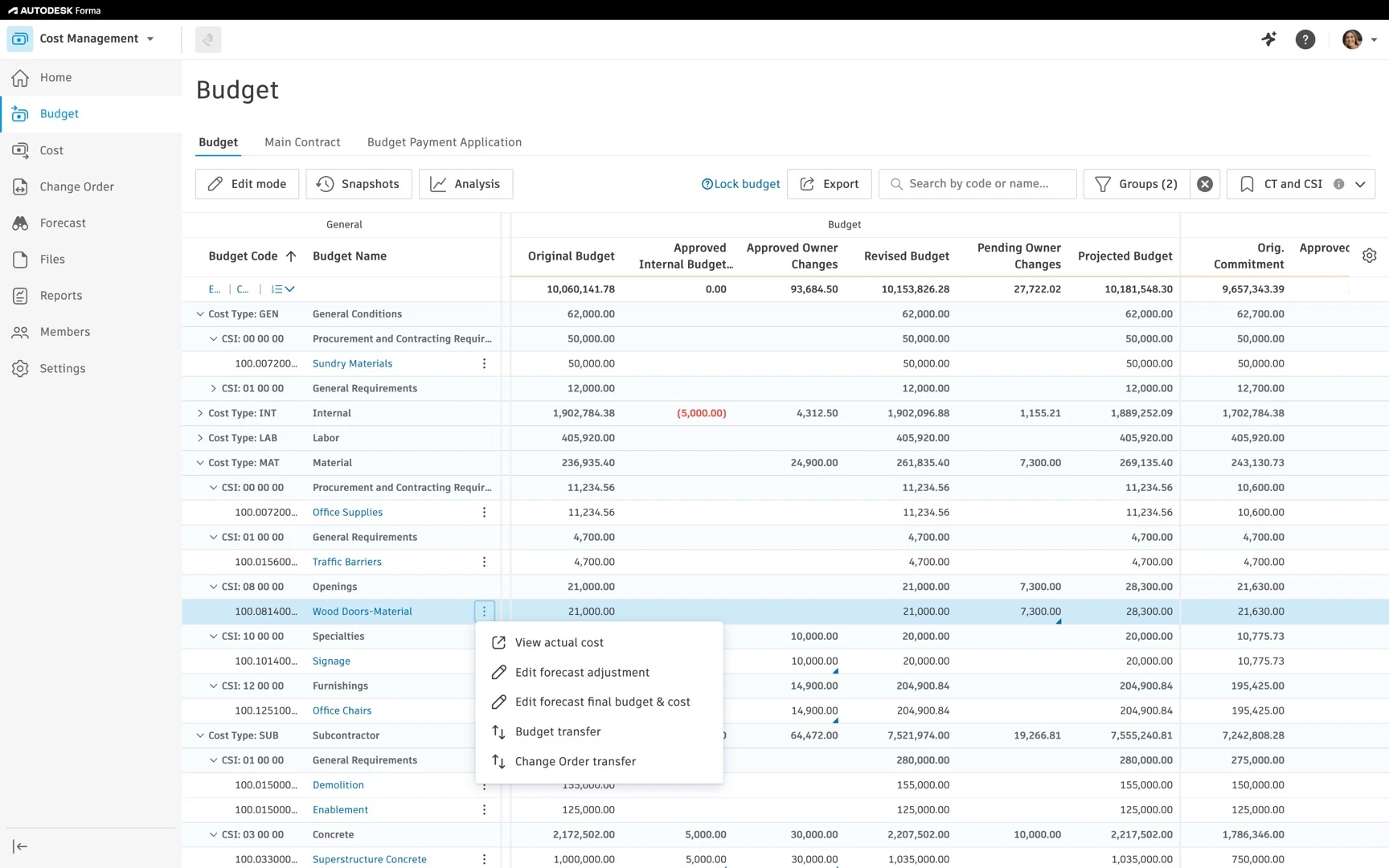
Budget control & contract management
Control budgets and contracts in one place with real‑time data that reduces risk and keeps projects financially on track.
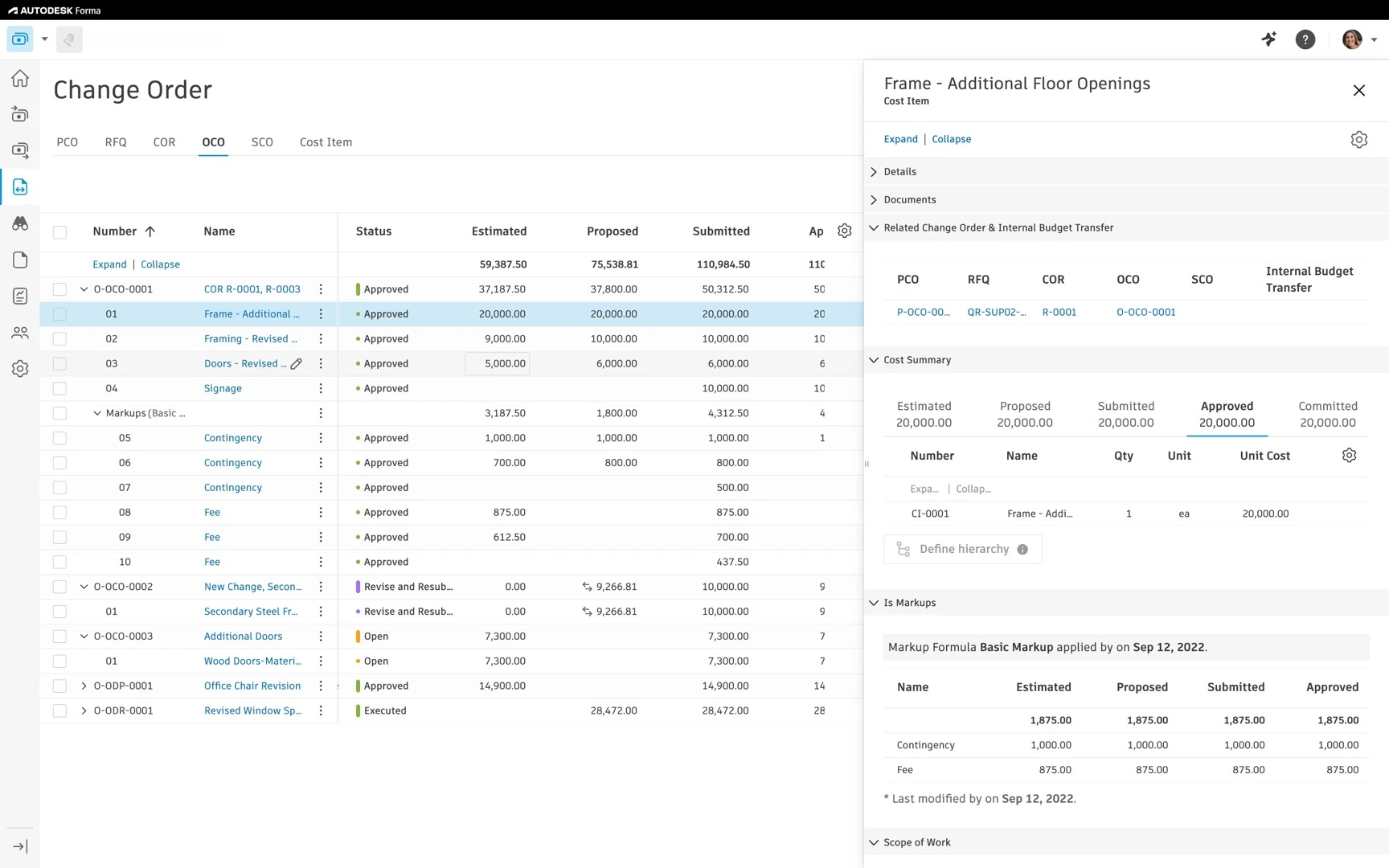
Streamlined change management
Gain clear visibility into how changes impact your project budget while managing upstream and downstream change orders in one platform.
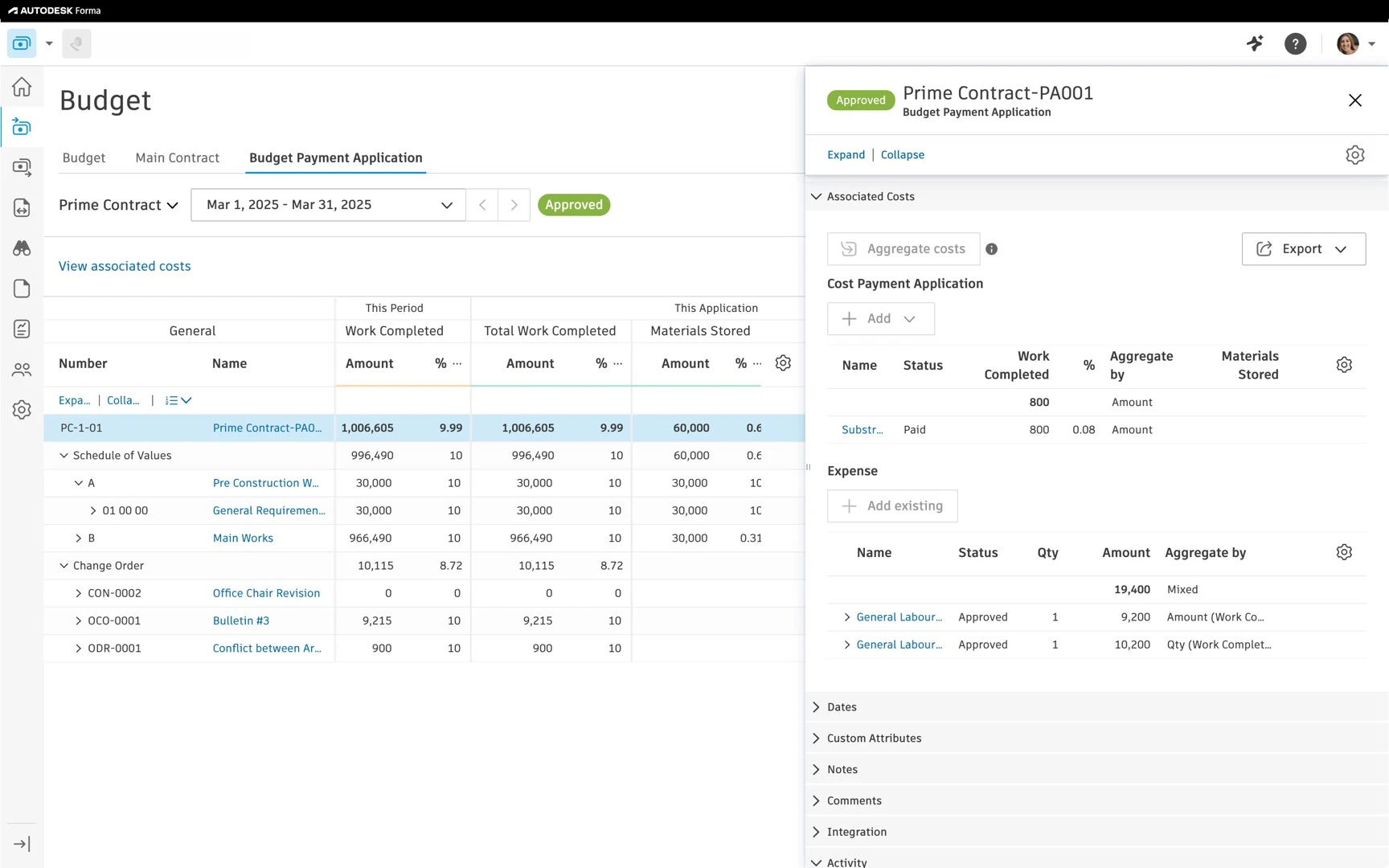
Simplified payment applications & expenses
Effortlessly manage payment applications for owners and suppliers, connect payments to contracts, and track project expenses in one place.
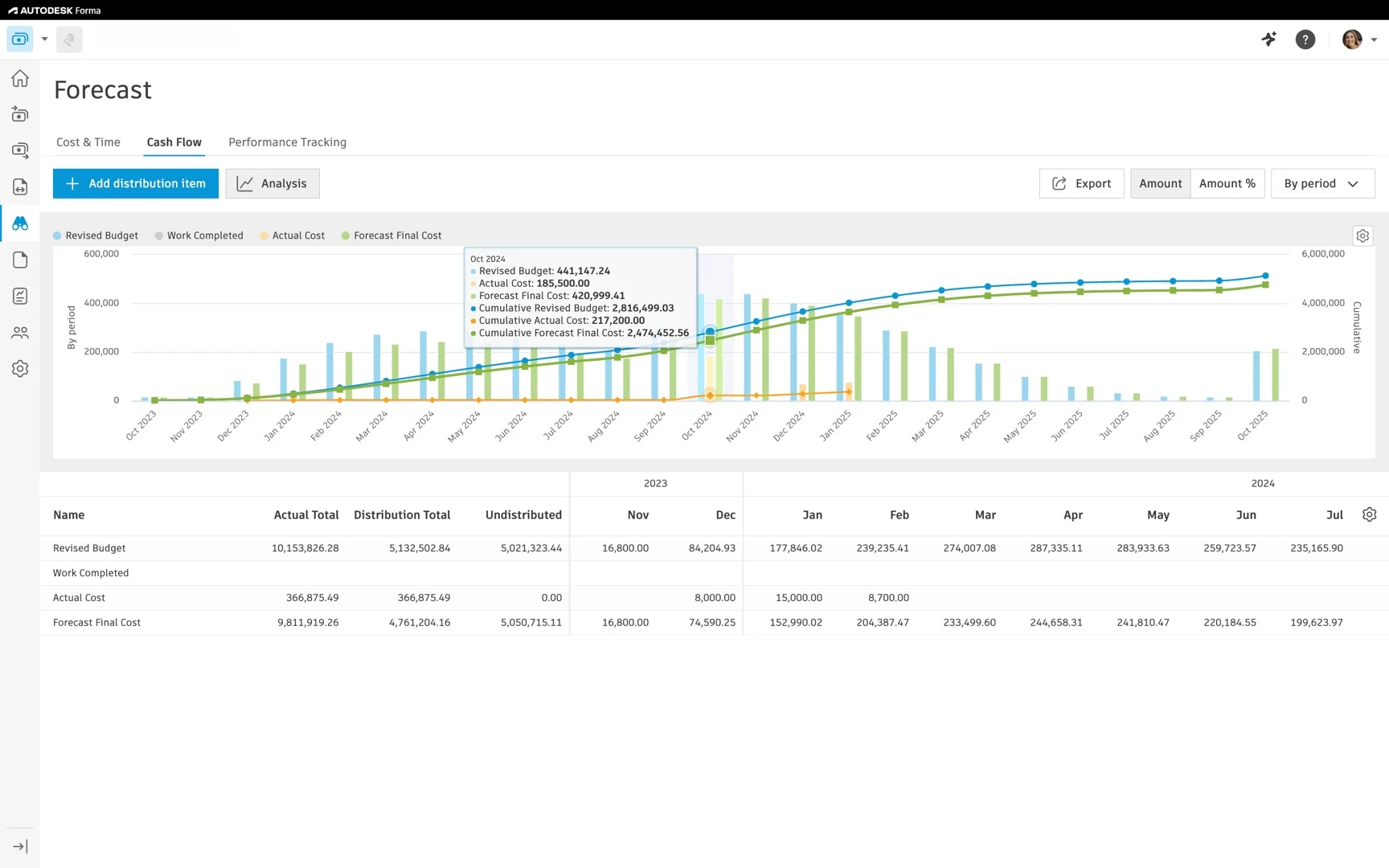
Forecast with confidence
Forecast with confidence using live cost data, schedule-linked budget items, and clear cash flow insights in one connected system.
Proactive quality management
Catch problems early to reduce rework, keep projects on track, and deliver reliable outcomes.
Scale up safety
Remove hazards before they become incidents, so teams can finish work and head home safe and sound.
Clear quality and safety insights
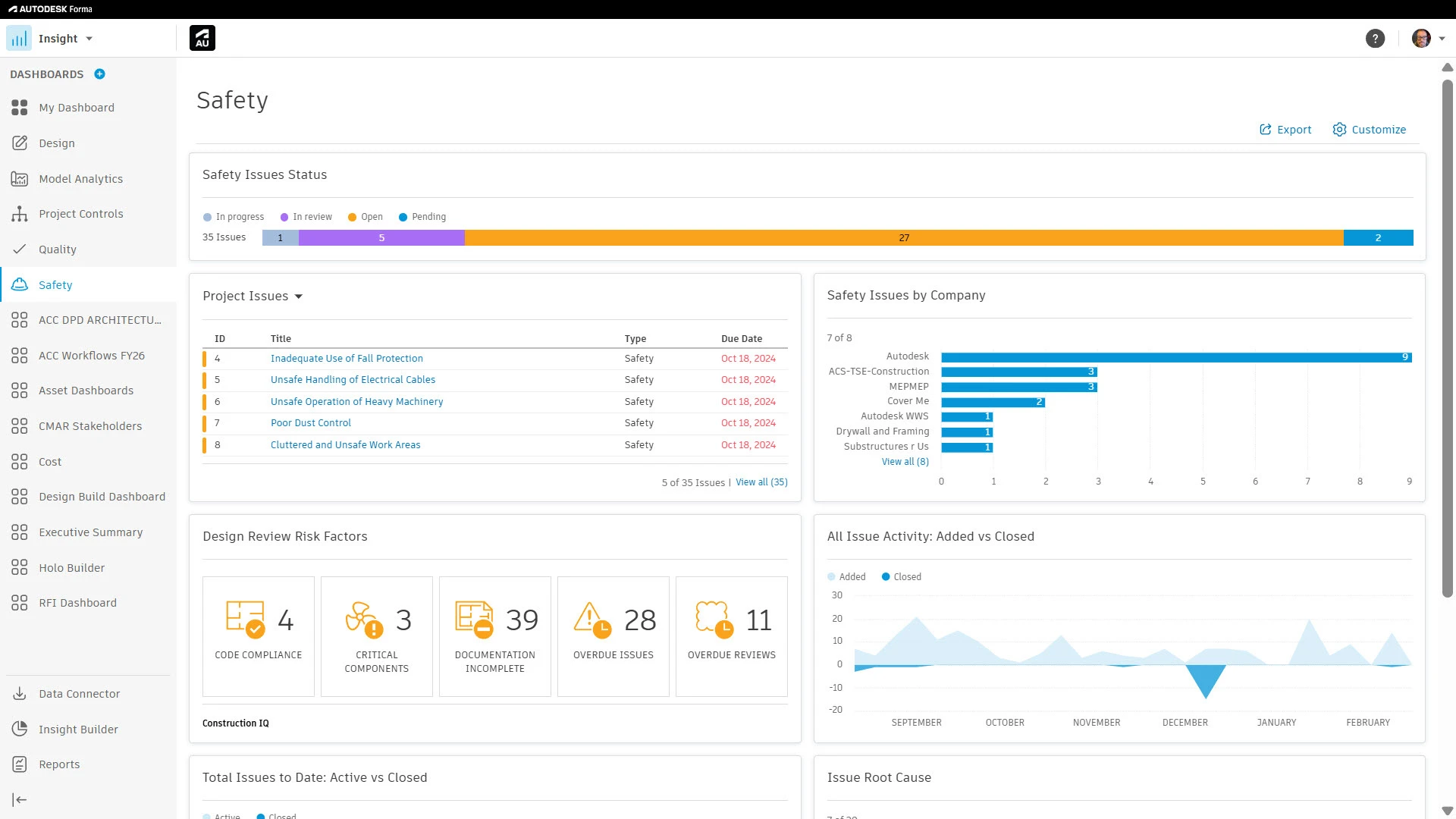
Turn quality and safety data into clear insights so teams can spot risk early, prioritize action, and prevent repeat issues.
Mobile app
Connect the office and field with an easy-to-use mobile app that enables crews to access the latest data, complete tasks, and raise issues.
Connected project data
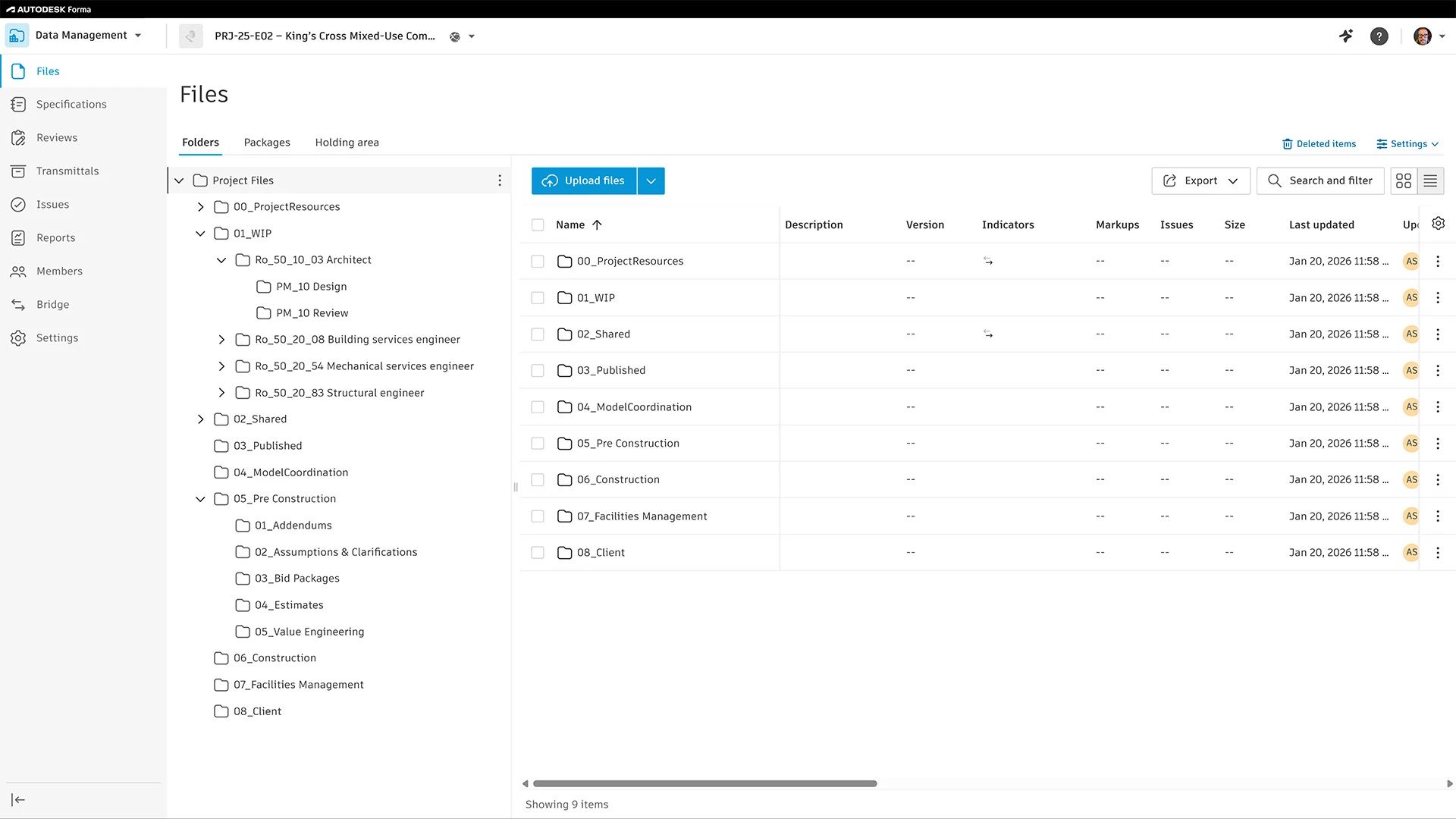
A single, connected place for project files and data that keeps teams aligned across every phase of work.
Project & account standardization
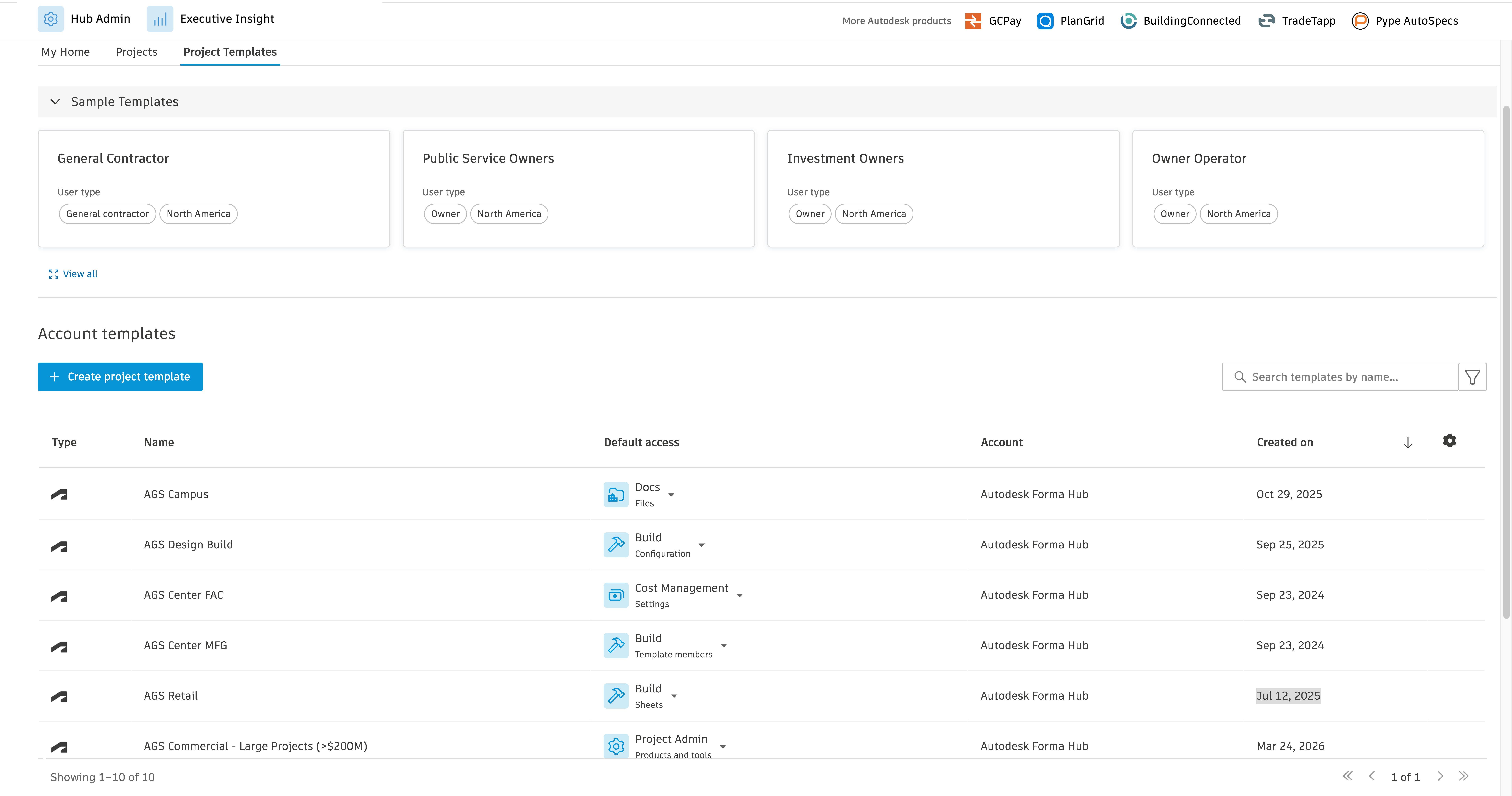
Establish project standards that bring consistency to how work starts and how teams execute.
Project & hub administration
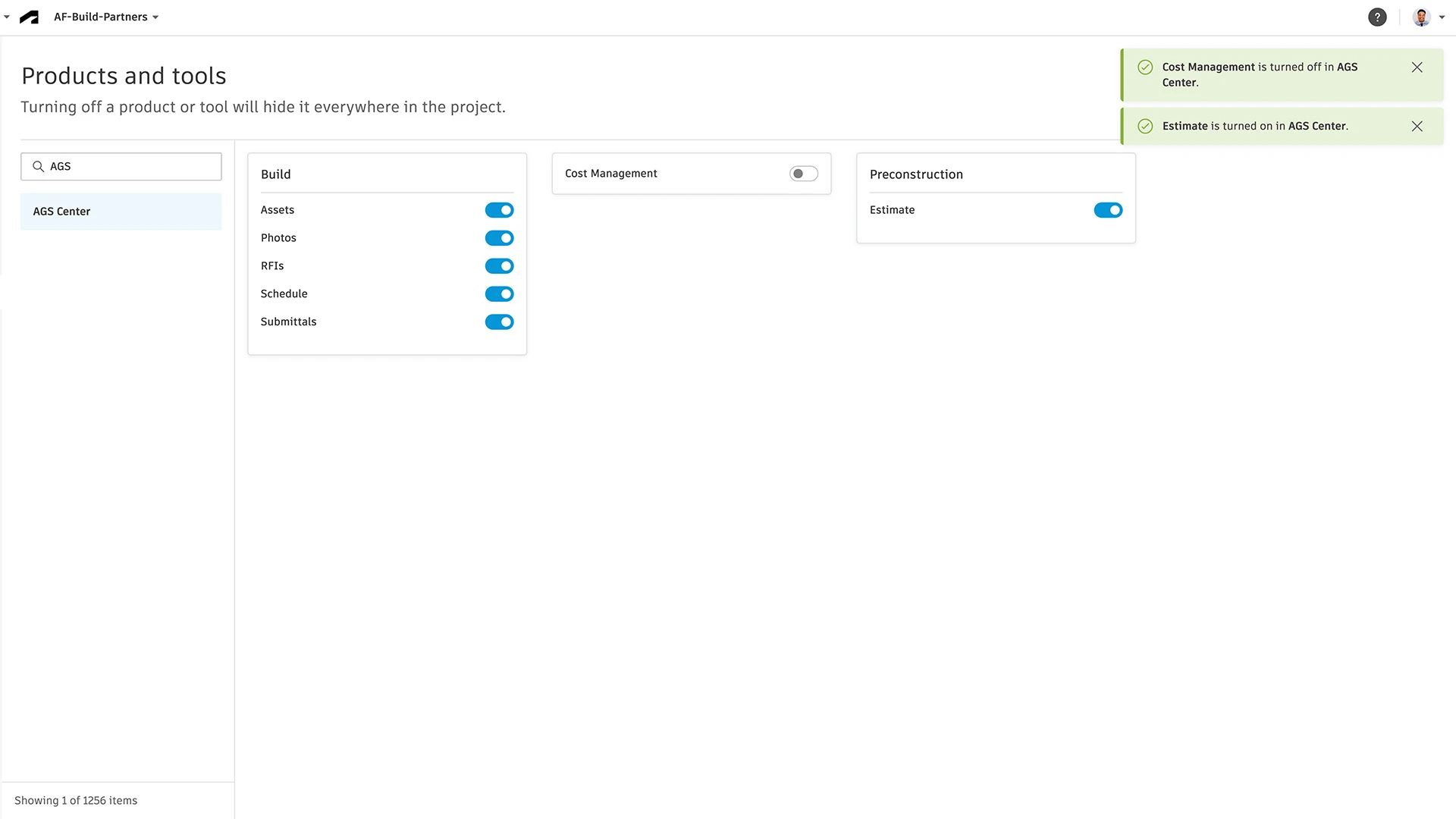
Maintain control behind the scenes as users, access, and integrations change across projects.
Insights, reporting, & analytics
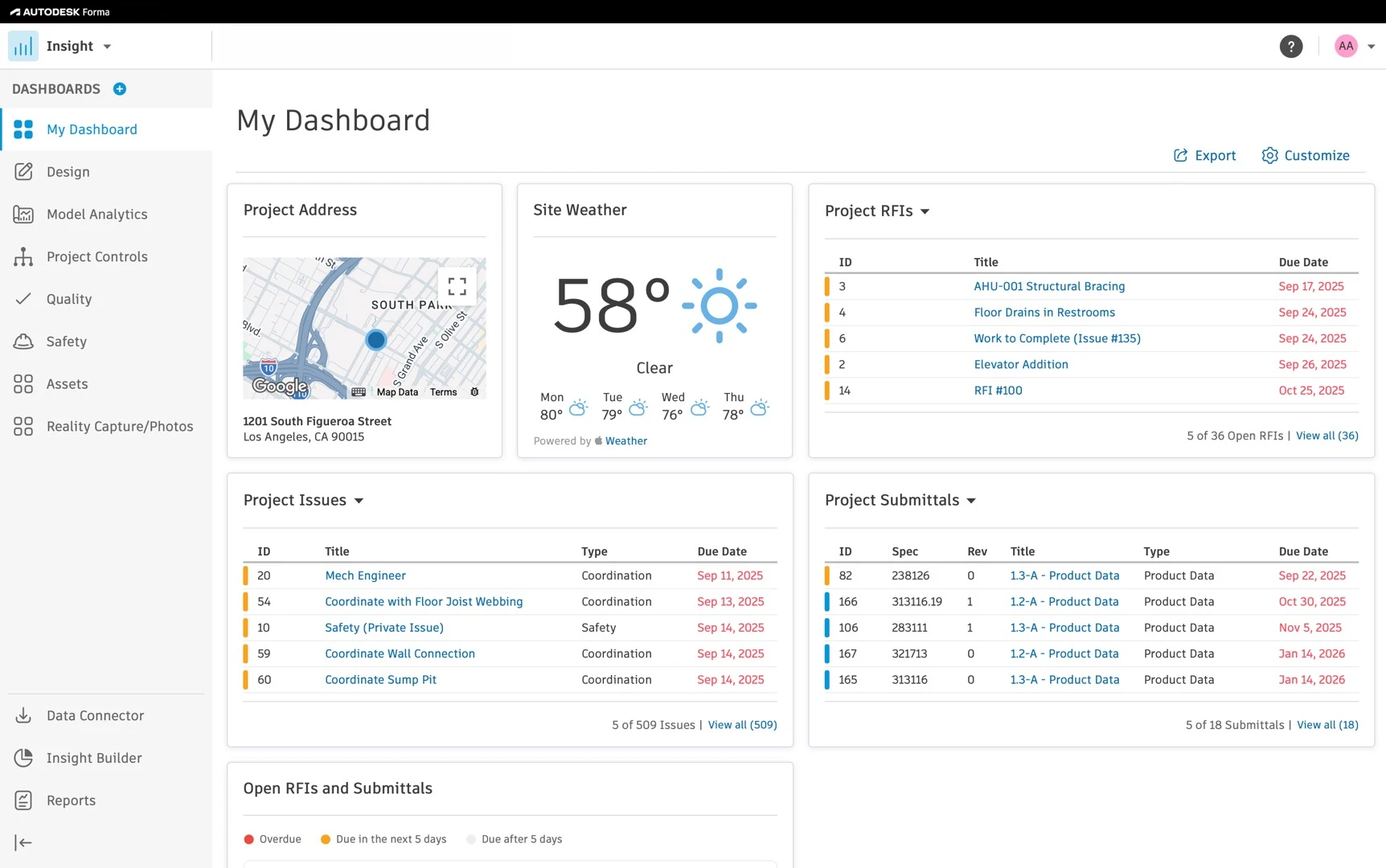
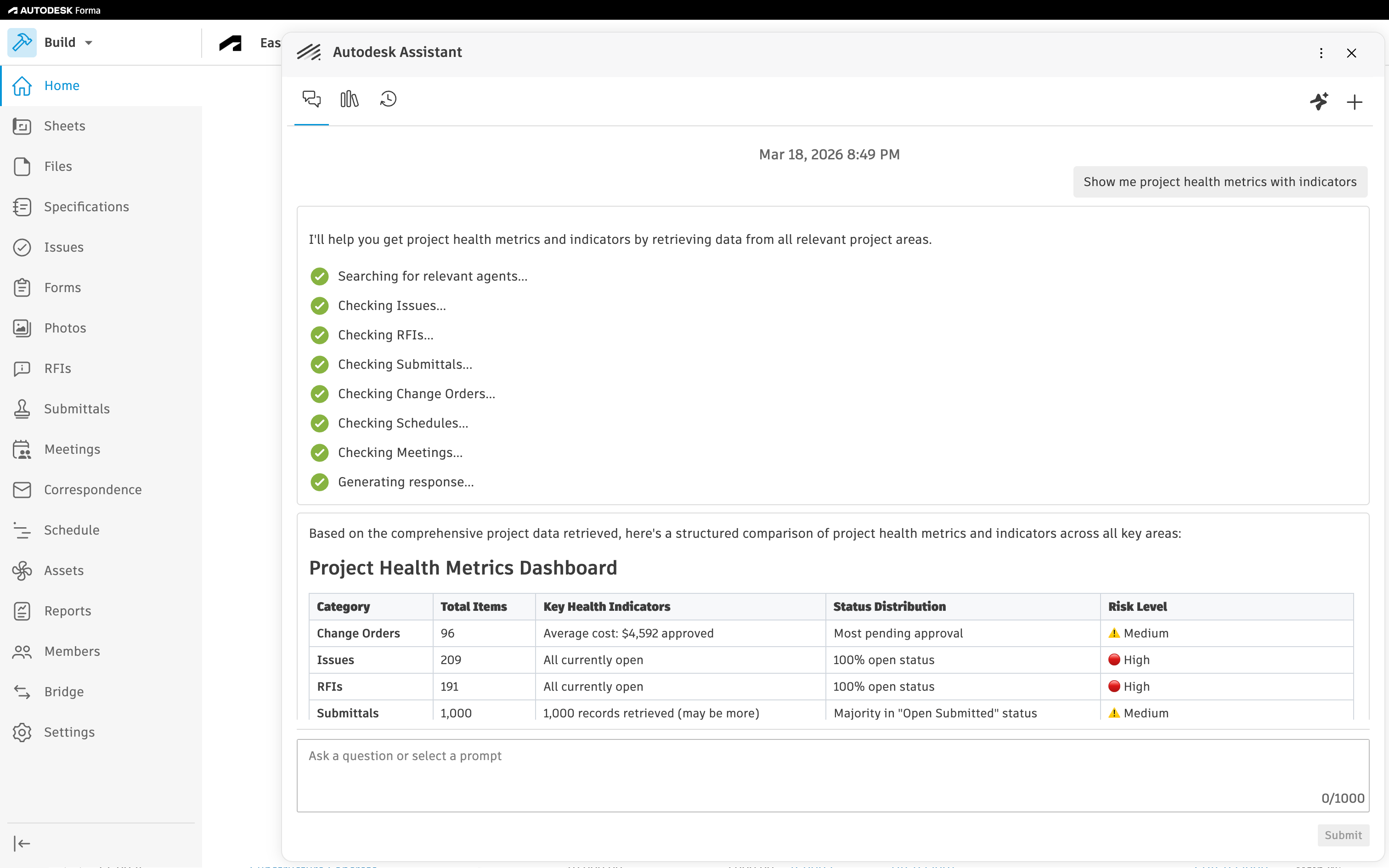
Gain clear, real-time insights to track performance, spot trends and make smarter project decisions.
Stronger workflows with integrated tools
Forma Design Collaboration
Extend design issues to construction workflows, keeping models, teams, and decisions aligned.


Forma for Construction Operations
Forma for Construction Operations
Bring AI and leading construction tools together to automate workflows and accelerate closeout.
Products included


+ 4 more products
Unlock more value for your teams
Unlimited access to multiple solutions at one price
Bring together best-in-class solutions to automate workflows with AI, enhance document collection, and accelerate project closeout.
Forma for Construction Operations
Forma for Construction Operations
Bring AI and leading construction tools together to automate workflows and accelerate closeout.
Products included
+ 4 more products
Unlock more value for your teams
Unlimited access to multiple solutions at one price
Bring together best-in-class solutions to automate workflows with AI, enhance document collection, and accelerate project closeout.
–Emily Rech, Director of Project Controls, Pond & Company
–Brad Buckles, Director of Technology, CPPI
—Kendra Jackson, QA/QC Administrator at TQD Group, a DFW Airport contractor
—Tim Kelleher, Operational Standards & Innovation, Brinkman Construction
News, learning, and success stories
Explore news, success stories and other resources to stay informed, inspired, and ahead of what’s next.

BLOG
Construction Tech ROI
Guide to calculating and proving the ROI of construction tech investments with clear metrics.
BLOG
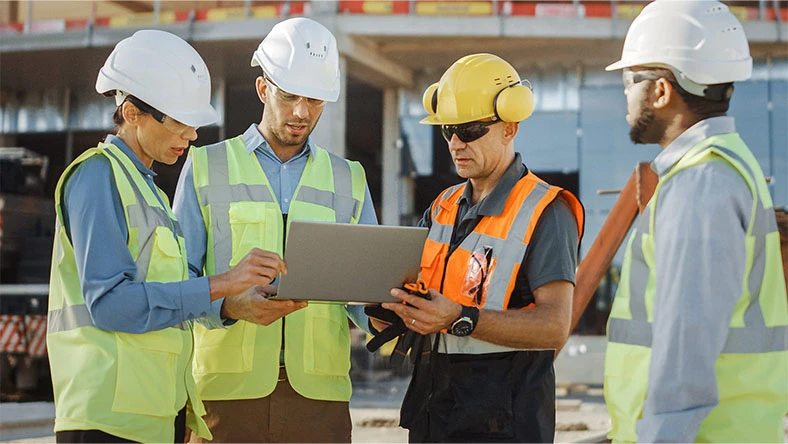
The ultimate guide to submittals
Learn about construction submittals, why they matter, and how to streamline the process.
COMMUNITY
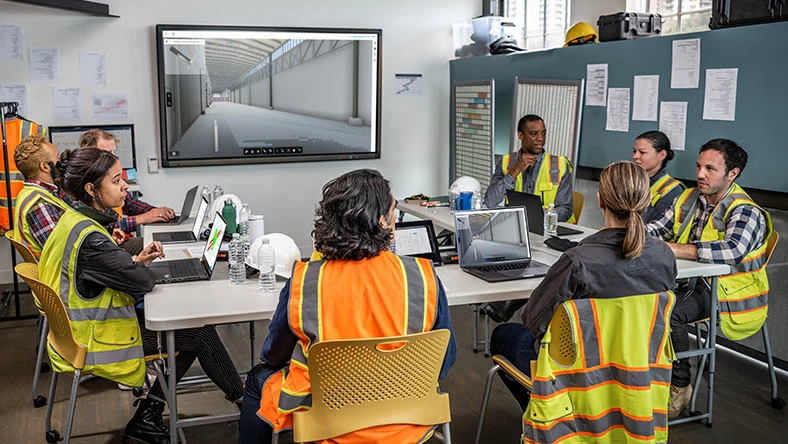
The Big Room
Join construction professionals in discussions, online activities, and virtual meetups.

ROADMAP
Forma for construction roadmap
Explore our product roadmap to see what’s in development, released, and under consideration.
INTEGRATIONS
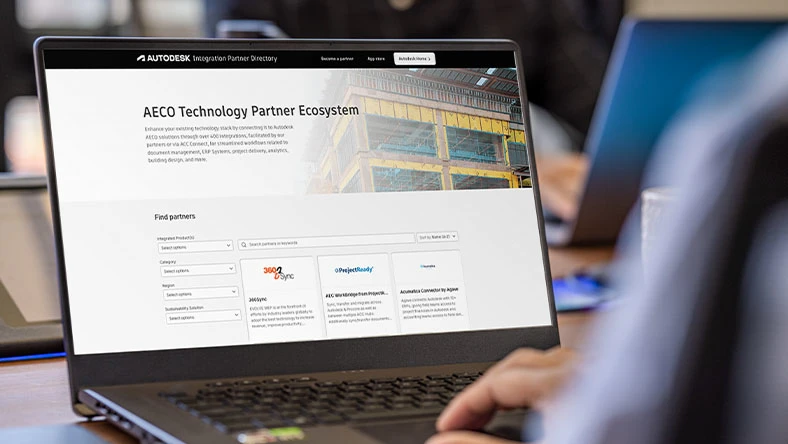
AECO technology partner ecosystem
Connect your tech stack with Autodesk Forma. 400+ integrations for streamlined project workflows.
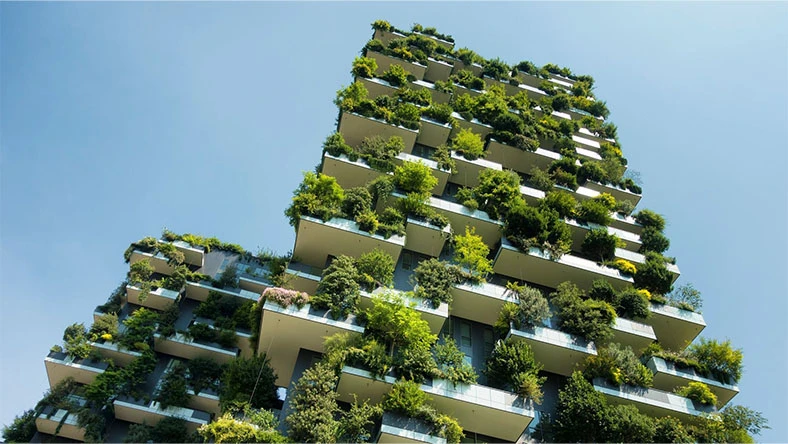
REPORT
2027 State of Design & Make
2027 global Design & Make research with key insights on tech, AI, sustainability, and industry trends.
Autodesk Forma
Connect all project phases with Forma
Connect all project phases with Forma
Explore Forma industry cloud’s tools for planning, design, building, and operations to unlock smarter workflows and stronger project outcomes.
Explore Forma industry cloud’s tools for planning, design, building, and operations to unlock smarter workflows and stronger project outcomes.
Autodesk Forma
Connect all project phases with Forma
Connect all project phases with Forma
Explore Forma industry cloud’s tools for planning, design, building, and operations to unlock smarter workflows and stronger project outcomes.
Explore Forma industry cloud’s tools for planning, design, building, and operations to unlock smarter workflows and stronger project outcomes.
Autodesk Forma
Connect all project phases with Forma
Connect all project phases with Forma
Explore Forma industry cloud’s tools for planning, design, building, and operations to unlock smarter workflows and stronger project outcomes.
Explore Forma industry cloud’s tools for planning, design, building, and operations to unlock smarter workflows and stronger project outcomes.
Questions? We have answers.
What is Forma Build?
Forma Build helps connect teams and workflows across the office, trailer, and jobsite, making it easier to manage construction projects from start to finish. Centralize project documents, track costs, and streamline collaboration in one place. Monitor quality and safety with issues and forms, organize communication through RFIs, submittals, and meetings, and track progress as work evolves. Forma Build gives teams better visibility, control, and confidence to deliver successful projects.
How does Forma Build help with construction project management?
Forma Build enables construction teams to track project performance in real time, ensuring that projects are delivered on time and on budget. It also helps to improve collaboration and productivity by providing a single source of truth for all project information. It provides powerful project creation, schedule management, and tracking capabilities so that construction teams can effectively monitor progress, collaborate, and make decisions quickly.
How does Forma Build improve collaboration between teams?
Forma Build is a cloud-based platform accessible from any device, allowing teams to collaborate and stay connected no matter where they are. Build is the perfect solution for teams looking to increase collaboration, improve project performance, and reduce operational costs.
Can Forma Build integrate with other Autodesk products?
Most construction professionals recognize the importance of integration. With over 400 pre-built integrations for ERPs, CRMs, document management, analytics tools, and more, Forma can integrate with the software you use, including other Autodesk products.
Is Forma Build suitable for small and large projects?
Forma Build is the ultimate construction management solution for businesses of all sizes. Our platform helps you stay on budget and on schedule, promote collaboration, and get the most out of your projects.
Is Forma Build available on mobile devices?
Yes, the Forma Build is available on mobile via the Autodesk Forma mobile app which is available for members who subscribe to any of the following Forma offerings:
Forma Build, Forma Build Essentials, Forma Design Collaboration, Forma Data Management, Forma Takeoff, Forma Site Design and Building Design.
What Autodesk AI Capabilities exist in Forma Build today?
Forma Build leverages Autodesk AI-powered tools to streamline workflows, automate tasks, and support smarter, faster decision-making throughout the project lifecycle. For example, Autodesk Assistant brings the power of conversational AI to construction professionals, helping users quickly find information, validate data, and generate summaries. Construction IQ analyzes project data, identifying and prioritizing risks across design, quality, safety, and project management. Autotags on Photos uses machine learning to automatically add construction related tags to project photos, making it easier to organize, search and find the photos you need. The Sheets tool automatically extracts sheet numbers and titles from multi-page PDFs, so teams can quickly find the drawings they need – when they need them. AutoSpecs analyzes specification documents and automatically generates submittal logs in minutes, while AI in the Specifications tool breaks down lengthy spec books into easily digestible sections – saving time, reducing errors, and giving teams clearer insight into design intent and risk. Autodesk AI also analyzes current specifications alongside historical project data to suggest potentially missing items. These are just a few of the AI features currently available in Build.
What is Autodesk doing to ensure the responsible and ethical use of AI and Machine Learning (ML)?
Some Autodesk AI-powered features do not leverage machine learning and so do not require data for training of the underlying models. When an AI feature does require data for training, Autodesk uses different data sources depending on the feature. You can learn more about whether a Autodesk AI feature relies on machine learning and what data sources are used for training in the Trusted AI section of Autodesk's Trust Center.

Construction jobsite execution
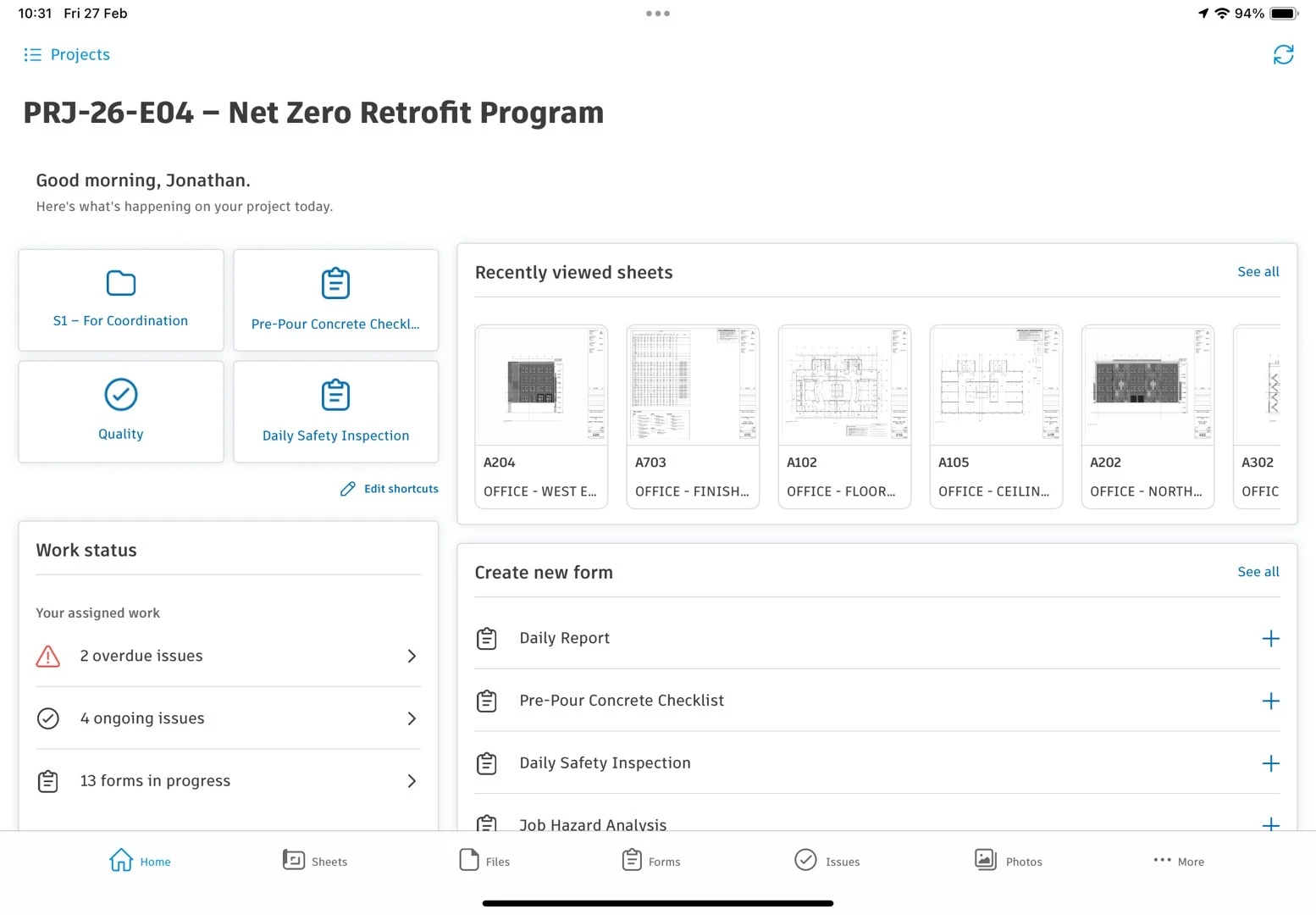
Get projects set up fast and keep crews moving on site. Work from the latest drawings and files, capture issues with photos and locations, and log daily reports and forms on web or mobile so field work stays organized and work keeps progressing.
Construction jobsite execution
Get projects set up fast and keep crews moving on site. Work from the latest drawings and files, capture issues with photos and locations, and log daily reports and forms on web or mobile so field work stays organized and work keeps progressing.
Field execution
Run field work from the jobsite
Latest versions
Work from the most up-to-date project information
Mobile forward
Stay connected with project information on mobile
Simplified projects
Quickly get projects running
Field execution
Run field work from the jobsite
Latest versions
Work from the most up-to-date project information
Mobile forward
Stay connected with project information on mobile
Simplified projects
Quickly get projects running
Forma Build Essentials capabilities
Punch list and issue management
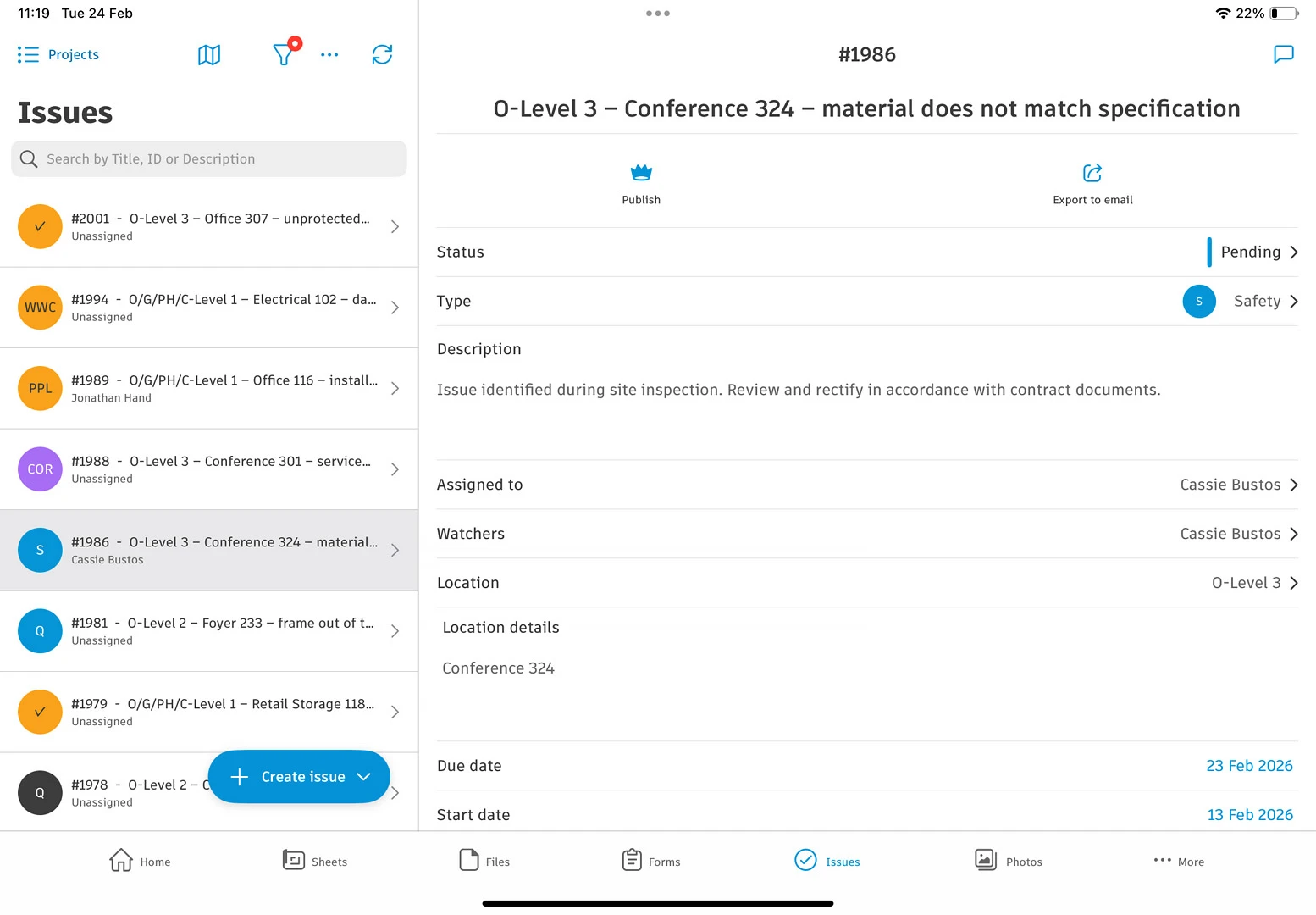
Capture punch items and issues on site with photos and locations. Assign an owner, set due dates, and track open to closed through closeout.
Daily reports and forms
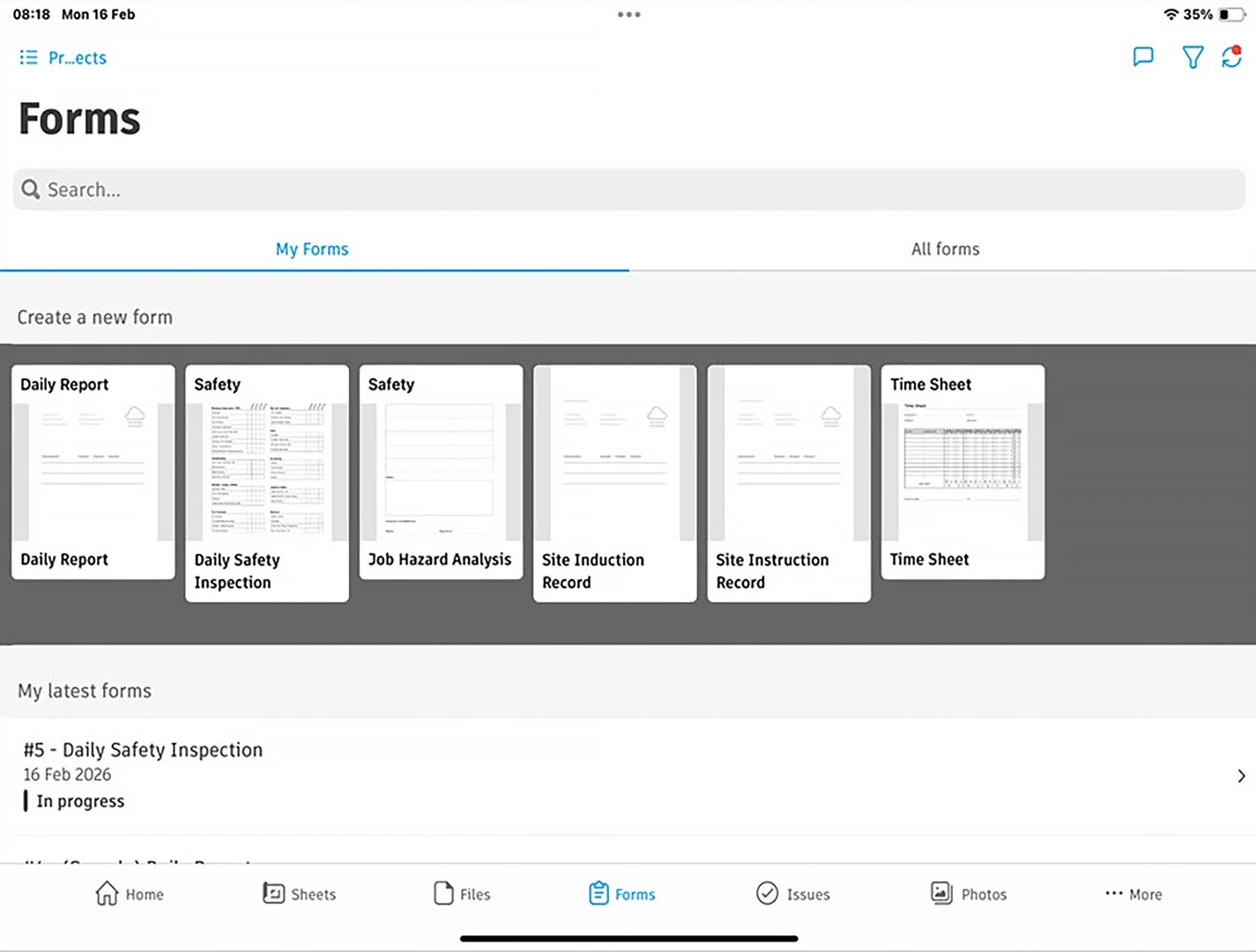
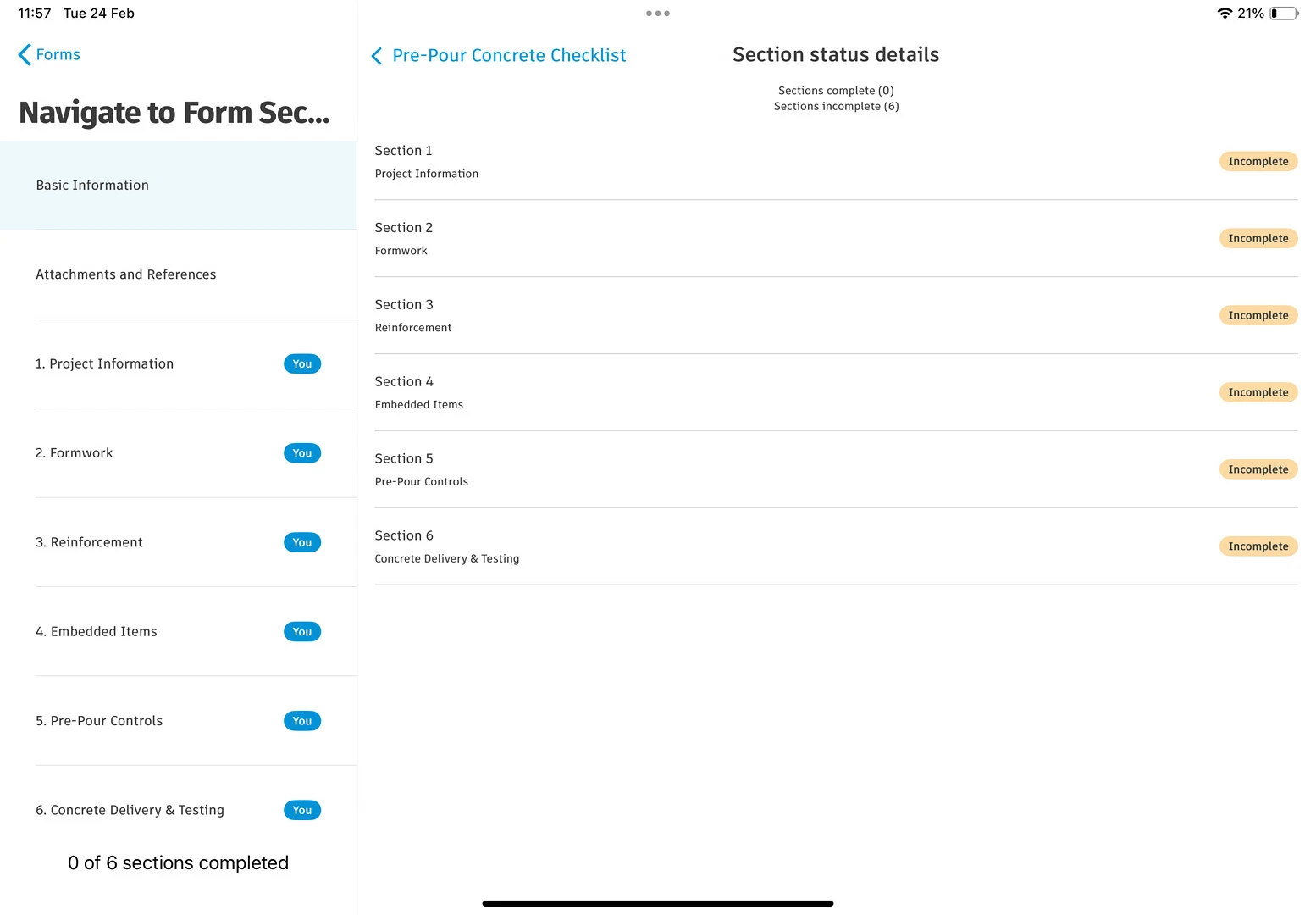
Keep day-to-day documentation consistent. Log daily work and conditions in forms with photos and signatures.
Latest sheets and files
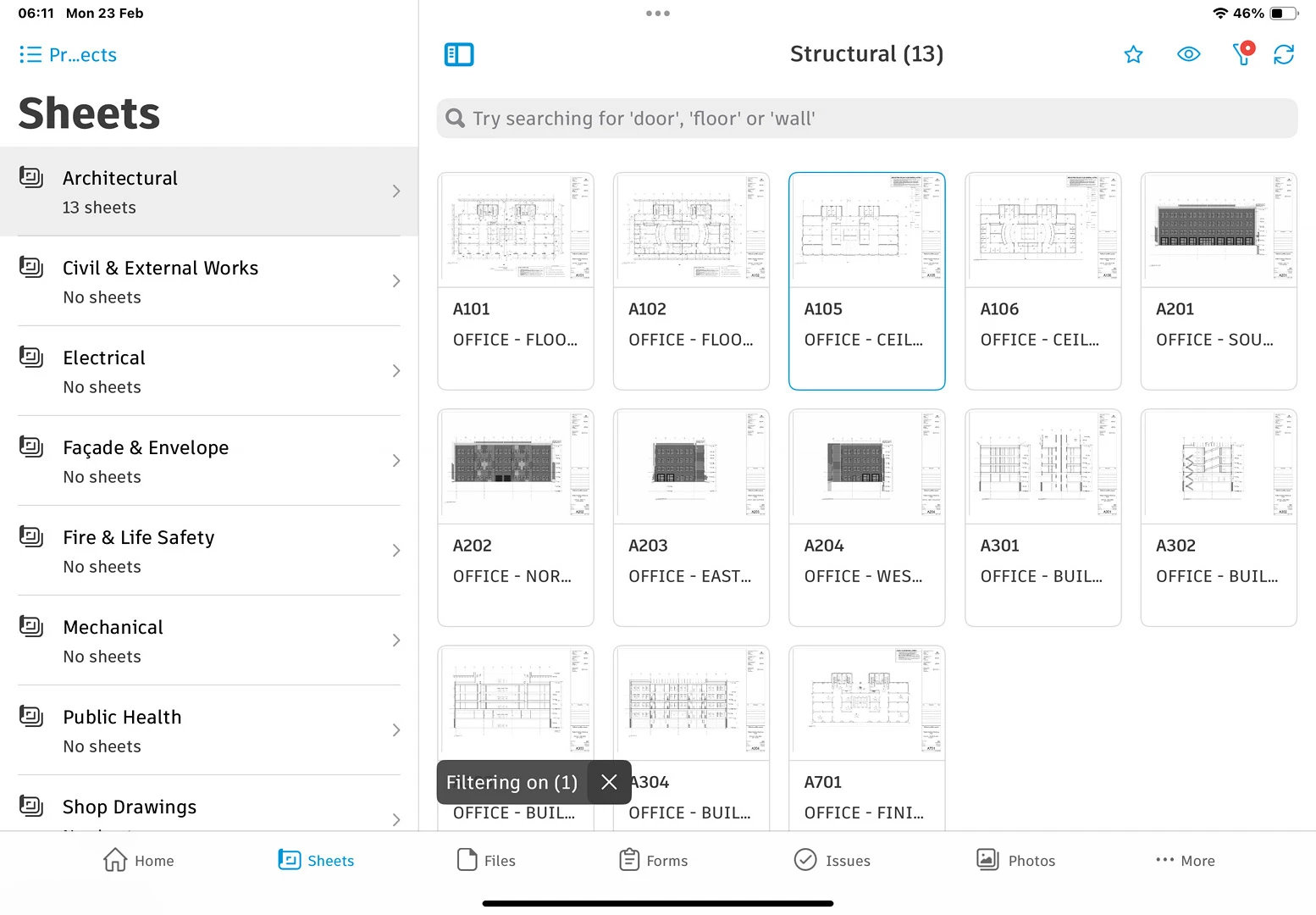
Keep sheets, files, and 3D models in one place. Pull the current set fast and avoid working from outdated information.
Simplified project setup
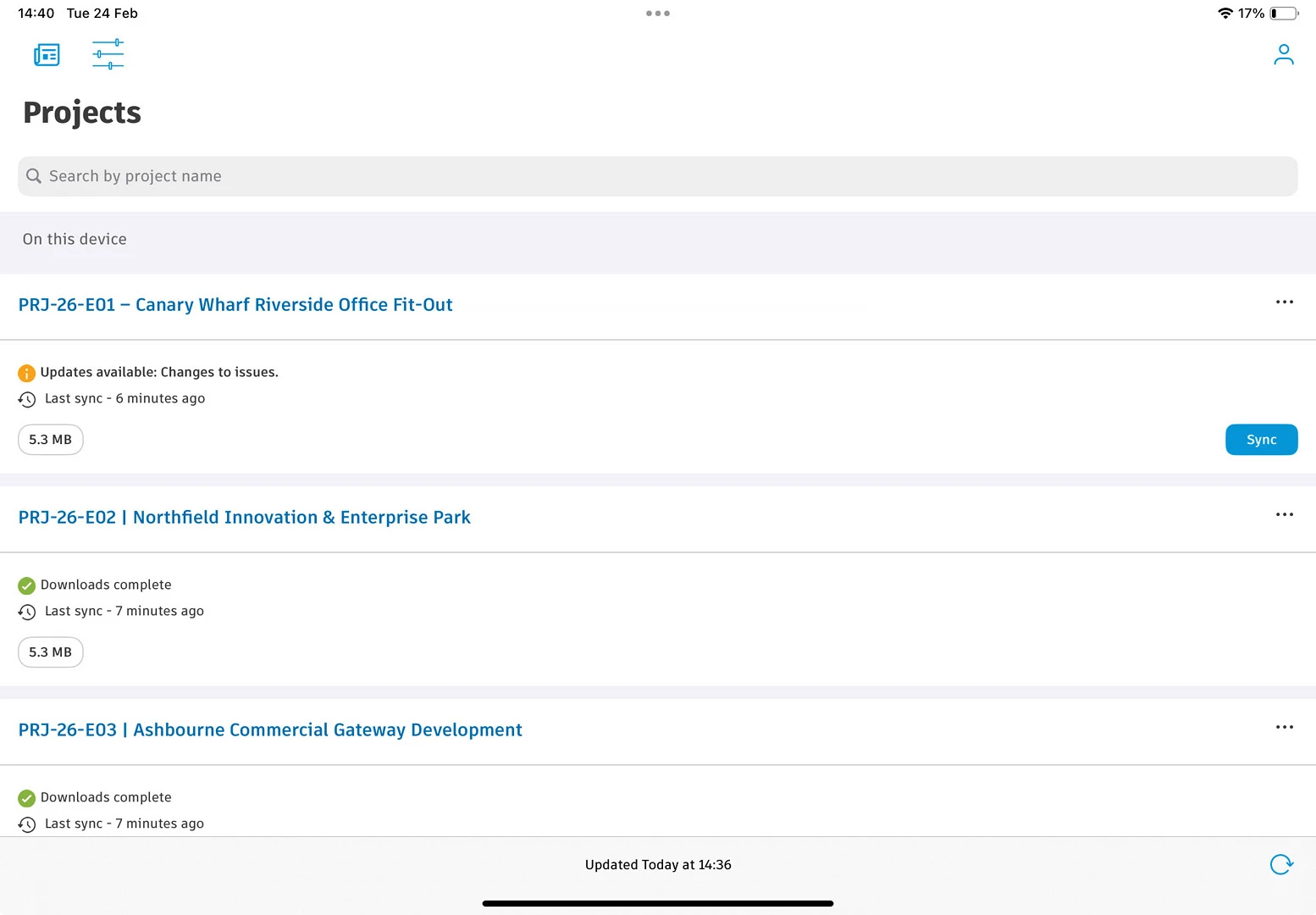
Get projects up and running fast. Add teams and companies and keep sheets, files, issues, photos, and forms in one place from day one.
Field-focused mobile app
Drawings, files, forms, photos, issues, and models on mobile. Fast access for field work, even with a weak signal.
News, downloads, learning, and resources
Explore the Forma mobile app, news, and other resources to stay informed, inspired, and ahead of what’s next.

MOBILE DOWNLOAD
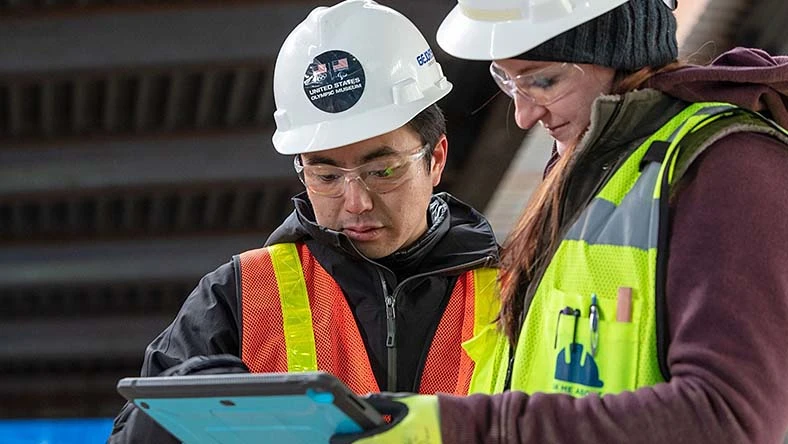
The Forma mobile app on the Apple App Store
Download and try the Forma mobile app on Apple devices, like iPhones and iPads, today.
MOBILE DOWNLOAD
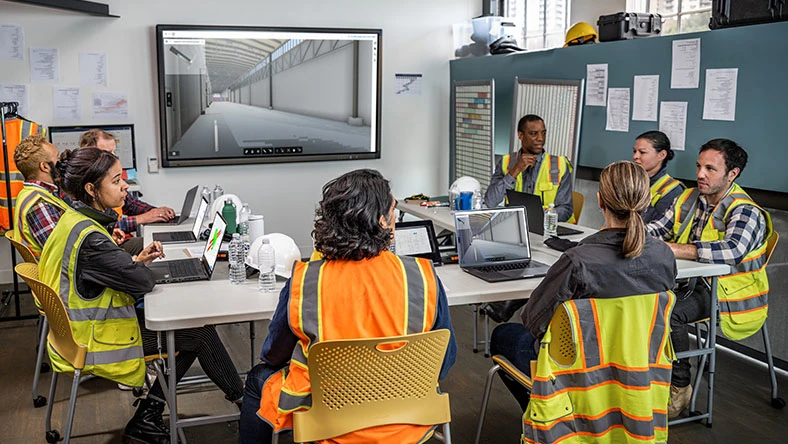
The Forma mobile app on Google Play
Download and try the Forma mobile app on Android devices, like Android phones and tablets, today.
COMMUNITY
The Big Room
An online community designed for construction professionals to meet and grow with one another

ROADMAP
Forma for construction roadmap
Explore our product roadmap to see what’s released, in development, and under consideration.
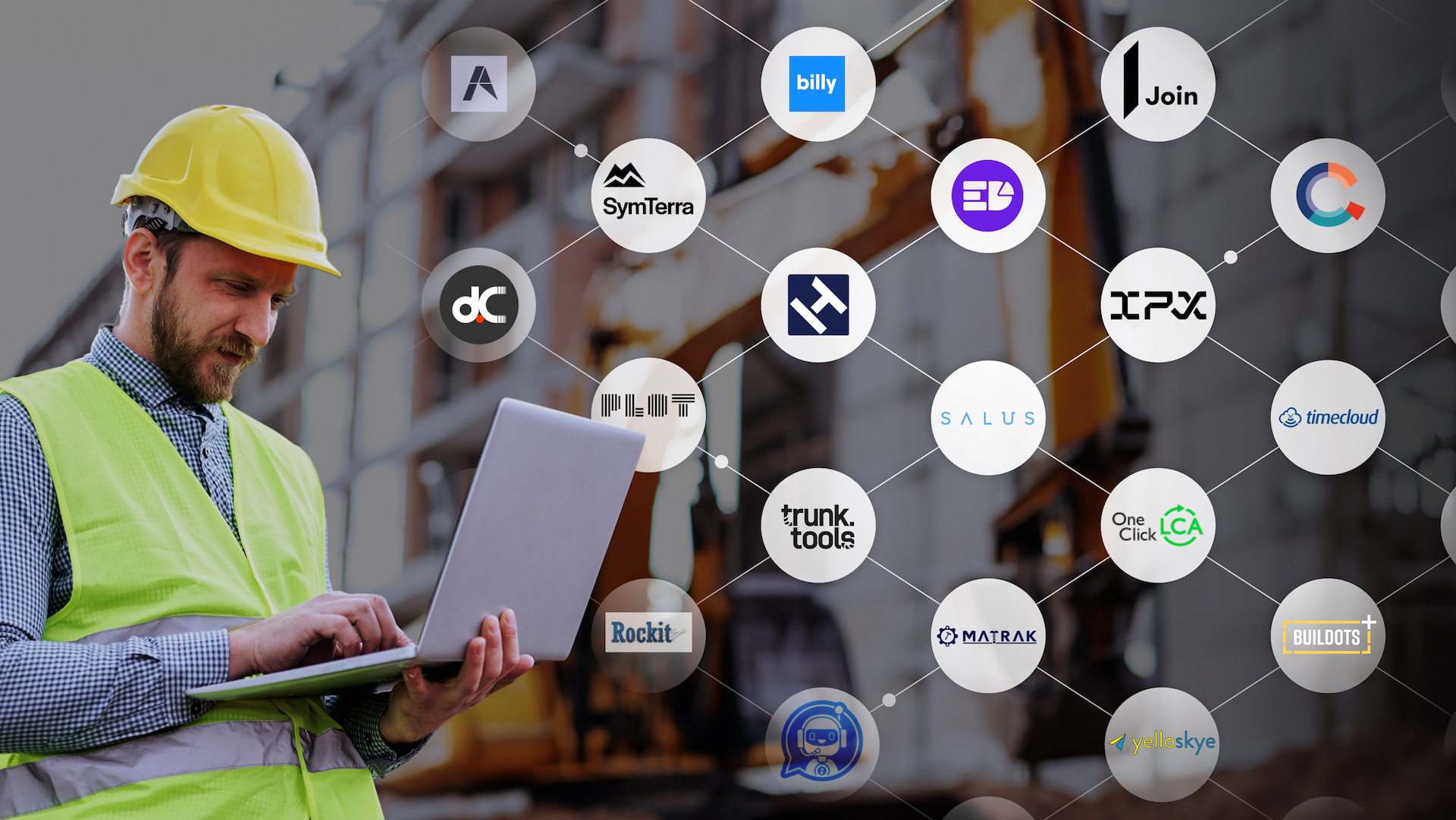
INTEGRATIONS
AECO technology partner ecosystem
Connect your tech stack with Autodesk Forma. 400+ integrations for streamlined project workflows.
REPORT
2025 State of Design & Make
2025 global Design & Make research with key insights on tech, AI, sustainability, and industry trends.
Autodesk Forma
Connect all project phases with Forma
Connect all project phases with Forma
Explore Forma industry cloud’s tools for planning, design, building, and operations to unlock smarter workflows and stronger project outcomes.
Explore Forma industry cloud’s tools for planning, design, building, and operations to unlock smarter workflows and stronger project outcomes.
Autodesk Forma
Connect all project phases with Forma
Connect all project phases with Forma
Explore Forma industry cloud’s tools for planning, design, building, and operations to unlock smarter workflows and stronger project outcomes.
Explore Forma industry cloud’s tools for planning, design, building, and operations to unlock smarter workflows and stronger project outcomes.
Autodesk Forma
Connect all project phases with Forma
Connect all project phases with Forma
Explore Forma industry cloud’s tools for planning, design, building, and operations to unlock smarter workflows and stronger project outcomes.
Explore Forma industry cloud’s tools for planning, design, building, and operations to unlock smarter workflows and stronger project outcomes.
Questions? We have answers.
What is Forma Build Essentials?
Built for lean crews and growing jobs, Forma Build Essentials brings issues, forms, photos, sheets, and files into one place. Crews can run punch lists, log daily reports, and review sheets and models on web or the Forma mobile app.
How does Forma Build Essentials help with construction field tasks?
Review sheets, drawings, files, and 3D models for onsite context into designs, daily tasks, as well as markups, comments, and changes. Capture punch list items and other quality and safety issues with photos and locations, assign an owner and due date, and track work from open to closed. Log daily logs and reports, and complete forms with photos and signatures, so documentation stays consistent.
How does Forma Build Essentials improve collaboration between teams?
Keep field and office working from the same current sheets, files, and updates. Assign issues with clear ownership, share photos and form results, and follow status and comments through resolution so handoffs stay clear.
Is Forma Build Essentials suitable for small and large projects?
Forma Build Essentials is designed for the field. Use it on smaller projects or across multiple jobs when you need consistent field capture for sheets, issues, photos, and daily reporting without heavy setup. When you need to tackle more complex jobs with additional project management or cost management capabilities, Forma Build is a great choice.
Is Forma Build Essentials available on mobile devices?
Yes. Forma Build Essentials is available on web and in the Forma mobile app, with mobile-optimized workflows designed for field teams. Forma Build Essentials supports offline-capable workflows for key field tools, so crews can keep working in low or no connectivity and sync updates once reconnected.
What tools are included in Forma Build Essentials?
Forma Build Essentials includes issues, forms, photos, sheets, and files, plus project templates, core admin, and Bridge for sharing. Mobile-optimized model viewing, shortcuts, and online sync with offline-capabilities help crews move through daily field work faster.
What admin controls are included with Forma Build Essentials?
Forma Build Essentials includes low-lift, built-in administration for projects, members, companies, templates, and settings, so teams can get set up quickly and get to work fast while keeping access organized as the project grows.
Does Forma Build Essentials include project templates?
Yes. Project templates help you reuse settings and forms, so each new project starts with the same structure and checklists, keeping documentation consistent across jobs.
Can I choose where my project data is stored?
Yes. You can select your project data storage location, consistent with the options available for your account.
What does Forma Build Essentials support?
Forma Build Essentials supports the same languages as Forma Build, including English, French, German, Spanish, Japanese, and more.
Can Forma Build Essentials users work with Forma Build users?
Forma Build Essentials and Forma Build users can operate in the same Forma project environment and share the same underlying project data. Collaboration happens in one project, with access to project data and available tools governed by license type.
When should I consider Forma Build compared to Forma Build Essentials?
If you need deeper workflows like project management, cost, reporting and insights, advanced permissions, or Autodesk AI capabilities for complex projects, Forma Build is the better fit.
Products you can trust
From payment flexibility to always-on support, we back up our work with excellent customer service.