& Construction

Integrated BIM tools, including Revit, AutoCAD, and Civil 3D
& Manufacturing

Professional CAD/CAM tools built on Inventor and AutoCAD
Behind every breakthrough is a journey of persistence, precision, and possibility. With Autodesk, design and make anything—from first draft to final masterpiece.
When a racing accident changed Mike Schultz’s life, he designed a new path forward. The U.S. Paralympian & Entrepreneur turned adversity into innovation—creating high-performance prosthetics that are redefining adaptive sports.
From rough draft to reality, Autodesk gives architects, engineers, and contractors the power to design and build anything.
From first sketch to final production, Autodesk empowers product designers and engineers to design and manufacture anything.
From first sketch to final frame, Autodesk gives filmmakers, animators, and VFX artists the tools to make anything.
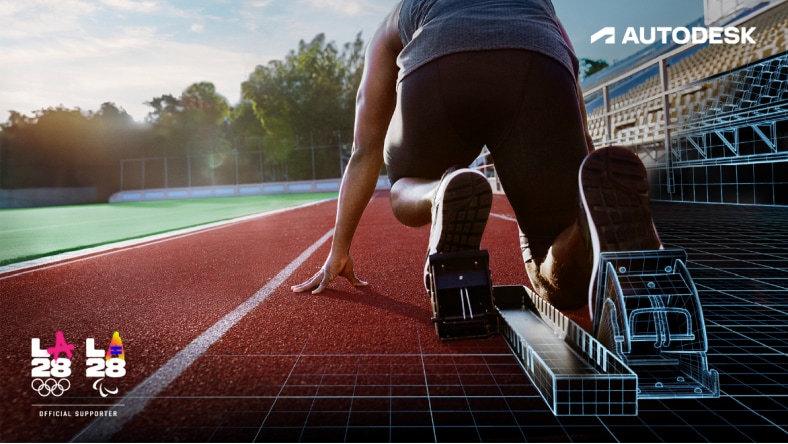
Autodesk will be at the heart of the LA28 Olympic & Paralympic Games with our software guiding the design, development, and delivery of 40+ venues.
Mike Schultz, U.S. Paralympian & Entrepreneur, turned adversity into innovation—designing and making high-performance prosthetics that are redefining adaptive sports.
Five years after a devastating fire, Notre-Dame de Paris Cathedral opened her doors once again. Autodesk is a proud supporter of the historic restoration.
Download a free trial to explore the full capabilities of our latest versions of Autodesk 3D design software.
Share and be inspired by the amazing projects that designers and makers like you are creating with Autodesk.
Preparing students for the jobs of tomorrow with free access to Autodesk software.
Autodesk's Design and Make Platform is made up of three AI-powered industry cloud products: Forma, Fusion, and Flow.
Autodesk's Design and Make Platform (US Site) includes three industry clouds, Forma, Fusion, and Flow, that connect data, utilize AI-powered insights and automations, and help deliver business outcomes faster.
We’re glad you asked! Our State of Design & Make Report is an annual global study revealing insights from industry leaders on how digital transformation drives business resilience, sustainability, and talent management. Explore the latest trends and findings in the 2025 Report here (US Site).
Yes! Or more like “Yes and...” AutoCAD started it all in 1982, and today we are a global leader in software for architects, builders, engineers, designers, manufacturers, 3D artists, and production teams. Our extensive portfolio of cloud-based and desktop applications span a wide range of industries to empower innovators everywhere to design and make a better world.
Yes! With our Autodesk education plan, we give eligible students and educators free access to our professional-grade software and tools. Autodesk is committed to providing the in-demand skills, hands-on experience, and industry-recognized credentials that students need to secure resilient careers in Design & Make industries. Learn more about our education plan here.
Start with the type of work you do most often, the deliverables you need to produce, and how your team collaborates.
Your industry can help guide your choice. In Architecture, Engineering, and Construction (AEC), tools like Revit and AutoCAD are commonly used for design, drafting, and documentation. In Design and Manufacturing (D&M), Fusion and Inventor support product design and fabrication workflows. In Media and Entertainment (M&E), Maya and 3ds Max are widely used for 3D modeling and visual effects.
It’s also important to consider how often you’ll use the software. If you need it for day-to-day work, a subscription provides consistent, cost-effective access. If your work requires occasional use, Flex is a good option.
Yes. Autodesk software can support businesses as they grow by offering tools that serve both immediate needs and more advanced workflows over time. Many teams start with one product and expand into additional capabilities as projects become more complex. As you need more software, you can access them in bundles to save, available by industry – Product Design & Manufacturing Collection, Architecture, Engineering & Construction Collection, and Media & Entertainment Collection.
You can get up and running quickly with the streamlined download process. While most Autodesk tools take time to learn, you don’t have to master everything to get started. You can begin with the core tasks you need right away and build skills as you go. With quick start guides, product tutorials, and a global user community, you have support along your journey.
The most affordable offering depends on your industry, workflow, and how frequently your team uses Autodesk products. For regular, ongoing use, subscriptions offered on a monthly or annual basis provide the best value. For more occasional or flexible needs, Flex lets you prepay only for the usage you need. Many small teams find a combination of offerings works best, using subscriptions for users who need consistent access and Flex tokens for those with more occasional or varied use.
Autodesk provides a range of support resources to help you resolve issues quickly and stay productive. You can troubleshoot critical problems through 24/7/365 technical support, AI-assisted help, and community forums. For day-to-day guidance and onboarding, you can rely on product documentation, quick start guides, tutorials, and guided learning content, making it easy to get up and running independently.