& Construction

Integrated BIM tools, including Revit, AutoCAD, and Civil 3D
& Manufacturing

Professional CAD/CAM tools built on Inventor and AutoCAD
Design and engineer products your way—ensuring aesthetics, form, fit, and function—with integrated CAD, CAM, and more. Save time and money while delivering high-quality parts to market faster.
Unblock your team with a centralized workspace that eliminates version conflicts and manual handoffs. Slash onboarding time and stop managing software—so you can get back to building great products.
Eliminate the burden of server maintenance and complex IT to reclaim your time and budget for growth. Stay secure and scale on demand with a cloud platform that keeps your workflow ahead of the curve.
Add users, expand workflows, and adopt new capabilities without disruption. Connected data, automation, and real-time insights help streamline work and accelerate productivity.
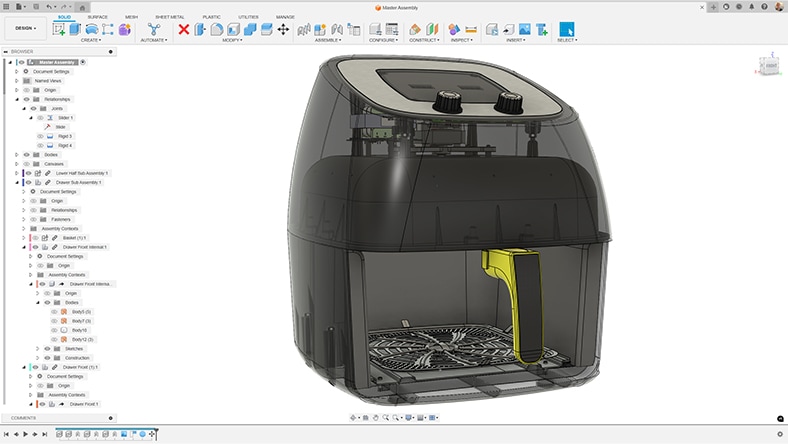
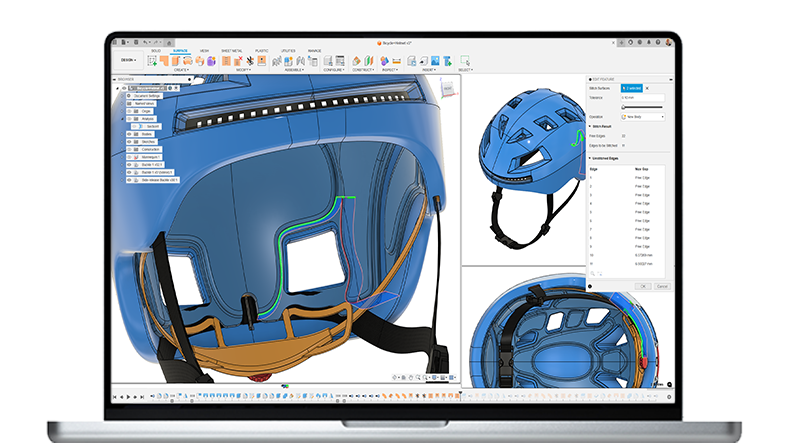
Create robust 3D models using parametric, direct, freeform, and surface tools.
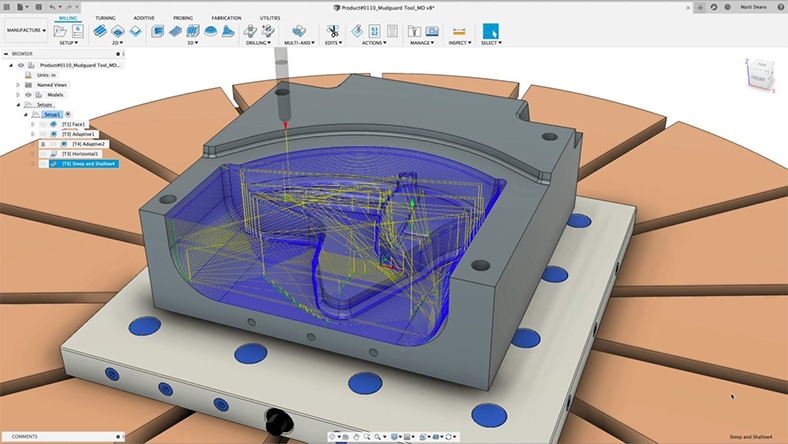
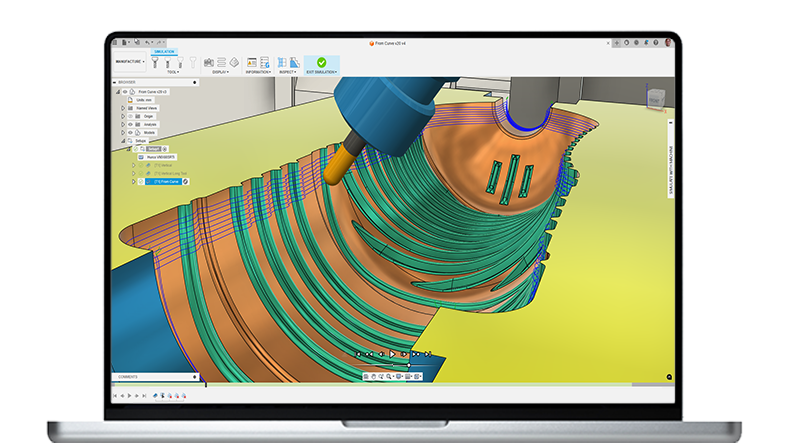
Generate CNC toolpaths for milling, turning, cutting, and additive manufacturing.
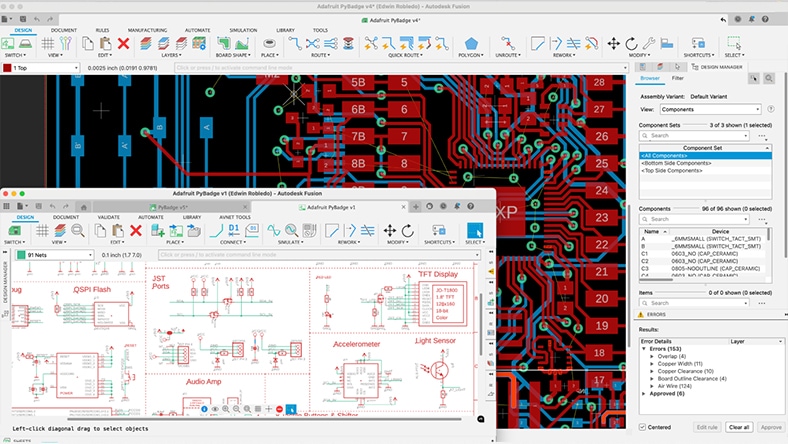
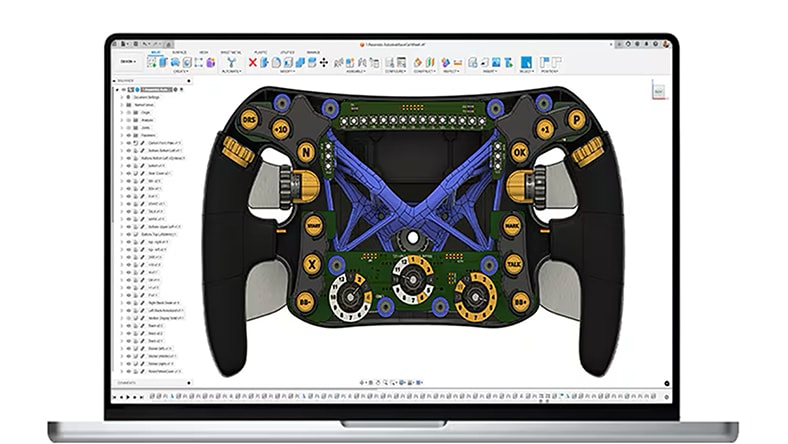
Design schematics, PCB layouts, and electronics assemblies in a fully integrated workflow.
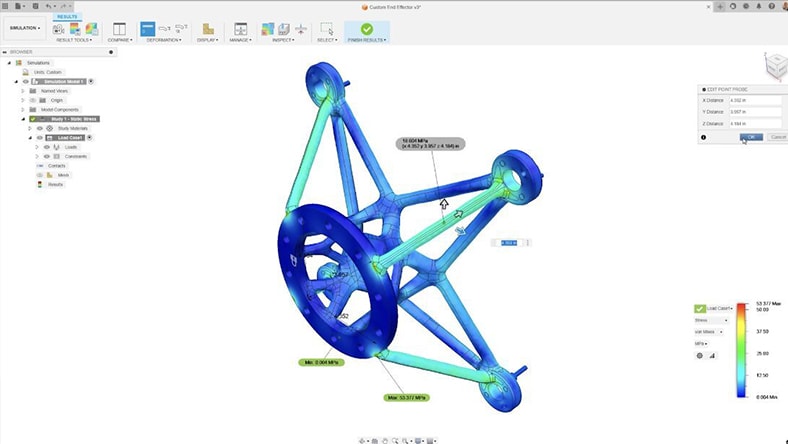
Run structural, thermal, modal, and event simulations to understand real-world performance early.
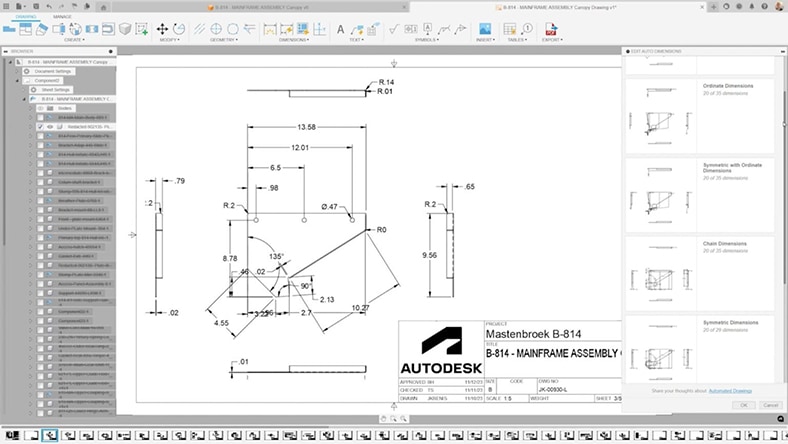
Create associative 2D drawings directly from your designs.
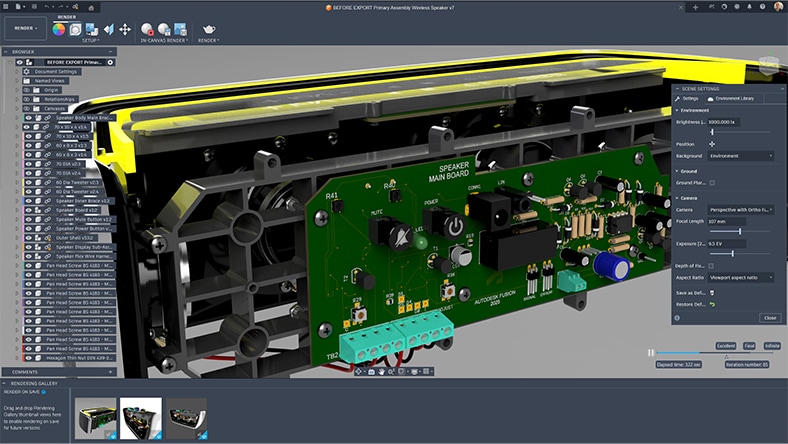
Produce photorealistic renderings using materials, environments, and lighting presets.
Whether you’re a lean R&D group, or a multi-site manufacturing business with hundreds of engineers and operators — Fusion scales with you.
THE FOUNDATION FOR MODERN PRODUCT DEVELOPMENT
Integrated CAD, CAM, CAE, PCB, and PDM essentials for design and collaboration in a single, unified workspace.
Includes:
Best for: Early-stage teams and makers
THE INTEGRATED MFG. SOLUTION FOR PROFESSIONAL SHOPS & PRODUCTION TEAMS
Best for teams moving beyond standalone CAM tools — unify advanced CAM automation, high-precision machining, and robust CAD tools in one environment.
Why teams switch from legacy CAD/CAM stacks:
Includes all Fusion features, plus advanced manufacturing capabilities:
THE COMPLETE DESIGN + DATA PLATFORM FOR ENGINEERING TEAMS READY TO MODERNIZE
Best for teams who need enterprise-grade accuracy, data rigor, and design-to-manufacture continuity — without the complexity of legacy systems.
Why teams switch from legacy tools and add-ons:
Includes all Fusion features, plus advanced design capabilities:
Autodesk Fusion is an all-in-one, cloud-based product development platform that brings together CAD, CAM, CAE, electronics, and data management in a single solution. It’s designed to help small to medium sized teams design, make, and iterate faster – without the cost or complexity of managing multiple tools.
Autodesk Fusion is ideal for small to medium sized businesses with lean product development teams – especially for companies that want professional-grade tools that can grow with them, without committing to costly, enterprise level systems upfront.
Fusion helps teams:
With Autodesk Fusion, core workflows like design, manufacturing, simulation, and data management live in one platform – reducing the need for disconnected tools, file transfers, and rework. Autodesk Fusion enables teams to stay focused, reduce overhead, and avoid costly tool sprawl.
Yes. Autodesk Fusion offers flexible subscription options, including monthly and annual plans, so you can choose what fits your budget and timeline. This flexibility makes it easier to get started without a large upfront investment. See Autodesk Fusion plans and pricing here.
Absolutely. Autodesk Fusion is designed to scale with your business. A subscription to Autodesk Fusion includes core design, manufacturing, and data management workflows. As your business expands over time, you can add advanced capabilities via Autodesk Fusion extensions.
Yes. Autodesk Fusion is known for it’s easy to use, modern interface and is built to be approachable for all teams, regardless of size or level of expertise. Its integrated workflows, and extensive learning resources help teams get productive quickly, without long setup times or dedicated IT support.
Yes. Autodesk Fusion runs on both macOS and Windows and also supports browser-based access. This makes it easy for mixeddevice teams or remote collaborators to work together.
Yes, Autodesk Fusion offers mobile access for viewing, commenting, and collaborating on designs. While full modeling is done on desktop or browser, mobile access makes it easy to stay connected and review work on the go.
Autodesk Fusion is cloud based, so teams can:
This is especially valuable for teams that need to move fast and work closely together.
Yes. Autodesk Fusion includes built‑in data management to help track versions, manage changes, and keep everyone working from the latest design. For teams that need more advanced process control, additional data management capabilities can be added.
Yes, Autodesk Fusion supports a wide range of manufacturing needs, including CAM, toolpaths, and production‑ready outputs. Autodesk Fusion is the go-to solution for manufacturers and product companies that want to go from design to production in one system.
Yes, Autodesk Fusion customers have access to Autodesk support, learning resources, and community forums.
Yes. Autodesk Fusion offers a free 30-day trial, so you can explore the platform, test workflows, and see if it’s the right fit for your business before purchasing.
A cloud‑based product development solution like Autodesk Fusion helps growing businesses work faster, collaborate more easily, and reduce overhead without the complexity of traditional on‑premise software. Key benefits include:
No. Autodesk Fusion scales from individual designers and small studios to larger furniture manufacturers, making it accessible for both bespoke and production‑oriented workflows.