Fusion

Fusion educator resources

Implement Fusion in your classroom, with all the resources and step-by-step guides you need in one place. 

Step one: learn

Build your skills and knowledge with our self-paced resources. From 90-minute quick start courses to deep dives into advanced features, there’s something for every level. 

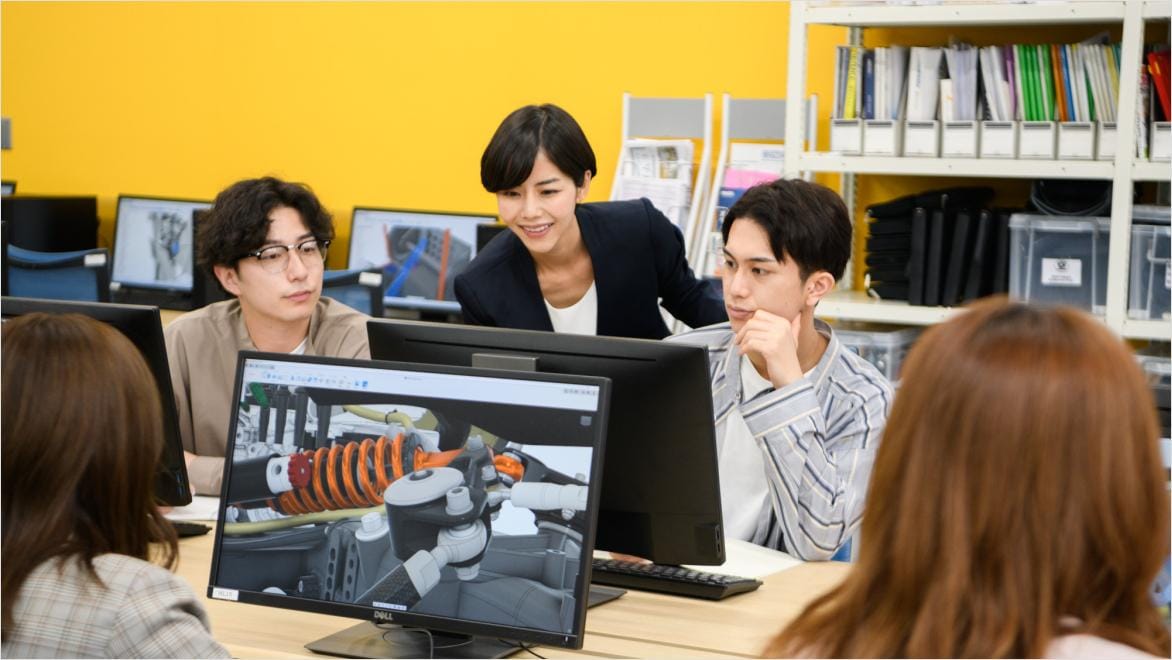
Several student's work on a project on desktop, their teacher leans forwards and shows two students something on their screen. The student's are working in Autodesk Fusion.

Step two: teach

Explore our ready-to-use curriculum. Choose the pathway that fits your students — from high school to college. You can assign entire courses or download modules to integrate into your own lesson plans. 

Step three: choose your education plan

School educator plan

As an educator, at a qualified educational institution, you can assign up to 250 licenses to your students.

Student plan

Students at qualified educational institutions can create their own accounts for personal use.

School IT Administrator plan

IT Administrators can distribute up to 3,000 licenses across qualified institutions.

Get help

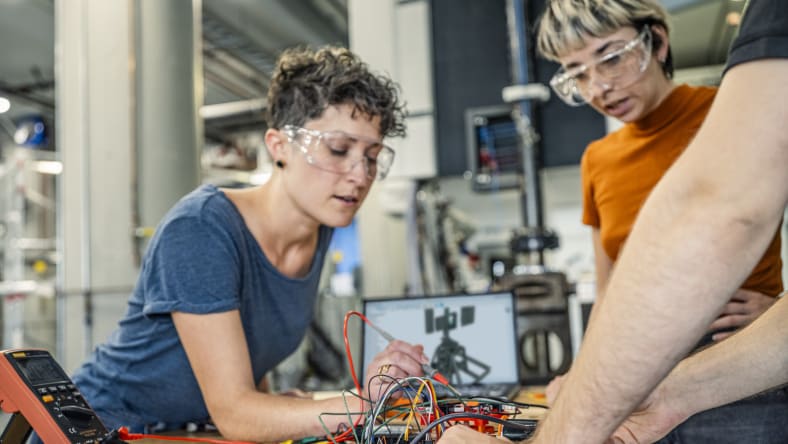
Two women work on an electronics project using Autodesk Fusion, both are wearing safety goggles

Education homepage

Visit our Fusion education homepage for resources.


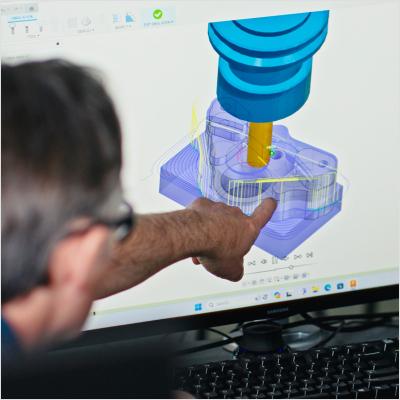
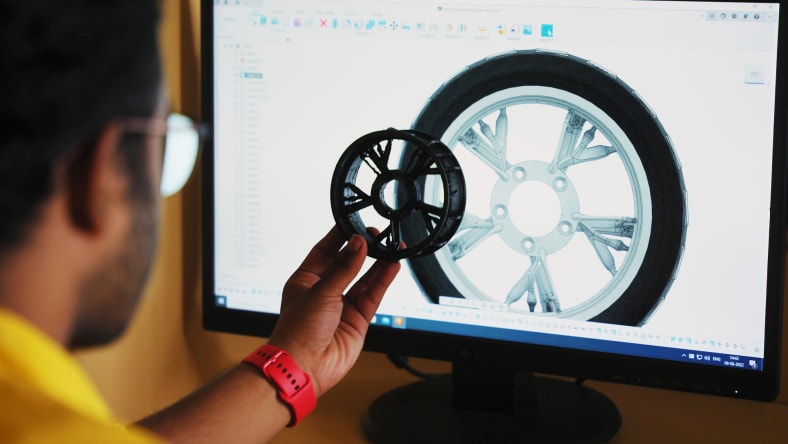
A man with in glasses holds a wheel up to a desktop screen displaying the wheel's design in Autodesk Fusion, we see only the back of the man's head

Forum

Use our forums for technical questions. Our forums are supported by Autodesk experts and our global community.


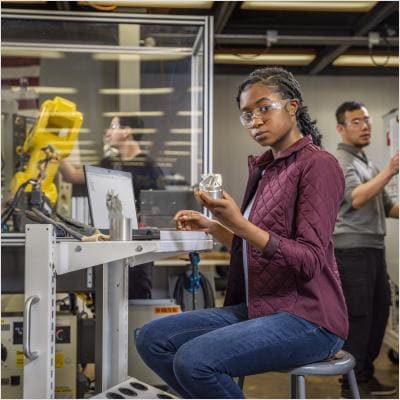
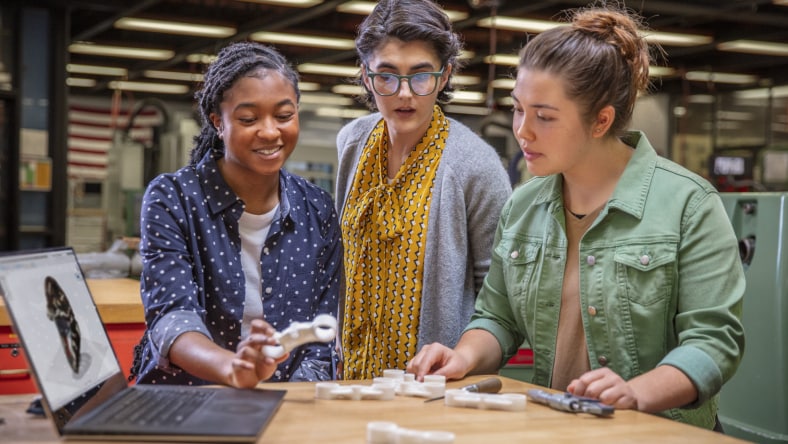
Three women gather around a part prototype produced in Autodesk Fusion

Support

Submit a ticket to our dedicated support team.


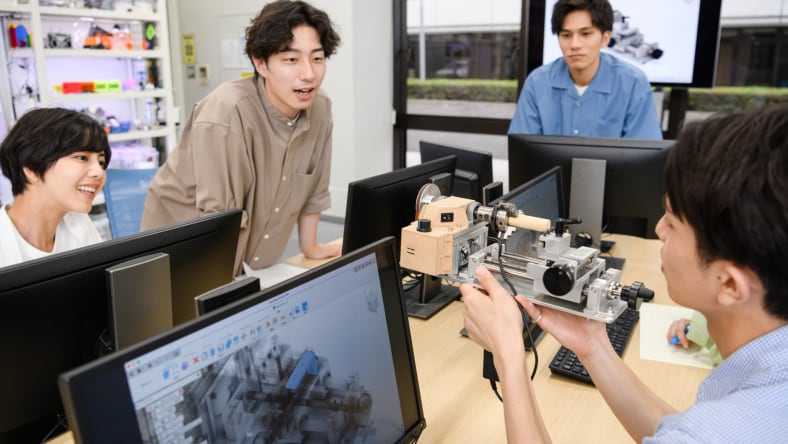
Four students lean over to look at a robot build, they are working in Autodesk Fusion on their desktops

Connect

Connect with a local Autodesk Learning partner for hands-on guidance.