& Construction

Integrated BIM tools, including Revit, AutoCAD, and Civil 3D
& Manufacturing

Professional CAD/CAM tools built on Inventor and AutoCAD
Designing workplace furniture is the process of creating functional, ergonomic products like, desks, seating, storage, and modular systems, while balancing aesthetics, materials, cost, and manufacturability.
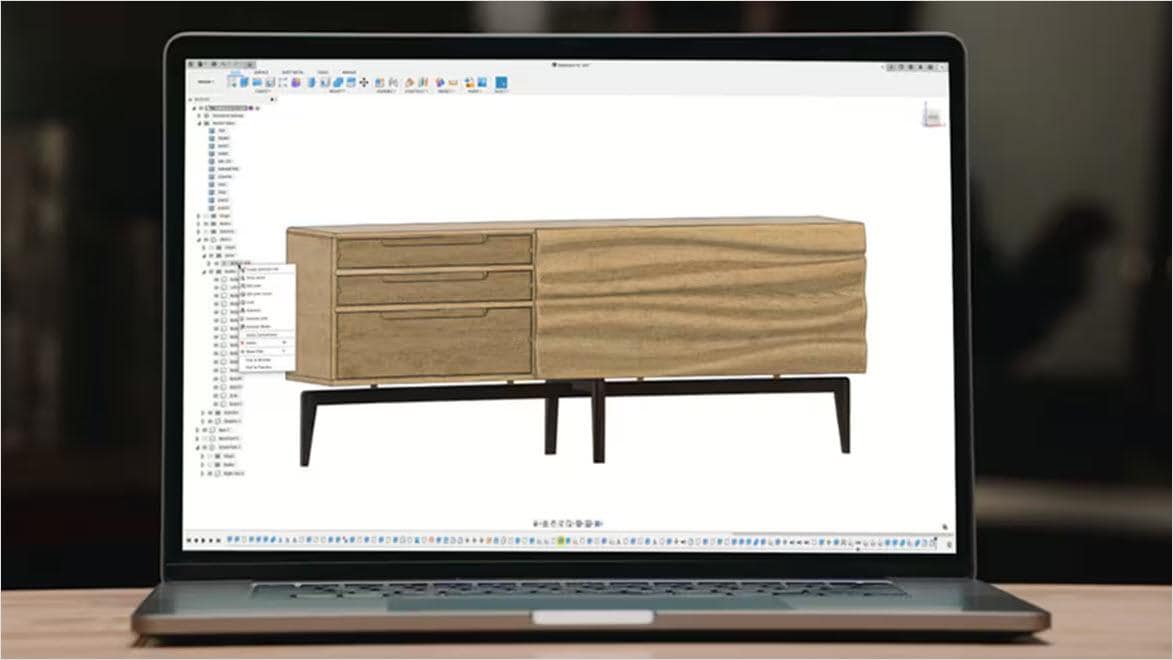
Office furniture design software is a digital workspace for planning, building, and verifying your furniture build before you cut a single sheet or board. Instead of relying only on sketches, you create a 3D model of desks, cabinets, storage, seating, or modular workstations. Then adjust sizes, joinery, and hardware placements until everything fits. For furniture makers and cabinet makers, office furniture design software works like a “test build” on your computer.
3D design software for office furniture allows makers to build and evaluate projects digitally before fabrication begins. By working in three dimensions, furniture designers and cabinet makers can assess proportions, structural relationships, and assembly sequences in a way that traditional 2D drafting cannot fully provide. This is especially valuable when designing modular workstations, built-in cabinetry, or multi-component desk systems.
Using office furniture design software in a 3D environment makes it easier to detect conflicts early, such as interference between hardware and panels, insufficient drawer clearance, or structural elements that restrict access during assembly. When you design office furniture in 3D, adjustments can be made quickly while preserving overall design intent. This flexibility is essential for projects that require multiple size variations or layout adaptations.
Autodesk Fusion is a top solution for office furniture design software by integrating 3D modeling, documentation, and manufacturing preparation within a single platform. For furniture makers and cabinet makers, this integration is important because it reduces the need to transfer files between separate programs for design and production.
When you design office furniture in Fusion, you can build parametric 3D models that respond intelligently to dimensional changes. You can update adjustments to height, width, or configuration while maintaining structural relationships and assembly intent. Fusion also supports documentation workflows that help translate digital designs into clear shop drawings. For businesses expanding into office furniture manufacturing, this continuity between modeling and production preparation reduces errors and shortens turnaround time.
core essentials
Integrated cloud CAM, CAM, CAE, PCB, and PDM core capabilities ideal for designers, engineers, machinists, and teams working across the product development lifecycle.
Includes:
Try Autodesk Fusion free for 30-days
Advanced design capabilities
Powerful design, simulation, and lifecycle management tools for engineers, designers, and teams working on complex, high-performing designs.
Go beyond CAD with advanced design tools:
ADVAnced manufacturing capabilities
Advanced CAD + CAM tools for manufacturers, machinists, engineers, and teams needing precise high-performance CAM solutions.
Includes advanced manufacturing capabilities:
Whether you're a designer or manufacturing engineer, office furniture design software, like Autodesk Fusion helps improve workflows from concept through fabrication.
Expand your product possibilities with integrated fabrication tools and parametric modeling, so changes cascade through the model instead of triggering redraws.
Plan accurate parts, drawings, and cut lists, then optimize machining steps to reduce scrap on panels and sheet goods.
Create detailed assemblies and joinery with complete 3D modeling tools that combine solid, surface, and free-form workflows supported by cloud collaboration.
Fusion is widely used for office furniture design due to its comprehensive and flexible feature set. Here are four primary features that make it valuable:
Quickly resize desks, cabinets, and modular systems by updating key dimensions. Fusion automatically adjusts related parts, saving redesign time across custom and repeat office furniture builds.
Design office furniture with confidence by testing joinery, hardware placement, and full assemblies in 3D, ensuring precise fit before fabrication or manufacturing begins.
Apply realistic wood, laminate, and metal finishes to visualize office furniture clearly and communicate design intent while validating material choices early.
Generate CNC toolpaths directly from your office furniture models to move from design to machining without file conversions, reducing errors, and speeding up production.
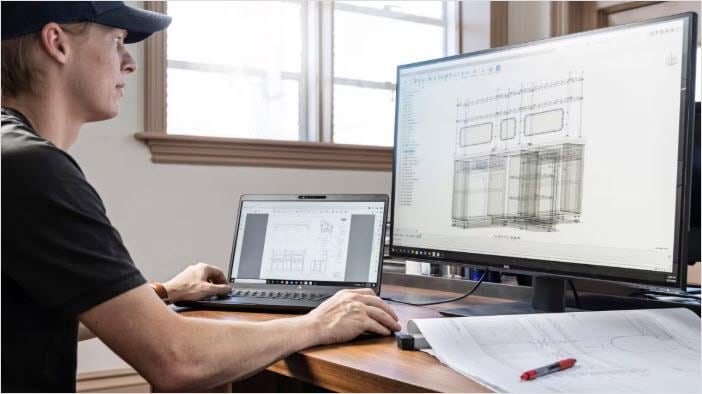
Office furniture design is increasingly shaped by integrated CAD/CAM, where the same environment is used to model a desk, cabinet, or modular workstation and is also used to prepare manufacturing output. Integrated CAD/CAM software like Fusion lets teams design products and generate CNC toolpaths within the same software. This helps eliminate fragmented design-to-manufacturing processes and the data-translation problems that often come with switching tools. An office furniture design software supports a more connected workflow: you develop the 3D office furniture design, prepare CNC toolpaths directly from that model, and then update manufacturing output when the design changes.
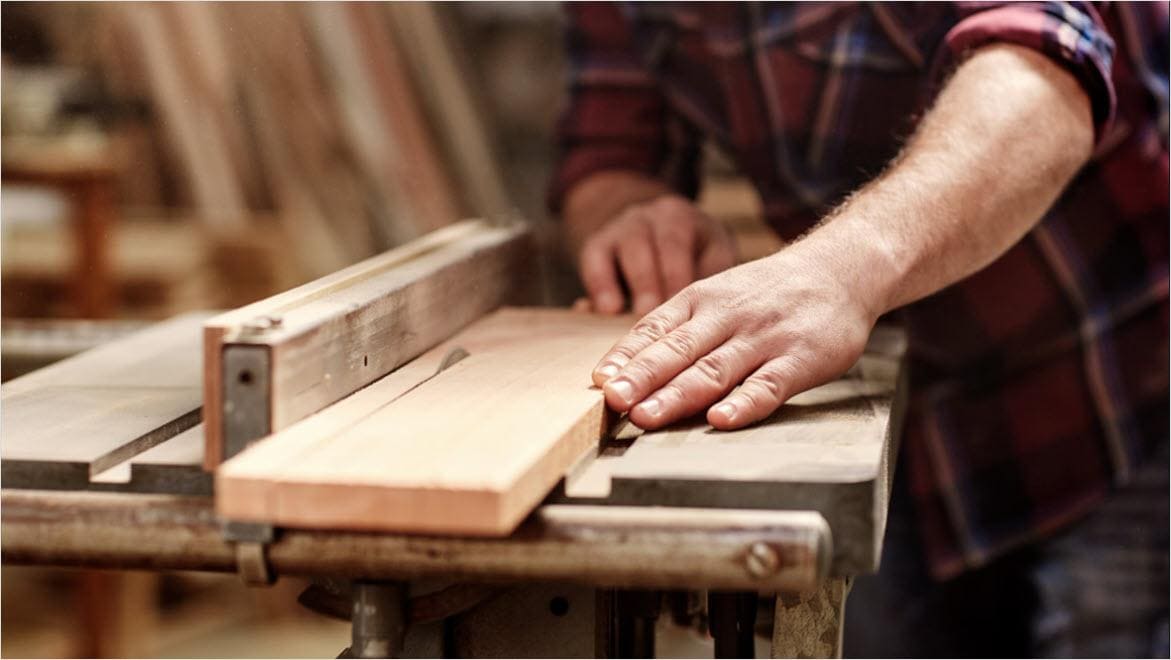
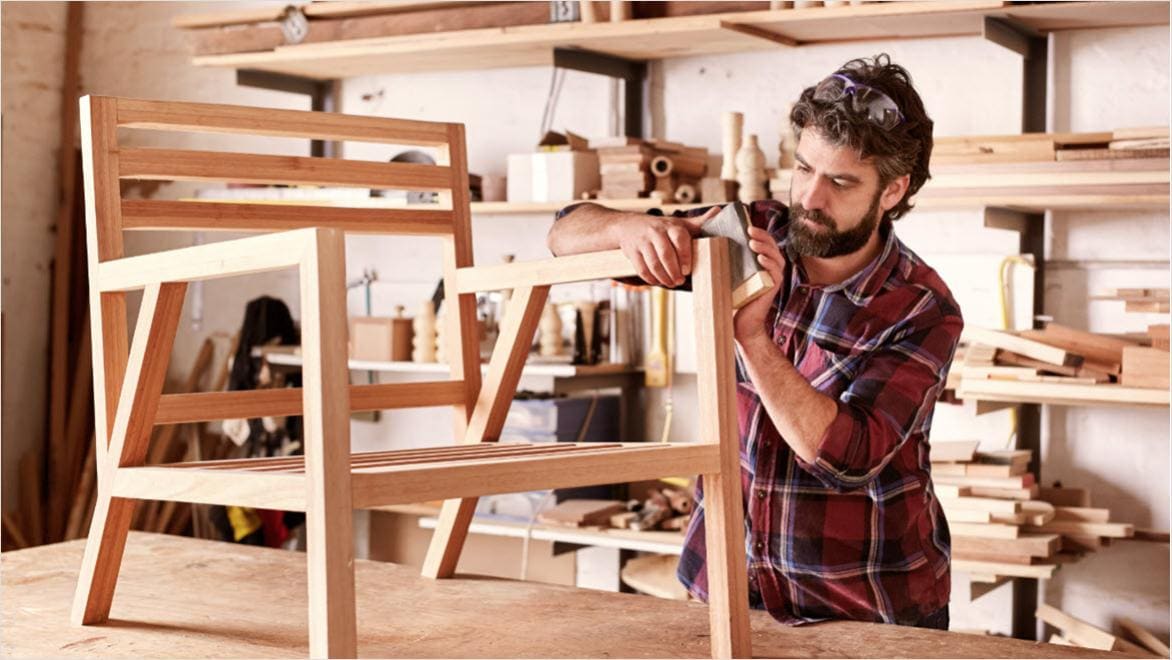
Office furniture design software is used to create, visualize, and refine office furniture designs digitally before building. It helps furniture makers, designers, and cabinet makers model pieces in 3D so they can check proportions and details before cutting wood by hand or on a CNC router. Autodesk’s furniture design software, Fusion, helps furniture makers and cabinet makers design office furniture in 3D, create shop-ready documentation, and prepare CNC workflows in one connected platform.
Yes, Autodesk Fusion is the best office furniture design software for a cabinet or furniture shop. It supports 3D design and also connects cleanly to how you build, providing drawings for the shop and options for CNC when needed. Autodesk Fusion is a platform that brings design and manufacturing together while guiding office furniture makers and cabinet makers to use 3D workflows before cutting.
A reliable approach is to model the desk, cabinet, or workstation in 3D first, then validate fit and movement (doors, drawers, clearances) with assembly joints before fabrication. Autodesk's office furniture design software, Fusion offers 3D design for woodworking as a way to design, visualize, and experiment before cutting by hand or on a CNC router, which aligns directly with office furniture build workflows.
Yes, Autodesk Fusion’s Drawing workspace supports exporting drawing sheets and tables into common formats that are easy to share and review. With this office furniture design software, you can export drawings as PDF, DWG, DXF, and export tables as CSV, which is practical for communicating build intent and planning information.
Yes, you can export a sketch as DXF in Autodesk’s office furniture design software, Fusion, which is commonly used when a downstream tool expects DXF geometry. Fusion drawings can also be exported as DXF from the Drawing workspace.
In Autodesk Fusion, you can test moving parts in office furniture design by applying joints to your assembly to position components and define motion behaviors (for example, hinge-like rotation for doors and linear motion for drawers). Then use Motion Study to explore and evaluate that movement based on the joints, so you can confirm slide travel and clearances before fabrication—one of the practical advantages of using Fusion as office furniture design software.
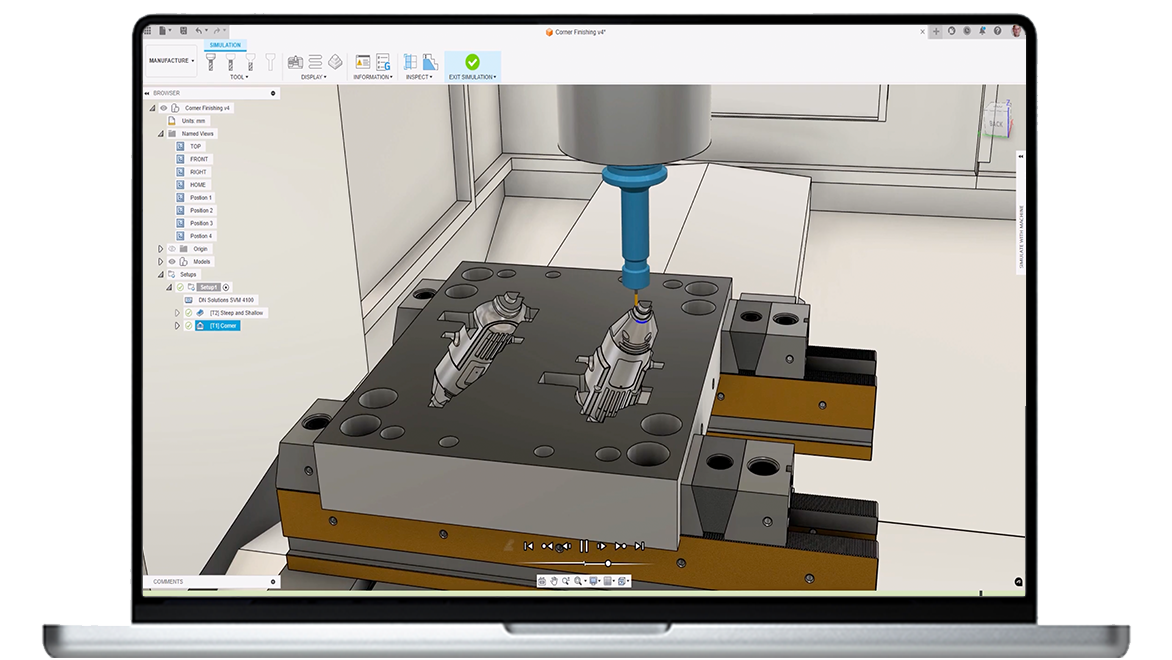
Yes, Autodesk's Fusion for Manufacturing acts as a unified platform for prototyping and CNC machining. It offers advanced manufacturing capabilities such as comprehensive 2D to 5-axis machining, cutting/milling/turning, manufacturing automation, inspection/probing, and free/editable post-processors. If office furniture manufacturing in your shop includes CNC routing for panels or machining for hardware, these manufacturing-focused capabilities can be helpful. See Autodesk Fusion for Manufacturing.
Autodesk Fusion for Manufacturing is a unified platform for prototyping, CNC machining, and manufacturing design. It includes advanced CAD + CAM tools aimed at high‑performance CAM workflows, with capabilities such as comprehensive 2D to 5‑axis machining, cutting/milling/turning, manufacturing automation, part inspection and probing, and free, editable post‑processors.
Furniture makers and cabinet shops should consider Fusion for Manufacturing when office furniture design is moving from one-off builds to repeatable production, and when office furniture design software needs to stay connected to CNC output with fewer handoffs. It is also a strong fit when the team wants integrated tools in one cloud-based platform, such as integrating CAD, CAM, CAE, and PDM to streamline the product development process. Get a Fusion trial to understand more.
Yes, Autodesk Fusion for Manufacturing can be a good solution for office furniture design when your workflow includes CNC machining (for example, routing cabinet parts) or you’re scaling into repeatable production. It’s a strong fit for shops that want office furniture design software to keep design and machining connected, since Fusion is an integrated CAD/CAM software that lets you design and generate CNC toolpaths within the same platform. For furniture makers and cabinet makers, it supports their approach of designing and visualizing in 3D before cutting by hand or on a CNC router—reducing surprises before material is on the table.
Autodesk Fusion for Design combines Fusion with professional-grade tools such as, Fusion Design Extension, Fusion Simulation Extension, and Fusion Manage, packaged together as one subscription. For office furniture design teams, it’s relevant because it adds advanced modeling and automation, integrated simulation to investigate performance and manufacturability, and built-in data management with integrated PLM. These capabilities help teams keep designs, revisions, and production intent aligned.
In practical terms, Fusion for Design can serve as an office furniture design software that supports faster iteration on desk systems and modular storage while also improving collaboration through BOM management and change/release workflows when multiple people are contributing to the same office furniture design.
Yes, a BOM (bill of materials) helps keep office furniture design aligned with purchasing and build planning by tracking what’s needed (parts, quantities, and key properties). Autodesk Fusion Manage comes with a built-in PDM that includes collaborative property and BOM editing that enables real-time, multi-user updates to properties and BOM values, so changes don’t live in disconnected spreadsheets.
This matters in office furniture design software workflows because designs often evolve (sizes, configurations, hardware choices), and the BOM needs to evolve with them to reduce ordering errors and shop-floor confusion. Autodesk Fusion's BOM management is an integrated, real-time approach that supports end-to-end product design and manufacturing workflows, which is the goal when you want a single source of truth as designs change. Learn more about how Fusion BOM capabilities here.
Yes. Autodesk’s Fusion Simulation Extension helps teams analyze part performance and manufacturability, using simulation study types such as structural buckling (along with other types) to understand how a 3D design will perform under real-life conditions before manufacturing.
To apply this in office furniture design, simulate the parts that typically need confidence checks—worksurface spans, shelves, brackets, or storage frames—before material is cut. Develop a practical approach: construct or import the part/assembly, switch to the Simulation workspace, choose a study type, apply materials, define loads/supports and contacts, mesh the model, and then solve and review results so you can iterate the design if needed.
Yes, if cabinet parts are coming from sheet goods, “nesting” is the process of arranging those parts on a sheet to improve material yield and reduce offcuts. In Autodesk Fusion, this capability is available through the Fusion Manufacturing Extension to unlock the nesting and fabrication of parts from sheet materials. For office furniture design, tighter layouts can reduce sheet usage and make repeat cabinet jobs more predictable. The Manufacturing Extension nesting workflow enables you to prepare designs for nesting, create nest studies and reports, and manufacture nests.
A fast path is to follow our structured learning resources that mirror real workflows. Autodesk’s Self-paced learning for Fusion collection is built as an easy-to-follow tutorial series with videos, step-by-step tutorials, and downloadable 3D models, and it’s designed to help you learn Fusion at your own pace.
Here’s a practical learning sequence that stays focused on office furniture design: