What is Forma Build Essentials?

Forma Build Essentials: Construction software for the jobsite

Meet the solution for field teams that need a more efficient way to manage day-to-day jobsite work. Work with drawings, track issues, capture photos, and complete forms from anywhere, so you can keep work moving smoothly onsite.

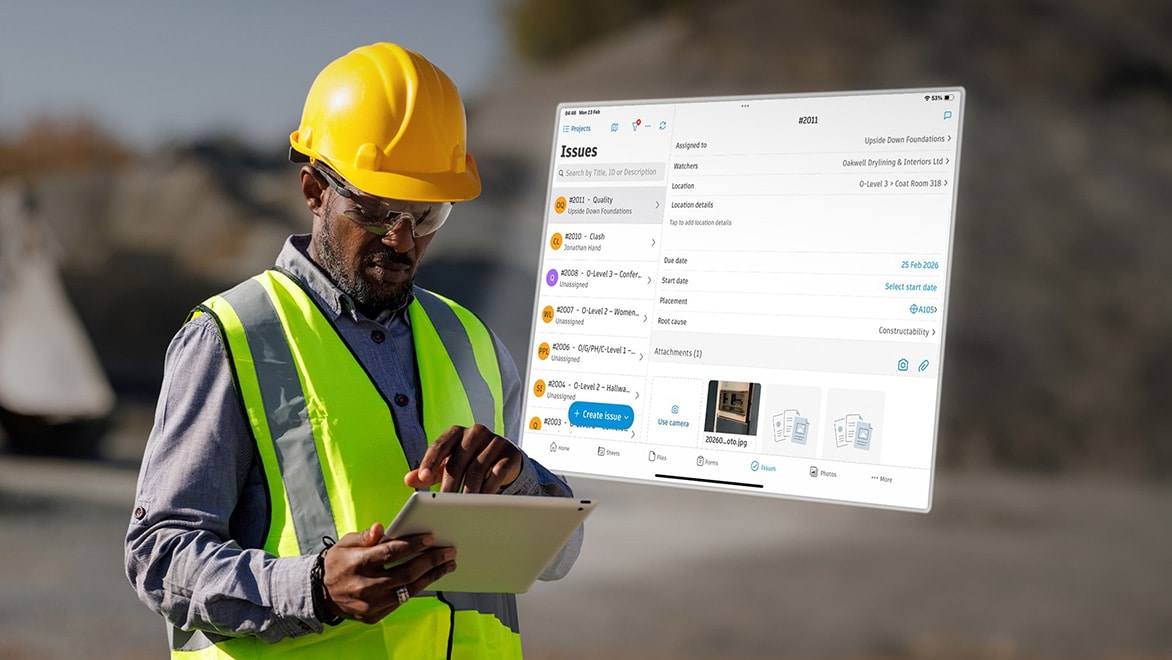
Construction worker using tablet for jobsite issue tracking and field management.

What is Forma Build Essentials?

Forma Build Essentials is a field‑execution solution that brings core jobsite workflows into one focused workspace. Available on both web and mobile, it helps construction teams access and work with drawings, capture onsite issues and progress, and keep daily documentation organized.

Forma Build Essentials was designed for lean crews and growing jobs. It focuses on the everyday work that happens onsite.

Construction team reviewing project plans on tablet onsite.

Why teams choose Forma Build Essentials

Lean jobsite teams and those managing growing jobs choose Forma Build Essentials because it offers a field-focused solution built for efficient everyday execution. With its fast, low-lift project setup, crews spend less time wrangling with tech and devote more energy to their tasks at hand.

Additionally, Forma Build Essentials offers mobile-centric tools and workflows that meet crews where they are and match how they spend their time onsite. It enables teams to access up-to-date the job’s information in one place and saves everyone from unnecessary back-and-forth across emails, texts, and scattered files.

Construction worker using tablet for project management.

Forma Build Essentials pricing and subscriptions

Get started with flexible subscription and low cost options designed for teams that want to move quickly without a complicated rollout.

Forma Build Essentials is available as a per-user subscription, with both monthly and annual plans. New users can also explore the platform through a free trial before committing to a subscription.

Learn more: Start a free trial | View pricing | Contact sales

Who uses Forma Build Essentials?

Ideal for both GCs and subs, Forma Build Essentials is designed for teams managing day-to-day field work.

General contractors

The types of GCs that benefit most from Forma Build Essentials include:

  • Small to mid‑sized general contractors
  • GCs managing multiple active projects at once
  • Superintendents and project engineers focused on field coordination
  • Teams running medicate or corporate office builds, retail, education, tenant improvement, multifamily, or renovation projects


Subcontractors and specialty trades

Forma Build Essentials is also well-suited for these types of subcontractors:

  • Mechanical, electrical, and plumbing contractors documenting installs
  • Concrete, framing, and structural trades tracking onsite work 
  • Finishes, interiors, and specialty contractors capturing quality and progress
  • Growing subcontractor firms standardizing field documentation across jobs
Construction team using tablets for jobsite coordination

How to get Forma Build Essentials

Ready to get started with Forma Build Essentials? Choose from these convenient options:

  • Start a free trial online - Explore the platform firsthand and see how your crews can manage work onsite with less friction.
  • Purchase and get started right away – Made up your mind? Head over to the Autodesk eStore, add to cart, purchase, and get started today!
  • Talk to an Autodesk sales representative - Get guidance on the right setup, subscription options, and workflows for your team.
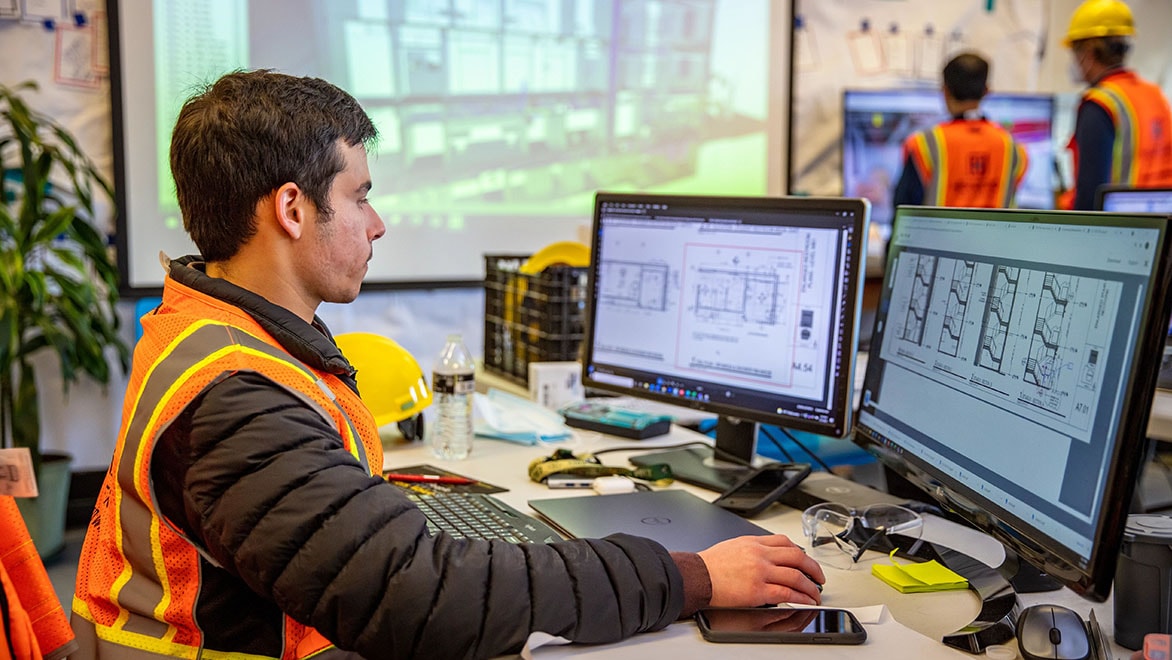
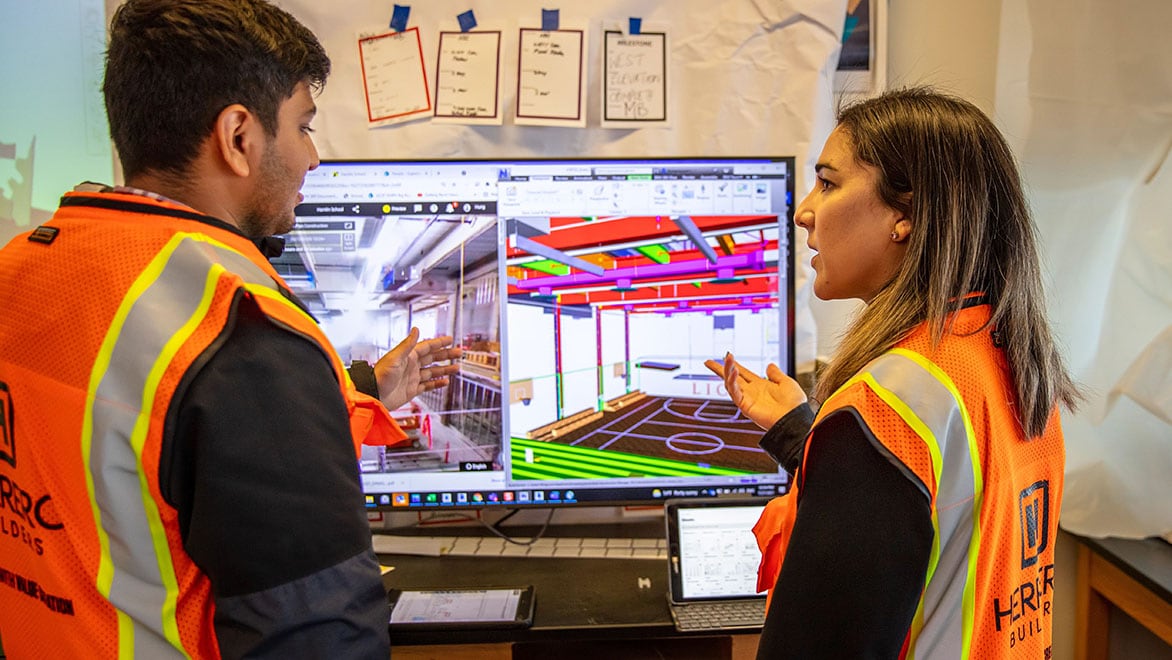
Construction professional reviewing digital plans on computer screens.

What’s included in Forma Build Essentials?

Here are some of the things you can do with Forma Build Essentials:

  • Centralized access to sheets, drawings, files, and 3D models - Keep the latest versions of drawings, sheets, models, and more accessible so crews can work from right set and avoid rework.
  • Issues and punch list tracking with photos and root causes - Capture issues in the field, assign owners, track progress, identify the root cause, and keep track of progress on punch items.
  • Daily reports and forms with photos and signatures - Document daily activity, site conditions, job hazards, and quality/safety observations in one consistent tool.
  • Drawing markups and field feedback - Review sheets, add markups, and share updates directly from the field or office.
  • Mobile app with offline – capablilities – Access, manage, and work with drawings, issues, forms, and files from the jobsite, even with limited internet connectivity.
  • Fast project setup with minimal administration - Get projects running quickly with straightforward setup, team invites, and easy access to key field workflows.
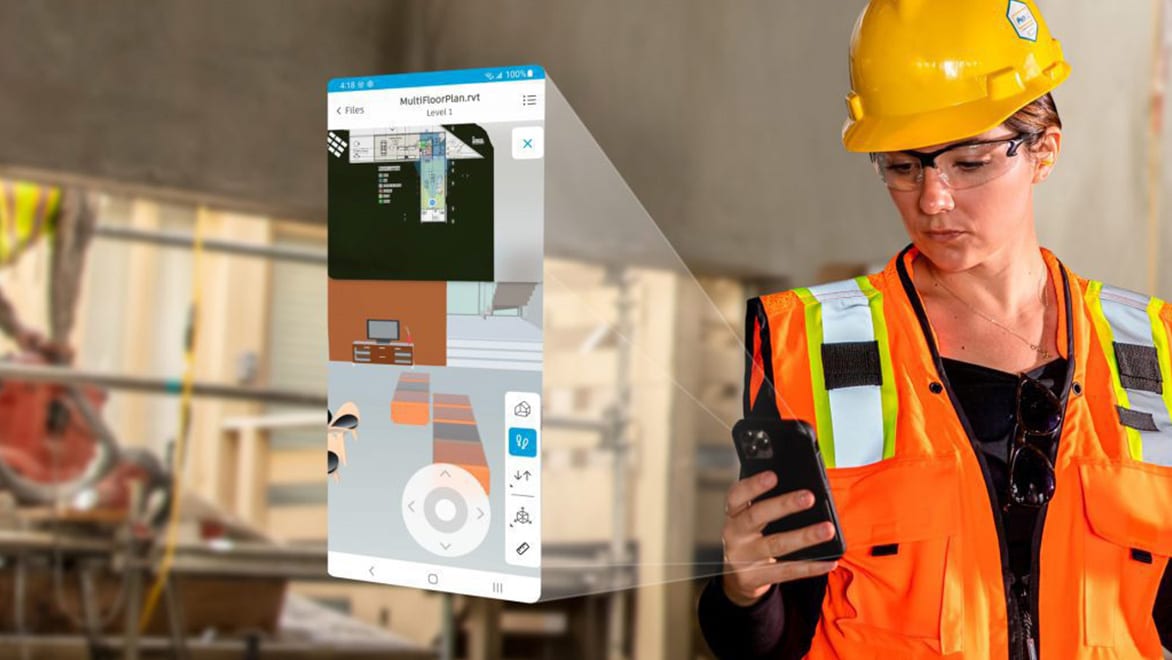
Construction worker using mobile app for jobsite workflows

Stay connected across the jobsite with mobile workflows

The Forma mobile experience truly supports how crews work on the jobsite, with capabilities that natively fit into field workflows.

  • Access sheets, files, models, issues, forms, and photos from the field - Keep current project information within reach so crews can review, capture, and update work directly from the jobsite.
  • Use shortcuts for common tasks like punch lists or daily reports - Jump into frequent field workflows faster with convenient access to forms, issues, sheets, and photos.
  • Work offline when connectivity is limited and sync when back online - Keep work moving across the site with offline-capable access that syncs updates once signal returns.
  • Permission-gated photo sharing for controlled collaboration - Share jobsite photos with the right people while maintaining visibility and control across project teams.
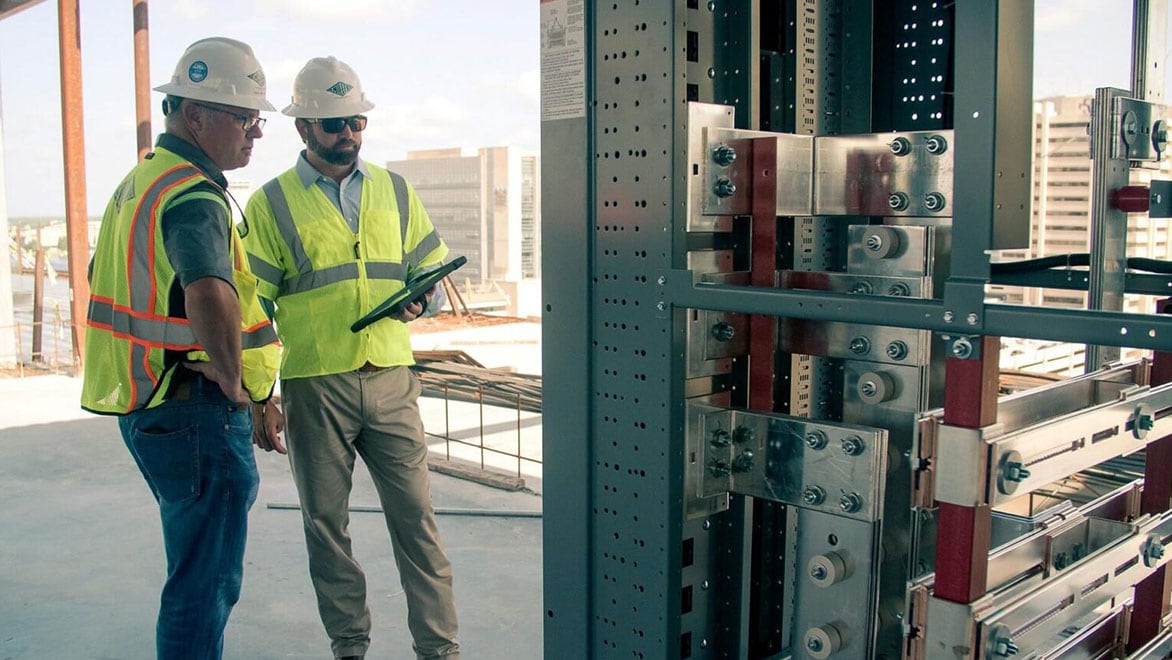
Engineers reviewing structural components in construction site.

Built for how crews work onsite

Forma Build Essentials supports the day-to-day work crews already handle onsite, from punch lists and issue tracking to daily reports and field documentation. Teams can stay aligned, access current project information, and keep work moving without adding extra layers of admin.

Forma Build Essentials vs. Forma Build

Both solutions support construction teams in the field, but they’re designed for different levels of project complexity and operational needs.

Forma Build Essentials includes:

  • Core field execution workflows
  • Fast project setup with low administrative lift
  • Punch lists, issues, forms, photos, sheets, and files
  • Everyday onsite coordination and documentation
  • Mobile workflows built for crews in the field

Forma Build Essentials is a strong fit for teams focused on day-to-day field execution, while Forma Build supports organizations that need broader coordination, complexproject management, and more in-depth data, insight, and risk analysiscapabilities across multiple projects.


Compare Forma Build Essentials vs. Forma Build

Forma Build includes:

  • Everything in Essentials
  • Project management workflows like RFIs and submittals
  • Cost management and forecasting
  • Advanced reporting, insights, and Autodesk AI capabilities
  • Broader control, visibility, and standardization across projects
  • Advanced permissions and organizational workflows

Construction team reviewing on screen for coordination.

When should you choose Forma Build Essentials?

Choose Forma Build Essentials if you:

  • Need fast, low-lift setup - Get projects up and running quickly without spending weeks configuring systems or managing complicated onboarding.
  • Are working on smaller or less complex projects - A strong fit for lean crews, growing contractors, and teams focused on efficient field delivery rather than enterprise-level features.
  • Prioritize mobile, onsite execution - Give crews reliable access to sheets, forms, issues, photos, and models directly from the field using the Forma mobile app.
  • Want consistent field capture without office-heavy workflows - Keep punch lists, daily reports, forms, and documentation organized in one place.

Frequently asked questions about Forma Build Essentials

What is Forma Build Essentials?

Forma Build Essentials is a field‑execution solution that brings issues, forms, photos, sheets, and files into one place so crews can document work and keep tasks moving on site.

Who is Forma Build Essentials designed for?

Forma Build Essentials is designed for general contractors and subcontractors who need reliable field tools without the complexity of a full construction management platform. It works best for lean crews, growing contractors, and teams focused on execution. 

What types of projects can I use Forma Build Essentials on?

Forma Build Essentials can be used on smaller projects or across multiple jobs when teams need consistent field documentation for drawings, issues, photos, and daily reports—without heavy setup or administration.

Is Forma Build Essentials available on mobile devices?

Yes. Forma Build Essentials is available on web and in the Forma mobile app. Mobile workflows are optimized for field use and support offline access for key tools.

What field workflows are included?

Forma Build Essentials includes: 

  • Punch lists and issue tracking 
  • Daily reports and forms 
  • Photos with controlled visibility 
  • Access to sheets, files, and 3D models 
  • Drawing markups and field feedback 

How does Forma Build Essentials help teams stay aligned?

By keeping the latest drawings, files, and updates in one place, Forma Build Essentials helps field and office teams work from the same information and avoid version confusion or missed updates.

Can Forma Build Essentials users work with Forma Build users?

Yes. Forma Build Essentials and Forma Build users can work in the same project environment and share the same underlying project data. Access to tools depends on the license type. 

When should I consider upgrading to Forma Build?

You should consider upgrading when your projects require RFIs, submittals, scheduling, cost management, advanced reporting, or Autodesk AI‑powered insights—especially as project size or complexity increases.

See more FAQ