VISUAL EFFECTS SOFTWARE
When larger than life calls, be prepared
Craft cinematic magic with industry-trusted visual effects software
Popular visual effects products
Be ready for the next wonder of any world
As an artist, you have a keen eye for the magic that unfolds on the screen. From jaw-dropping explosions to fantastical creatures, you appreciate the artistry and technical wizardry that goes into creating stunning visual effects.
Whether you're creating the next blockbuster or pushing the boundaries of visual storytelling, Autodesk's Design and Make Platform, used by renowned VFX studios, is your gateway to unlocking new realms of creativity, expanding the breadth of your services, and streamlining processes through automation.
Solutions for visual effects' toughest challenges

Where creative potential finds its apex
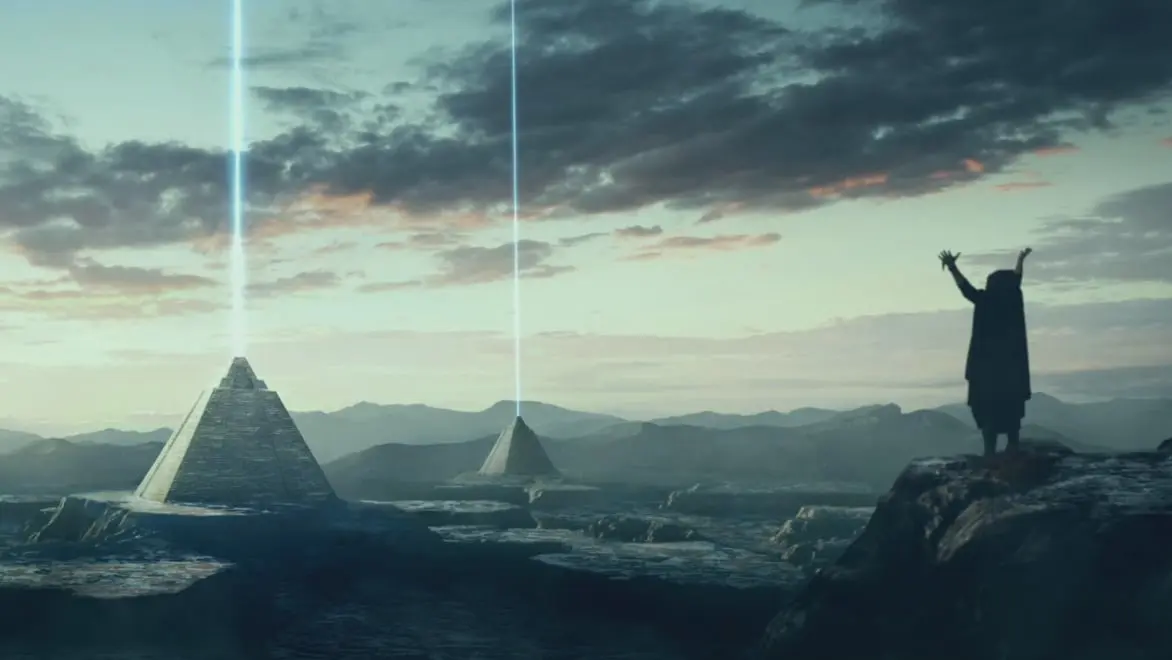
Whether you're creating the next edge-of-your-seat fight sequence or an iconic car chase, be ready with industry-trusted modeling, animation, and visual effects software. With Autodesk's Design & Make platform, you can deliver complex shots, top-tier effects, and visually stunning scenes that redefine the boundaries of storytelling—all while staying on time and budget.
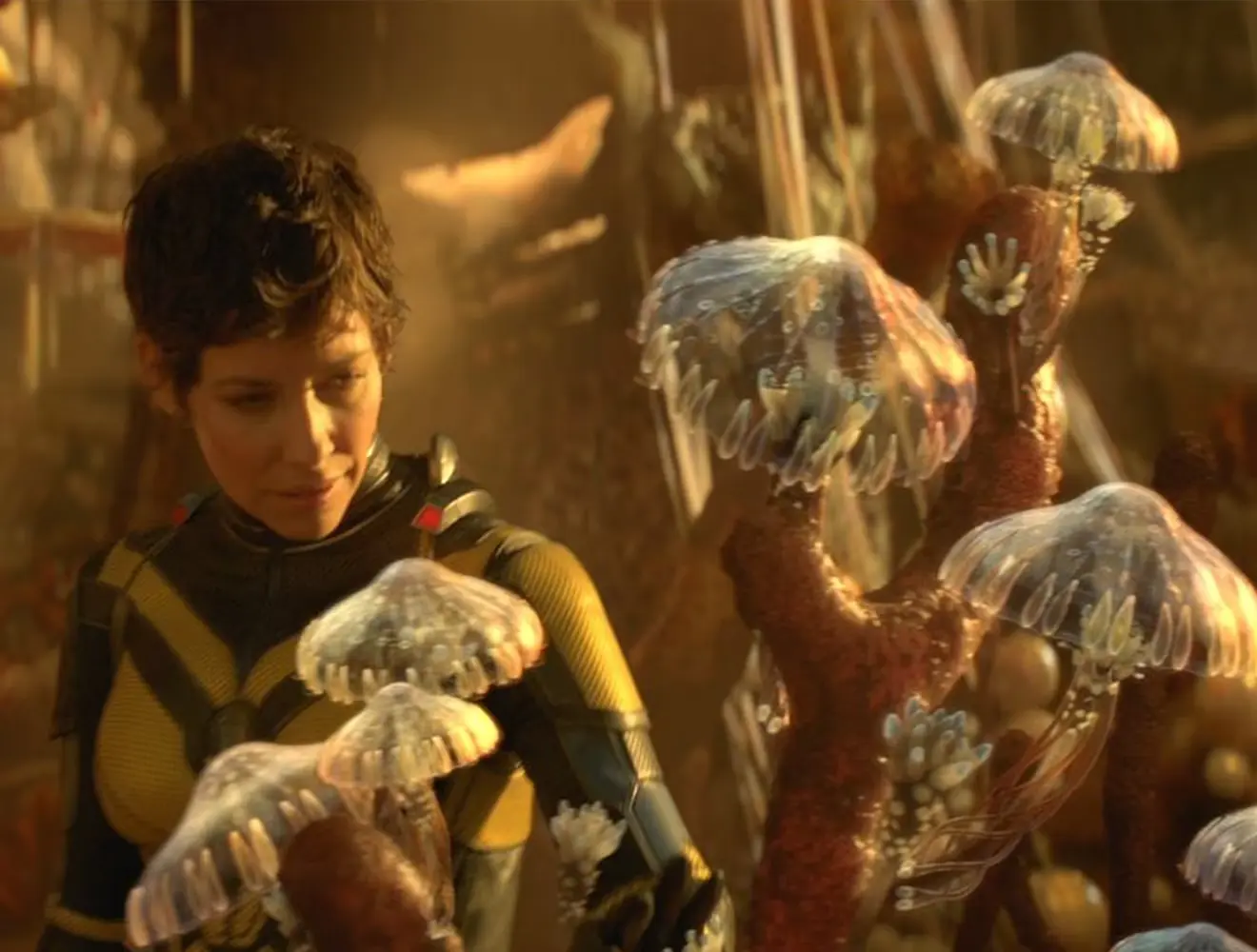
Explore how Framestore brought visually stunning creatures and characters to life for Guardians of the Galaxy Vol. 3.
Image courtesy of Framestore
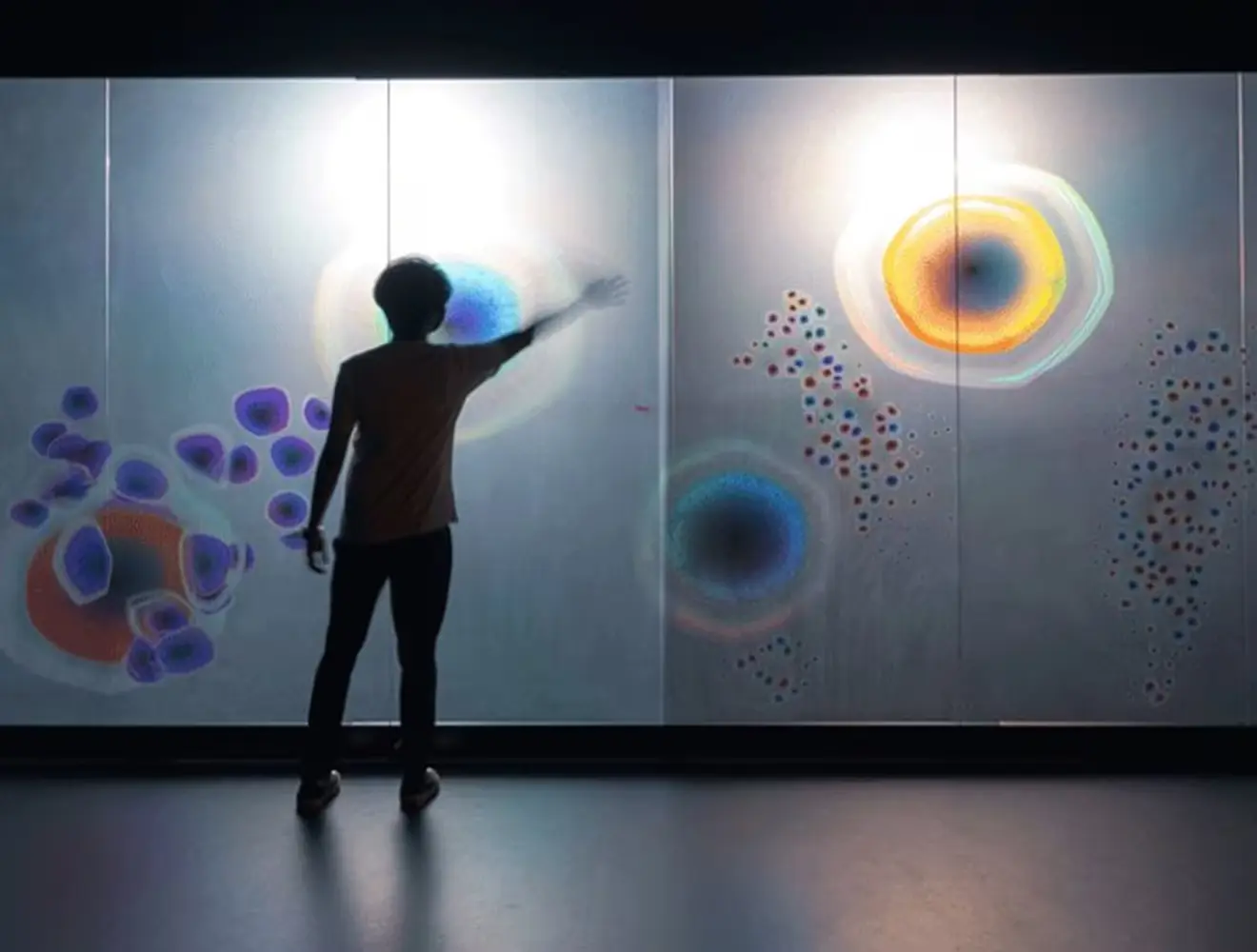
How global teams are using Autodesk visual effects software

What can Autodesk visual effects software do?
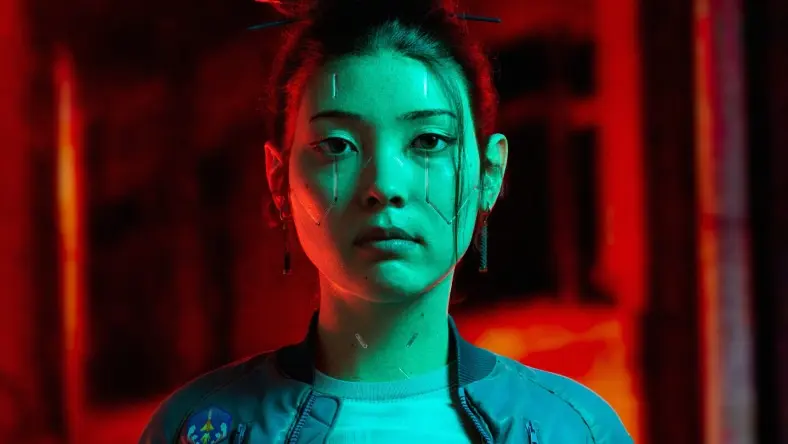
3D modeling
3D modeling
Create digi-doubles, CG props, environments, and vehicles for TV series and feature films.

3D animation
3D animation
Breathe life into 3D characters and creatures with powerful animation tools.
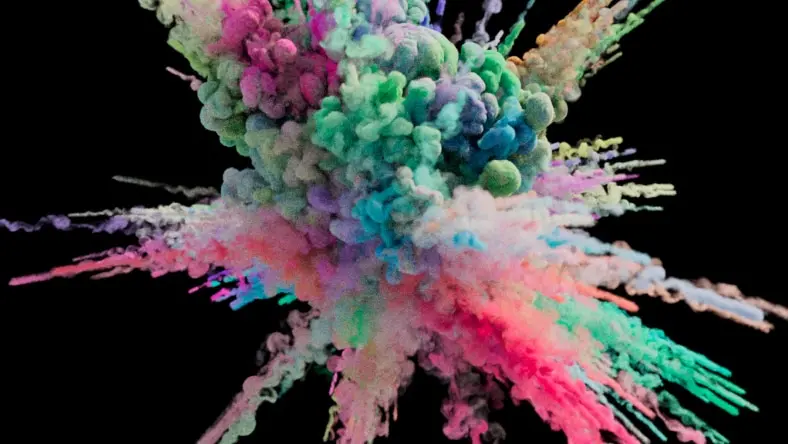
Visual effects
Visual effects
Produce simulations and effects like combustion and particles with robust VFX tools.

Creative project management
Creative project management
Manage visual effects projects smoothly, no matter how many teams, artists, or assets are involved.
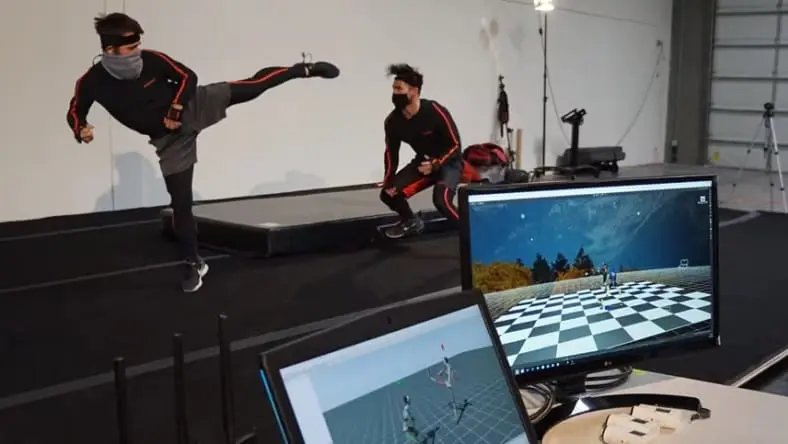
Motion capture
Motion capture
Capture motions of actors or objects and translate them into digital data for live-action films.
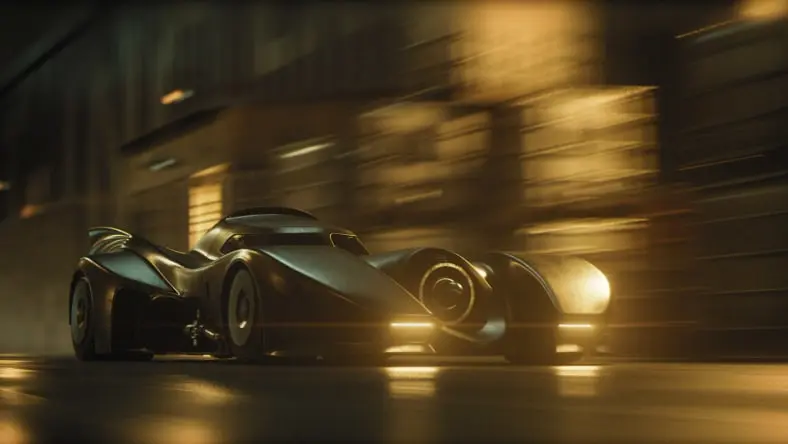
3D rendering
3D rendering
Add final touches such as lighting, shading, and textures to your scenes.
!["It’s not hard to pick up [Bifrost], especially since it’s b Image](//images.ctfassets.net/v7wr16nrr0mz/7bw3LDxzCGKElDDF7zEb78/229ecdd39edecaac150cd5d770a34ace/cropped-1706813843.jpg?fm=webp)
"It’s not hard to pick up [Bifrost], especially since it’s built into Maya. You don’t have to go somewhere else or export to a third party plug in. It’s there. "
– Sean Willis, Senior Technical Artist and Pipeline TD at Crafty Apes
“We’ve used ShotGrid for years to keep track of shots and assets... we built our own pipeline that’s hooked up to our Maya pipeline."
– Claus Kogsboell, VFX Supervisor at Ghost VFX
"Our work with Autodesk and its Design and Make Platform have proven integral to our continued evolution."
– Amaan Akram, Head of VFX at Untold Studios
!["It’s not hard to pick up [Bifrost], especially since it’s b Image](http://images.ctfassets.net/v7wr16nrr0mz/7bw3LDxzCGKElDDF7zEb78/229ecdd39edecaac150cd5d770a34ace/cropped-1706813843.jpg?fm=webp)
Software top-tier visual effects studios rely on
The future of production with Autodesk Flow
Flow will connect visual effects teams to a single source of truth for all assets, versions, and feedback. Harnessing the power of an open ecosystem and open standards, Flow will unify every tool in your pipeline, bringing data together seamlessly and accelerating project delivery. Artists no longer have to chase down files with access to everything they need to get started, including storyboards and production data, right in the tools they already use every day. Flow will enable artists to automate repetitive tasks so they can iterate quickly, innovate, and deliver their best work every time.
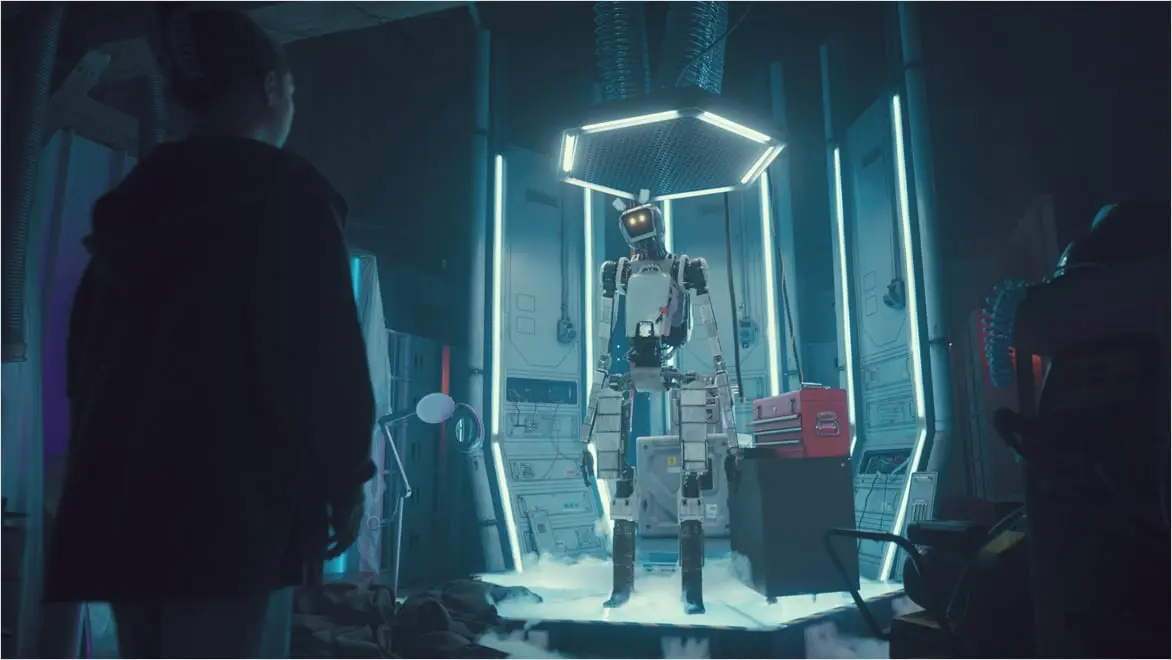
Resources for visual effects beginners and professionals
Videos
Autodesk Media & Entertainment YouTube channel
Autodesk Media & Entertainment YouTube channel
Get exclusive learning content, industry insights, and behind-the-scenes access to a world of realistic 3D characters, exceptional effects, and expansive worlds.

VIDEOS
Maya Learning Channel
Maya Learning Channel
Access hundreds of Maya tutorials on this YouTube channel. Learn tips and tricks on modeling, animation, dynamics, fluid effects with Bifrost, USD and more to help you master Maya.
Article
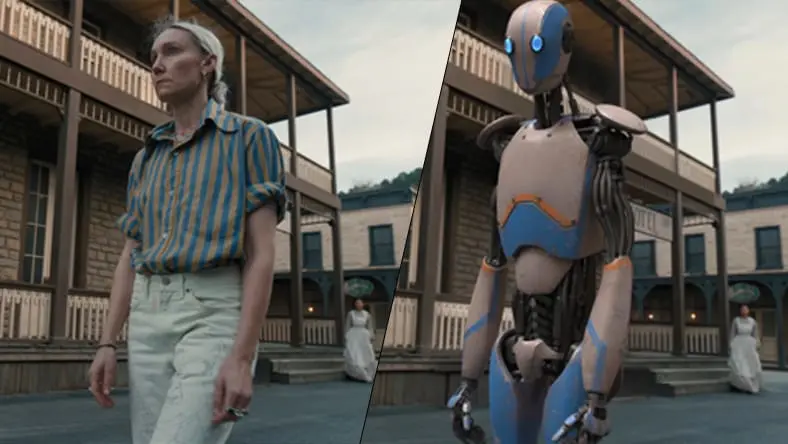
Artificial Intelligence (AI) and its role in production
Artificial Intelligence (AI) and its role in production
Learn about the rising possibilities and impacts of using AI and machine learning in VFX from the perspective of those making the tools and those using them in production.
Ready to get started? 3,2,1...
Ready to get started? 3,2,1...
Meet with an Autodesk expert today to start making your next big blockbuster.
Image courtesy of Lucien Michanol
Ready to get started? 3,2,1...
Ready to get started? 3,2,1...
Meet with an Autodesk expert today to start making your next big blockbuster.
Image courtesy of Lucien Michanol
Frequently asked questions (FAQ) on visual effects
Visual effects (VFX) is the process through which imagery is altered, created, or enhanced for live-action media that could not be captured during live-action filming due to it being costly, dangerous, impractical, or impossible to shoot. Visual effects allow for the integration of live-action footage and VFX to create realistic objects, characters, and environments.
Movie special effects terms are often used interchangeably but are different in that visual effects (VFX) are created using a combination of live-action shots and digital imagery, computer-generated imagery (CGI) is anything created digitally within a computer, and special effects (SFX) are captured live, without the aid of a computer.
Visual effects are used widely in films, TV, video games, and advertising. They are often used to enhance the visual appeal of a story as well as create realistic scenes and immersive environments. Beyond entertainment, they are also utilized in medical education and virtual simulations, showcasing the versatility of visual effects across various sectors.
See more FAQ
See less FAQ
⌄
The key components of visual effects (VFX) include computer-generated imagery (CGI), compositing, special effects, lighting and shading, motion tracking, as well as the expertise of skilled artists using advanced modeling, animation, visual effects, and rendering software. These elements collectively contribute to the creation of realistic and engaging visual enhancements in various media forms.