Top 5 ways Fusion cuts through complexity and delivers faster

Discover how Fusion helps teams simplify product development, improve visibility, and accelerate time to market with connected data and workflows.

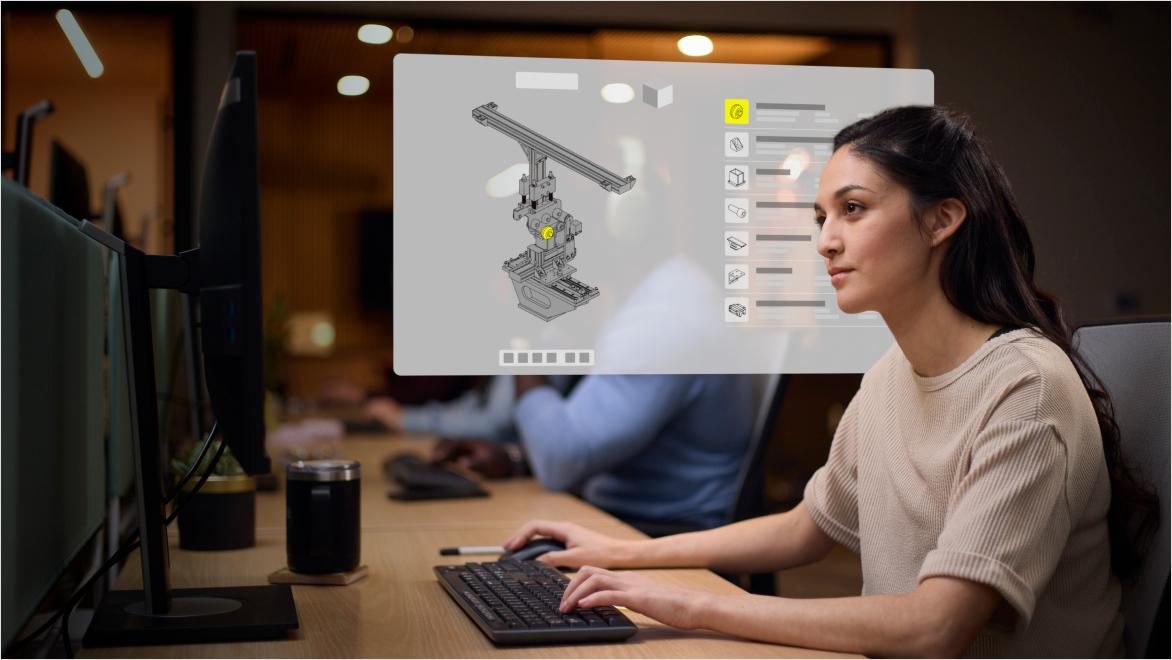
Product designers collaborating in Autodesk Fusion for Design with digital design data and engineering dashboards.

1. Breaks down silos and aligns teams

Fusion brings design, BOMs, and product development processes into one place so teams can rely on accurate, up-to-date information.

By replacing fragmented tools—like file shares, spreadsheets, and email—with a single platform, your team can increase cross-functional productivity, reduce costly errors, and maintain total consistency.

Engineer using Autodesk Fusion for Design for planning beside robotic automation equipment.

2. Automates work to speed development

Manual updates, approvals, and data entry slow teams down. Fusion automates core processes like BOM management, revisions, and approvals to reduce rework and delays.

Accelerate your design cycles while cutting errors and development costs. Give your team the tools to build faster and smarter.

Designer creating a 3D product model in Autodesk Fusion for Design on a desktop workstation.

3. Brings control to change and release management

Fusion replaces ad hoc, disconnected change and release processes with structured, traceable workflows.

With clear ownership, version control, and full visibility into changes, teams spend less time chasing information and more time executing.

Disconnected processes slow product teams down


Enable your team to connect data, workflows, and decisions to accelerate innovation

As products grow more complex, delays, manual work, and siloed information can put timelines at risk. Fusion gives teams the control and collaboration they need to reduce rework, manage change, and deliver better products faster.

Engineering leader using Autodesk Fusion for Design insights in a connected manufacturing lab.

4. Delivers real-time insights for better decisions

With configurable dashboards and live reporting, Fusion provides instant visibility into product status, risks, and performance.

Teams can quickly identify issues, adjust timelines, and reprioritize work to keep plans on track and aligned with goals.

Team reviewing Autodesk Fusion for Design workflow data on a tablet.

5. Connects the digital thread end-to-end

Fusion connects data, processes, and decisions across the product lifecycle.

With integrated quality, supplier collaboration, and system connectivity, teams stay aligned on the latest information— reducing defects, improving compliance, and responding faster to change.

The measurable impact of connected product development

90%

Reduction in time spent searching for information


40%

Decrease in product development costs


70%

Reduction in engineering change cycle times


CIMdata, The Business Impact of Not Implementing PLM, 2025

Transform your product lifecycle management with Fusion for Design

Ready to elevate your engineering workflow? Start accessing powerful design, simulation, and lifecycle management tools built for complex, high-performing projects.