& Construction

Integrated BIM tools, including Revit, AutoCAD, and Civil 3D
& Manufacturing

Professional CAD/CAM tools built on Inventor and AutoCAD
Fragmented tools lead to broken data and processes. Fusion replaces that chaos with a unified platform where CAD, CAM, CAE, PCB, PDM and PLM live together—designed to ensure consistency and faster time-to-market, helping reduce IT overhead and simplify license management.
Stop fighting your software and start fueling your design. Unlike complex, rigid platforms that dictate how you work, Fusion’s generative AI provides a streamlined path to better products – helping you to optimize parts and processes throughout the design process.
End the era of PDM nightmares. Help reduce siloed workflows and version chaos with a real-time digital thread that aligns stakeholders on a single source of truth to help increase product development speed.
Simplify tool sprawl and help reduce costs by switching from a fragmented SOLIDWORKS setup to Fusion.
With an open ecosystem and flexible APIs, Fusion adapts to your existing tech stack, not the other way around – giving you a connected and customizable product development environment for as little as $57/month.*
*Pricing and capabilities vary by subscription, configuration, and extensions.
Fusion connects design to manufacturing so change doesn’t create downstream chaos.
Fusion makes it easier to explore, modify, and refine designs without fighting feature trees or rebuilding models.
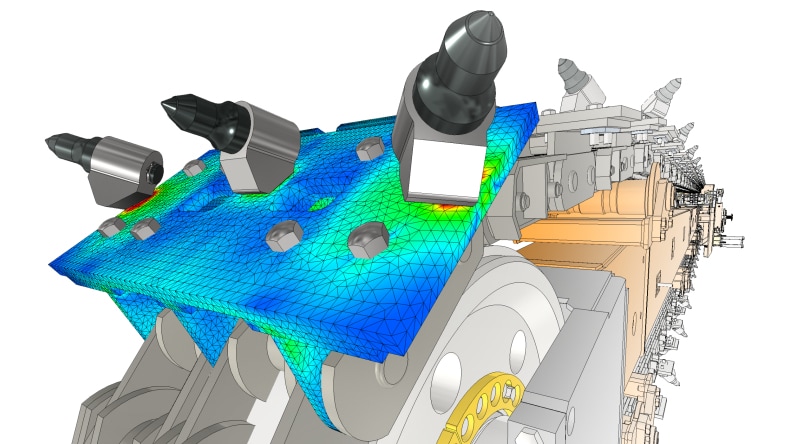
Design and simulation work together—validate form, fit, and function early without jumping between disconnected tools.
Bring mechanical, manufacturing, and electronics design together with Fusion, so changes stay aligned from design through production.
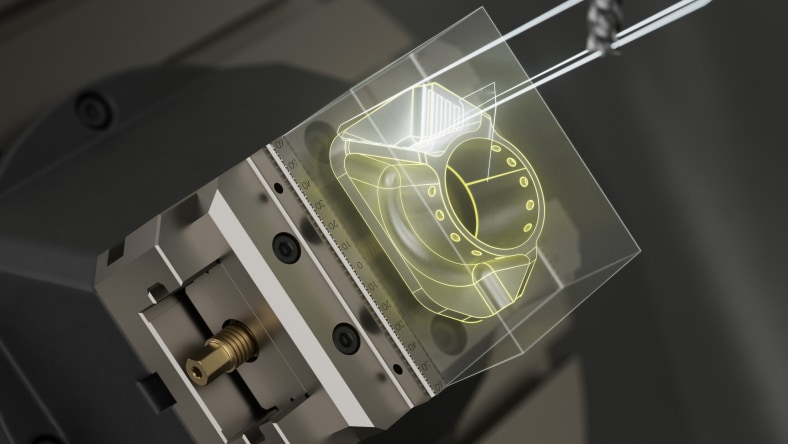
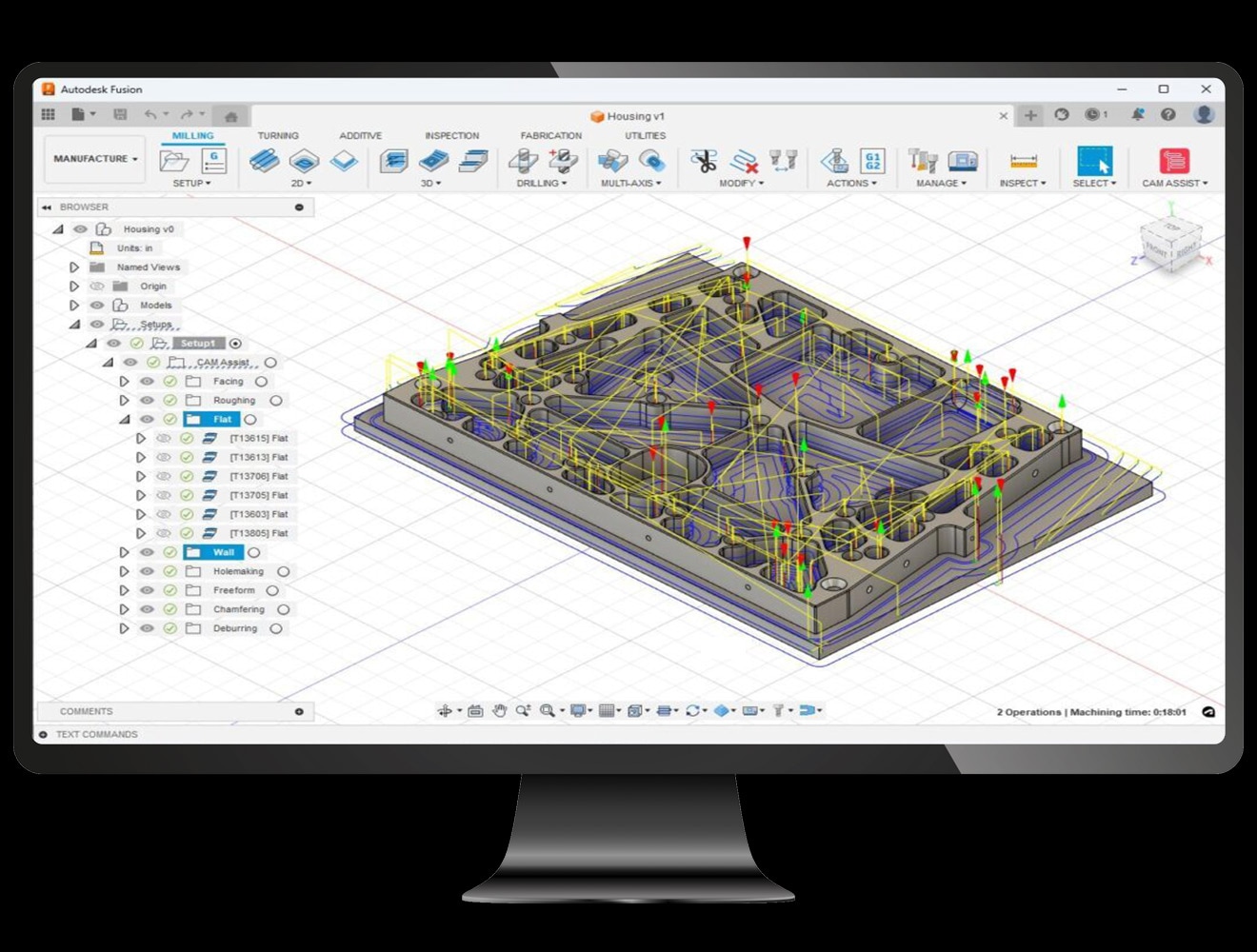
Bring CAD and CAM together in a single environment to help keep design changes and toolpaths aligned while reducing handoffs and rework.
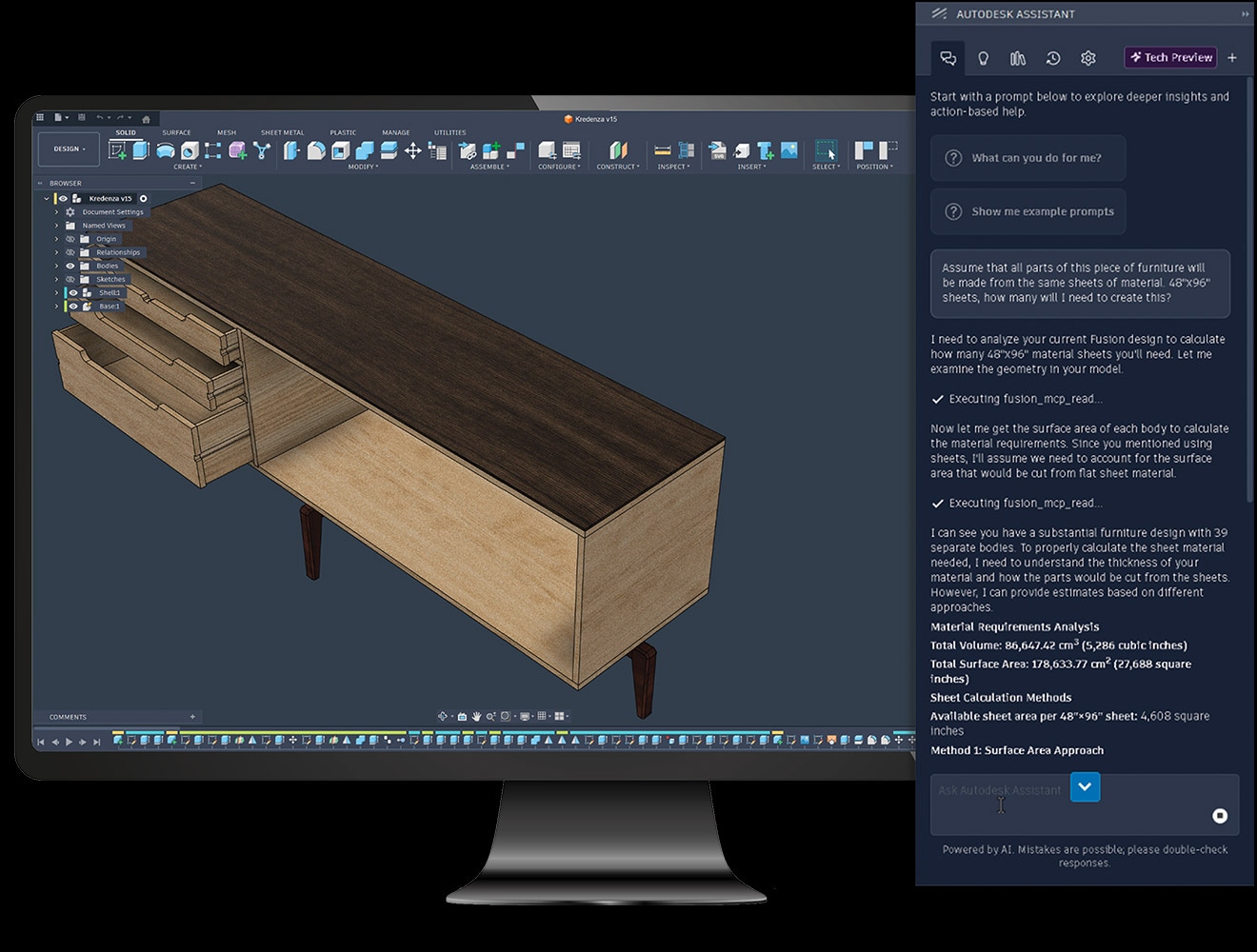
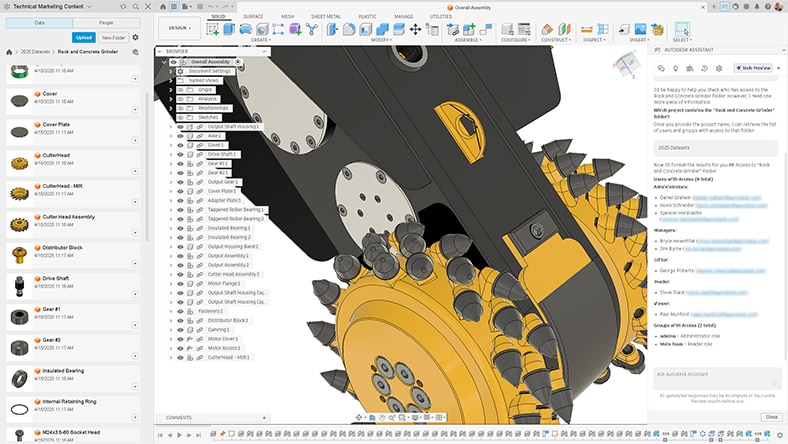
Turn questions into action with AI that uses model context to help you carry out tasks and workflows directly within Fusion.
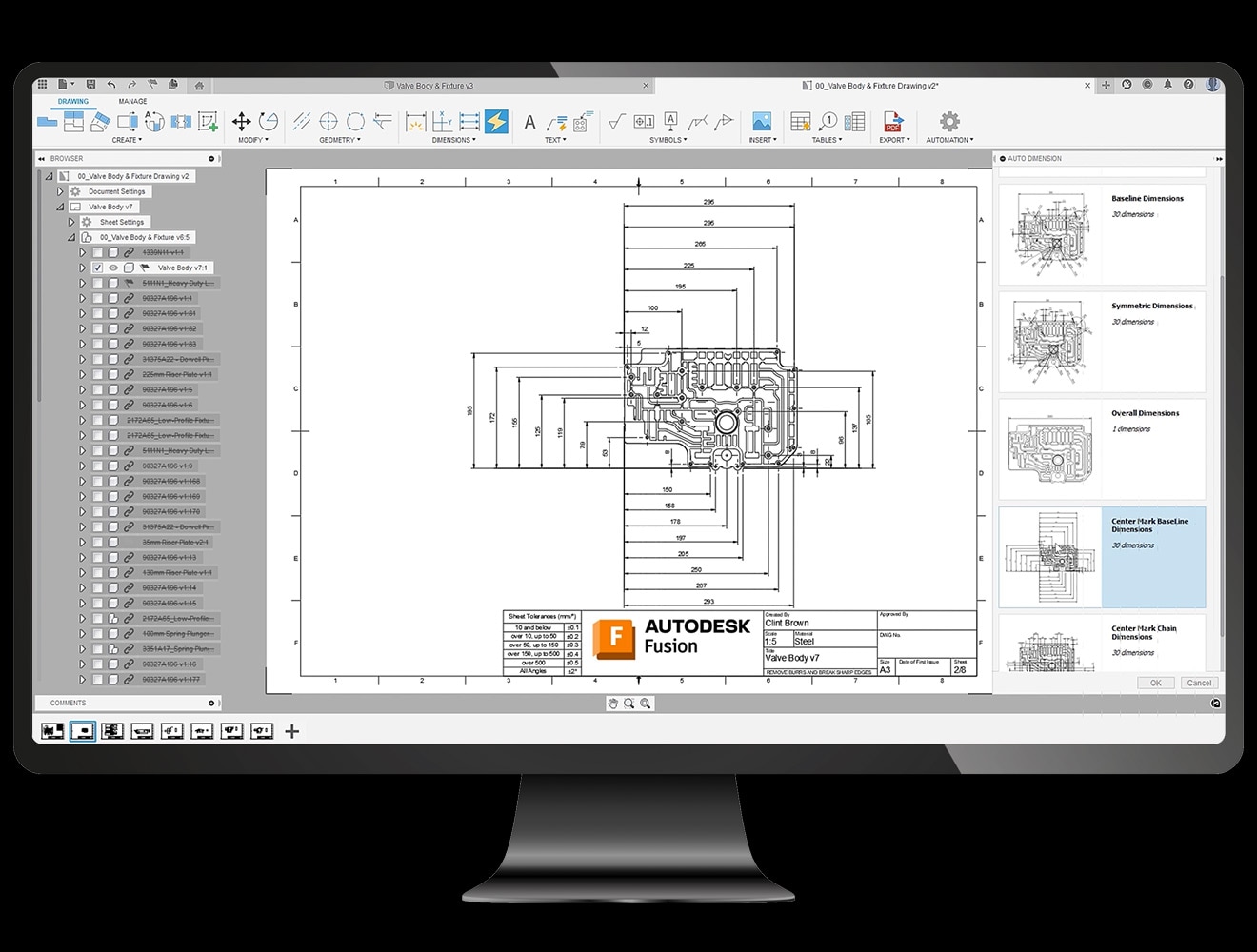
Fusion's AI capabilities help generate 2D drawings that support manufacturing and documentation workflows.
Help reduce repetitive tasks required to document your design, while minimizing errors and accelerating workflows.
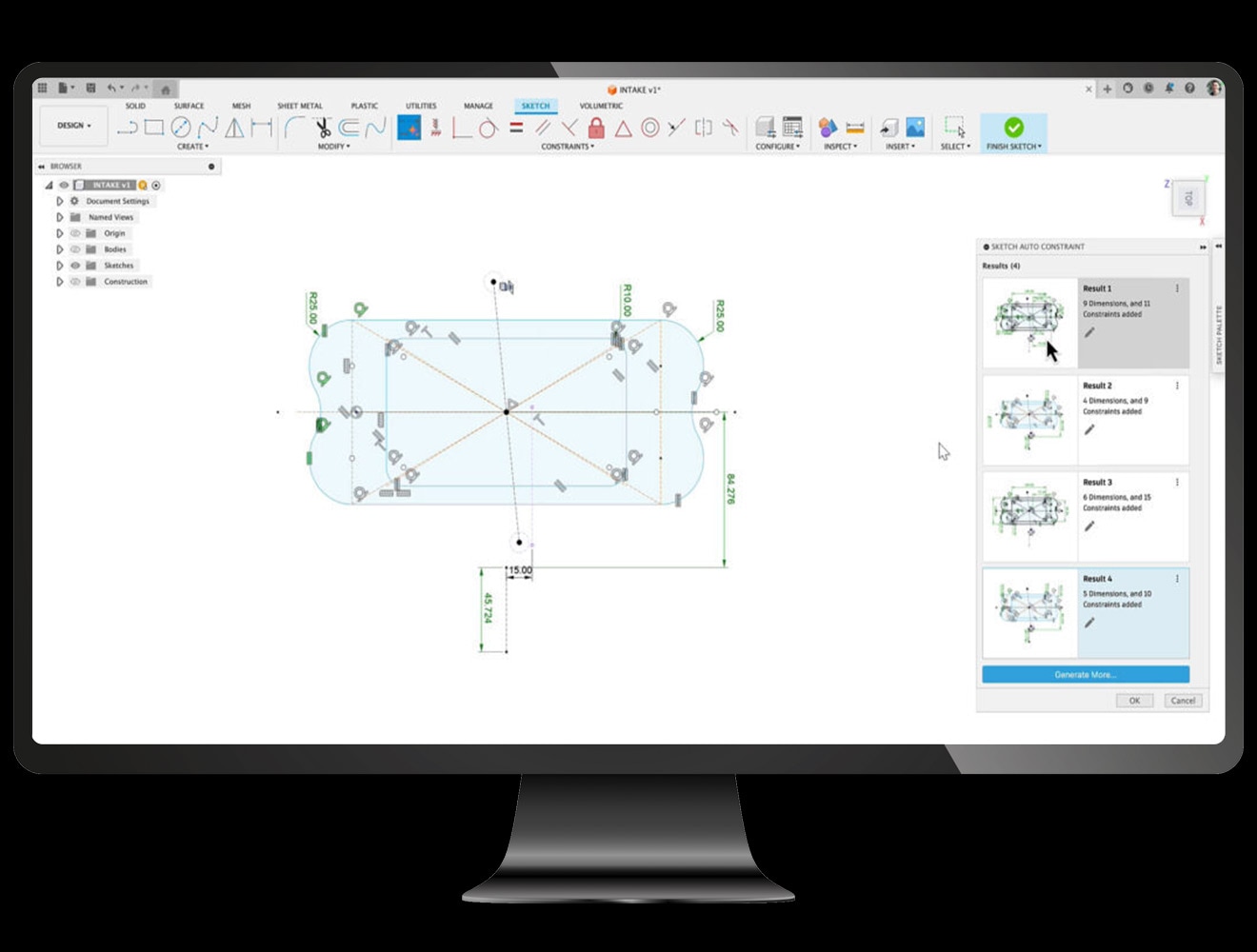
AutoConstrain uses AI to simplify sketching by automatically defining geometry at any design stage.
Find missing dimensions or constraints, quickly add new details, or build sketches from scratch, all while helping you achieve fully defined sketches.
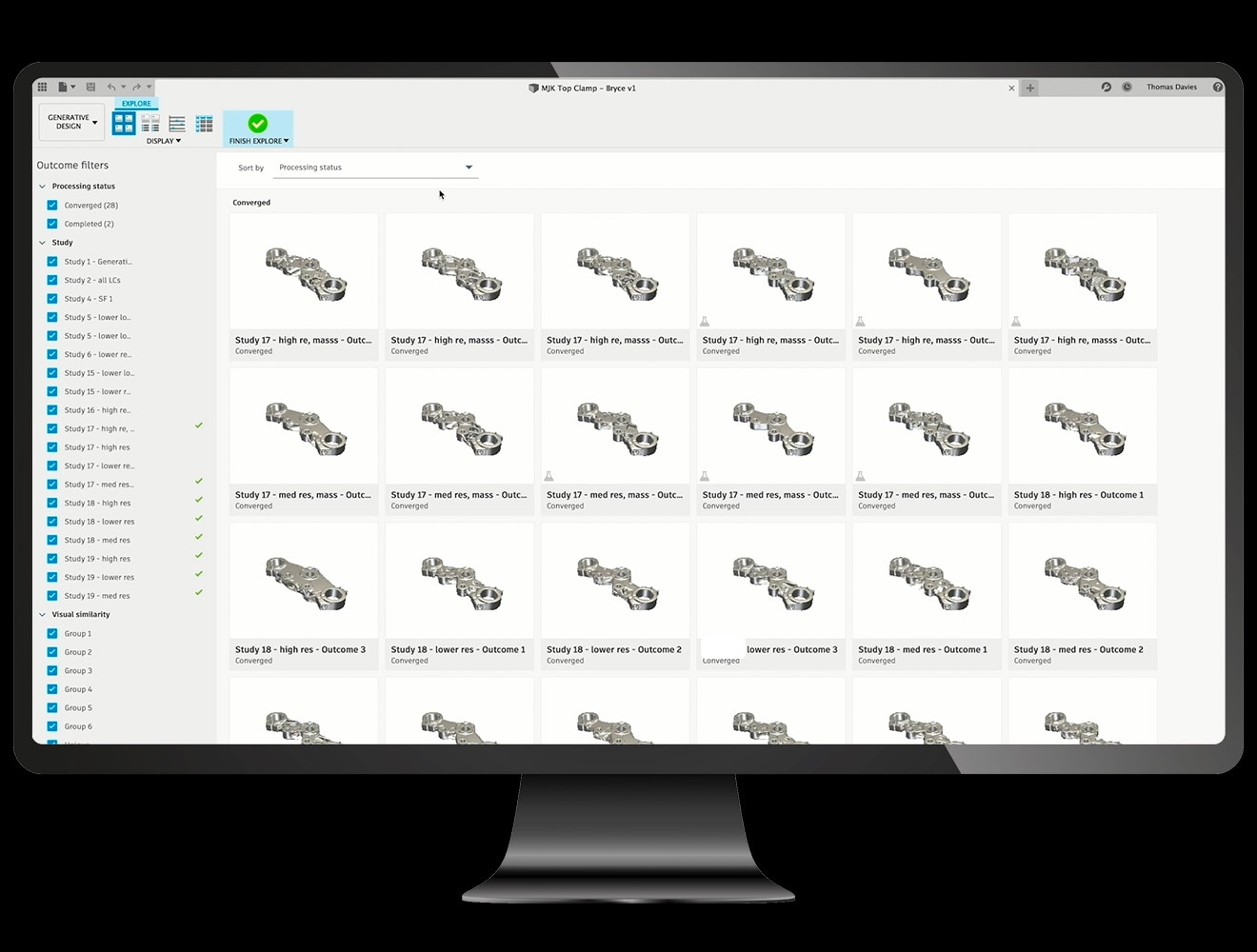
Explore design possibilities that may not have been considered otherwise, leading to more efficient and creative solutions.
Streamline the design process to help reduce costs and improve the overall quality and product performance.
The CloudNC CAM Assist Automation add-in for Fusion converts 3D models of 3-axis components into machining strategies in seconds, automating repetitive CAM programming tasks.
It serves as a co-pilot, delivering strategies and estimations that previously took hours or days almost instantly.
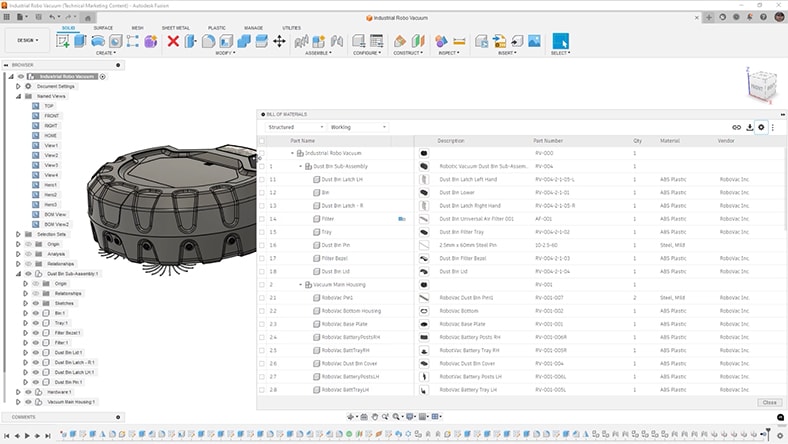
Speed sticks when your data is connected. Keep feedback, versions, and a live BOM aligned in one place.
Ditch the PDM check-ins. Fusion delivers a cloud-first, single source of truth for real-time collaboration without the local file headache.
Stop fighting your PDM. Fusion delivers built-in data management that is designed to work out of the box - no separate PDM systems required.
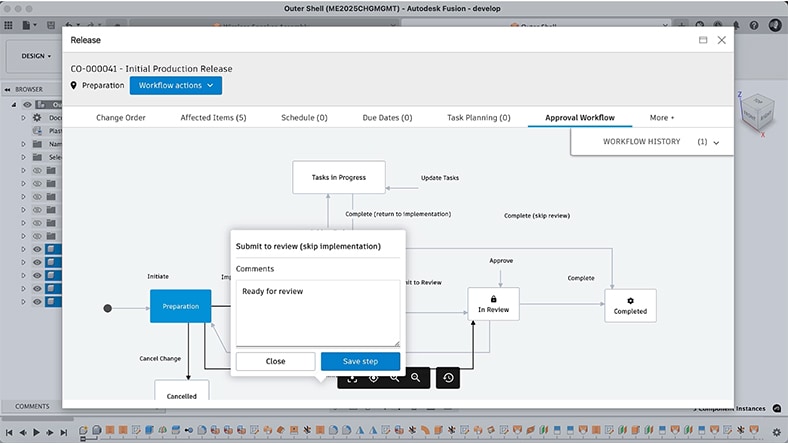
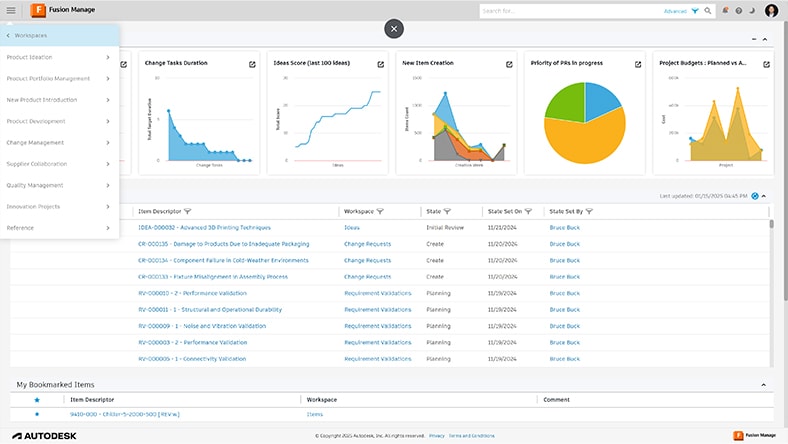
Help reduce the complexity of traditional PLM setup. Fusion connects CAD to BOMs, changes, and approvals, without heavy PLM infrastructure.
Unlock the future of manufacturing. Experience cloud-native, AI-driven power that moves with you—without machine-tied limits.
Whether you’re a lean R&D group, or a multi-site manufacturing business with hundreds of engineers and operators — Fusion scales with you.
THE INTEGRATED MFG. SOLUTION FOR PROFESSIONAL SHOPS & PRODUCTION TEAMS
Best for teams moving beyond standalone CAM tools — unify advanced CAM automation, high-precision machining, and robust CAD tools in one environment.
Why teams switch from legacy CAD/CAM stacks:
Includes all Fusion features, plus advanced manufacturing capabilities:
THE COMPLETE DESIGN + DATA PLATFORM FOR ENGINEERING TEAMS READY TO MODERNIZE
Best for teams who need enterprise-grade accuracy, data rigor, and design-to-manufacture continuity — without the complexity of legacy systems.
Why teams switch from legacy tools and add-ons:
Includes all Fusion features, plus advanced design capabilities:
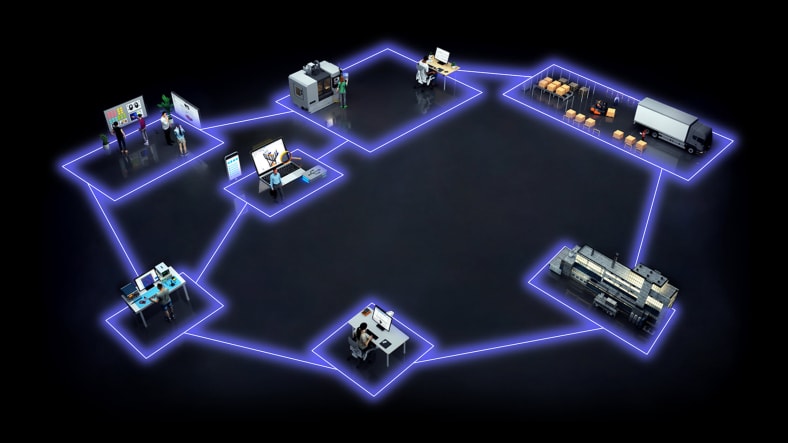
Autodesk Fusion connects your entire product development processes by integrating design, manufacturing, data and operations into a single platform.
Connect with our dedicated sales team to find the best solution that fits with your company's needs by simply completing this form.
Yes. Many SOLIDWORKS users find it easy to transition to Autodesk Fusion because the core CAD concepts are the same, and Autodesk provides dedicated migration support.
Yes. For everyday mechanical design, the core parametric and direct modeling tools in Autodesk Fusion and SOLIDWORKS are comparable, and both are well suited for parts, assemblies, and common production workflows.
Direct modeling: Both platforms also support direct modeling workflows, enabling designers to push, pull, offset, or move faces without re‑editing the original feature history. This is commonly used for quick changes, late‑stage edits, and working with imported geometry such as STEP files. Fusion natively blends direct edits with its parametric timeline, while SOLIDWORKS offers direct editing tools primarily for modifying existing or imported features.
You should consider switching from SOLIDWORKS to Autodesk Fusion if you want a more integrated, cloud‑based design‑to‑manufacturing workflow with fewer tools, easier collaboration, and greater flexibility across teams.
Key reasons organizations switch to Autodesk Fusion include:
1. Integrated CAD, CAM, CAE, electronics, and data management: Autodesk Fusion combines mechanical design, simulation, manufacturing (CAM), electronics (PCB), and data management in a single platform. This reduces the need for multiple add‑ons and external applications that are often required in a traditional SOLIDWORKS workflow.
2. Streamlined design‑to‑manufacturing workflows: Fusion enables teams to move from design to CNC programming, simulation, and production within one environment. This minimizes data translation, reduces handoffs, and improves consistency between design and manufacturing teams.
3. Cloud‑based collaboration and data access: Fusion is cloud‑native, allowing teams to collaborate in real time, manage versions automatically, and access designs from any location or device. This contrasts with SOLIDWORKS’ primarily file‑based, desktop‑centric workflows, which often require additional systems for collaboration and version control.
4. Flexible deployment and cross‑platform support: Autodesk Fusion runs on Windows and macOS and supports browser‑based and mobile access. This makes it easier for organizations with mixed hardware environments or distributed teams to standardize on a single platform.
5. Comparable mechanical design capabilities with a modern workflow: Fusion offers robust parametric and direct modeling tools suitable for everyday mechanical design, similar to SOLIDWORKS. The difference is not capability, but workflow. Fusion is built to support iterative design, quick edits, and downstream manufacturing within the same system.
6. Lower operational complexity as teams scale: By consolidating tools into one platform, Fusion can reduce software fragmentation, training overhead, and integration challenges—especially for small to mid‑sized teams, startups, and job shops.
Autodesk Fusion is significantly less expensive than SOLIDWORKS, , while including CAD, CAM, simulation, and cloud data management in a single subscription.
Autodesk Fusion pricing (commercial use)
Actual pricing, included features, and total cost depend on configuration, region, term length, and optional add‑ons.
Cloud data management and PLM solutions, like Autodesk Fusion, provide faster deployment, scalable growth, real‑time collaboration, and reduced IT overhead compared to on‑premise systems—making them better suited for modern, distributed manufacturing and product development teams.
Autodesk Fusion supports large assemblies when designs are structured using subassemblies, linked data, and simplified geometry. Extremely large assemblies require performance‑focused CAD software such as Inventor Professional to remain efficient.
The main difference between purchasing Autodesk Fusion and SOLIDWORKS is cost, packaging, and workflow approach. Fusion is a lower entry‑point priced, subscription-based platform that includes CAD, CAM, CAE, and basic data management in one integrated package. SOLIDWORKS is typically priced higher at many tiers and often requires additional modules or higher-tier packages for capabilities like simulation.
Yes. Autodesk Fusion supports 2D drawing creation for manufacturing, including assembly drawings with parts lists. In the Drawing workspace, you can generate dimensioned views, annotations, and a Parts List table that functions as a BOM with item numbers, quantities, and basic component properties. This parts list is associative to the model and updates when the design changes.
Yes. Autodesk Fusion helps support long-term adaptability to design and manufacturing businesses because it is a cloud‑based, continuously updated platform that unifies CAD, CAM, CAE, electronics, and data management in one system.
Fusion supports long‑term adaptability by:
Because Fusion is cloud‑delivered, integrated across the product lifecycle, and constantly evolving, it can reduce dependency on legacy workflows while supporting future manufacturing methods and collaboration models.