Create 3d characters WITH AI for free

Free AI character creator tools in Flow Studio

Create editable 3D characters from text prompts or reference images with AI-powered tools in Flow Studio. Explore character ideas, refine your results, and continue developing your characters for animation and other 3D workflows.

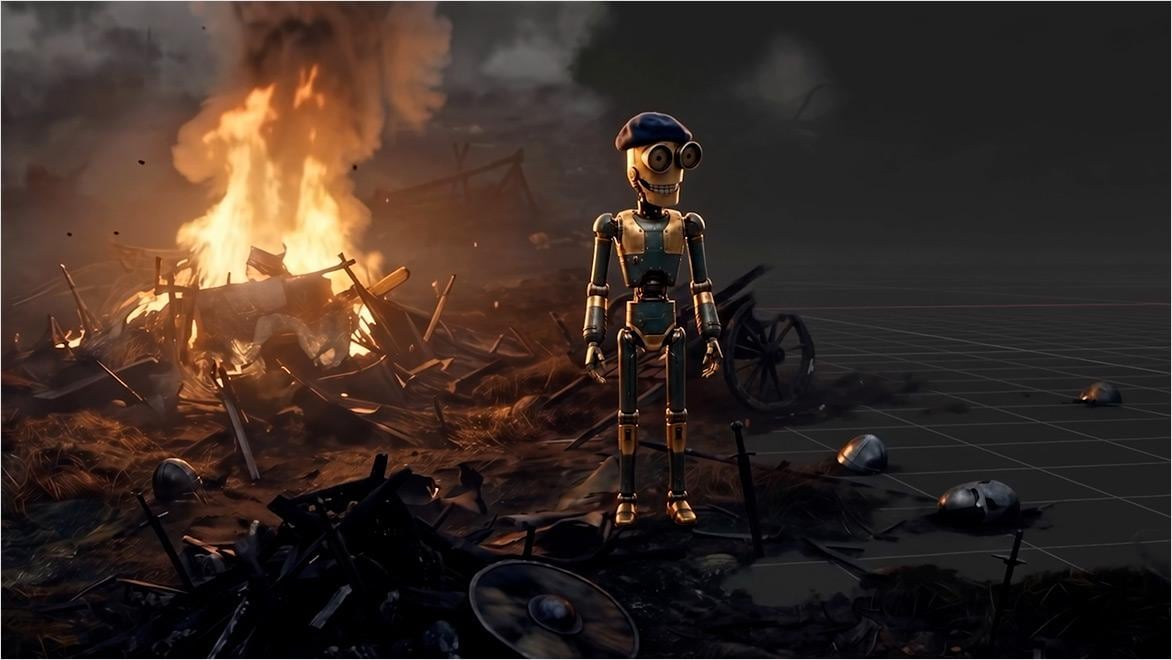
AI character creator assisting digital character design.

What are AI character creation tools?

AI character creation tools use artificial intelligence to turn text prompts, images, or reference assets into 3D characters. They give creators a fast starting point for exploring ideas and producing assets for games, animation, marketing, and digital experiences.

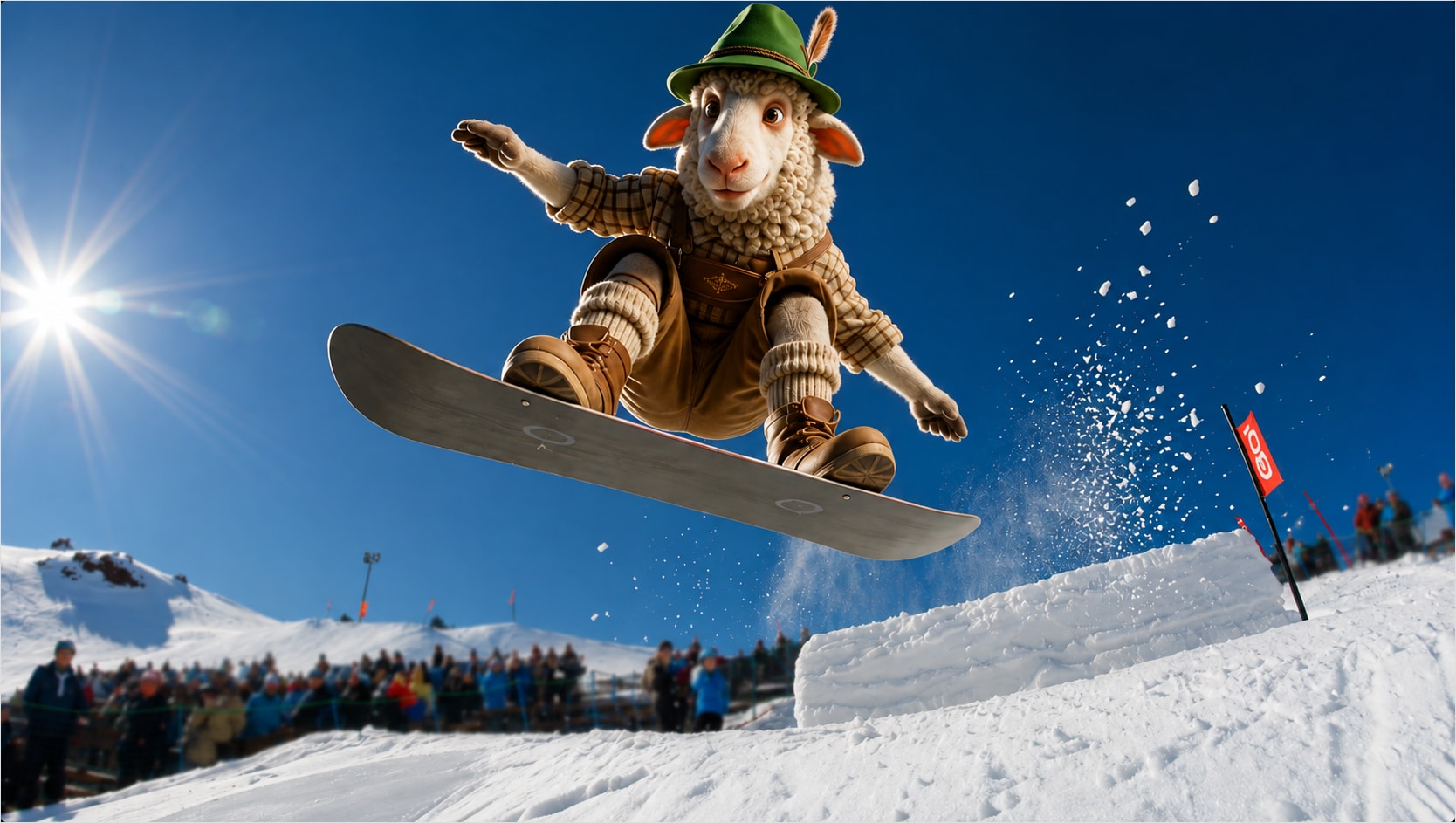
AI character creation workflow with animated digital characters.

How does AI character creation software work?

AI character creation software uses generative AI to turn text prompts, images, or reference assets into 3D characters you can shape and refine. Some tools can also automate technical steps like rigging, helping you get your character ready to animate sooner.

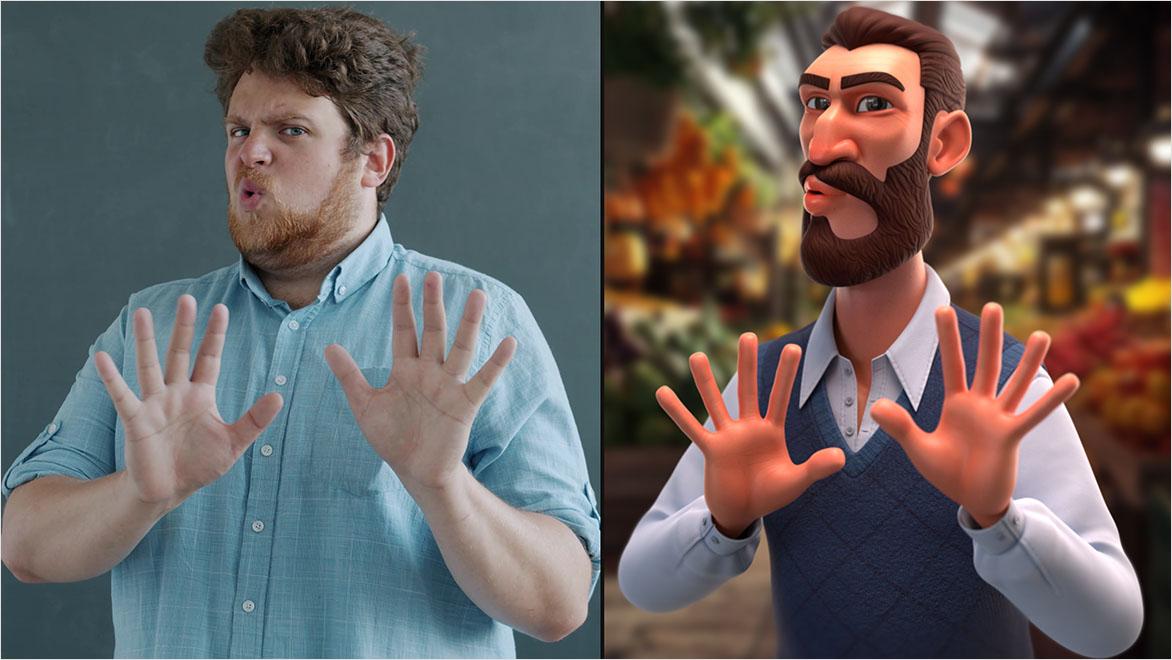
Photo-to-character transformation using AI character creation.

Why use AI character creation tools?

Creating a 3D character can involve many steps, from modeling and rigging to animation. AI character creation tools can speed up parts of that process, giving you more time to explore ideas and focus on bringing your character to life. Autodesk Flow Studio lets you generate 3D characters from text or images, auto-rig them, and drive their performances with AI motion capture - or export them to your preferred 3D tools for further refinement.

Explore Flow Studio for AI character creation

Whether you're exploring new character ideas or accelerating previsualization and animation workflows, Flow Studio offers flexible plans to help you get started.

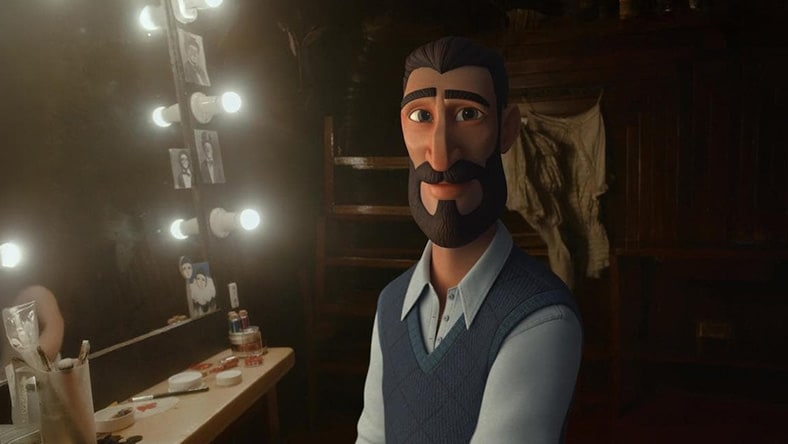
AI-generated male character created with Flow Studio

Perfect for exploring

Free

Explore AI character creation, experiment with different looks, and see what you can create with Flow Studio.

  • Create 3D characters from text and images
  • Experiment with AI-assisted workflows
  • Test ideas and prototype faster
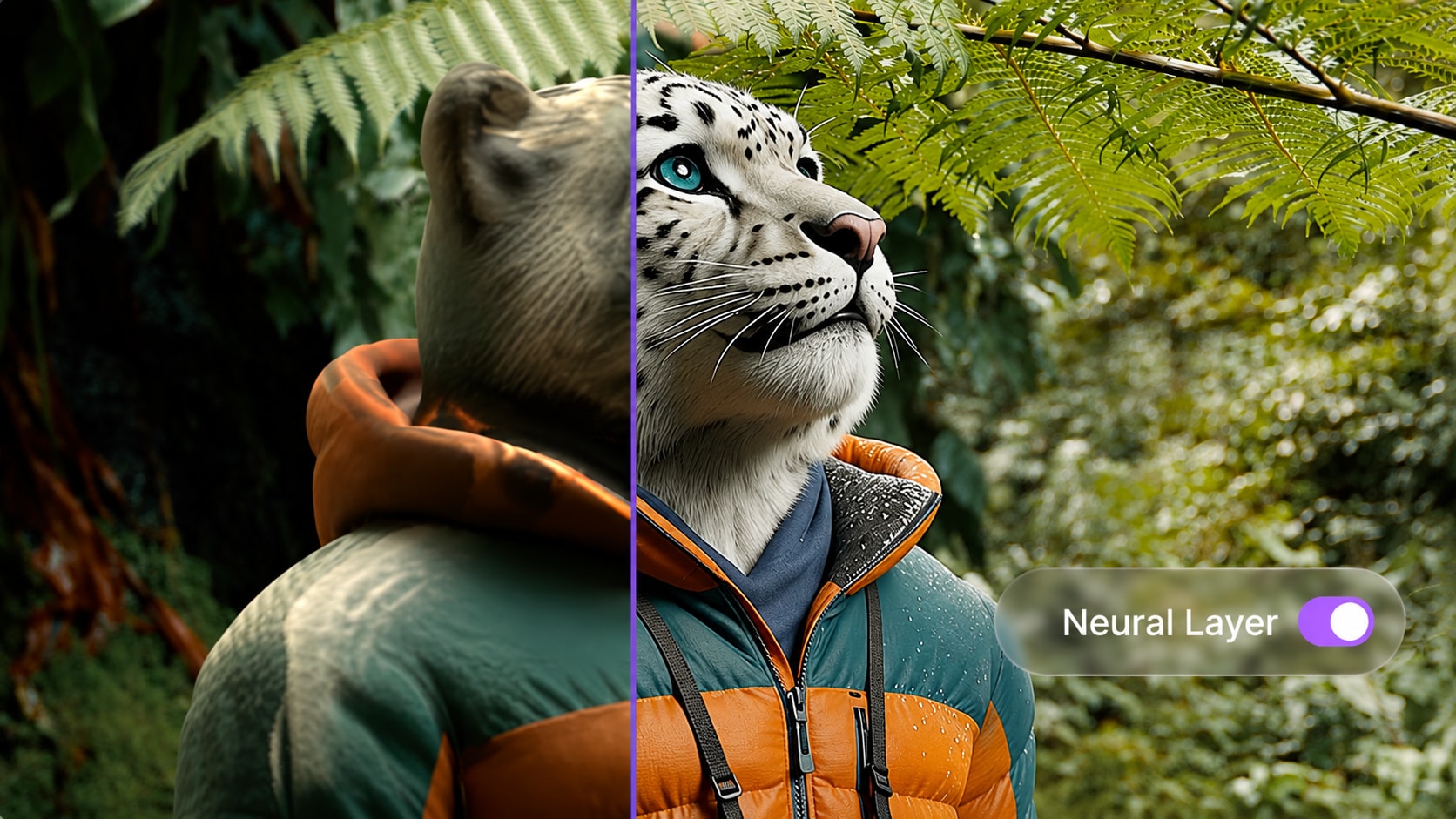
AI character of a white tiger created with Flow Studio

TAKE YOUR CHARACTERS FURTHER

Lite

Unlock advanced features to create high-quality characters with tools designed for independent creators and small studios.

  • Everything in Free, plus advanced features
  • Export animation-ready characters and assets
  • Neural Layer and LoRA support


Motion capture driving AI character animation

Build professional AI skills

Students & educators

Build AI-assisted 3D character creation skills with access for eligible university students (18+). 

  • Everything in Lite plus USD exports
  • Build portfolio-ready projects
  • Learn AI-assisted production workflows


How AI can support character creation workflows

AI shouldn't replace the creative choices that shape a character. It can support specific parts of the process, from exploring an idea to preparing a character for animation, while leaving creators in control of what they make and how they refine it.

Explore ideas in 3D

Use text prompts to explore characters, creatures, or props as textured, editable 3D assets. Treat generated results as creative starting points you can develop, rather than finished answers.


Build from your own references

Already have a sketch, concept, or reference image? Use Image to 3D to translate that visual direction into editable 3D geometry while keeping your original idea at the center of the process.


Spend less time on initial rigging

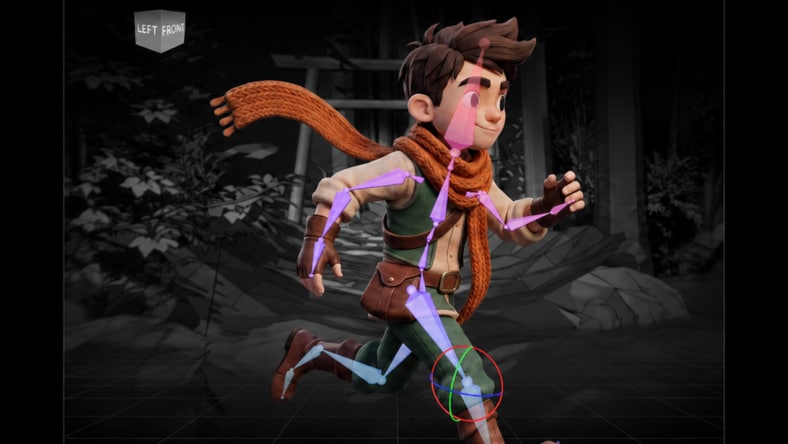
AI Rigging automatically creates a rig for generated characters in just a few clicks, reducing time spent on technical setup between character creation and animation. For more complex characters, you can continue refining the rig as your project requires.

Experiment as ideas evolve

Character development often involves testing different possibilities before settling on a creative direction. AI generation gives you another way to explore those possibilities in 3D, with results you can review, compare, and continue refining.


Bring performances to characters

Markerless AI motion capture turns body, face, and hand movements from your footage into character animation without suits or markers. It gives creators another way to translate live-action performance into character animation while keeping the performance true to your actors movements.

Keep control after generation

Generating a character doesn’t have to be the end of the creative process. Flow Studio creates editable 3D assets and outputs that can continue through animation and 3D workflows, giving you room to shape and refine the result.


What features matter most in AI character creation software?

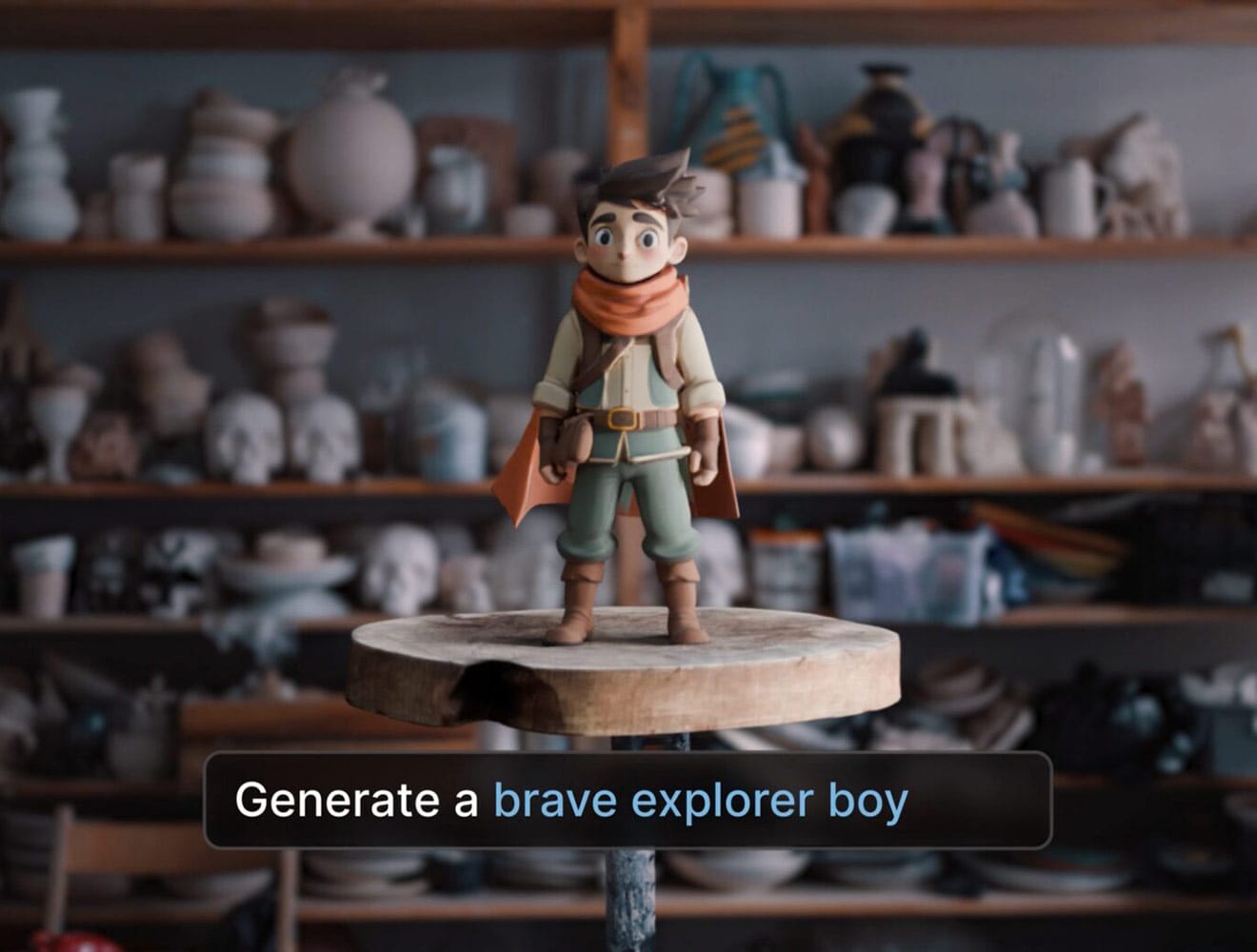
AI-generated character of a brave explorer boy

Text-to-3D character generation

Look for tools that allow you to deeply describe a character, creature, or prop and generate it directly in 3D. Flow Studio's Text to 3D tool creates textured, editable 3D assets, giving you a solid starting point that can continue developing beyond its original prompt.

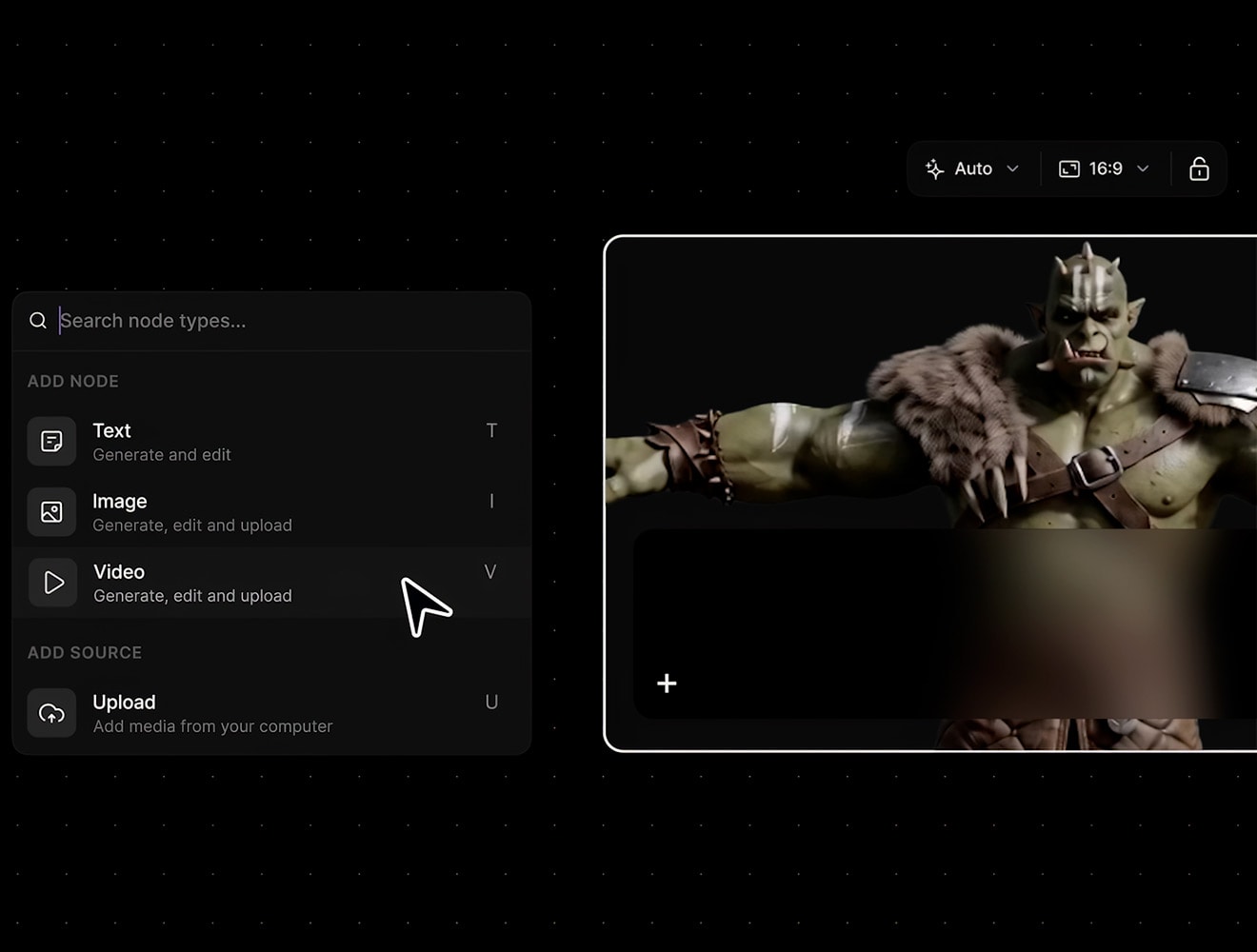
Green orc character created with AI character creation workflows in Flow Studio

Image-to-3D character generation

Reference images can be useful when you know exactly how you want your character to look. Flow Studio's Image to 3D tool can turn sketches, concept art, or other reference images into editable 3D geometry that you can continue polishing to match your vision.

AI-assisted character rigging with Flow Studio

AI-assisted character rigging

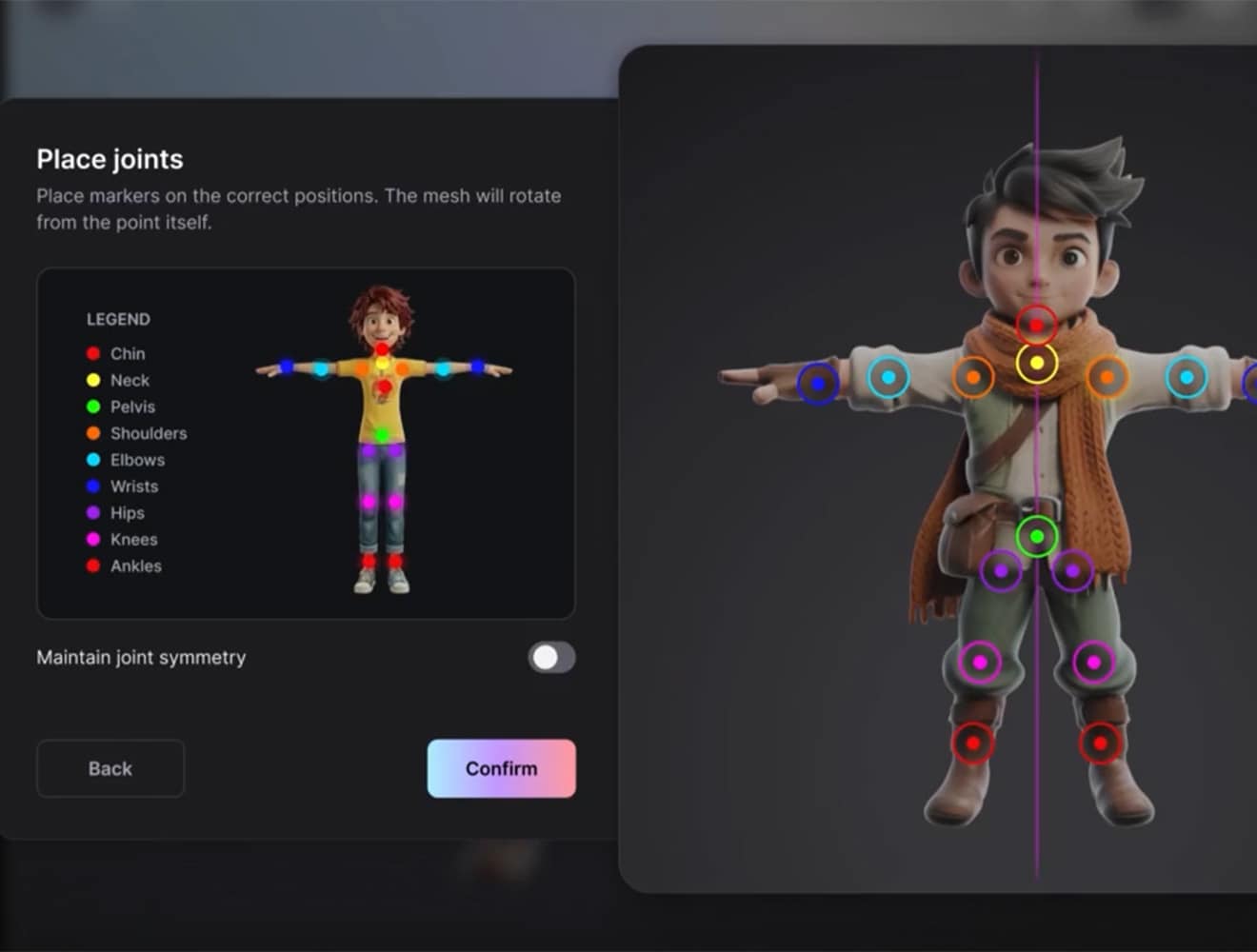
Generating your character is just one part of the process if you ultimately want to bring it to life through movement. Flow Studio’s AI Rigging tool lets you assign joints to generated characters for automatic rigging, reducing a technical bottleneck between character creation and animation.

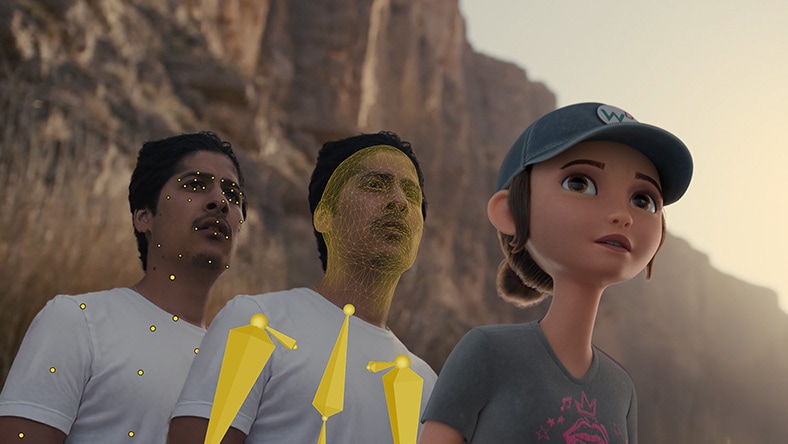
Male actor filming a scene for markerless AI motion capture

Character animation options

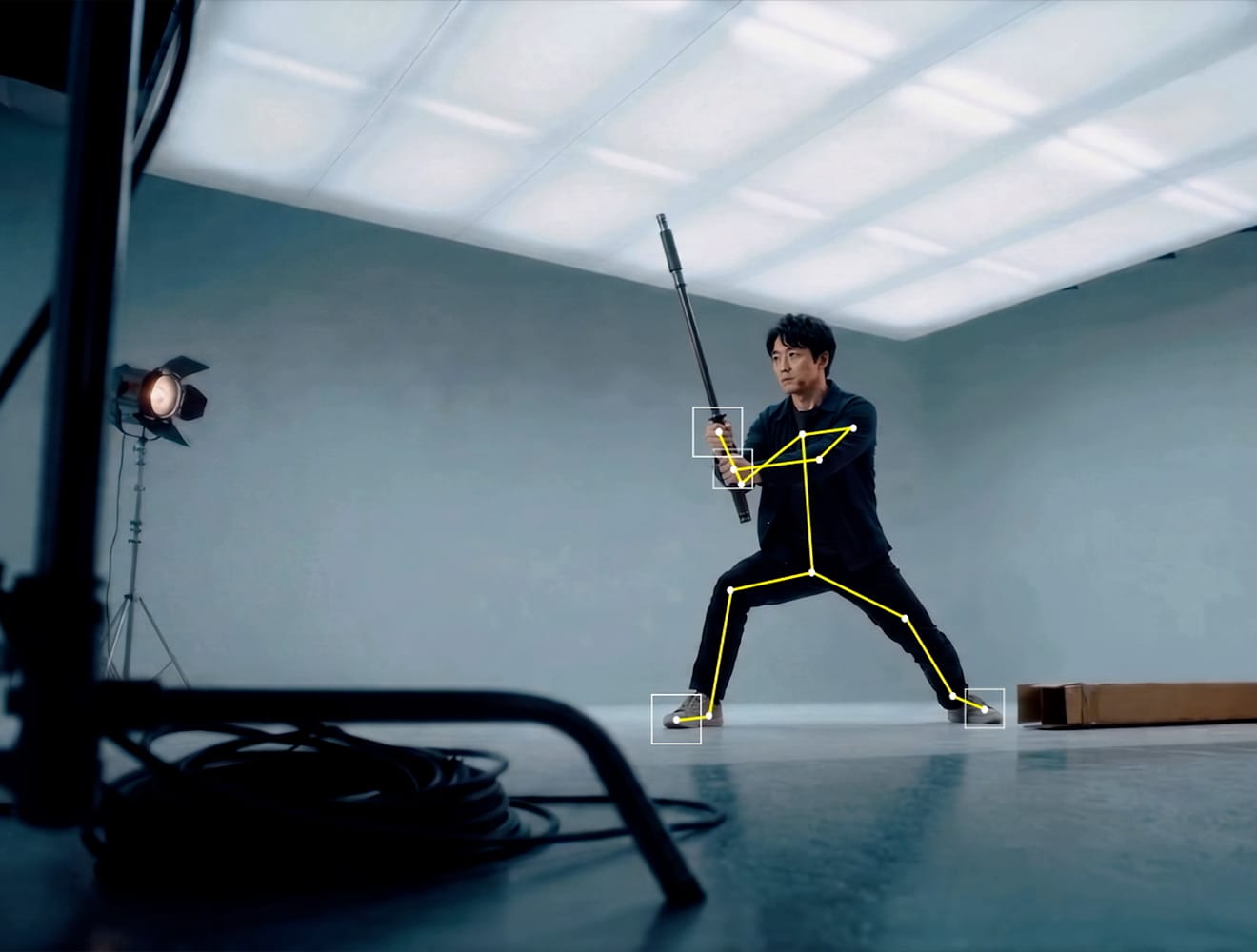
Consider how easily a generated character can go from a static asset to an animated performance. Flow Studio’s markerless AI Motion Capture tool captures body, face, and hand movement directly from footage, without suits or markers, making it easier to bring generated characters to life through live-action performance.

AI boy with blue hair created with Flow Studio's Wonder 3D

Continue refining your character

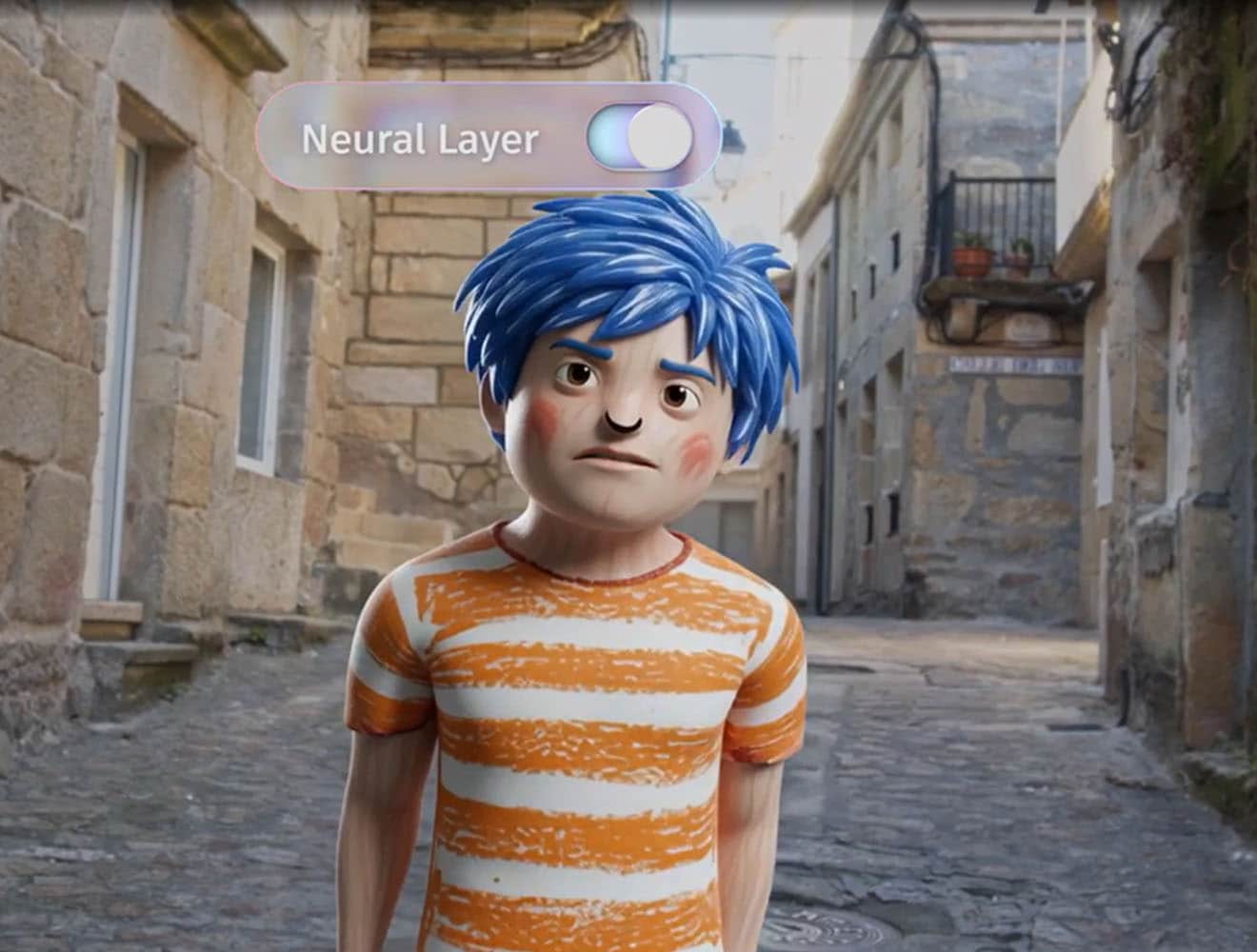
Look for AI character creation software that gives you editable 3D assets rather than treating generation as the end of the process. Editable characters give you more flexibility to refine your results and continue developing them for animation and other 3D workflows.

How creators use Flow Studio

3D Kodiak bear wearing armor

GAME DEV

Game-ready characters

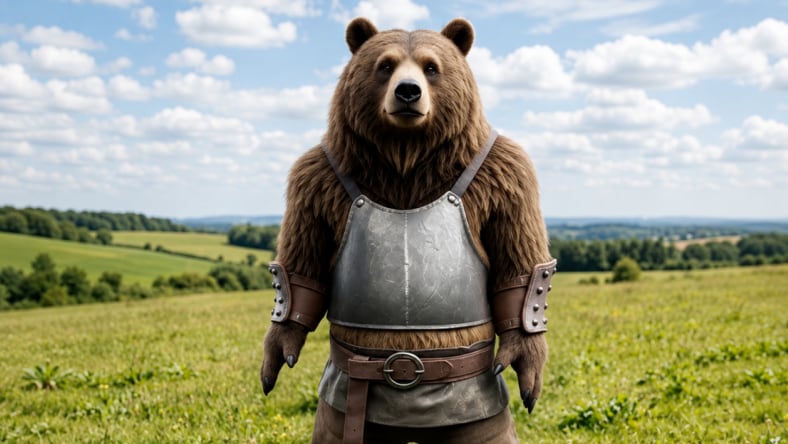
Generate characters from text and image prompts, then refine and export editable 3D assets for your game development workflow.


AI created boy and posed with AI Rigging

ANIMATION

Animated characters

Create expressive 3D characters for shorts, cinematics, and visual storytelling. Use AI Rigging to prepare characters for animation, then refine performances in your preferred 3D tool.


AI male character on a subway train

DIGITAL CONTENT

Branded digital content

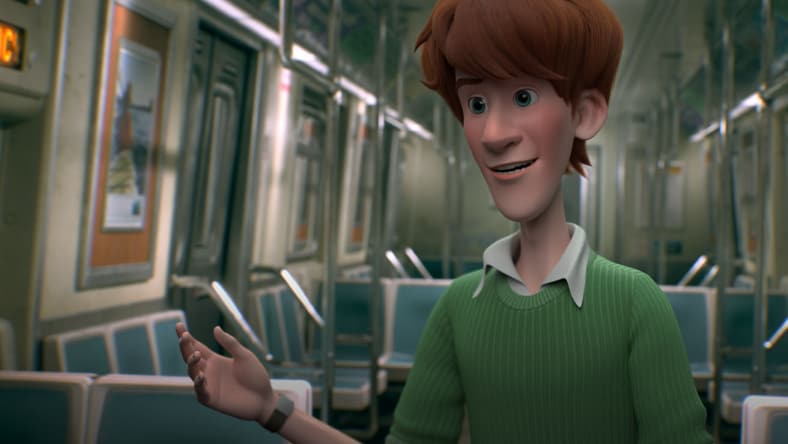
Turn ideas and reference imagery into distinctive 3D characters for campaigns, social content, and branded experiences.


Realistic woman created with Flow Studio for concept design workflows

Concept design

Concept to production

Explore character ideas from text prompts and reference images, then turn concepts into editable 3D assets for further development.


Start creating for free with Flow Studio

How to create a 3D AI character in Flow Studio

Flow Studio helps you create an editable 3D character from a text prompt or reference image, rig the character for animation, add motion, and export it for further refinement in other 3D tools.

1. Start with text or an image

Use Text to 3D to generate a textured, editable 3D character from a text prompt. Or use Image to 3D to turn concept art, sketches, or reference images into editable 3D geometry.

2. Choose your 3D character

Flow Studio generates four 3D model options based on your text prompt or reference image. Review the results and choose the character that best matches your vision, then continue to texturing and rigging.

3. Rig your 3D character

Use AI Rigging to add joints to your generated character and prepare it for animation in Flow Studio. For custom rigs, rig your character in another 3D tool, then bring it into Flow Studio.

4. Add a character performance

Use markerless AI Motion Capture to capture body, face, and hand movement from your live-action footage without the need for suits or markers. Apply the captured motion to your 3D character to create an animated performance.

5. Continue your 3D workflow

Export editable scenes and assets from Flow Studio to Maya, Blender, Unreal Engine, or 3ds Max using USD. Continue refining your characters, animation, and scenes in the 3D tools you already use.

Resources for getting started with Flow Studio

Learn how to turn text prompts into editable 3D models with Wonder 3D in Autodesk Flow Studio, from prompt writing and mesh generation to final export.

Use these filming and setup tips to get cleaner AI mocap results. The blog covers wardrobe contrast, lighting, frame rate, wide shots, props, backgrounds, and flexible exports.

Keep characters locked in through camera changes, motion, and cuts. Develop concepts, build previs, and iterate faster in Flow Studio or export to other 3D tools for more control.

Follow this guide to understand custom character requirements, validation steps, face capture setup, markerless motion capture, and add-on workflows for Maya and Blender.

Understand how Flow Studio uses Facial Action Coding System-based blendshapes to generate facial animation from video.


Understand how Flow Studio scene exports transfer animation, lighting, camera data, and more to Maya, Blender, Unreal Engine, or USD for continued 3D work.


Frequently asked questions (FAQ) about AI character creation software

What is the best AI character creation software?

The best AI character creation software depends on your creative goals and workflow. Look for software that supports text-to-3D and image-to-3D generation, editable characters, AI rigging, scene creation, and production-ready workflows. Flow Studio brings these capabilities together in one connected creative platform.

Is Flow Studio a free AI character creator?

Yes, Flow Studio includes a free commercial tier so you can explore AI character creation before upgrading. Eligible students and educators can also access Flow Studio through Autodesk Education at no cost.

Can Flow Studio generate editable 3D characters?

Yes, Flow Studio generates editable 3D characters that you can continue refining as your project evolves. Instead of starting over with every change, you can update characters, build scenes, and prepare content for production.

How is Flow Studio different from other AI character creators?

Many AI character creators focus on generating a single image or model. Flow Studio helps you generate editable 3D characters, maintain character consistency, build scenes, direct performances, and prepare assets for professional production workflows.

Can Flow Studio create complete character scenes?

Yes, Flow Studio supports workflows that extend beyond individual character generation. Build complete scenes with characters, props, environments, cameras, and animation, then export your assets to Maya Creative with Flex tokens or Maya Indie—a lower-cost version of the full Maya software available to eligible users—for advanced rigging, animation, and production workflows.

How does Flow Studio use AI to create characters?

Flow Studio uses AI to generate editable 3D characters from text prompts and reference images. You can then refine character designs, maintain consistency with LoRA, build scenes, and continue developing your project from concept through production.

What is the best AI character creator for indie game developers?

The best AI character creator for indie game developers should be affordable, easy to learn, and support professional production workflows. Flow Studio offers free and low-cost options to help independent creators generate, refine, and animate 3D characters, then export them to Maya Creative with Flex tokens or Maya Indie—a lower-cost version of the full Maya software available to eligible users—to continue advanced rigging, animation, and game development workflows.

Is Flow Studio a good choice for small animation studios?

Yes, Flow Studio helps small teams accelerate character creation, maintain consistent character designs, and prepare assets for production. Export your work to Autodesk Maya Creative with Flex tokens or Autodesk Maya Indie for advanced animation and rigging workflows.

Can I convert a 2D image into a 3D character?

Yes, Flow Studio’s Wonder 3D supports Image to 3D workflows that transform concept art and reference images into editable 3D characters. You can continue refining the character and prepare it for animation, games, and digital content.

Can I try Flow Studio before purchasing?

Yes, Flow Studio offers a free commercial tier so you can explore AI character creation and evaluate the workflow before choosing a paid plan.

How much does Flow Studio cost?

Flow Studio offers multiple plans, including a free commercial tier, Lite, Standard, and additional subscription options for more advanced creative workflows. Visit the Flow Studio product page for current pricing and plan details.

Can students and educators use Flow Studio for free?

Yes, eligible students and educators can access Flow Studio through Autodesk Education. Educational access helps learners build professional AI character creation skills, complete coursework, and develop portfolio-ready projects.

What is AI character creation software?

AI character creation software uses artificial intelligence to generate 3D characters from text prompts, images, or other creative inputs. These tools help creators accelerate concept development, character design, animation, and game development.

How does AI character creation software work?

AI character creation software analyzes text prompts, images, or other inputs to generate a 3D character that creators can review and refine. Many platforms also support editing, scene creation, AI rigging, and production-ready workflows that extend beyond the initial generation.

What features matter most in AI character creation software?

Look for software that supports Text to 3D, Image to 3D, editable characters, AI rigging, character consistency, scene creation, and production-ready workflows. Free access, flexible pricing, and export options are also important when choosing AI character creation software.

See more FAQ