Autodesk Fusion and Prusa

From concept to print

Streamline your entire design workflow with Fusion and seamlessly export your models straight to the Prusa ecosystem.

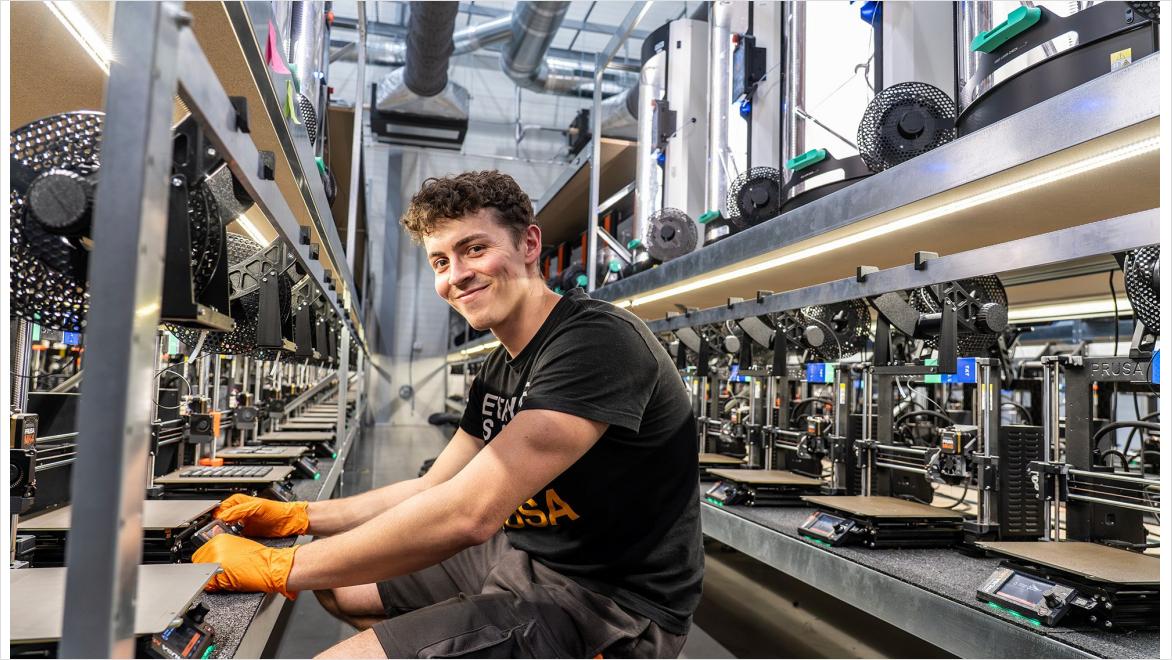
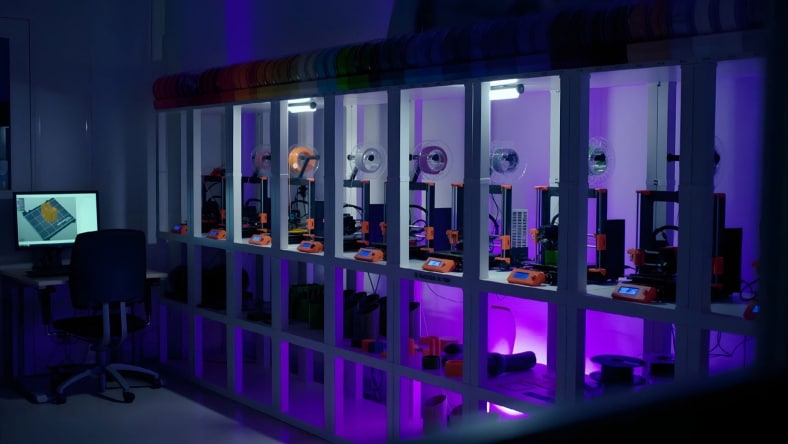
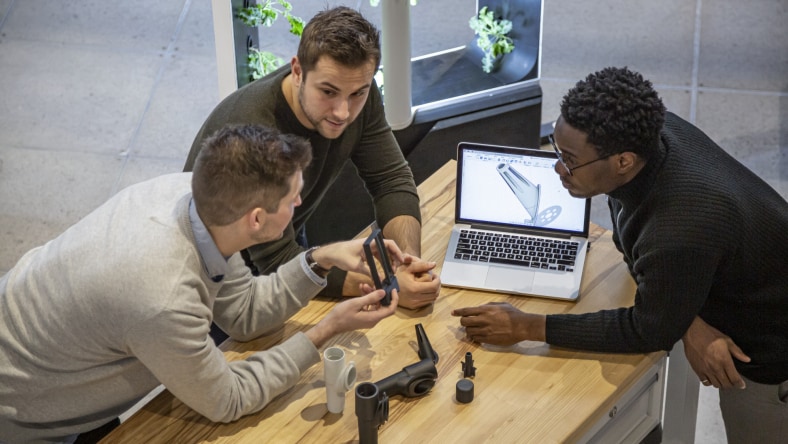
Man with Prusa Print farm

A global leader in desktop 3D printing

Prusa Research was founded in 2012 by inventor Josef Průša, a leading innovator in desktop 3D printing. With production hubs in Prague, CZ, and Delaware, USA, Prusa ships more than 10,000 printers each month to customers in over 160 countries, delivering a complete 3D printing ecosystem for makers, professionals, and manufacturers.

Browse, modify, and print Prusa models without leaving Fusion

Eliminate the need to switch between separate software. The Prusa EasyPrint add-in for Autodesk Fusion adds Printables to the Solid tab in the Design workspace. Search projects, add a model to your design, then preview and rotate it before you print.

Open your part in EasyPrint in your browser, or create a Prusa setup in the Manufacture workspace. Choose your printer and print settings, generate toolpaths, simulate, and post process to a print file.

Everything you need to design and prepare 3D prints

Design, simulate, and prepare parts for additive manufacturing in Autodesk Fusion. Keep your team working from the same up-to-date data while streamlining the path from design to print.

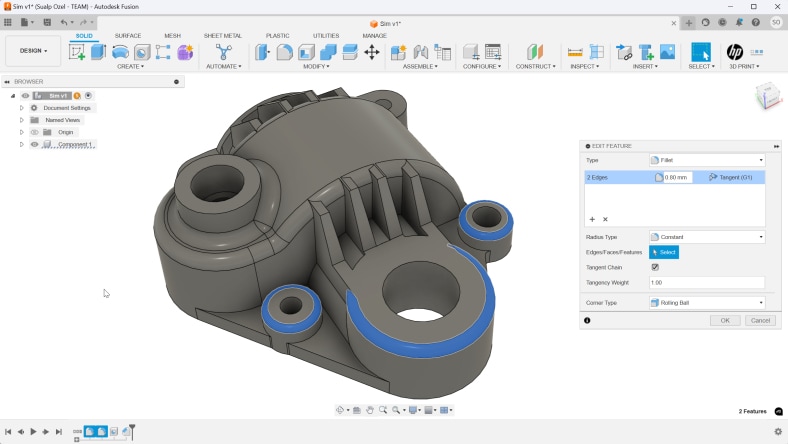
Autodesk Fusion parametric modeling

Parametric modeling

Parametric modeling tools in Fusion allow you to design with precise, adjustable parameters, maintaining consistent geometry and easy updates across the entire model.


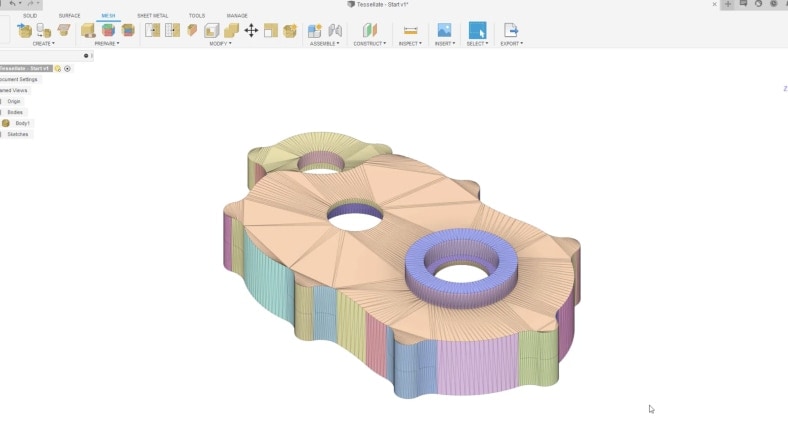
Autodesk Fusion mesh editing

Mesh editing

Mesh editing tools in Fusion let you import, repair, and convert STL and 3MF files with accuracy, making it easy to prepare and refine printable geometry within the same design environment.


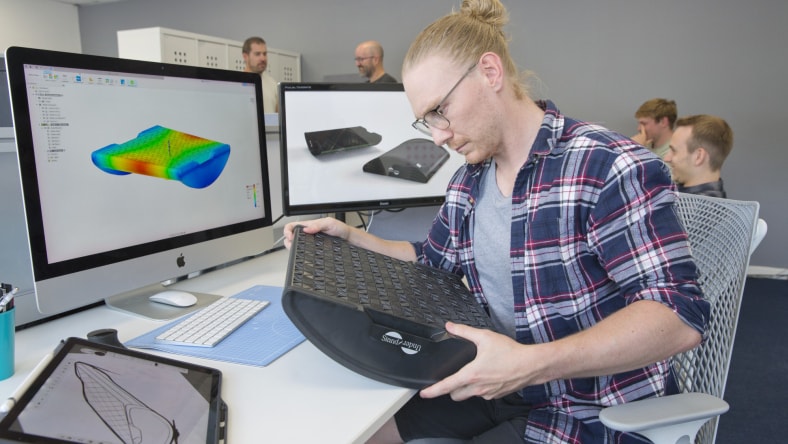
Autodesk Fusion simulation tools

Simulation tools

Simulation tools in Fusion help you analyze part strength, deformation, and loading conditions before printing, reducing trial-and-error and supporting more reliable, optimized designs.


Lattice Generation

Lattice Generation

Automatically hollow parts and generate volumetric lattice structures to reduce weight and optimize material usage. Prepare designs for Prusa printers.


Generative Design

Generative Design

Generative design in Fusion explores multiple performance-driven geometry options based on your constraints, delivering shapes well-suited for additive manufacturing.


FDM Print setup

FDM Print Setup

The Additive Setup tools in Fusion streamline filament-based printing with customizable machine profiles, optimized toolpaths, and tailored material settings, enabling high-quality results for Prusa’s FFF printers.


Resin Print Setup

Resin Print Setup

Autodesk Fusion supports MSLA workflows with automated orientation, support generation, slicing, and print preparation for Prusa’s SL1 and other resin printers.


Cloud Collaboration

Cloud Collaboration

Cloud collaboration tools in Fusion allow teams to share designs, track iterations, and work from a unified source of truth, ensuring smooth communication across maker communities and engineering groups.


Design stronger parts for print with Fusion for Design

Add advanced modeling, generative design, and simulation to your print workflow. Fusion for Design includes the tools to design, validate, and prepare parts for 3D printing.

Autodesk Fusion 3d printer connection

Simplify print preparation for Prusa printers

Prepare parts for printing directly in Autodesk Fusion. Orient, position, and arrange models within the build volume of your Prusa printer before sending them to print.

Automatically duplicate and arrange parts, generate supports when needed, and keep design and manufacturing data connected—all in one workflow.

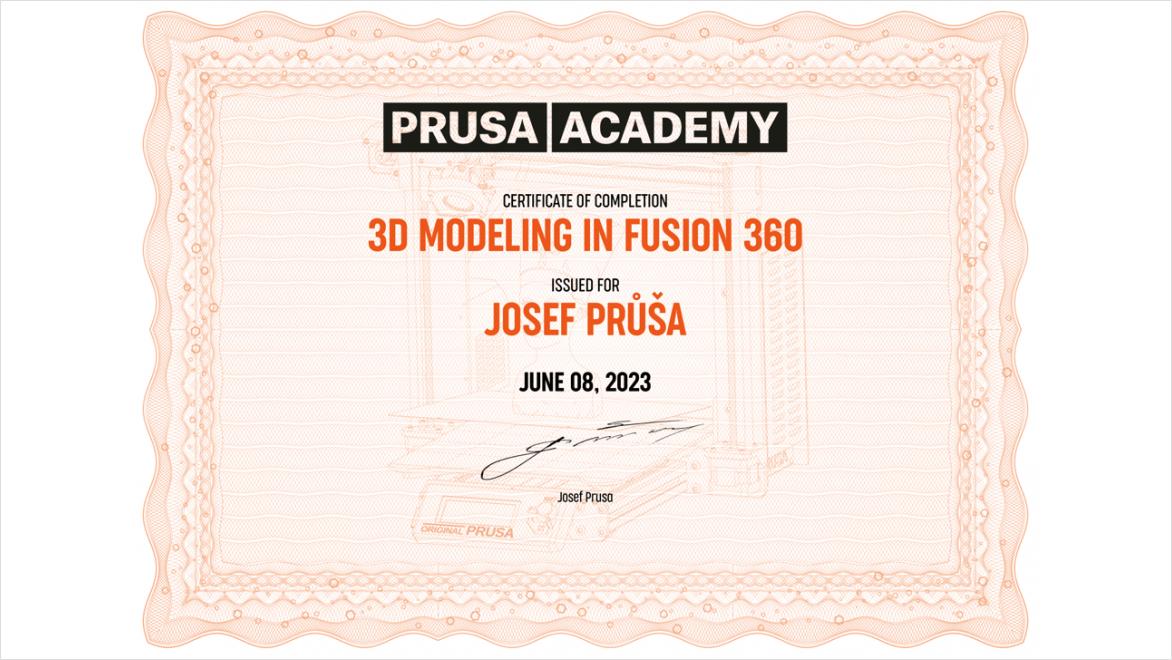
Prusa Academy certificate

Master 3D printing in Autodesk Fusion with the Prusa Academy

Learn how to unlock the full potential of your designs in Autodesk Fusion with this comprehensive, beginner-friendly course.

  • Master the interface: Navigate the workspace and learn essential design terminology.
  • Sketching fundamentals: Learn to create and constrain precise 2D drawings.
  • 3D modeling: Transform flat drawings into functional, solid 3D objects.
  • Modify & refine: Sculpt and optimize your designs specifically for 3D printing.
  • Hands-on practice: Apply your skills directly to real-world sample projects.
  • Inspect & export: Check structural integrity and export files cleanly for slicing.
  • Earn your certification: Get an official Prusa Academy certificate to showcase your skills.

Take your Prusa workflow further with Autodesk Fusion

Cloud-based 3D CAD, CAM, CAE, PCB, and PDM software for product design.


Gain access to advanced design and simulation tools.


Expand your advanced manufacturing capabilities.


Try Fusion for free

Try Autodesk Fusion for free with a 30-day trial. Access all capabilities and features with integrated CAD, CAM, CAE, and PCB software.

Frequently asked questions about Autodesk Fusion and Prusa

Does Autodesk Fusion work with Prusa 3D printers?

Yes. Autodesk Fusion supports additive manufacturing workflows for Prusa 3D printers.


You can design a part in Fusion, prepare it for additive manufacturing, select supported Prusa machines and print settings, orient and arrange parts, generate supports and toolpaths, and create output for 3D printing. Fusion has supported Prusa among its FFF printer manufacturers for several years, and Autodesk’s Fusion Technology Partner ecosystem includes 3D-printer hardware integrations with machine boundaries and print settings.

Can I design a model in Fusion and 3D print it on a Prusa printer?

Yes. You can use Autodesk Fusion to design a 3D model and prepare it for printing on a Prusa 3D printer.


Fusion combines parametric modeling, mesh editing, simulation, generative design, and additive manufacturing tools, allowing you to move from the original CAD design into print preparation without recreating the model in another CAD application.

For additive manufacturing, Fusion’s Manufacture workspace can create an additive setup, select a printer and print settings, orient the model, create supports, and generate additive toolpaths. Prusa also identifies Autodesk Fusion as a modeling application for creating printable models.

Do I need PrusaSlicer if I use Autodesk Fusion with a Prusa printer?

It depends on your workflow. Autodesk Fusion can prepare models for additive manufacturing and generate layer-by-layer additive toolpaths and G-code for supported workflows, so Fusion can handle more of the manufacturing process than a CAD-only application.


You can also use Fusion for design and PrusaSlicer for print preparation. Fusion can export the model, while PrusaSlicer provides Prusa-specific printer, filament, and slicing workflows. Fusion can additionally be configured to send an exported model to a custom 3D-print utility.

Are Prusa printer profiles available in Autodesk Fusion?

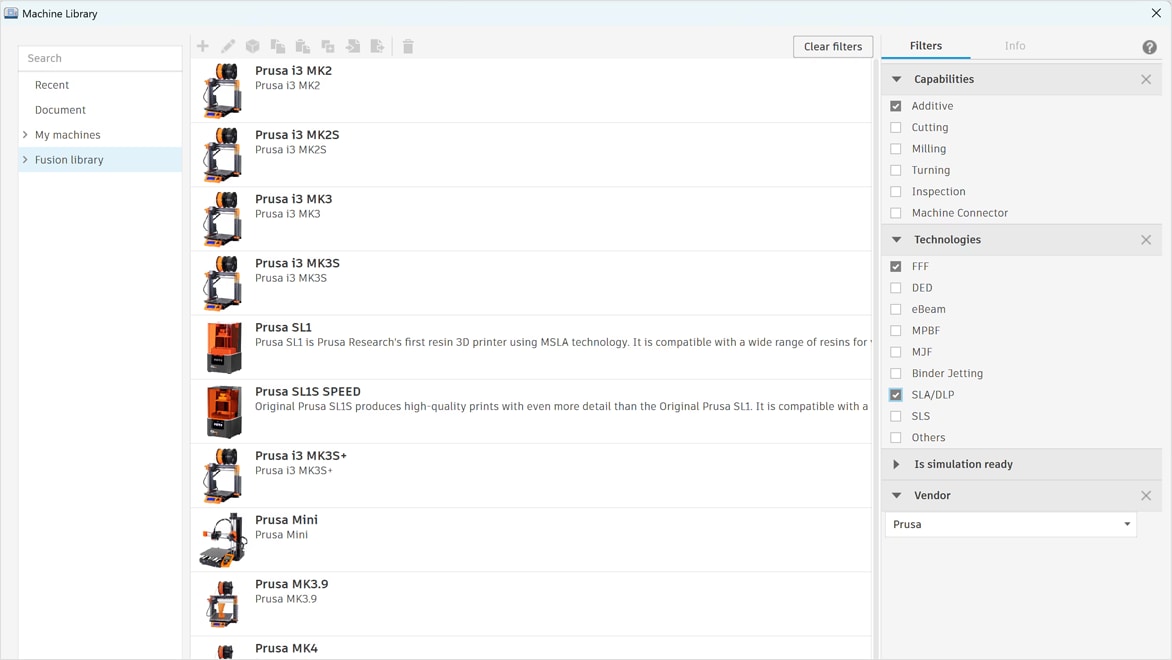
Autodesk Fusion includes machine and print-setting libraries for additive manufacturing, including support for Prusa 3D printers. These machine definitions allow Fusion to account for printer-specific information such as the available build volume when preparing a model for manufacturing.


Autodesk’s hardware-partner integrations are designed to bring 3D-printer information—including printing boundaries and settings—into Fusion’s manufacturing libraries, reducing the amount of printer setup users need to create manually.

Can I learn Autodesk Fusion through Prusa Academy?

Yes. Prusa Academy offers a dedicated “3D Modeling in Autodesk Fusion” course. It is designed for people learning Fusion specifically for 3D-printing workflows and covers the Fusion interface, sketching, creating solid 3D objects, modifying designs, completing sample projects, and exporting finished models. Prusa describes it as suitable for beginners, hobbyists, small businesses, and people building a foundation for more professional CAD work.

See more FAQ