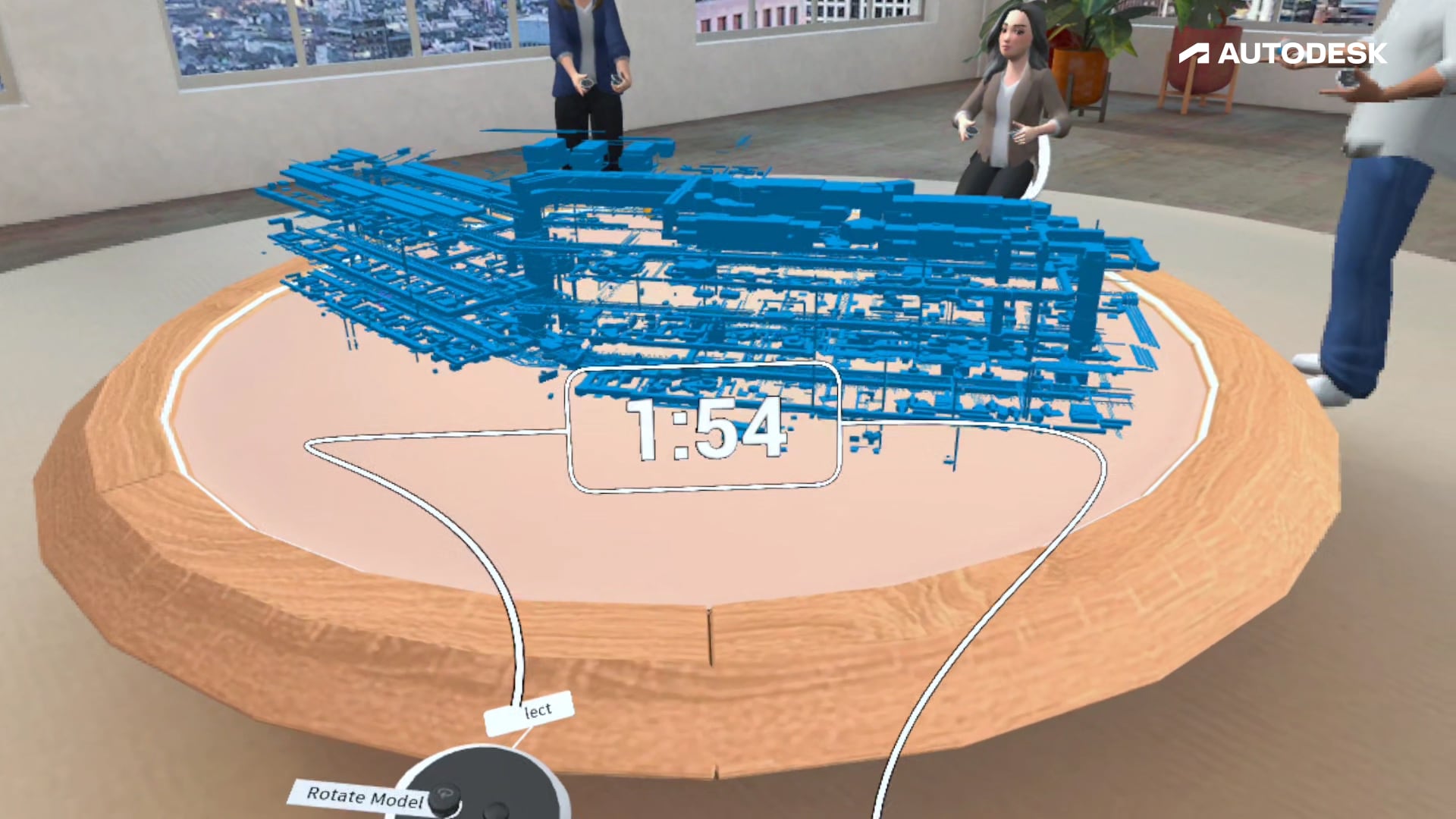
Experience your Revit and Navisworks models in VR

Walk through your models in 1:1 scale for an immersive experience in a dynamic workshop.

Autodesk Construction Cloud to VR

With Workshop XR you can instantly connect your Navisworks and Revit models into VR for immersive design reviews. All of your data is synced live directly through Autodesk Construction Cloud.

Autodesk Revit to VR

By bringing your Revit models into VR you can easily guide collaborators through design reviews, explore model visibility settings, and create new issues in Workshop XR.

Autodesk Navisworks to VR

With Workshop XR you’re able to walk through large, federated Navisworks models at human scale, inspect connected BIM data, and track issues.

VR view of a model in a workshop

Overview

See how Autodesk Workshop XR can elevate your design review process and add value to the complete project lifecycle.


Man looking at computer with VR headset on the desk

Capabilities

Optimize your design review process with a single source of truth for all project data. Rely on no-prep model loading capabilities to enable effortless collaboration.


Start your free trial

Dive in to our immersive, collaborative software and see how Workshop XR will transform your design review process.

Frequently asked questions (FAQs)

Does Workshop XR support Revit or Navisworks files?

Yes, Workshop XR enables VR collaboration on your Revit, Navisworks, and IFC projects from Autodesk Construction Cloud.

How can I view my Revit or Navisworks files in VR?

Using Autodesk Workshop XR, you can connect your Revit or Navisworks project through Autodesk Construction Cloud.

What devices do I need to view my Revit or Navisworks models in Workshop XR?

A Meta Quest headset (2, 3, 3s, or Pro) is required to initiate an immersive design review, and additional licensed users can join an ongoing session from their headset or web browser.