
What is Autodesk Workshop XR?
Workshop XR is an immersive workspace for AEC teams to review 3D models and associated data from Autodesk Forma together in real-time.
Collaborate in projects on-demand from Forma in Virtual Reality (VR)
Interact with your BIM data with expansive VR capabilities
Identify and manage costly spatial issues before construction
What is Autodesk Workshop XR?
Workshop XR is an immersive workspace for AEC teams to review 3D models and associated data from Autodesk Forma together in real-time.
Collaborate in projects on-demand from Forma in Virtual Reality (VR)
Interact with your BIM data with expansive VR capabilities
Identify and manage costly spatial issues before construction

Collaborate in XR on-demand from Forma, from headset and web browser

Interact with your projects with unique VR capabilities

Create and manage issues in real-time
Collaborate in XR on-demand from Forma, from headset and web browser
Interact with your projects with unique VR capabilities
Create and manage issues in real-time
"With Workshop XR, we can open every model within our Autodesk Forma (formerly Autodesk Construction Cloud) environment, and it's so easy."
"In Autodesk Forma (formerly ACC), you can create issues. You can do the same in Workshop XR, except you have spatial awareness."
"VR became an opportunity to reduce the silos and work more efficiently."
"Workshop XR can immediately load some of the largest models we've seen and run on a standalone headset"
Workshop XR Resources
LEARNING
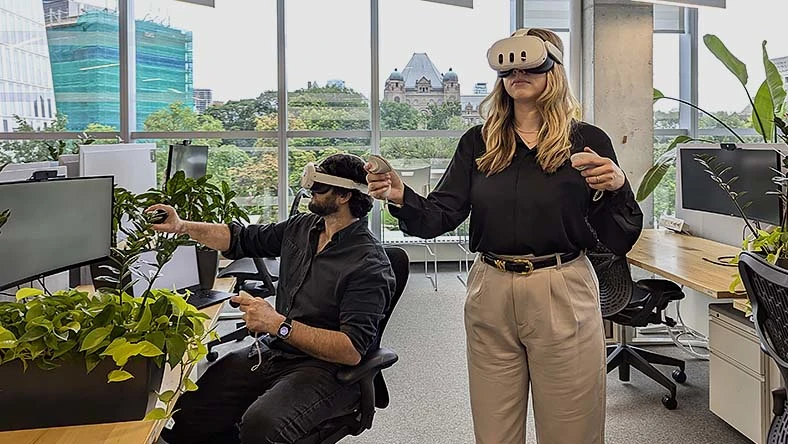
Workshop XR fundamentals
Get started using Autodesk Workshop XR and problem-solve in real time.

WEBINAR SERIES
Make better design decisions with real-time XR
Explore a series of recorded sessions featuring product experts, customers, and more, all to help you optimize your XR workflows.
PLAYBOOK
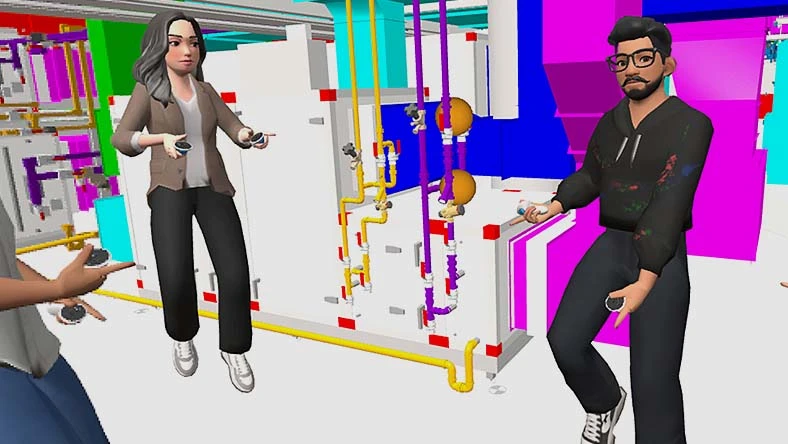
XR adoption playbook for AEC
Download a detailed adoption checklist for immersive collaboration.

COMMUNITY
Workshop XR Community Forum
Connect with your peers, ask questions, report issues, or share feedback.

LINKEDIN
Autodesk Workshop XR on LinkedIn
Join the conversation and stay up to date with the latest product news and XR industry innovations.
YOUTUBE
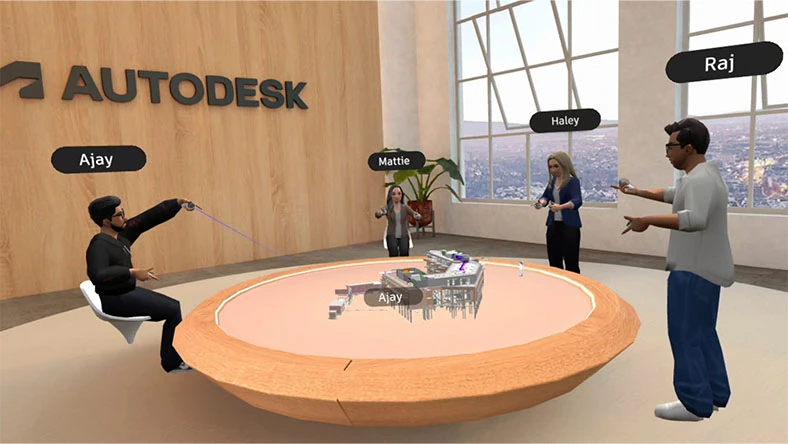
Workshop XR YouTube channel
Watch videos on the latest releases and features, view customer stories and access highlights from events.
NEWSLETTER
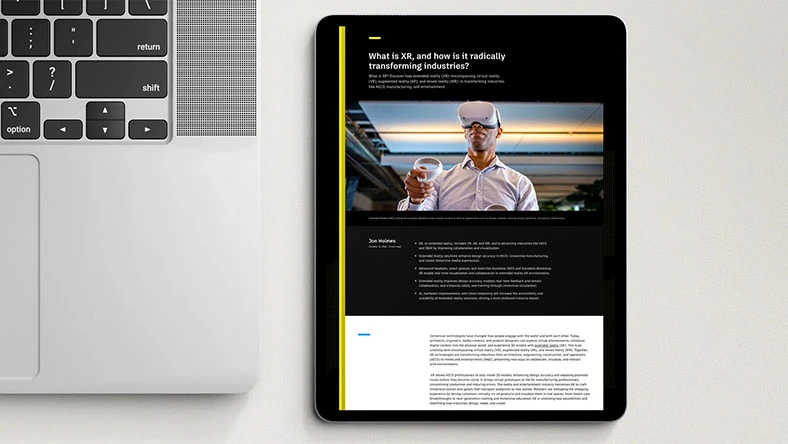
AEC XR community newsletter
Stay informed on the latest news, product releases, events, and advancements that are shaping our industry
Questions? We have answers.
What is Workshop XR used for?
Workshop XR is used for design review and collaboration. It is an immersive workspace for AEC teams to review 3D models and associated data from Autodesk Forma together in real-time.
Who uses Workshop XR?
Workshop XR is used by BIM managers, BIM coordinators, VDC coordinators, and building engineers (structural engineers, civil engineers, mechanical engineers) who are interested in using XR to review Forma models together at human-scale to gain a shared spatial understanding of their project.
Do I need a VR headset to use Workshop XR?
No — a VR headset is not required.
Workshop XR works on both VR headsets and standard desktop web browsers. With a license, users on either platform can create, join, and participate in collaborative design reviews.
The Web App supports model navigation, file swapping, multi-user audio, and issue interaction — no headset required.
For full immersion and enhanced spatial awareness, VR is encouraged. Workshop XR supports Meta Quest 2, 3, 3S, and Pro headsets.
Will I need a Facebook account to use Workshop XR?
No. You don’t need a Facebook account to access Workshop XR. However, in order to use the supported Quest headsets, you will need a Meta account.
Do I need to have Autodesk Forma to use Workshop XR?
The automatic data connectivity and synced issue tracking features of Workshop XR are made possible with Autodesk Forma. Workshop XR connects to Forma via Autodesk Forma Data Management. This gives you direct access to projects, files, members, and issues.
What file types are supported by Workshop XR?
Autodesk Revit and Autodesk Navisworks are supported. IFC files are also supported.
What are the Workshop XR hardware requirements?
Workshop XR is an untethered VR solution meaning that it does not require a PC connection. Everything runs on a standalone Meta Quest headset (Meta Quest 2, 3, 3S, and Pro). High-speed Internet or Wi-Fi with at least 30 mbps download speed is recommended for optimal performance.
Does Workshop XR replace The Wild and Prospect by IrisVR?
Yes, Autodesk Workshop XR is the product that customers of The Wild and Prospect by IrisVR are migrating to. We’ve put together a comprehensive FAQ page to provide more details and help our customers navigate this transition smoothly.
What value does Workshop XR provide over traditional design review workflows?
Using Workshop XR is a more efficient, engaging, and sustainable form of design review collaboration for AEC teams. By immersing stakeholders in a shared workspace where they can experience models together at 1:1 scale, teams can more effectively communicate design intent and coordinate with their models, leading to better spatial understanding, faster problem solving, and more confident decisions.
How do I get my models into VR?
Workshop XR will be able to load supported 3D models from Forma. Learn more about how to bring your models into VR here.
Products you can trust
From payment flexibility to always-on support, expect excellence.


