WORKSHOP XR

Align where decisions happen—inside the design

Your team juggles models, meetings, and multiple tools to align on a space.


Autodesk Workshop XR brings those reviews into one shared human-scale experience connected to Autodesk Docs.

Two people working on computer looking at dataset

Discover solutions that integrate into your existing workflows and scale with your team

Workshop XR is a practical way to meet inside of your designs without disrupting your current workflows.

Review your models at human scale while staying aligned with the same files, issues and workflows in Docs.

What immersive reviews unlock for your team

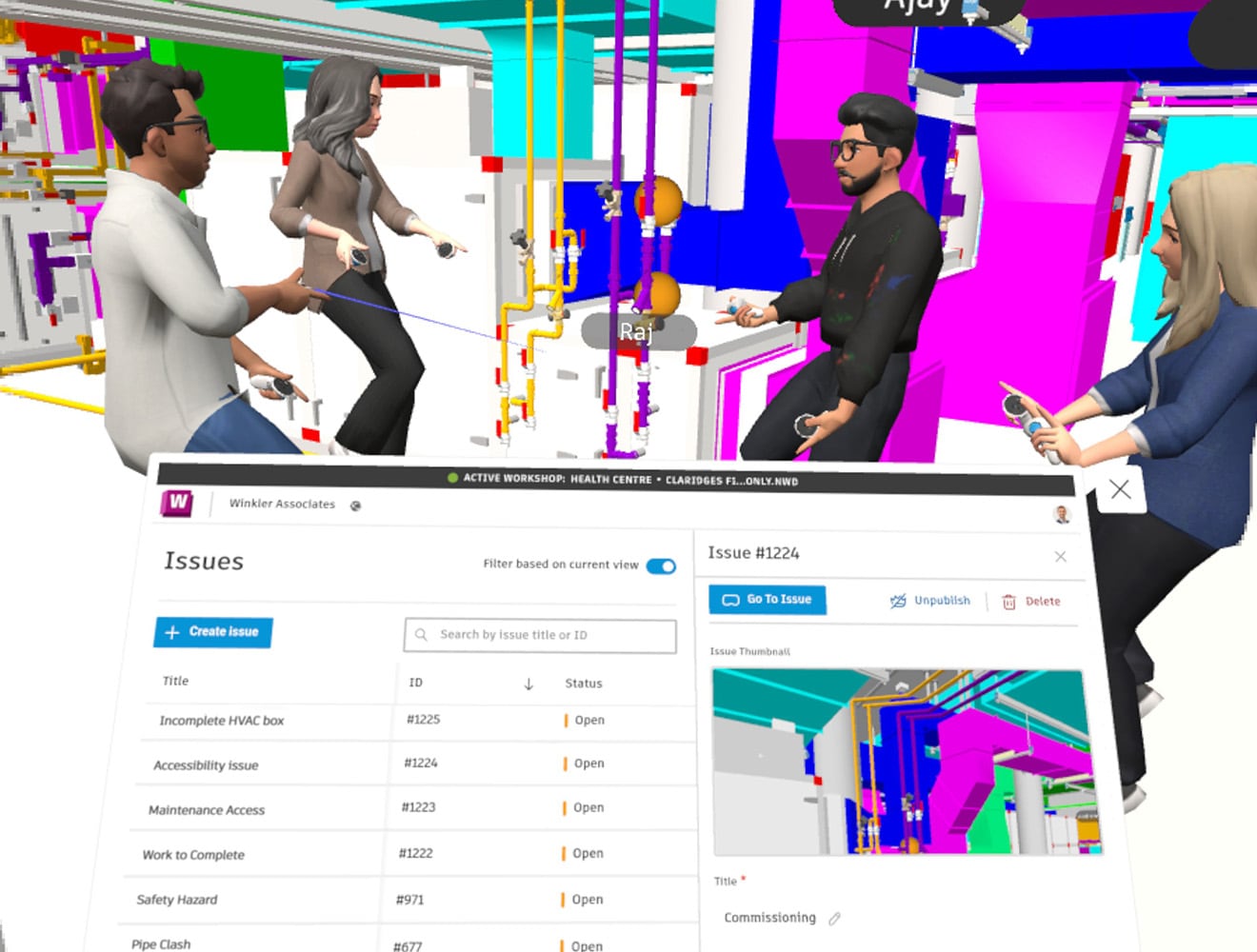
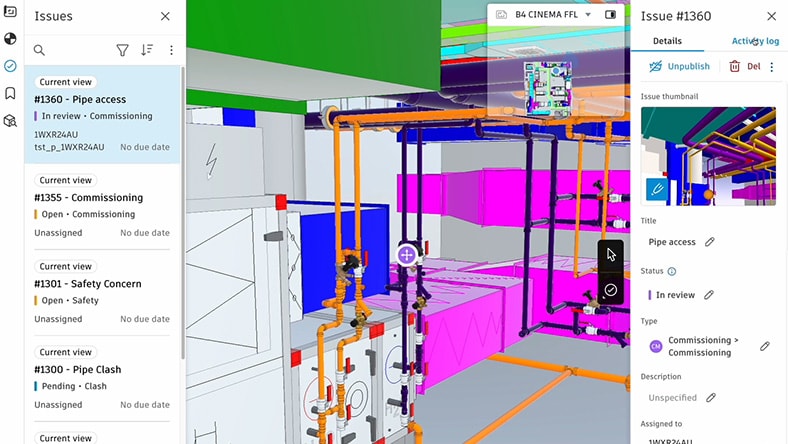
In product screenshot to demonstrate how teams can align faster during reviews

Align faster during design reviews

Walking through designs together at human scale reduces misinterpretation, shortens review cycles, and minimizes follow-up meetings.

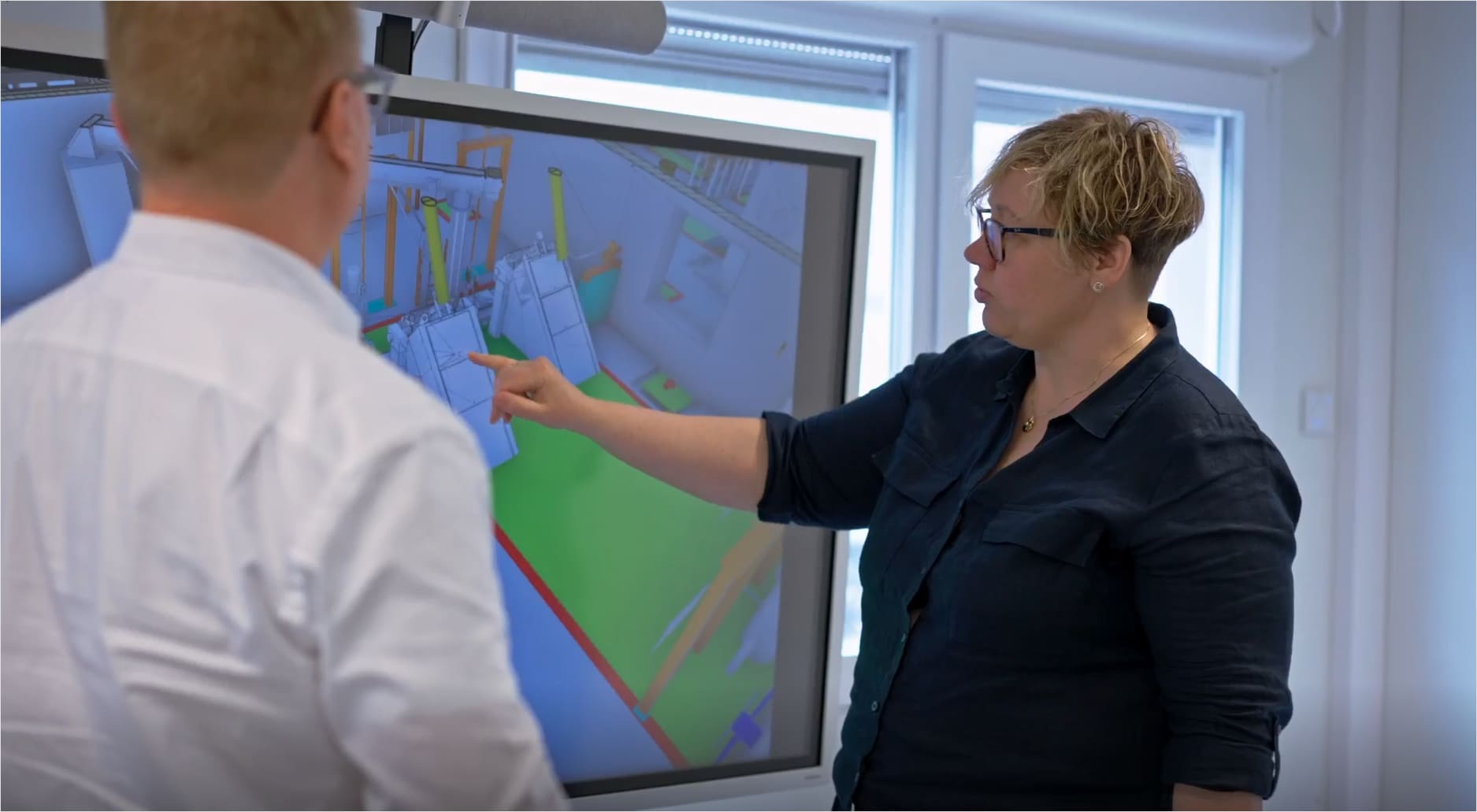
Image of three colleagues looking at a computer screen

Differentiate your firm

Firms that use Workshop XR stand out for how they review, coordinate, and communicate their designs. 

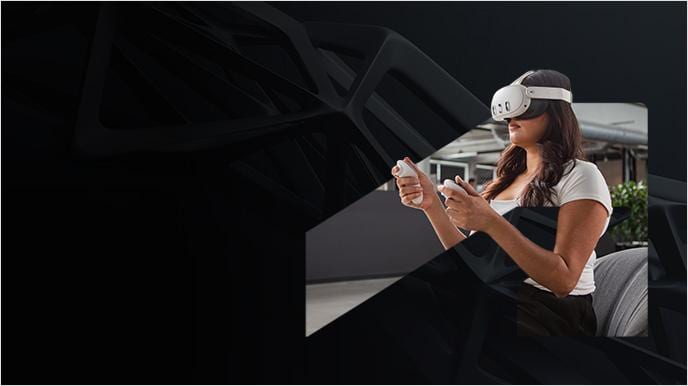
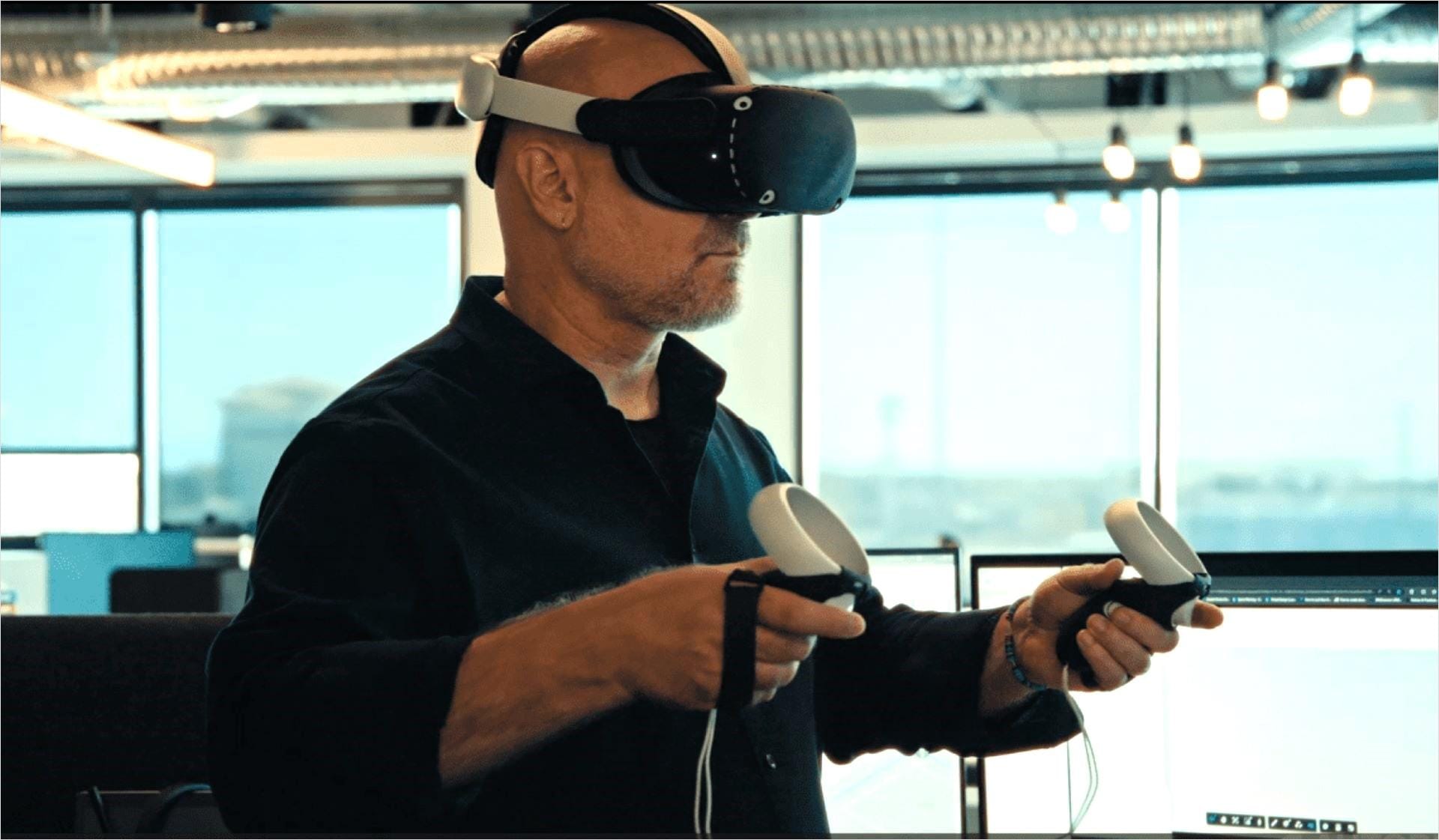
Individual with a VR headset

More focused and inclusive collaboration

Teams participate more actively when they experience space instead of interpreting screens—across offices, disciplines, and time zones.

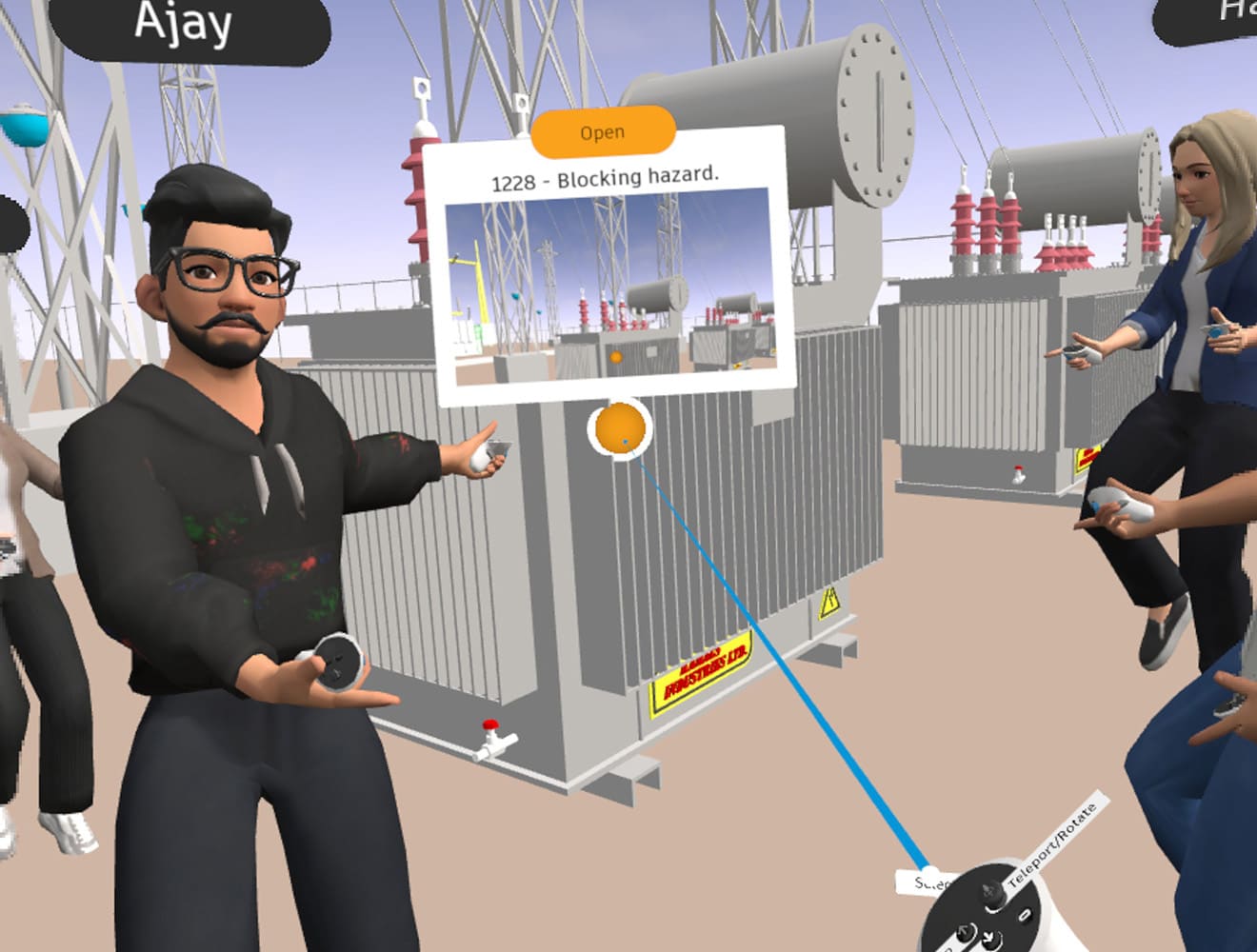
In product screenshot to demonstrate how teams can reduce risk

Reduce downstream risk through earlier clarity

Identifying access, clearance, and constructability issues earlier helps teams move forward with confidence and avoid late-stage fixes.

What tech leaders need to validate before adopting XR

In product screenshot to demonstrate how Workshop XR fits into your workflows

How does this fit into our workflow?

Workshop XR runs directly on models in Autodesk Docs. No exports or parallel file management. Reviews stay connected to the same data your teams already coordinate around.


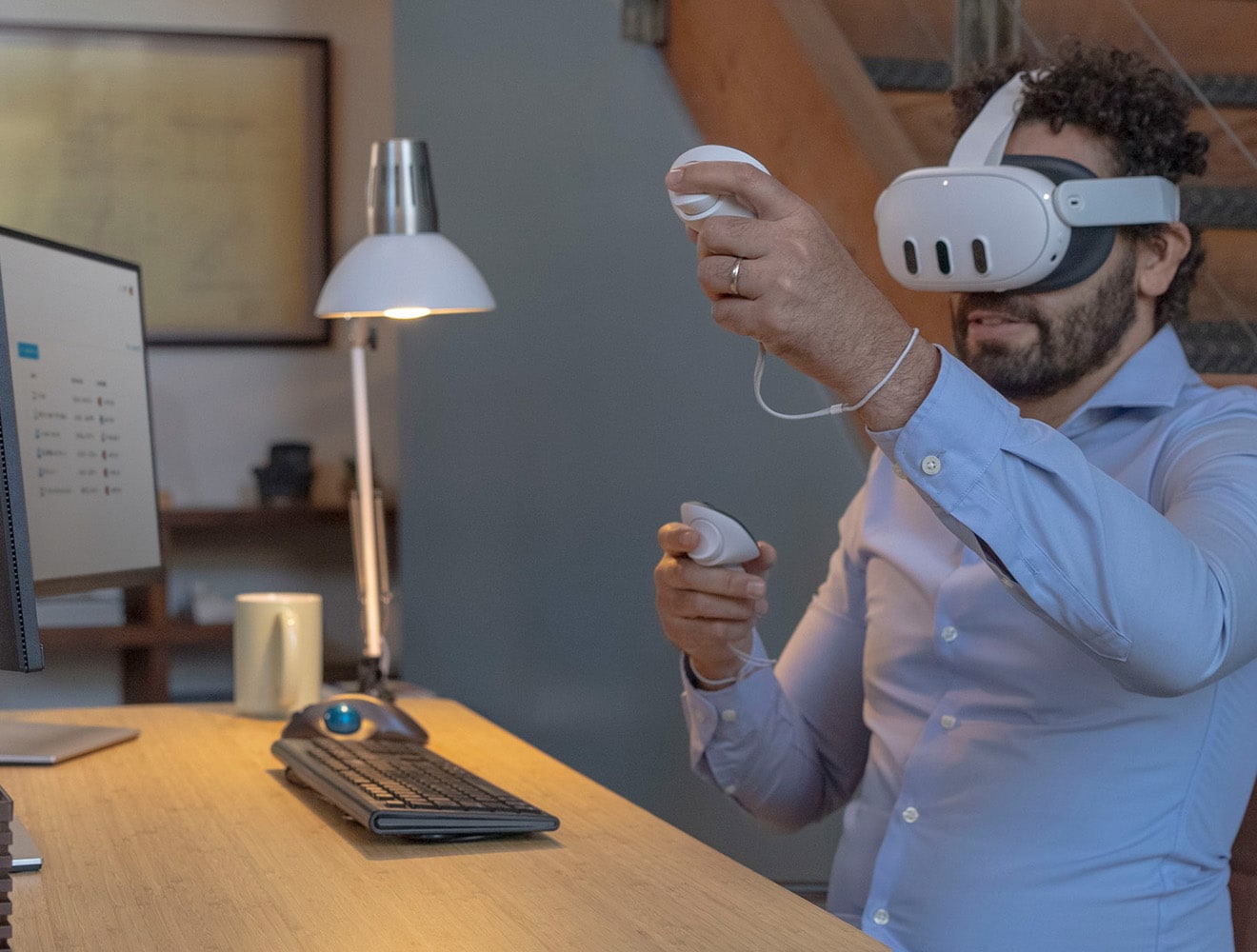
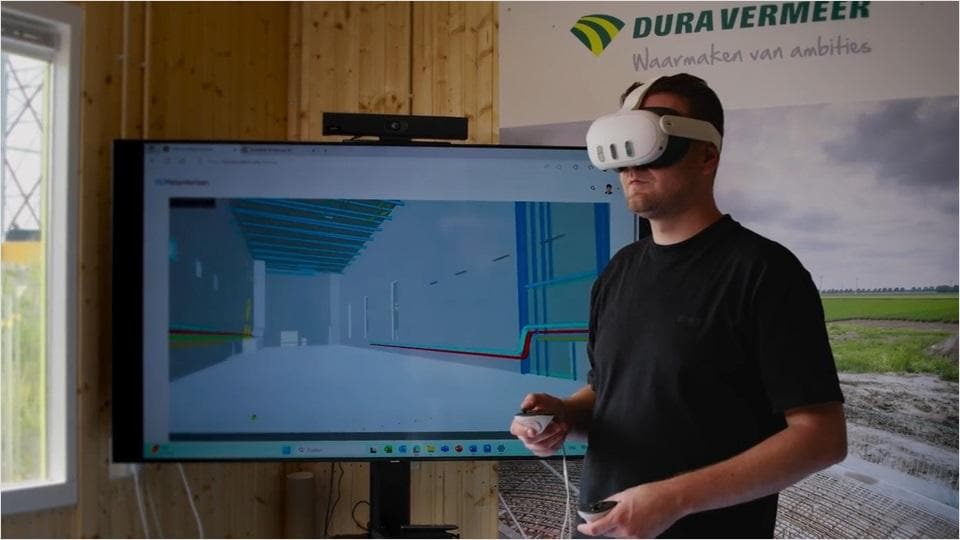
Image of one individual with a VR headset standing and another on his computer

Why does human scale review matter?

By helping teams align earlier and catch spatial issues sooner, immersive reviews enable clearer decisions and reduce late-stage surprises—when changes are harder to manage.


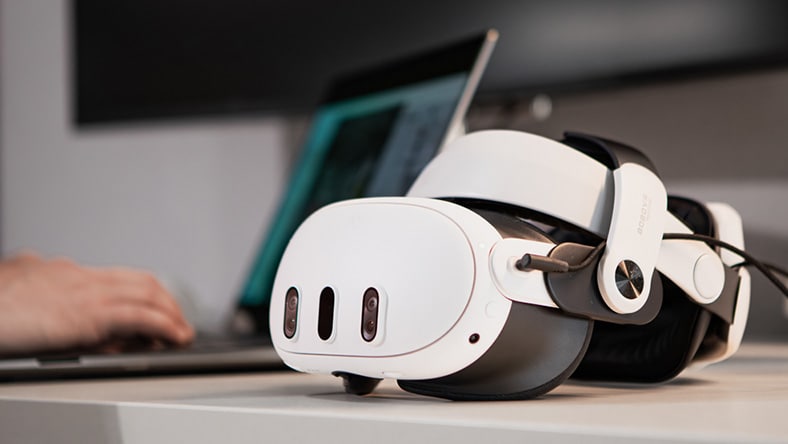
Image of a VR headset

Why use a VR headset for design review?

Full 3D immersion gives a spatial perspective that screens can’t. By experiencing designs at human-scale, teams gain on-site confidence before construction.


How AEC firms are rethinking design reviews

We are here to help–contact your account team

Talk to a product specialist today to learn how integrated workflows from Autodesk Workshop XR give you the critical insights you need to plan, design, build, and deliver your projects with greater clarity and confidence.