& Construction

Integrated BIM tools, including Revit, AutoCAD, and Civil 3D
& Manufacturing

Professional CAD/CAM tools built on Inventor and AutoCAD
The best games are built on details. How a character moves. How light hits a building. How an animation sells a moment. Getting those details right takes tools with the depth to match your vision — and that's what Autodesk's tools are made for.
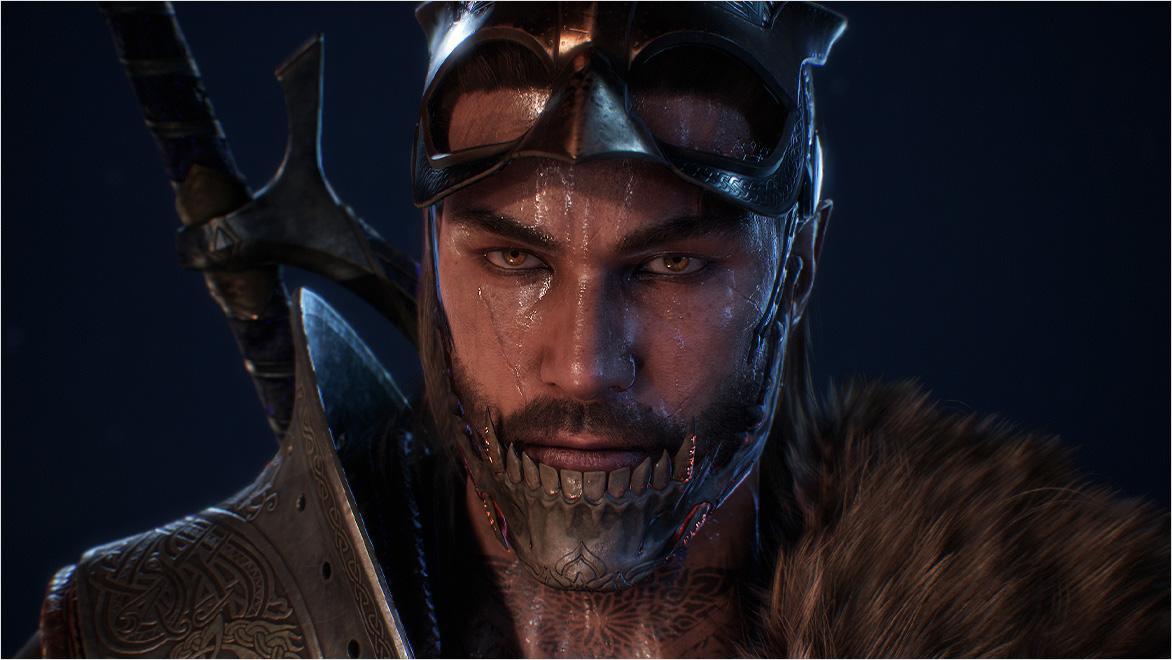
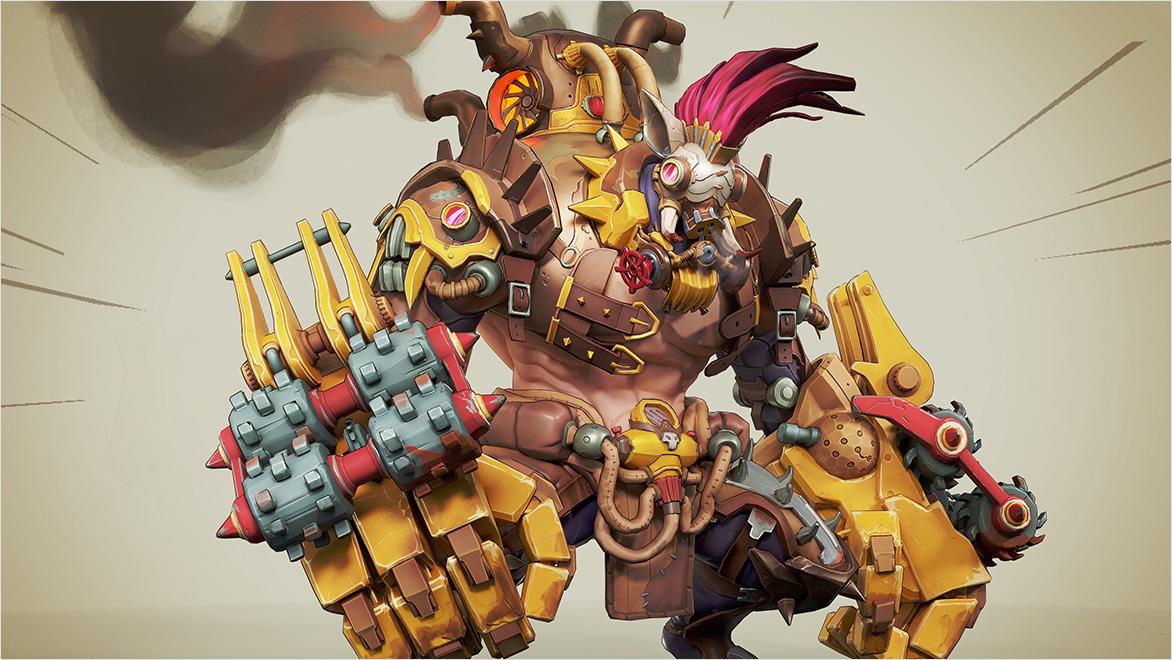
Great characters aren't just built. They're felt. Maya gives artists the control to shape every performance, from subtle expressions to high-impact action.
Image courtesy of Alexei Oupornikov
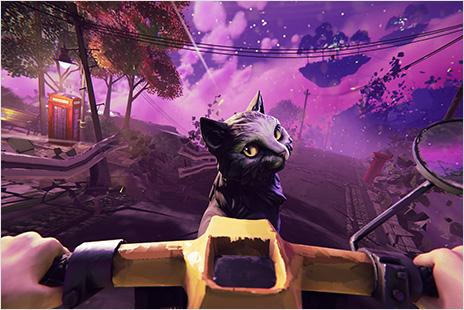
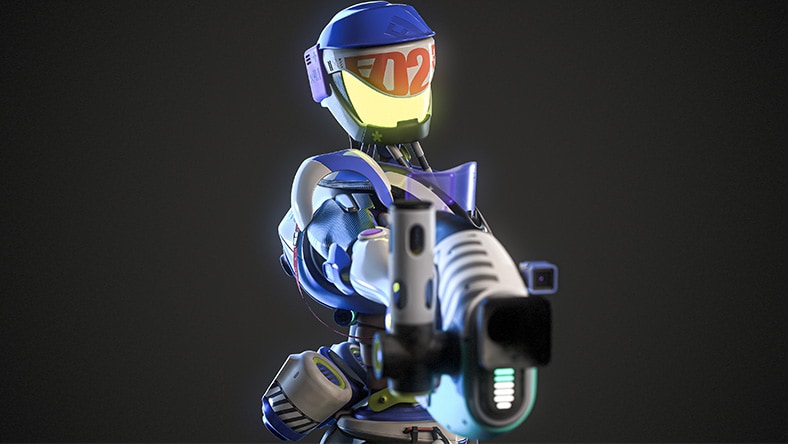
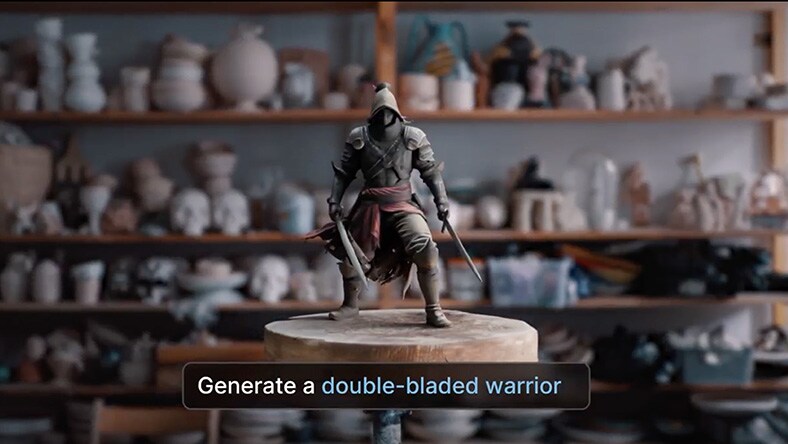
Turn rough ideas into something real with Flow Studio. Create characters and props from prompts, test motion with AI mocap, or export for full control.
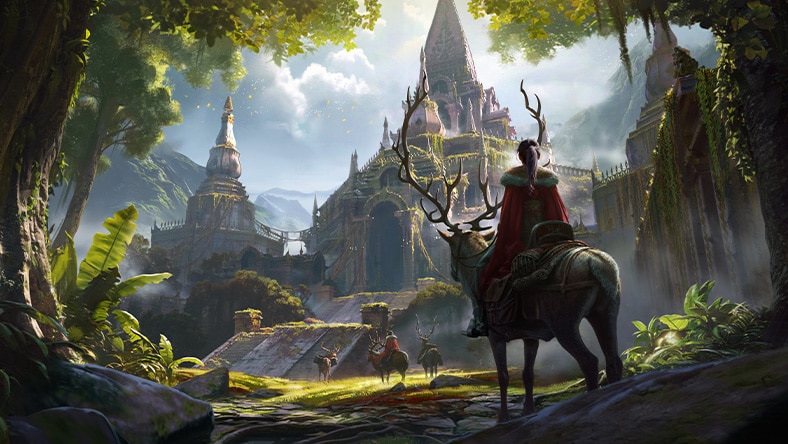
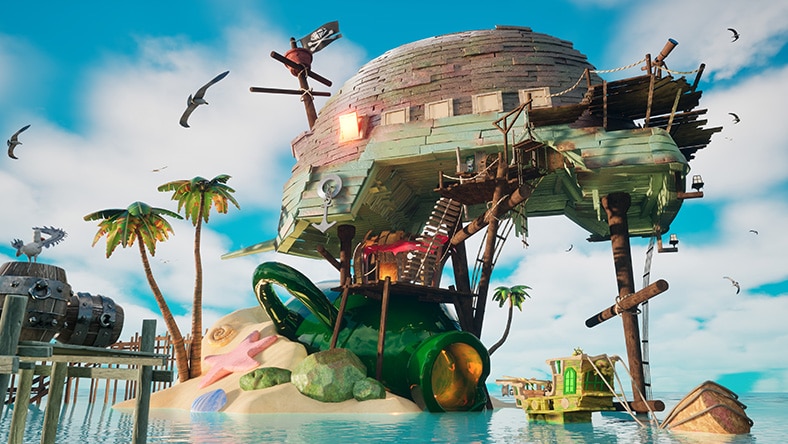
Create worlds so detailed, players stop to take in the view. 3ds Max gives you the modeling precision to build environments that hold up from every angle.
Image courtesy of Brice Sabine-Manier
CAPCOM
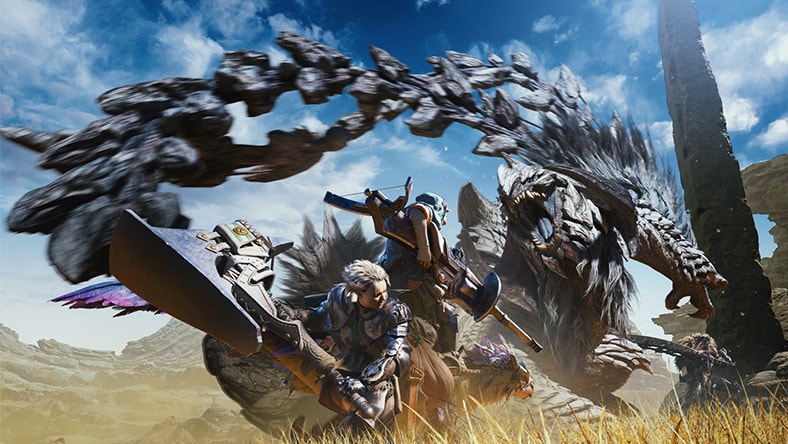
Discover how CAPCOM used Maya as the creative and technical backbone for building the creatures, characters, and animation workflows behind Monster Hunter Wilds.
Image courtesy of Capcom
ea
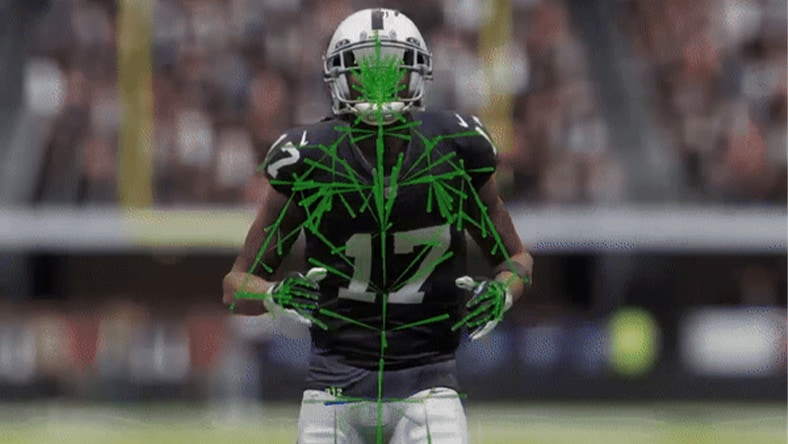
Learn how EA uses Bifrost for Maya to create configurable, high-quality character deformation across their sports titles.
Image courtesy of EA SPORTS
sokrispymedia
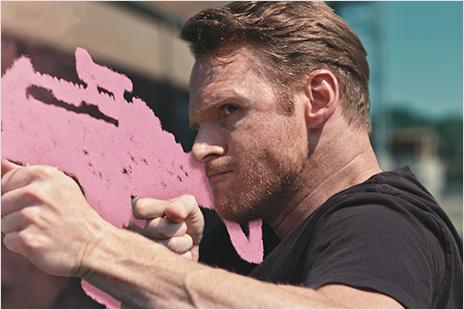
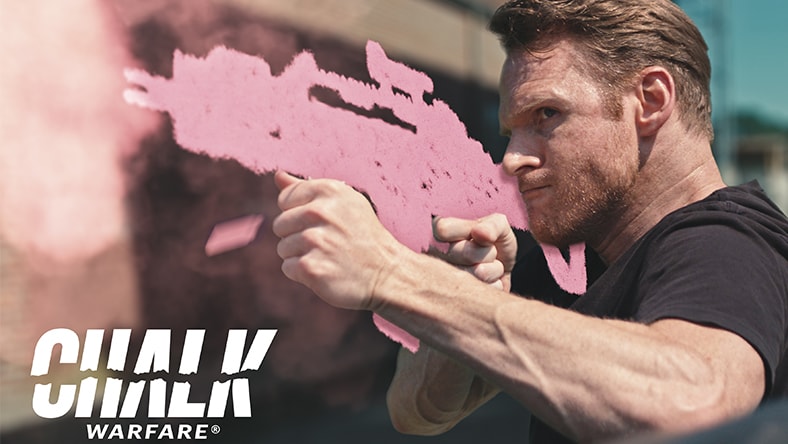
See how SOKRISPYMEDIA is turning a viral video series into a playable game, using Flow Studio for previs and a Maya-to-Unreal MetaHuman pipeline built for small teams.
Image courtesy of SOKRISPYMEDIA
Character creation
Image courtesy of Mohamed Hasan
Concept exploration
WORLDBUILDING
Image courtesy of Pengzhen Zhang
ALL-IN-ONE-SOLUTION
Image courtesy of Jacob Deldin Rich
Easily move between software and streamline data exchange with major industry file format support including FBX and OpenUSD integration.
Let us set you up for creative success. Meet with an Autodesk expert to discover the ideal set of tools and workflows for your next great release.
Image courtesy of Eugenia Mikhaleva
The main Autodesk tools used in game development are Maya, 3ds Max, and Flow Studio. Maya is used for character creation, rigging, and animation. 3ds Max is used for modeling, environment creation, and world-building. Flow Studio supports prototyping, previsualization, and AI-powered motion capture workflows.
Yes, Maya connects to Unreal Engine through Unreal Live Link, allowing artists to stream animation data in real time and see updates in-engine without manually exporting files.
Maya and 3ds Max also support FBX and USD workflows, making it easier to exchange assets across game engines. Assets created in Flow Studio can be exported directly to Maya and Unreal Engine, or to other DCC tools via USD.
Autodesk tools support a wide range of game development tasks, including 3D modeling, 3D animation, rigging, motion capture, 3D environment creation, and game asset production.