AutoCAD LT
AutoCAD LT: Best-in-class 2D design and drafting tools
For architects, engineers, and construction professionals
DWG DRAFTING
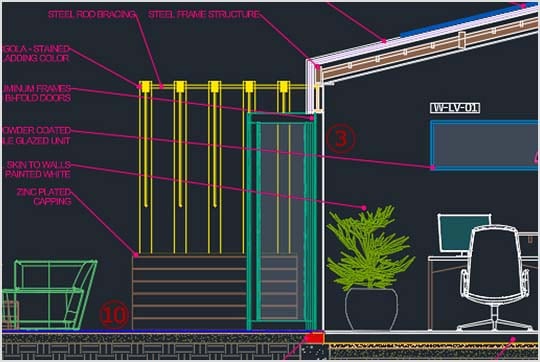
2D drafting and documentation
Create DWG™ files with precision using enhanced features to help you focus on the design process while staying connected with your peers.
AUTOMATIONS
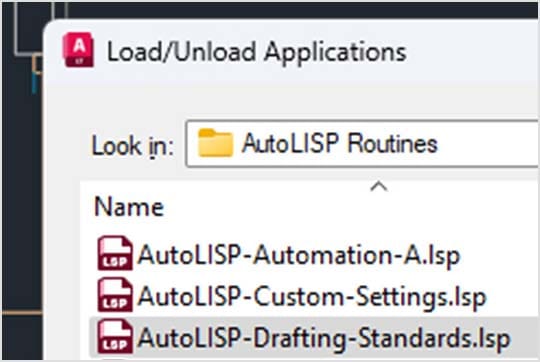
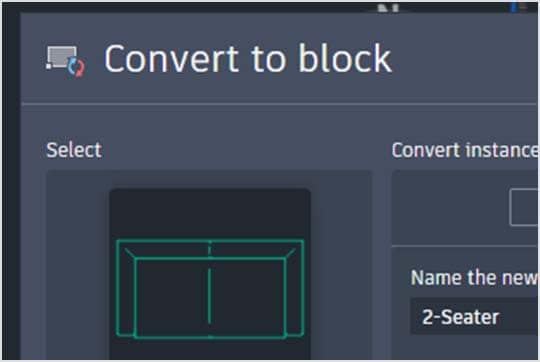
Trusted innovations designed to keep you working faster
Get information fast with Count, bring uniformity to your drawings with Smart Blocks, access help resources with the built-in Autodesk Assistant, and run automations with AutoLISP.
Cloud storage connectivity
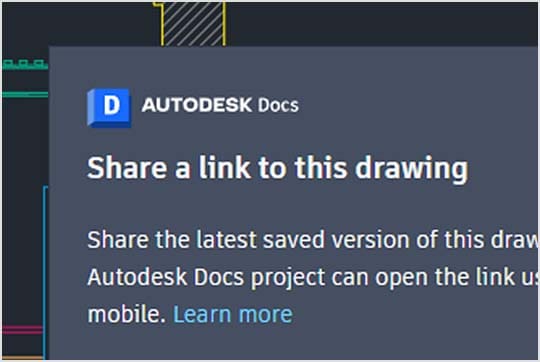
Stay connected to your designs anywhere, anytime
Access the AutoCAD experience on desktop, web, or mobile to capture, share, and review ideas on the go.
DWG DRAFTING
2D drafting and documentation
Create DWG™ files with precision using enhanced features to help you focus on the design process while staying connected with your peers.
AUTOMATIONS
Trusted innovations designed to keep you working faster
Get information fast with Count, bring uniformity to your drawings with Smart Blocks, access help resources with the built-in Autodesk Assistant, and run automations with AutoLISP.
Cloud storage connectivity
Stay connected to your designs anywhere, anytime
Access the AutoCAD experience on desktop, web, or mobile to capture, share, and review ideas on the go.
CUSTOMER SUCCESS
"It’s amazing how much detail you can get with AutoCAD LT. I have a template for all the layers that go into each drawing. It’s like a rhythm that I’ve established. I can’t imagine how I could design and make my bags without it."
–Wendy Stevens, Founder and Designer
Image courtesy of Wendy Stevens
Advance your craft with AutoCAD LT community and learning
Discover a living library of community-contributed knowledge, projects, and insights. Join in by sharing your own.
Questions? We have answers.
AutoCAD LT is CAD software that is used for precise 2D drafting, design, and documentation. It includes features to automate tasks and increase productivity such as comparing drawings, counting, adding objects, creating tables, as well as customizing commands and routines using AutoLISP. AutoCAD LT enables users to create, edit, and annotate drawings with desktop, web, and mobile devices.
AutoCAD LT is used by architects, engineers, construction professionals, and designers who need to:
Design, draft, and document with precise 2D geometry
Access a comprehensive set of editing, design, and annotation tools
Work faster in an intuitive and customizable interface
One of the biggest differences between AutoCAD and AutoCAD LT is that AutoCAD LT provides precision 2D drafting and documentation capabilities, while AutoCAD also provides 3D functionalities. AutoCAD LT supports some customization through capabilities like AutoLISP. It does not include third party connections, development tools, or the seven specialized toolsets. Compare AutoCAD and AutoCAD LT.
View more FAQs
AutoCAD
Level up with AutoCAD
Add 3D modeling to your workflow
Extend your capabilities beyond 2D drafting with additional 3D modeling, rendering, and documentation toolsets in AutoCAD.
AutoCAD
Level up with AutoCAD
Add 3D modeling to your workflow
Extend your capabilities beyond 2D drafting with additional 3D modeling, rendering, and documentation toolsets in AutoCAD.
Products you can trust
From payment flexibility to always-on support, expect excellence.