Upgrade to a suite and save


Save up to 20% when you upgrade to an Autodesk Design or Creation Suite.

Close

Overview

Raster-to-vector conversion software

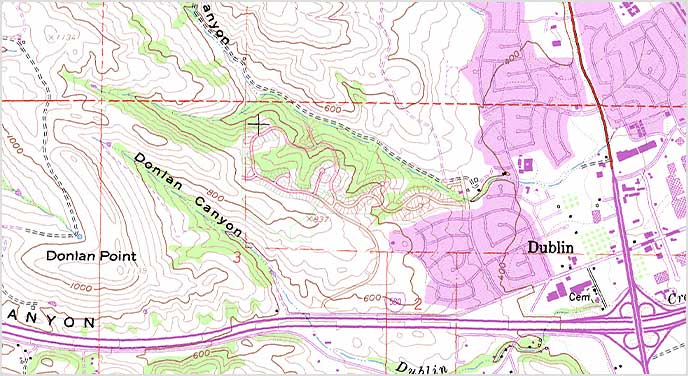
With powerful raster editing and raster-to-vector conversion tools, Autodesk® AutoCAD® Raster Design software helps you easily edit, enhance, and maintain scanned drawings and plans in a familiar Autodesk® AutoCAD® environment. Make the most of raster images, maps, aerial photos, satellite imagery, and digital elevation models.

Features

Timesaving image display features
Use a wide range of image data; embed images; insert and export images; and display image subsets with a polygonal mask boundary.
View video (1:29 min.) 

Image editing and cleanup
Despeckle, bias, mirror, and touch up your images.
View image

Raster entity manipulation (REM)
Use standard AutoCAD commands on raster regions and primitives. Easily erase raster images, lines, arcs, and circles.
View image

Vectorization tools
Create lines and polylines from raster images, and convert raster files into vector drawings.
View image

Image transformation functionality
Display and analyze geo-referenced images when the software is used with Autodesk® AutoCAD® Civil 3D® and Autodesk® AutoCAD® Map 3D software
View image

Get more in a suite

Autodesk® AutoCAD® Design Suite
Get the power of AutoCAD plus design capture and showcasing tools.
Download free trial
 View video

Autodesk® Infrastructure Design Suite
Make the move to BIM for infrastructure.
Download free trial
Explore Infrastructure Design Suite