& Construction

Integrated BIM tools, including Revit, AutoCAD, and Civil 3D
& Manufacturing

Professional CAD/CAM tools built on Inventor and AutoCAD
The new Autodesk Training Evaluation System Training Participant User Guide is available for Learning Partners and their customers. Access the guide to learn how to register for a course, obtain your course certificate, or submit a course survey.
Students and training Participants taking a course with an Autodesk Learning Partner (ALP) can access their TES Instruction videos here. Learn how to create an account, enroll on a course, complete a post-course survey, or retrieve a forgotten password.
Learn how to register your Autodesk Training Evaluation System (TES)account and get started. This video is for new training participants who don't yet have a TES account, or an Autodesk ID
Learn how to create an Autodesk Account ID, and use it to log into the Autodesk Training Evaluation System. This process is for training participants who already have a Training Evaluation System account, but don't yet have an account ID
Learn how to create an account in the Autodesk Training Evaluation System. This process is for training participants who already have an account ID, but don't yet have a Training Evaluation System account.
Learn how to recover a forgotten username or password in the Autodesk Training Evaluation System.
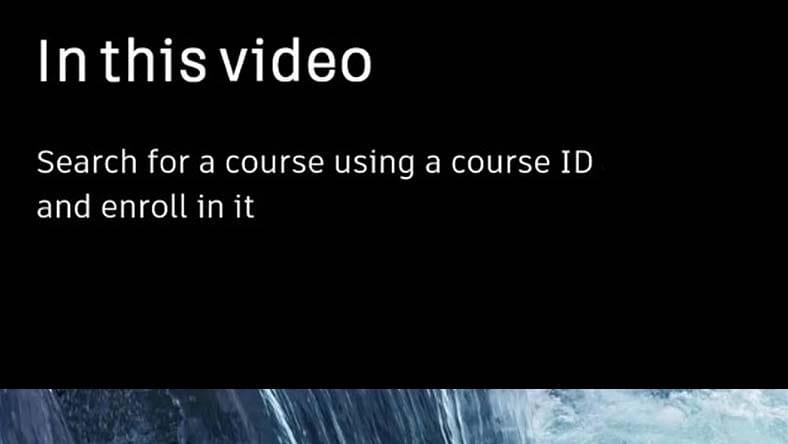
Learn how to find a course using your course ID and how to enroll in it.
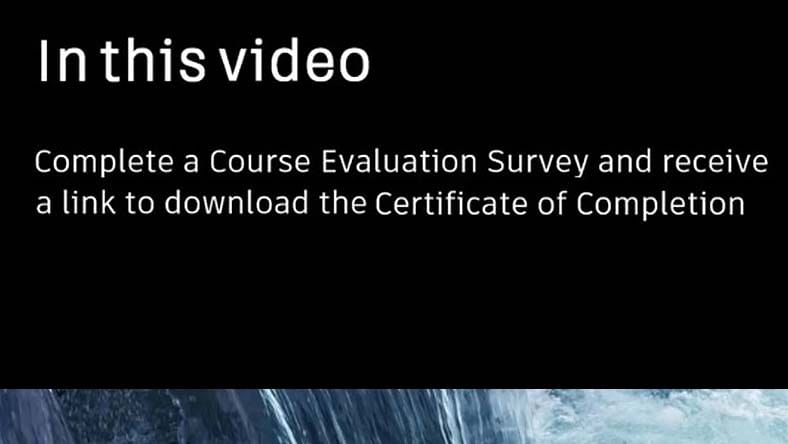
Learn how to complete a course evaluation survey and get a link to download your certificate of completion for courses in the Autodesk Training Evaluation System.
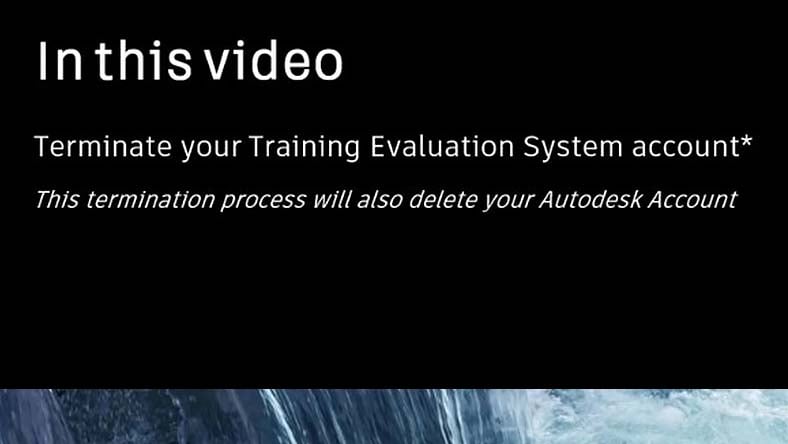
Learn how to delete your account in the Autodesk Training Evaluation System. Please note this process will also remove yourt Autodesk account ID.