
Collaborative Robotics
Cobots: Smarter, safer, more flexible automation
Cobots: Smarter, safer, more flexible automation
Autodesk Fusion empowers teams to design, simulate, and deploy collaborative robots that work safely alongside humans. Accelerate production with adaptable, intelligent automation built for the future of manufacturing.
 Engineers program and train collaborative robots to operate directly with or close to human workers.
What is a cobot?
What is a cobot?
A cobot, short for collaborative robot, is a robotic system designed to work alongside human workers in a shared workspace.
Unlike traditional robots, cobots are built with safety features, such as sensors, to interact directly with humans, offering a safe and efficient collaboration. Cobots are typically lightweight, flexible, and adaptable, making them ideal for tasks that require precision or repetitive motions. These robots enhance human capabilities, often taking over mundane, high-precision, or physically demanding tasks, allowing workers to focus on more complex, creative work.
A cobot, short for collaborative robot, is a robotic system designed to work alongside human workers in a shared workspace.
Unlike traditional robots, cobots are built with safety features, such as sensors, to interact directly with humans, offering a safe and efficient collaboration. Cobots are typically lightweight, flexible, and adaptable, making them ideal for tasks that require precision or repetitive motions. These robots enhance human capabilities, often taking over mundane, high-precision, or physically demanding tasks, allowing workers to focus on more complex, creative work.
 Unlike traditional industrial robots, collaborative robots can safely share a physical workspace with human coworkers.
What is cobotics?
What is cobotics?
Cobotics refers to the field of technology and engineering focused on enabling collaborative interaction between humans and robots. It merges robotics with human-centric design, emphasizing shared tasks, mutual responsiveness, and intelligent workflows.
Cobotics is driving a shift from automation to augmentation, where machines support and elevate human work rather than operate independently from it.
Cobotics refers to the field of technology and engineering focused on enabling collaborative interaction between humans and robots. It merges robotics with human-centric design, emphasizing shared tasks, mutual responsiveness, and intelligent workflows.
Cobotics is driving a shift from automation to augmentation, where machines support and elevate human work rather than operate independently from it.
How do cobots work?
How do cobots work?
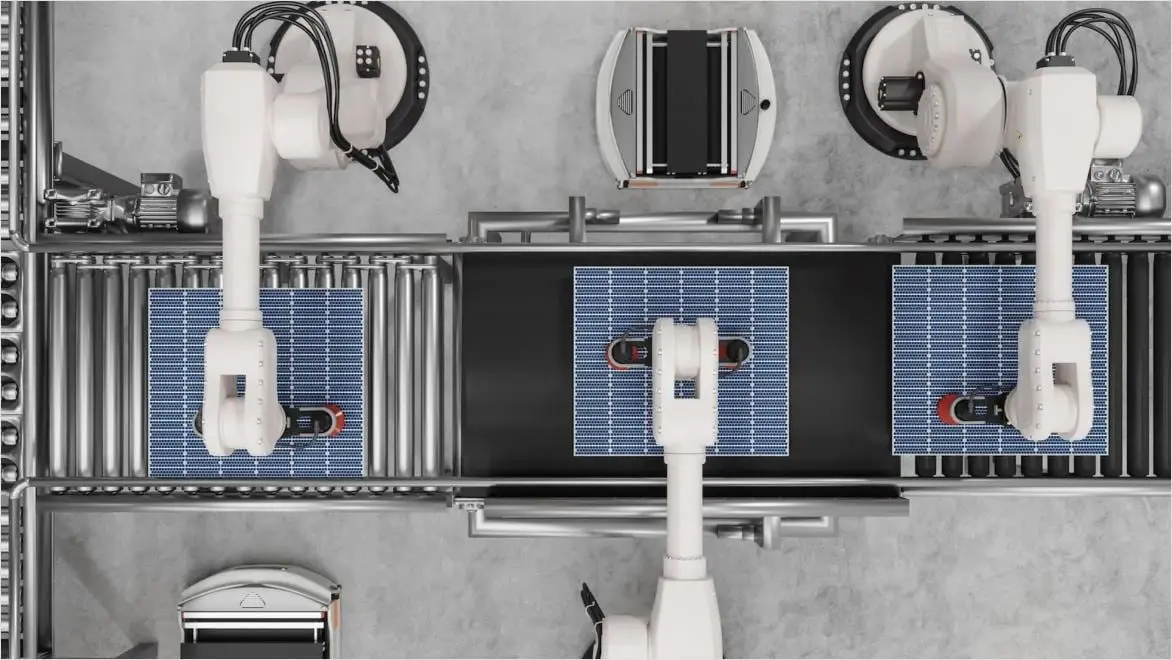
Cobots function through a combination of sensor inputs, control software, and machine learning algorithms. They are equipped with cameras, force sensors, and other devices that allow them to detect their surroundings, adapt to human interaction, and perform tasks with a high degree of safety.
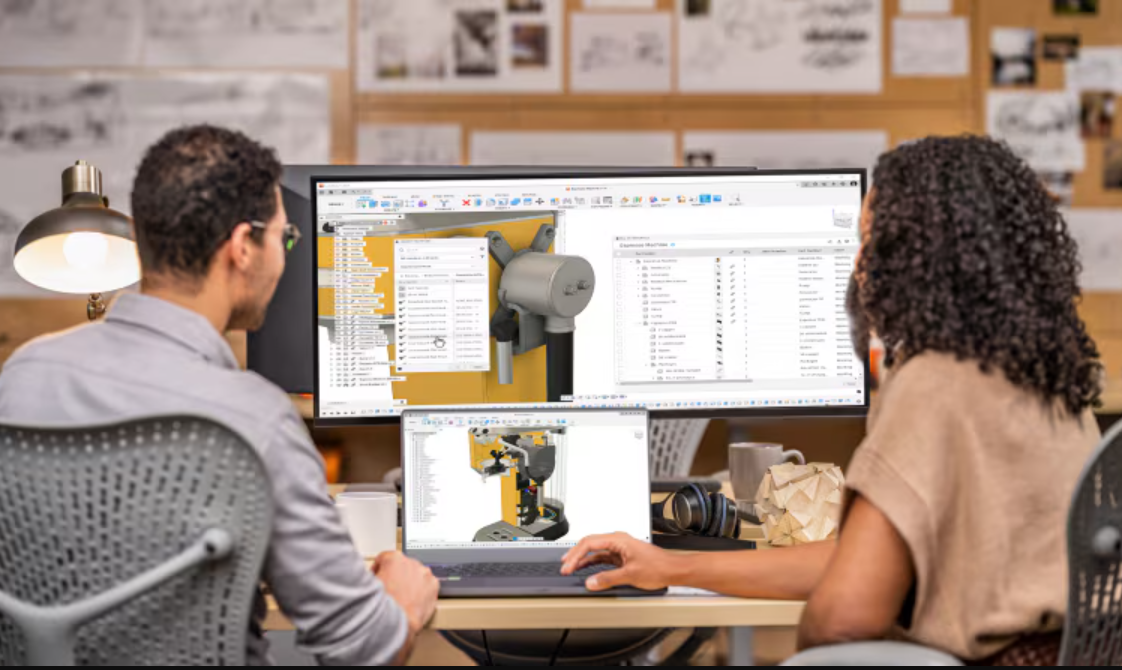
Programming a cobot can be intuitive, often involving manual teaching (physically guiding the robot), drag-and-drop interfaces, or integration with CAM software like Autodesk Fusion.
Cobots function through a combination of sensor inputs, control software, and machine learning algorithms. They are equipped with cameras, force sensors, and other devices that allow them to detect their surroundings, adapt to human interaction, and perform tasks with a high degree of safety.
Programming a cobot can be intuitive, often involving manual teaching (physically guiding the robot), drag-and-drop interfaces, or integration with CAM software like Autodesk Fusion.
Types of collaborative robots
There are several types of cobots, each suited for different tasks in the manufacturing process.
There are several types of cobots, each suited for different tasks in the manufacturing process.

Power and force limiting
Power and force limiting
Equipped with sensors that detect human contact and stop automatically if the force exceeds safe limits.
Equipped with sensors that detect human contact and stop automatically if the force exceeds safe limits.
Hand guiding
Hand guiding
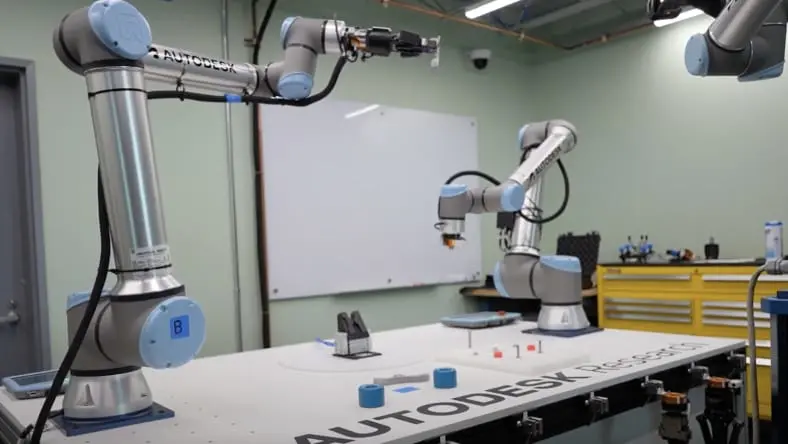
These robots are manually controlled by human operators, teaching them tasks through physical interaction.
These robots are manually controlled by human operators, teaching them tasks through physical interaction.
Speed and separation monitoring
Speed and separation monitoring
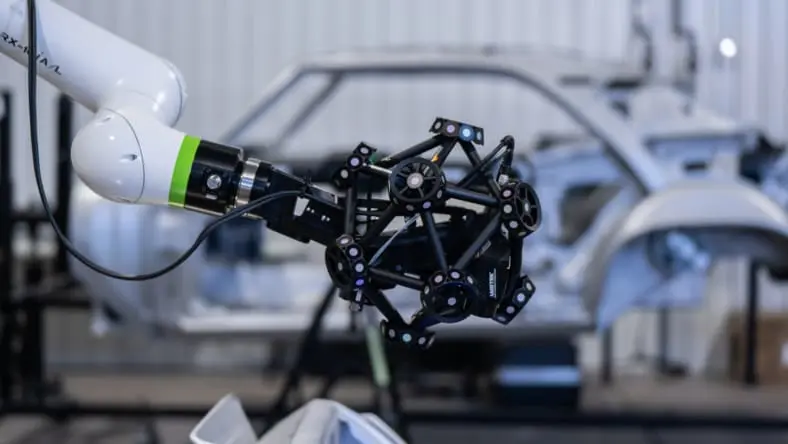
Using laser scanners, these cobots slow down or stop when a human enters their workspace and resume when the human moves away.
Using laser scanners, these cobots slow down or stop when a human enters their workspace and resume when the human moves away.
Safety-rated monitored stop
Safety-rated monitored stop
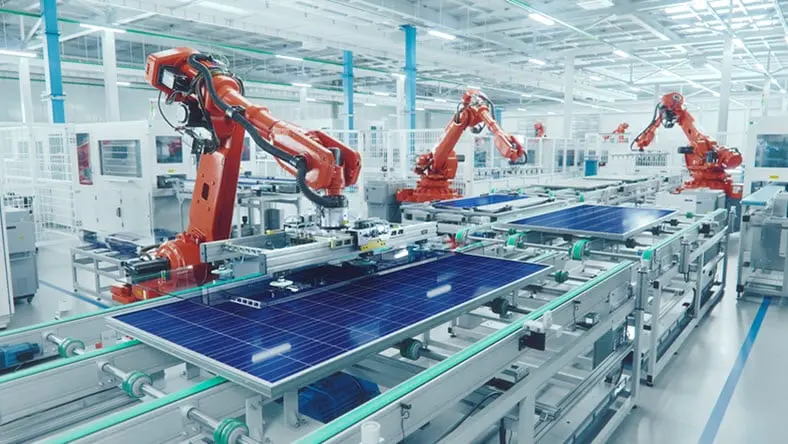
These robots stop completely when a human enters their workspace and only resume once the area is clear.
These robots stop completely when a human enters their workspace and only resume once the area is clear.
Ready to bring your cobots to life?
Ready to bring your cobots to life?
Fusion makes it easier than ever to prototype, iterate, and manufacture collaborative robots. Kickstart your 30-day free trial and start building today.
Cobots vs. traditional industrial robots
Understanding the key differences between cobots and traditional industrial robots helps determine the best fit for your manufacturing needsbalancing safety, flexibility, and efficiency.
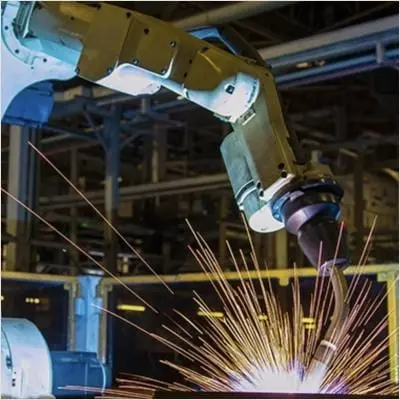
Traditional industrial robot
High-speed machines for repetitive, high-volume tasks. Usually operate in isolation and need expert programming.
Operate in isolated, caged environments
Require expert programming
Large, fixed systems for repetitive tasks
Higher upfront cost
Best for high-volume, single-task automation
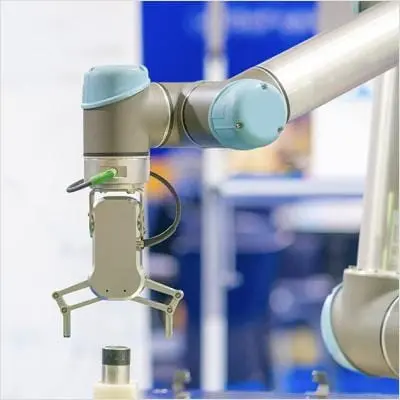
Cobots
Collaborative robots built to safely work with humans. They’re flexible, easy to program, and ideal for adaptable, low-volume tasks.
Designed to safely work alongside humans
Easy to program and redeploy
Compact and flexible for small-batch tasks
Lower cost and faster ROI
Ideal for high-mix, low-volume production
Benefits of using cobots in manufacturing
Safe human collaboration
Safe human collaboration
Cobots are designed with sensors and force limitations, allowing them to work safely next to humans without the need for safety cages or barriers.
Cobots are designed with sensors and force limitations, allowing them to work safely next to humans without the need for safety cages or barriers.
Fast setup and programming
Fast setup and programming
Unlike traditional robots, cobots can be installed and programmed quickly with intuitive software—reducing downtime and enabling rapid changes in workflows or tasks.
Unlike traditional robots, cobots can be installed and programmed quickly with intuitive software—reducing downtime and enabling rapid changes in workflows or tasks.
Flexible deployment
Flexible deployment
Cobots are lightweight and portable, making them easy to move between workstations. This flexibility is ideal for changing production needs or varied batch sizes.
Cobots are lightweight and portable, making them easy to move between workstations. This flexibility is ideal for changing production needs or varied batch sizes.
Improved productivity
Improved productivity
Cobots handle repetitive or ergonomic tasks, freeing human workers to focus on higher-value work. The result is better efficiency and a more engaged workforce.
Cobots handle repetitive or ergonomic tasks, freeing human workers to focus on higher-value work. The result is better efficiency and a more engaged workforce.
NEW OFFER - Flex now starting at {{price.FLEXACCESS.1year}}
Autodesk Flex lets you prepay with tokens for on-demand access to Fusion and advanced design and manufacturing capabilities, charged only when tools are in use. It’s ideal for project-based work or occasional access to specialized workflows. Combine Flex tokens with Fusion to:
Access advanced product development workflows on demand
Use high-value capabilities only when needed
Scale access for peak workloads
Autodesk software for cobotics
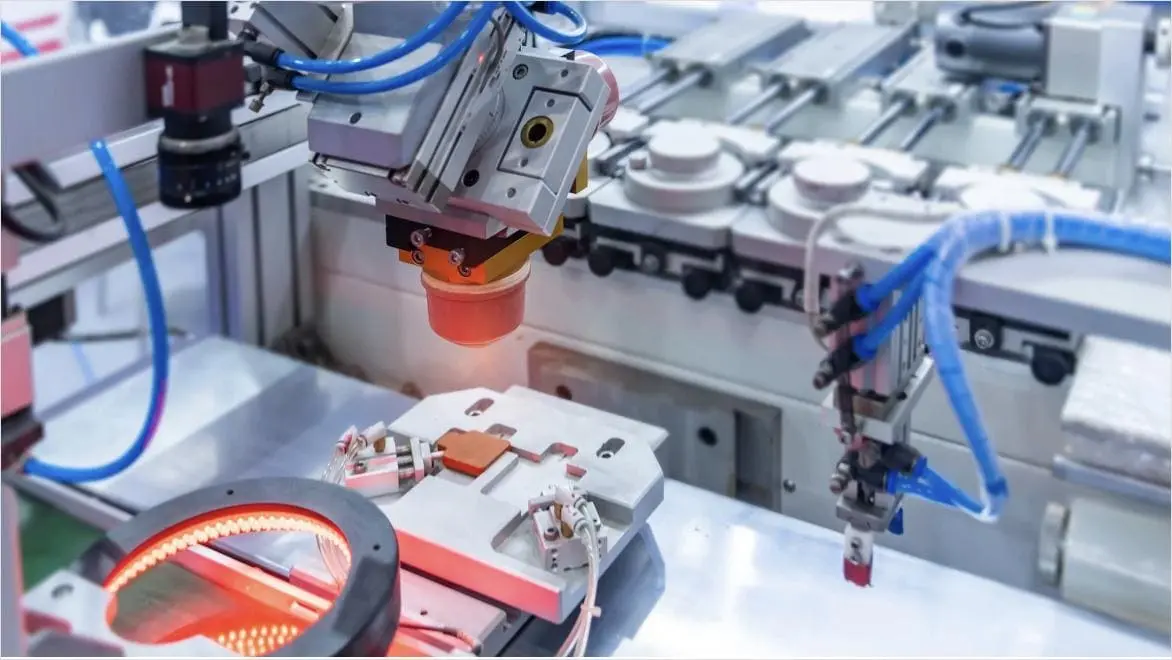
Designing for cobotics: Key considerations
Designing for cobotics: Key considerations
Cobots should work safely, intuitively, and flexibly alongside humans. Here are five core principles to keep in mind:
Built-in safety: Include sensors and force-limiting features to maintain safe human interaction.
User-friendly interfaces: Simple controls like touchscreen or manual guidance make setup and changes easy.
Easy integration: Fit cobots into existing workflows with minimal disruption.
Tool flexibility: Swappable grippers and tools let cobots take on varied tasks.
Adaptable design: Reconfigurable systems enable quick redeployment across different jobs.
Cobots should work safely, intuitively, and flexibly alongside humans. Here are five core principles to keep in mind:
Built-in safety: Include sensors and force-limiting features to maintain safe human interaction.
User-friendly interfaces: Simple controls like touchscreen or manual guidance make setup and changes easy.
Easy integration: Fit cobots into existing workflows with minimal disruption.
Tool flexibility: Swappable grippers and tools let cobots take on varied tasks.
Adaptable design: Reconfigurable systems enable quick redeployment across different jobs.
How Autodesk Fusion supports cobotic design and engineering
Autodesk Fusion offers powerful tools that make designing, testing, and optimizing cobots more efficient and accessible. Here are six essential features that support cobotic innovation:
Autodesk Fusion offers powerful tools that make designing, testing, and optimizing cobots more efficient and accessible. Here are six essential features that support cobotic innovation:

Cloud-based collaboration
Cloud-based collaboration
Design teams can work together in real-time, streamlining feedback and updates across mechanical, electrical, and software components.
Design teams can work together in real-time, streamlining feedback and updates across mechanical, electrical, and software components.
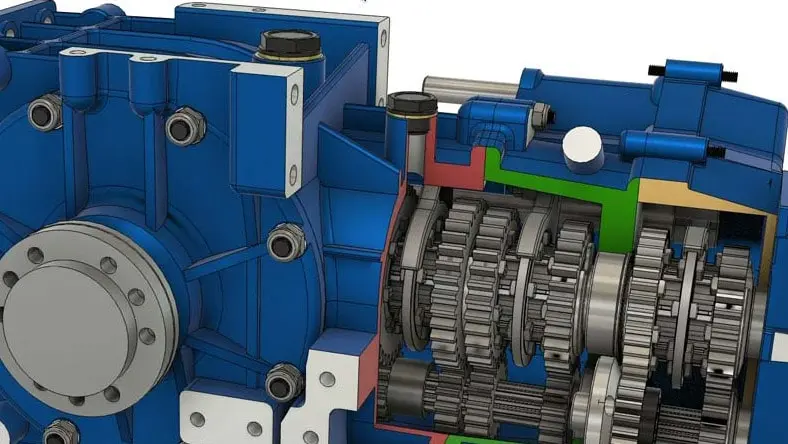
Advanced 3D modeling
Advanced 3D modeling
Quickly build and refine complex cobot geometries, custom joints, and end-effectors with parametric and free-form modeling tools.
Quickly build and refine complex cobot geometries, custom joints, and end-effectors with parametric and free-form modeling tools.

Integrated simulation tools
Integrated simulation tools
Validate how your cobot designs will perform under real-world conditions—test loads, motion, and stress before physical prototyping.
Validate how your cobot designs will perform under real-world conditions—test loads, motion, and stress before physical prototyping.

Electronics and PCB design
Electronics and PCB design
Design the electronic systems powering your cobots, including PCBs, directly within the same workspace as mechanical parts.
Design the electronic systems powering your cobots, including PCBs, directly within the same workspace as mechanical parts.

Generative design
Generative design
Automatically explore optimized structural forms for strength, weight, and material usage—ideal for cobot arms and structural frames.
Automatically explore optimized structural forms for strength, weight, and material usage—ideal for cobot arms and structural frames.

Manufacturing integration
Manufacturing integration
Seamlessly connect design to CAM and CNC workflows, making it easier to machine parts and prototype rapidly with the Manufacturing Extension.
Seamlessly connect design to CAM and CNC workflows, making it easier to machine parts and prototype rapidly with the Manufacturing Extension.
Boosting cobot design and manufacturing with Autodesk Fusion
Discover how Fusion’s powerful CAD, CAM, data management, and collaboration tools streamline the design, programming, and manufacturing of collaborative robots for smarter automation.
Discover how Fusion’s powerful CAD, CAM, data management, and collaboration tools streamline the design, programming, and manufacturing of collaborative robots for smarter automation.
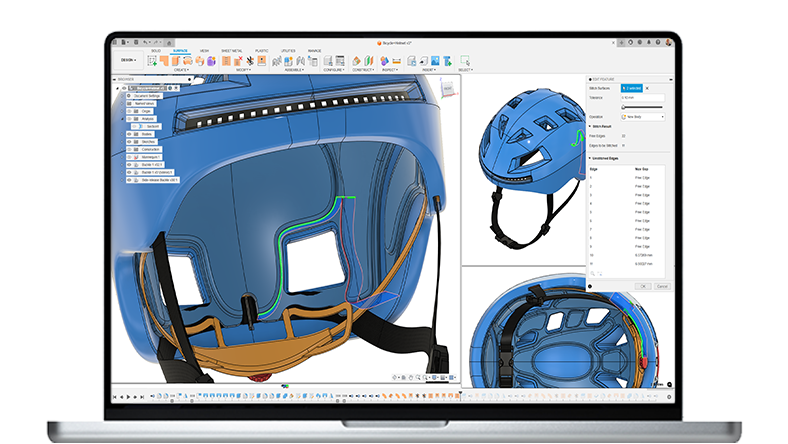
Autodesk Fusion
Autodesk Fusion
3D modeling for cobot components
Create custom grippers, mounts, sensors, and arms with versatile solid, surface, and mesh modeling tools.
Cloud-based collaboration
Enable seamless teamwork through real-time design sharing and multidisciplinary coordination.
Centralized data management
Securely store and access all your design, simulation, and manufacturing files in one place, simplifying maintenance and upgrades.
Integrated end-to-end workflow
Move effortlessly from design to manufacturing programming to simulation, speeding up cobot deployment across teams and stages.
3D modeling for cobot components Create custom grippers, mounts, sensors, and arms with versatile solid, surface, and mesh modeling tools.
Cloud-based collaboration Enable seamless teamwork through real-time design sharing and multidisciplinary coordination.
Centralized data management Securely store and access all your design, simulation, and manufacturing files in one place, simplifying maintenance and upgrades.
Integrated end-to-end workflow Move effortlessly from design to manufacturing programming to simulation, speeding up cobot deployment across teams and stages.
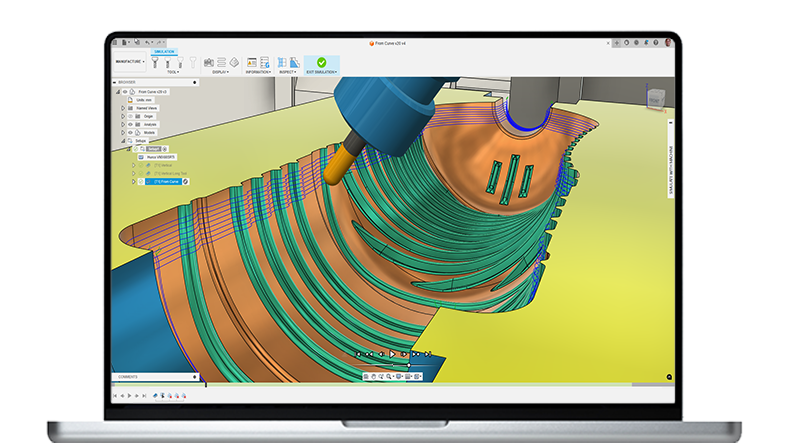
Fusion for Manufacturing
Fusion for Manufacturing
Advanced CAM programming
Program cobots for complex milling, turning, and cutting tasks using precision CAM tools designed for modern manufacturing workflows.
Optimized toolpaths for efficiency
Cut cycle times and reduce energy use with intelligent toolpath strategies tailored to cobot operations.
Cobot simulation & verification
Virtually test cobot movements and interactions in a digital twin environment, eliminating costly errors before physical deployment.
Integrated quality control
Automate inspection tasks by programming quality workflows directly within Fusion, ensuring consistent product standards and less rework.
Scalable automated workflows
Confidently scale production by automating repetitive or complex cobot processes without sacrificing safety or performance.
Advanced CAM programming Program cobots for complex milling, turning, and cutting tasks using precision CAM tools designed for modern manufacturing workflows.
Optimized toolpaths for efficiency Cut cycle times and reduce energy use with intelligent toolpath strategies tailored to cobot operations.
Cobot simulation & verification Virtually test cobot movements and interactions in a digital twin environment, eliminating costly errors before physical deployment.
Integrated quality control Automate inspection tasks by programming quality workflows directly within Fusion, ensuring consistent product standards and less rework.
Scalable automated workflows Confidently scale production by automating repetitive or complex cobot processes without sacrificing safety or performance.
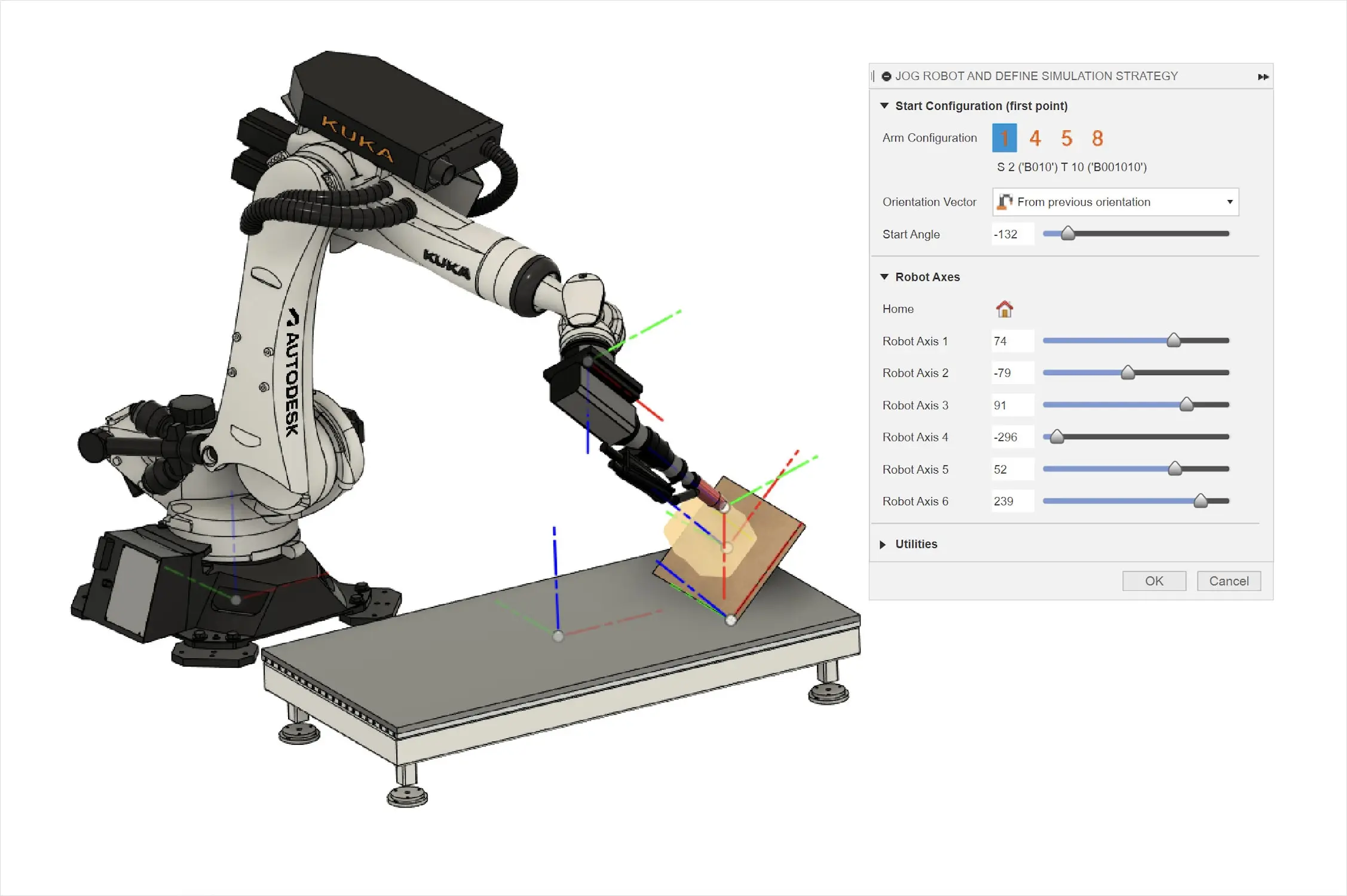
Future of work: Humans + Cobots + Fusion
Future of work: Humans + Cobots + Fusion
As manufacturers face increasing pressure to improve efficiency, safety, and adaptability, cobots are becoming essential on the factory floor. These collaborative robots enhance workflows by working safely alongside humans, handling repetitive or precision tasks with ease.
When powered by Autodesk Fusion, cobotics goes beyond automation. Fusion’s cloud-based platform connects design and manufacturing in one place, making it easier to prototype, simulate, and optimize cobot components. Together, cobots and Fusion enable faster innovation, flexible production, and a smarter, more responsive approach to modern manufacturing.
As manufacturers face increasing pressure to improve efficiency, safety, and adaptability, cobots are becoming essential on the factory floor. These collaborative robots enhance workflows by working safely alongside humans, handling repetitive or precision tasks with ease.
When powered by Autodesk Fusion, cobotics goes beyond automation. Fusion’s cloud-based platform connects design and manufacturing in one place, making it easier to prototype, simulate, and optimize cobot components. Together, cobots and Fusion enable faster innovation, flexible production, and a smarter, more responsive approach to modern manufacturing.
Cobots and AI: Smarter machines for smarter workflows
Cobots and Digital Twins in Autodesk Fusion
Cobots and Digital Twins in Autodesk Fusion
Cobots become even more effective when paired with digital twins. These virtual models simulate real-world conditions, enabling teams to monitor performance, test improvements, and predict issues—before anything happens on the shop floor.
Benefits:
More accurate design validation and testing
Real-time performance monitoring and adjustments
Predictive maintenance planning to avoid costly failures
Digital twins will continue to close the gap between virtual design and physical performance, making cobots more adaptive and manufacturers more proactive.
Cobots become even more effective when paired with digital twins. These virtual models simulate real-world conditions, enabling teams to monitor performance, test improvements, and predict issues—before anything happens on the shop floor.
Benefits:
More accurate design validation and testing
Real-time performance monitoring and adjustments
Predictive maintenance planning to avoid costly failures
Digital twins will continue to close the gap between virtual design and physical performance, making cobots more adaptive and manufacturers more proactive.

Cobotics resources
What are cobots and how will they revolutionize manufacturing?
Learn how cobots and Autodesk Fusion transform manufacturing by boosting efficiency enhancing safety and accelerating innovation with smart automation.
Learn how cobots and Autodesk Fusion transform manufacturing by boosting efficiency enhancing safety and accelerating innovation with smart automation.
Artificial intelligence in manufacturing
Discover how artificial intelligence in manufacturing boosts efficiency, improves quality, and drives innovation with Autodesk Fusion’s AI-powered tools.
Discover how artificial intelligence in manufacturing boosts efficiency, improves quality, and drives innovation with Autodesk Fusion’s AI-powered tools.
How are smart factories changing the face of manufacturing?
Explore how smart factories use AI, IoT, cobots, and automation to boost flexibility, efficiency, and customization in modern manufacturing.
Explore how smart factories use AI, IoT, cobots, and automation to boost flexibility, efficiency, and customization in modern manufacturing.
Collaborative robots (cobots) integration frequently asked questions (FAQs)
How do cobots improve factory operations?
Cobots improve factory operations by automating repetitive or dangerous tasks, reducing human error, and enhancing worker safety. They work alongside employees, allowing humans to focus on more complex and creative activities.
Autodesk Fusion supports this integration by providing powerful design and simulation tools that help engineers create, test, and optimize cobot workflows and components before implementation—saving time and costs while ensuring smooth and efficient factory automation.
How do cobots differ from traditional industrial robots?
Traditional industrial robots usually require safety cages or barriers because they operate at high speeds and forces, posing risks to humans nearby. Cobots, however, are built with sensors and safety protocols to detect and avoid collisions, enabling them to work side-by-side with people. Cobots are more flexible, easier to program, and designed for smaller-scale or variable tasks. This makes them suitable for small and medium-sized enterprises (SMEs) and diverse production environments.
Are cobots difficult to program?
No, cobots are user-friendly and easy to program. Many models feature intuitive interfaces, drag-and-drop programming, or teach-by-demonstration methods where operators physically guide the robot through a task sequence. This reduces the need for specialized programming skills, allowing even operators without extensive robotics experience to set up and modify cobot workflows quickly.
What safety features do cobots have?
Cobots come equipped with multiple safety features, including:
Force and torque sensors to detect contact and immediately stop or slow down
Vision systems and proximity sensors for obstacle detection
Speed and separation monitoring to maintain safe distances
Soft padding and rounded edges to minimize injury risk
Emergency stop buttons accessible to human operators These features allow cobots to safely share workspace with humans without the need for physical safety barriers.
What are the stages of product lifecycle management?
The stages of product lifecycle management (PLM) typically include the following:
1. Concept and ideation: This stage encompasses idea generation, market research, and preliminary feasibility assessments. It involves brainstorming sessions, conceptual development, and the definition of the product's requirements and specifications.
2. Design and development: During this stage, detailed product designs are crafted using tools such as CAD (Computer-Aided Design). Prototypes are developed and tested, with iterative design adjustments made to enhance the product. This stage also involves conducting engineering analysis and validation.
3. Production and manufacturing: After finalizing the design, the product transitions into the production phase. This stage involves comprehensive planning, sourcing materials, executing manufacturing processes, assembly, and implementing quality control measures. It ensures the product is produced efficiently and adheres to quality standards.
4. Market launch: The product is introduced to the market during this stage. It involves marketing, sales, distribution, and customer support.
5. Growth: During the growth stage, the product gains market acceptance and demand increases. Efforts are made to optimize production, improve distribution, and enhance marketing campaigns to maximize sales.
6. Maturity: The product reaches peak market penetration in the maturity stage. Sales stabilize, and focus shifts to maintaining market share, optimizing operations, and extending the product's lifecycle through updates or enhancements.
7. Decline: The product enters the decline stage as market demand decreases, often due to technological advancements, changing customer preferences, or increased competition. Strategies are developed for product discontinuation, cost reduction, and transitioning customers to newer products.
8. Retirement:The final stage involves phasing out the product from the market. This includes managing inventory, providing support for existing customers, recycling or disposing of the product, and transitioning to new product offerings.
How do cobots integrate with existing factory automation and legacy equipment?
Cobots easily connect with legacy systems using common industrial protocols like Ethernet/IP and Modbus, ensuring smooth communication. They can be customized to work alongside older machines, often using middleware to bridge technologies. Autodesk Fusion’s simulation tools help engineers test and optimize these integrations virtually before deployment, reducing downtime and speeding up implementation.
Are there industry standards or certifications governing the safe use of cobots?
Yes, standards like ISO/TS 15066 set safety requirements for cobots working alongside humans. Adhering to these ensures risk mitigation. Fusion’s design extensions help engineers validate safety features in their robotic components.
What industries benefit most from using cobots?
Cobots are used in various industries, including:
Automotive manufacturing for assembly and welding
Electronics for precision assembly and inspection
Food and beverage for packaging and palletizing
Pharmaceuticals for handling delicate or hazardous materials
Consumer goods for repetitive or customized assembly
Metal fabrication for machine tending and quality check
Their versatility makes them suitable across many sectors that require both flexibility and automation.
Can cobots operate 24/7?
Yes, cobots can operate continuously and are often deployed for round-the-clock tasks, especially in environments that require repetitive or precise work. However, like all machinery, they require routine maintenance and occasional calibration. Operators typically schedule downtime for preventive maintenance to ensure consistent performance and avoid unexpected failures.
How do cobots contribute to Industry 4.0 and smart factories?
Cobots play a vital role in Industry 4.0 by integrating with IoT devices, data analytics, and AI-driven systems to create smart, connected manufacturing environments. They provide real-time data on production processes, collaborate dynamically with humans and other machines, and enable flexible manufacturing that can quickly adapt to changing demands. Cobots help achieve higher efficiency, quality, and customization, essential elements of smart factories.