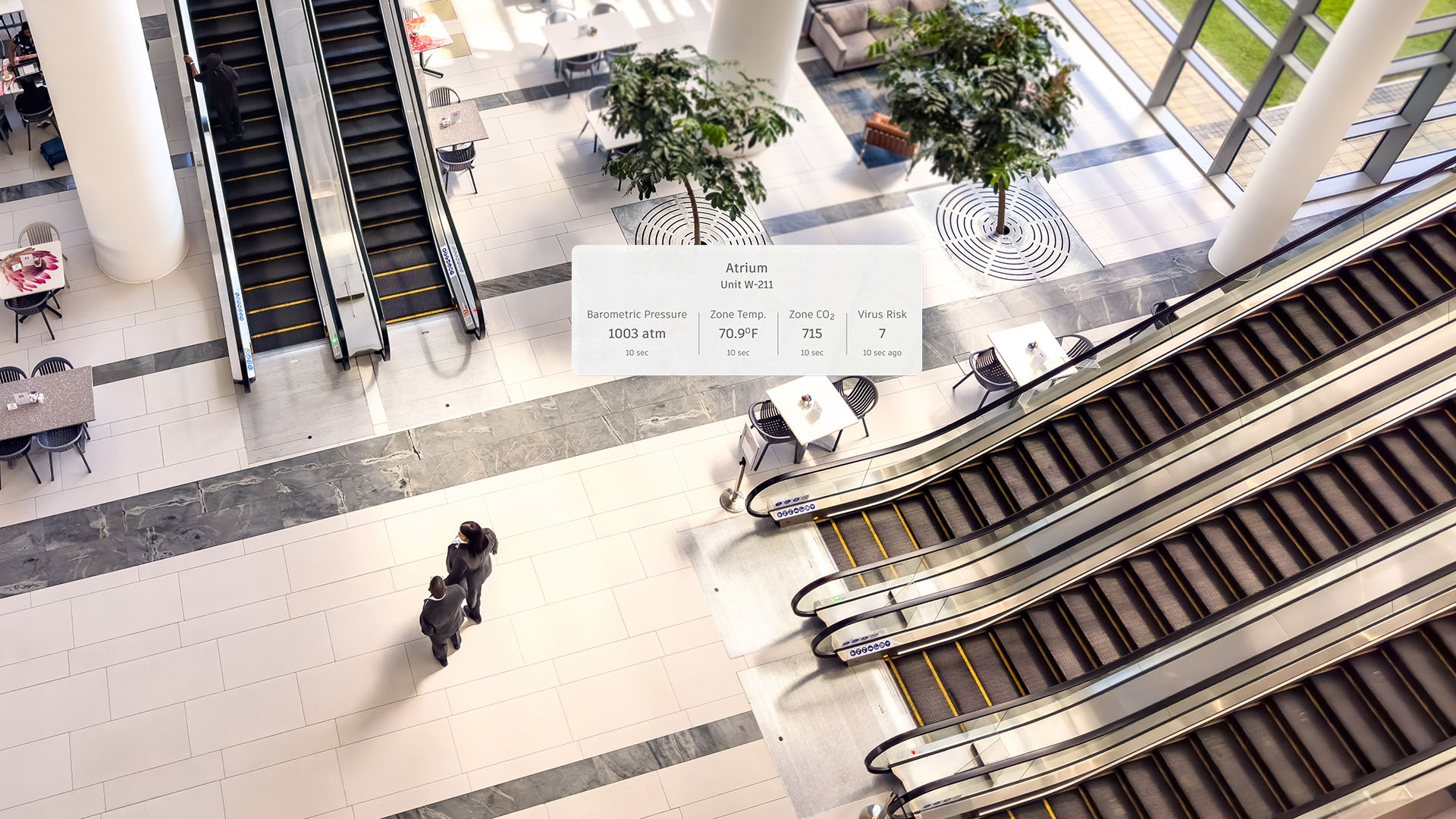
Modernize your operations
Autodesk Tandem is transforming how we plan, design, build, and operate facilities.
Modernize your operations
Autodesk Tandem is transforming how we plan, design, build, and operate facilities.
What is Autodesk Tandem?
Autodesk Tandem is a digital twin platform that transforms BIM data into an intelligent, interactive replica of a physical facility. It unifies systems, assets, and documentation into one decision-ready source, linking near real-time and historical data for monitoring, insight, and optimization.
What is Autodesk Tandem?
Autodesk Tandem is a digital twin platform that transforms BIM data into an intelligent, interactive replica of a physical facility. It unifies systems, assets, and documentation into one decision-ready source, linking near real-time and historical data for monitoring, insight, and optimization.
Contextualize your data
Actionable insights for smarter decisions
Instant data access
Find what you need, when you need it
Centralized operations
One place for all facility data
Contextual mapping
Understand what’s behind your walls
Contextualize your data
Actionable insights for smarter decisions
Instant data access
Find what you need, when you need it
Centralized operations
One place for all facility data
Contextual mapping
Understand what’s behind your walls
Turn data into actionable insights
+
"We aim to achieve up to a 37.5% increase in operational efficiency and to save up to 25% in energy consumption and maintenance costs."
- Dr. Özgür Soy, General Manager, Metro Istanbul
Image courtesy of Istanbul Metropolitan Municipality"We had close to 100 different contractors working with thousands of individual members at any given time. It takes powerful technical tools to bring all of this together."
- Brendan Dillon, Director of Digital Facilities and Infrastructure at Denver International Airport
Image courtesy of Denver International Airport"Autodesk Tandem has a holistic view of the entire facility. It’s a big difference for us: everything here —machines, sensors, and BMS —would normally be on their own platforms, but this brings it all together. It’s one pane of glass into the entire facility’s operations, that’s easily accessible by anybody."
- Nick Hill, Director of Technology Consulting, Autodesk
Advance your understanding of digital twins
Discover a library of resources tailored to help your team down a path to insightful operations.
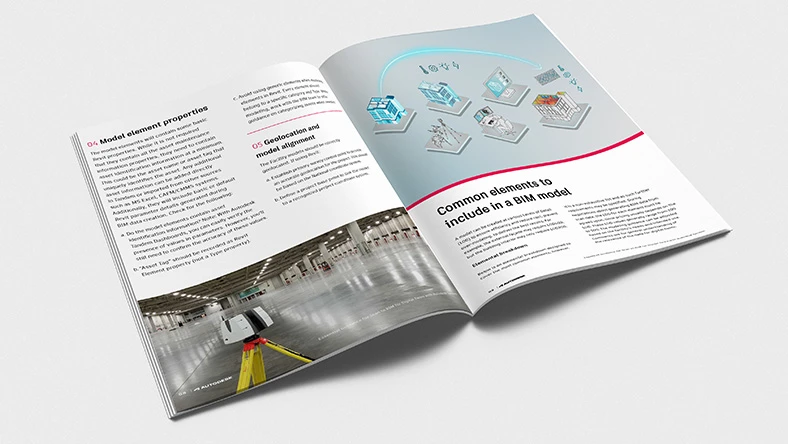
Whitepaper
Guidance for scan to BIM for digital twins
A white paper providing guidance on scanning and creating a BIM model for use with Autodesk Tandem.
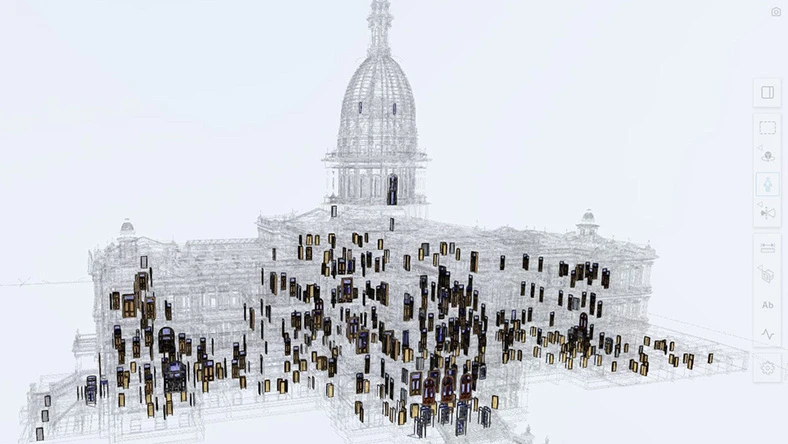
Customer story
Digital twins for building preservation efforts
Digital twins centralize rich 3D BIM data to preserve, operate, and sustainably restore buildings.
Image courtesy of Quinn Evans
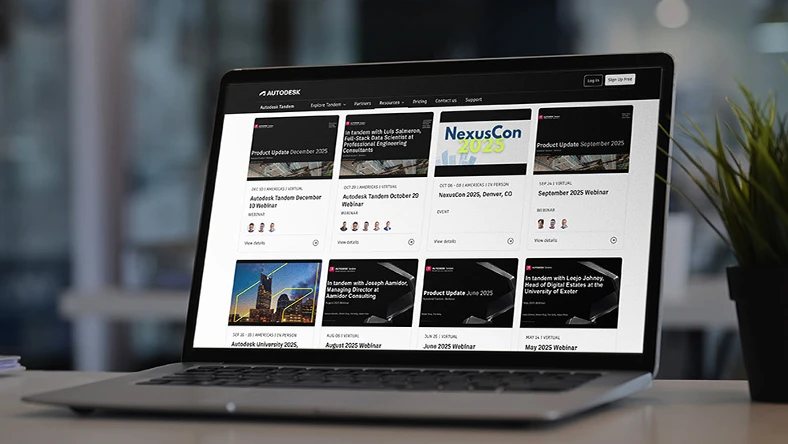
Webinar
Learn from experts and explore real-world use cases
Discover the capabilities and value of Autodesk Tandem from our customers and team experts.
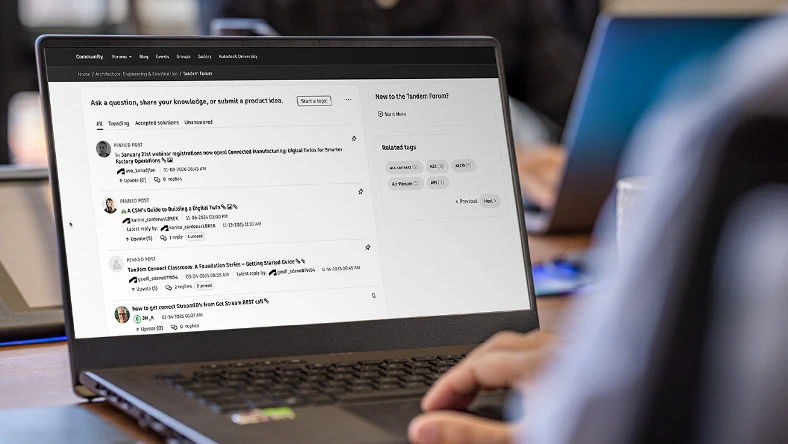
Forum
Ask a question, share knowledge, or an idea.
Connect with enthusiasts to share insights, ask questions, and get support for Autodesk Tandem.
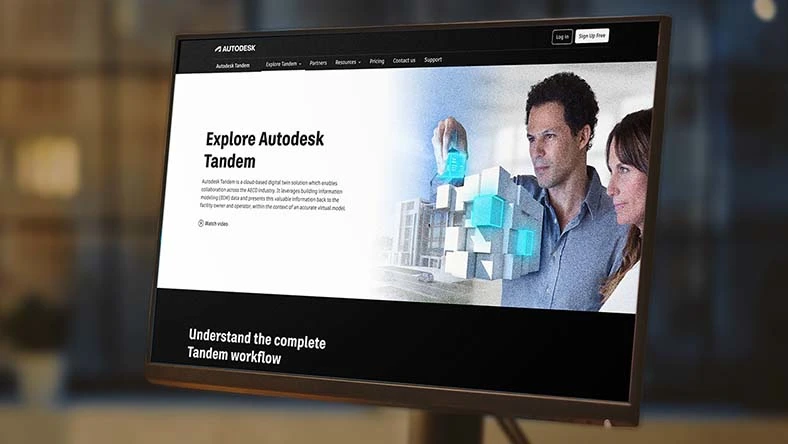
Webpage
Explore digital twin workflows
Discover how Tandem helps the built asset lifecycle—from commission through daily operations.
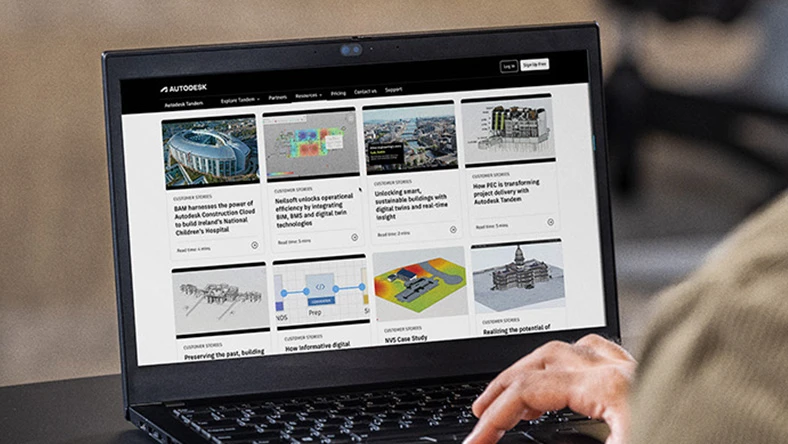
Customer stories
Browse our customer stories
Explore how Autodesk Tandem is transforming facility planning, design, build, and operations.
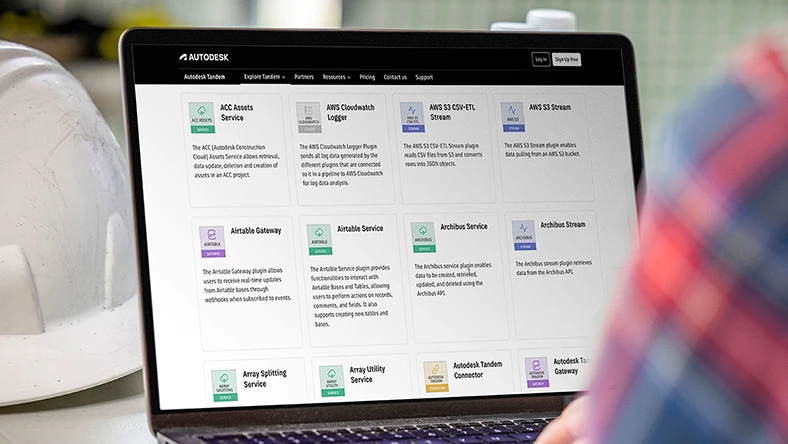
Webpage
Low-code possibilities with Tandem Connect
Transform your facility’s digital replica into a centralized, data-rich environment.
Webpage
Explore Tandem Partner
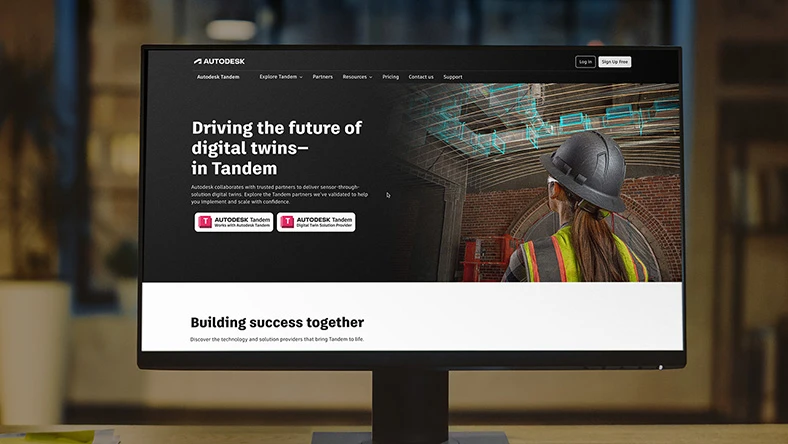
Explore trusted Autodesk Tandem partners to implement and scale digital twins with confidence.
Questions? We have answers.
What is Autodesk Tandem used for?
Tandem centralizes all building data into a data-rich 3D digital twin, giving facility operators clear visibility, fast access to information, and near real-time insights. The result is smarter, faster decision-making that optimizes asset and facility performance, reducing risk, and improving operational efficiency from day one.
Who uses Autodesk Tandem?
Autodesk Tandem is used by facility operators as well as a broad spectrum of professionals within AEC firms, including project managers, architects/designers, engineers, contractors and construction managers, VDC managers, and BIM managers. It caters to their specific needs and roles in the project lifecycle.
What is the difference between Autodesk Tandem and Tandem Connect?
Autodesk Tandem is the digital twin platform; Tandem Connect is a separate product offering that augments Autodesk Tandem by enabling data connectivity in a low-code, drag-and-drop environment.
What Autodesk regional offerings are available?
For Tandem, facilities Covered Content can be primarily stored on the EU, Australia, or the United States (US) Regional Offerings.
If you need further information or guidance on determining where your Covered Content is hosted, please review the Autodesk Regional Offering detailed FAQ.
How is Autodesk Tandem priced?
Autodesk Tandem uses a capacity-based pricing model. Customers purchase usage capacity instead of user seats, allowing costs to scale, based on the size and complexity of their digital twin.
What are the key terminology definitions used in Autodesk Tandem?
“Asset” means a valuable object that is part of a digital twin in Autodesk Tandem. These individual physical objects are augmented with additional data that may include, without limitation, metadata and links to documents, relationships to other assets, connections to one or more Streams, and/or historical data that may come from Autodesk Tandem or third-party systems. Spaces, systems, connections, and asset types are not counted as assets.
“Stream(s)” means the Data Points that are recorded at a user-selected Frequency and stored for a user-selected Retention Period.
“Frequency” means the user-selected number of readings per hour.
“Stream Duration” means the user-selected number of months or years, as applicable.
“Data Point” is a single reading, such as temperature or vibration, that comes from a physical device or sensor, that is sent to Autodesk Tandem and that is recorded in a time series at a User selected frequency and stored in a Stream for a User selected retention period. Data points are calculated based on how often data is collected and how long it is stored in Tandem.
“Facility(ies)” means one or more digital twins in Autodesk Tandem that are created by importing one or more data sources, such as Revit files, IFC files, or other supported design formats.
“User” means any Authorized User added to an account with “Read”, “Edit”, “Manage”, or “Account Admin” permission, or any Authorized User added to a Facility with “Read”, “Edit” or “Manage” permission.
“Model” - A single specific BIM file representing a part of the building (like structure, MEP, or architecture).
Products you can trust
From payment flexibility to always-on support, expect excellence.

