Get Started with Autodesk Informed Design
Get Started with Autodesk Informed Design
From first steps to advanced workflows, access the tools and guidance to get the most out of Autodesk Informed Design.
What is Autodesk Informed Design?
What is Autodesk Informed Design?
Autodesk Informed Design makes building component data accessible during design–helping designers and product makers increase certainty, speed delivery, and improve project quality. With add-ins for Revit and Inventor, it allows designers to work with real product data and manufacturers to define how their products are used. This alignment helps reduce risk, speed up delivery, and unlock the benefits of Industrialized Construction.
See why teams are talking about Informed Design

Why Informed Design has the architects at Populous cheering
“By being more connected to our manufacturer, we were able to optimize the design, improve sustainability outcomes, speed up the project, reduce cost, and basically have a lot less waste.”— Nathan Tobeck, Principal and Asia Pacific Digital Lead, Populous
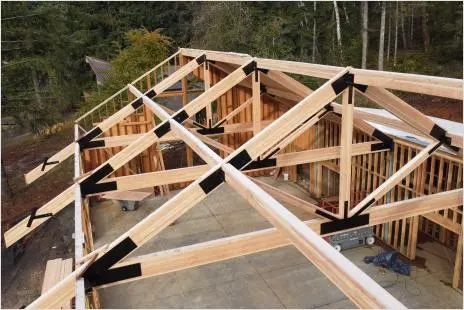
How Cascadia is winning big with mass timber productization
“When we saw what Informed Design was offering, we immediately recognized its advantages. It helps architects and engineers design with products that already have manufacturing data built in, allowing these requirements to be addressed earlier in the process and reducing overall design time.” — Kyle Gilham, Director of Product Development, Cascadia Structural

How Informed Design transformed Green Canopy NODE’s business
“When our architects know what’s manufacturable and fits the building, that saves us all time and improves our project quality.” — Abbie Willets, R&D Engineer at Green Canopy NODE
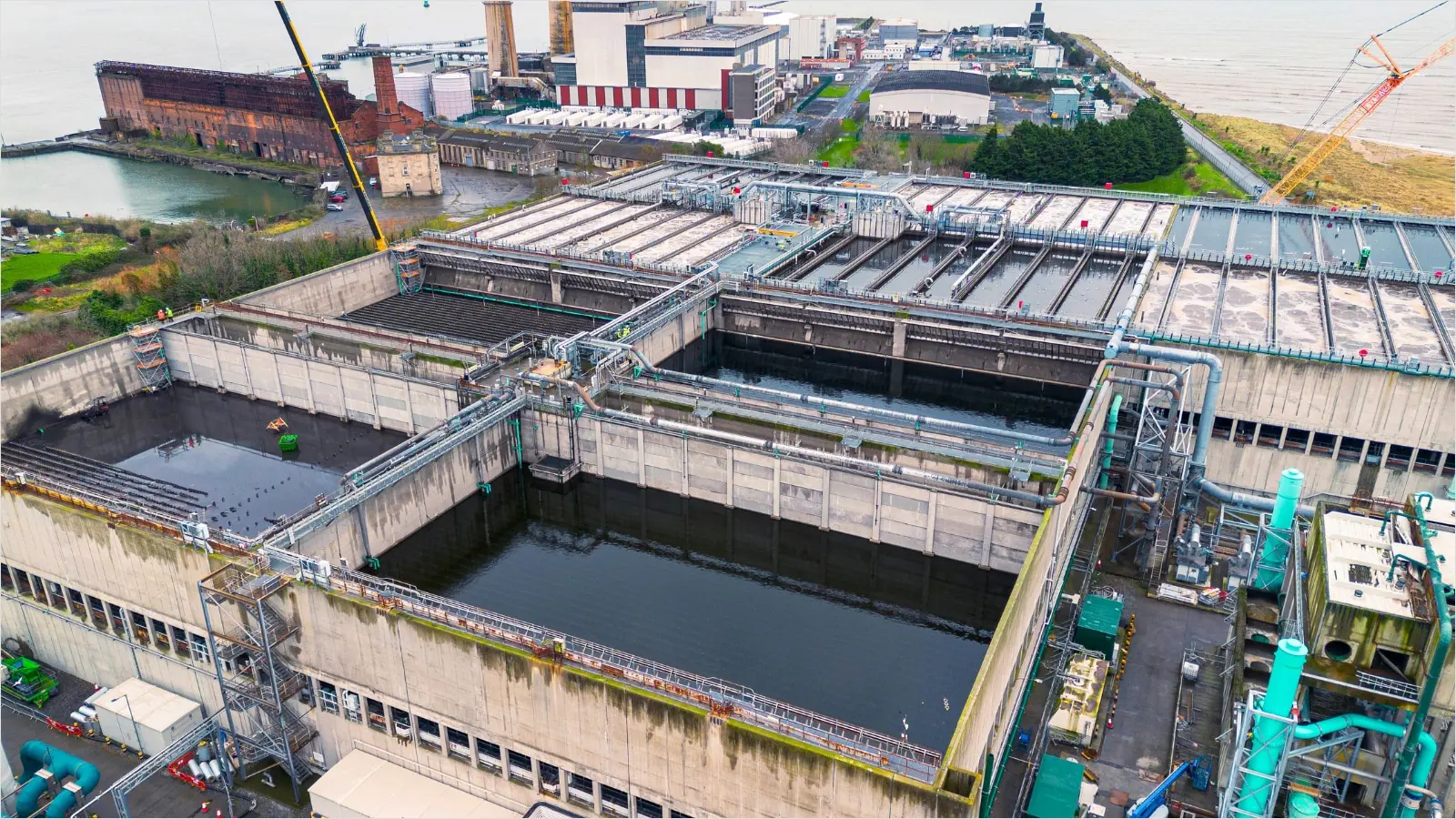
Murphy bridges design and fabrication with Autodesk Informed Design
"Informed Design allows us to control what our Revit users produce early in the design process without needing constant meetings or back-and-forth communication. It also reduces the gap between early-stage Revit modeling and final fabrication modeling, so we are doing less rework and redesign." —Matthew Lenehan, Mechanical Design Engineer, Murphy
How Informed Design connects design and make
Quick-start guide for designers, product manufacturers and technology admins
Quick-start guide for designers, product manufacturers and technology admins
New to Informed Design? Start here.
Download the guide to learn how to set up and use Autodesk Informed Design.
Get the Informed Design Add-ins
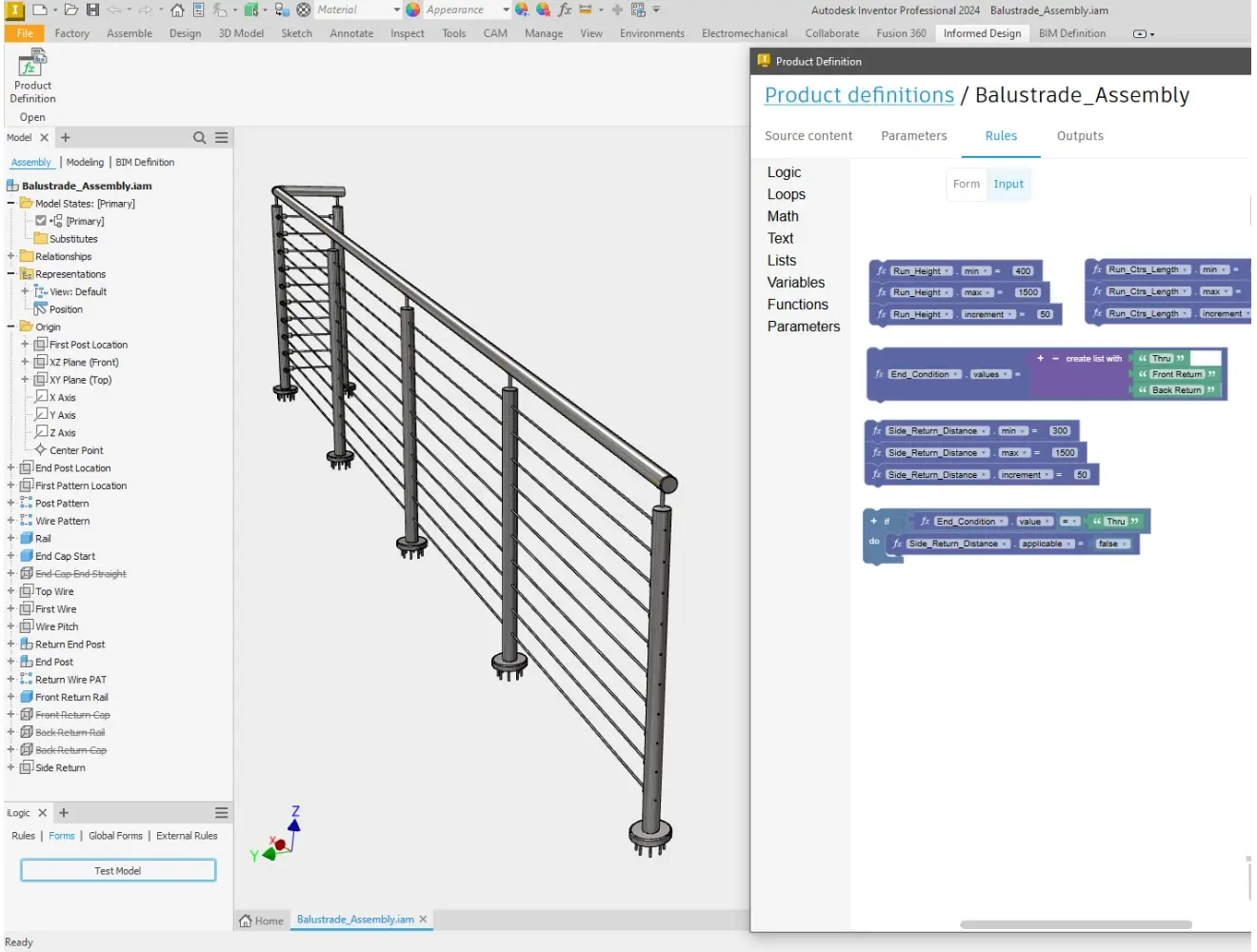
Informed Design for Inventor
Informed Design for Inventor
Install the Inventor add-in to create configurable, productized components ready for integration into BIM workflows.
Autodesk Inventor 2024 or a more recent version, as well as Forma Data Management are required to use Informed Design for Inventor.
Install the Inventor add-in to create configurable, productized components ready for integration into BIM workflows. Autodesk Inventor 2024 or a more recent version, as well as Forma Data Management are required to use Informed Design for Inventor.
Informed Design Resources
Informed Design
Product Roadmap
Product Roadmap
Track upcoming features, stay informed about what’s in development, and see how your feedback shapes the future of Informed Design.
Informed design
Blog
Blog
Get product updates, expert tips, best practices, and in-depth articles to support your workflows.
Informed design
Webinars
Webinars
Participate in live sessions or catch up anytime. See what’s new, what’s coming, and get hands-on demos from our experts.
Informed design
Tutorials
Tutorials
Step-by-step tutorials to help you learn the tools, try workflows, and build confidence with Informed Design.
Informed design
Help Center
Help Center
Access our documentation, FAQs, and troubleshooting guides to solve issues and get unstuck quickly.
Informed design
Community
Community
Ask questions, share feedback, and connect with other users and the Informed Design team. Explore the forum and contribute your ideas to help shape what's next.
Let's stay connected
Let's stay connected
Get monthly updates with product news, upcoming webinars, feature tips, and highlights from the community.
Get monthly updates with product news, upcoming webinars, feature tips, and highlights from the community.
Let's stay connected
Let's stay connected
Get monthly updates with product news, upcoming webinars, feature tips, and highlights from the community.
Get monthly updates with product news, upcoming webinars, feature tips, and highlights from the community.
Frequently asked questions (FAQs)
What is Autodesk Informed Design used for?
Informed Design connects design and manufacturing by making building product data accessible during design. It helps reduce risk, improve coordination, and enable productized, manufacturable designs.
Who uses Autodesk Informed Design?
Autodesk Informed Design supports three key roles in the building product workflow:
Building product engineers use the Inventor add-in to publish component data and define how products should behave in design.
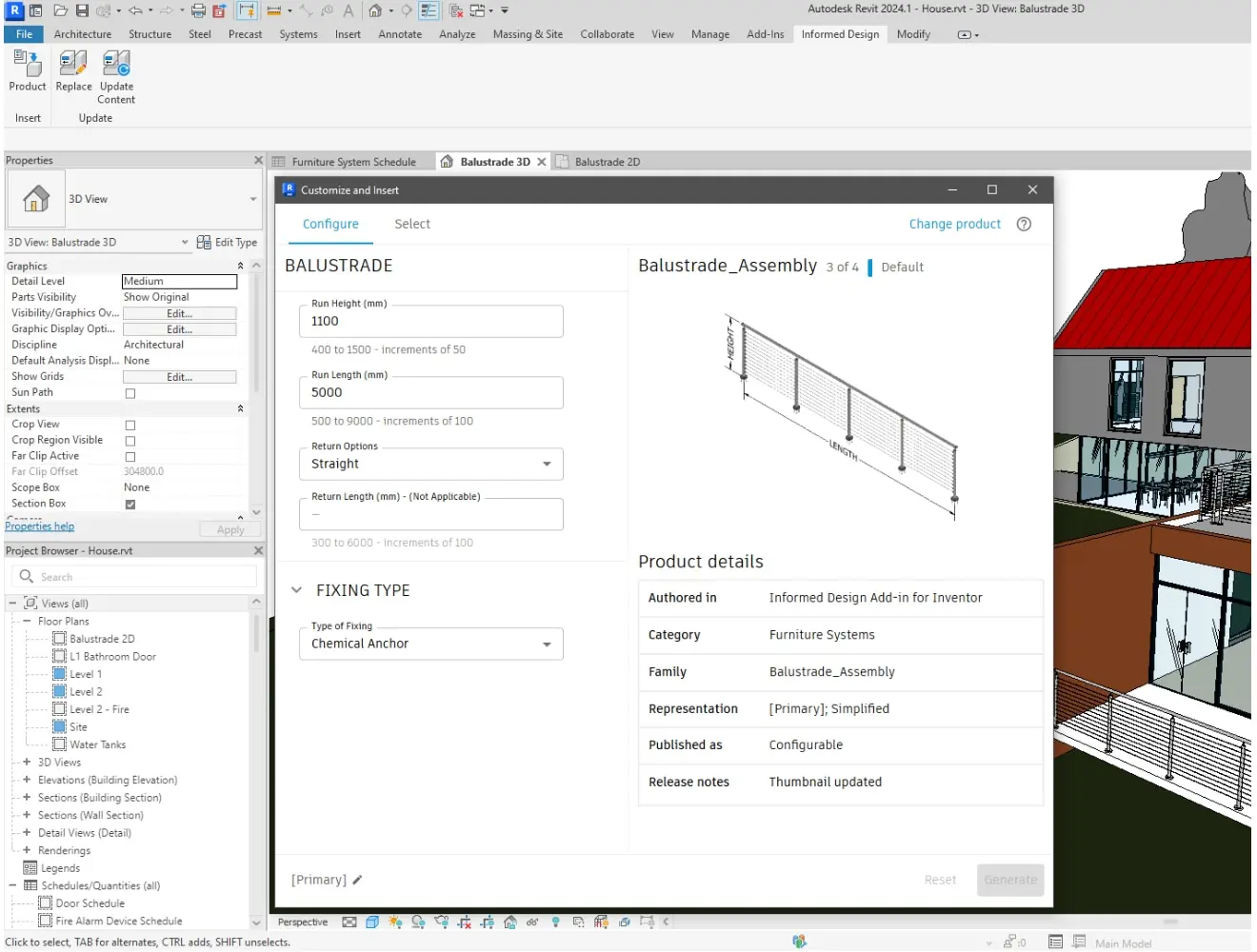
Designers use the Revit add-in to find, configure, and place real building products into their models.
Manufacturers use the published data to automatically generate documentation such as BOMs and shop drawings for fabrication.
Are there any prerequisites to using Autodesk Informed Design?
Yes. To use Informed Design, users need access to either Autodesk Revit or Inventor, along with Autodesk Docs for cloud-based data sharing and template integration. While the Revit and Inventor add-ins can be used independently, collaboration between design and manufacturing stakeholders—using both tools and Autodesk Docs—is essential for a connected workflow and optimal results.
How much does Autodesk Informed Design cost?
The Informed Design add-ins are available at no additional cost for Revit and Inventor users. You must have an active Autodesk subscription for the respective software.