& Construction

Integrated BIM tools, including Revit, AutoCAD, and Civil 3D
& Manufacturing

Professional CAD/CAM tools built on Inventor and AutoCAD
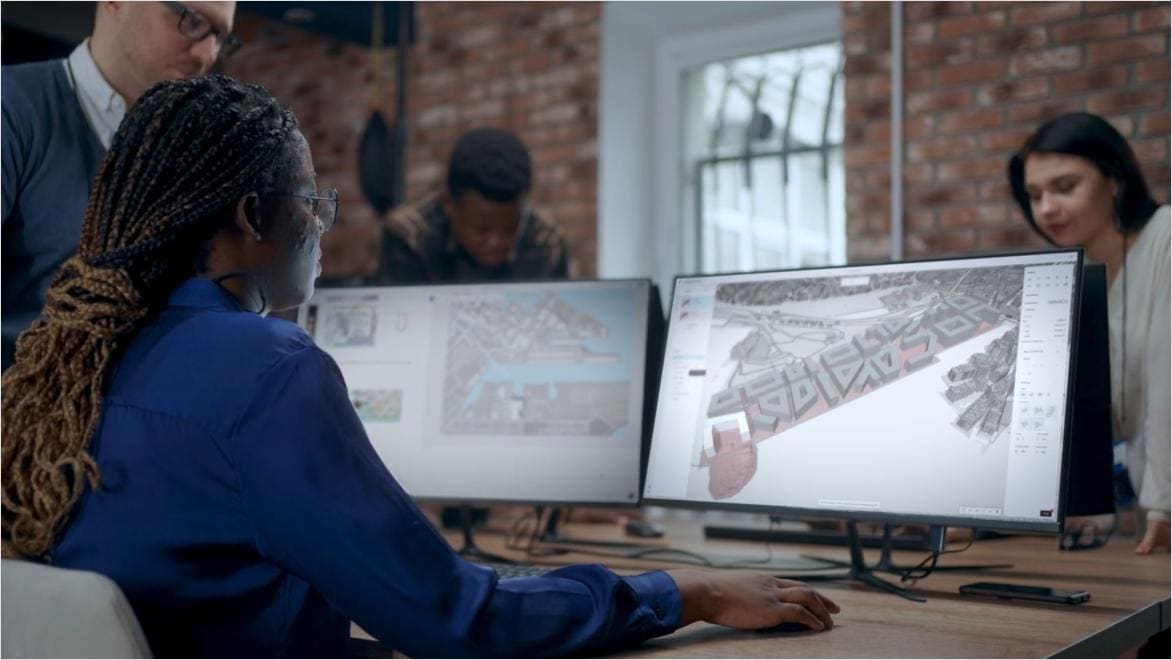
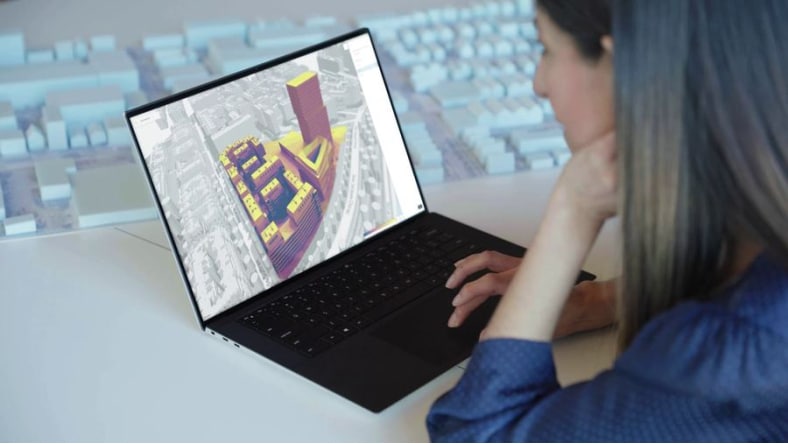
Built for the part of the process that usually doesn't get a dedicated tool. Forma for Buildings gives architects a workspace to set context, test daylight, and explore massing before detail design begins. By the time the detailed work starts, the big decisions have already held up to a real test.
Site context
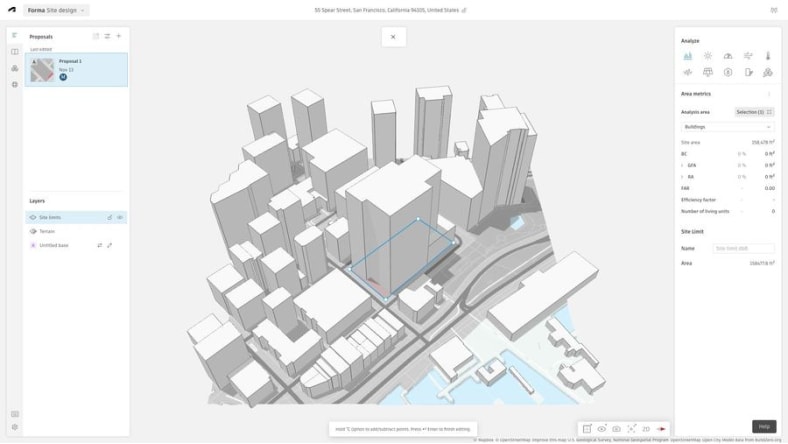
Drop a location and get terrain, surrounding buildings, and zoning context automatically. No more GIS files to chase or aerial PDFs to trace just to start a concept.
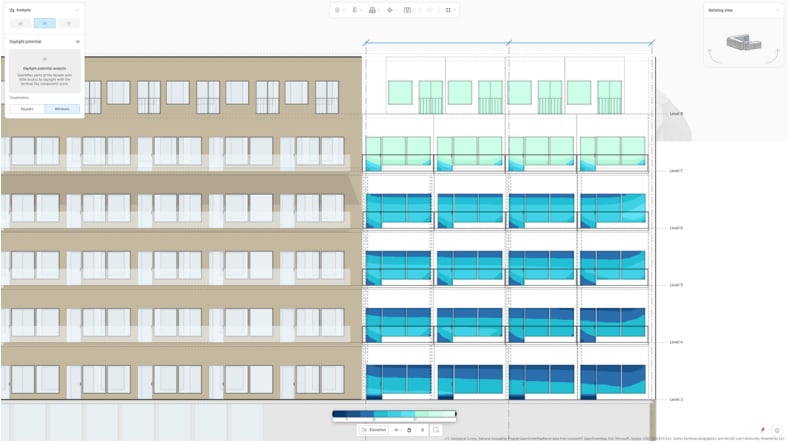
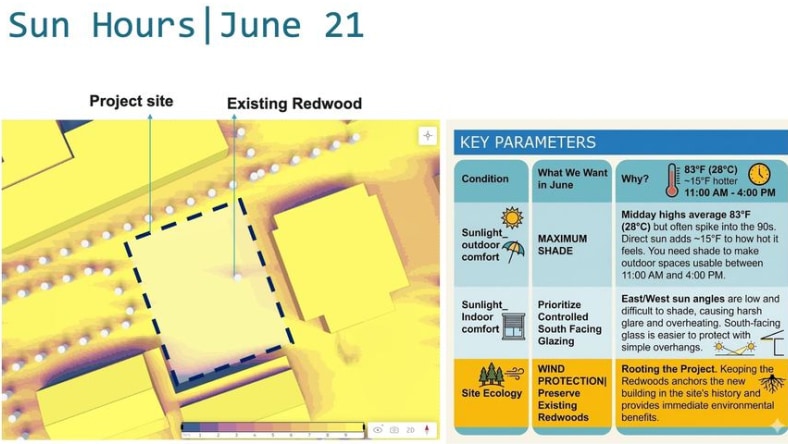
Daylight & shadow
Run sun and shadow studies on a massing model in the same tool you set it up in. Catch a bad orientation in week one, not in week six after the floorplans are done.
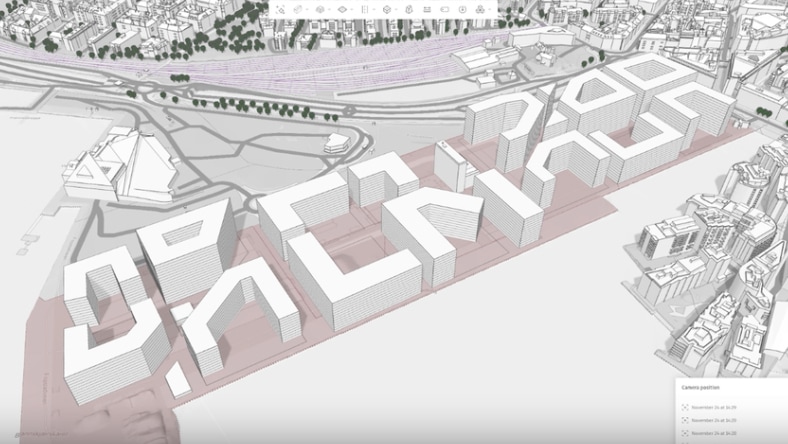
Early massing
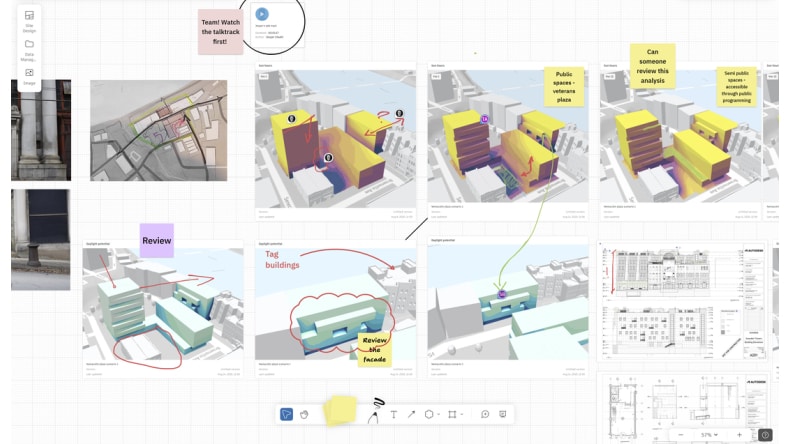
Try three concepts in the time it used to take to draw one. Compare them side by side and move forward with the one that holds up.
Forma for Buildings sits at the beginning of your work. The early decisions get made somewhere they can actually be tested, so the concept you commit to has already been pressure-tested.
Drop in a project location and Forma for Buildings pulls together terrain, surrounding buildings, and zoning context. The prep work that used to take days starts ready.
Set context, test daylight, run massing options. Decide orientation, footprint, and scheme before detailing begins.
By the time detail design begins, the site, sun, and form decisions have already been tested. Less rework later. Stronger choices on day one.
Customer Story
Learn Data-driven design, HMC Architects enhances their outcome-based approach with Forma Site Design.
TIPS
Learn what you the tips and your capabilities with Forma for Buildings.
How to Do
Learn how to create first site in minutes.