Flow Production Tracking (formerly Shotgrid)

Bring every team together for a seamless production

Unlock faster planning, smoother collaboration, and a connected pipeline with one powerful tool.

Flow Production Tracking overview (video: 1:50 min.)

Keep complex tasks and teams on track

Set up, track, and schedule every step of your project - no matter how complex. Flow Production Tracking (formerly ShotGrid) provides a central hub for managing resources, tracking assets, and keeping people connected at every stage of production.

  • Keep a constant pulse on budgets and timelines.
  • Track shots and assets through the pipeline in real time.
  • Review work in real time with a new connected experience for post-production teams
  • Easily identify over and underutilized resources and rebalance workloads.
  • Boost artist productivity with integrations for all your creative apps.

Connect teams to simplify complex projects

Manage every step in one tool

Centralize your production pipeline with Flow Production Tracking. Unify assets, tasks, reviews, and data in a secure cloud system built for seamless team collaboration.


Review anywhere, together

With Flow Production Tracking, teams can review work, share feedback, and stay aligned in one connected environment - whether they’re in the same room or around the world.


Keep creative teams in sync

Let artists stay in the zone. Flow Production Tracking integrates feedback and version history directly into their creative tools, making reviews and updates seamless.


Why global teams use Flow Production Tracking

See Flow Production Tracking in action

Tiny Chef

ShadowMachine

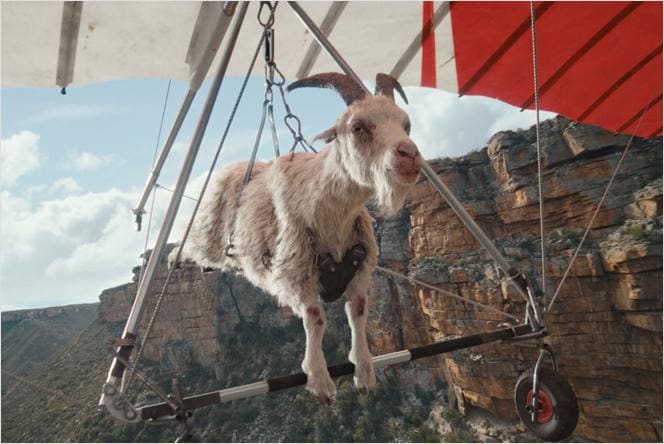
Streamlining stop-motion production for Tiny Chef

Discover how ShadowMachine used Flow Production Tracking and Flow Capture to streamline communications, organize data, and flag early disruptions to workflows and capacities.


Image courtesy of ShadowMachine

Man using a racket

Zero VFX

Acing intricate VFX workflows for Challengers

Learn how Zero VFX coordinated resource planning, filming, and post-production for more than 900 VFX shots - including a 24-second tennis volley from the ball’s POV - with Flow Production Tracking.


Image courtesy of Zero VFX

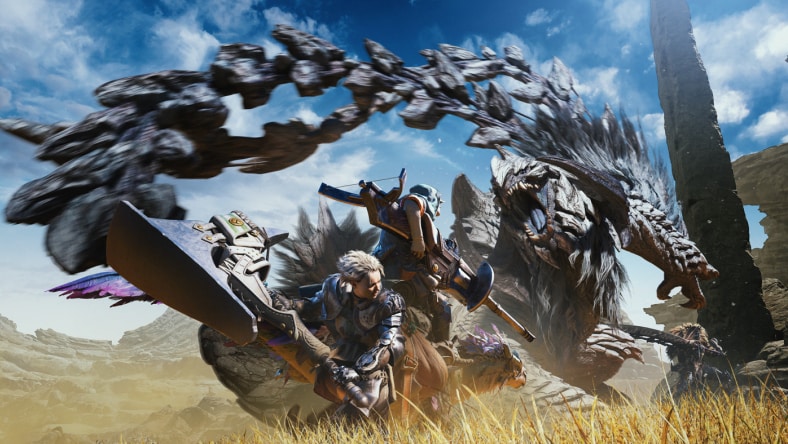
Image courtesy of Capcom

CAPCOM

Scaling AAA production on Monster Hunter Wilds

Learn how Flow Production Tracking transformed the development of Monster Hunter Wilds — bringing greater visibility across production, streamlining feedback, and helping hundreds of developers stay aligned within a complex pipeline.

Image courtesy of Capcom

Stay ahead of production challenges

Predict, plan, and optimize your team’s resources - no matter what project variable changes. Powered by Autodesk AI, Flow Generative Scheduling automatically adjusts schedules, simulates scenarios, and compares trade-offs, helping you tackle the chaos of manual production planning.

Flow Shared Playlists demo (video: 0:45 min.)

Break down communication silos with Shared Playlists

Simplify stakeholder communication and review across multiple locations with Flow Shared Playlists, currently in beta. A shared, secure data model makes it easy to package shots in Flow Production Tracking and transfer them to Flow Capture for quicker review and better decision-making.

woman working on a project

End-to-end security for every step of production

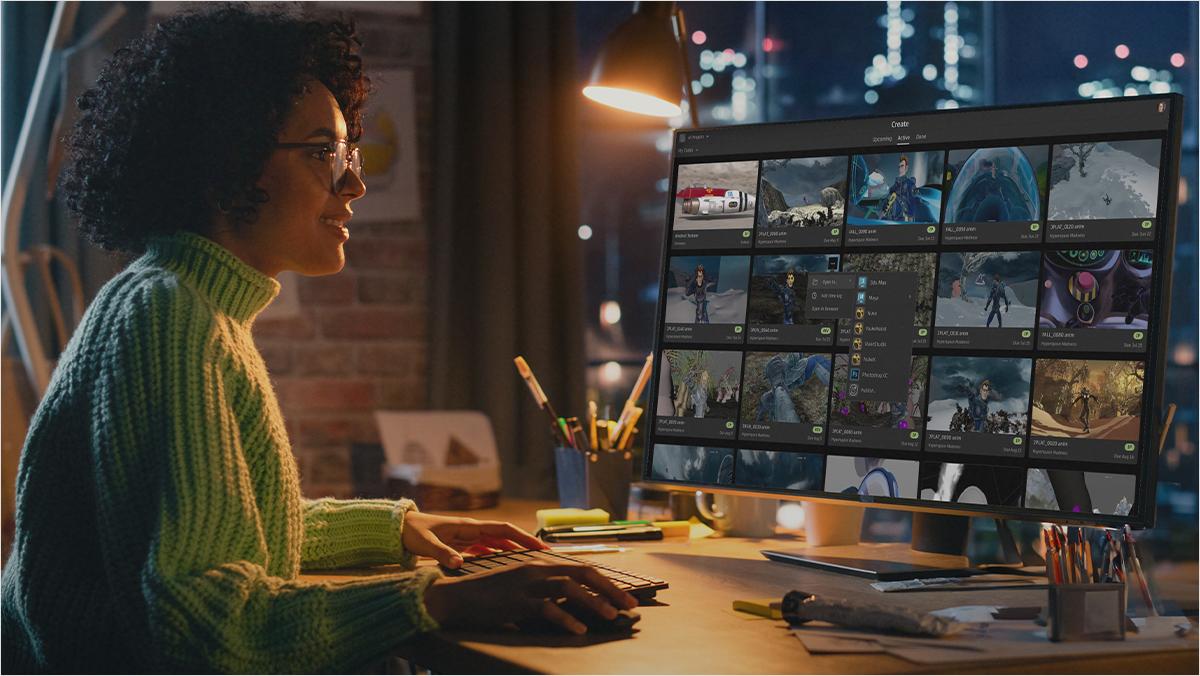
Meet even the most stringent security requirements with Flow Production Tracking. Features like SSO, two-factor authentication, IP allowlisting, and project isolation give you peace of mind knowing your projects and client IP are fully protected.

Ready to streamline your next project?

Speak with an expert to learn how Flow Production Tracking can connect your teams across every stage of production and help you identify bottlenecks before they slow you down.

Frequently asked questions (FAQs)

What is Flow Production Tracking (formerly ShotGrid)?

Flow Production Tracking is a production management and review toolset for VFX, animation, and games teams. Flow Production Tracking provides a central hub for managing resources, tracking assets, and keeping post-production teams connected at every stage of production.

Who uses Flow Production Tracking (formerly ShotGrid)?

Flow Production Tracking is used across the Film, TV, and Game industries by producers, supervisors, pipeline developers, artists, and more.

What integrations does Flow Production Tracking offer for creative teams?

Flow Production Tracking integrates with creative tools such as Autodesk Maya, 3ds Max, Blender, and Unreal Engine, allowing artists to access tasks, notes, and files directly while working. Its APIs allow studios to create custom tools and integrations that meet their specific pipeline needs.

What Autodesk AI features are currently available in Flow Production Tracking?

Flow Generative Scheduling, powered by Autodesk AI, is available in Flow Production Tracking. It analyzes multiple scheduling scenarios, weighs trade-offs, and produces resource-optimized, balanced schedules in minutes. This enables teams to adapt quickly and effectively to changing production needs.

What is the new review experience in Flow Production Tracking?

The new review toolset in Flow Production Tracking brings together the review workflows teams already use into one connected real-time environment. With capabilities like Live Review, advanced compare modes, annotations, contextual feedback, and more, it is designed to unify the review experience for post-production teams. Learn more here.

What is the difference between Autodesk Flow Production Tracking, Flow Capture, Flow Studio, and Flow?

Autodesk Flow is the industry cloud for media and entertainment. It connects everyone, anywhere, with the workflows, data, and context to keep productions moving. Teams can track shots and assets with Flow Production Tracking, review footage instantly using Flow Capture, and Flow Studio to transform live-action footage into editable CG scenes. Learn more here.

See more FAQ