InfoDrainage + Civil 3D integration
Improve your Civil 3D drainage designs with greater accuracy
Improve your Civil 3D drainage designs with greater accuracy
Connect InfoDrainage and Civil 3D to run rainfall and runoff analysis, refine hydraulic results, and keep both models aligned with simple roundtripping.
Business Case for InfoDrainage: Real ROI, Real Results
Business Case for InfoDrainage: Real ROI, Real Results
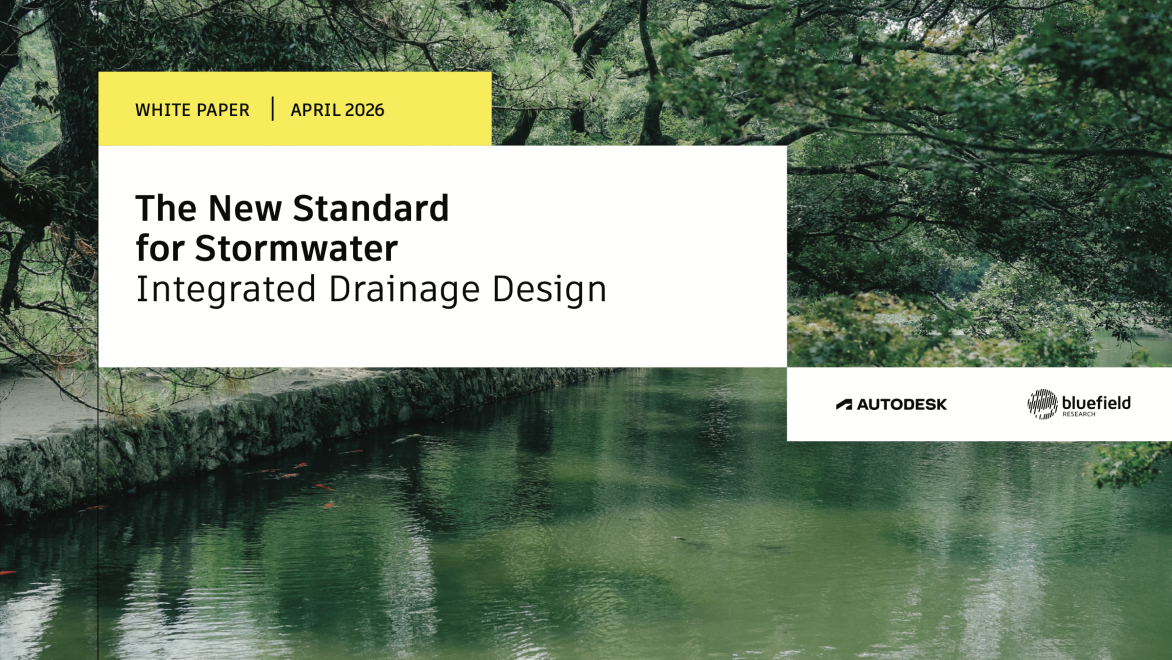
Download this Bluefield Research whitepaper to see the proven ROI of using InfoDrainage for advanced drainage design and analysis, with real‑world evidence including quantified time and cost savings plus customer perspectives.
One platform, no workarounds
One platform, no workarounds
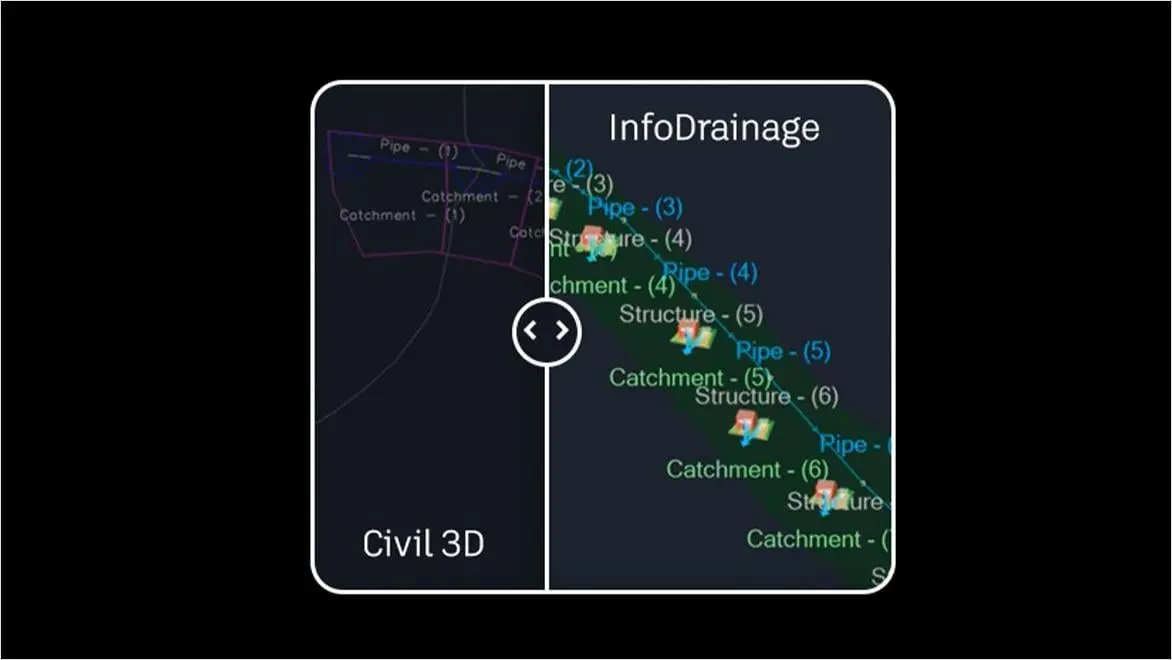
When your drainage process depends on multiple systems, every extra step is another chance for delay or error. InfoDrainage and Civil 3D work together as one integrated workflow, so you can design and validate drainage systems without juggling workarounds. See where this approach outperforms other software setups.
See how global teams succeed with InfoDrainage + Civil 3D

Improve drainage accuracy and efficiency
Better hydraulic results
Better hydraulic results
Migrate hydraulic and energy grade lines for a more granular view of drainage conditions, and make informed design decisions.
Smooth round-tripping
Smooth round-tripping
Send drainage data to Civil 3D or bring site designs into InfoDrainage, at the click of a button from each platform’s toolbar.
Custom rainfall and runoff
Custom rainfall and runoff
Choose the right rainfall types and runoff calculation methods for your catchment, and meet sustainability standards.
Flexible reporting
Flexible reporting
Export the exact drainage data you need in a fraction of the time with automated, customizable reports.
How to get started with InfoDrainage
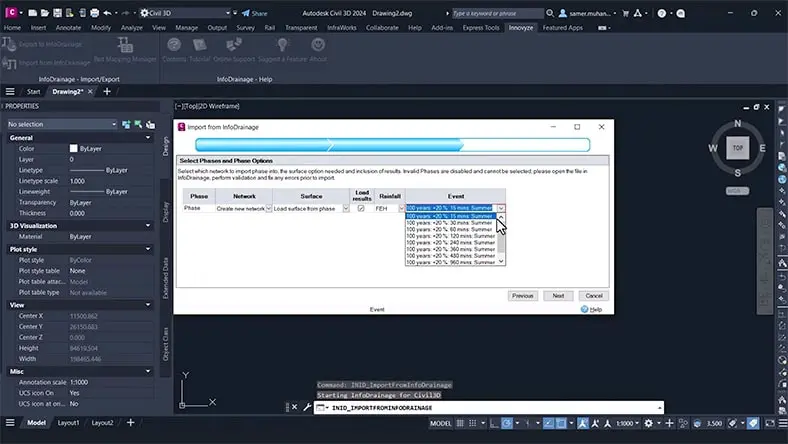
Product help
Integration support
Integration support
Find guidance on connecting Civil 3D and InfoDrainage, troubleshooting workflows, and accessing key documentation.
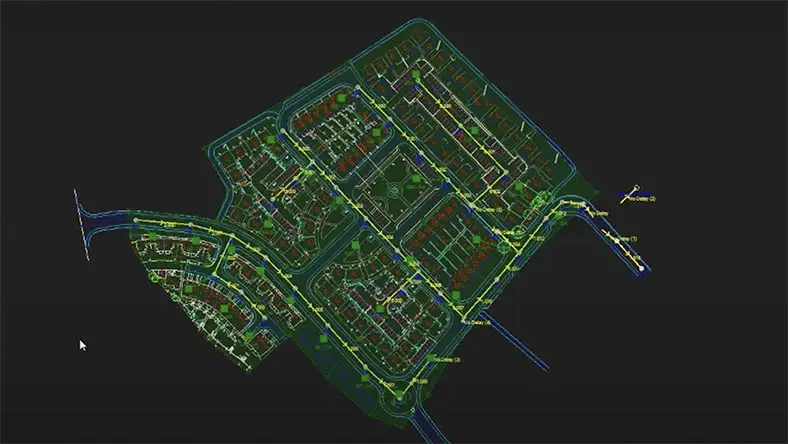
Video tutorial
Roundtrip workflows
Roundtrip workflows
Watch how to export your Civil 3D design into InfoDrainage, refine the model, and send updates back with one click.
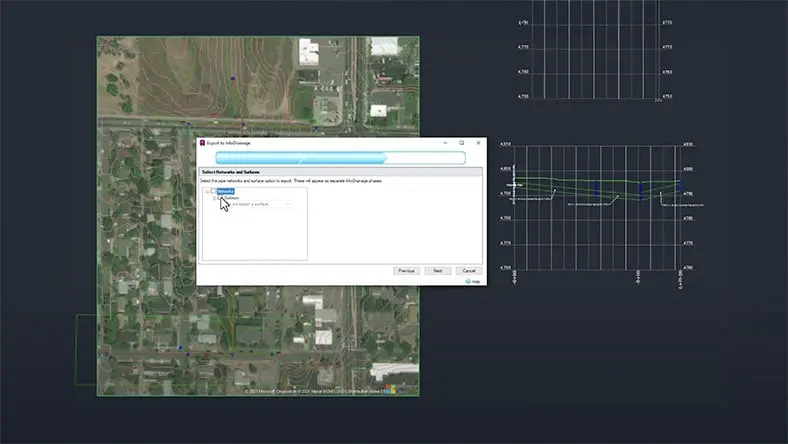
Video tutorial
Use extended data
Use extended data
Learn how to enrich Civil 3D designs with rainfall and runoff data, hydraulic results, and other outputs from InfoDrainage.
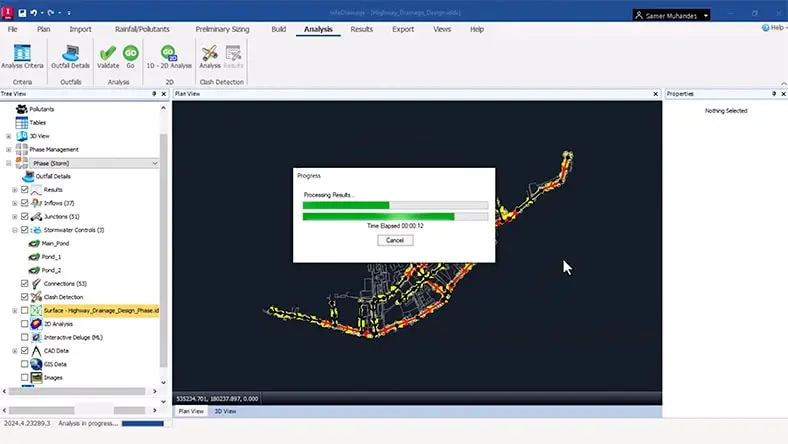
Product course
InfoDrainage basics
InfoDrainage basics
Get a walkthrough of core capabilities, from preparing models to analyzing flow paths and building drainage networks.
Talk to an expert
Talk to an expert
Connect with an Autodesk product specialist to see how InfoDrainage supports faster, more accurate drainage design when paired with Civil 3D.
Ready to try it on your own? Download your free 30-day trial today.
Connect with an Autodesk product specialist to see how InfoDrainage supports faster, more accurate drainage design when paired with Civil 3D.
Ready to try it on your own? Download your free 30-day trial today.
Talk to an expert
Talk to an expert
Connect with an Autodesk product specialist to see how InfoDrainage supports faster, more accurate drainage design when paired with Civil 3D.
Ready to try it on your own? Download your free 30-day trial today.
Connect with an Autodesk product specialist to see how InfoDrainage supports faster, more accurate drainage design when paired with Civil 3D.
Ready to try it on your own? Download your free 30-day trial today.