• Navisworks Freedom
  • Navisworks Simulate
  • Navisworks Manage

Set up model coordination in Navisworks

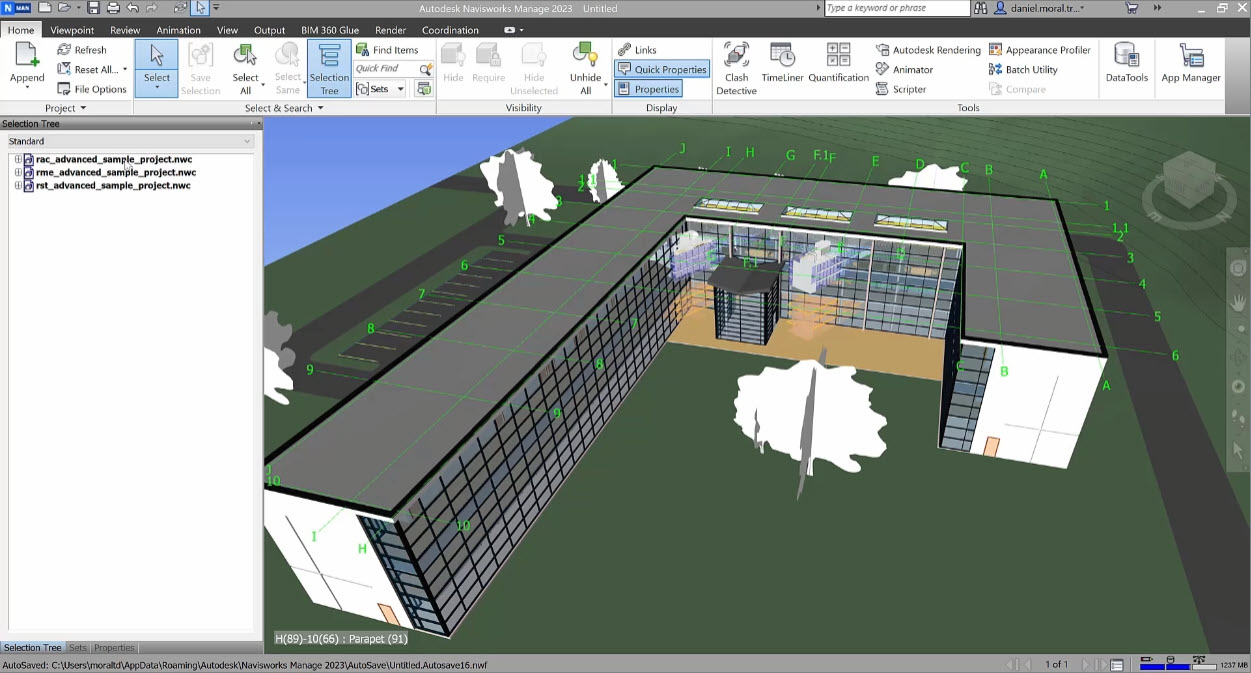
In this module, we will begin to discuss how you can develop a federated model within Navisworks. For operations layout and planning, the development of a federated model allows design teams from different disciplines to review their designs in position and complete clash detection. 


Module overview

In this module, we will begin to discuss how you can develop a federated model within Navisworks. For operations layout and planning, the development of a federated model allows design teams from different disciplines to review their designs in position and complete clash detection.  

This module takes approximately 10 minutes to complete. By the end of the module, you should be able to:

  • Understand what clash detection is
  • Import 3D models into Navisworks
  • Append 3D models in Navisworks

About the author

This module was created by Daniel Moral, Technical Account Specialist at Autodesk.

Before you start

  • Please make sure you have the Navisworks software loaded.
  • If you have technical difficulties, please reach out to product support.

Module downloads

These downloadable resources will be used to complete units in this module:

Module outline

  • Introduction

Related learning

Module30 min.
AutoCAD

View
Module30 min.
AutoCAD
Module20 min.
AutoCAD
Module15 min.
Inventor
Module3 min.
Inventor
Module20 min.
Inventor, Revit
Course1 hr. 35 min.
Navisworks Freedom, Navisworks Simulate, Navisworks Manage...
Module20 min.
Module20 min.
Vault Professional
Course20 min.
Inventor, Revit