Understand data management in InfoAsset Manager
To facilitate both workgroup and standalone operation, InfoAsset Manager maintains data in a centralized, multi-user, on-premise type of database, consisting of a database and additional files.
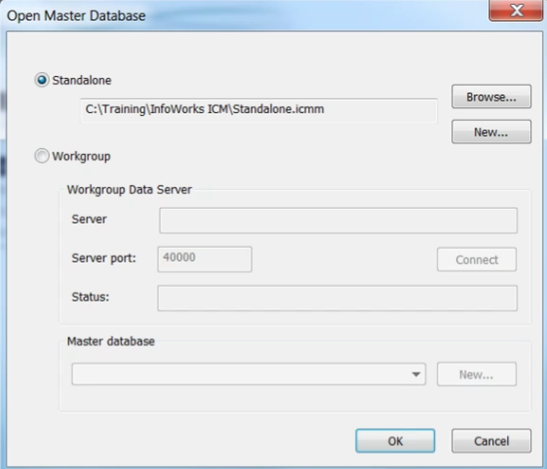
The data stored in an InfoAsset Manager database is available to the desktop and includes comprehensive database management facilities. This includes a flexible hierarchy for managing data, allowing users to view the overall structure of the database and its component data parts.
Data sharing
In a workgroup, where more than one user is accessing the same set of data:
- Users can consolidate the data when committing to the database.
- Changes to data made by one user are propagated for other users of the same data.
- Data can be transferred between different InfoAsset Manager locations as a transportable database without losing any of the data structure.
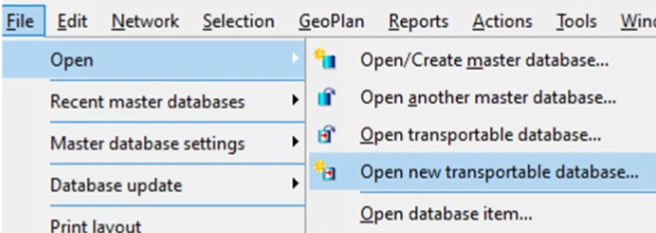
InfoAsset Manager uses the security and robustness of a database for storing and protecting data.
Local Working Folders
Only one Local Working Folder is required, even if you work with more than one database.
Data for each database is stored in a sub-directory of the Local Working Folder. The sub-directory name is the Unique Database Identifier for the database, called a GUID.
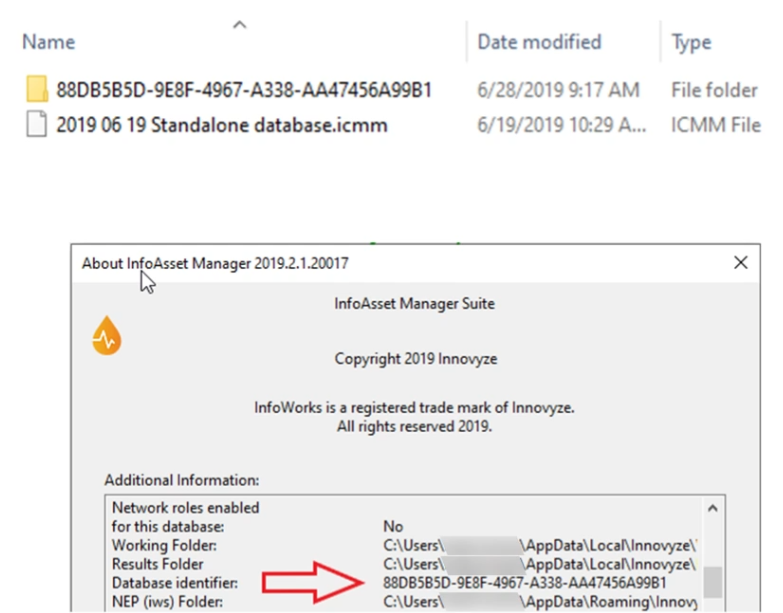
The data stored in the Local Working Folder is called transitory data and is made up of the following:
- Working copies of edited networks
- Other temporary working files
- Asset images and some items that are designed to be preserved between InfoAsset Manager sessions
Working copies of network data will be copied to the database when the network is committed.




