& Construction

Integrated BIM tools, including Revit, AutoCAD, and Civil 3D
& Manufacturing

Professional CAD/CAM tools built on Inventor and AutoCAD
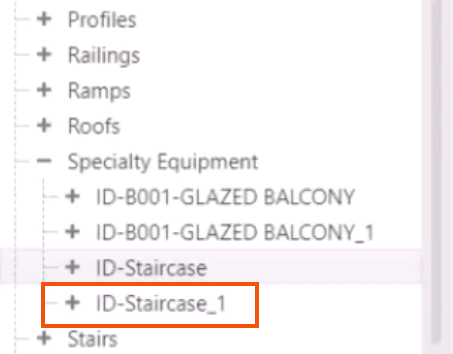
Update a placed instance of a product variant in the model by configuring a replacement variation, and later find it in the Families folder.
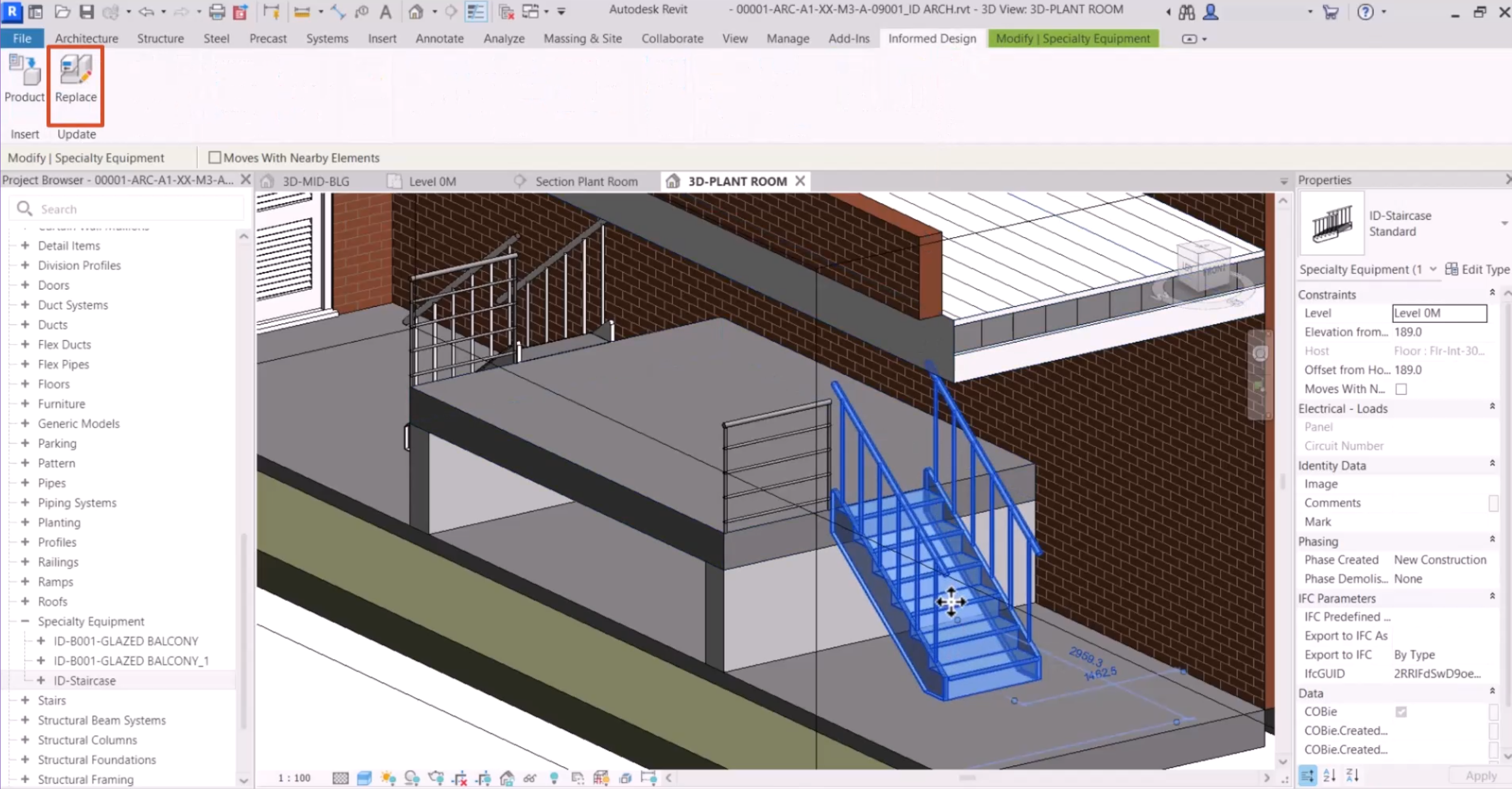
Once a product definition has been loaded into Revit, it is easy to configure replacement variations for any already placed instances of Informed Design Revit families. This allows multiple variants to be inserted and viewed directly in the Revit model view.
In this example, a Revit house model already has an Inventor product definition for a staircase assembly generated and inserted.
To try another variant:

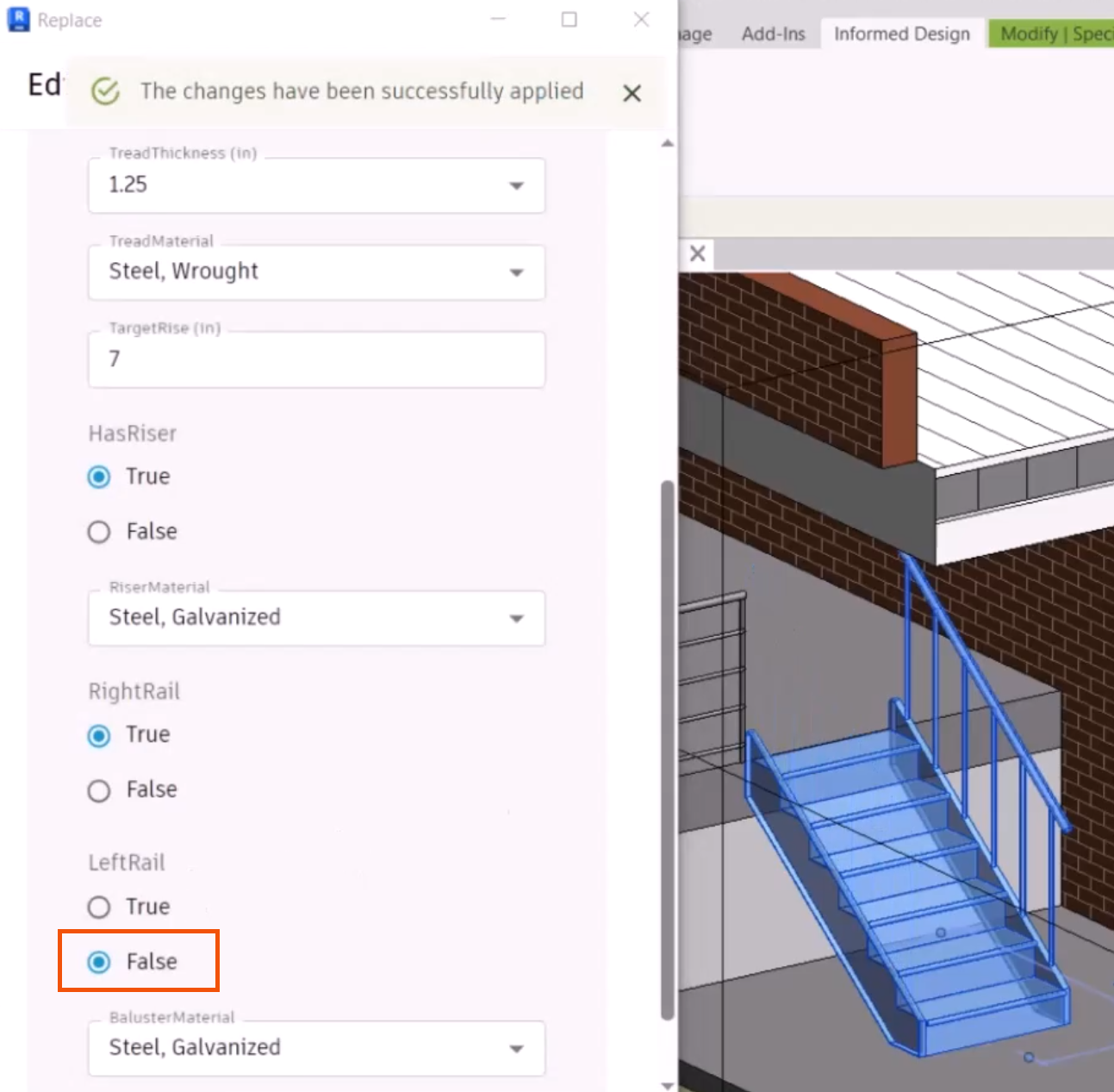
The customization Form opens and displays the current configuration values. Modify these values to configure the replacement and note the changes to the selected instance directly in the view.
A new version is generated in the cloud, and the selected instance is replaced in the view.

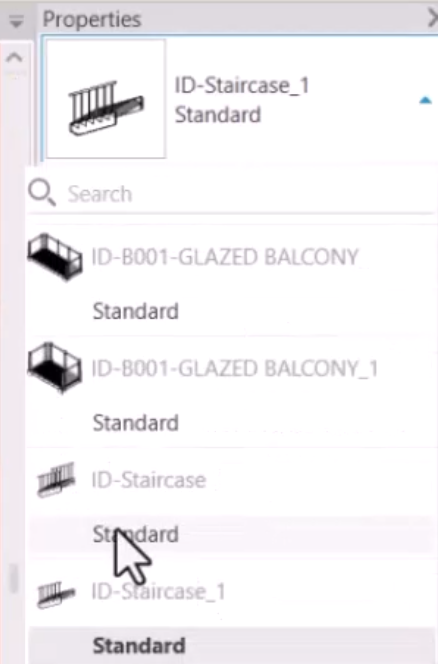
Note that a new version of the variant in the Revit family is also created.