Course overview
Learn Fusion for CAD in 90 Minutes is a hands-on introduction for anyone new to CAD.
In this course, you follow a step-by-step project to design a bike pedal while learning the basics of how CAD works. You start by creating simple parts, then bring those parts together into an assembly. Along the way, you learn how to make a basic drawing and create a rendered image of your design.
The course is designed to be approachable and easy to follow, even if you have never used CAD before. You'll develop a clear understanding of the core tools and workflows in Fusion and finish the course with a complete project you can use as a starting point for future designs.
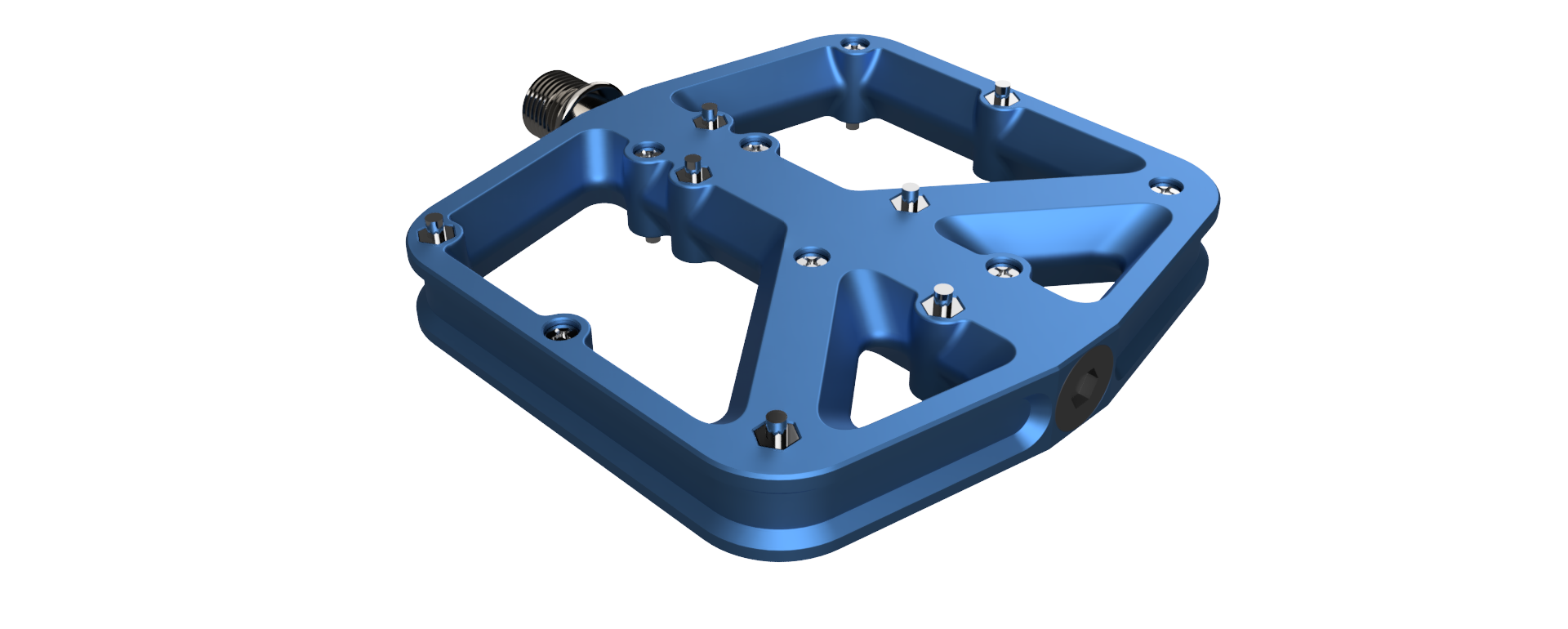
After completing this course, you'll be able to:
• Navigate the Fusion interface and manage project files.
• Create and constraint 2D sketches.
• Model solid 3D parts.
• Apply features such as fillets, holes, and patterns.
• Build and manage component assemblies with constrain components and joint.
• Produce basic technical drawings with dimensions.
The step-by-step video instruction totals approximately 90 minutes. The course also includes quizzes, practice exercises, and challenge assignments that give you opportunities to apply what you've learned. These activities take additional time to complete and are not included in the 90-minute estimate.
To receive a course completion certificate, you’ll need to click through all course content, including the videos, exercises, and challenges. While the hands-on activities are optional for learning, they must be accessed in order to track course progress. You’ll also need to complete the final test with a passing score of 75 percent to earn the certificate.





