Course overview
If you’re new to CAM and CNC, this course will help you build the foundational skills needed to develop effective toolpaths.
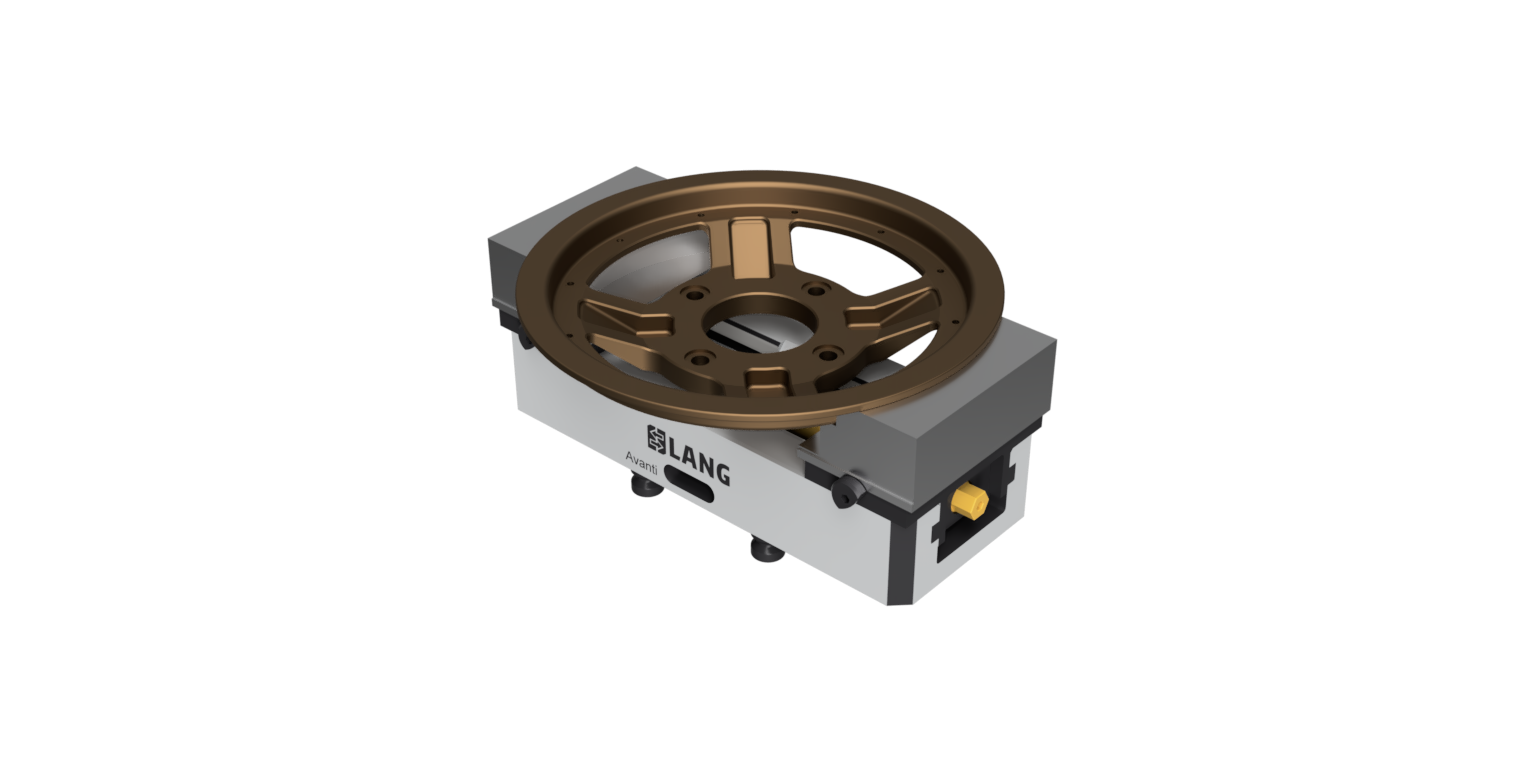
You will develop foundational skills by creating a tool library, CAM setup, and toolpaths for a Formula SAE rim. Create a CAM setup for the rim, fixture, and WCS location. Create a tool library and custom tools to machine the rim, and progress through the creation of roughing, semi-finishing, and finishing toolpaths to machine all the features of the rim. You’ll then validate your toolpaths through simulation and generate the documentation and G-code required to machine the part on a CNC mill.
Through guided workflows, hands-on practice, and progressive challenges, you’ll reinforce key CAM concepts and build the skills needed to independently set up, program, and validate parts.
Note: This is the imperial version of the course. All instruction, exercises and datasets use Imperial units. A separate metric version is also available.
After completing this course, you’ll be able to:
- Describe the CAM process.
- Create a CAM setup sheet.
- Create a tool library.
- Create a custom tool.
- Create a CAM setup.
- Create roughing toolpaths.
- Create semi-finishing toolpaths.
- Create finishing toolpaths.
- Create and post process an NC program.
- Create a setup sheet.





