Extract reports, evaluate, and choose
Extract reports, evaluate, and choose - Exercise
Task 1: Create different proposals using the same TSA and determine which one pollutes less
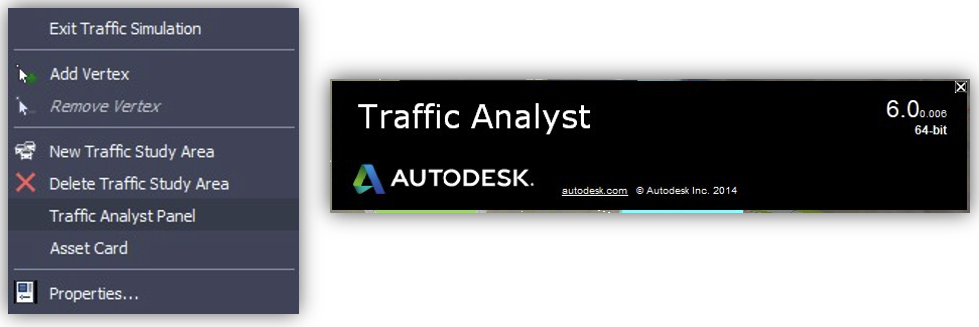
- Create a TSA, ideally with a minimum of 5 demand zones (crossing 5 component roads).
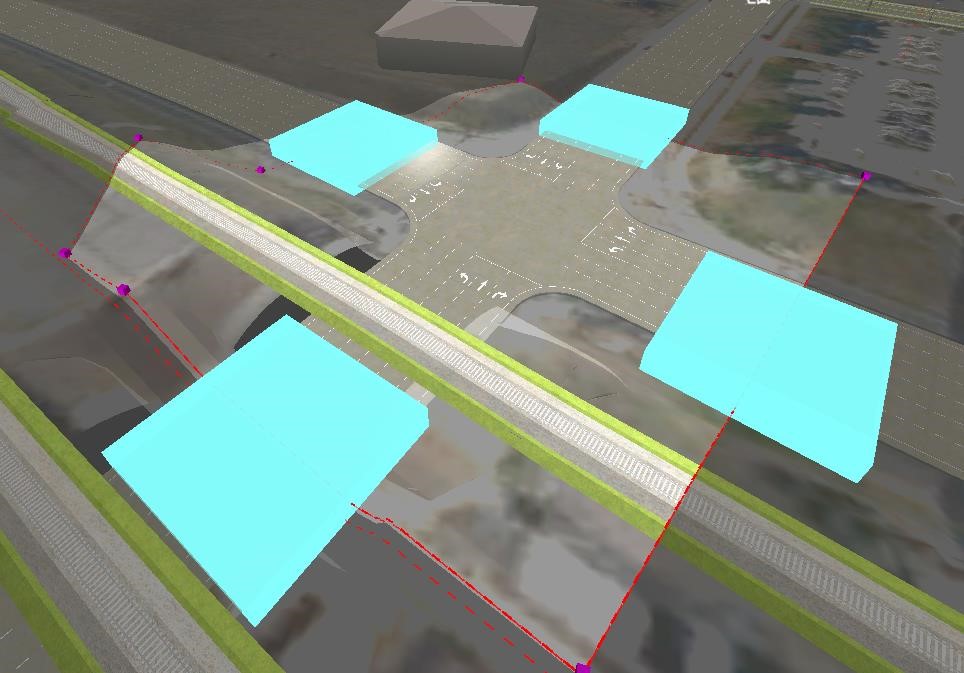
- Go to Tap and under Demands, edit the demand matrix to overload, Categories E or F, and the Levels of Service (red bars) is the network you have created within the TSA.
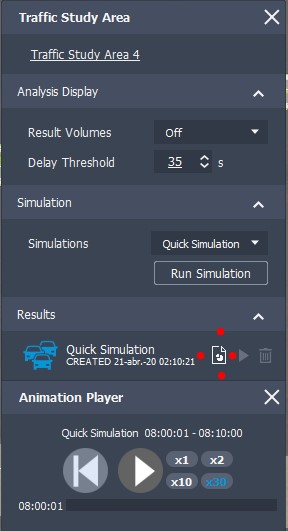
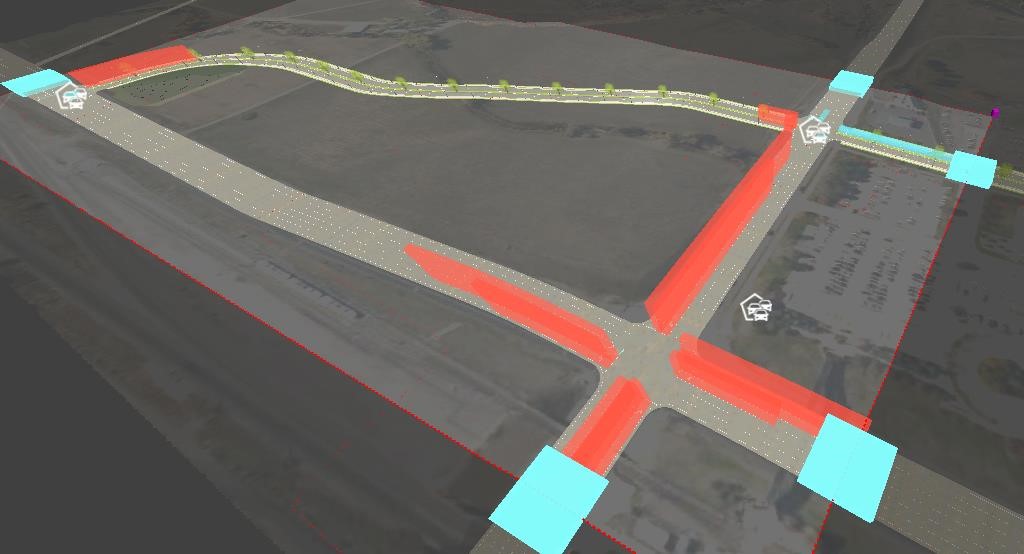
- Go to InfraWorks, run the simulation, and ensure that your network is overloaded (red bars on Per Approach/within the asset card or traffic simulation preview window).
- Create new proposals based on the model you have created the TSA for by clicking Add on the proposals drop-down menu.
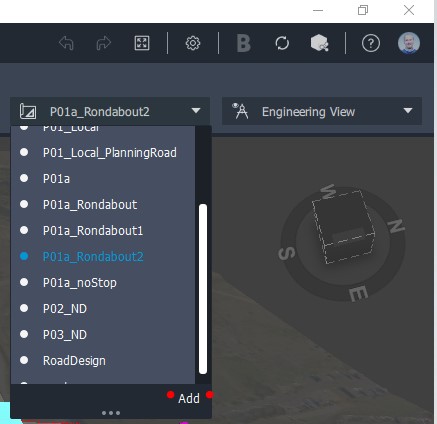
- Run the same simulation, i.e. Long Morning, in all the proposals with the same TSA.
- Select the report button to download one report for each proposal made. Focus on the NAME OF SIMULATION-VehicleTrips-08-10-00.000.xls file.
- Go to the ResultsVehicleDetail Excel tab, SUM the last 3 columns, and Save.
- Repeat the last 3 points for each proposal.
- Compare the results with the other proposals and determine which network proposal is the most polluted one.