Autodesk Flow Studio

Create at the pace of your ideas

Move from concept to screen faster with AI-powered tools that streamline your workflow without compromising creative control.

Flow Studio overview (video: 1:08 min.)

Accelerate your creative storytelling

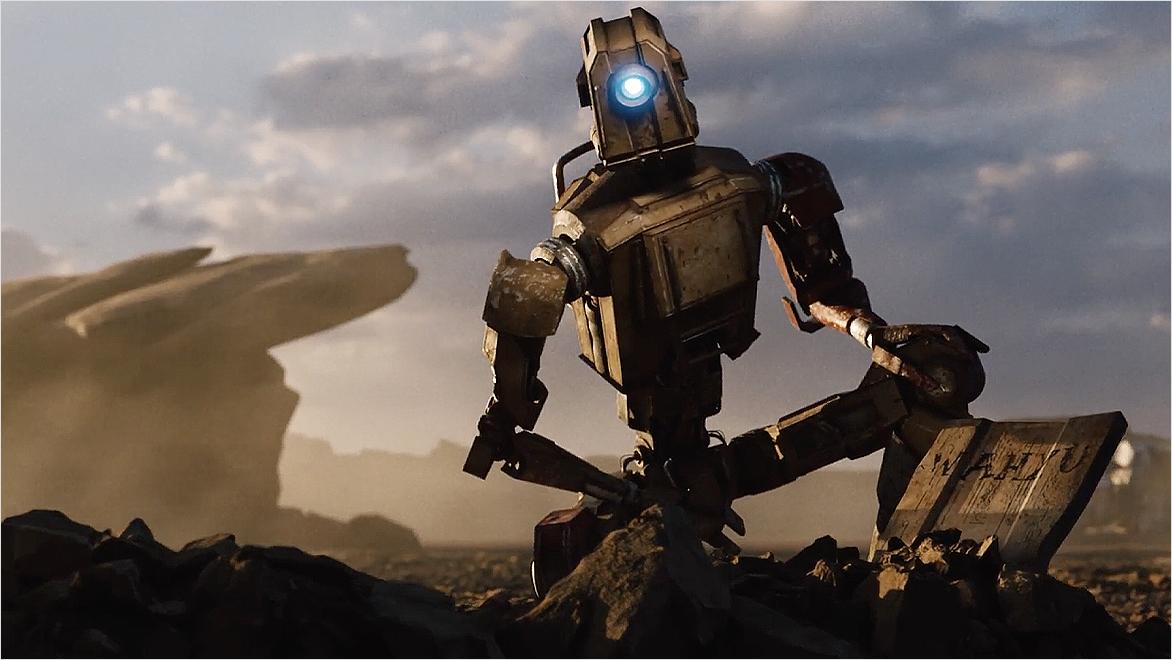
Flow Studio removes friction from animation and VFX workflows so creativity stays front and centre. Its AI-powered toolset automates motion capture, camera tracking, and animation—giving teams more time to iterate, explore ideas, and push the story further.

AI that supports your creative vision

Focus on the story, not the prep

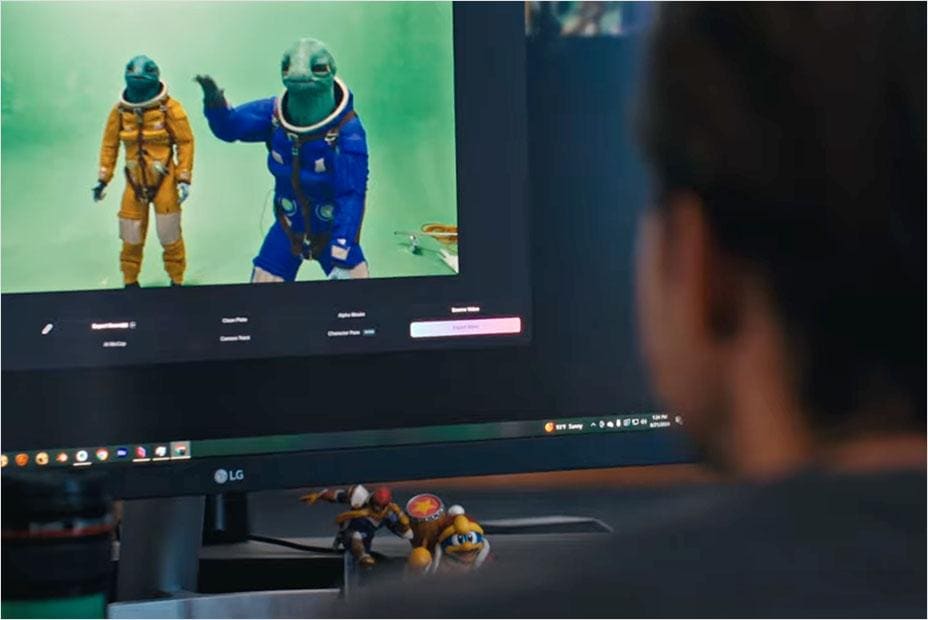
Flow Studio automatically generates motion capture, camera tracking, alpha masks, and character passes, so you can spend less time on setup and more time crafting compelling stories.


Export seamlessly, refine freely

Seamlessly export 3D scenes to Maya, Blender, Unreal Engine, or 3ds Max via USD to refine animations, lighting, and camera angles until each shot matches your vision.


No suits. No stages. Less overhead

Without the need for expensive suits or complicated setups, Flow Studio lets you invest your time and budget where it matters most.


Why independent artists and global teams use Flow Studio

Start for free. Grow as you go

Access the core tools at no cost, then unlock advanced features when your workflow calls for them.

alien and man side-by-side

Free

Explore AI-powered VFX at no cost. It includes: 

  • AI Motion Capture
  • Live Action Easy
  • Maya and Blender scene exports
  • Custom character uploads


FREE

girl and robot side-by-side

Lite

Unlock advanced AI features with greater flexibility. It includes: 

  • All features in the Free, plus
  • Video-3D scene 
  • Standalone Camera Tracking & Clean Plate
  • Unreal Engine export


/month

Robot wireframe in Maya

Standard

Increase your options for rapid prototyping and workflow integration. It includes: 

  • All features in the Lite, plus
  • Live Action Advanced 
  • USD scene export 
  • Alpha Mask export 


/month

Robot falling from the sky

Pro

Deliver production-ready projects at scale with all features unlocked. It includes: 

  • All features in the Standard, plus
  • Character Pass export 
  • 50 custom character uploads
  • PNG export


/month


Contact us to explore our Enterprise tier.

Fast Company Next Big Thing in Tech 2025 badge

Flow Studio is one of Fast Company’s Next Big Things in Tech

In its 2025 Next Big Things in Tech awards, Fast Company recognized Autodesk Flow Studio for democratizing studio-grade special effects and pioneering innovative technologies that are poised to transform the Media & Entertainment industry.

Create. Connect. Get inspired.

Join a growing community of storytellers, 3D artists, and filmmakers using Flow Studio to create, experiment, and level up together.

boy and girl in front of a couch

Creator Community Group

Join the official Flow Studio community to connect with fellow creators, share your work, and get real-time tips from your peers.


Man using a computer

YouTube

Watch real-world use cases, behind-the-scenes breakdowns, and walkthroughs that show how teams use Flow Studio in production.


man sitting for an interview

Blog

Explore articles, updates, and stories that show how Flow Studio is used in real projects.


Ready to animate your next idea?

Frequently asked questions (FAQs)

What is Flow Studio?

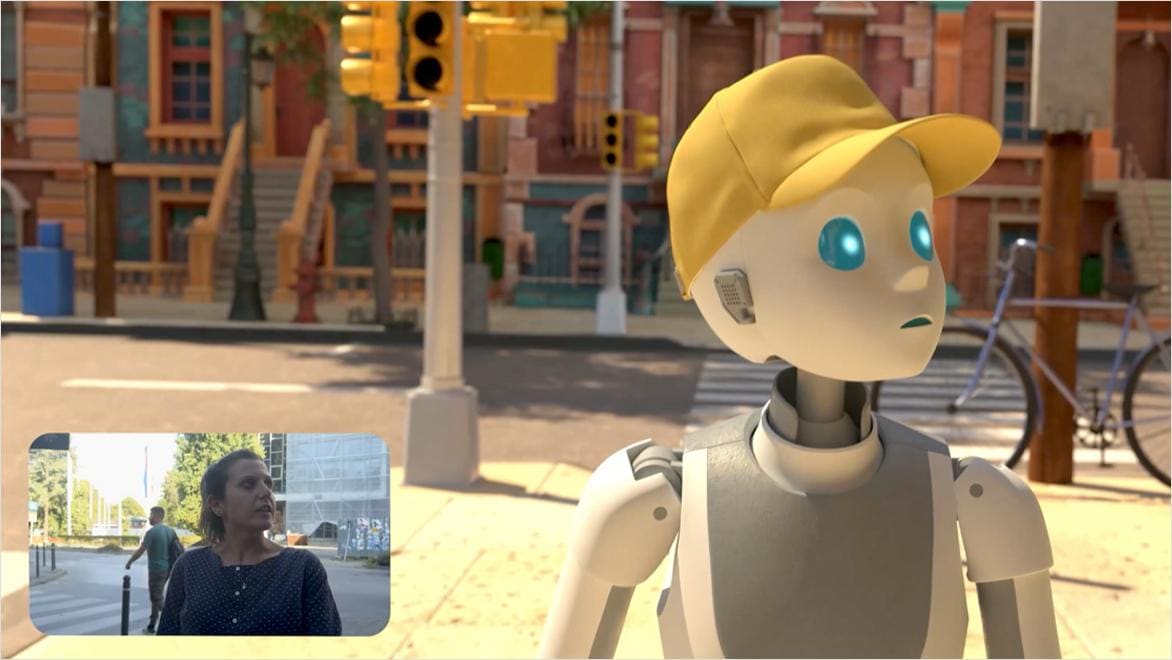
Powered by Autodesk AI, Flow Studio (formerly Wonder Studio) is a cloud-based, 3D toolset that transforms live-action footage into editable CG scenes without the need for complex setups.


It automatically generates essential export elements such as motion capture data, camera tracking, alpha masks, clean plates, and character passes—ready for use in 3D tools like Autodesk Maya, Blender, Unreal, and Autodesk 3ds Max via USD.


Flow Studio allows you to tell the stories you’ve always imagined - with AI that’s fast, accessible, and fully in your control.

What AI features are available in Flow Studio?

Flow Studio provides a wide range of AI-powered tools designed to speed up your creative process. Key features include: markerless motion capture, Video-to-3D Scene technology, and automatic generation of essential elements like camera tracking, clean plates, alpha masks, and character passes.


Everything is export-ready for your preferred 3D tools—like Maya, Blender, or Unreal—so you can easily refine and build on your work with full creative control.

What is Autodesk doing to ensure the responsible and ethical use of AI and Machine Learning (ML)?

Some Autodesk AI features do not leverage machine learning and so do not require data for training of the underlying models. When an AI feature does require data for training, Autodesk uses different data sources depending on the feature. You can learn more about whether an Autodesk AI feature relies on machine learning and what data sources are used for training on the feature’s AI transparency card, located within the Trusted AI section of Autodesk's Trust Center. Note: Additional transparency cards are coming soon.

What makes Flow Studio different from other AI tools?

Many traditional AI tools can feel like a black box - a one-click solution where you don’t have much control over the outcome. Flow Studio is different. It’s designed to work with you, not just for you. Flow Studio offers controllable, directable AI that puts you in charge. You can guide the process, refine the results, and shape the final output so it truly reflects your creative vision. It’s not about pressing a button and hoping for the best—it’s about having the right tools to bring your ideas to life, with AI as your creative enabler.

See more