& Construction

Integrated BIM tools, including Revit, AutoCAD, and Civil 3D
& Manufacturing

Professional CAD/CAM tools built on Inventor and AutoCAD
Color code various attribute values to view simulation results in the map display.
Tutorial resources
These downloadable resources will be used to complete this tutorial:
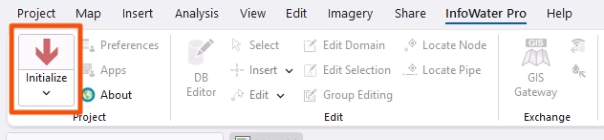
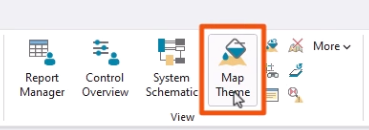
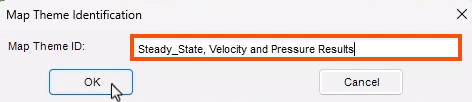
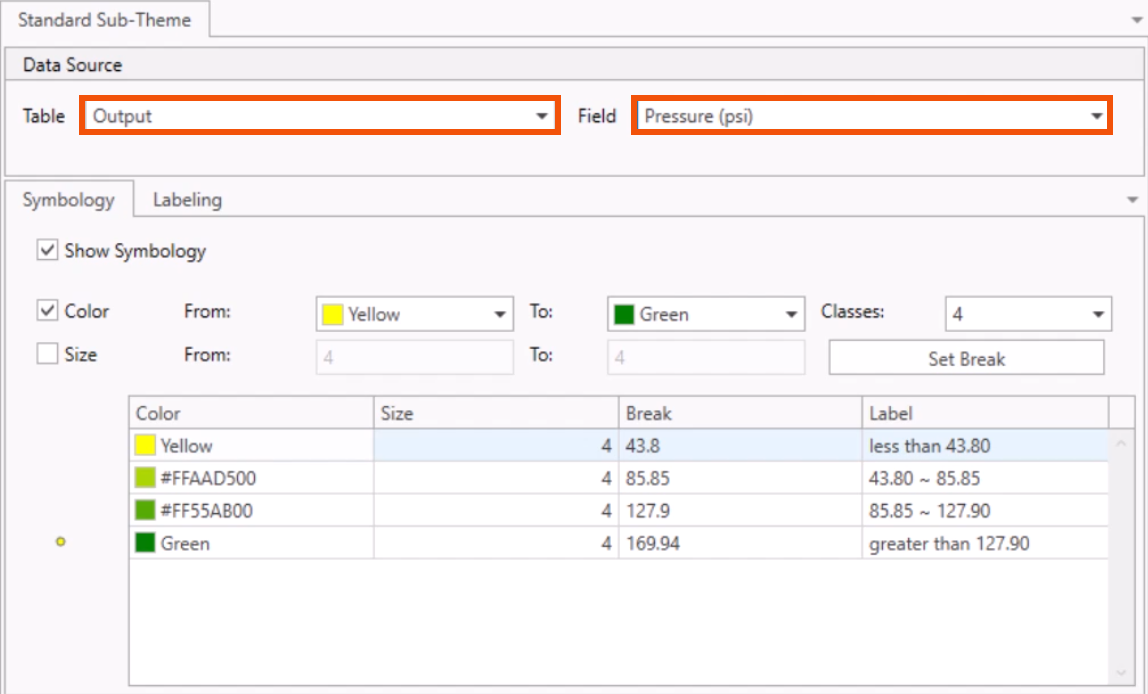
To help visualize steady state simulation results, create a color-coded thematic map based on attribute values. In this example, create a map of the pressure and velocity results.


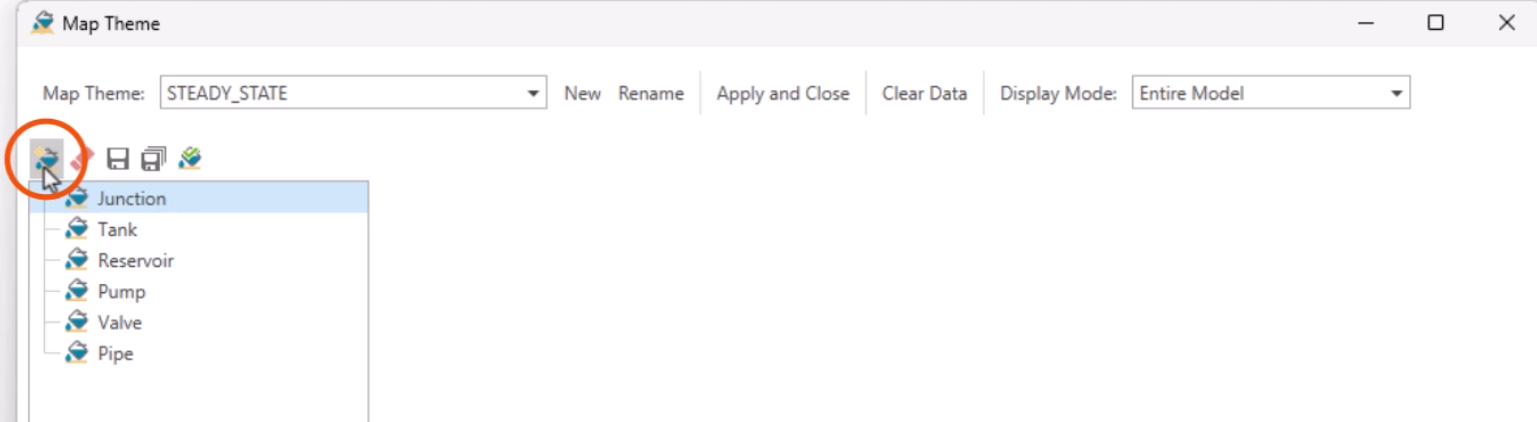
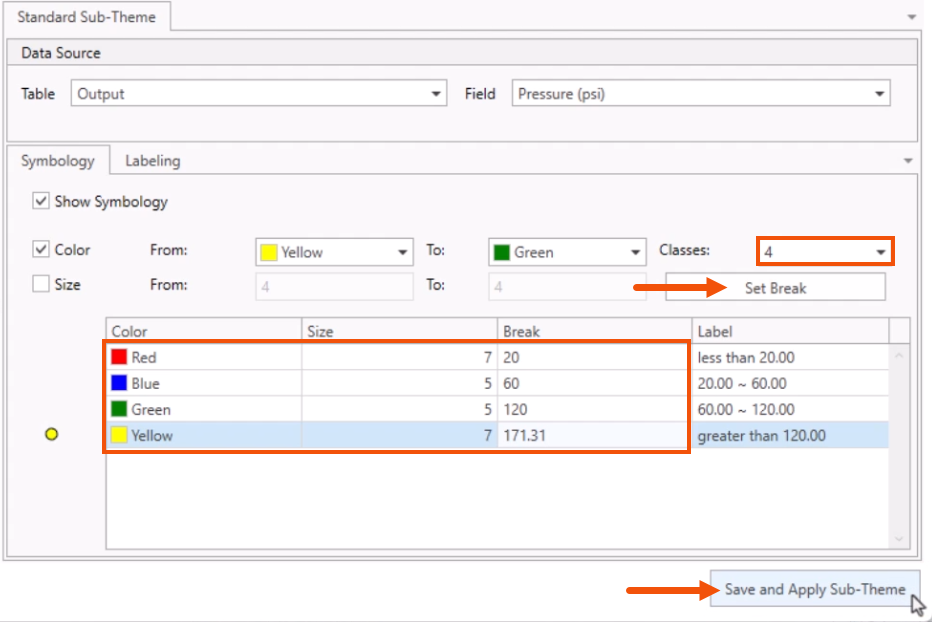
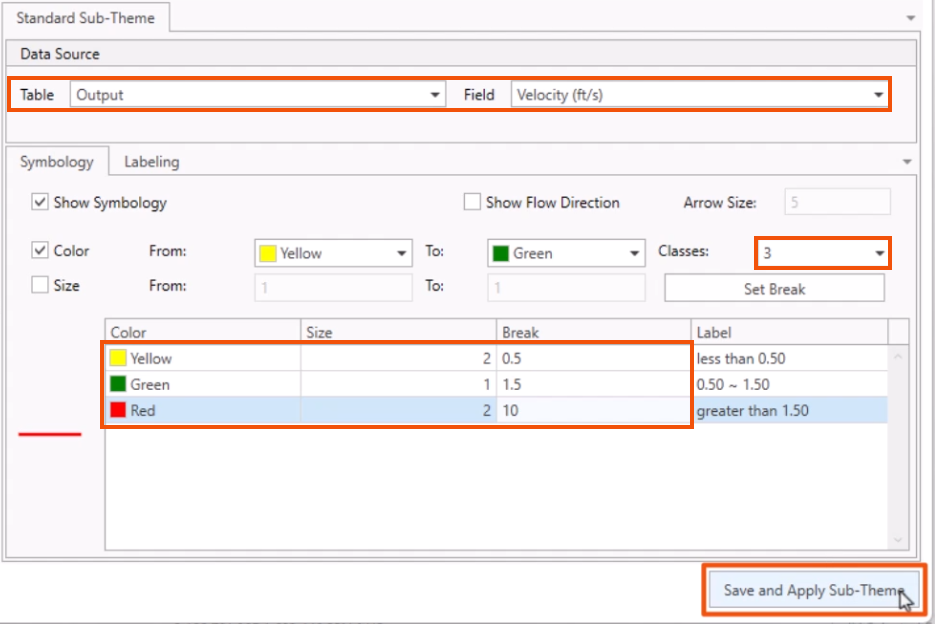
In the Map Theme dialog box, configure the map theme to display the needed information.


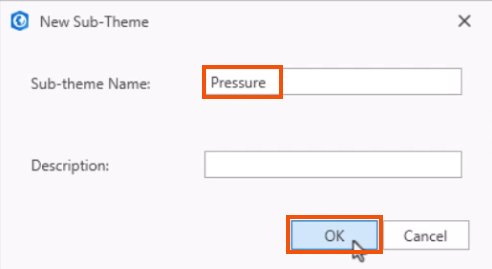
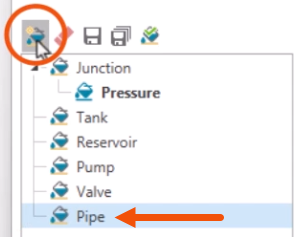
Now, create a new pipe sub-theme.


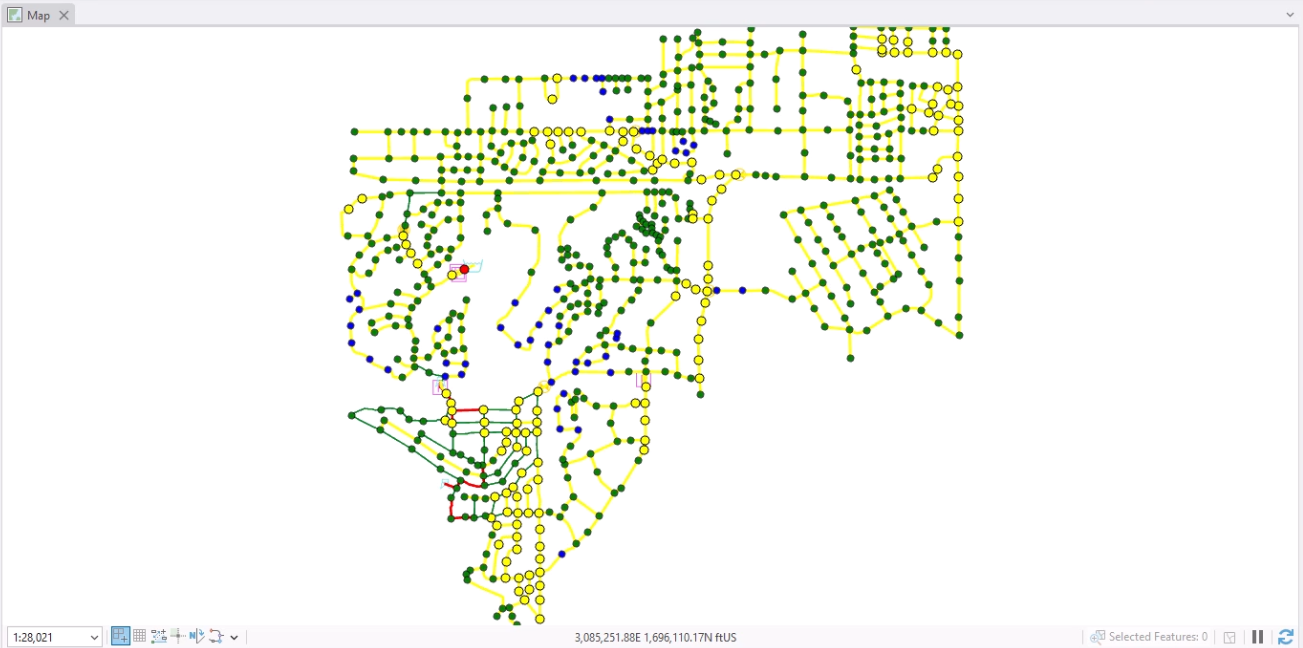
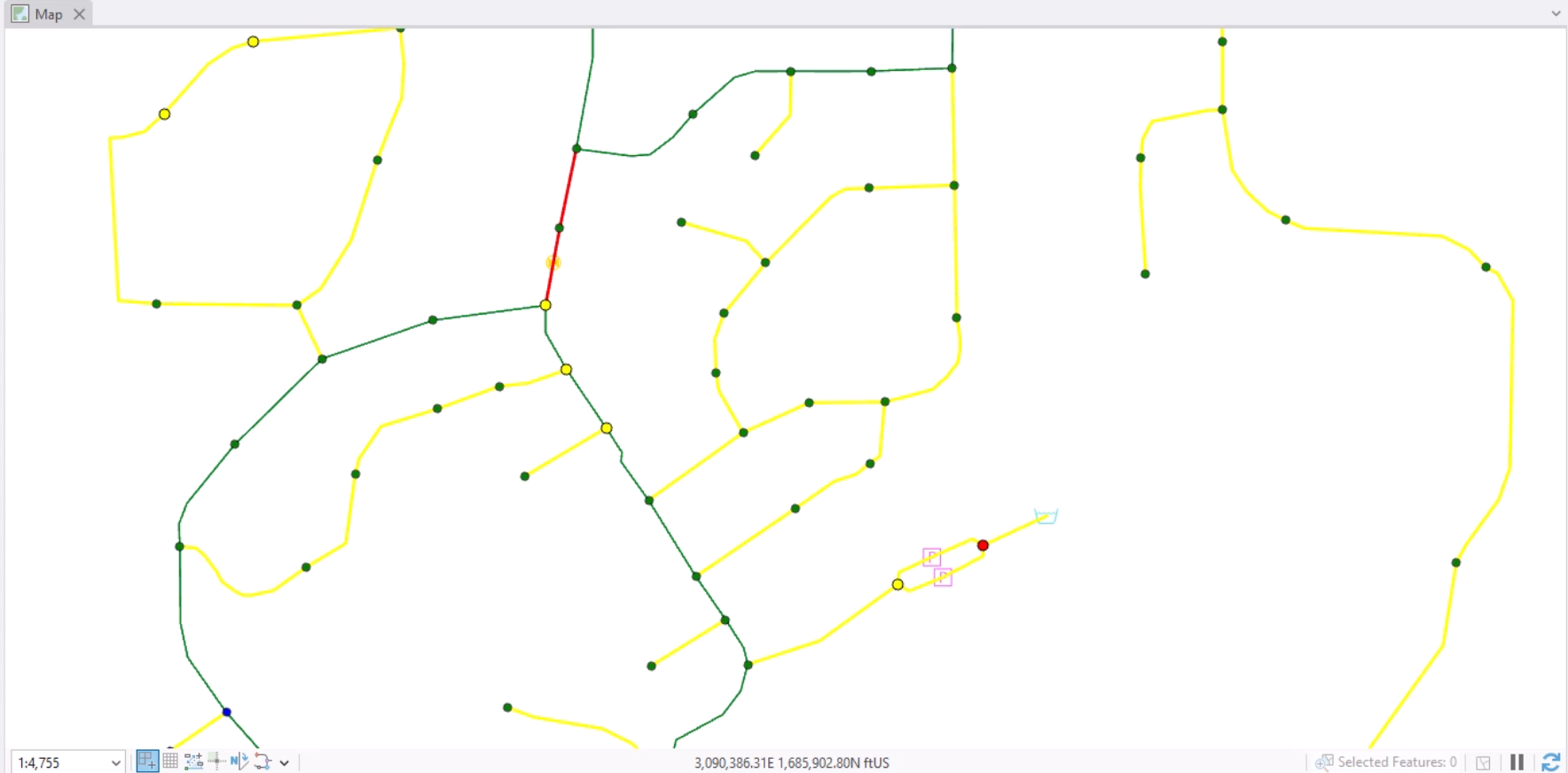
The map shows the pressure and velocity displayed by these color-coded ranges.


Realize that because this is based on a steady state analysis, this is just a snapshot in time for this system. It is also possible to create a thematic map based on a time varying output.
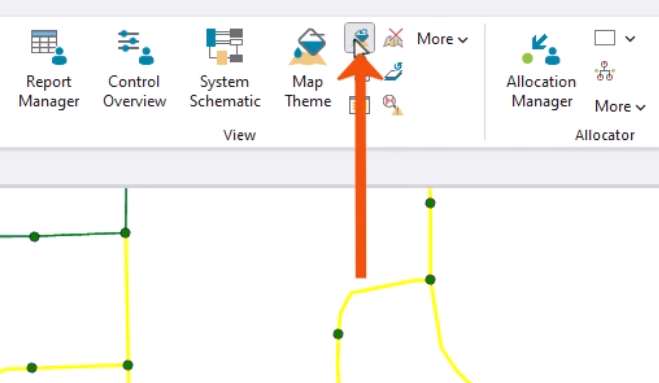
To reset the display to the default, as set in the Preferences: