& Construction

Integrated BIM tools, including Revit, AutoCAD, and Civil 3D
& Manufacturing

Professional CAD/CAM tools built on Inventor and AutoCAD
Import background shapefiles.
Tutorial resources
These downloadable resources will be used to complete this tutorial:
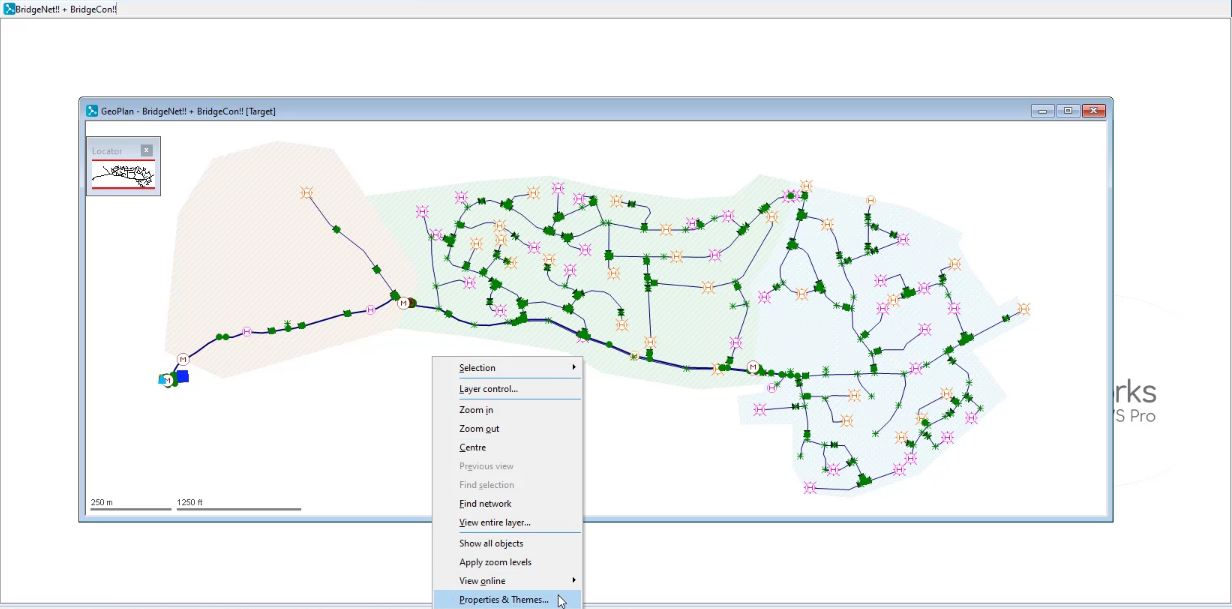
In InfoWorks WS Pro, background layers applied to the GeoPlan provide a sense of scale to a water supply model and the ability to query objects, or find customers, based on GIS information. One way to access background layers is to import them into the network GeoPlan.

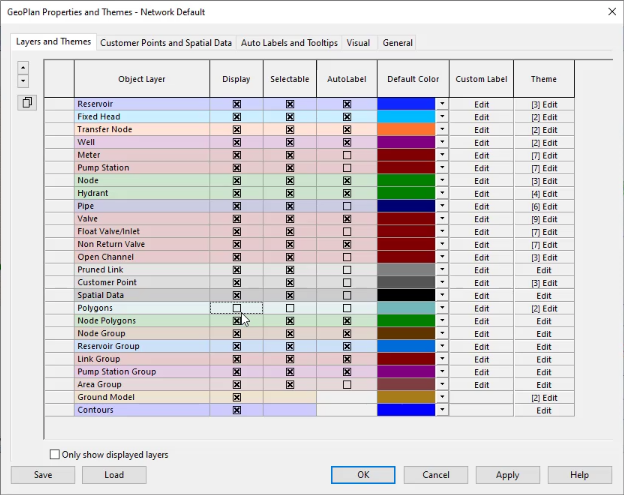
First, toggle off the default hatched polygon display:


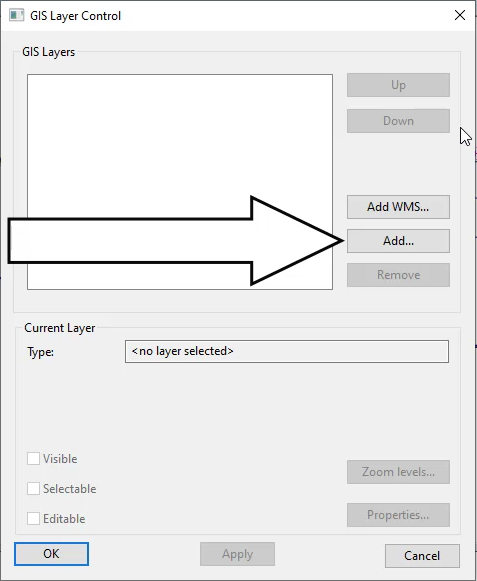
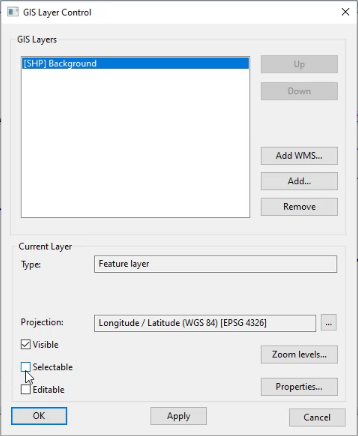
To import a background layer:

In the GIS Layers list, the Background shapefile displays.

The background layer displays on the GeoPlan.