Haas and Autodesk
Boost students' machining skills with new curriculum from Haas and Autodesk
Boost students' machining skills with new curriculum from Haas and Autodesk
Haas and Autodesk Fusion - CAD, CAM, and CNC for 2.5 axis milling Adopt industry-validated curriculum designed to teach students modern, end-to-end machining workflows and skills needed to succeed in the workforce today. During just four courses, students will be able to design, simulate, and machine a brake caliper assembly part from start to finish.
Easy to use. Simple to teach. Ready to roll.
Easy to use. Simple to teach. Ready to roll.
Haas and Autodesk teamed up to deliver a complete curriculum—Haas and Autodesk Fusion—CAD, CAM, and CNC for 2.5 axis milling—and gear up students for future manufacturing careers.
Students will start with learning blueprint reading and CAM setup, then move to the basics of CAD modeling and creating toolpaths to completely machine the first side of a part.
Then, they will import a vise and soft jaw blanks and then set up and machine soft jaws on a CNC mill. By the end of Course 4, students will create a new setup to machine the brake caliper, simulate all toolpaths, and actually machine a brake caliper!
By completing this curriculum, you will be on the path to certify for Autodesk Certified Associate in CAM for 2.5 Axis Milling.
By using Haas and Autodesk Fusion curriculum, you will have access to:
Adaptable curriculum
Adaptable curriculum
Easily tailored to individual needs
Designed to work for what you need
Teaching resources
Teaching resources
Lecture slides for manufacturing topics
Teacher guides with syllabus outlines
Videos and quizzes
Videos and quizzes
Self-paced instructional videos and print guides led by Haas and Autodesk experts
Quizzes to reinforce learning
Hands-on learning
Hands-on learning
Ready-to-use practice exercises with solution videos for guided learning
Real-world challenge exercises for independent problem-solving
Curriculum overview
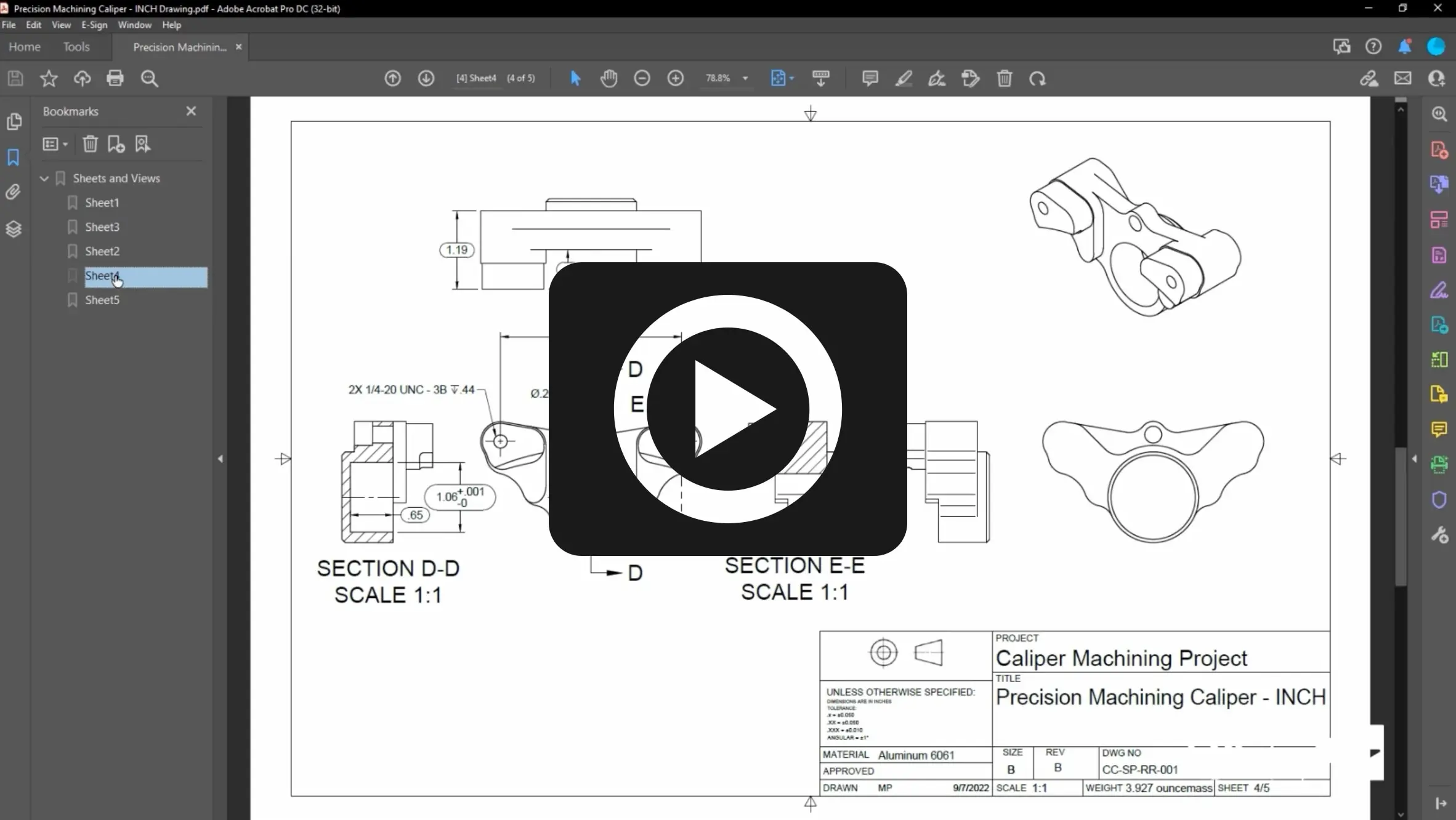
Course 1
Blueprints, CAD, CAM, and CNC
Blueprints, CAD, CAM, and CNC
Learn foundational skills with an introduction to blueprint reading, CAM setup, machine safety, operation, and inspection.
After completing this course, students will be able to:
Identify parts of a blueprint
Identify GD&T symbols and Datums
Create a CAM setup for manufacturing
Understand machine safety best practices
Set up a VMC for use, including indicating a vise and setting up tooling
Operate a CNC mill
Inspect a machined part
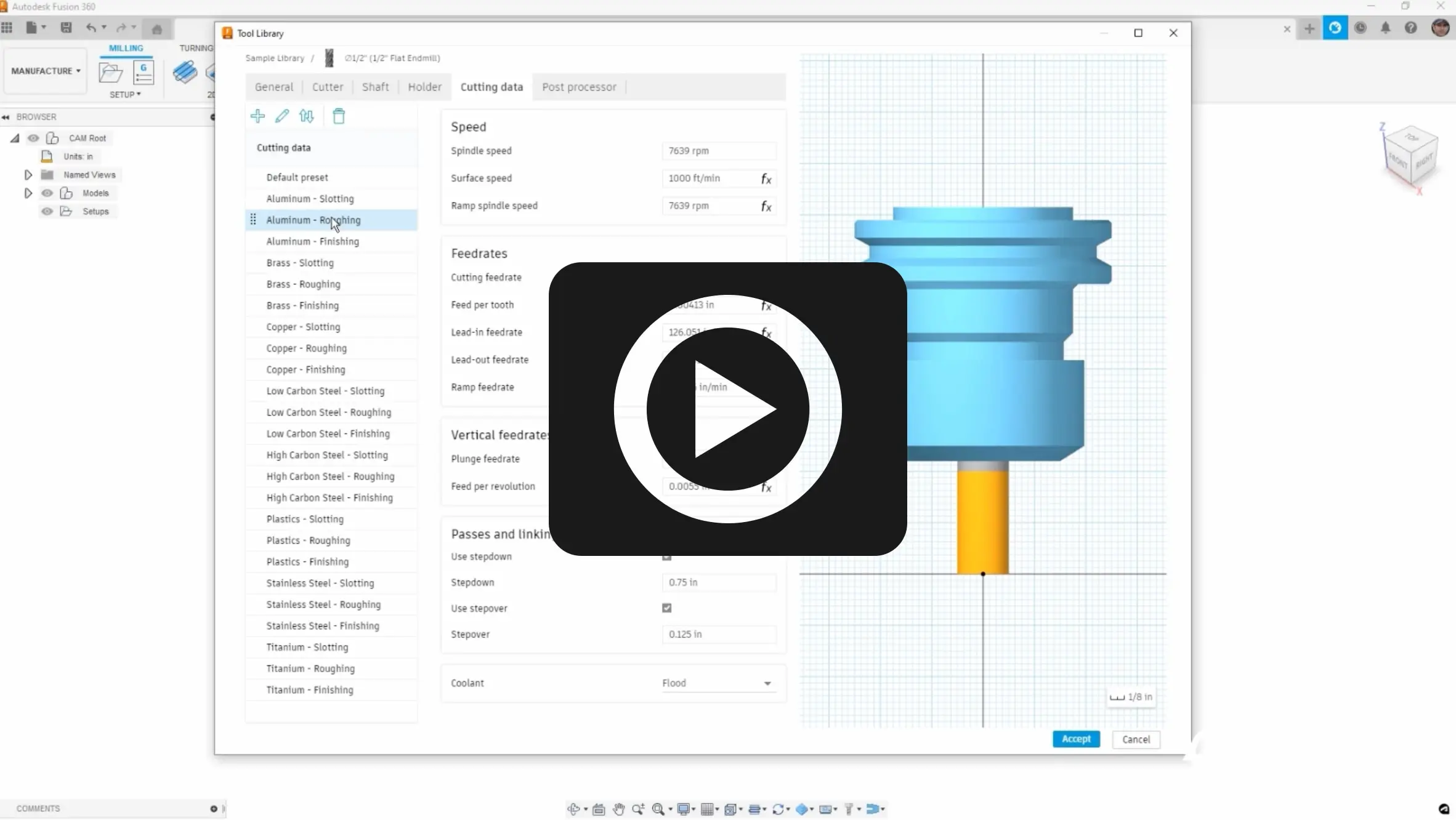
Course 2
CAD, CAM, and Part Programming
CAD, CAM, and Part Programming
Explore and learn CAD modeling, process planning, tool library setup, toolpaths, and CNC machine setup, operation, and inspection.
After completing this course, students will be able to:
Create basic 3D models in CAD
Review a CAD model and drawing
Create a process plan to machine a part
Set up a tool library in Autodesk Fusion
Create toolpaths to machine a part
Create an NC program and setup sheet
Load and proof a program on a CNC mill
Run a CNC program
Inspect a part after machining
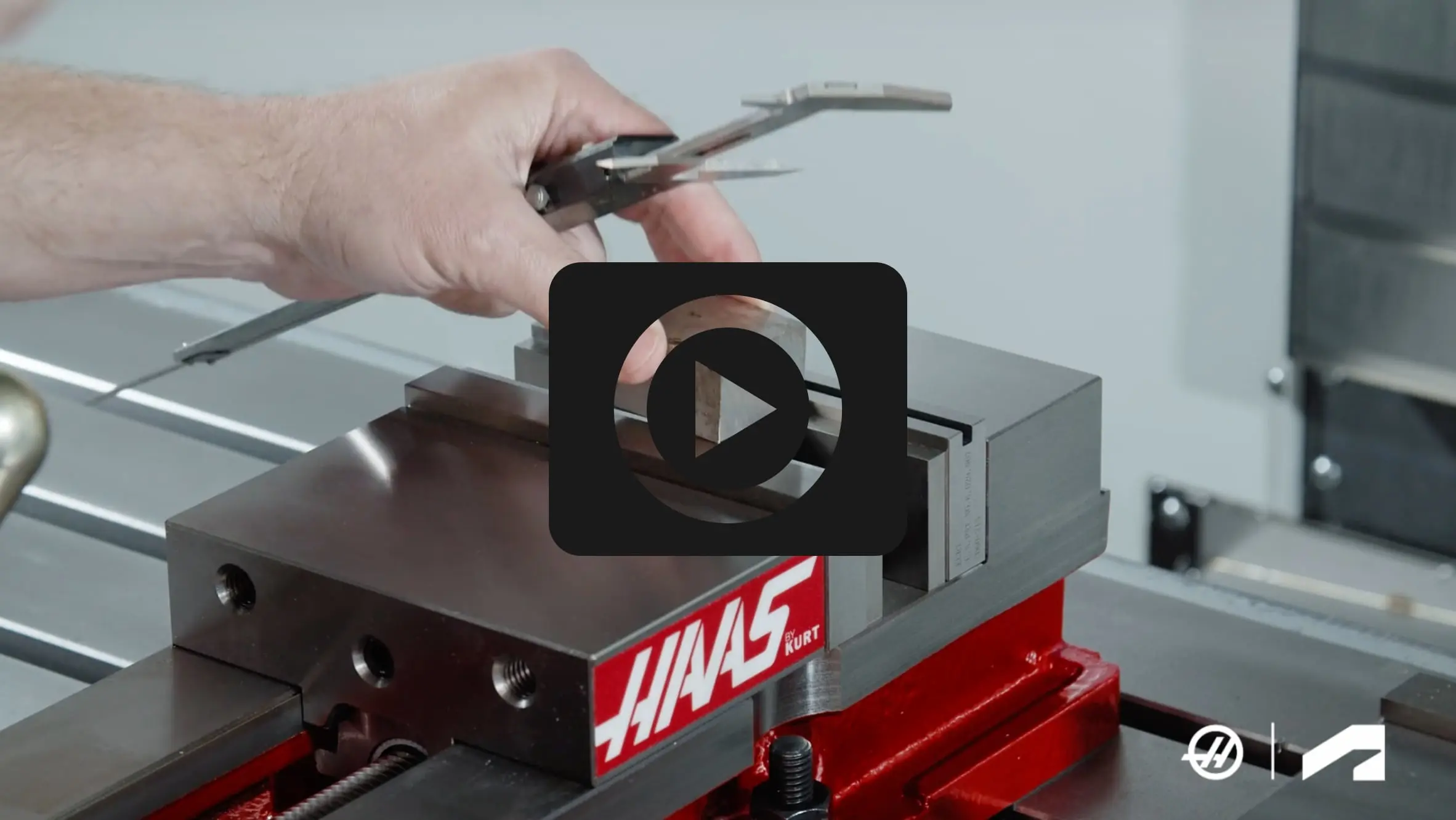
Course 3
Drafting, Soft Jaw Design, and Programming
Drafting, Soft Jaw Design, and Programming
Gain deeper knowledge of blueprint creation, importing workholding, creating soft jaw models, and programming the machine and toolpaths.
After completing this course, students will be able to:
Create a basic detailed drawing
Import workholding
Create soft jaw models
Set up and program toolpaths for soft jaws
Set up and machine soft jaws on a CNC mill
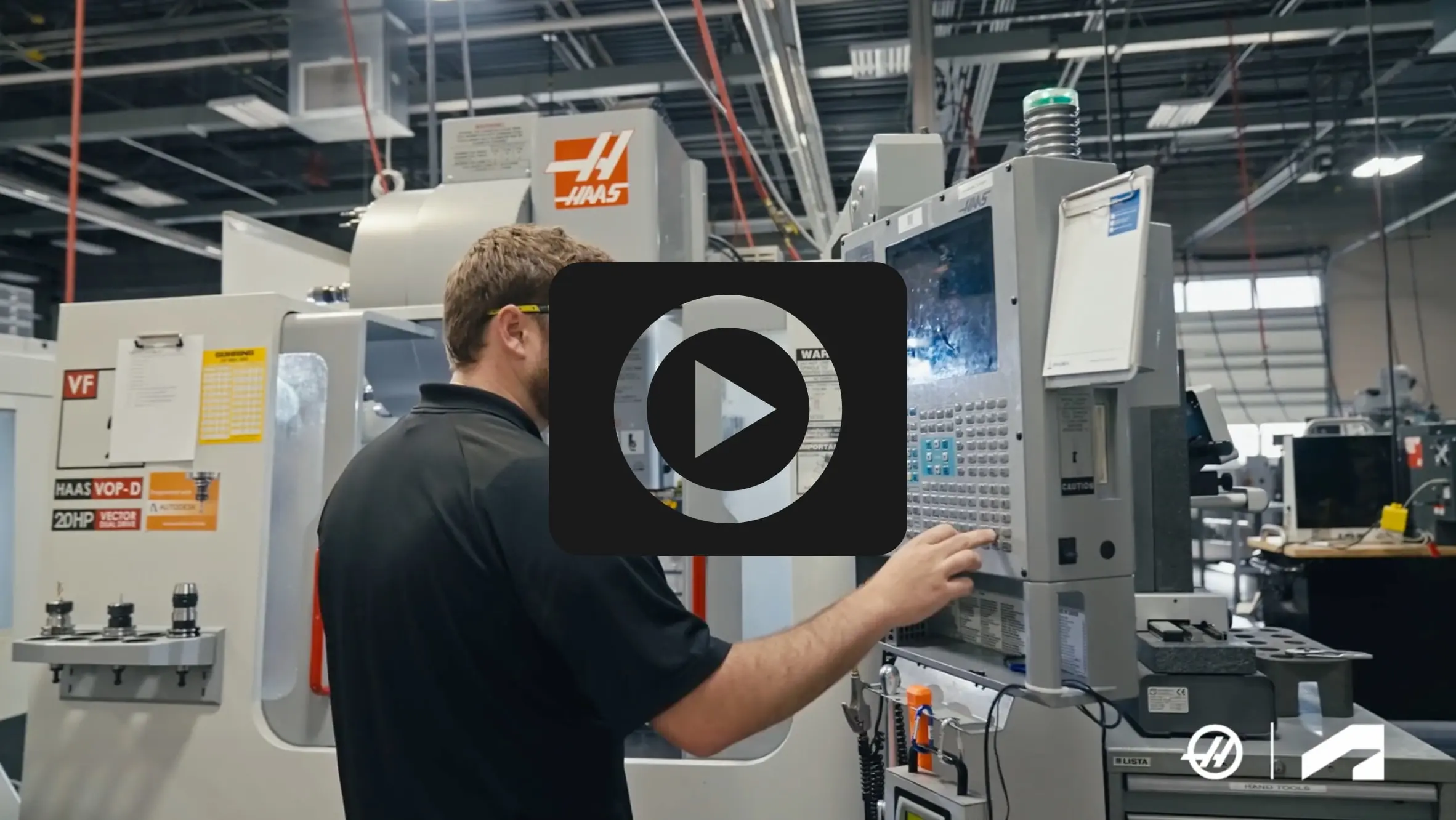
Course 4
Machined Part Finishing and Inspection
Machined Part Finishing and Inspection
Learn CAM setup, creating toolpaths to finish parts, simulation to validate toolpaths, and create documentation to set up machines and inspect final parts.
After completing this course, students will be able to:
Create a CAM setup
Create toolpaths to finish machine a part
Use simulation to validate toolpaths
Create documentation and G-code
Set up and machine a caliper in soft jaws
Inspect a final part
How going from start to part prepares students for careers in industry
How going from start to part prepares students for careers in industry
Discover how educators from Gallatin College, Montana State University and Suncoast Technical College are using the new Haas and Autodesk Fusion curriculum as they share their hands-on experiences and benefits when preparing students for in-demand career pathways.
Watch the Haas and Autodesk Fusion curriculum in action.
Learn from the experts

Mark Terryberry
Applications Engineer, Haas Automation
Mark brings over 25 years of experience in manufacturing and a passion for education to his role, where he oversees the development and delivery of training programs.

Tim Paul
Technical Account Manager, Autodesk
Tim has over 20 years of experience in manufacturing. He loves sharing his knowledge and making things, both professionally at Autodesk and personally with his Haas CNC Mill.

Curt Chan
Go-To-Market Strategy Manager, Autodesk
A mechanical engineer by training, Curt has spent the past 15 years of his career in the CAD/CAM industry, as well as time as an adjunct professor teaching design and manufacturing.
Haas and Autodesk partnership
Haas Automation and Autodesk have joined forces to create educational content tailored to today's educators and tomorrow's machinists. Our shared goal is to equip aspiring CAD/CAM programmers and CNC machinists with vital skills to enter the manufacturing workforce. By providing tools for learning and applied practice, we are committed to shaping the future of manufacturing education.

Need help adopting curriculum into your class?
Need help adopting curriculum into your class?
Educators, are you interested in starting to use Haas and Autodesk Fusion curriculum in your classroom and accelerate your students' learning? Connect with us and we will help you to adopt it into your class quickly.
Educators, are you interested in starting to use Haas and Autodesk Fusion curriculum in your classroom and accelerate your students' learning? Connect with us and we will help you to adopt it into your class quickly.
Need help adopting curriculum into your class?
Need help adopting curriculum into your class?
Educators, are you interested in starting to use Haas and Autodesk Fusion curriculum in your classroom and accelerate your students' learning? Connect with us and we will help you to adopt it into your class quickly.
Educators, are you interested in starting to use Haas and Autodesk Fusion curriculum in your classroom and accelerate your students' learning? Connect with us and we will help you to adopt it into your class quickly.