& Construction

Integrated BIM tools, including Revit, AutoCAD, and Civil 3D
& Manufacturing

Professional CAD/CAM tools built on Inventor and AutoCAD
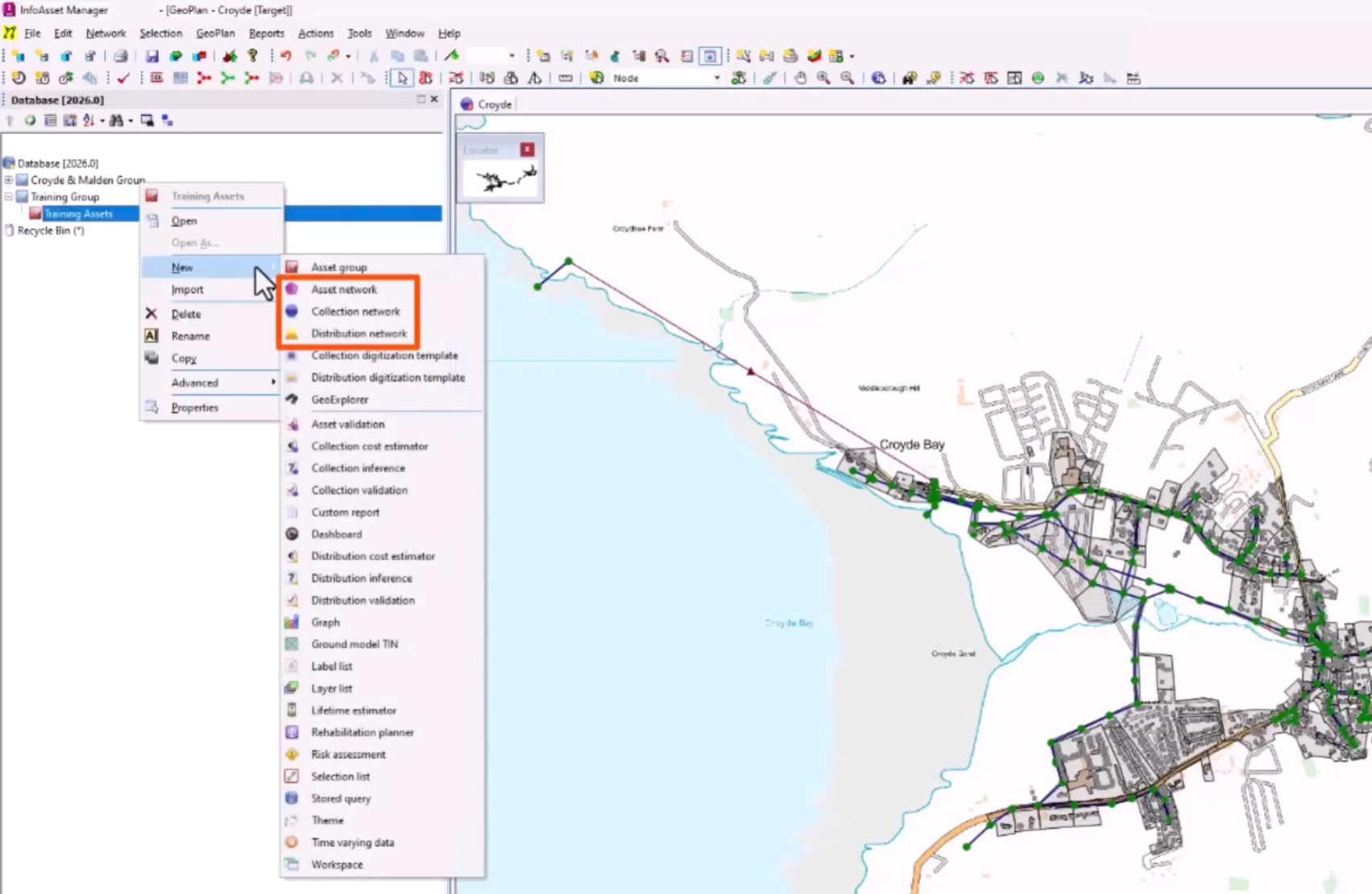
Identify the different types of networks in InfoAsset Manager and create a network to hold database objects.
In InfoAsset Manager, networks contain data for nodes, pipes, and other subsidiary objects or assets. A network is typically used to represent a single connected system of pipes and other assets.
The network includes a complete definition of each asset, including their physical location and connectivity. Using this information, InfoAsset Manager builds a map-based display of the network, allowing the generation of reports that describe the state of the network.
There may be as many networks in a database as required, each representing discrete portions of a system.
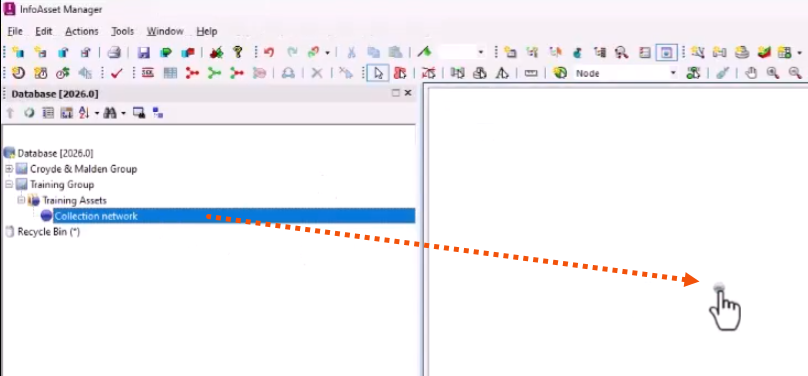
To create a network:


Network objects that make up a model, such as survey data, can be added by digitizing on the GeoPlan or by importing data from another source.