& Construction

Integrated BIM tools, including Revit, AutoCAD, and Civil 3D
& Manufacturing

Professional CAD/CAM tools built on Inventor and AutoCAD
Copy and customize a report template, and then run a report based on the new template.
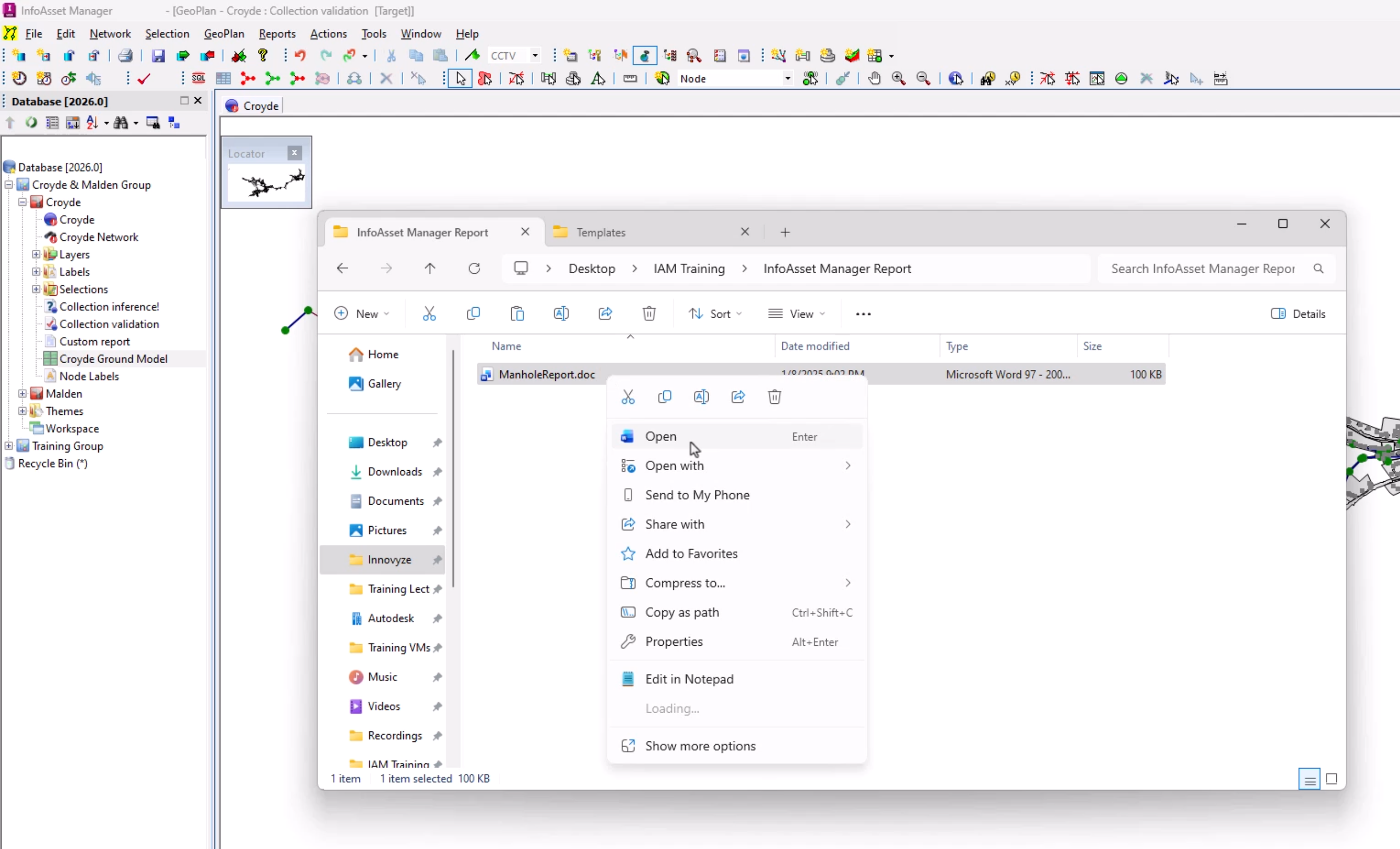
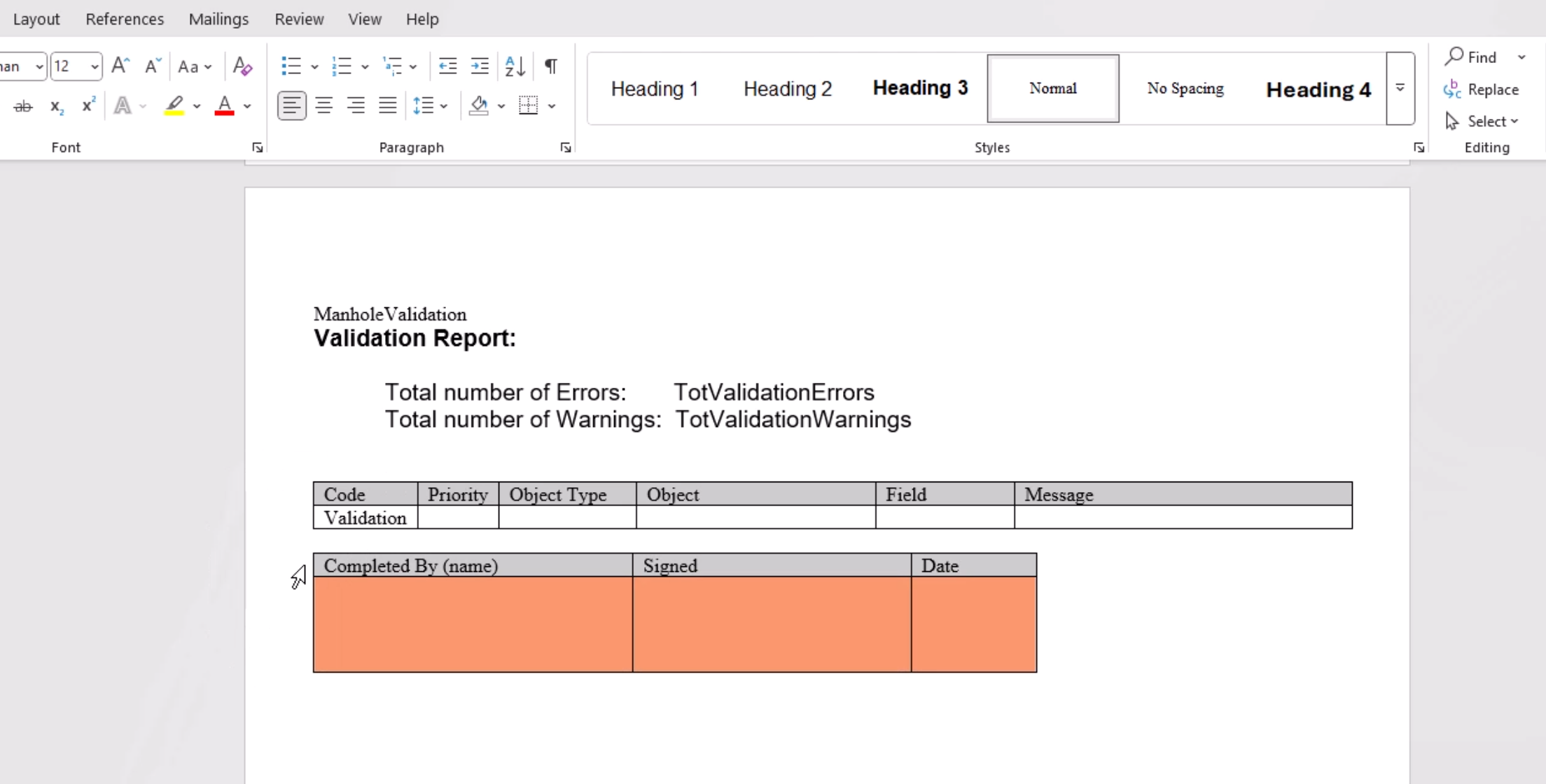
Built-in reports are based on Microsoft Word or XSL templates that are distributed with InfoAsset Manager. It is possible to change the report layout in the template to match your corporate style; for example, to add a company logo. The contents of the report can also be customized.
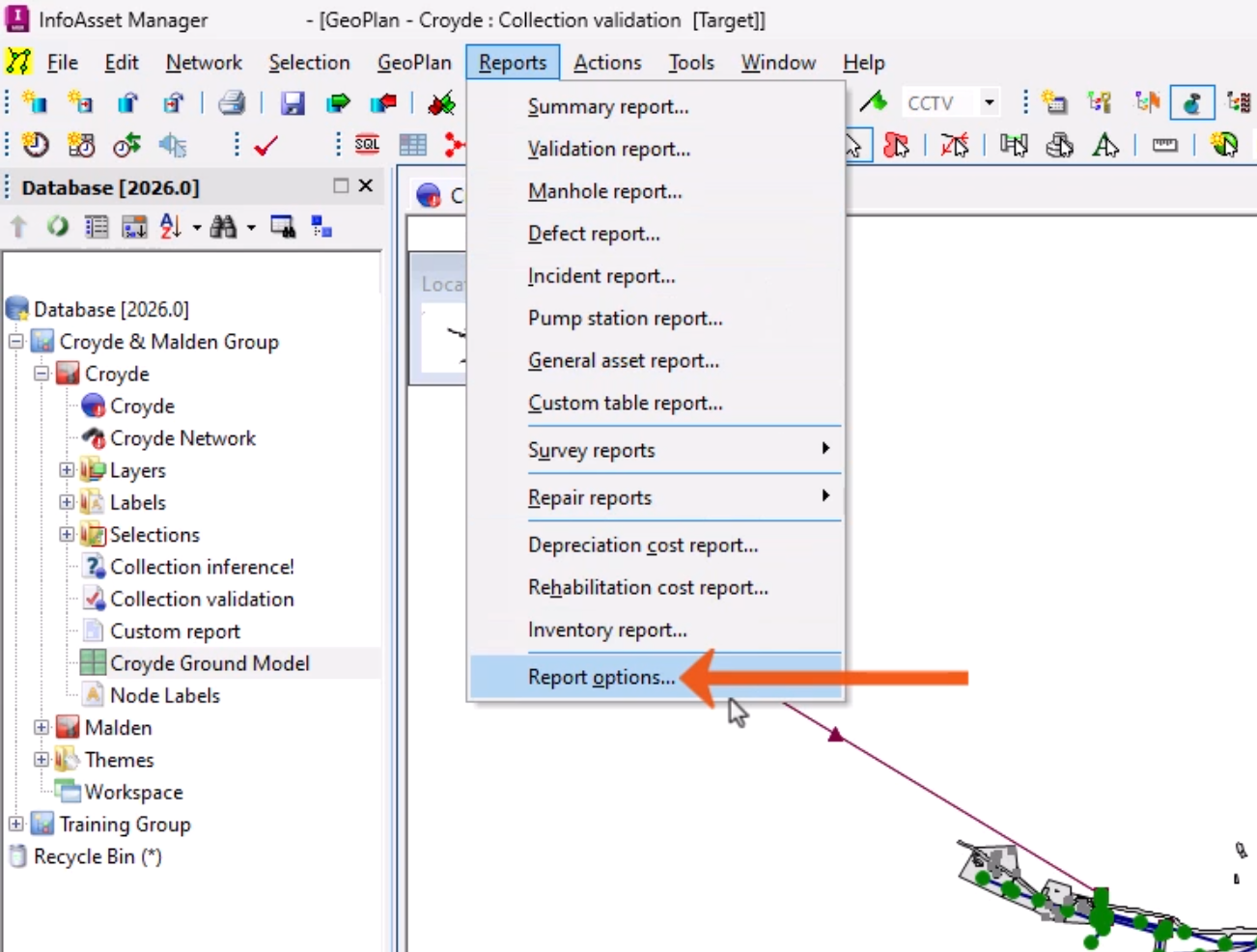
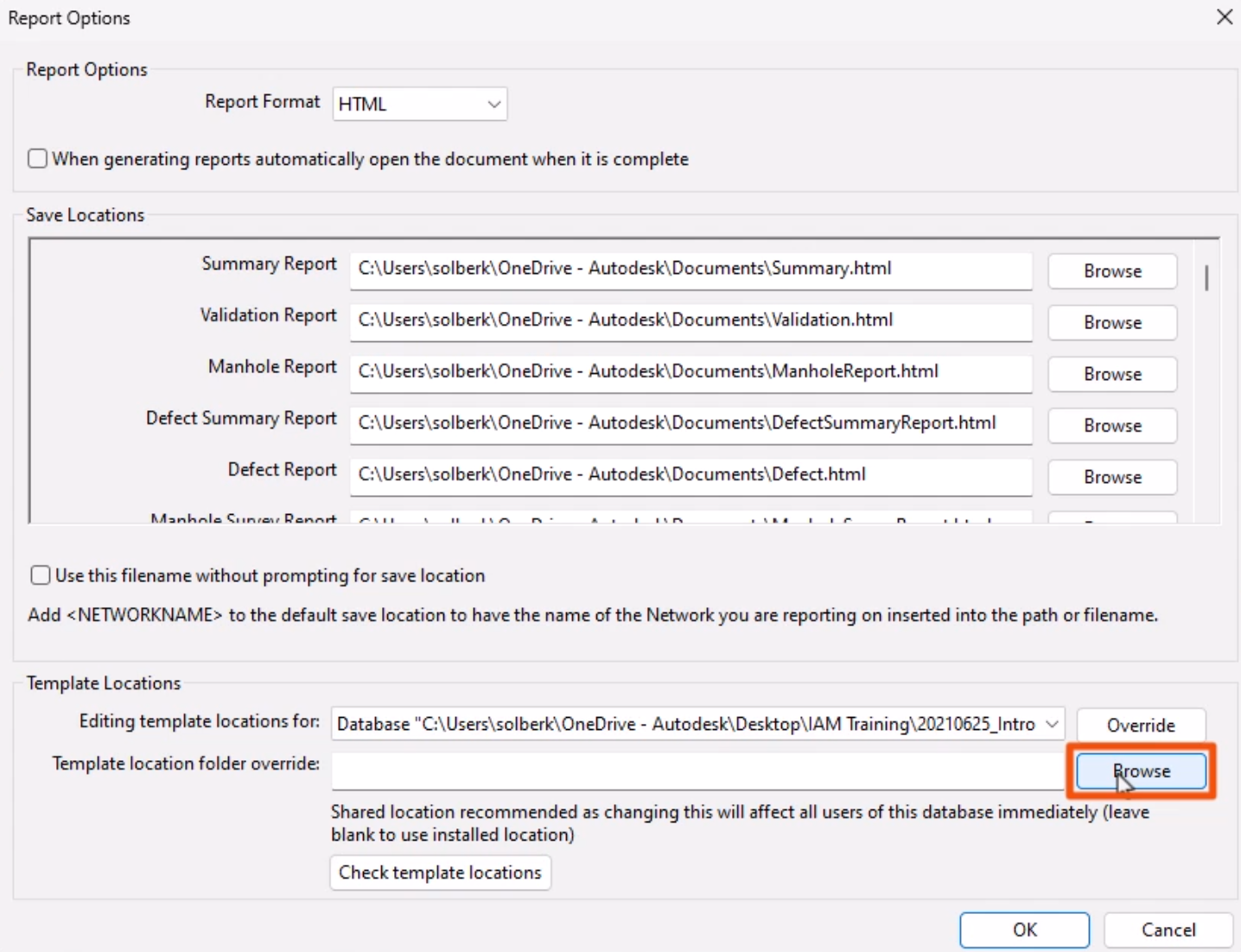
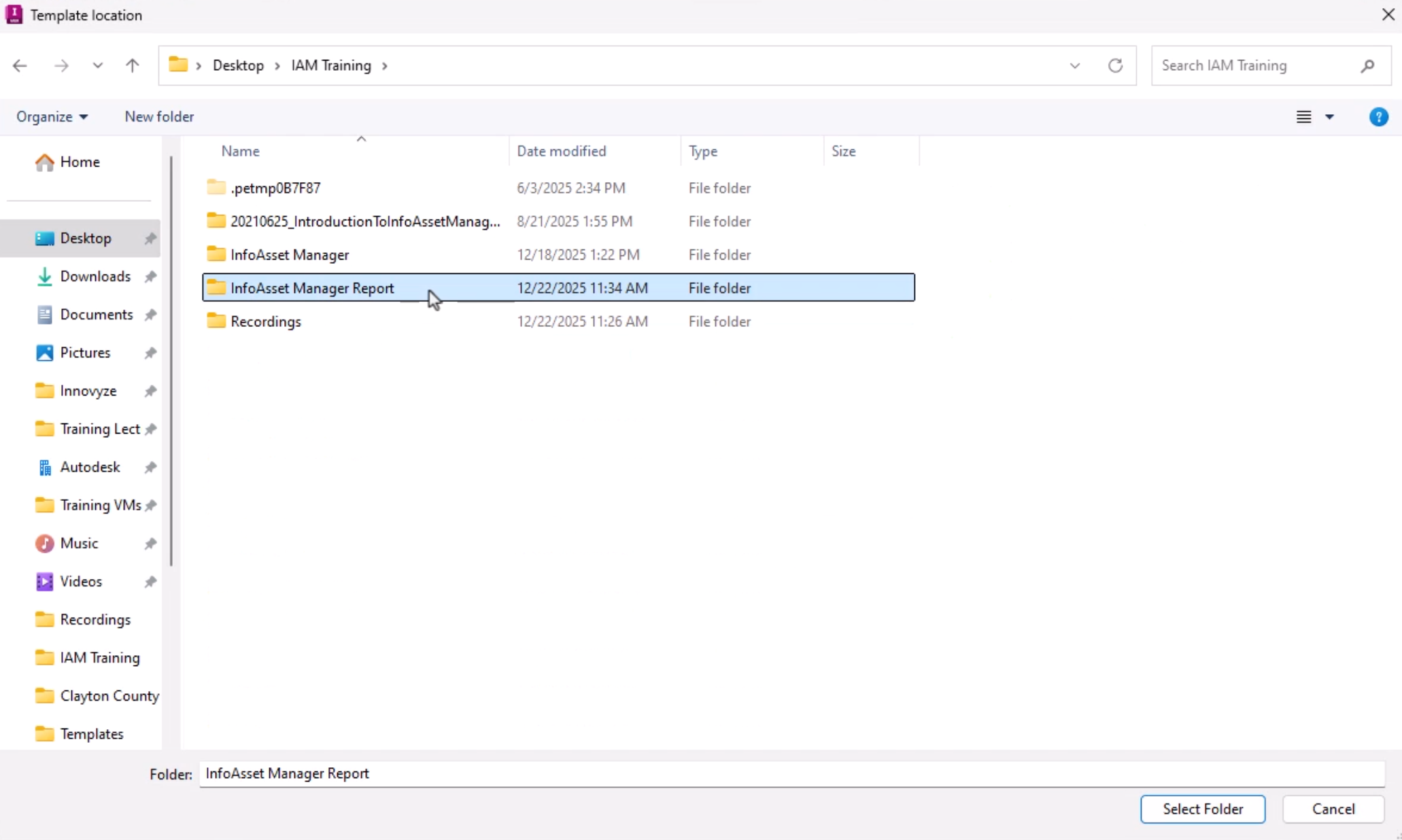
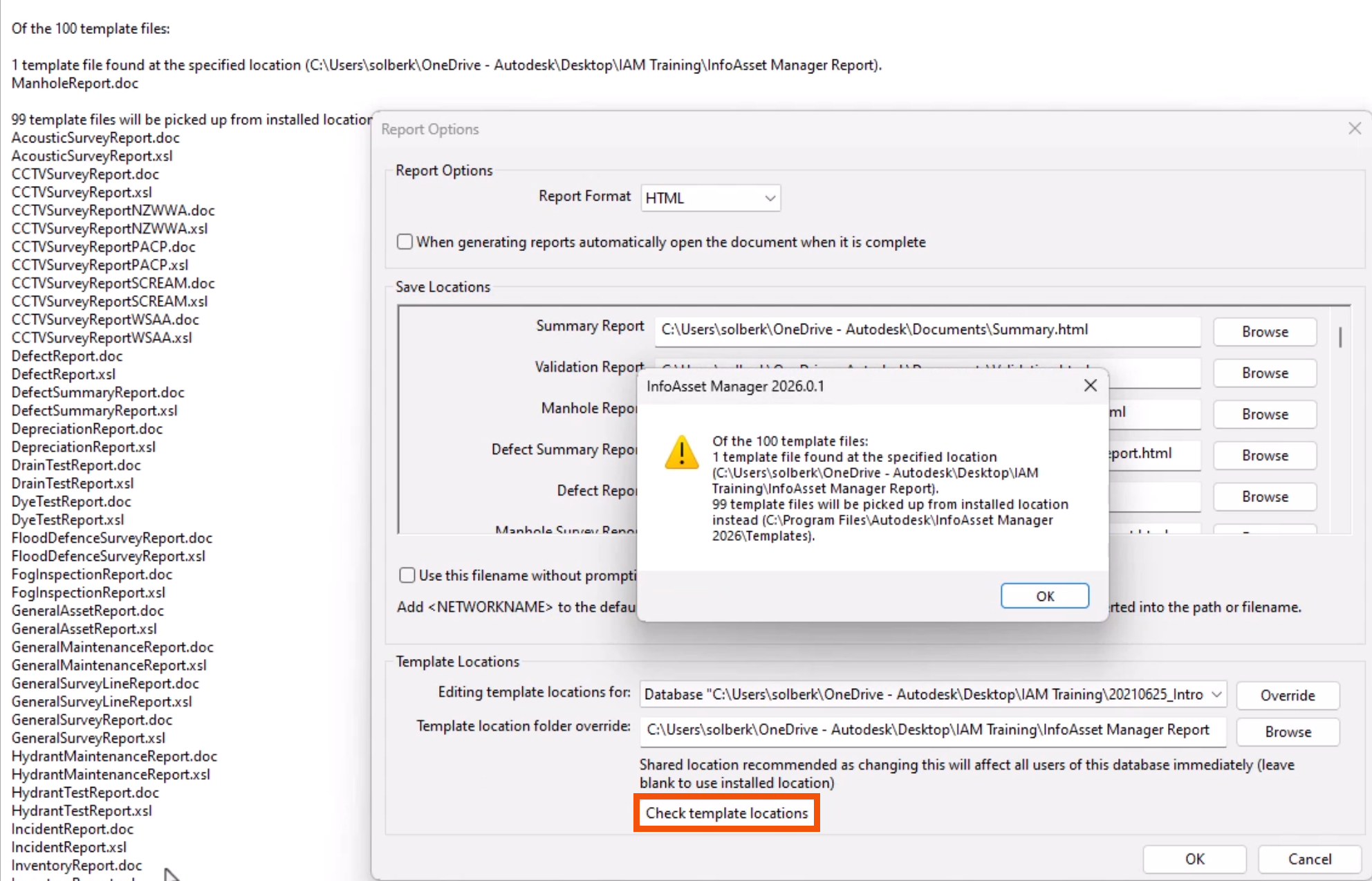
It is good practice to make a copy of any built-in template that is being customized, and to save customized templates in a different folder location. Then, point to this location path in the Report Options dialog.
To customize a built-in template:


A notification indicates that one template was found at the specified location.

Now, when a Manhole Report is created, the customized template will be used.