Build spatial SQLs in InfoAsset Manager
Step-by-step guide
When building an SQL query in InfoAsset Manager, users can employ spatial searches using the SPATIAL keyword; or between any two network layers; or between a network layer and a background network layer or GIS layer.
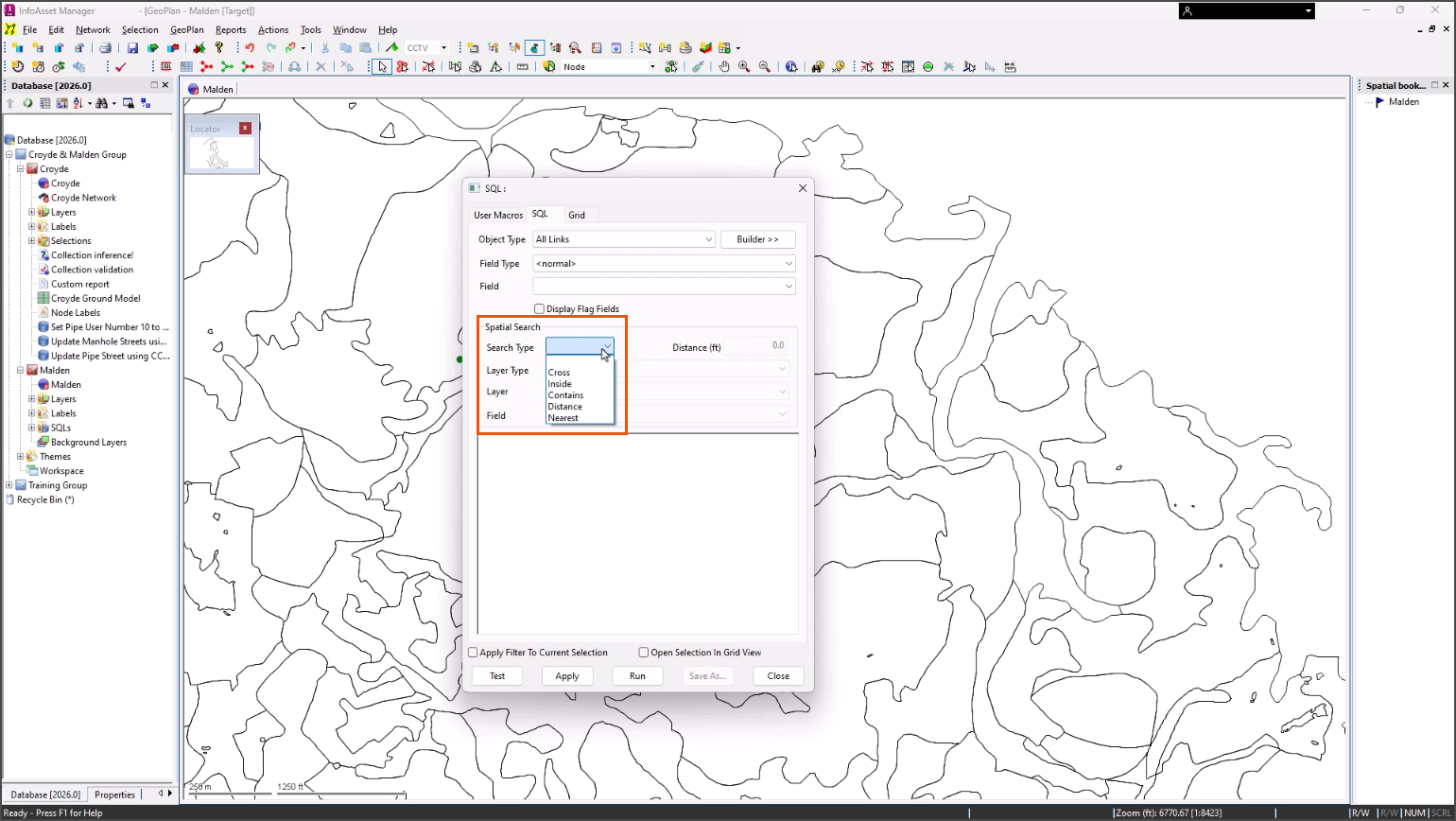
The following spatial search types are available:
- Cross: for objects which intersect a layer line or polygon area.
- Inside: for objects inside a layer polygon.
- Contains: for polygons with layer objects inside the polygon.
- Distance: for objects within a search distance of a layer, line, or polygon area.
- Nearest: for the nearest object within a specified distance. If there is more than one object within the specified distance, the first one found is returned as the result.
In this example, the ground water pollution risk for a pipe needs to be set based on the risk value of the GIS background layer. The network is open on the GeoPlan with the needed Soils GIS background layer loaded.
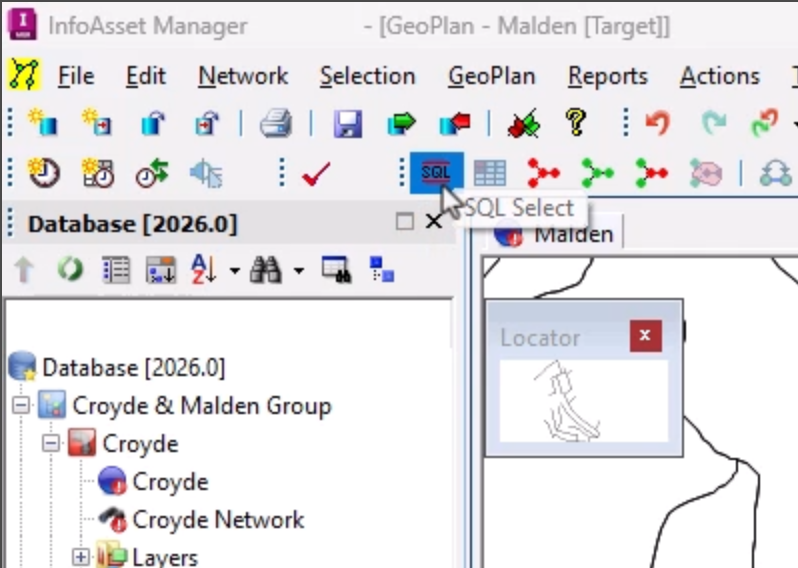
- From the Selection toolbar, click SQL Select.
- In the SQL dialog, switch to the SQL tab.
- Set the Object type to All Links.
- In the text box, start typing the query as follows:
SET ground_water_risk = 5 WHERE
- Add a space to the end of the query.
- From the Spatial Search group, set the Search Type to Cross.
- Set the Layer Type to GIS Layer.
- Set the Layer to [TAB] Soils.
- Set the Field drop-down to spatial.RISK_2.
- Complete the syntax to set a ground water risk of 5 WHERE the spatial value is ‘High risk’ and where the current risk value is lower than the spatial risk value or is null.
The query now reads as follows:
SET ground_water_risk = 5 WHERE spatial.RISK_2='High risk' AND (ground_water_risk < 5 OR ground_water_risk = NULL)
- Build upon this query to add a ground water risk of 3 for ‘Medium’ and 1 for ‘Low’.
The full query is as follows:
SET ground_water_risk = 5 WHERE spatial.RISK_2='High risk' AND (ground_water_risk < 5 OR ground_water_risk = NULL);
SET ground_water_risk = 3 WHERE spatial.RISK_2='Medium' AND (ground_water_risk < 3 OR ground_water_risk = NULL);
SET ground_water_risk = 1 WHERE spatial.RISK_2='Low' AND (ground_water_risk < 1 OR ground_water_risk = NULL)
- Click Test to validate the query.
- In the message popup, click OK.
- To save the query for later use, click Save As.
- To run the query, click Run.
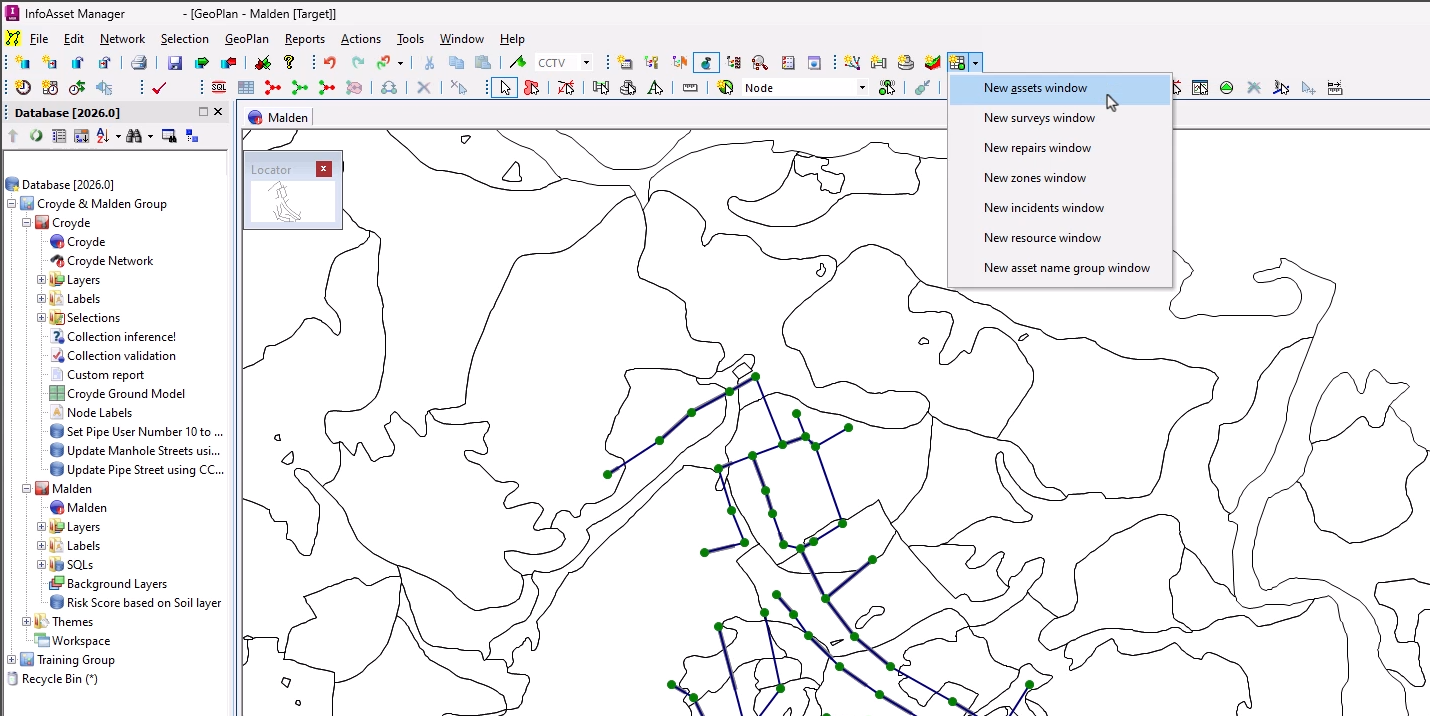
- From the Asset Grid Windows toolbar, click New asset window.
- Switch to the Pipe tab.
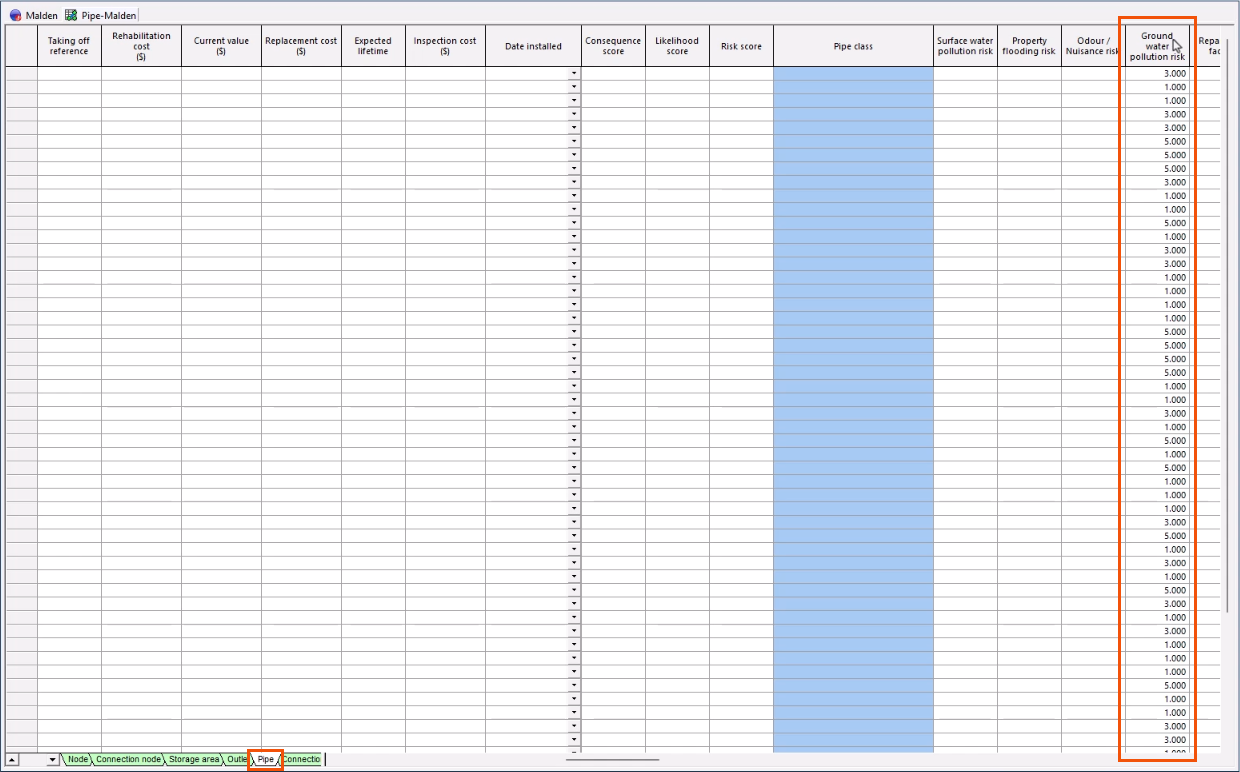
- Locate the Ground water pollution risk column, where there are now values of 5, 3, and 1 for high, medium, and low risk.