& Construction

Integrated BIM tools, including Revit, AutoCAD, and Civil 3D
& Manufacturing

Professional CAD/CAM tools built on Inventor and AutoCAD
Load or remove a raster background layer.
Tutorial resources
These downloadable resources will be used to complete this tutorial:
With InfoWorks WS Pro, you can create background layers using raster images, such as aerial images or digital elevation maps.
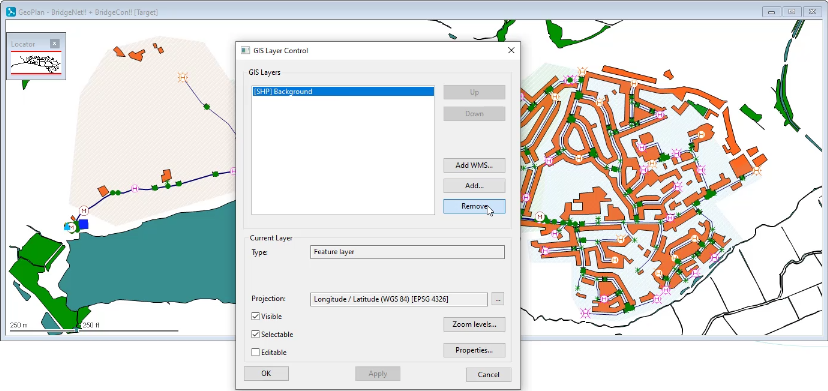
To remove a background layer that is already applied:

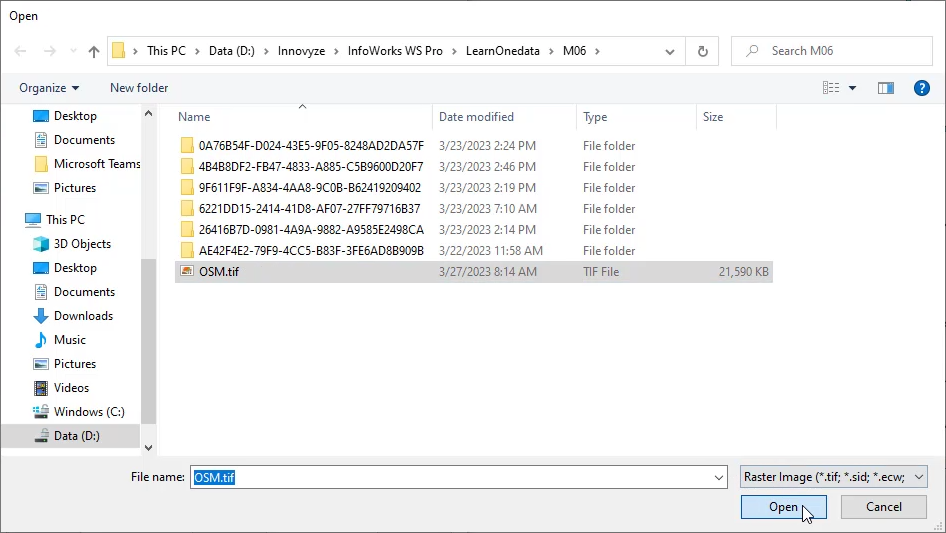
To add a new background layer using a raster image:

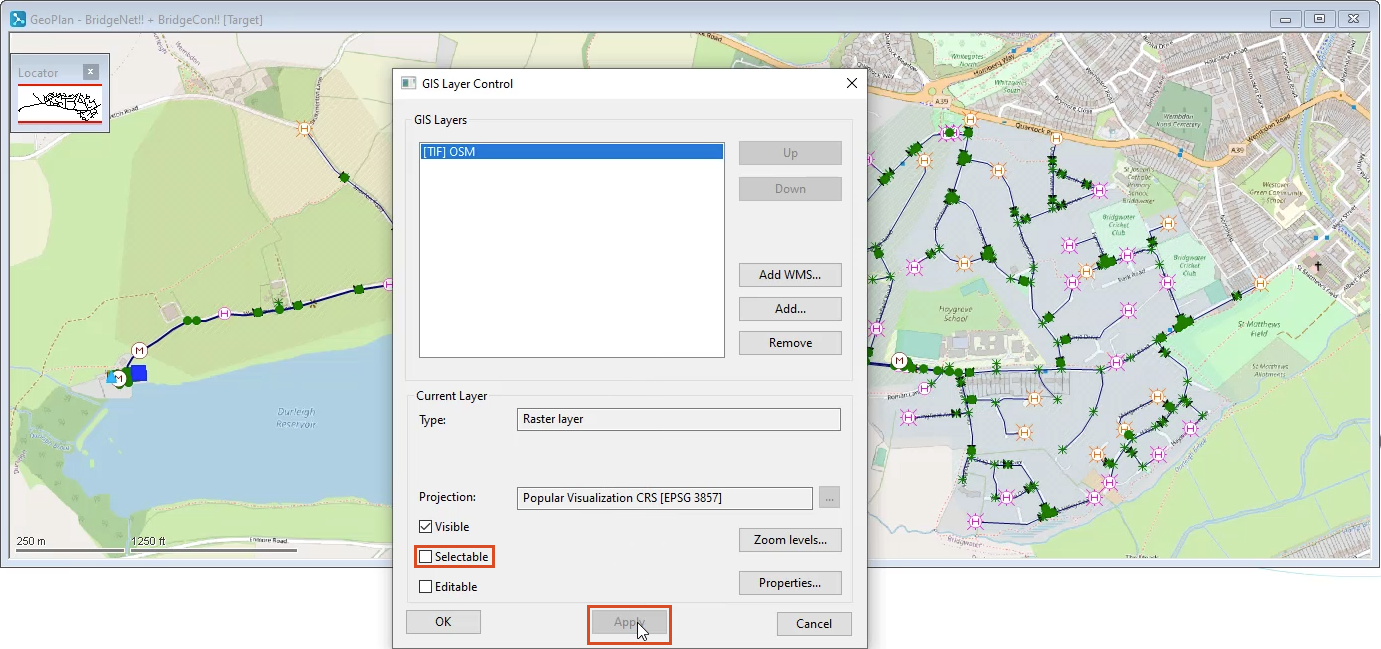
In the GIS Layer Control dialog box, in the GIS Layers list, the raster image file appears.

In the GeoPlan, the background raster image displays.