Step-by-step guide
There are several ways to view the simulation results for a flush sequence or series of flush sequences. Results data can also be exported to an Excel spreadsheet.
- With InfoWater Pro initialized, open a UDF model with at least one flushing sequence already run successfully.
- From the Model Explorer window, switch to the UDF tab.
- Click and drag the sequence slider scroll bar left or right to select a sequence from the drop-down menu next to the slider.
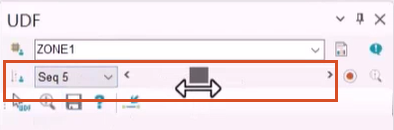
Each step corresponds with sequence results highlighted on the map, starting with Sequence 1 on the left and proceeding numerically as the slider is dragged to the right.
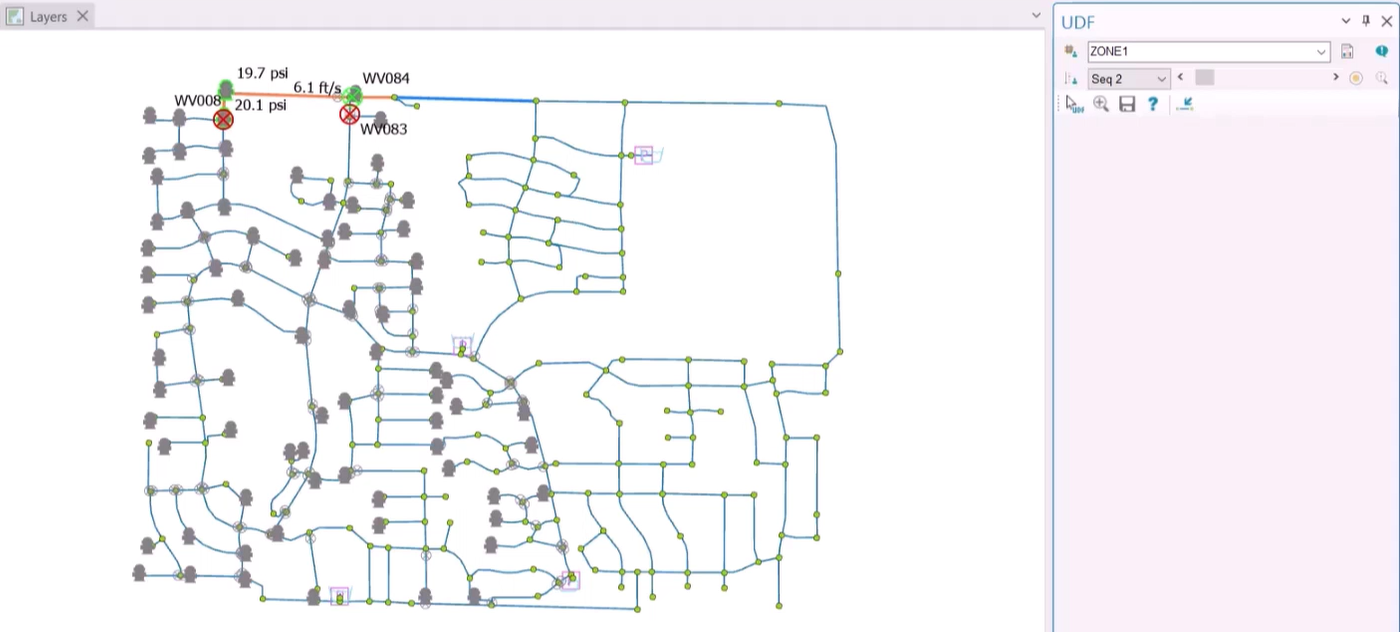
Another option is to view detailed sequence results in table form:
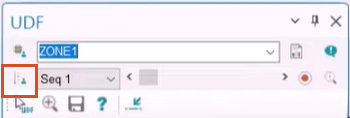
- From the UDF tab, click Sequence Manager.
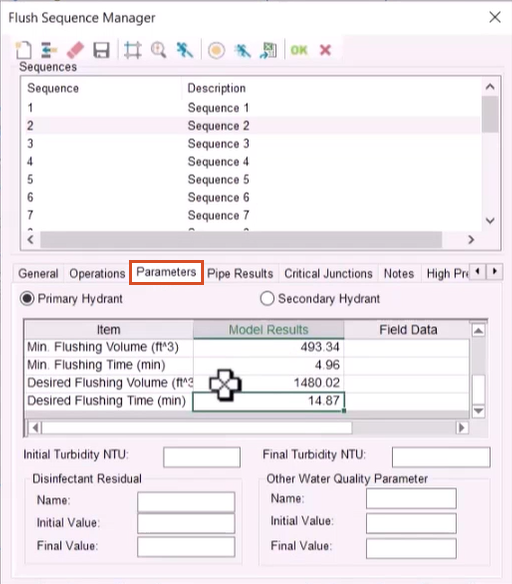
- In the Flush Sequence Manager dialog box, open the Parameters and Pipe Results tabs to view data such as minimum flushing time, desired flushing volume, and pipe flow and velocity.
- Switch to the Critical Junctions tab for a list of any critical junction IDs and their respective pressure readings.
To export sequence results to a spreadsheet:
- From the toolbar, click Export to Excel.
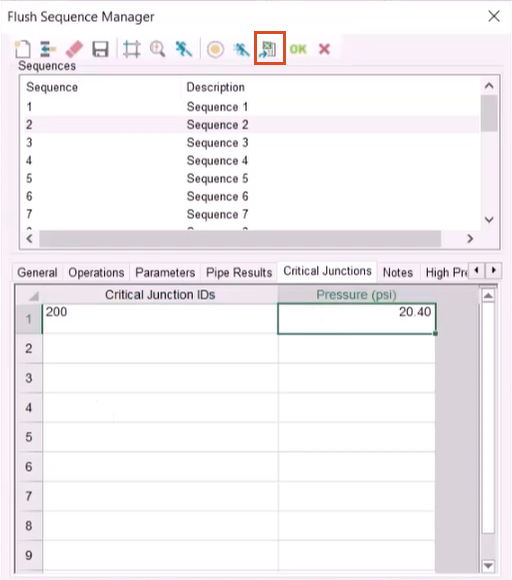
This launches Microsoft Excel and automatically populates a new sheet with results data for all sequences.
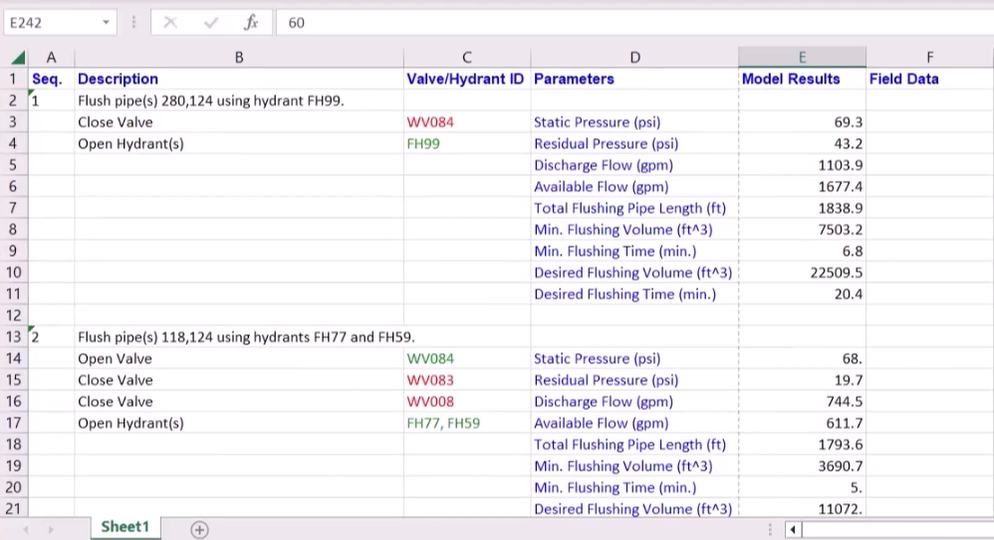
- Save the Excel workbook to the desired location—for example, to a shared online project folder.
- Click OK to exit the Flush Sequence Manager dialog box.




